



IMPress for IDX Broker
IMPress for IDX Broker is now the IMPress family of plugins all-in-one. IMPress Listings and IMPress Agents have been consolidated with this already powerful plugin.

Solid choice
IMPress for IDX Broker is a solid plugin choice in 2026, with a few things worth checking first. It runs on 7K+ sites, is rated 3.1/5 and was last updated 2 weeks ago, and scores 64/100 on our health check.
- Actively developed — last update 2 weeks ago
- Momentum — downloads up 66.7% vs the previous 30 days
- Mixed reviews — 3.1/5 from 34 ratings
How does it stack up?
Side-by-side on installs, updates, ratings & support



Daily downloads
Download spikes usually follow a new release — each site that auto-updates counts as a download.
Rankings
Where IMPress for IDX Broker stands todayWordPress.org search rankings
Live position in the plugin search, top 100| Keyword | Position |
|---|---|
| IDX | #1 |
| idx impress | #1 |
| impress | #1 |
| MLS | #6 |
| Multiple listing service | #10 |
Version adoption
Share of active sites per release.
Rating breakdown
★★★★★★★★★★ 3.1 from 34 reviews
About IMPress for IDX Broker
From the official readme · v3.3.1Description
IMPress for IDX Broker is now the IMPress family of plugins all-in-one. IMPress Listings and IMPress Agents have been consolidated with this already powerful plugin.
Your IDX Broker-enabled account provides this plugin with access to your MLS data feed. The IMPress for IDX Broker plugin allows you to display that data on your WordPress site using widgets and shortcodes while seamlessly matching your brand.
IMPress for IDX Broker
Manage Your Leads
No more going between browser windows with the Lead Management interface. Now you can see and manage your leads right within the WordPress dashboard. Plus, you can use powerful lead capture tools to generate new leads. Go beyond and customize your lead capture settings with IDX Broker Platinum.
Form Integration
With IMPress for IDX Broker you can create forms within WordPress and capture lead information straight into IDX Broker. At launch, the integration includes several popular form plugins.
Native WordPress Widgets
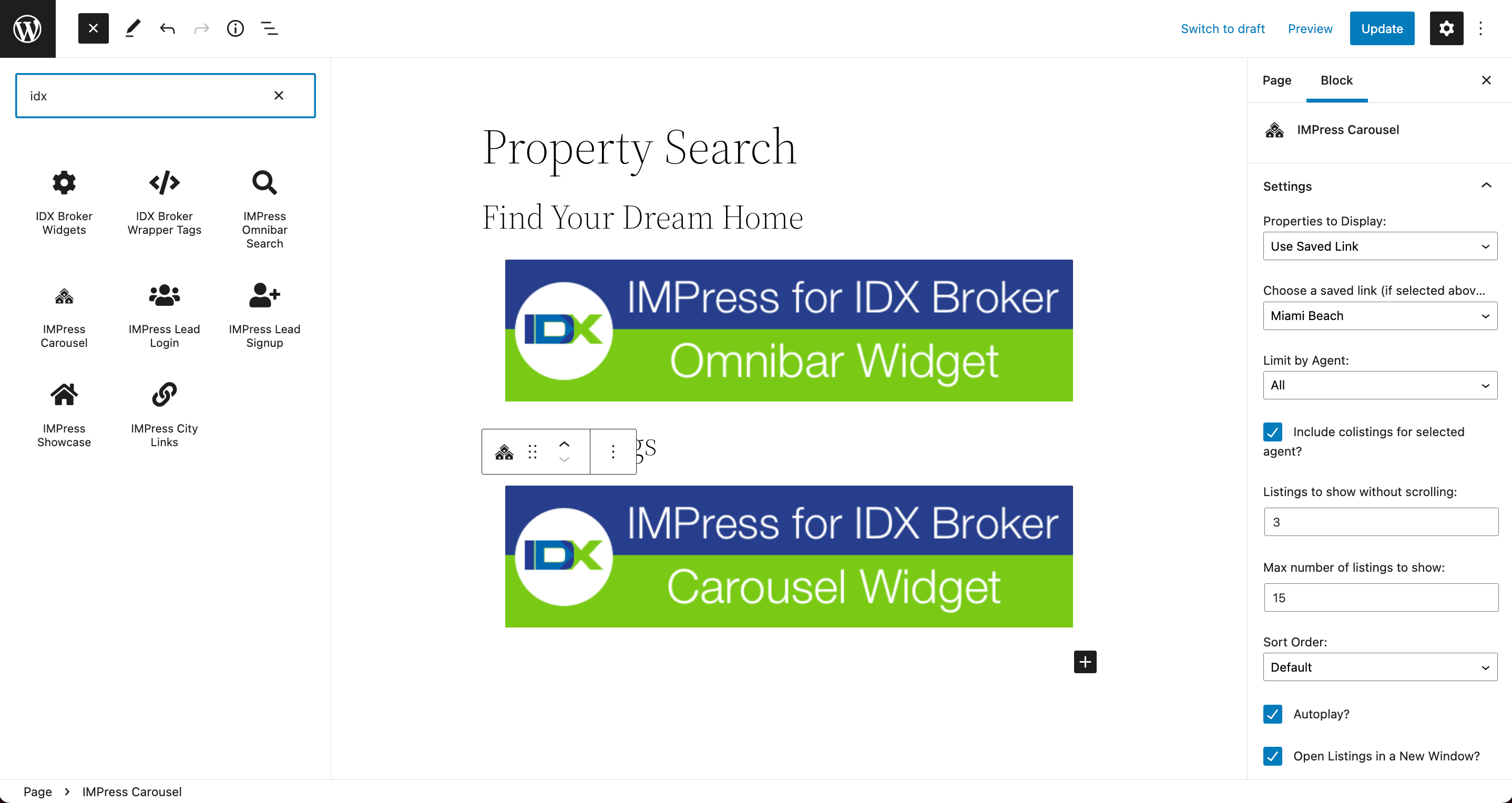
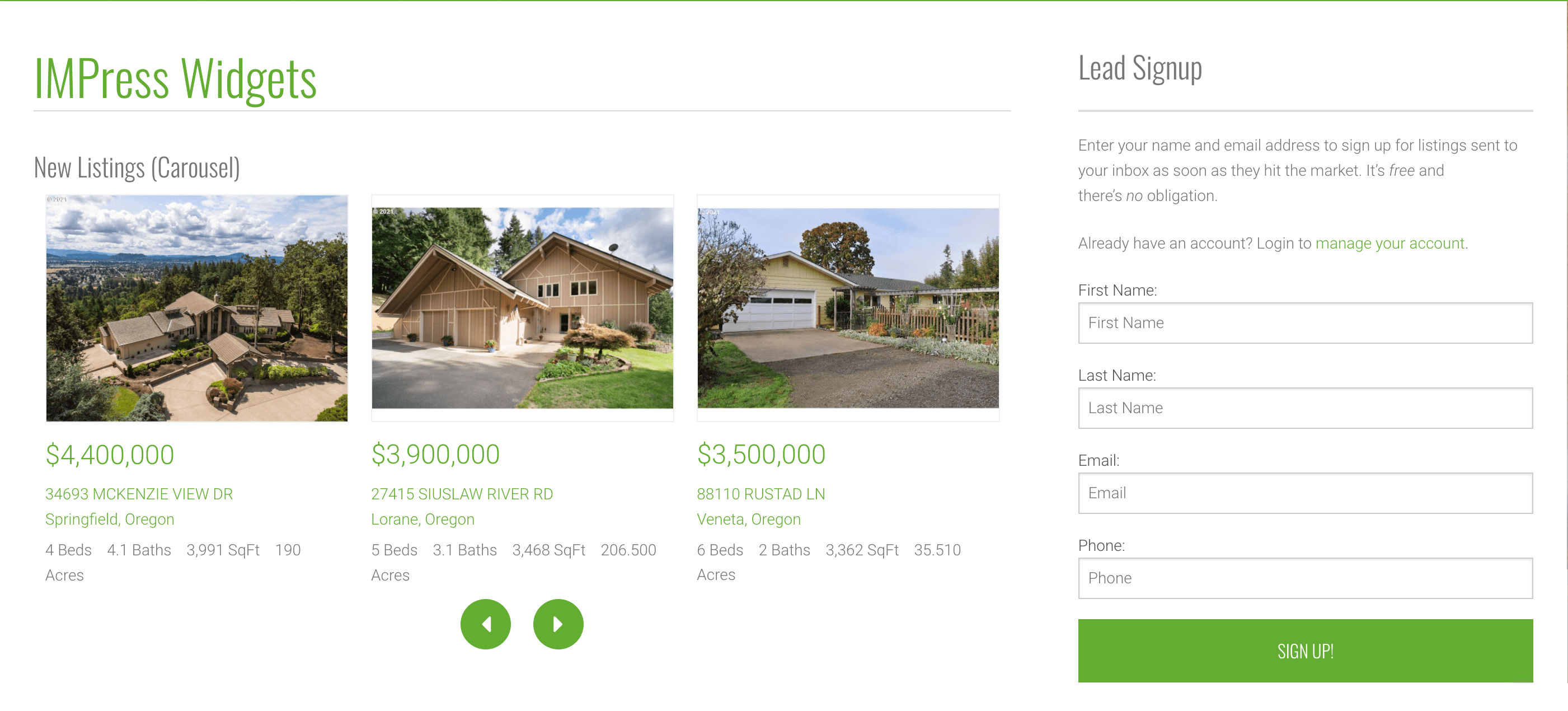
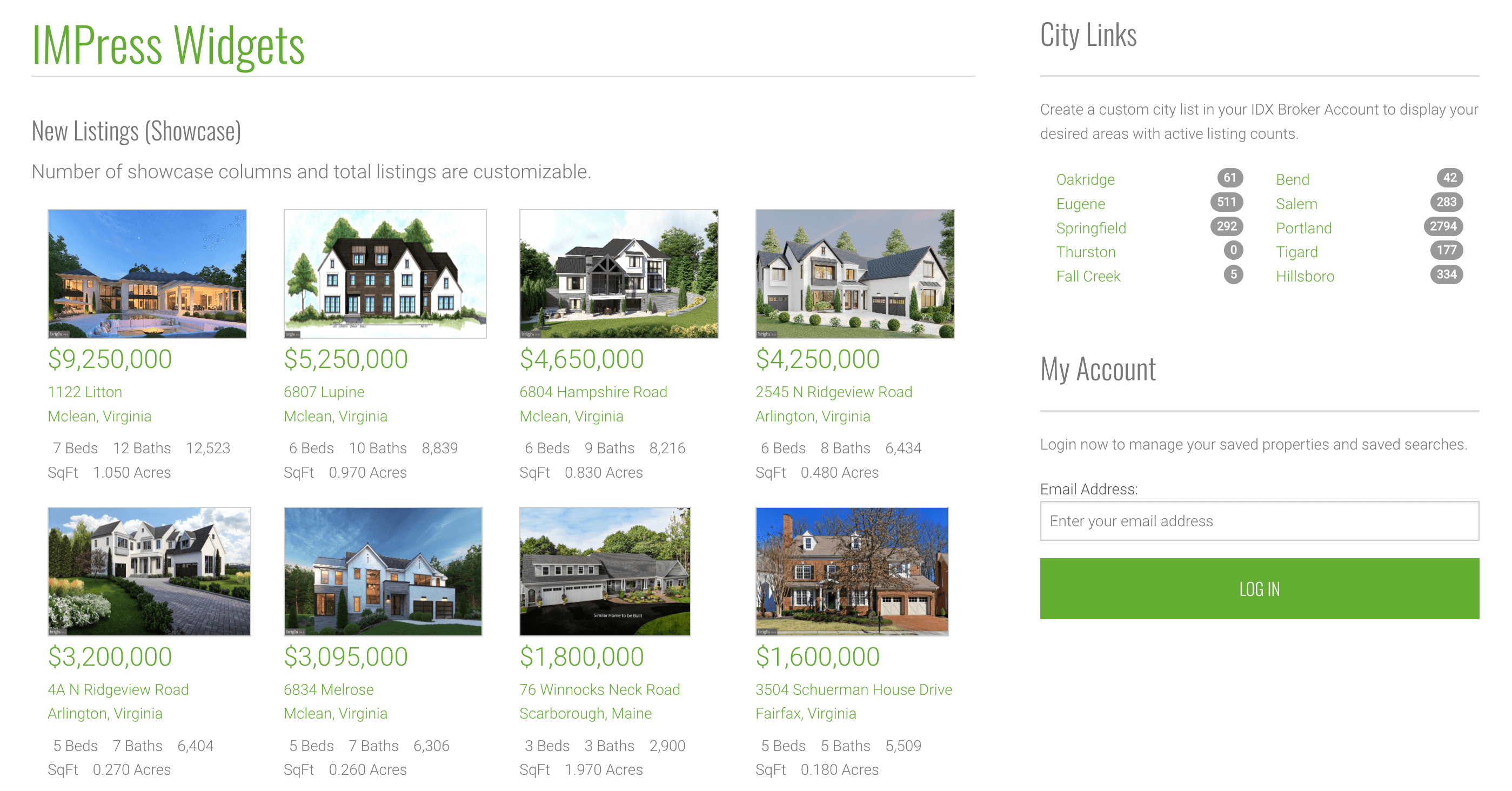
Take advantage of powerful widgets to deliver the best experience, and style them to match the design of your site! You can add lead login, signup, city links, showcase, carousel and even map widgets. Easily add new widgets to pages and posts with built-in shortcodes.
Map Search Widget
Add a full-sized map search widget to ANY page on your domain. Create your own custom polygon searches with your IDX Broker Platinum account and allow visitors the ability to search within popular neighborhoods in your area.
Omnibar Search Widget
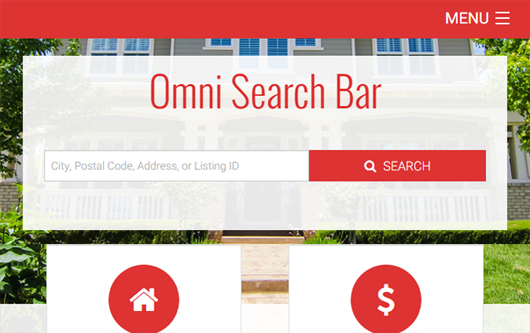
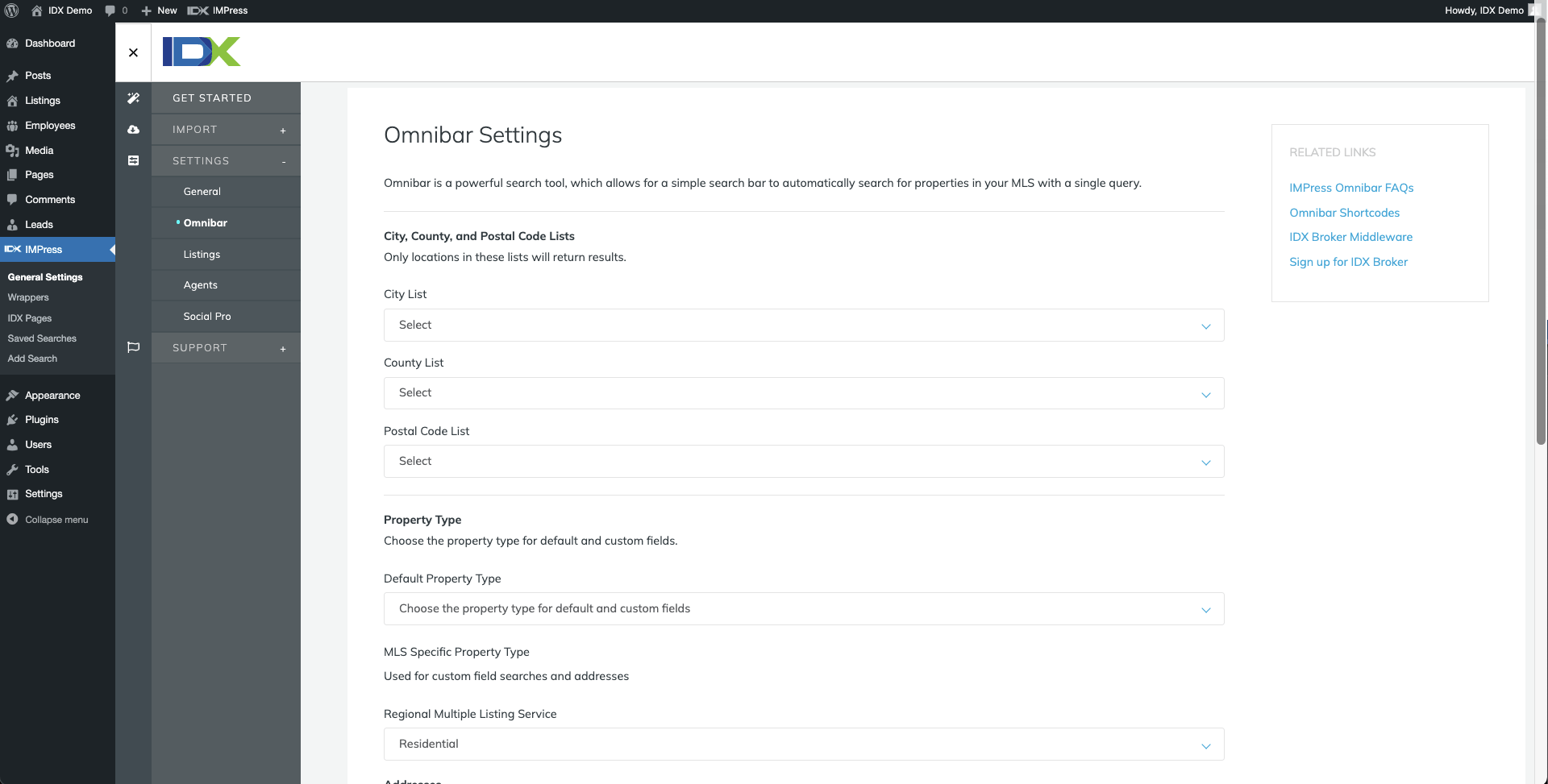
This widget allows you to add an Omnibar Search Widget to your home page. Visitors can then search by city, county, postal code, address, or listing ID. Custom Fields such as School or Subdivision can also be added. No other IDX solution offers this many options in a search widget for your home page.
Import Your Listings
You no longer have to manually enter your properties! Import all your IDX properties into WordPress without wasting time on tedious data entry. Plus, have them updated as the MLS changes – directly from your IDX Broker feed!
Control how your featured listings are presented on your real estate website. IMPress automatically creates individual listings pages for your imported properties that can be managed in your WordPress dashboard. These pages can be linked, shared or searched from anywhere else on your site.
Developer Themes
Only IMPress for IDX Broker gives you the ability to choose from a gallery of premium WordPress themes created by our developer partners, designed specifically around use with your IDX Broker account. Choose any theme and IMPress for IDX Broker will seamlessly integrate into your IDX pages.
Google My Business
Connect IMPress for IDX Broker to your verified Google My Business profile to generate and schedule timely posts, photos of your listings, and more. The automatic scheduler can be used to create and share posts to highlight featured listings, open house announcements, recent sales, local expertise, and more.
Posts have the potential to bring leads and clients directly to your IDX-enabled website for more home search opportunities. Google My Business posts are archived on a weekly basis, so automating the process with the scheduler is an easy way to maintain your real estate business’s online presence.
Automatic posting requires a verified Google My Business account with a verified location.
Agent Directory
IMPress provides you with a full employee directory, that is ideal for Real Estate teams and offices. You can add a custom post type for employees with post meta fields for contact info and add taxonomies for Offices and Job Types to show employees by location and/or job title.
Optimized for IDX Broker
Your IDX Broker account provides this plugin with access to your MLS data feed – meaning you can effortlessly integrate IDX Broker features into your WordPress site.
IDX Broker Lite plans offer the essential features and functionality needed for home search. Platinum plans include all the features of Lite plus map search widgets, Market Reports, Sold Data, Polygon Searching and much more.
Take a tour of IDX Broker today!
General Terms of Use
IMPress for IDX Broker uses the MLS/IDX feeds provided by your IDX Broker account. This means your MLS governs the display and disclaimers on your IDX results and details pages. IDX, LLC manages all the necessary MLS paperwork. The IMPress for IDX Broker plugin will automatically display the correct MLS/IDX disclaimers to ensure compliance with the MLS(s) & Board(s) that provides you with your IDX feed.
Installation
- Install and activate directly by going to your WP Admin Dashboard and then Plugins > Add New. Search for ‘IMPress for IDX Broker’ under new plugins and click install. Or manually install by downloading and extracting the IMPress for IDX Broker plugin.
- Upload the uncompressed folder to your
/wp-content/plugins/directory. - Activate the plugin through the Plugins menu in WordPress.
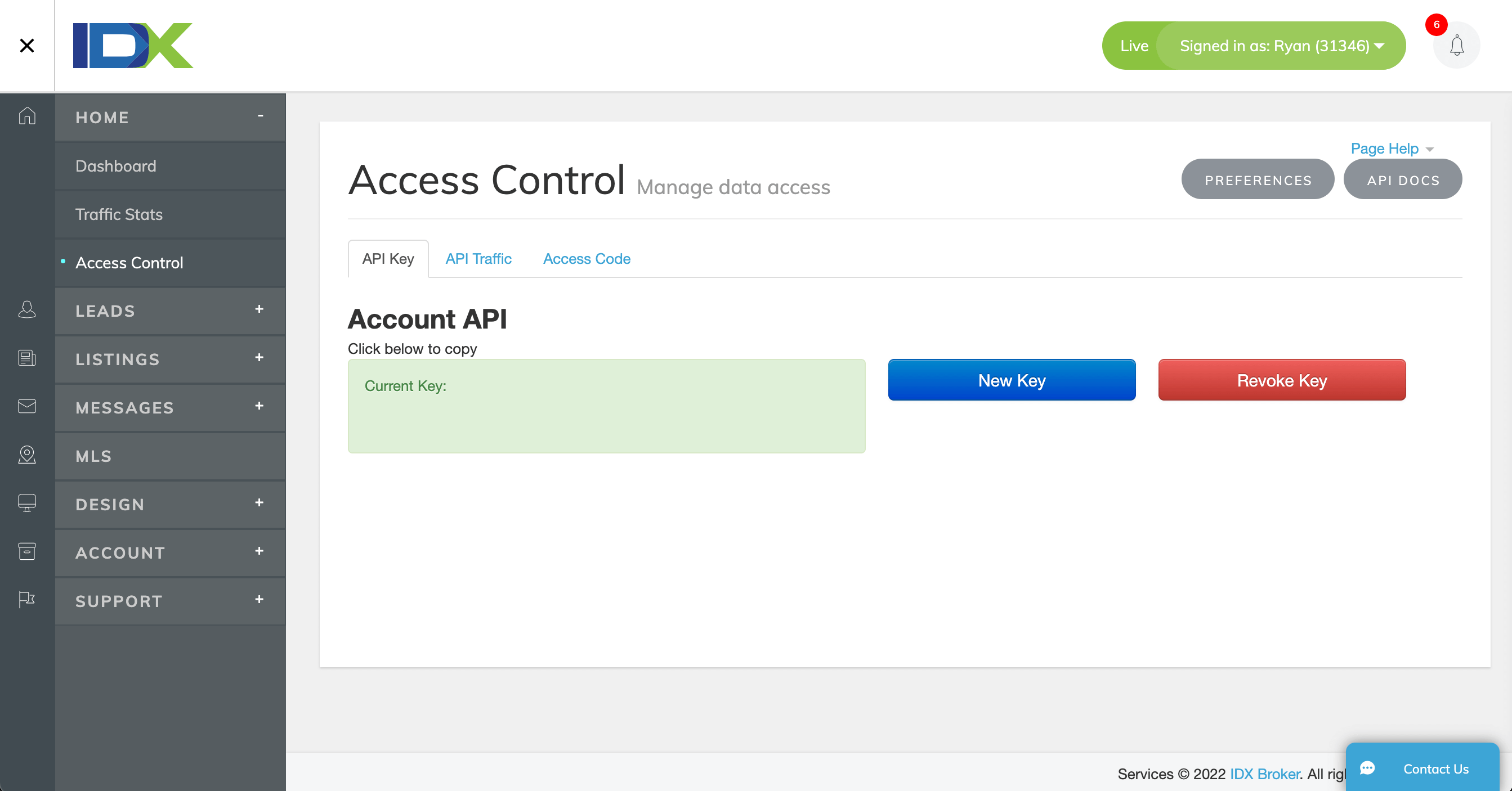
- Confirm you are using a version of PHP later than 7.0. You will also need to have an active IDX Broker account for the plugin to work. If you have an account, simply go to the IMPress for IDX Broker plugin page within WordPress, enter the API key provided via your setup email, and click the ‘Save’ button.
- Your plugin will now pull your IDX Broker account information into WordPress.
Frequently asked questions
What is IDX?
Internet Data Exchange, or IDX, is a type of data feed provided by your MLS. This data feed typically (but not always) mirrors the data available on your MLS’s website. IMPress for IDX Broker connects to this data feed automatically, maps the necessary fields, and then adds forms, scripts, etc, giving you a way to add html links and widgets to your website(s).
How does IDX Broker connect with the IMPress for IDX Broker plugin?
An IDX Broker API key (IDX Broker Account Required) provides the IMPress plugin with access to preset Widgets, search forms, an xml sitemap file, and much more.
How is the IDX content hosted/updated?
IDX Broker hosts your IDX data on a subdomain (e.g., search.yoursite.com). This allows IDX Broker to update quickly, and offers a lightning-fast, co-brandable search engine for real estate professionals and WordPress designers regardless of the quality of the hosting solution that you are using for your website. Low quality, inexpensive hosting solutions often cannot process or manage the amount of data provided by an IDX feed.
Why is IDX Broker hosted in the cloud?
All IDX feeds are hosted on high-quality GCP (Google Cloud Platform) servers with multiple layers of redundancy. This ensures that even if your hosted website (mysite.com) goes down, your IDX Broker pages (search.mysite.com) will almost always be available to visitors.
What is a Wrapper and why does IDX Broker need to create a Wrapper page on my WordPress site?
The IMPress plugin offers an easy one-button option to create a Wrapper for IDX pages. This wrapper page is then used to magically update your IDX pages every hour, or whenever you modify/refresh your IDX Broker plugin page. This means less work for you or your website developer.
Do I need an IDX Broker Lite or Platinum account in order to use this plugin?
Yes. All IDX feeds require approval from a local board or MLS. If you (or your client if a designer) are not a member of a local board or MLS, or the MLS does not provide an IDX data feed, then you will be unable to add IMPress for IDX Broker plugin functionality to your WordPress site.
Is my service area available?
Read more about our MLS coverage. Note that some MLS’s may charge you a separate fee for access to your IDX feed.
Does IDX Broker require a long-term contract like other IDX services?
No. IDX Broker requires a month-to-month agreement only.
What is the pricing for IDX Broker services?
For updated pricing, please visit our website to compare the available account types.
What can I expect if I decide to get my IDX feed through IDX Broker?
When you sign up for a new account our MLS team will send you a Docusign email (or PDF). Simply add your signature to the Docusign file or PDF in order to proceed. If you are not a Principal Broker, and have provided us with your Broker name and contact information, we will then forward the same paperwork to your Broker for approval. Once we receive the paperwork from your Broker, we will send it to the MLS for data approval. MLS approval can take anywhere from 3-10 days. Once approved, we will activate your account, integrate your site’s design into IDX pages, and send you IDX Broker login…
How many blogs/websites can I integrate with IDX Broker?
Features provided by this Plugin – Widgets, links, and custom links may be placed onto any WordPress website or blog. The reason for this is because all Widgets, links, and custom links point back to the original IDX-approved website. Note that using iframes to display this same content is prohibited and may result in account termination due to MLS rules.
What are Other Requirements for this Plugin?
This plugin requires PHP version 7.0 or higher. For security reasons, we recommend updating to the latest stable version of PHP your web host provides. We also recommend using the latest production version of WordPress. See this article for more information.
If I currently have IMPress Listings and/or IMPress Agents – what does the new plugin consolidation mean for me?
For users with IMPress 3.0+ who have legacy versions of IMPress Listings and/or IMPress Agents already installed, the plugins will continue to work as-is. However, if the user selects ‘Enable Listings’ or ‘Enable Agents’ in the new IMPress for IDX dashboard, the legacy IMPress Listings/Agents will be deactivated and the new consolidated version of the plugin will be used. Any existing data for Listings/Agents will be unaffected.
Changelog
Version 1.2.2 and higher drop support for PHP 5.2 as it is deprecated and no longer receives security updates. Before updating, please contact your host to upgrade to the latest stable version of PHP (we recommend a minimum of 5.5 for security reasons): http://php.net/supported-versions.php See this article for more information: http://support.idxbroker.com/customer/en/portal/articles/1917460-wordpress-plugin
3.3.1
- Fix: Missing authorization on lead management, saved search, and dashboard AJAX actions allowed Subscriber-level users to access and modify leads (CVE-2026-81788).
- Fix: Missing authorization on the listings import REST endpoint allowed unauthenticated listing import (CVE-2026-81787).
3.3.0
- Fix: Cached API data was saved with an invalid expiration date, which could stop featured listings and other IDX data from updating on the site.
- Fix: Existing caches with an invalid expiration are now detected and refreshed automatically.
- Fix: Cached data is no longer used as a fallback during API rate limiting once it becomes too old.
3.2.9
- Fix: Omnibar “Remove Price Validation” option now correctly removes min/step attributes on price fields instead of adding them
- Fix: Corrected the lead edit link.
- Fix: Handle for 401 response more thoroughly.
3.2.8
- Fix: Handle for 412 response for the accountType request
- Fix: Add Cache check to check account type method to reduce API calls
3.2.7
- Fix: Removed the manual transient caching
3.2.6
- New: Added optional parameter for price min to omnibar
Screenshots



For developers
Is this your plugin? Show off the numbers.
Add a live badge to your site, docs or GitHub README. It updates on its own — no account needed.
Best IMPress for IDX Broker alternatives
All IDX plugins →





FAQ
IMPress for IDX Broker: quick answers
Straight answers, pulled from live WordPress.org data.
Live data from WordPress.org · checked Sep 26, 2026
Is IMPress for IDX Broker free?
Yes. IMPress for IDX Broker is free to download and use from the official WordPress.org plugin directory.
Is IMPress for IDX Broker safe to use in 2026?
IMPress for IDX Broker is a solid plugin choice in 2026, with a few things worth checking first. It runs on 7K+ sites, is rated 3.1/5 and was last updated 2 weeks ago, and scores 64/100 on our health check.
How many websites use IMPress for IDX Broker?
IMPress for IDX Broker is active on 7K+ WordPress websites and has been downloaded 422,922 times since it launched in September 2012. It was downloaded 10,896 times in the last 30 days.
Does IMPress for IDX Broker work with WordPress 7.1?
IMPress for IDX Broker is officially tested up to WordPress 7.0.6, while the latest release is 7.1.2. It may still work, but try it on a staging site first.
What PHP version does IMPress for IDX Broker need?
IMPress for IDX Broker requires PHP 7.1.8 or higher. Most hosts run PHP 8.x today, so it works on any modern WordPress hosting.
When was IMPress for IDX Broker last updated?
The latest version, 3.3.1, was released on September 10, 2026 (2 weeks ago).
Who makes IMPress for IDX Broker?
IMPress for IDX Broker is developed and maintained by IDX Broker.
What are the best alternatives to IMPress for IDX Broker?
The most popular alternatives to IMPress for IDX Broker are Estatik Real Estate Plugin (10K+ installs), MLSImport: IDX Plugin & MLS… (5K+ installs) and Showcase IDX Real Estate Se… (2K+ installs).
Powered by PageForge
Want thousands of pages that rank like these? Build them in an afternoon.
This directory runs on the same engine as PageForge. Turn any spreadsheet, CSV or API into thousands of fast, SEO-ready WordPress pages — with schema, internal links and AI-written copy baked in.
- CSV, Google Sheets & API data sources
- AI content, schema & internal links per page
- Works with Elementor, Gutenberg, Yoast & Rank Math
- Free on WordPress.org — no credit card


