


Identity Verification for WooCommerce
Eliminate fraud & verify customer age with real ID checks

Solid choice
Identity Verification for WooCo… is a solid plugin choice in 2026, with a few things worth checking first. It runs on 100+ sites, is rated 5/5 and was last updated 9 hours ago, and scores 75/100 on our health check.
- Actively developed — last update 9 hours ago
- Momentum — downloads up 21.3% vs the previous 30 days
- Small user base (100+ active installs)
How does it stack up?
Side-by-side on installs, updates, ratings & support



Daily downloads
Download spikes usually follow a new release — each site that auto-updates counts as a download.
Rankings
Where Identity Verification for W… stands todayWordPress.org search rankings
Live position in the plugin search, top 100| Keyword | Position |
|---|---|
| age verification | #9 |
| fraud | #49 |
| id check | #10 |
| ID verification | #3 |
| woocommerce | >100 |
Version adoption
Share of active sites per release.
Rating breakdown
★★★★★★★★★★ 5 from 12 reviews
About Identity Verification for WooCommerce
From the official readme · v1.40.9Description
Real ID proves your customers’ real identities using their physical or digital ID and facial biometrics, allowing you to fulfill any order with confidence. It’s designed to support use cases such as:
- Age-restricted products compliance
- Preventing real or fake chargebacks for high-cost goods
- Vetting customers for rentals
- Providing frictionless KYC for regulated markets
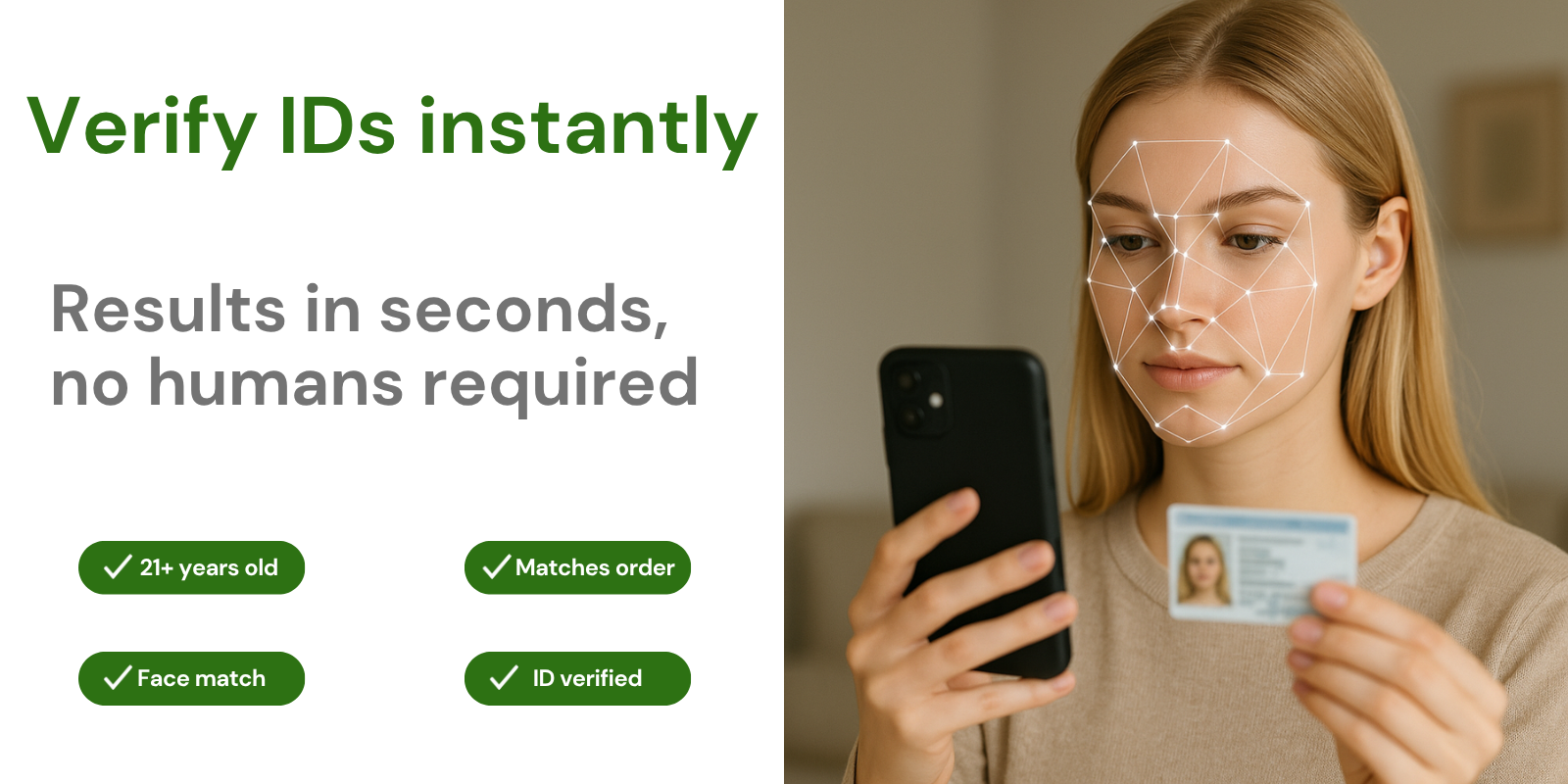
Real ID’s document verification helps remove friction during fulfillment by quickly and easily detecting whether a government-issued ID is genuine or fraudulent. All the user needs to do is take a photo of their ID and a selfie on their mobile device.
Real ID uses cutting-edge A.I. to verify the authenticity of the ID and instantly match the face on the ID to the selfie submitted by the customer.
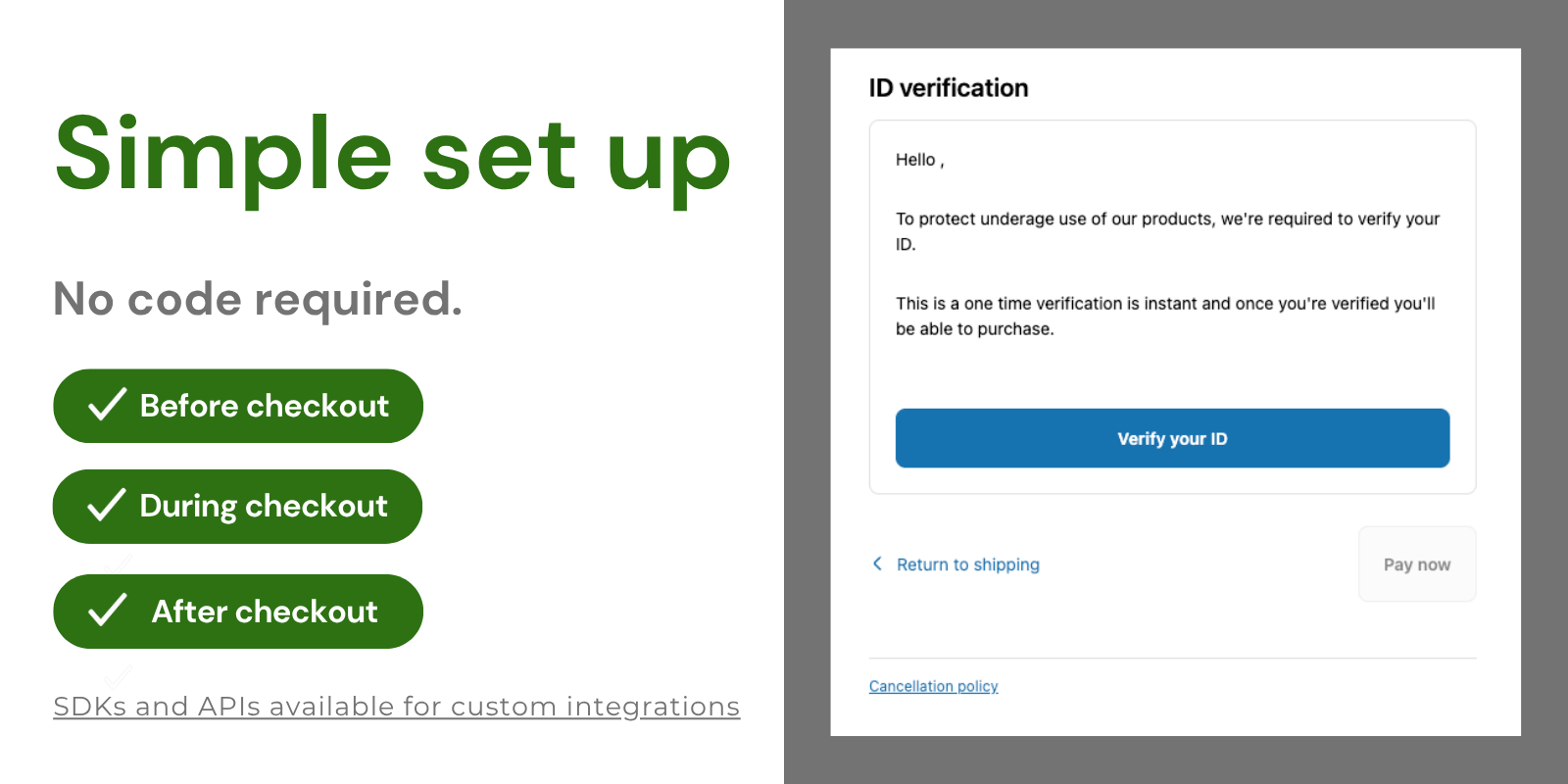
Quickly and simply require ID verification before, during, or after checkout—or even during account registration for members-only sites or wholesale accounts.
Check out our demo site to see an example of how it works in action.
How does ID verification help your business?
With your customers’ verified ID and selfie photos, you’re able to prove their shipping address. This gives you far more weight on your side during chargeback disputes and effectively eliminates “friendly fraud” losses.
And if you need to perform age verification checks for purchases of restricted goods, Real ID’s document verification takes care of that too. We’ll confirm a user’s date of birth by verifying their ID to help you manage and reduce risk at checkout.
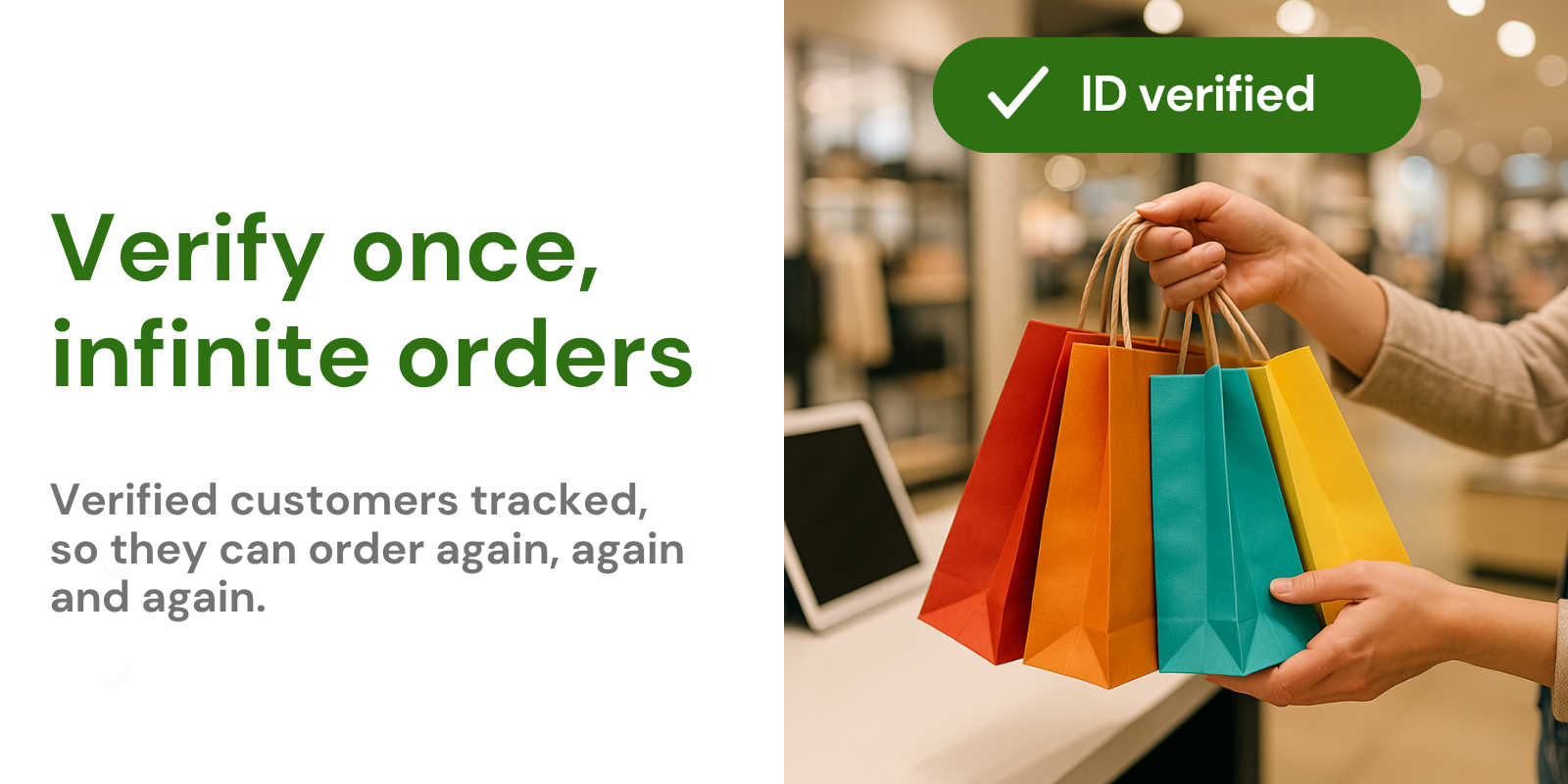
Verify once per account, not per order
After a customer verifies their ID, their account on your store will be remembered for future purchases, increasing your conversion rate and lowering friction because it’s a trusted account.
IDs stored on your private cloud
No customer PII (Personally Identifiable Information) is stored on your WordPress site. We securely store all IDs on your behalf and respect all data deletion requests.
Control when ID verification is required
Require ID verification at any point during your customer’s purchasing journey. Real ID can be set up without code to verify IDs:
- Before checkout
- After checkout
- During account registration
- On custom pages using our JavaScript SDK
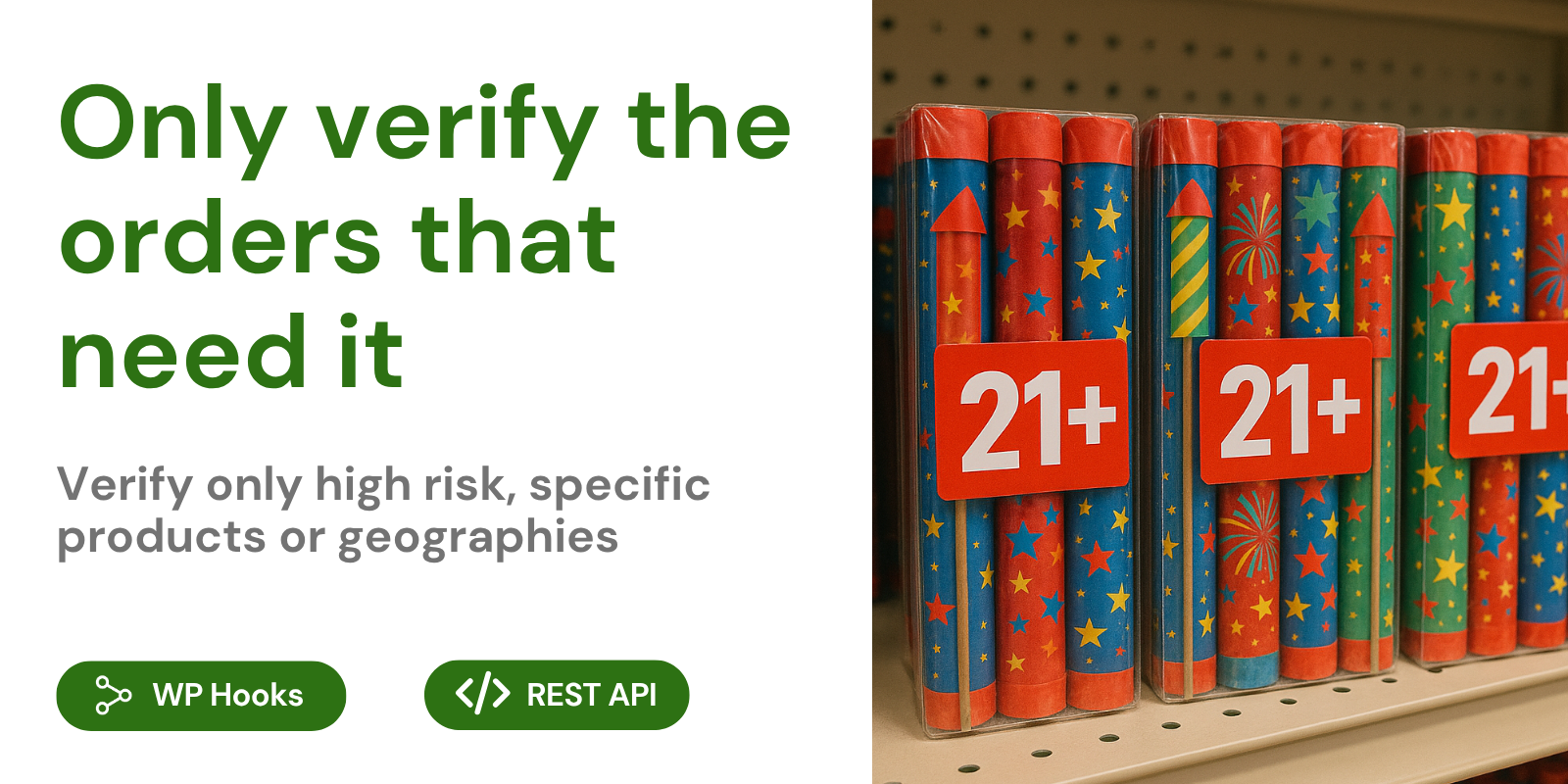
You can even limit ID verification to specific shipping addresses or products. For custom use cases, you can use our REST API to trigger an ID verification.
International support
Expand your market with confidence, knowing that Real ID can verify IDs from hundreds of countries, including:
- United States
- Canada
- Great Britain
- Mexico
- France
- Australia
- Germany
- And hundreds more
Real ID can verify documents such as:
- Passports
- Driver’s Licenses
- National IDs
- Visas
- And more
See our full list of supported countries and documents.
Customize to your brand
Control your theme and branding within the plugin itself, without code. You can even override the messaging for each step to fit your tone and brand.
Build trust with your customers by using your own email address to deliver ID verification links.
Flexible for any flow
We also provide a robust REST API, JS SDK, Webhooks, and WordPress hooks for your developers to build a custom experience or for advanced logic.
Installation
- Upload
real-id-wc.zipto the/wp-content/plugins/directory. - Activate the plugin through the ‘Plugins’ menu in WordPress.
Frequently asked questions
How does it work?
Real ID uses machine learning technology to identify the authenticity of your customers’ IDs. Your customers are sent a unique URL to their mobile device by email or SMS. This link opens a secure connection that allows the customer to upload a photo of their ID. Once we receive the image, our combination of OCR (Optical Character Recognition) and image recognition will determine if the ID is legitimate.
What kind of ID documents can be used for an ID check?
Real ID supports dozens of ID documents from hundreds of different countries. A detailed list is available on our supported documents page. Supported documents include: Driver’s Licenses Passports Insurance Cards Concealed Carry Licenses National Identification Cards And many more.
Can I also require a live selfie and biometric verification?
Yes, Real ID gives you the choice to enable facial recognition scanning in addition to the ID document photo. This is an excellent option for higher-risk transactions to protect against the possibility of using a physically stolen ID. By requiring a photo of the ID document owner with the ID document, we can verify that the photos match. For example, even if a bad actor had possession of a stolen credit card and a matching license, they would not be able to trick the face-matching verification.
How is the uploading of IDs and photos secured?
Real ID encrypts the connection from your customers’ mobile devices. This protects their data from being intercepted by bad actors. You don’t have to think about compliance; Real ID stores your customer data securely in our database. You’re always in control of what data you’d like to keep. Delete your customer’s ID or headshot photos at any time in the app.
How do I know an order is ID verified?
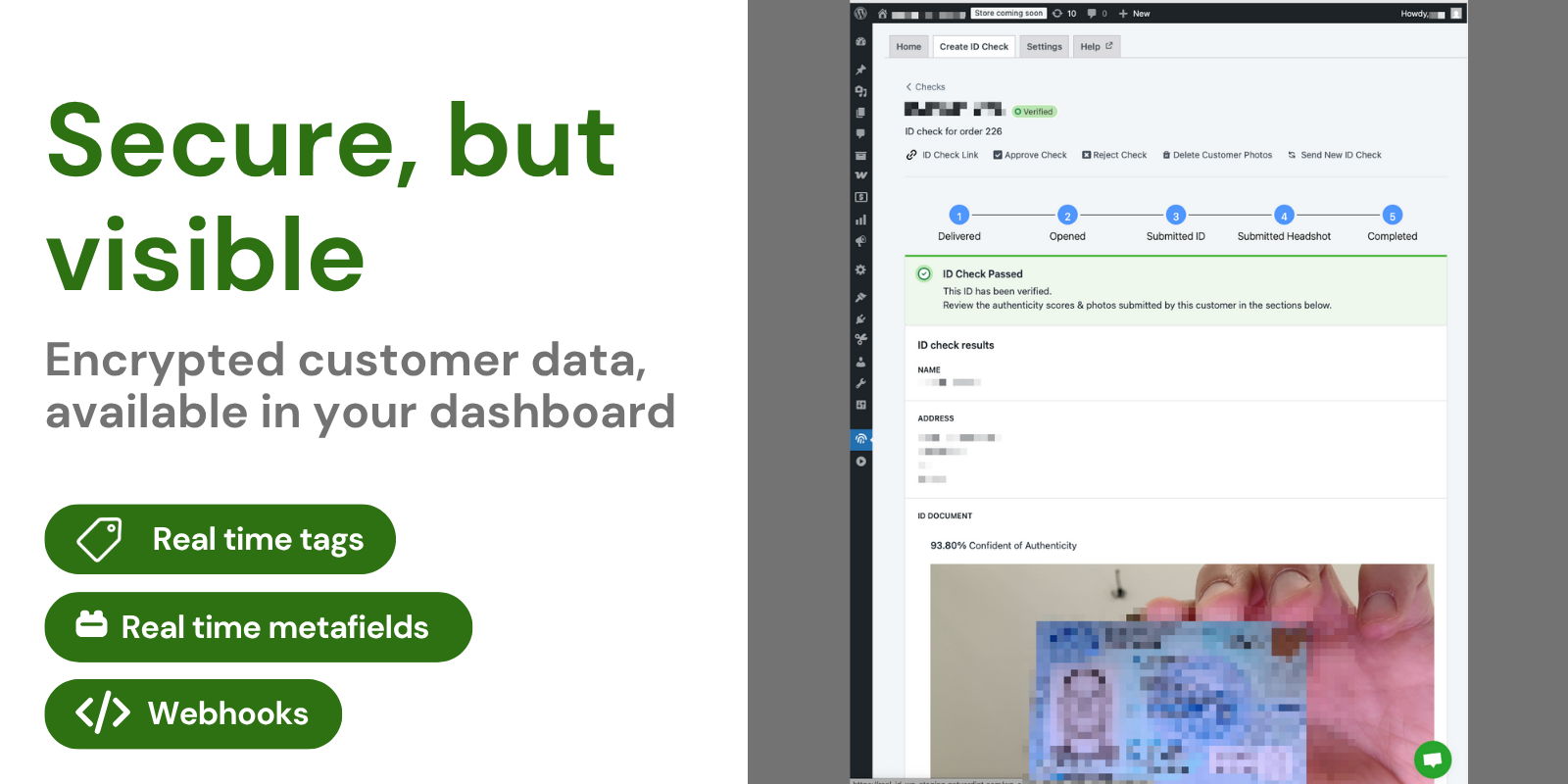
Real ID synchronizes your customers’ ID verification results in real-time. You’ll be able to see the current state of all ID checks from your WooCommerce orders page with a specific “ID Verification” column. Additionally, Real ID updates your orders and customer metadata with their current ID verification status.
How much does it cost?
We offer several different plans to meet your needs. Check out our pricing for more details.
Do you offer support?
Yes, we offer live chat and email support for setup and questions about how the system works or how to read results. Please contact us, email us, or chat with us in-app for support.
Can I delete my customers’ photos after they have been verified?
Protecting your customers’ privacy is very important to us. That’s why we offer an option in any ID check to delete your customer’s photos safely and permanently. Deleting customer data is irreversible. However, their account will still be treated as verified so they can reorder in the future without redundant verification.
What kind of information can I see in the dashboard?
Real ID provides all images captured from the customer, including their ID and their selfie photo. Additionally, Real ID automatically reads the text on any given document. Depending on the level of detail the document provides, you can expect to read data such as: First Name Middle Name Last Name Address Gender Date of Birth Date of Expiration City State Issuing Country of the ID Issuing State of the ID Unique License or Document ID This information can be used to verify that the customer is qualified for the purchase. We offer automatic cross-checking against the order’s billing and…
Can I override the results?
Yes, Real ID presents the photos and data collected and gives you the ability to manually approve or reject submissions. You have the ultimate control over whether an ID is accepted, but you can also choose to have our system automatically make the decision for you.
Can I automatically require ID verification only on high-risk orders?
Real ID offers a “set it and forget it” customer verification process so you can require ID verification automatically on high-risk orders. You can enable rules to automatically trigger ID verification checks for your customers: Total Order Price: Depending on the total price of the order, you can trigger an ID check. Mismatching Shipping to Billing Address: If an order’s shipping and billing addresses do not match, it’s a sign of potential credit card fraud. Real ID can automatically verify these orders. Product Categories and Tags: Only require ID checks on specific product categories or…
At what point am I charged for an ID verification?
You are only charged when a customer actually participates in an ID verification session. You are not charged for sessions where the customer does not submit any photos or fails to receive the SMS/email. This is because we deter fraudulent, underage, or unqualified purchases even if the customer doesn’t provide their ID. By showing your store is secured against fraud with an ID check link, you’ve mitigated your risk of a fraudulent chargeback or purchase. It’s our policy to not refund checks that have already been sent, regardless of whether the customer failed the ID check or failed to…
If I turn on automatic ID checking, will repeat customers receive ID checks twice?
There’s an additional setting in the dashboard that allows you to only require ID verification once from your repeat customers. That way, you can reduce friction even further and keep your trusted customers from having to perform multiple ID checks. Additionally, you will not incur any charge for repeat verified customer orders. You’re only charged for new verifications.
I need to require my customer’s signature for orders in addition to ID verification. Can Real ID help?
Yes, easy and intuitive electronic signatures are available in Real ID. You can enable signature captures for ID verification checks. You’ll be able to view and download your customers’ signatures right in the dashboard. No code is required to turn this feature on or off.
Can customers also upload additional documentation, like a proof of address or another type of license?
Yes, within the plugin, you can require the customer to upload additional documentation as part of their ID verification. This documentation will also be visible in the plugin for viewing.
Changelog
This is the first public release of Real ID for WooCommerce.
1.40.9
- Fixed the Settings page showing an error screen when your product categories couldn’t be loaded.
- Recovered ID check data from API responses corrupted by PHP warnings from WooCommerce or other plugins, not just from Real ID’s own endpoints.
- Plugin updates now take effect immediately instead of being held back by browser or CDN caching.
1.40.8
- Fixed the Real ID admin page failing to load ID checks and subscription status (“Cookie check failed”) on sites using a page cache such as LiteSpeed.
- Added a clear explanation when a caching plugin or CDN blocks Real ID, including the steps to exclude the API from your cache.
- Fixed error screens running together into a single block of text, making them hard to read.
- Removed a request for a stylesheet that no longer ships, which returned a 404 on every admin page load.
- Sped up the Real ID admin page by no longer downloading a 24 MB debug file on every load.
1.40.7
- Fixed the admin dashboard failing to load ID checks when the server prints PHP notices or warnings into API responses (recovers the data instead of showing an error screen).
1.40.6
- Fixed a PHP warning during order association (when an order had no linked customer) that could corrupt the API response and cause false “connection error” notifications and prevent ID data from loading in the WordPress admin on sites with PHP error display enabled.
1.40.5
- Replaced the single back-of-ID capture toggle with a three-way control: Automatic (capture the back only when the document type needs it, such as German ID cards), Always, or Never. Your existing setting is carried over automatically.
1.40.4
- Fixed a fatal error when testing the ShipStation or Semble API connection from settings
- Fixed the manual ShipStation order sync action failing with a fatal error
- Fixed connection test and order sync requests being sent without authentication and to incorrect API paths
Screenshots

For developers
Is this your plugin? Show off the numbers.
Add a live badge to your site, docs or GitHub README. It updates on its own — no account needed.
Best Identity Verification for Woo… alternatives
All age verification plugins →





FAQ
Identity Verification for WooCommer…: quick answers
Straight answers, pulled from live WordPress.org data.
Live data from WordPress.org · checked Sep 28, 2026
Is Identity Verification for WooCo… free?
Yes. Identity Verification for WooCo… is free to download and use from the official WordPress.org plugin directory.
Is Identity Verification for WooCo… safe to use in 2026?
Identity Verification for WooCo… is a solid plugin choice in 2026, with a few things worth checking first. It runs on 100+ sites, is rated 5/5 and was last updated 9 hours ago, and scores 75/100 on our health check.
How many websites use Identity Verification for WooCo…?
Identity Verification for WooCo… is active on 100+ WordPress websites and has been downloaded 40,769 times since it launched in September 2021. It was downloaded 735 times in the last 30 days.
Does Identity Verification for WooCo… work with WordPress 7.1?
Identity Verification for WooCo… is officially tested up to WordPress 7.0.0, while the latest release is 7.1.2. It may still work, but try it on a staging site first.
What PHP version does Identity Verification for WooCo… need?
Identity Verification for WooCo… requires PHP 7.4 or higher. Most hosts run PHP 8.x today, so it works on any modern WordPress hosting.
When was Identity Verification for WooCo… last updated?
The latest version, 1.40.9, was released on September 28, 2026 (9 hours ago).
Who makes Identity Verification for WooCo…?
Identity Verification for WooCo… is developed and maintained by Verdict.
What are the best alternatives to Identity Verification for WooCo…?
The most popular alternatives to Identity Verification for WooCo… are Age Gate (40K+ installs), WP Terms Popup (3K+ installs) and Age Gate Lite (2K+ installs).
Powered by PageForge
Want thousands of pages that rank like these? Build them in an afternoon.
This directory runs on the same engine as PageForge. Turn any spreadsheet, CSV or API into thousands of fast, SEO-ready WordPress pages — with schema, internal links and AI-written copy baked in.
- CSV, Google Sheets & API data sources
- AI content, schema & internal links per page
- Works with Elementor, Gutenberg, Yoast & Rank Math
- Free on WordPress.org — no credit card


