



Geolocation
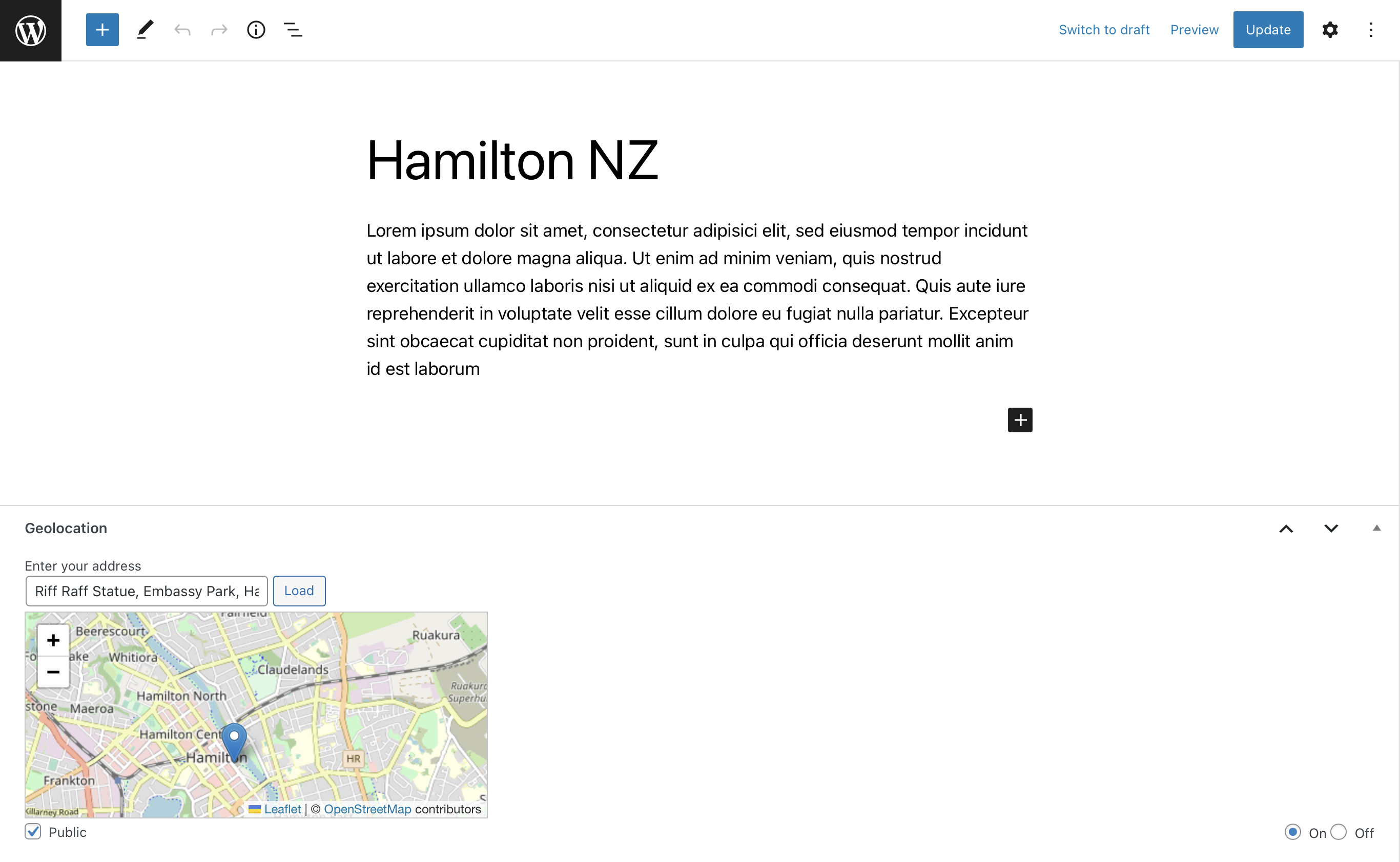
The Geolocation plugin allows WordPress users to geotag their posts using the Edit Post page.

Use with caution
Geolocation works, but test it on a staging site before relying on it in 2026. It runs on 300+ sites, is rated 4.2/5 and was last updated 1 year ago, and scores 44/100 on our health check.
- Small user base (300+ active installs)
- No update in over a year
- Only tested up to WordPress 6.8 (latest is 7.1)
How does it stack up?
Side-by-side on installs, updates, ratings & support


Daily downloads
Download spikes usually follow a new release — each site that auto-updates counts as a download.
Rankings
Where Geolocation stands todayWordPress.org search rankings
Live position in the plugin search, top 100| Keyword | Position |
|---|---|
| gps | #29 |
| journey | >100 |
| location | >100 |
| map | >100 |
| travel | >100 |
Version adoption
Share of active sites per release.
Rating breakdown
★★★★★★★★★★ 4.2 from 10 reviews
About Geolocation
From the official readme · v1.9.7Description
The Geolocation plugin allows WordPress users to geotag their posts using the Edit Post page.
Previously, in all WordPress mobile applications such as WordPress for iPhone/iPad, WordPress for Android this was directly available by activating the gps functionality. Unfortunately, the WP-application developers decided to deactivate the feature of storing GPS data in the app but I am hoping for its return.
The automated way to obtain geoinformation is possible by adding a photo as featured image to your post. If you have a featured image attached to you post, its gps coordinates are taken into concideration if there is no geo-information provided already. If you use an iPhone, make sure that you take your photos in jpg. Otherwise the GPS information is stripped from the HEIC when exporting to JPG and uploading. Furthermore, when using the WP app, make sure you have enabled to keep all metadata in the files that are uploade. Otherwise, the app will remove also the GPS information.
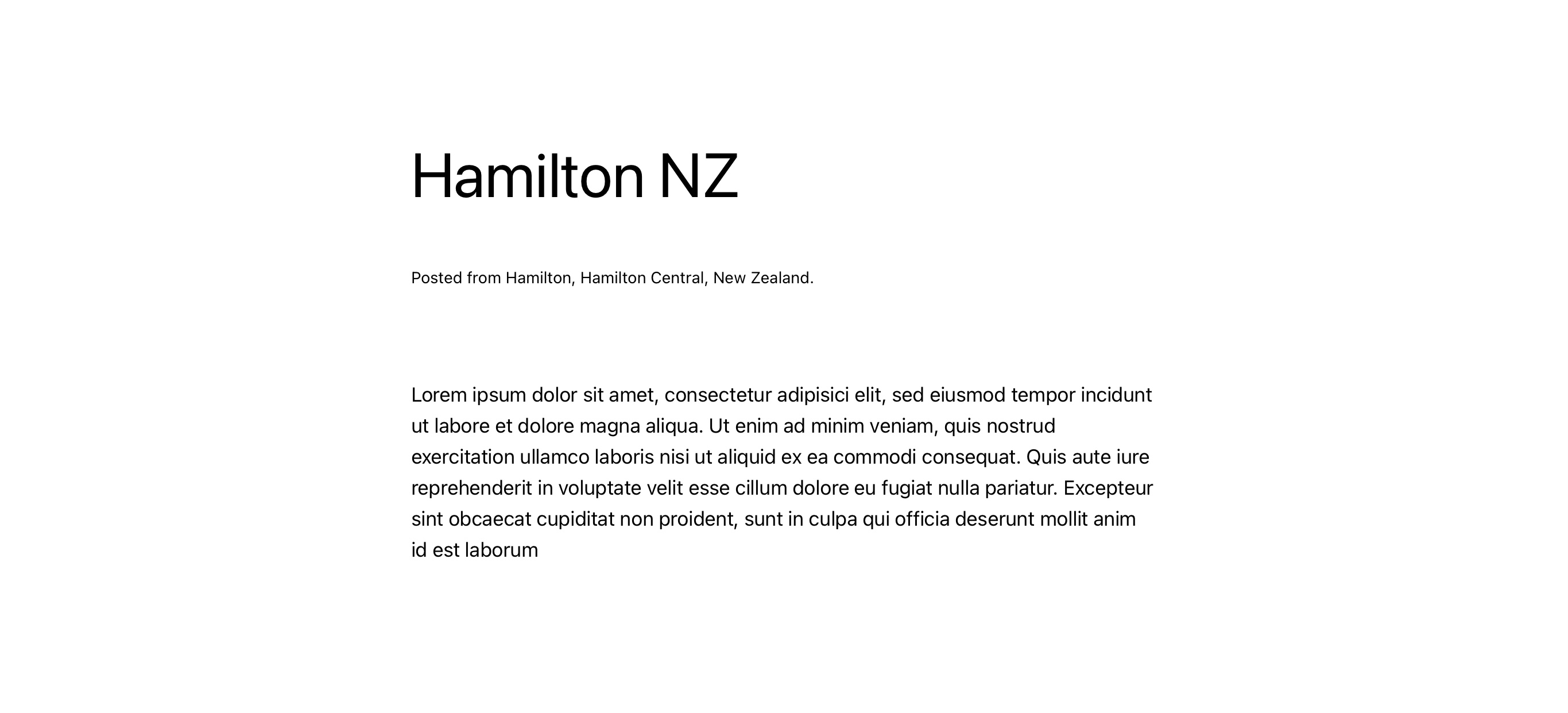
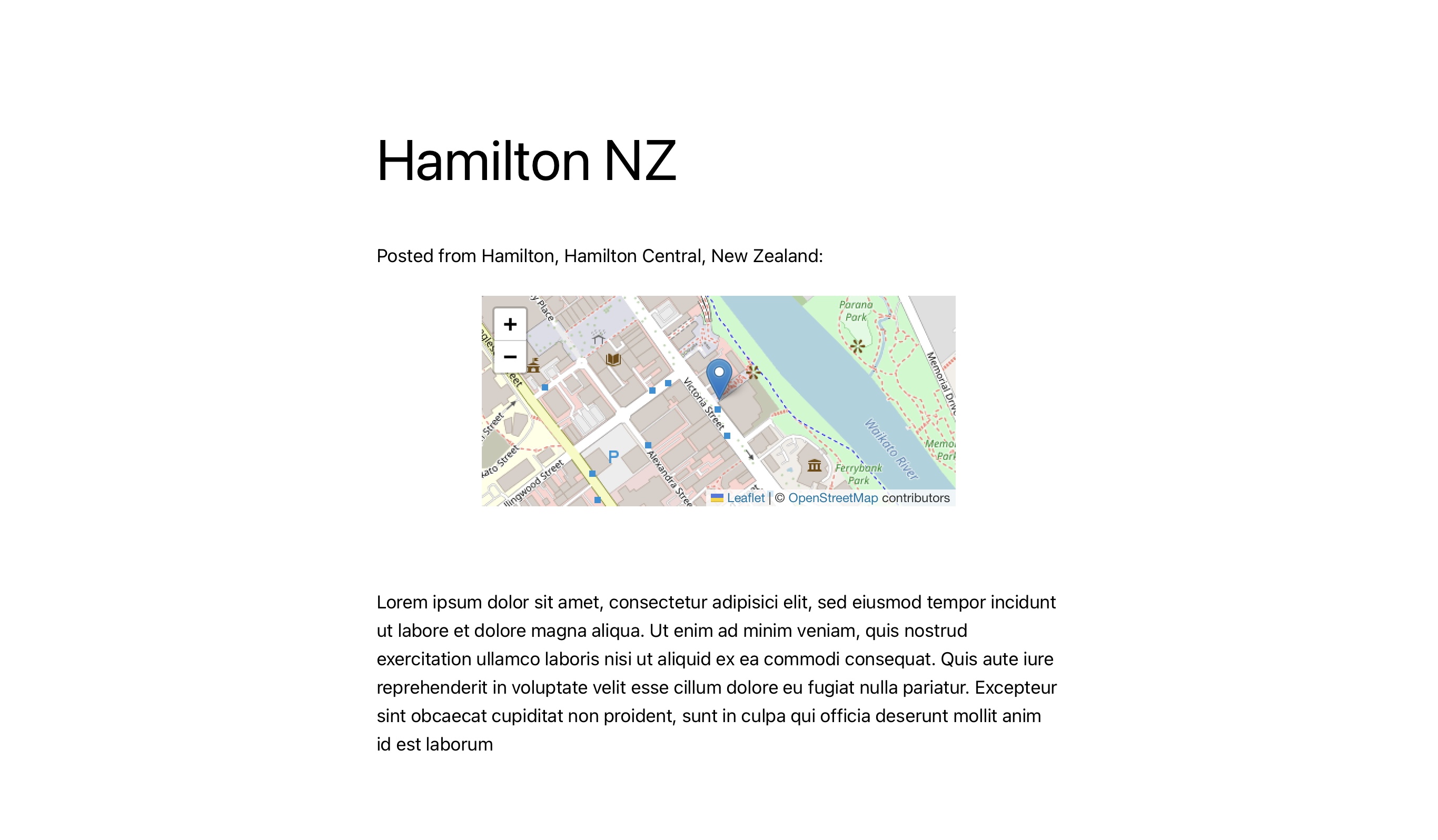
Once there is geoinformation added to any of your posts, visitors see a short description of the address either before, after, or at a custom location within the post. Here, you have three options as shown below: plain, link or static information.
When “link” is chosen, hovering over the address reveals a map that displays the post’s exact location.
If one would only like to show a textual version without accessing any external services or without showing a map when visitors see a post, one can enable a “plain” mode to prevent external access except for authors to set a particular location.
Furthermore, there is an option to statically show the map whenever there is geoinformation available. (see below for examples)
You can chose between two map providers: Google Maps and Open Streetmaps. If you use Open Streetmaps as mapprovider in combination with the proxy plugin for OSM, the tiles are delivered from the local proxy so that the visitors cannot be tracked from a third party. If no proxy is installed or Google Maps is used as the provider, this is not feasable, i.e., the tiles are pulled directly from the map service to your visitor’s browser.
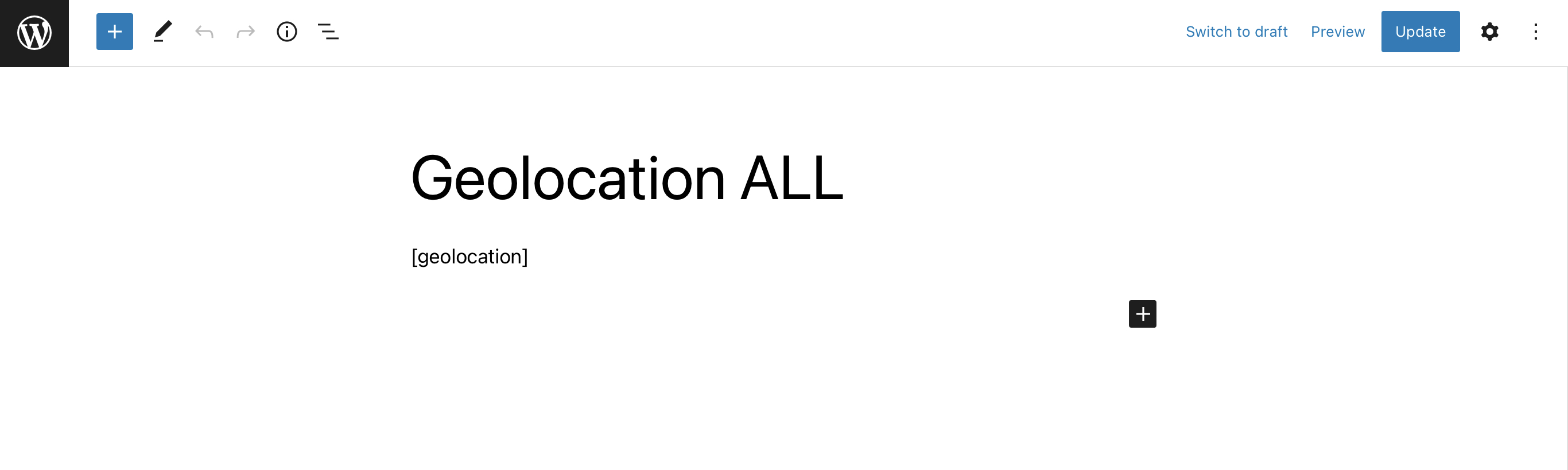
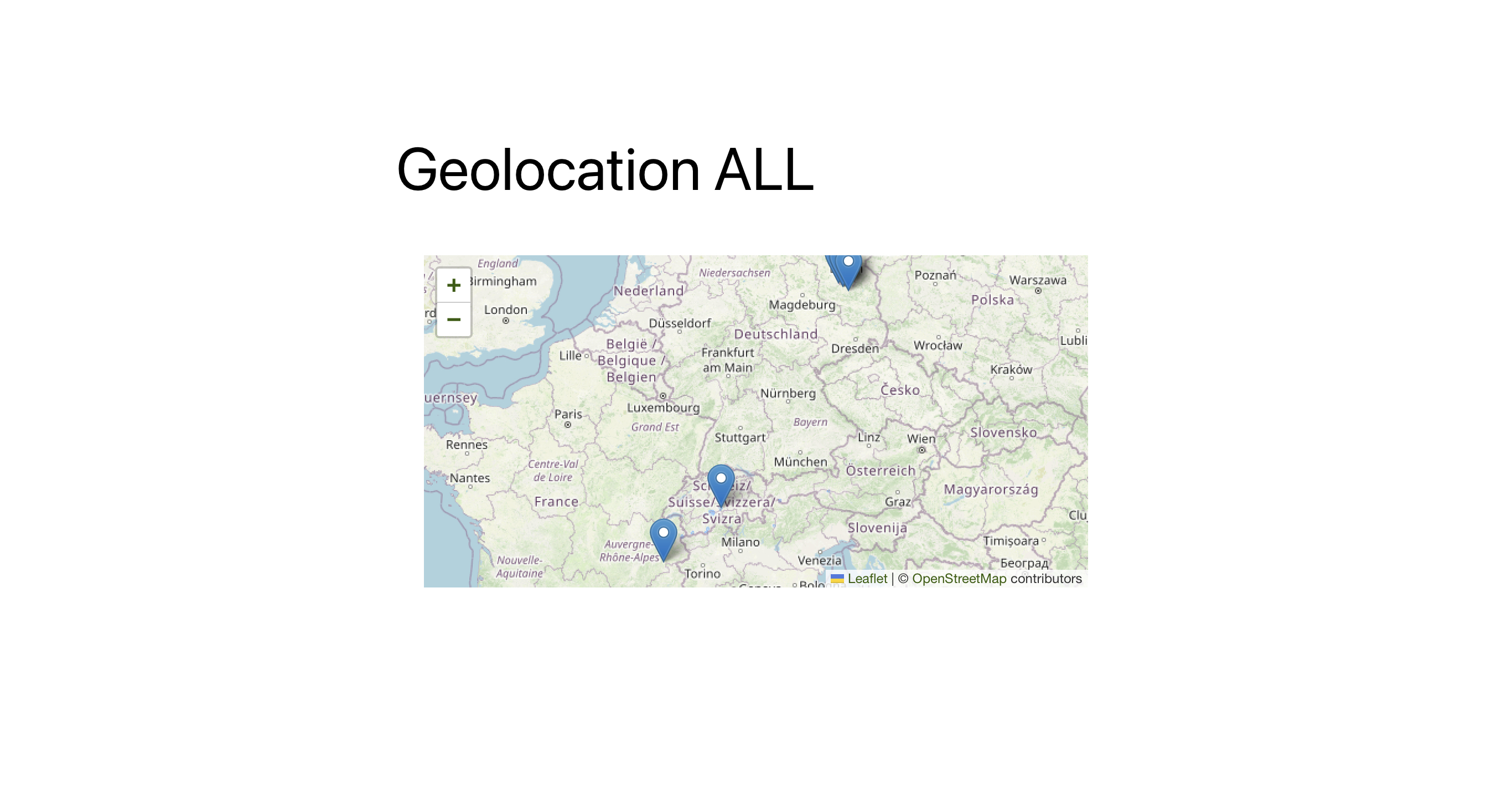
Furthermore, there is the option to use the tag [geolocation] also on a page in order to provide a map with multiple entries (e.g. from a journey) on one map altogether. The set of shown locations can be filtered per page, by placing a user defined field called “category” and give it the name (not the slag!) of the category to be shown. This way, you can also hide the location information per post (by chosing the “code option” without using it) and only show an overview map if needed. If the page is not restricted by any of the categories, all locations are shown that were tagged “public” and have the switch set to “enabled”. (see example below)
By default, this plugin uses Open-Streetmap but as an alternative (and backwards-compatibility) google maps can also be used. However, one needs to have a Goole Maps API key to use this plugin with google maps. You may obtain a key via google cloud plattform. Make sure, you have activated “Maps JavaScript API” as well as “Geocoding API”.
If you struggle while installing it or have feature requests, please feel free to drop a support request anytime. I am more than happy to help you. Also if you would want to give a review if you are happy with the plugin, I would appreciate the feedback.
Installation
- Upload the
geolocationdirectory to the/wp-content/plugins/directory. (or simply install it from the official package repo) - Activate the plugin through the ‘Plugins’ menu in WordPress. In case you would want to use Google Maps, chose Google Map as your provider an insert the Google Maps API key on the Settings > Geolocation page.
- Optionally (if you are using OSM as per default setting): Install and activate the OSM proxy to make use of local delivery without tracking options for the source to your visitors.
- Modify the display settings as needed on the Settings > Geolocation page. The chosen settings can directly be seen in the OSM preview of the settings page.
- Start posting with geolocation data.
- Leave a rating on the plugin-page. 🙂
Changelog
1.9.7
- fixing javascript calls and settings initialization
1.9.6
- enhancing address attribute options for OSM display of locations.
- fixing nonce array verify in case not yet filled.
1.9.5
- fixing GPS location detection from featured image.
1.9.4
- fixing unneeded call for location (thx @alexterz)
1.9.3
- fixing issue with osm reverse geocode
1.9.2
- fixing issue with page display
Screenshots

For developers
Is this your plugin? Show off the numbers.
Add a live badge to your site, docs or GitHub README. It updates on its own — no account needed.
Best Geolocation alternatives
All gps plugins →



FAQ
Geolocation: quick answers
Straight answers, pulled from live WordPress.org data.
Live data from WordPress.org · checked Sep 28, 2026
Is Geolocation free?
Yes. Geolocation is free to download and use from the official WordPress.org plugin directory.
Is Geolocation safe to use in 2026?
Geolocation works, but test it on a staging site before relying on it in 2026. It runs on 300+ sites, is rated 4.2/5 and was last updated 1 year ago, and scores 44/100 on our health check.
How many websites use Geolocation?
Geolocation is active on 300+ WordPress websites and has been downloaded 42,473 times since it launched in May 2010. It was downloaded 115 times in the last 30 days.
Does Geolocation work with WordPress 7.1?
Geolocation is officially tested up to WordPress 6.8.10, while the latest release is 7.1.2. It may still work, but try it on a staging site first.
What PHP version does Geolocation need?
Geolocation requires PHP 7.3 or higher. Most hosts run PHP 8.x today, so it works on any modern WordPress hosting.
When was Geolocation last updated?
The latest version, 1.9.7, was released on May 24, 2025 (1 year ago).
Who makes Geolocation?
Geolocation is developed and maintained by Chris.
What are the best alternatives to Geolocation?
The most popular alternatives to Geolocation are WP GPX Maps (4K+ installs), Trackserver (400+ installs) and WP-Routes Plugin (100+ installs).
Powered by PageForge
Want thousands of pages that rank like these? Build them in an afternoon.
This directory runs on the same engine as PageForge. Turn any spreadsheet, CSV or API into thousands of fast, SEO-ready WordPress pages — with schema, internal links and AI-written copy baked in.
- CSV, Google Sheets & API data sources
- AI content, schema & internal links per page
- Works with Elementor, Gutenberg, Yoast & Rank Math
- Free on WordPress.org — no credit card


