



Genealogical Tree – Family Tree & Ancestry for WordPress
Build interactive family trees, create ancestor profiles, and display your genealogy data beautifully on any WordPress site.

Solid choice
Genealogical Tree is a solid plugin choice in 2026, with a few things worth checking first. It runs on 600+ sites, is rated 4.1/5 and was last updated 1 month ago, and scores 63/100 on our health check.
- Tested with the latest WordPress (7.1)
- Small user base (600+ active installs)
How does it stack up?
Side-by-side on installs, updates, ratings & supportDaily downloads
Download spikes usually follow a new release — each site that auto-updates counts as a download.
Rankings
Where Genealogical Tree stands todayWordPress.org search rankings
Live position in the plugin search, top 100| Keyword | Position |
|---|---|
| Ancestry | #1 |
| family history | #1 |
| family tree | #1 |
| genealogy | #2 |
| pedigree | #2 |
Version adoption
Share of active sites per release.
Rating breakdown
★★★★★★★★★★ 4.1 from 16 reviews
About Genealogical Tree
From the official readme · v2.2.8Description
Genealogical Tree is the most comprehensive family tree plugin for WordPress. Whether you are a genealogist, a family historian, or simply want to share your family heritage online, this plugin gives you everything you need to build, manage, and display stunning family trees.
Why Genealogical Tree?
- Easy to use – Add family members through a familiar WordPress interface. No coding required.
- Interactive trees – Visitors can drag, zoom, and explore your family tree on any device.
- Smart root detection – The plugin automatically identifies the root ancestor of each family group.
- Shortcode powered – Embed trees anywhere using simple shortcodes.
- Translation ready – Available in 10+ languages including Arabic, French, German, Spanish, and more.
- Actively maintained – Regular updates, security patches, and new features since 2019.
Free Features
- Display family trees with unlimited members (up to 5 generations of descendants and 2 generations of ancestors)
- Interactive tree with drag, zoom in, and zoom out
- Automatic root member detection
- Set any member as the tree root
- Record family member details using standard genealogical methods
- Track life events: birth, burial, adoption, engagement, marriage, divorce, and more
- Dedicated member profile pages on the frontend
- Family member listing page with all member details
- Store contact information for each member
- Works with any WordPress theme
Pro Features
Unlock the full potential of your genealogy project with Genealogical Tree Pro:
Import & Export
- Import GEDCOM (.ged) files from Ancestry, FamilySearch, MyHeritage, and other genealogy software
- Export your family data to GEDCOM format for backup or migration
Advanced Tree Layouts
- 7 unique tree layouts with extensive customization options
- Switch between horizontal and vertical orientations
- Display member photos in the tree and on profile pages
- Collapsible tree branches for cleaner navigation
- Pedigree tree view for ancestor-focused display
Data Management
- Create unlimited family groups
- Create unlimited family trees per group
- Support for multiple spouses and multiple parents
- Display children grouped by each spouse
- Record multiple birth and death records with different sources
- Track multiple contact details and life events per member
- Manage sibling display order
Customization & Performance
- AJAX-powered tree loading for large family trees
- Customize tree colors, borders, fonts, and spacing
- Google Fonts integration
- Collaboration tools for multiple contributors to build the family tree together
Use Cases
- Personal genealogy – Document and share your family history with relatives
- Church & community records – Maintain genealogical records for congregations or communities
- Historical societies – Publish family trees for public research
- Heritage websites – Create a dedicated ancestry website with interactive trees
- Educational projects – Teach genealogy and family history concepts
Links
Translations
Genealogical Tree is available in the following languages:
- Arabic (ar) / العربية
- German (de_DE) / Deutsch
- Spanish (es_ES) / Espanol
- Persian (fa_IR) / فارسی
- French (fr_FR) / Francais
- Italian (it_IT) / Italiano
- Dutch (nl_NL) / Nederlands
- Portuguese (pt_BR) / Portugues do Brasil
- Russian (ru_RU) / Русский
- Turkish (tr_TR) / Turkce
Want to help translate? Contribute via translate.wordpress.org.
Installation
- Go to Plugins > Add New in your WordPress dashboard
- Search for Genealogical Tree
- Click Install Now, then Activate
- Navigate to Jeeon Tree > Add New to start adding family members
- Use the shortcode
[tree id="X"]to display your family tree on any page
For detailed setup instructions, visit the documentation.
Frequently asked questions
How do I create my first family tree?
After activating the plugin, go to Jeeon Tree > Add New to create your first family member. Add parents, spouses, and children through the member editor. The plugin will automatically build the tree structure. Then use the [tree] shortcode on any page to display it.
Can I import data from other genealogy software?
Yes! The Pro version supports GEDCOM (.ged) file import, which is the standard format used by Ancestry, FamilySearch, MyHeritage, Gramps, and virtually all genealogy software.
How many family members can I add?
There is no limit on the number of family members. The free version displays up to 5 generations of descendants and 2 generations of ancestors. The Pro version removes these display limitations.
Does it work with my theme?
Genealogical Tree is designed to work with any properly coded WordPress theme. The tree display uses its own styling and will not conflict with your theme.
Can multiple people contribute to the family tree?
Yes! The Pro version includes collaboration features that allow multiple users to contribute to building the family tree.
Is the plugin translatable?
Yes. The plugin is fully translatable and already includes translations for Arabic, German, Spanish, Persian, French, Italian, Dutch, Portuguese, Russian, and Turkish.
Changelog
Updated Freemius SDK and code formatting fixes.
2.2.8 – 14 April 2026
- Maintenance – Updated Freemius SDK
- Maintenance – Code formatting fixes
2.2.7 – 24 March 2026
- Security – Fixed reflected XSS vulnerability via root parameter (CVE-2025-58023)
- Security – Added proper output escaping in tree display HTML attributes
- Maintenance – Tested compatibility with WordPress 6.8
2.2.6 – 12 February 2025
- Maintenance – Freemius SDK update
- Bug fix – General stability improvements
2.2.5 – 28 January 2025
- Maintenance – Freemius SDK update
- Bug fix – General stability improvements
2.2.3 – 18 March 2024
- Maintenance – Freemius SDK update
- New – Addon support
2.2.0.5 – 18 December 2022
- Bug fix – Fixed AJAX family and spouse loading issue
- Note – This update may affect genealogy data if upgrading from a version before 2.1.9. Please back up your data before updating.
Screenshots
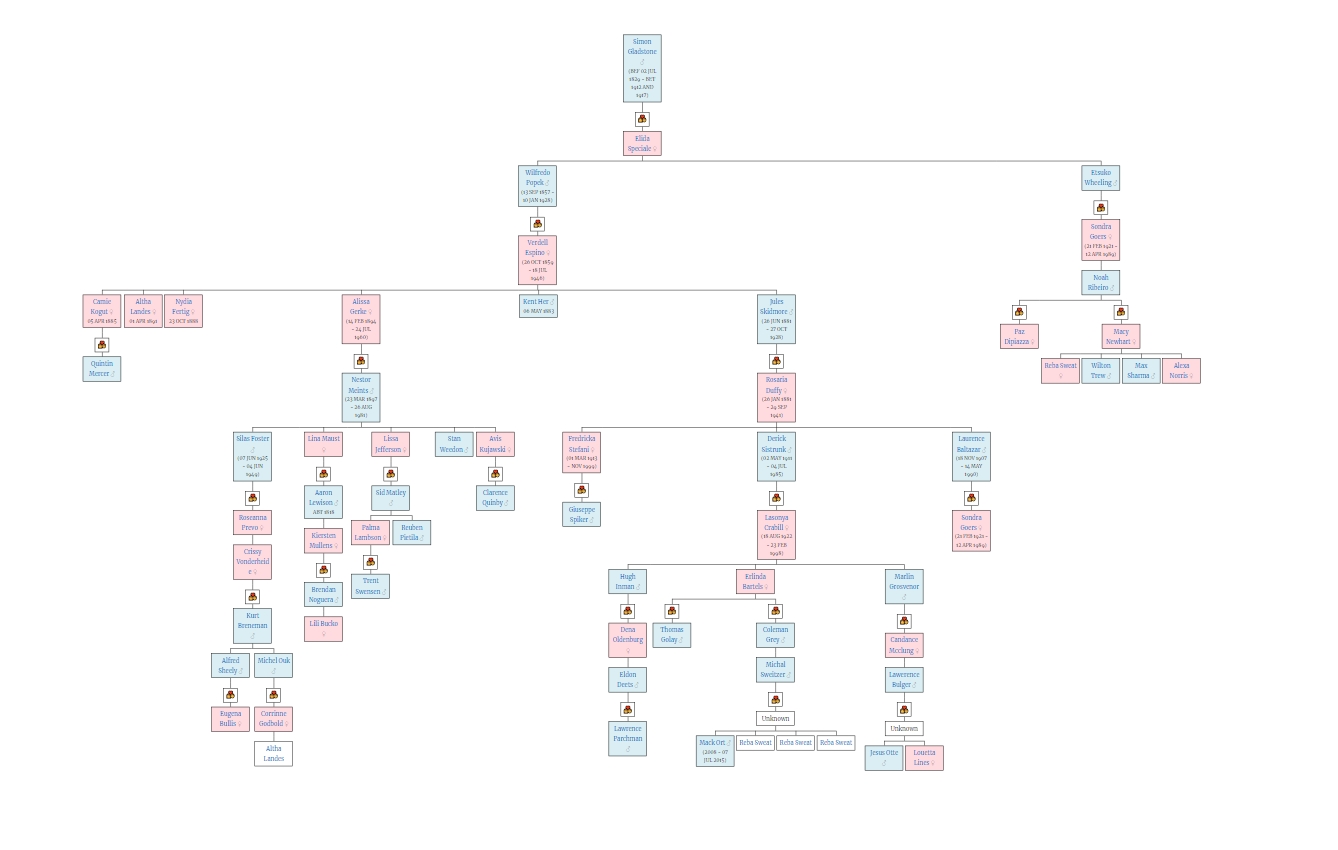
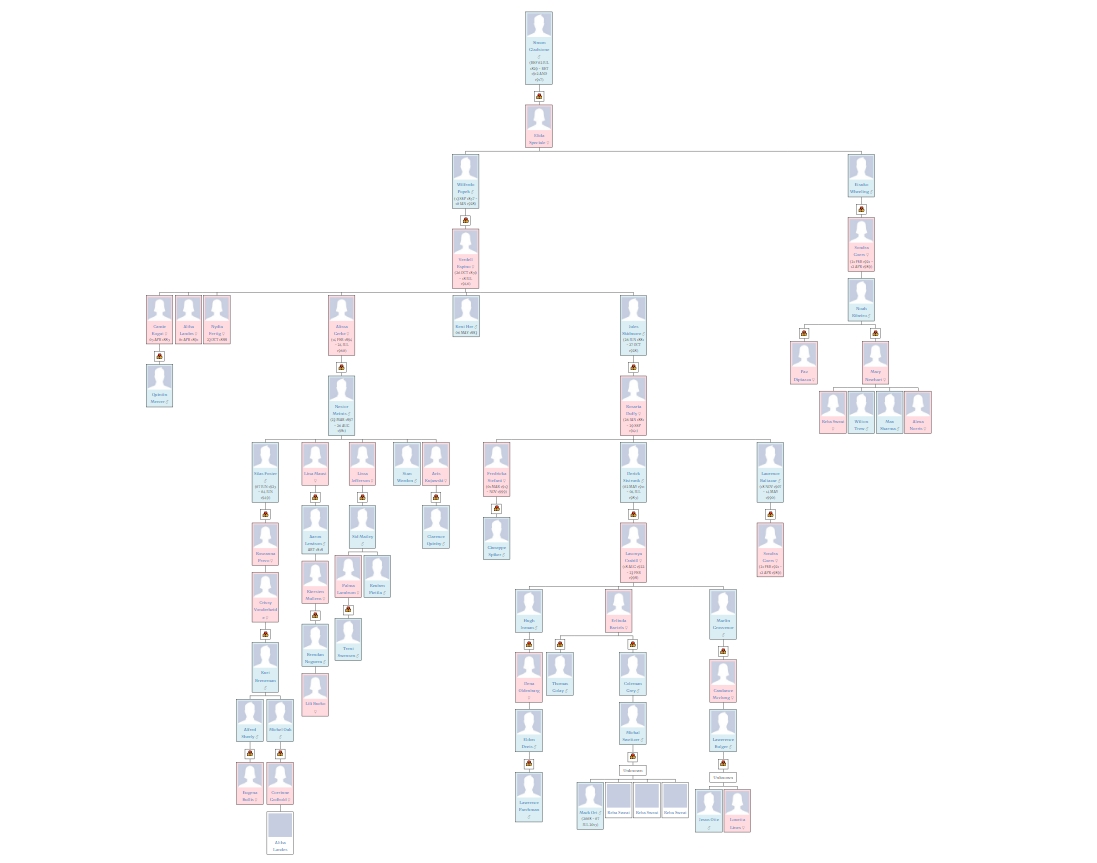
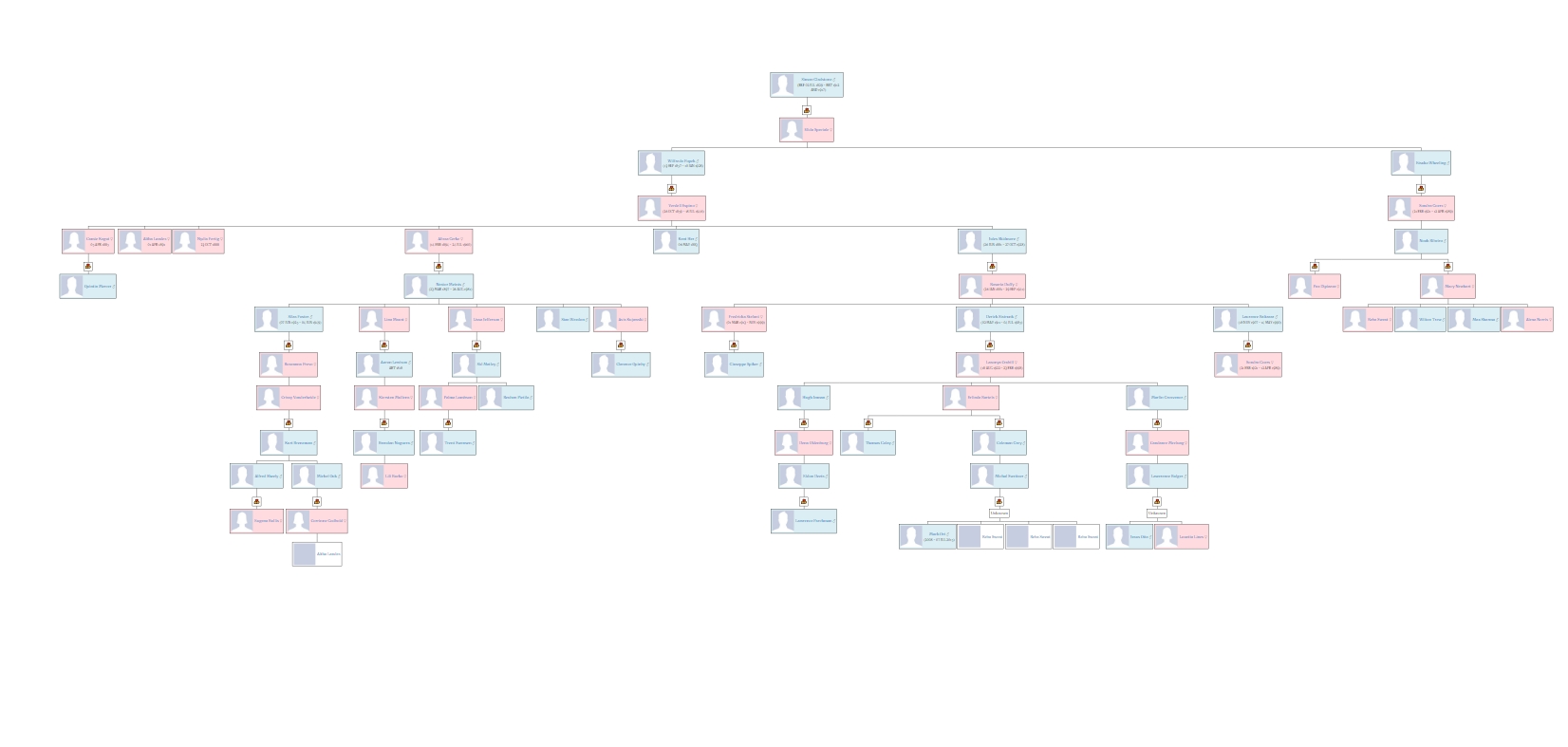
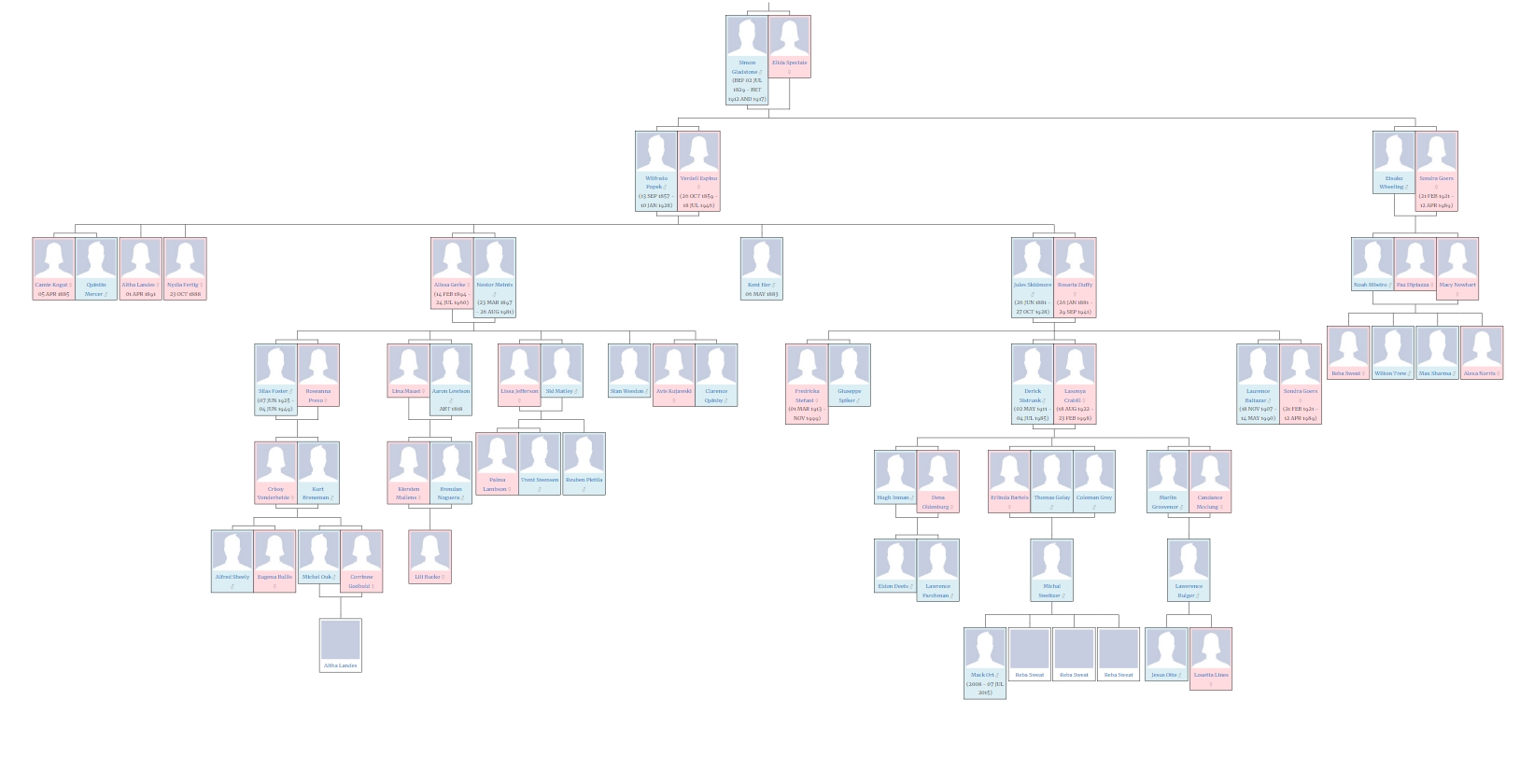
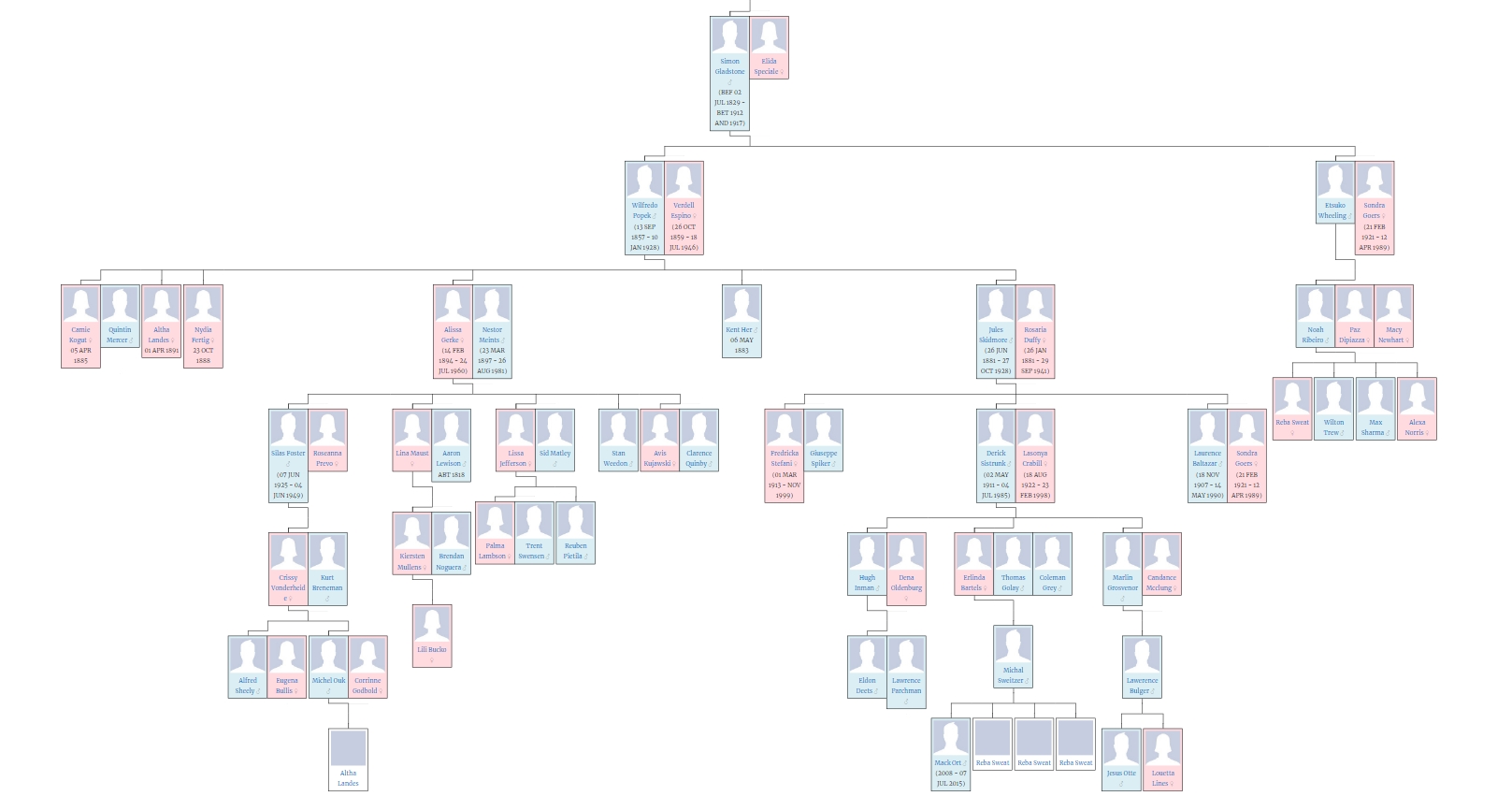
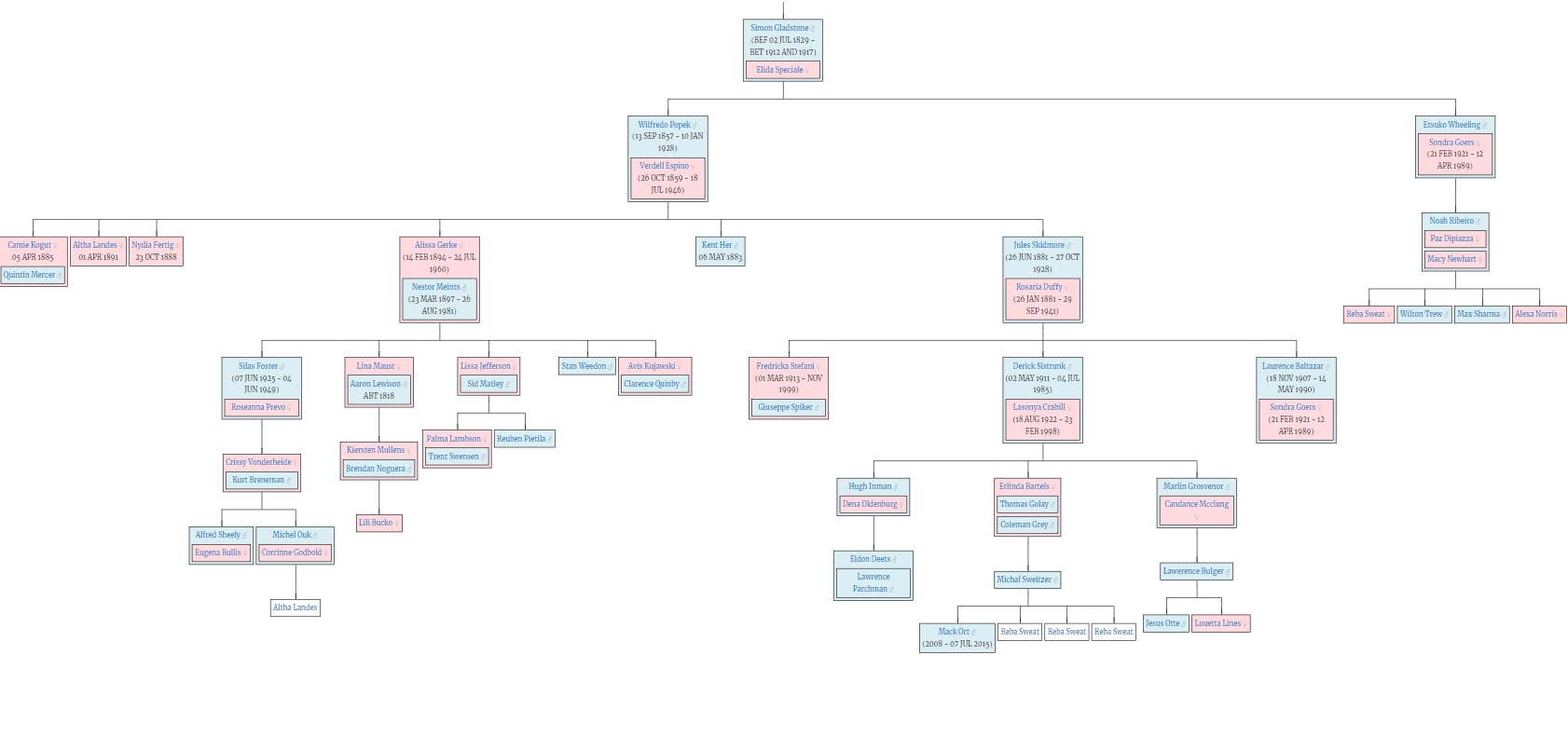

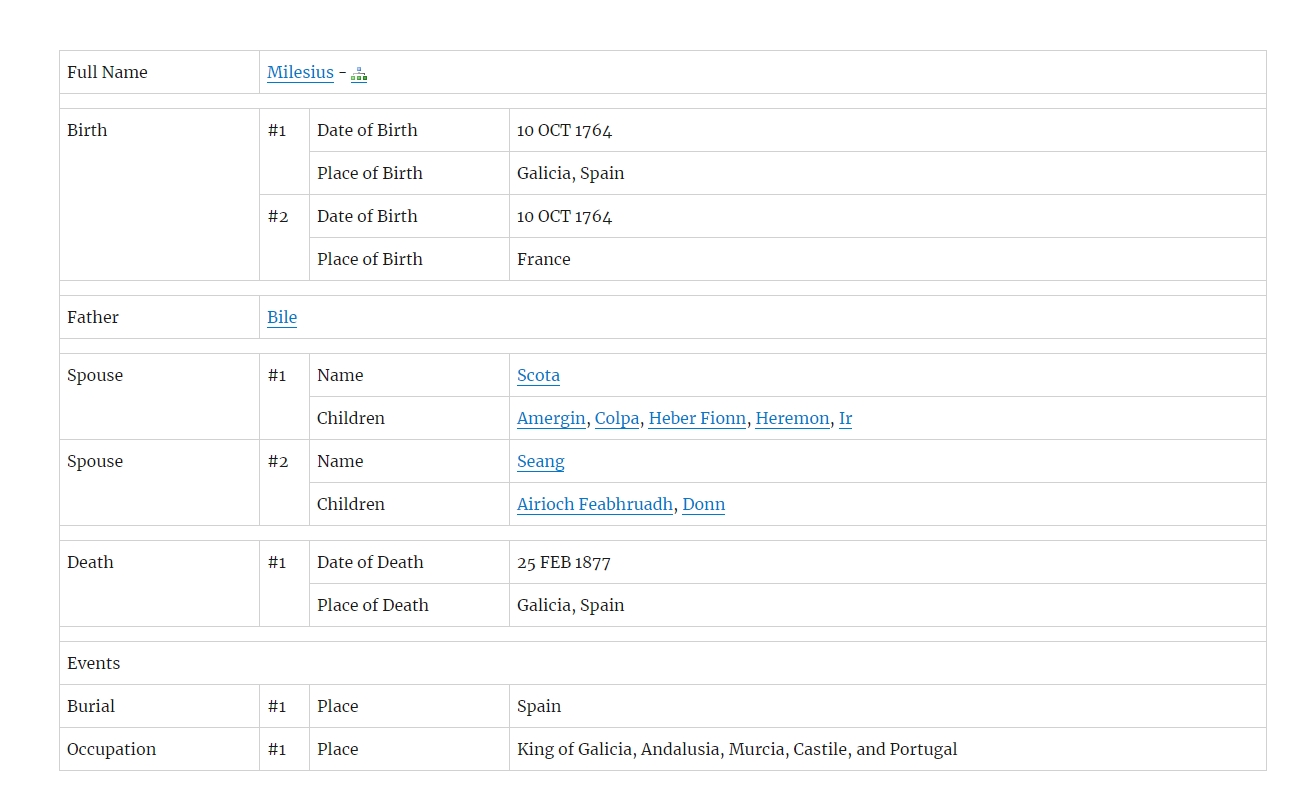

For developers
Is this your plugin? Show off the numbers.
Add a live badge to your site, docs or GitHub README. It updates on its own — no account needed.
Best Genealogical Tree alternatives
All Ancestry plugins →| Rank | Plugin | Active installs |
|---|---|---|
| 2 |
 GeneaCanvas GEDCOM Family Tree
A prestigious, fully interactive and animated organic family tree (D3.js). Transform raw…
GeneaCanvas GEDCOM Family Tree
A prestigious, fully interactive and animated organic family tree (D3.js). Transform raw…
|
<10 |
FAQ
Genealogical Tree: quick answers
Straight answers, pulled from live WordPress.org data.
Live data from WordPress.org · checked Oct 11, 2026
Is Genealogical Tree free?
Yes. Genealogical Tree is free to download and use from the official WordPress.org plugin directory.
Is Genealogical Tree safe to use in 2026?
Genealogical Tree is a solid plugin choice in 2026, with a few things worth checking first. It runs on 600+ sites, is rated 4.1/5 and was last updated 1 month ago, and scores 63/100 on our health check.
How many websites use Genealogical Tree?
Genealogical Tree is active on 600+ WordPress websites and has been downloaded 33,076 times since it launched in August 2019. It was downloaded 436 times in the last 30 days.
Does Genealogical Tree work with WordPress 7.1?
Yes. The developer has tested Genealogical Tree up to WordPress 7.1.3, the latest release. It requires WordPress 5.6 or newer.
What PHP version does Genealogical Tree need?
Genealogical Tree requires PHP 7.4 or higher. Most hosts run PHP 8.x today, so it works on any modern WordPress hosting.
When was Genealogical Tree last updated?
The latest version, 2.2.8, was released on September 8, 2026 (1 month ago).
Who makes Genealogical Tree?
Genealogical Tree is developed and maintained by akdevs.
What are the best alternatives to Genealogical Tree?
The most popular alternatives to Genealogical Tree are GeneaCanvas GEDCOM Family T… (<10 installs).
Powered by PageForge
Want thousands of pages that rank like these? Build them in an afternoon.
This directory runs on the same engine as PageForge. Turn any spreadsheet, CSV or API into thousands of fast, SEO-ready WordPress pages — with schema, internal links and AI-written copy baked in.
- CSV, Google Sheets & API data sources
- AI content, schema & internal links per page
- Works with Elementor, Gutenberg, Yoast & Rank Math
- Free on WordPress.org — no credit card


