


Field Forge – Custom Fields, Relational Fields & Builder
Custom fields, ACF compatible, unlimited groups: custom-table storage and 31 field types including relational. ACF and Pods alternative.

Solid choice
Field Forge is a solid plugin choice in 2026, with a few things worth checking first. It runs on 10+ sites and was last updated 25 minutes ago, and scores 66/100 on our health check.
- Actively developed — last update 25 minutes ago
- Tested with the latest WordPress (7.1)
- Small user base (10+ active installs)
- Very few reviews so far
How does it stack up?
Side-by-side on installs, updates, ratings & support



Daily downloads
Download spikes usually follow a new release — each site that auto-updates counts as a download.
Rankings
Where Field Forge stands todayWordPress.org search rankings
Live position in the plugin search, top 100| Keyword | Position |
|---|---|
| builder | >100 |
| custom fields | >100 |
| custom table | >100 |
| meta fields | >100 |
| relational fields | #6 |
Version adoption
Share of active sites per release.
About Field Forge
From the official readme · v1.0.40Description
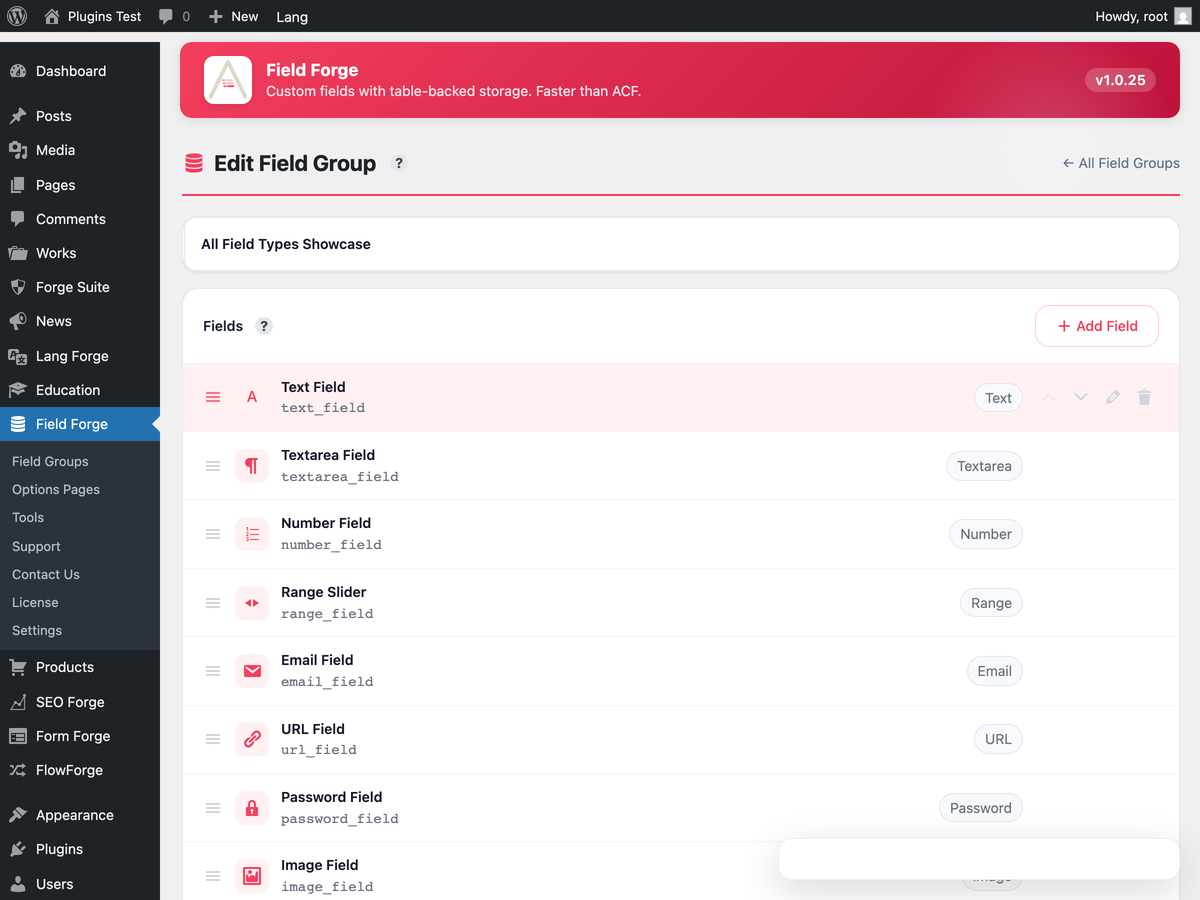
Field Forge is a modern custom-fields plugin. Fields live in dedicated tables (wp_fieldforge_values) instead of the bloated wp_postmeta, so listing pages stay fast even with 50+ fields per post. Drag-drop the field group editor, then read values via PHP or REST.
Free
- Unlimited field groups
- 31 field types — text, textarea, number, select, image, file, WYSIWYG, oEmbed, Gallery, Calculation, date/time/color pickers, Google Map, link, and the relational set (Relationship, Post Object, Page Link, Taxonomy, User)
- Location rules (post type, taxonomy, template, user role)
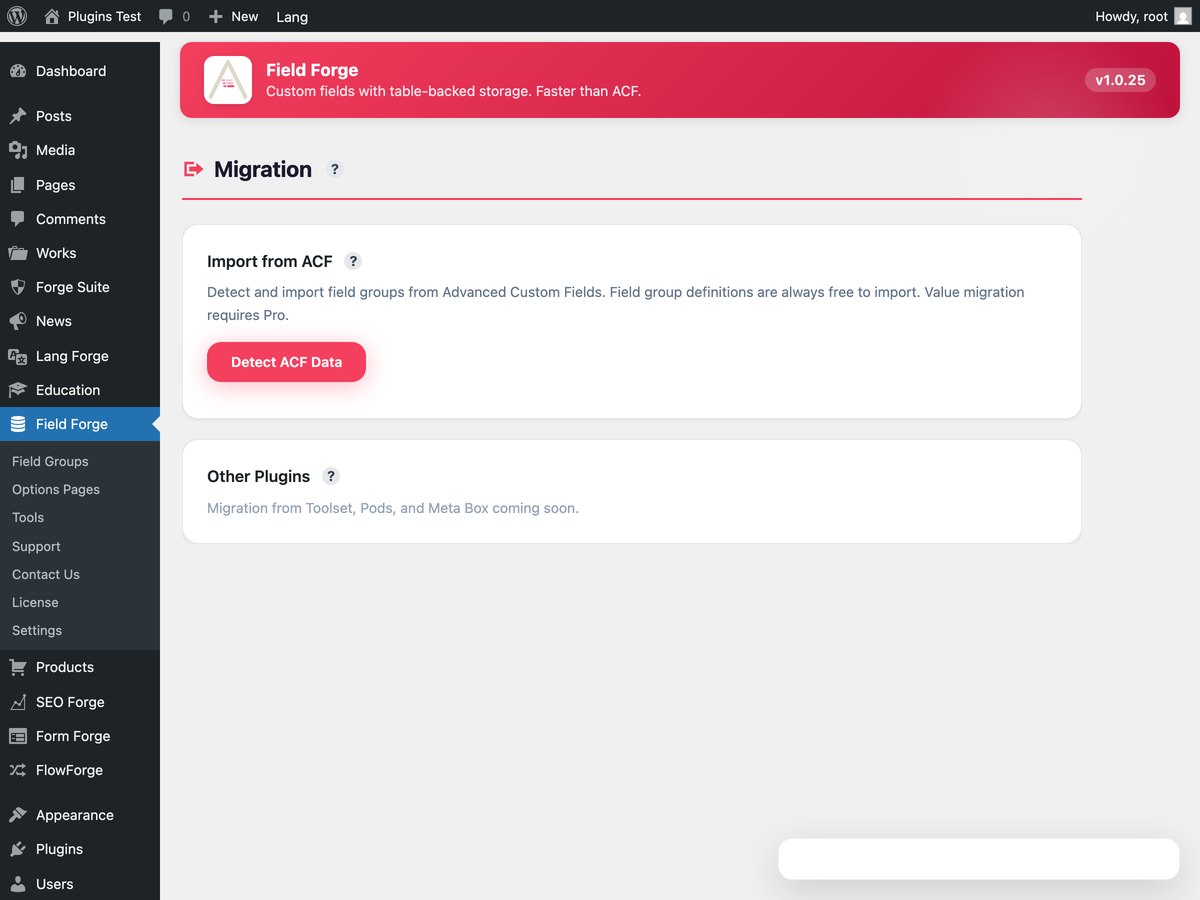
- ACF compatibility layer (import existing ACF groups + values)
- Custom-table storage (not
wp_postmeta) - Migration UI from ACF Free
- Visual field group builder
- Local JSON sync (write field groups to disk for version control)
- Options-page values via
get_field()/update_field() - REST API field exposure
- Schema versioning + revision history for field groups
Field Forge Pro
Pro is a separate add-on plugin, distributed from https://fieldforgewp.com and not
included in this download. Everything listed above is part of this plugin and works
without it.
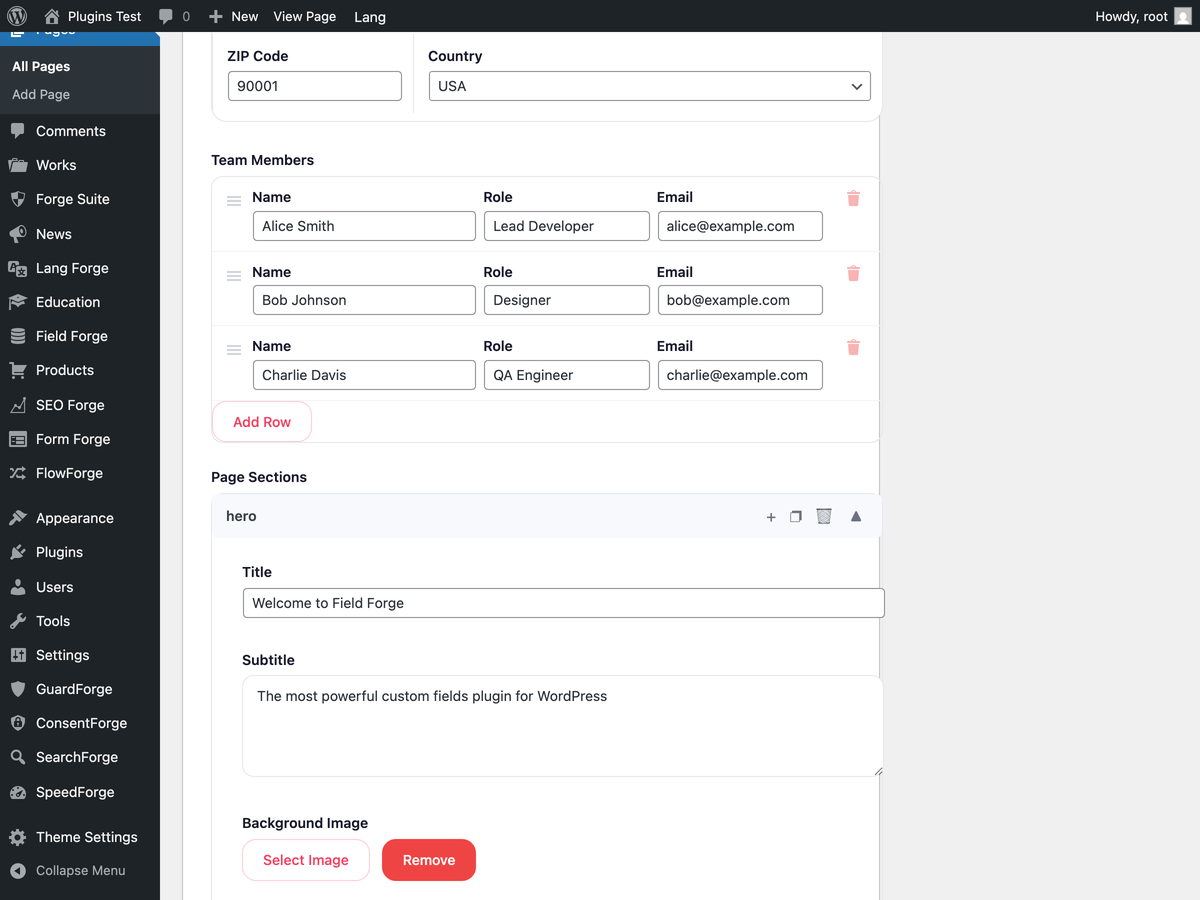
- Compound field types: Repeater, Group, Flexible Content, Clone
- Options pages management screen (creating and editing the pages themselves)
- PHP Blocks (register Gutenberg blocks from field groups)
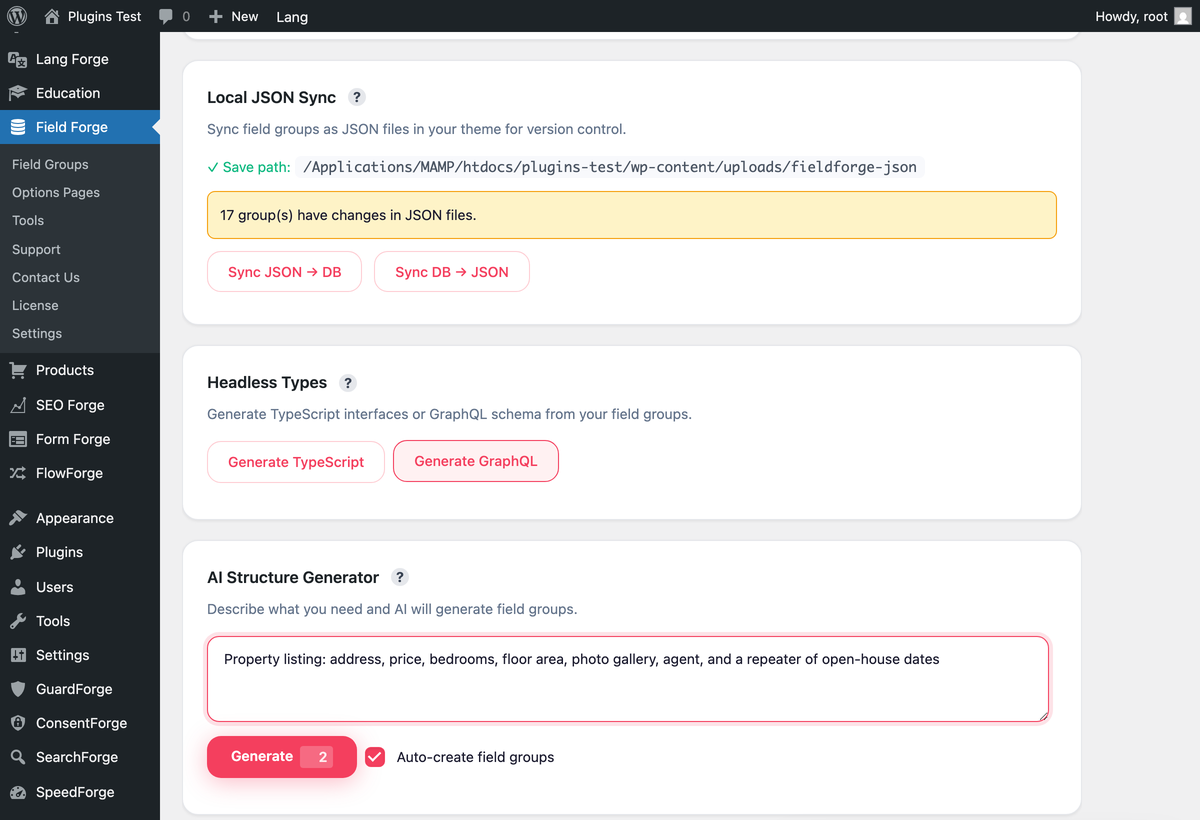
- AI schema generator (describe the data → generates a field group)
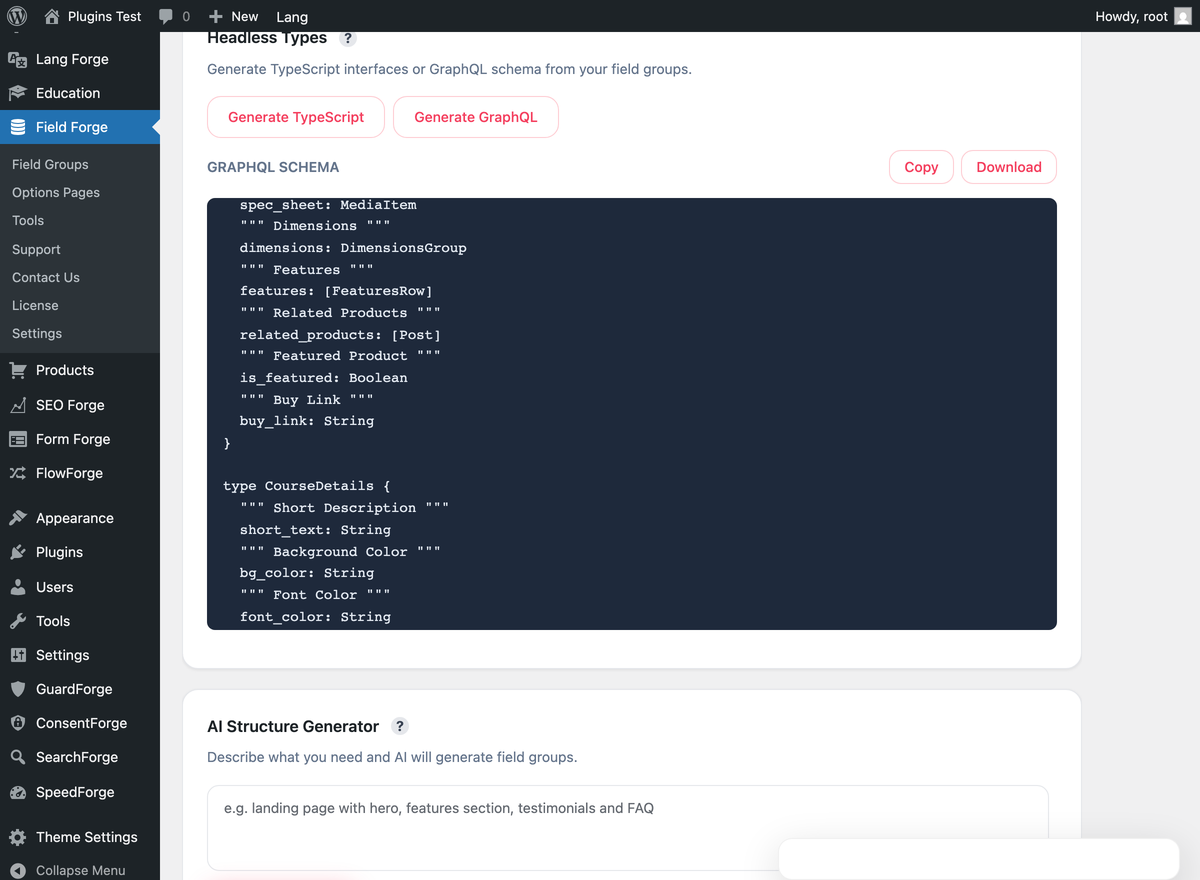
- Native WPGraphQL schema + resolvers (no add-on plugin needed)
- TypeScript / JSON sync (export field groups to your repo)
- Bulk JSON export / import
Part of the Forge Suite — bundle includes Lang Forge, Rank Forge, Form Forge.
External services
Every outbound request this plugin makes is listed below. Activating it, and opening its screens, contacts nobody.
- oEmbed field. An oEmbed field asks WordPress to fetch the embed from the provider of the URL an editor enters, exactly as the block editor does: when the field’s value is shown, in the preview under the field in the editor and wherever a theme or a plugin reads the field through the ACF-compatible
get_field(), WordPress asks that provider’s oEmbed address about the URL. The provider receives the URL and sees the network address of your server. Which provider that is depends on the URL; its terms and its privacy policy are its own. A site that uses no oEmbed field makes no such request.
Apart from that this plugin contacts no external service of its own: field groups, values, Local JSON, the ACF importer and REST exposure all run on your site, and there are no analytics, no telemetry and no licensing calls. AI features belong to the separate Field Forge Pro add-on, which describes the services it uses in its own documentation.
Installation
- Upload
fieldforgeto/wp-content/plugins/, or install via Plugins → Add New. - Activate the plugin.
- Go to Field Forge → Field Groups → New Field Group.
- Read values in PHP:
$value = get_field('my_field', $post_id); - Or via REST:
GET /wp-json/wp/v2/posts/123/fieldforge - With the separate Field Forge Pro add-on, also via GraphQL:
posts { nodes { fieldforge { myField } } }
Frequently asked questions
Can I migrate from ACF?
Yes. Field Forge → Migration → ACF detects existing field groups + values and imports them into Field Forge tables. The ACF compat layer keeps your get_field() calls working during migration.
Will it slow down my admin?
The opposite — values are not autoloaded from wp_postmeta. Listing 100 posts with 50 fields each loads in ms instead of seconds.
Is GraphQL support a separate add-on?
No. Native WPGraphQL schema is built-in (Pro). You don’t need “WPGraphQL for ACF” or similar bridge plugins.
Changelog
Deleting the plugin leaves the job queue shared by the Forge plugins alone while another one is still installed. If you run Field Forge Pro, it must be 1.1.5 or newer.
1.0.40
- Deleting the plugin leaves the job queue the Forge plugins share in place while another Forge plugin or add-on is still on the site. The check used to miss add-ons, and Rank Forge installed from wordpress.org, so the queue could be dropped while a neighbour still had jobs in it.
1.0.39
- This release needs Field Forge Pro 1.1.5 or newer if you run the add-on. The licence screen, the upgrade prompt and the upgrade banner moved into the separate Field Forge Pro add-on; this plugin only notes which screens the add-on provides, with a link to its product page. An older add-on stays switched off until it is updated: the Pro field types, Options Pages, the REST and GraphQL exposure and the AI actions stop, nothing already saved is changed, and an admin notice names both versions.
- The Options Pages screen and the JSON export and import on the Tools screen say that they belong to the add-on instead of showing a locked page.
1.0.38
- The “matches pattern” condition no longer changes PHP’s regular-expression limits while it runs. A pattern that would run away is still stopped by PHP and treated as not matching.
- Options Pages management and the clone field check for the Field Forge Pro add-on at every place they use it. Nothing changes on a site with or without it.
1.0.37
- No change in this package: the release updated parts that ship only in the edition distributed through avakode.com.
1.0.36
- This release needs Field Forge Pro 1.1.0 or newer. An older add-on is switched off whole rather than left running, because beside this core it would be present and wrong rather than absent. Until you update it the Pro field types Repeater, Group, Flexible Content and Clone, Options Pages, the REST and GraphQL exposure and the AI actions are unavailable. Nothing already saved is changed, an admin notice names both versions and what stopped, and installing the current add-on brings all of it back.
- Deleting the last Forge product on a site now clears the job queue the Forge plugins share — its table, its two scheduled events and its version marker. While any other Forge product is still installed, deleting this one leaves the queue exactly as it is, because the pending jobs in those rows are that product’s too.
- Fixed: in a group laid out in columns, the buttons under an image field ran past the column and the “Remove” button was cut in half. They wrap now, and the preview never outgrows the column it sits in.
1.0.35
- Fixed: posts saved by 1.0.25–1.0.33 could hold a nested Group, Repeater or Flexible Content as a separate top-level field, which left it out of its parent group in the editor. Updating moves those records back where they belong, in the background. The repair only moves a record whose parent is unambiguous and already on the post; anything it cannot prove it leaves exactly as it is.
Screenshots
For developers
Is this your plugin? Show off the numbers.
Add a live badge to your site, docs or GitHub README. It updates on its own — no account needed.
Best Field Forge alternatives
All builder plugins →





FAQ
Field Forge: quick answers
Straight answers, pulled from live WordPress.org data.
Live data from WordPress.org · checked Oct 5, 2026
Is Field Forge free?
Yes. Field Forge is free to download and use from the official WordPress.org plugin directory.
Is Field Forge safe to use in 2026?
Field Forge is a solid plugin choice in 2026, with a few things worth checking first. It runs on 10+ sites and was last updated 25 minutes ago, and scores 66/100 on our health check.
How many websites use Field Forge?
Field Forge is active on 10+ WordPress websites and has been downloaded 557 times since it launched in August 2026. It was downloaded 325 times in the last 30 days.
Does Field Forge work with WordPress 7.1?
Yes. The developer has tested Field Forge up to WordPress 7.1.2, the latest release. It requires WordPress 6.5 or newer.
What PHP version does Field Forge need?
Field Forge requires PHP 7.4 or higher. Most hosts run PHP 8.x today, so it works on any modern WordPress hosting.
When was Field Forge last updated?
The latest version, 1.0.40, was released on October 5, 2026 (25 minutes ago).
Who makes Field Forge?
Field Forge is developed and maintained by avakodeforge.
What are the best alternatives to Field Forge?
The most popular alternatives to Field Forge are Mesmerize Companion (50K+ installs), PixTypes (9K+ installs) and Gantry 5 Framework (7K+ installs).
Powered by PageForge
Want thousands of pages that rank like these? Build them in an afternoon.
This directory runs on the same engine as PageForge. Turn any spreadsheet, CSV or API into thousands of fast, SEO-ready WordPress pages — with schema, internal links and AI-written copy baked in.
- CSV, Google Sheets & API data sources
- AI content, schema & internal links per page
- Works with Elementor, Gutenberg, Yoast & Rank Math
- Free on WordPress.org — no credit card


