


Featured Image from URL (FIFU)
Use remote media as the featured image and beyond.

Safe pick
Yes — Featured Image from URL (FIFU) is a safe, well-maintained plugin to use in 2026. It runs on 60K+ sites, is rated 4.6/5 and was last updated 3 weeks ago, and scores 92/100 on our health check.
- Proven at scale on 60K+ active sites
- Loved by users — 4.6/5 from 264 reviews
- Actively developed — last update 3 weeks ago
- Tested with the latest WordPress (7.1)
- Responsive support — 91% of recent threads resolved
- Needs PHP 8.1 or newer
How does it stack up?
Side-by-side on installs, updates, ratings & support


Daily downloads
Download spikes usually follow a new release — each site that auto-updates counts as a download.
Rankings
Where Featured Image from URL (FI… stands todayWordPress.org search rankings
Live position in the plugin search, top 100| Keyword | Position |
|---|---|
| featured | #1 |
| image | #2 |
| remote | #6 |
| url | #1 |
| woocommerce | >100 |
Version adoption
Share of active sites per release.
Rating breakdown
★★★★★★★★★★ 4.6 from 264 reviews
About Featured Image from URL (FIFU)
From the official readme · v6.0.8Description
WordPress plugin for remote featured images and more
FIFU has helped thousands of websites worldwide save storage, processing resources, and time since 2015.
If you are tired of wasting time and resources with thumbnail regeneration, image optimization, and never-ending imports, this plugin is for you.
Featured image
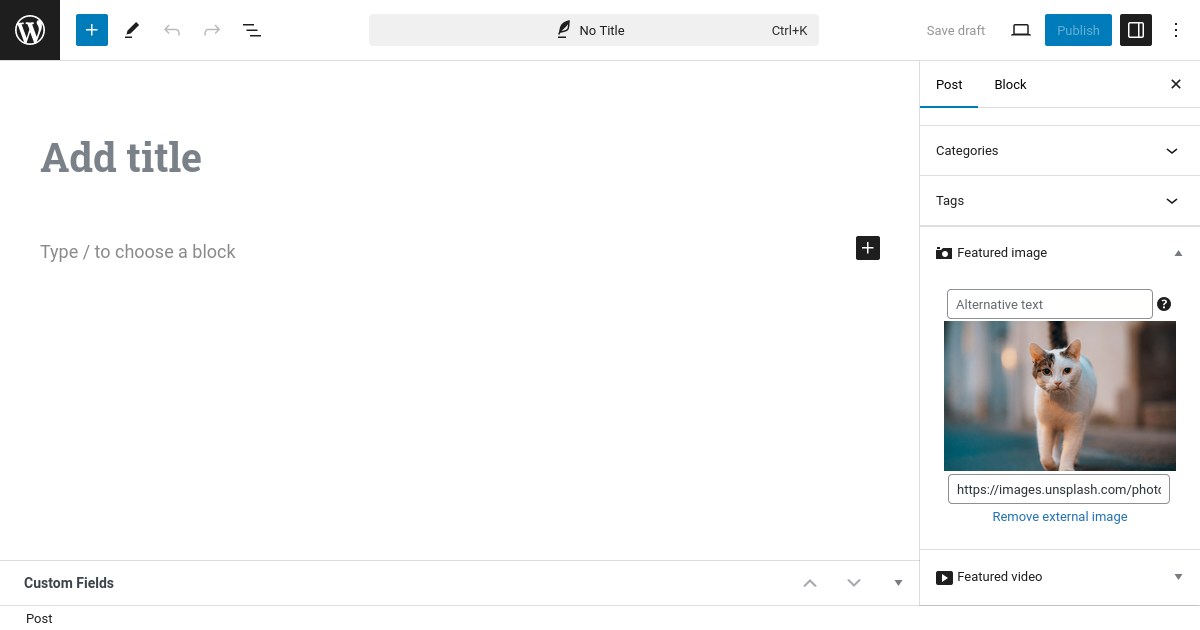
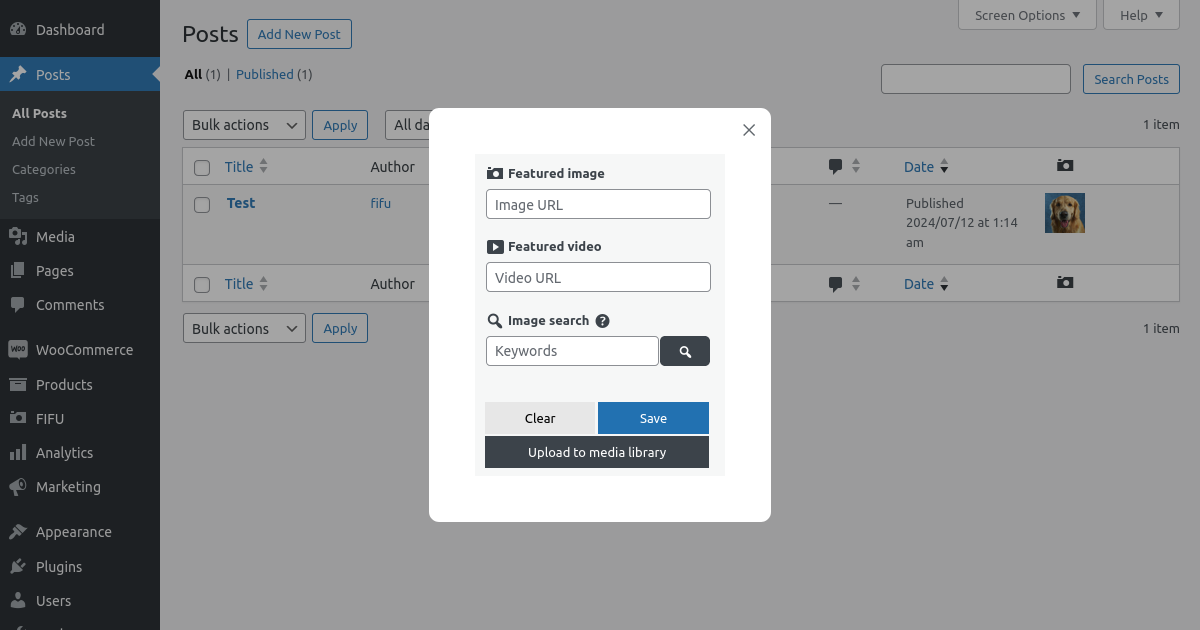
Use a remote image as the featured image of your post, page, custom post type, or WooCommerce product.
- Remote featured image
- Featured image alternative text
- Optimized images
- Make all images square
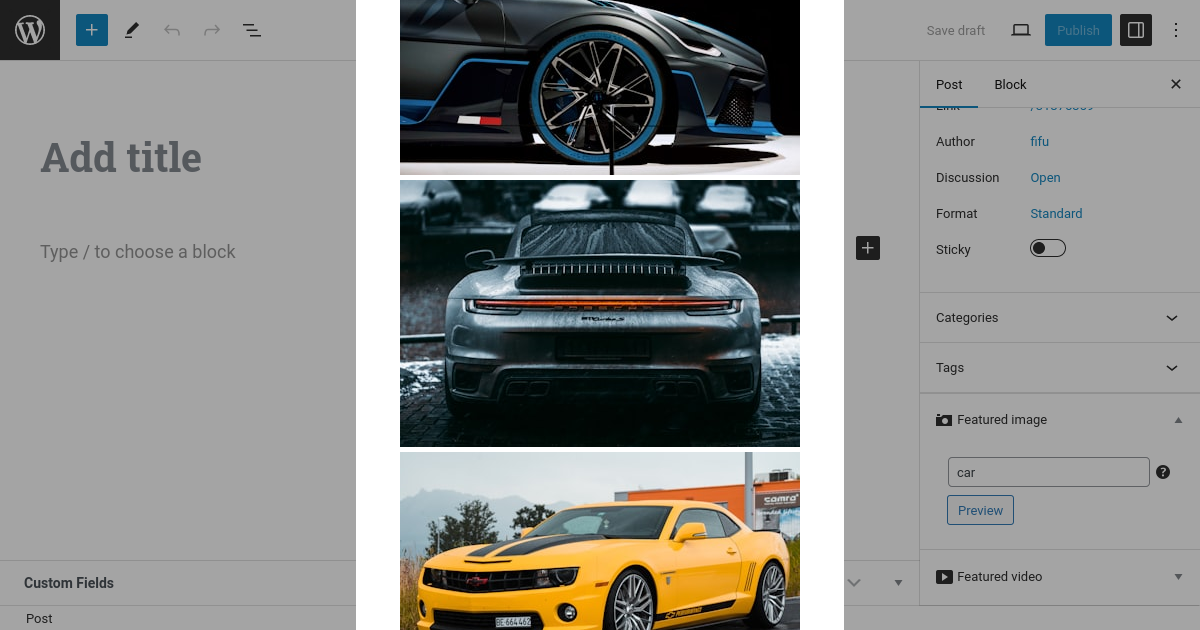
- Image search with Unsplash
- Default featured image
- Hide featured media
- Modify post content
- Auto set image title
- Featured image column
- Quick Edit
- [PRO] Image search with a search engine
- [PRO] Disable right-click
- [PRO] Save in the media library
- [PRO] Replace not found image
- [PRO] Custom popup
- [PRO] bbPress and BuddyBoss Platform integration
- [PRO] Page redirection
Category image
Use a remote image for categories and other supported taxonomy terms.
- Remote category image
- Category image alternative text
Automatic featured media
- Auto set featured media from post content
- [PRO] Auto set featured image using post title and a search engine
- [PRO] Auto set featured media using web page address
- [PRO] Auto set product images from ASIN
- [PRO] Auto set featured media from custom field
- [PRO] Auto set screenshot as featured image
- [PRO] Auto-share on social media
Automation
- WP-CLI integration
- Developer functions
- [PRO] Add-on for WP All Import
- [PRO] WooCommerce import
- [PRO] Advanced REST API integrations
WooCommerce
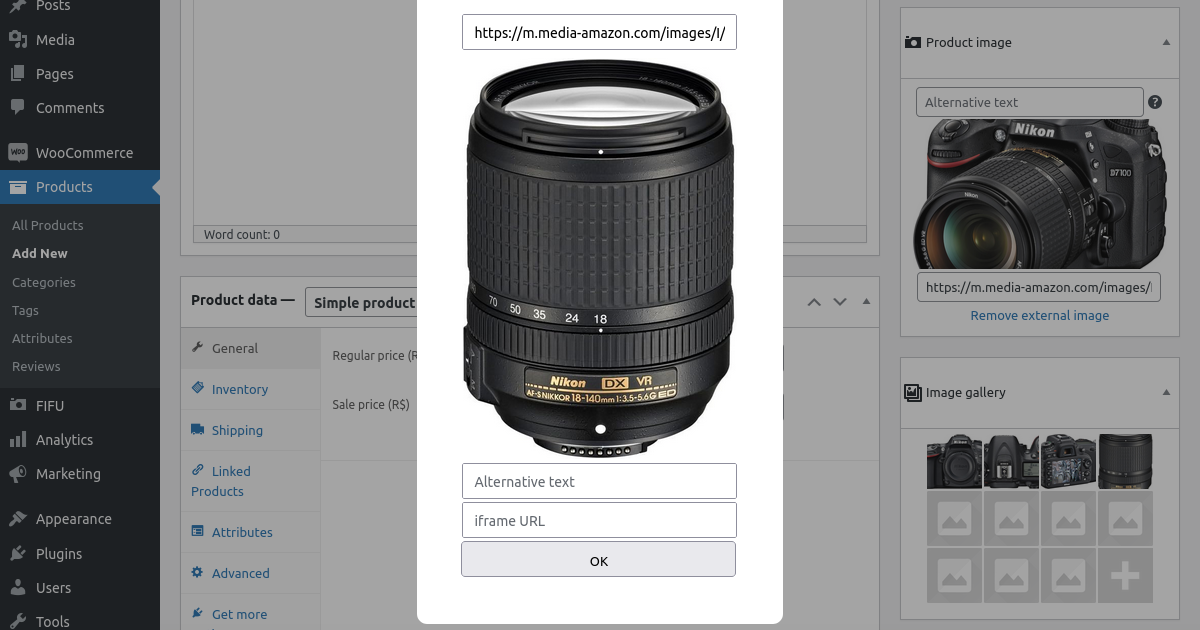
- Remote product image
- Lightbox and zoom
- Remote product category image
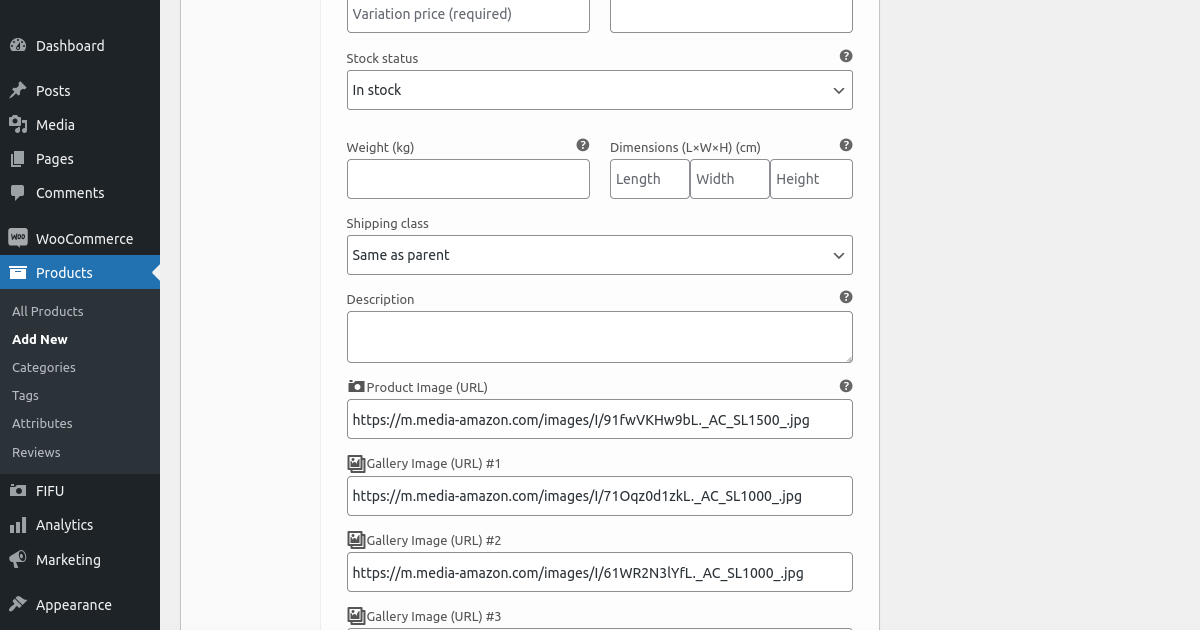
- [PRO] Gallery for remote images
- [PRO] Gallery for remote videos
- [PRO] Category images auto set
- [PRO] Variable product image tools
- [PRO] Variation image tools
- [PRO] Gallery for variation images
- [PRO] Save in the media library
- [PRO] FIFU product gallery
- [PRO] Quick Buy
- [PRO] Add image to order email
Featured video
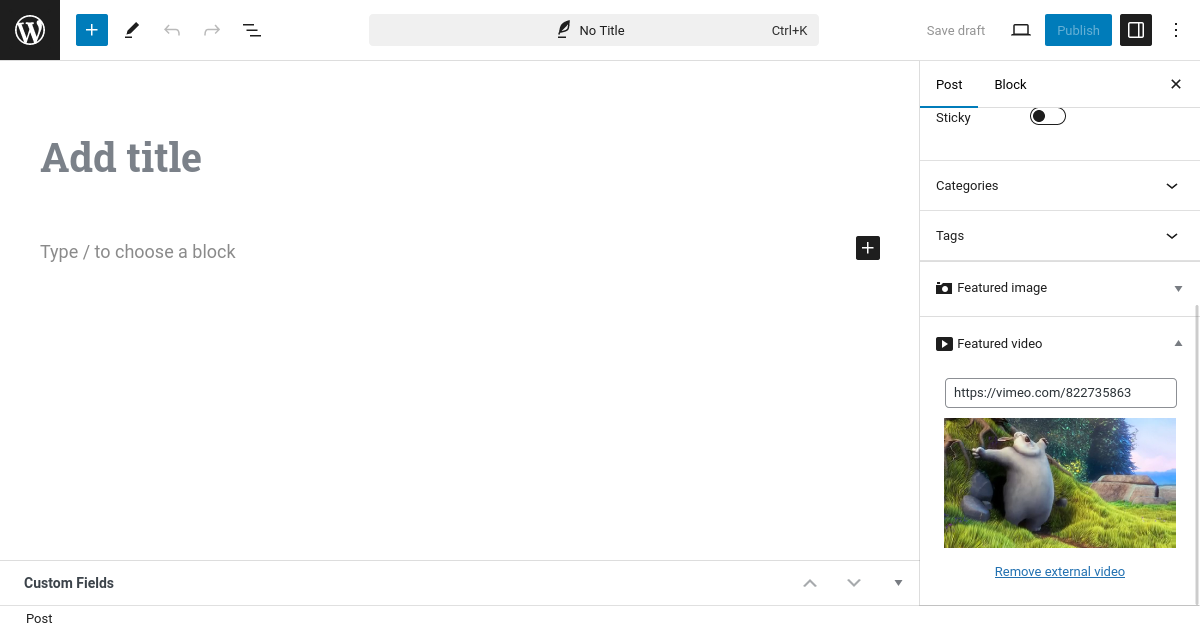
The PRO version supports featured videos from services and external video files.
- [PRO] Featured video
- [PRO] Watch later
- [PRO] Video thumbnail
- [PRO] Play button
- [PRO] Minimum width
- [PRO] Video controls
- [PRO] Autoplay on mouseover
- [PRO] Autoplay
- [PRO] Playback loop
- [PRO] Mute
Widgets for Elementor
- Featured image
- [PRO] Featured video
Fields for Gravity Forms
- Featured image
- [PRO] Featured video
- [PRO] Featured slider
Fields for Dokan
- Featured image
- [PRO] Product gallery
Other PRO features
- [PRO] Featured audio
- [PRO] Featured slider
- [PRO] Image and video galleries
- [PRO] Shortcodes
- [PRO] Advanced WooCommerce media features
Functions for developers
- Featured image:
fifu_dev_set_image($post_id, $image_url) - Product category image:
fifu_dev_set_category_image($term_id, $image_url) - [PRO] Featured video:
fifu_dev_set_video($post_id, $video_url) - [PRO] Featured slider:
fifu_dev_set_slider($post_id, $url_list, $alt_list) - [PRO] Product image + Image gallery:
fifu_dev_set_image_list($post_id, $image_url_list) - [PRO] Product video + Video gallery:
fifu_dev_set_video_list($post_id, $video_url_list) - [PRO] Product category video:
fifu_dev_set_category_video($term_id, $video_url)
FIFU Cloud
- Cloud storage
- Global CDN
- Optimized thumbnails
- Automatic cloud upload and deletion scheduling
- Hotlink protection
Links
Installation
Install FIFU from within WordPress
- Visit the Plugins page in your WordPress dashboard and select “Add New”.
- Search for “FIFU”.
- Install and activate FIFU.
Install FIFU manually
- Upload the
featured-image-from-urlfolder to/wp-content/plugins/. - Activate FIFU through the Plugins menu in WordPress.
Frequently asked questions
Why isn’t the preview button working?
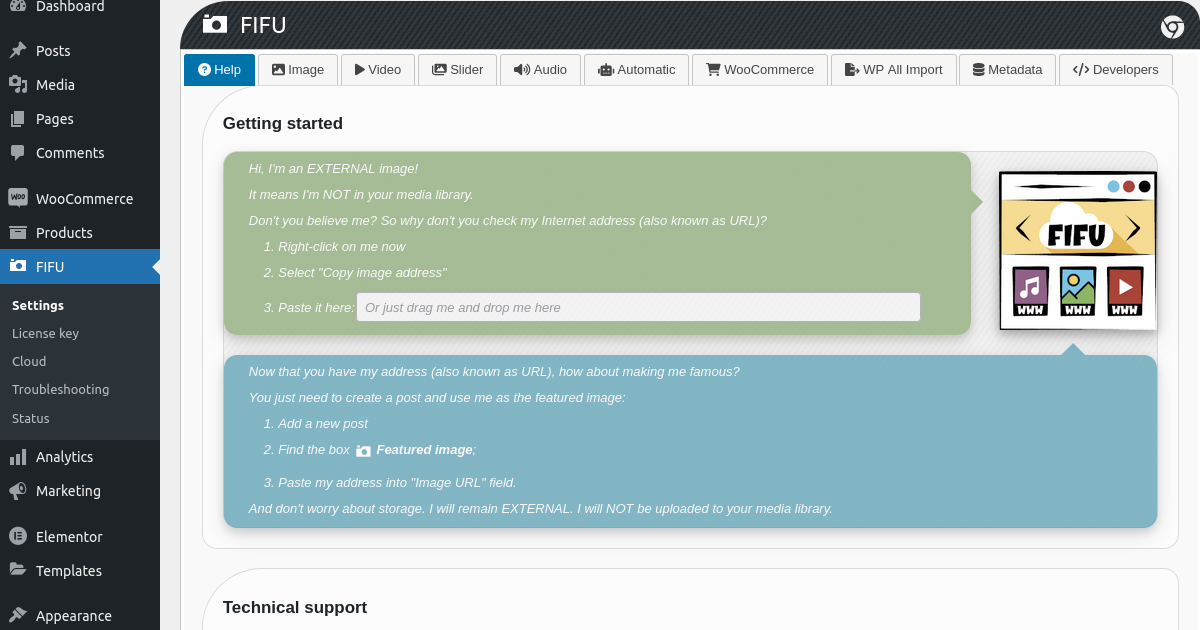
Your image URL may be invalid. Check Settings → Getting started.
Does FIFU save images in the WordPress media library?
No. FIFU is designed to work with external images. Features that save remote images in the WordPress media library are available in FIFU PRO.
Why is the featured image displayed twice?
Check whether the option that adds featured media to the post content is enabled unnecessarily.
Why is the featured image not displayed?
Check whether Hide Featured Media is enabled.
Why are there no changes after updating settings?
Clear any page, object, or CDN caches used by the site.
Is any action necessary before removing FIFU?
If you no longer need FIFU-generated metadata, use the cleanup tools available in FIFU settings before removing the plugin.
What metadata does FIFU create?
FIFU creates database records that allow WordPress components and integrations to work with remote images.
What are the disadvantages of remote images?
Remote images do not automatically have the same locally generated thumbnails as WordPress media-library images. FIFU provides features such as Optimized Images to handle this use case.
What are the advantages of remote images?
Remote images can reduce local storage requirements and make large imports significantly faster because the original images do not need to be downloaded into the WordPress media library.
Do remote images affect SEO?
Search engines can index remote images. As with local images, image accessibility, performance, structured data, alternative text, and the reliability of the source URL can affect results.
Changelog
Addresses a security issue reported by the Patchstack team.
6.0.8
- Fix: Security issue reported by the Patchstack team.
6.0.7
- Fix: Database updates can now retry after a failed update.
6.0.6
- Enhancement: Manual metadata generation and cleanup now use a faster browser-driven workflow.
- Fix: Improved the Clear Metadata tool with more reliable processing and progress reporting.
- Performance: Improved compatibility with FacetWP to avoid unnecessary image processing.
- Fix: Remote product images are now handled correctly when duplicating WooCommerce products.
- Fix: Improved compatibility with themes and plugins that provide WordPress object IDs as numeric strings.
- Fix: Signed CDN image URLs now work correctly with Unicode characters.
- Fix: Improved compatibility with block-based editors by preventing conflicting WordPress editor scripts from being loaded.
- Fix: Improved WoodMart compatibility by preventing remote FIFU images from being processed as local thumbnails.
6.0.5
- Fix: Featured images are now synchronized correctly with third-party plugins that process posts immediately after they are saved.
- Fix: WooCommerce product featured images no longer disappear after changing a product permalink.
6.0.4
- Fix: Fixed featured image synchronization in the block editor (Gutenberg) when setting, changing, or removing a remote featured image.
6.0.3
- Fix: Restored remote featured images correctly in the Classic Editor, including when changing or removing an existing featured image.
- Fix: Rank Math social image URLs now remain secure HTTPS URLs instead of being changed to HTTP.
- Fix: Fixed database setup and upgrade compatibility with MariaDB 10.3.
- Fix: Featured image width and height are now saved correctly on the first editor save.
- Performance: Prevented repeated database upgrade work on WordPress Multisite installations.
- Compatibility: WordPress 7.1.
Screenshots


For developers
Is this your plugin? Show off the numbers.
Add a live badge to your site, docs or GitHub README. It updates on its own — no account needed.
Best Featured Image from URL (FIFU) alternatives
All featured plugins →





FAQ
Featured Image from URL (FIFU): quick answers
Straight answers, pulled from live WordPress.org data.
Live data from WordPress.org · checked Sep 27, 2026
Is Featured Image from URL (FIFU) free?
Yes. Featured Image from URL (FIFU) is free to download and use from the official WordPress.org plugin directory.
Is Featured Image from URL (FIFU) safe to use in 2026?
Yes — Featured Image from URL (FIFU) is a safe, well-maintained plugin to use in 2026. It runs on 60K+ sites, is rated 4.6/5 and was last updated 3 weeks ago, and scores 92/100 on our health check.
How many websites use Featured Image from URL (FIFU)?
Featured Image from URL (FIFU) is active on 60K+ WordPress websites and has been downloaded 7,400,553 times since it launched in October 2015. It was downloaded 57,649 times in the last 30 days.
Does Featured Image from URL (FIFU) work with WordPress 7.1?
Yes. The developer has tested Featured Image from URL (FIFU) up to WordPress 7.1.2, the latest release. It requires WordPress 5.6 or newer.
What PHP version does Featured Image from URL (FIFU) need?
Featured Image from URL (FIFU) requires PHP 8.1 or higher. Most hosts run PHP 8.x today, so it works on any modern WordPress hosting.
When was Featured Image from URL (FIFU) last updated?
The latest version, 6.0.8, was released on September 9, 2026 (3 weeks ago).
Who makes Featured Image from URL (FIFU)?
Featured Image from URL (FIFU) is developed and maintained by fifu.app.
What are the best alternatives to Featured Image from URL (FIFU)?
The most popular alternatives to Featured Image from URL (FIFU) are Conditionally display featu… (30K+ installs), Hide Featured Image (10K+ installs) and Daddy Plus (8K+ installs).
Powered by PageForge
Want thousands of pages that rank like these? Build them in an afternoon.
This directory runs on the same engine as PageForge. Turn any spreadsheet, CSV or API into thousands of fast, SEO-ready WordPress pages — with schema, internal links and AI-written copy baked in.
- CSV, Google Sheets & API data sources
- AI content, schema & internal links per page
- Works with Elementor, Gutenberg, Yoast & Rank Math
- Free on WordPress.org — no credit card


