



Display Category and Taxonomy List
Display Category and Taxonomy List is a clean and flexible plugin for showcasing WordPress categories or any custom taxonomy in a grid layout. It’s perfect for blogs, directories, WooCommerce stores, and content-heavy…

Solid choice
Display Category and Taxonomy L… is a solid plugin choice in 2026, with a few things worth checking first. It runs on 10+ sites, is rated 5/5 and was last updated 2 months ago, and scores 69/100 on our health check.
- Tested with the latest WordPress (7.1)
- Small user base (10+ active installs)
- Very few reviews so far
- Needs PHP 8.2 or newer
How does it stack up?
Side-by-side on installs, updates, ratings & support



Daily downloads
Download spikes usually follow a new release — each site that auto-updates counts as a download.
Rankings
Where Display Category and Taxono… stands todayWordPress.org search rankings
Live position in the plugin search, top 100| Keyword | Position |
|---|---|
| categories | >100 |
| category image | >100 |
| category list | #70 |
| taxonomy list | #37 |
| term image | >100 |
Version adoption
Share of active sites per release.
Rating breakdown
★★★★★★★★★★ 5 from 1 reviews
About Display Category and Taxonomy List
From the official readme · v2.0.0Description
Display Category and Taxonomy List is a clean and flexible plugin for showcasing WordPress categories or any custom taxonomy in a grid layout. It’s perfect for blogs, directories, WooCommerce stores, and content-heavy websites that want a more visual, engaging way to organize taxonomies.
🏆 Core Features (Free Version):
– Display categories or custom taxonomy terms using [dcatl_category_list]
– Set featured images for terms (categories, tags, or any custom taxonomy)
– Multiple layout styles with responsive design
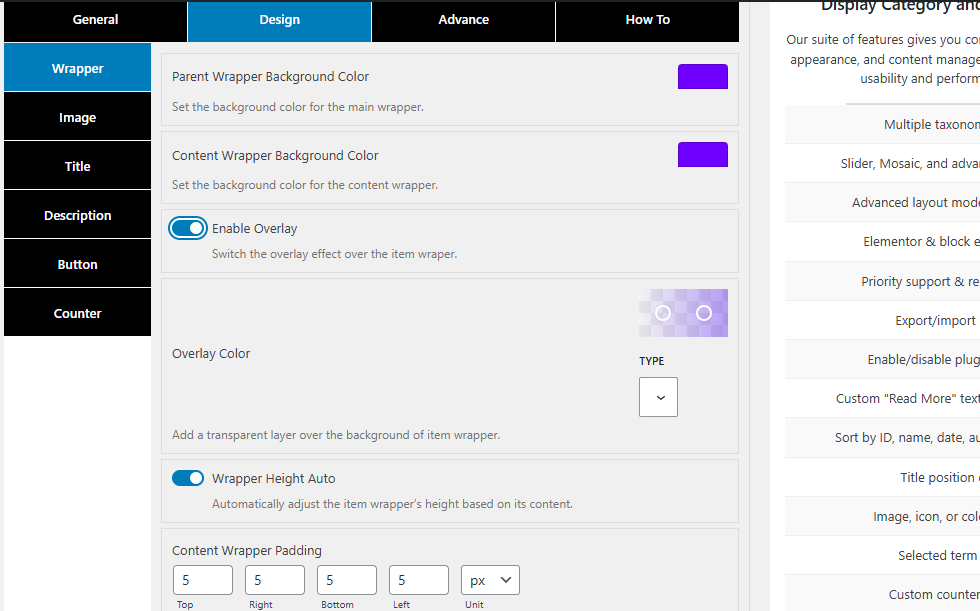
– Custom wrapper height and auto height options
– Background image auto sizing for clean layout
– Title and button hover color options
– Title hover effect for interactive UI
– Counter badge with color and font customization
– Show or hide title, description, button, and counter individually
– Flexible design options: overlay color, font size, font color, box shadows
– Range sliders for spacing, height, and layout control
– Clean wrapper and item structure for easy design control
– Padding and margin settings for main wrapper and content area
– Sorting options and taxonomy selection via settings
– Built-in media queries for mobile responsiveness
– Button design controls including font size, background color, and padding
🌟 Get More with Premium Version:
Unlock full design flexibility and pro-level controls:
– Multiple taxonomy display
– Slider, Mosaic, and advanced Grid layouts
– Advanced layout modes & transitions
– Elementor & block editor support
– Priority support & regular updates
– Export/import settings
– Enable/disable plugin stylesheet
– Content length control
– Custom “Read More” text.
– Child item depth control (e.g. 2nd, 3rd level)
– Additional sorting and ordering controls
– Title position control (top/bottom)
– Image, icon, or color for terms
– Special button icon
– Display selected terms only
– Custom counter position
– Tree view with vertical/horizontal layouts
– Multi-line or single-line display
– Multiple Image hover effects
👉 Upgrade to Premium and unlock all features!
How It Works
- Go to the Category section and add a term image.
- Go to the Category List menu in your WordPress admin.
- Configure the layout, design, and display settings. (In the free version, you can use one taxonomy item.)
- Add
[dcatl_category_list]to any page, post, or widget. - The plugin will automatically display taxonomy terms based on your settings.
Shortcode
Use this shortcode: [dcatl_category_list]
Note: The shortcode does not accept attributes at this time. All options are managed globally through the Category List settings panel.
Note
The plugin does not use shortcode attributes — all customization is handled through the admin settings panel.
Upcoming Features
- Shortcode attributes for layout and filtering
- Additional layout styles (masonry, carousel, list view)
- AJAX filtering and live search
- Additional RTL and accessibility refinements
- Per-term image override via filters
- Import/export settings
Support
Need help? Visit the support forum or reach out via the plugin page.
License
This plugin is open-source and released under the GPLv2 or later.
Credits
Built with care to enhance how WordPress displays taxonomy content. Contributions and feedback are always welcome!
Installation
- Upload the plugin folder to the
/wp-content/plugins/directory. - Activate the plugin from the Plugins menu in WordPress.
- Navigate to Category List in your dashboard.
- Configure your desired settings.
- Add image on your term.
- Use
[dcatl_category_list]in any content area.
Frequently asked questions
Can I use this plugin with custom taxonomies?
Yes. It supports any registered taxonomy, when they are public, visible in the WordPress admin, and exposed through the REST API. This includes common taxonomies created by WooCommerce or CPT UI when configured accordingly.
How do I assign a featured image to a category or taxonomy term?
Go to Posts > Categories (or your custom taxonomy). Edit the term and upload an image using the “Upload an image” field added by the plugin.
Can I display a list of product categories?
Yes. If you’re using WooCommerce, your product categories will be detected automatically. Just make sure to set images for each product category.
Is this plugin responsive?
Absolutely. The layout adapts to any screen size, ensuring a great look on desktops, tablets, and mobile devices.
Can I hide the “Uncategorized” category?
Yes. There’s an option in the settings to disable the display of the default “Uncategorized” term.
Does the plugin support multiple layouts or templates?
Yes. You can select a layout style under the “General” tab in the settings. More templates are planned in future updates.
Is there a way to control what’s shown (title, description, counter, button)?
Yes. Under the “General” settings, you can enable/disable individual elements like title, description, counter, and read more button.
Can I sort the terms by name, count, or other options?
Yes. Use the “Items Order By” and “Items Order” options to control sorting logic.
Can I use this inside a page builder like Elementor or Gutenberg?
Definitely. Just use a shortcode widget/block and paste [dcatl_category_list].
Are there any shortcode parameters?
Not at the moment. All display logic is controlled via the settings panel, but shortcode attributes will be added in a future version.
Changelog
2.0.0
- Improved plugin security and settings validation.
- Improved frontend performance with conditional asset loading.
- Improved shortcode rendering and error handling.
- Improved taxonomy image security and accessibility.
- Fixed settings save and notification issues.
- Fixed invalid sorting, column, and template values.
- Changed the default sorting to Name in ascending order.
- Changed taxonomy selection to support one taxonomy at a time.
- Added complete plugin data cleanup during uninstall.
- Improved translations and accessibility throughout the plugin.
1.0.0
- Initial release
- Shortcode display of categories or taxonomies
- Global settings for layout, visibility, and design
- Responsive design and theme compatibility
Screenshots
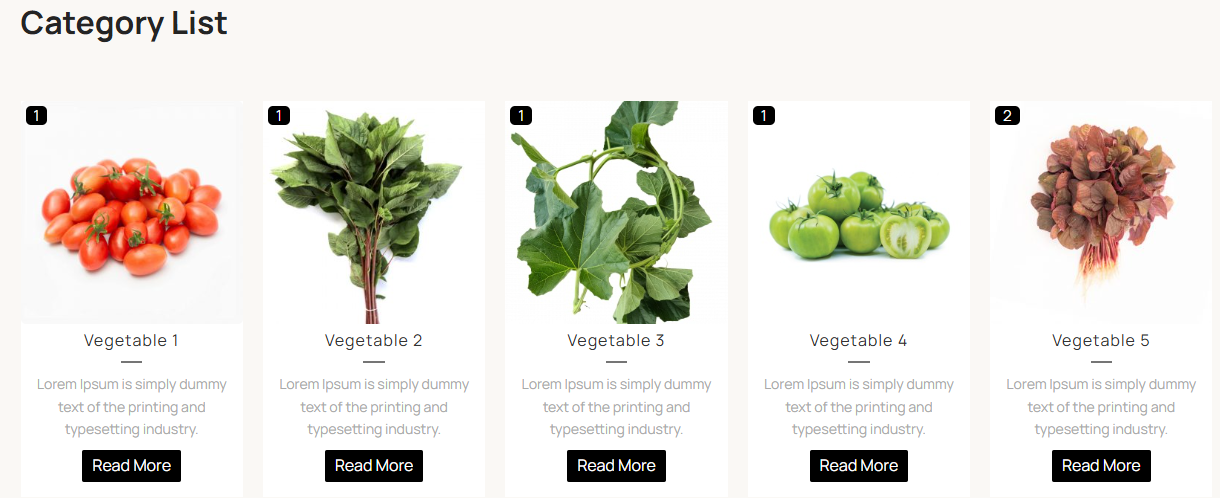
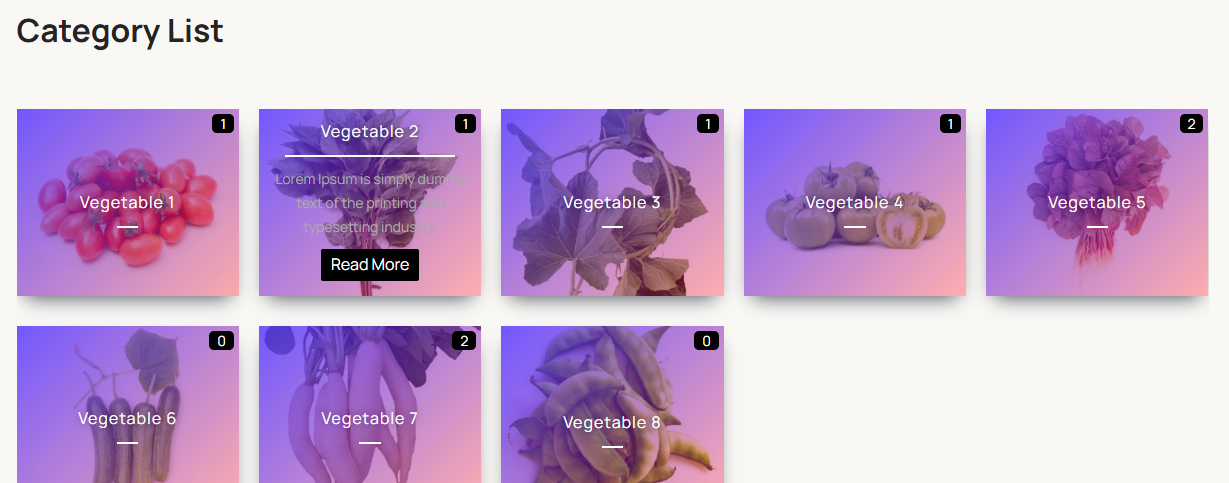
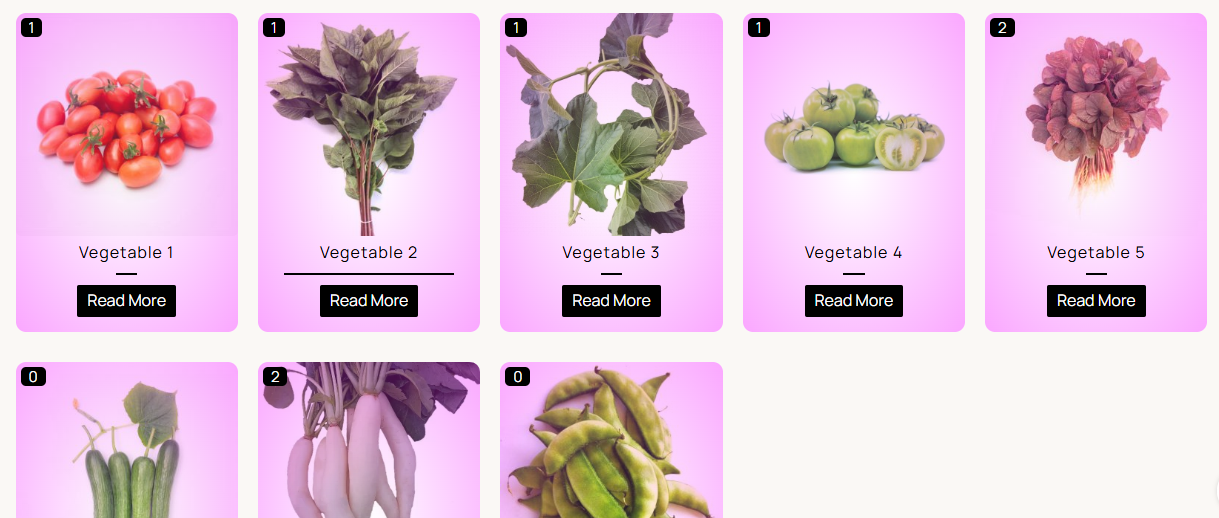
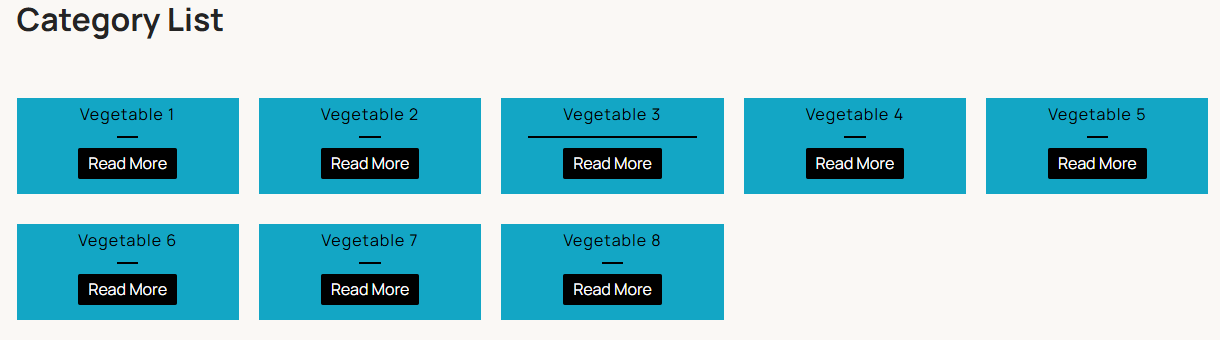
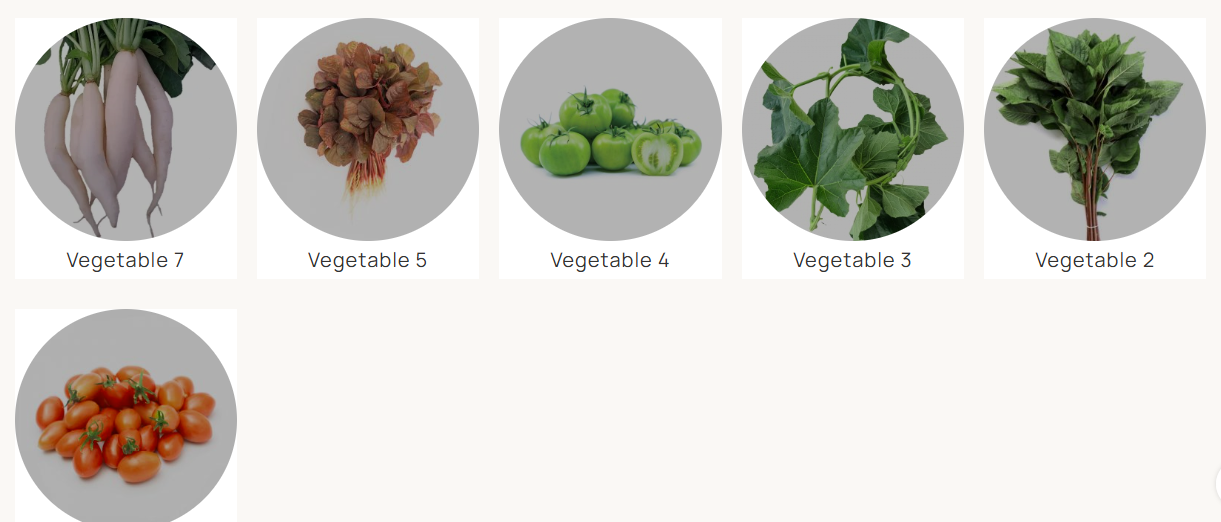
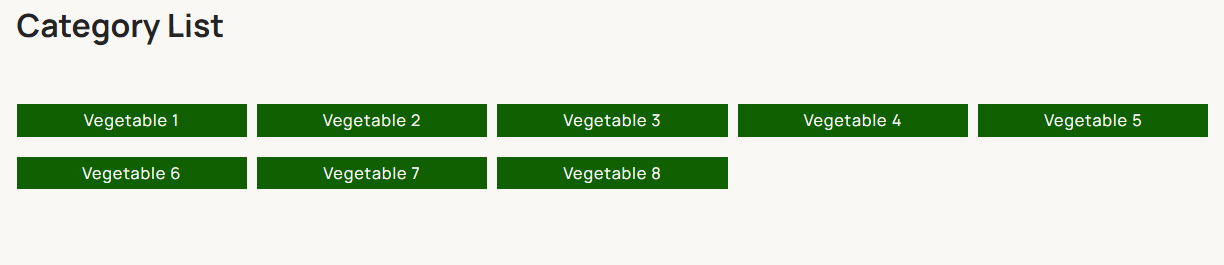
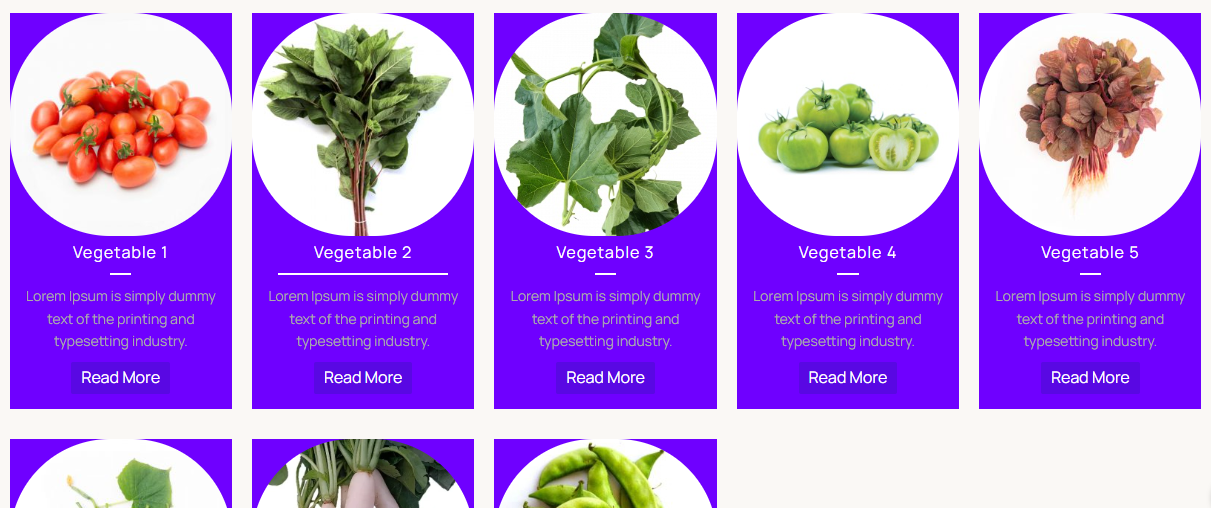
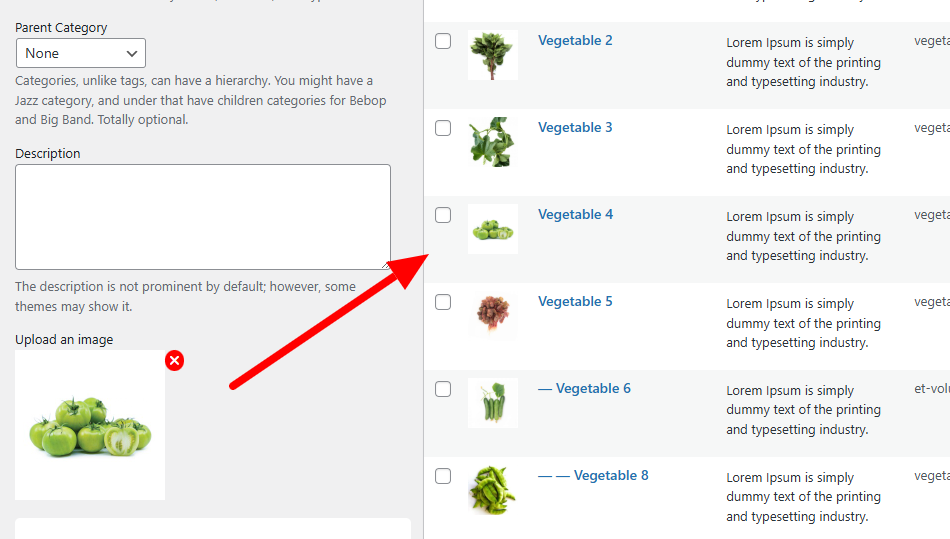
For developers
Is this your plugin? Show off the numbers.
Add a live badge to your site, docs or GitHub README. It updates on its own — no account needed.
Best Display Category and Taxonomy… alternatives
All categories plugins →




FAQ
Display Category and Taxonomy List: quick answers
Straight answers, pulled from live WordPress.org data.
Live data from WordPress.org · checked Sep 27, 2026
Is Display Category and Taxonomy L… free?
Yes. Display Category and Taxonomy L… is free to download and use from the official WordPress.org plugin directory.
Is Display Category and Taxonomy L… safe to use in 2026?
Display Category and Taxonomy L… is a solid plugin choice in 2026, with a few things worth checking first. It runs on 10+ sites, is rated 5/5 and was last updated 2 months ago, and scores 69/100 on our health check.
How many websites use Display Category and Taxonomy L…?
Display Category and Taxonomy L… is active on 10+ WordPress websites and has been downloaded 724 times since it launched in September 2025. It was downloaded 99 times in the last 30 days.
Does Display Category and Taxonomy L… work with WordPress 7.1?
Yes. The developer has tested Display Category and Taxonomy L… up to WordPress 7.1.2, the latest release. It requires WordPress 6.5 or newer.
What PHP version does Display Category and Taxonomy L… need?
Display Category and Taxonomy L… requires PHP 8.2 or higher. Most hosts run PHP 8.x today, so it works on any modern WordPress hosting.
When was Display Category and Taxonomy L… last updated?
The latest version, 2.0.0, was released on July 17, 2026 (2 months ago).
Who makes Display Category and Taxonomy L…?
Display Category and Taxonomy L… is developed and maintained by Md Rashidul Azam (Nishan).
What are the best alternatives to Display Category and Taxonomy L…?
The most popular alternatives to Display Category and Taxonomy L… are List category posts (80K+ installs), Media Library Assistant (70K+ installs) and Tag, Category, and Taxonomy… (40K+ installs).
Powered by PageForge
Want thousands of pages that rank like these? Build them in an afternoon.
This directory runs on the same engine as PageForge. Turn any spreadsheet, CSV or API into thousands of fast, SEO-ready WordPress pages — with schema, internal links and AI-written copy baked in.
- CSV, Google Sheets & API data sources
- AI content, schema & internal links per page
- Works with Elementor, Gutenberg, Yoast & Rank Math
- Free on WordPress.org — no credit card


