



Dark Reader – Beautiful Dark Mode for any Website
Complete WordPress dark mode with brightness control, contrast adjustment, toggle styles, and auto detection.

Solid choice
Dark Reader is a solid plugin choice in 2026, with a few things worth checking first. It runs on 200+ sites, is rated 5/5 and was last updated 10 hours ago, and scores 70/100 on our health check.
- Actively developed — last update 10 hours ago
- Tested with the latest WordPress (7.1)
- Small user base (200+ active installs)
How does it stack up?
Side-by-side on installs, updates, ratings & support


Daily downloads
Download spikes usually follow a new release — each site that auto-updates counts as a download.
Rankings
Where Dark Reader stands todayWordPress.org search rankings
Live position in the plugin search, top 100| Keyword | Position |
|---|---|
| dark | #7 |
| dark mode | #7 |
| dark theme | #8 |
| Night Mode | #9 |
| wp dark | #12 |
Version adoption
Share of active sites per release.
Rating breakdown
★★★★★★★★★★ 5 from 5 reviews
About Dark Reader
From the official readme · v1.1.13Description
Dark Reader turns your WordPress site into a comfortable dark mode experience with one click. It reduces eye strain, improves night-time readability, and gives visitors the same adaptive experience their phone already offers.
Trusted by 100,000+ websites, it works with any theme and needs no coding.
Live Demo | Get Dark Reader | Docs
Key Features
- Enable Dark Mode – switch every post and page to a dark colour scheme.
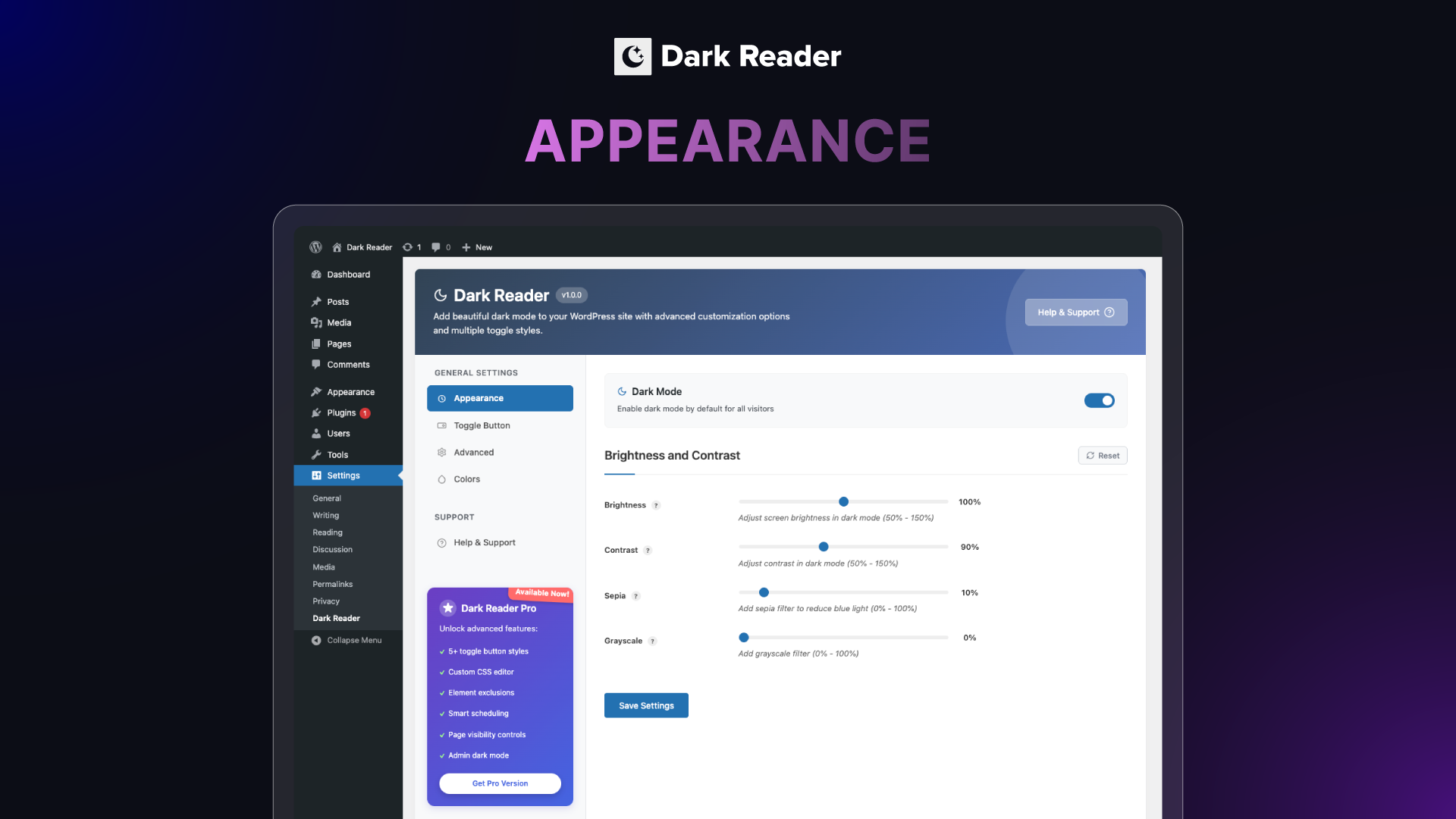
- Brightness Control – how light or dark the page appears.
- Contrast Control – text-to-background difference, for accessible reading.
- Sepia Filter – a warm tone that cuts blue light while reading.
- Grayscale Filter – shades of grey for a distraction-free look.
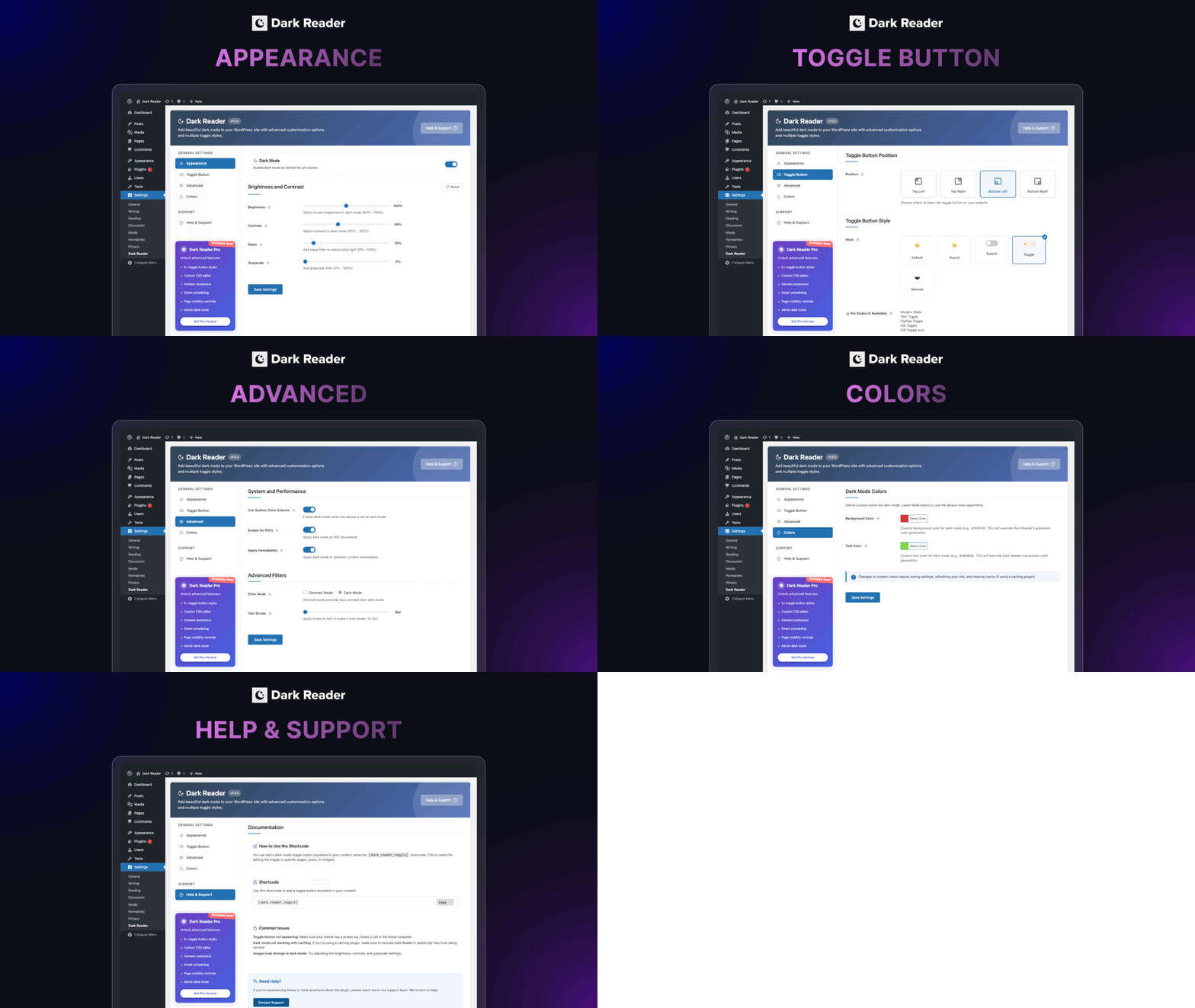
- Toggle Button Position – place the switch in any screen corner.
- 5+ Toggle Styles – Default, Round, Switch, Toggle and Minimal.
- Use System Color Scheme – follow the visitor’s device preference.
- Enable for PDFs – dark mode for embedded PDF files.
- Apply Immediately – no flash of light content before dark mode loads.
- Filter Mode – softer Dimmed mode or high-contrast Dark mode.
- Text Stroke – outline text so it stays legible on dark backgrounds.
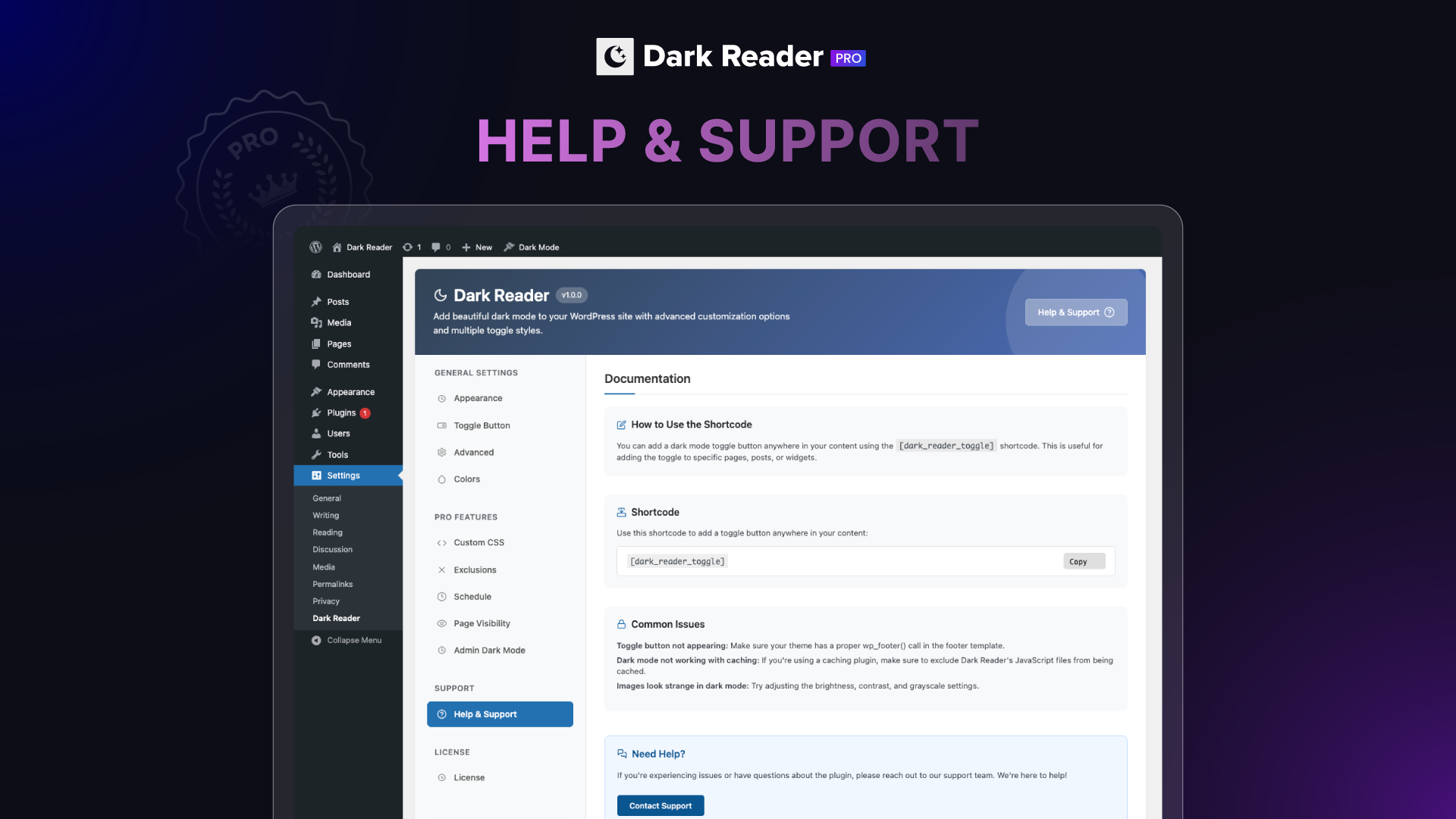
- Shortcode – place
[dark_reader_toggle]anywhere on your site. - Export / Import Settings – back up your configuration as JSON.
Pro Features
- Time-Based Dark Mode – schedule it by time, date or sunset.
- Admin Dashboard Dark Mode – a dark backend for long sessions.
- Image Handling – brightness, grayscale, invert, or a separate dark mode image.
- Video Support – videos adapt to the dark interface.
- Widget Support – toggle blocks for Gutenberg and Elementor.
- Custom CSS – write your own dark mode rules.
- Exclusions – keep chosen elements, pages or posts untouched.
- Custom Toggle Button – your own icons, colours, border and size.
- Dark Mode Analytics – see how many visitors actually use it.
Lightweight, responsive and accessible. Works with Elementor, WPBakery, Divi and Break Builder, and behind caching plugins.
Checkout our other Plugins 👑
Explore the best free addons for Elementor and Gutenberg to boost your site with advanced blocks, sliders and eCommerce tools.
-
Element Pack – Build responsive websites from scratch with an all-rounder package of 300+ widgets and 2700+ ready-to-use assets for Elementor.
-
Prime Slider – The revolutionary slider builder addon for Elementor with a next-gen superb interface and 50+ unique slider designs.
-
Ultimate Post Kit – Best blogging addon for building a quality blogging website with fine-tuned post layouts, carousels, sliders and lists.
-
Ultimate Store Kit – The only eCommerce addon for answering all your online store design problems in one package for WooCommerce and EDD.
-
Pixel Gallery – The first Elementor-based WordPress gallery addon offering 60+ flexible and customizable gallery builder widgets.
-
ZoloBlocks – Mind-blowing dynamic block plugin for Gutenberg with powerful and advanced features offering a greater web design experience.
-
Augmented Reality Viewer – Bring your products to life with immersive 3D and AR experiences directly inside your WordPress website.
-
Dark Reader – Instantly transform your website into a sleek, eye-friendly dark mode experience with smooth and elegant styling.
-
Instant Image Generator – Generate AI-powered images or import visuals instantly from popular platforms like Unsplash, Openverse, Pixabay, Pexels and Giphy — all from one place.
-
Live Copy Paste – Seamlessly copy and paste sections, widgets and entire pages across domains with zero hassle.
-
One Accessibility – Make your website inclusive and accessible to everyone with essential accessibility enhancements and compliance-ready tools.
-
QR Code Generator & Scanner – Create and manage dynamic QR codes directly from your WordPress dashboard for smarter engagement and tracking.
-
Smart Admin Assistant – Enhance your WordPress dashboard with productivity-focused tools and smart site management features.
-
Spin Wheel – Engage visitors with an interactive spinning wheel that offers discounts, coupons and promotional rewards.
-
Swift Checkout for WooCommerce – Simplify the WooCommerce checkout process to improve user experience and boost conversion rates.
Visit BdThemes to learn about our services, Elementor page builder-based products, informative blogs and documentation.
Installation
- Upload the
dark-readerfolder to the/wp-content/plugins/directory - Activate the plugin through the ‘Plugins’ menu in WordPress
- Go to Admin Dashboard > Dark Reader > Configure your dark mode settings
- Select your preferred toggle button style and position
- Save your settings and enjoy your beautiful dark mode!
Frequently asked questions
Will Dark Reader slow down my website?
No, Dark Reader is designed to be lightweight and optimized for performance. The plugin loads efficiently and has minimal impact on your page load times.
Can I customize the colors used in dark mode?
Yes! Dark Reader allows you to set custom background and text colors for both dark and light modes. You can create your own unique color scheme that matches your brand.
Does Dark Reader work with all themes?
Dark Reader is designed to work with most WordPress themes. The plugin uses advanced algorithms to transform your website’s colors intelligently. However, some themes with complex CSS or custom JavaScript might require minor adjustments.
Can visitors choose their preferred mode?
Absolutely! The toggle button allows visitors to switch between light and dark modes at any time. Their preference is saved for future visits.
Can I add the dark mode toggle button to specific locations?
Yes, you can use the [dark_reader_toggle] shortcode to add the toggle button anywhere in your content, widgets, or template files.
Does Dark Reader support system preferences?
Yes! Dark Reader can automatically detect and apply your visitor’s system color scheme preference, switching to dark mode when their device is using dark mode.
Will images be inverted in dark mode?
No, Dark Reader is smart enough to preserve the original appearance of images while darkening the surrounding content. This ensures your images look their best in both modes.
Can I schedule dark mode to activate at specific times?
Yes, you can schedule dark mode to activate at specific times on most modern operating systems and many mobile devices.
Is Dark Reader compatible with caching plugins?
Yes, Dark Reader works with popular caching plugins. The plugin’s JavaScript runs on the client-side, so it continues to function even with cached pages.
Can I exclude certain elements from dark mode?
This functionality is available in the Pro version. You can exclude specific elements, pages, or posts from dark mode transformation.
Can I backup and restore my Dark Reader settings?
Yes! Dark Reader includes an Export/Import feature that allows you to backup all your settings to a JSON file and restore them later. This is useful when migrating to a new site or testing different configurations.
Where do I report security bugs found in this plugin?
Please report security bugs found in the source code of the Dark Reader plugin through the Patchstack Vulnerability Disclosure Program. The Patchstack team will assist you with verification, CVE assignment, and notify the developers of this plugin.
Changelog
1.1.13 [29th September 2026]
- Fixed: Saved Pro toggle style no longer resets to Default when the license lapses; it returns once the license is active again
1.1.12 [1st September 2026]
- Fixed: Flash of light content before dark mode loads; the prevention script was never printed
- Fixed: Dark mode preference read under the wrong storage key on page specific visibility
- Fixed: Page could stay colour inverted if dark mode initialisation failed
- Updated: Made compatible with WordPress version 7.1
1.1.11 [18th August 2026]
- Fixed: Text domain on the White Label menu labels
- Fixed: Timezone-safe filename for exported settings
- Updated: Cached the Pro option lookup used by settings export
- Updated: Prefixed the admin template variables
- Updated: Trimmed the readme description to the supported length
1.1.10 [10th August 2026]
- Removed: Promotion notice feature and all of its assets, AJAX handler, and dismissal logic
- Removed: Dashboard feed widget and its remote feed requests, transients, and styles
1.1.9 [8th August 2026]
- Fixed: Security issue where data returned by the promotions API could be injected as script into the WordPress admin area
- Fixed: Promotion links and images are now restricted to http(s) and mailto addresses
1.1.8 [4th June 2026]
- Updated: Made compatible with WordPress version 7.0
Screenshots
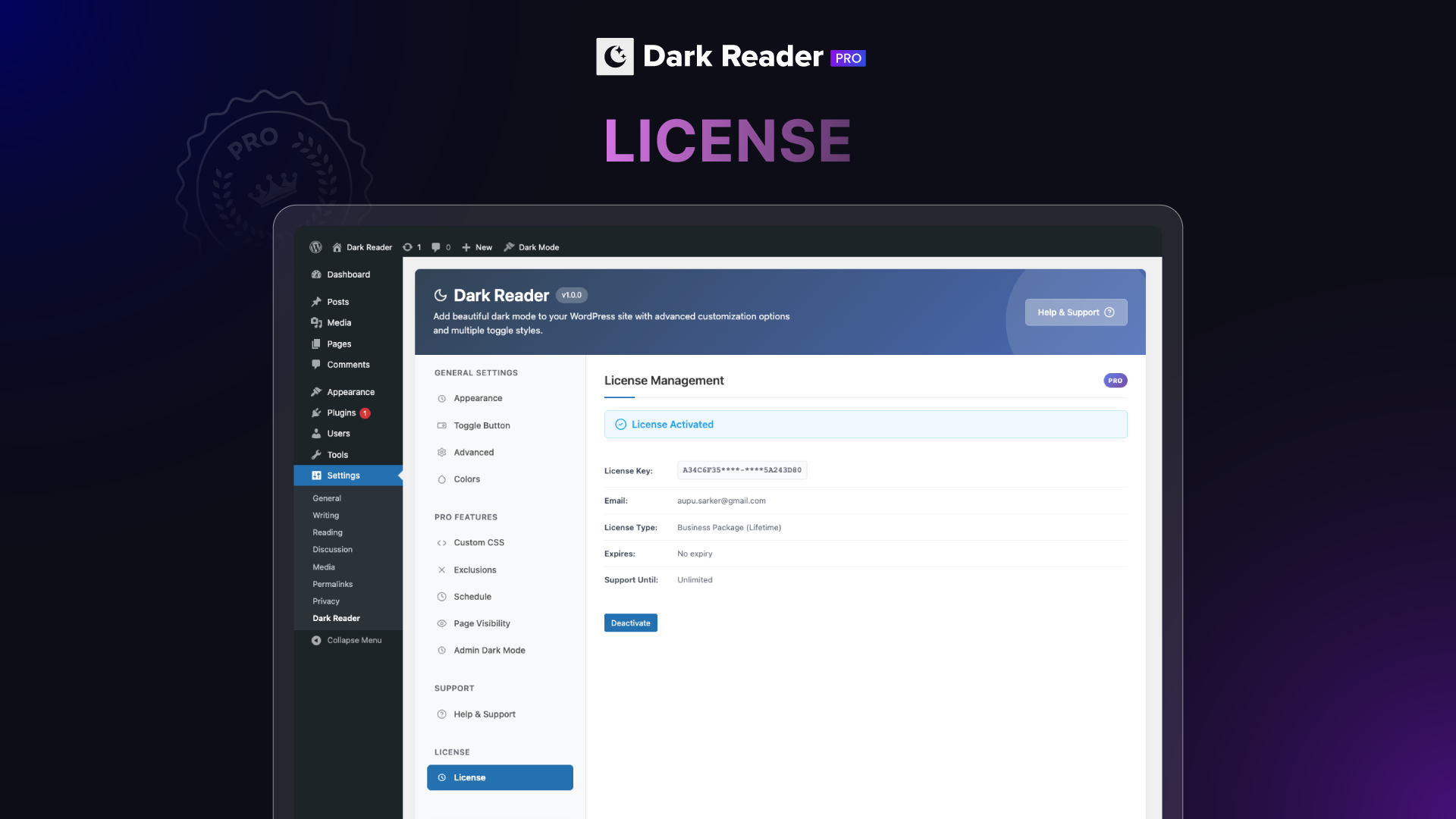
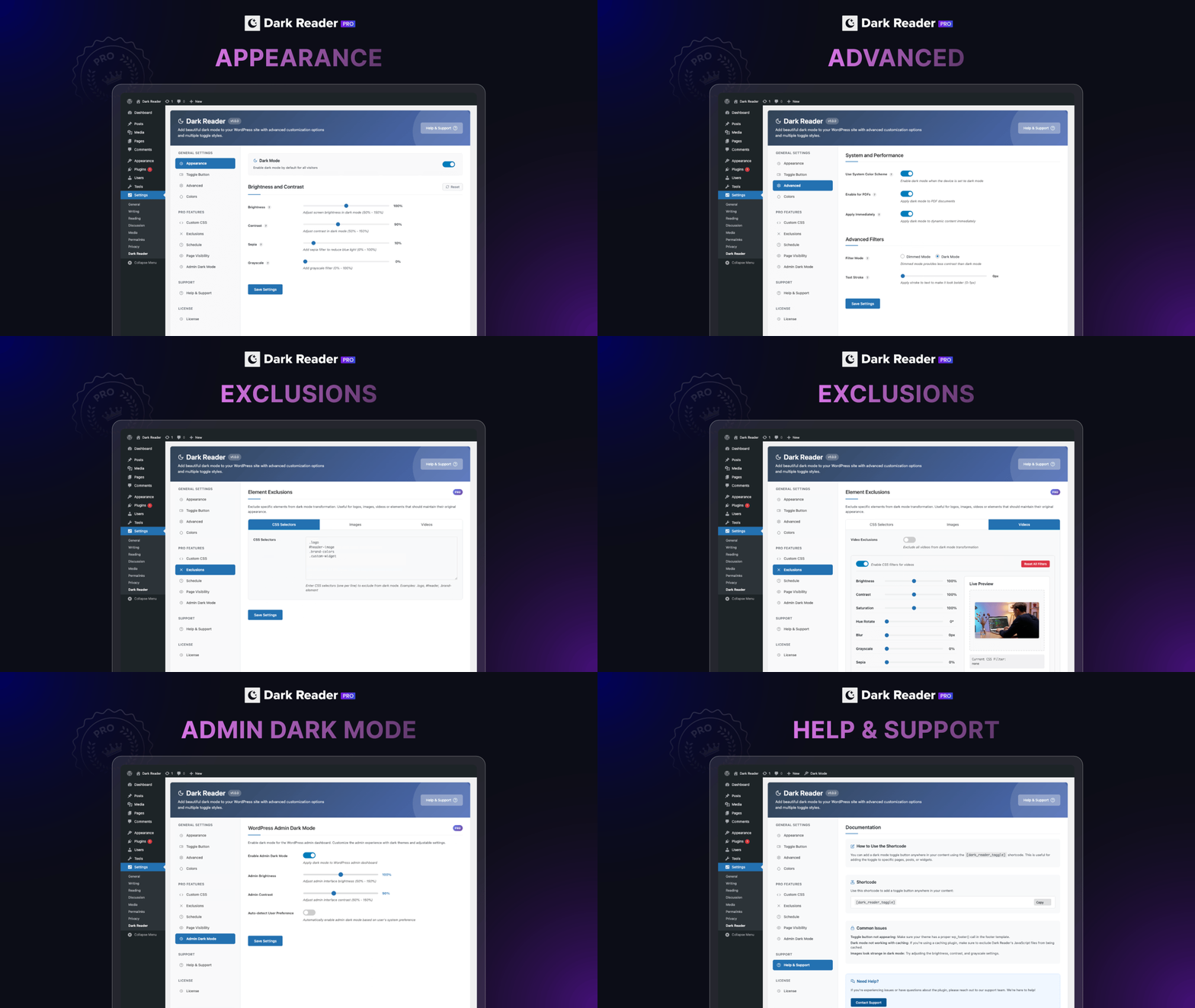
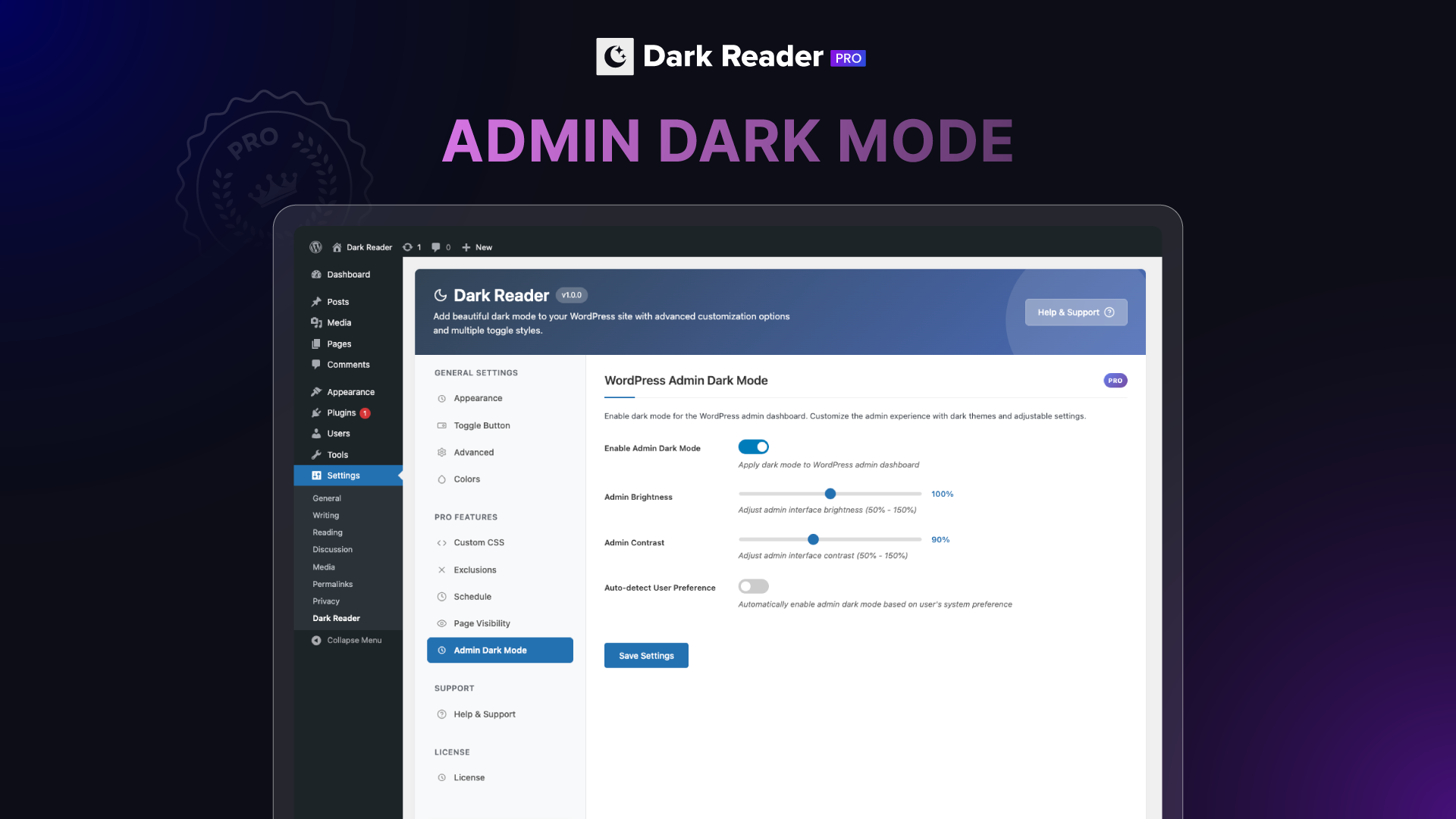
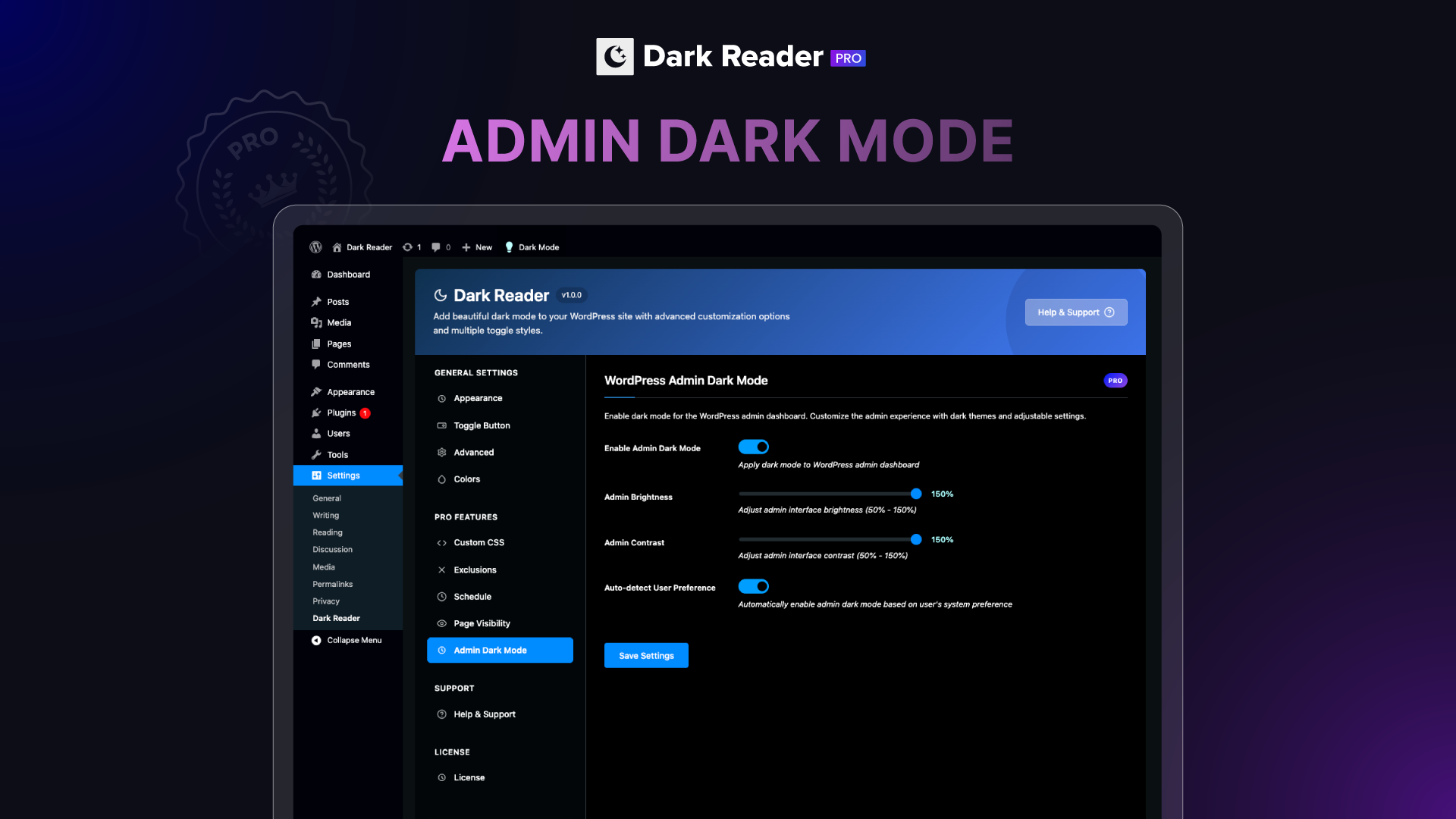
For developers
Is this your plugin? Show off the numbers.
Add a live badge to your site, docs or GitHub README. It updates on its own — no account needed.
Best Dark Reader alternatives
All dark plugins →





FAQ
Dark Reader: quick answers
Straight answers, pulled from live WordPress.org data.
Live data from WordPress.org · checked Sep 29, 2026
Is Dark Reader free?
Yes. Dark Reader is free to download and use from the official WordPress.org plugin directory.
Is Dark Reader safe to use in 2026?
Dark Reader is a solid plugin choice in 2026, with a few things worth checking first. It runs on 200+ sites, is rated 5/5 and was last updated 10 hours ago, and scores 70/100 on our health check.
How many websites use Dark Reader?
Dark Reader is active on 200+ WordPress websites and has been downloaded 8,392 times since it launched in May 2025. It was downloaded 662 times in the last 30 days.
Does Dark Reader work with WordPress 7.1?
Yes. The developer has tested Dark Reader up to WordPress 7.1.2, the latest release. It requires WordPress 6.0 or newer.
What PHP version does Dark Reader need?
Dark Reader requires PHP 7.4 or higher. Most hosts run PHP 8.x today, so it works on any modern WordPress hosting.
When was Dark Reader last updated?
The latest version, 1.1.13, was released on September 29, 2026 (10 hours ago).
Who makes Dark Reader?
Dark Reader is developed and maintained by bdthemes.
What are the best alternatives to Dark Reader?
The most popular alternatives to Dark Reader are Dark Mode (20K+ installs), Dark Mode Toggle (2K+ installs) and DarkMySite (1K+ installs).
Powered by PageForge
Want thousands of pages that rank like these? Build them in an afternoon.
This directory runs on the same engine as PageForge. Turn any spreadsheet, CSV or API into thousands of fast, SEO-ready WordPress pages — with schema, internal links and AI-written copy baked in.
- CSV, Google Sheets & API data sources
- AI content, schema & internal links per page
- Works with Elementor, Gutenberg, Yoast & Rank Math
- Free on WordPress.org — no credit card


