


Daily Prayer Time
Display prayer time in any screen, in any language and many more.

Solid choice
Daily Prayer Time is a solid plugin choice in 2026, with a few things worth checking first. It runs on 1K+ sites, is rated 4.9/5 and was last updated 2 months ago, and scores 72/100 on our health check.
- Loved by users — 4.9/5 from 96 reviews
- Tested with the latest WordPress (7.1)
How does it stack up?
Side-by-side on installs, updates, ratings & support



Daily downloads
Download spikes usually follow a new release — each site that auto-updates counts as a download.
Rankings
Where Daily Prayer Time stands todayWordPress.org search rankings
Live position in the plugin search, top 100| Keyword | Position |
|---|---|
| namaz | #2 |
| prayer time | #1 |
| quran verse | #2 |
| salah time | #1 |
| salat | #3 |
Version adoption
Share of active sites per release.
Rating breakdown
★★★★★★★★★★ 4.9 from 96 reviews
About Daily Prayer Time
From the official readme · v2026.08.20Description
For video tutorial please follow these links:
– (Latest) How to tutorial
Alhamdulillah that you can display Yearly and Monthly prayer time with ajax month selector using shortcode [timetable]
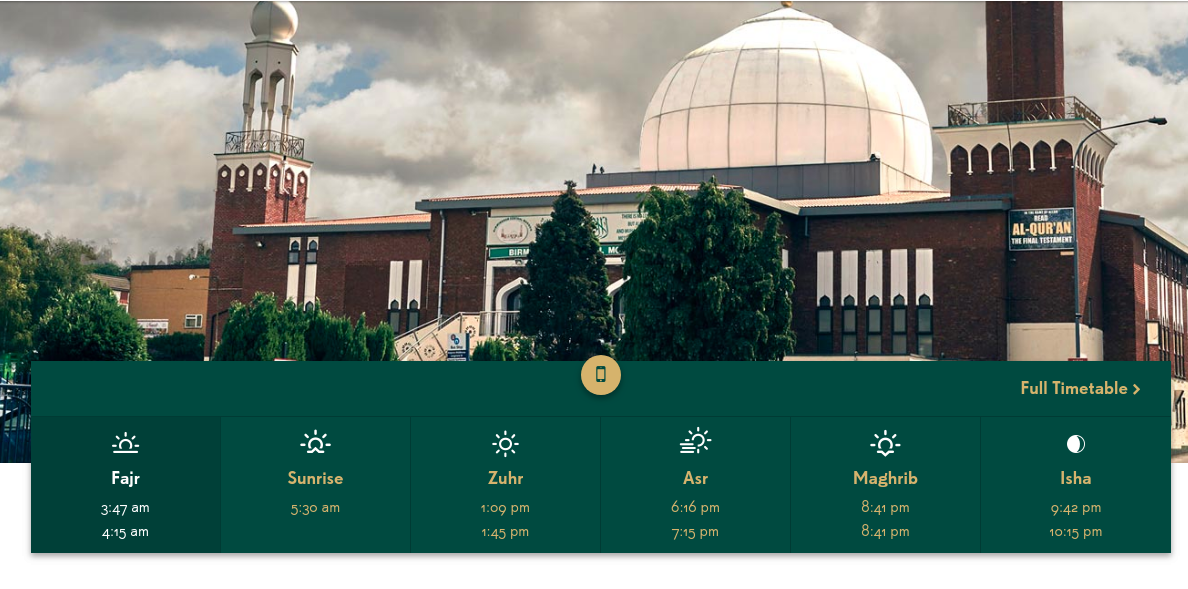
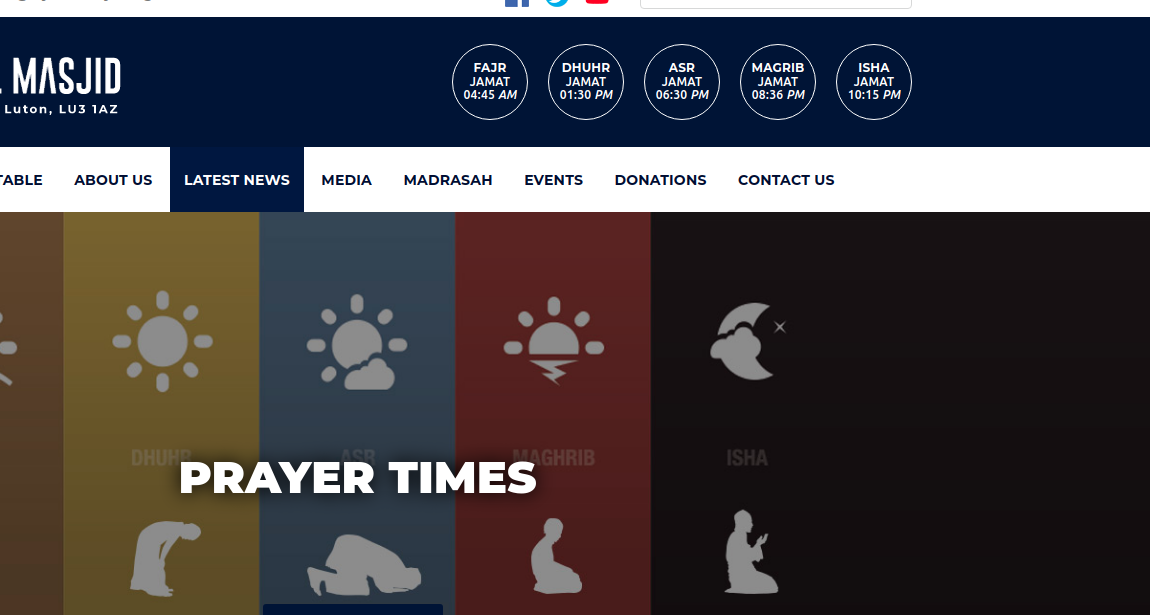
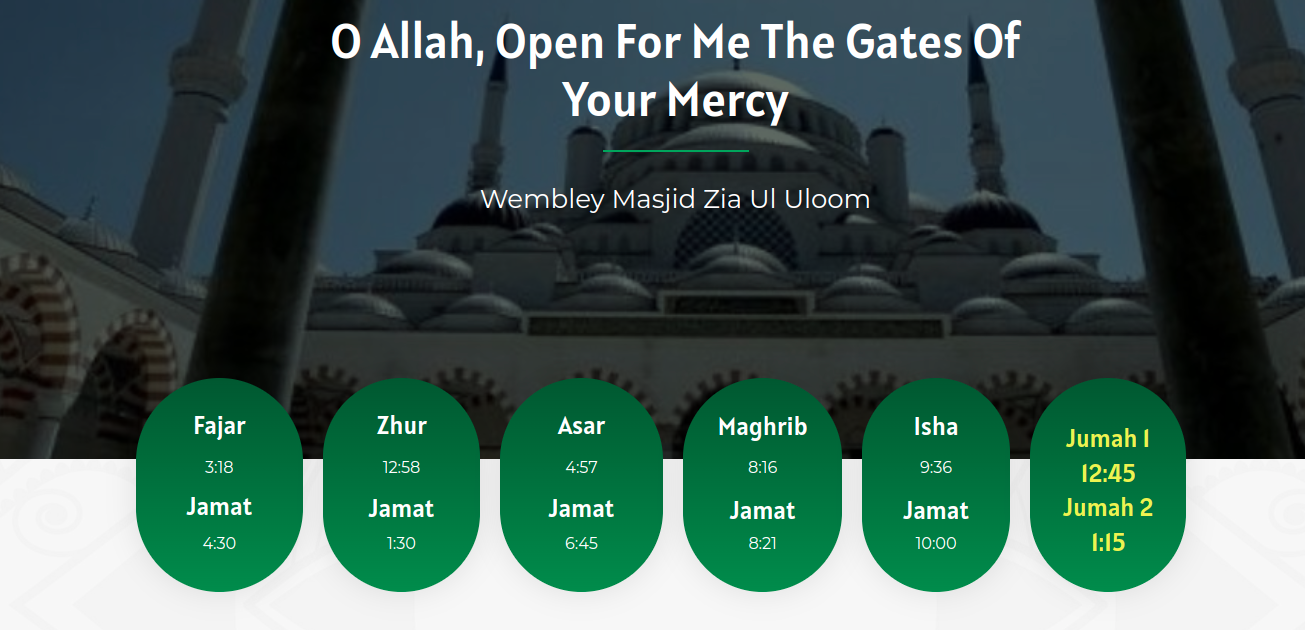
Daily prayer time can be displayed vertically or horizontally in your preferable widget area. Designed for any Mosque or Islamic institutes.
You need to upload your masjid’s timetable from plugin admin section.
PULL REQUEST
[GITHUB https://github.com/mmrs151/daily-prayer-time/pulls]
Add your commit and make a pull request. Please describe your feature, I will add it to the core.
[IMPORTANT]
If you don’t see any update of this plugin for over a year, I might have departed.
Please feel free to copy the whole code and relase in a different name, so the masajid can be served.
My sole intention is to support the ummah.
So I have absolutely no complain as long as you have the same intention, Fi Sabilillah.
Mustafiz.
Features
Once the installation above is done, this will allow the Admin/Editor
-
To display prayer start and jamah time
-
To display ramadan timetable for daily or full month
-
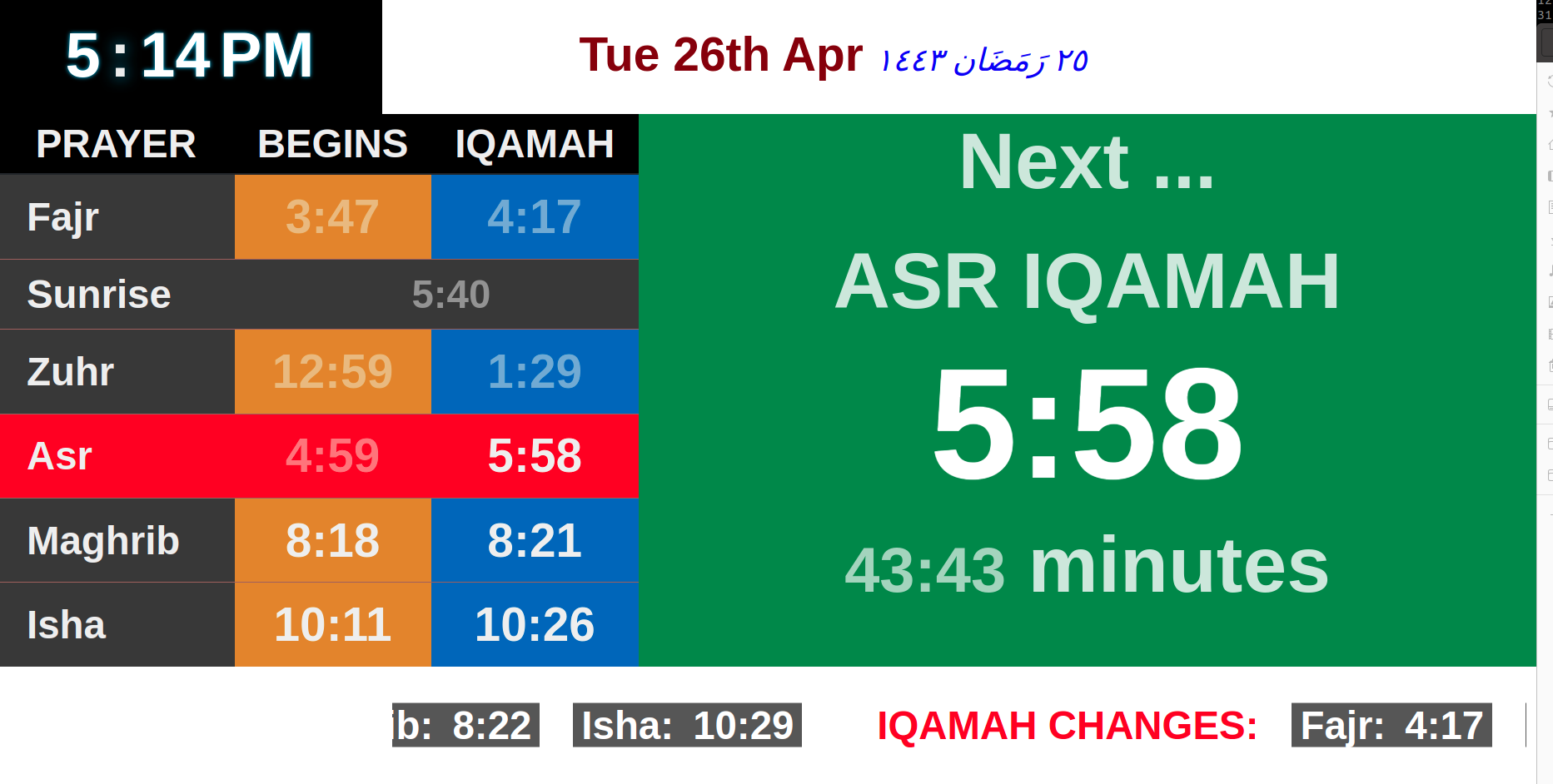
To display next prayer and IQAMAH notifications
-
To display prayer time either vertical or horizontal widget.
-
To display ‘Jamah time’ only if you chose.
-
To chose from three different themes
-
To chose Asr salah start method
-
Display monthly and yearly timetable using shortcode [timetable] from any page or post
-
Display Khutbah time announcement on Friday
-
Display Iqamah time only for monthly timetable using shortcode
-
Upload any number of days, weeks, months or a full year.
-
Support all language that are readable on the web
-
Use custom css using the class dptUserStyles to decorate your element table elements.
-
Use span class dpt_jamah and dpt_start along with [next_xxxx_prayer] and design your view however you want.
-
Display Iqamah update for next day
-
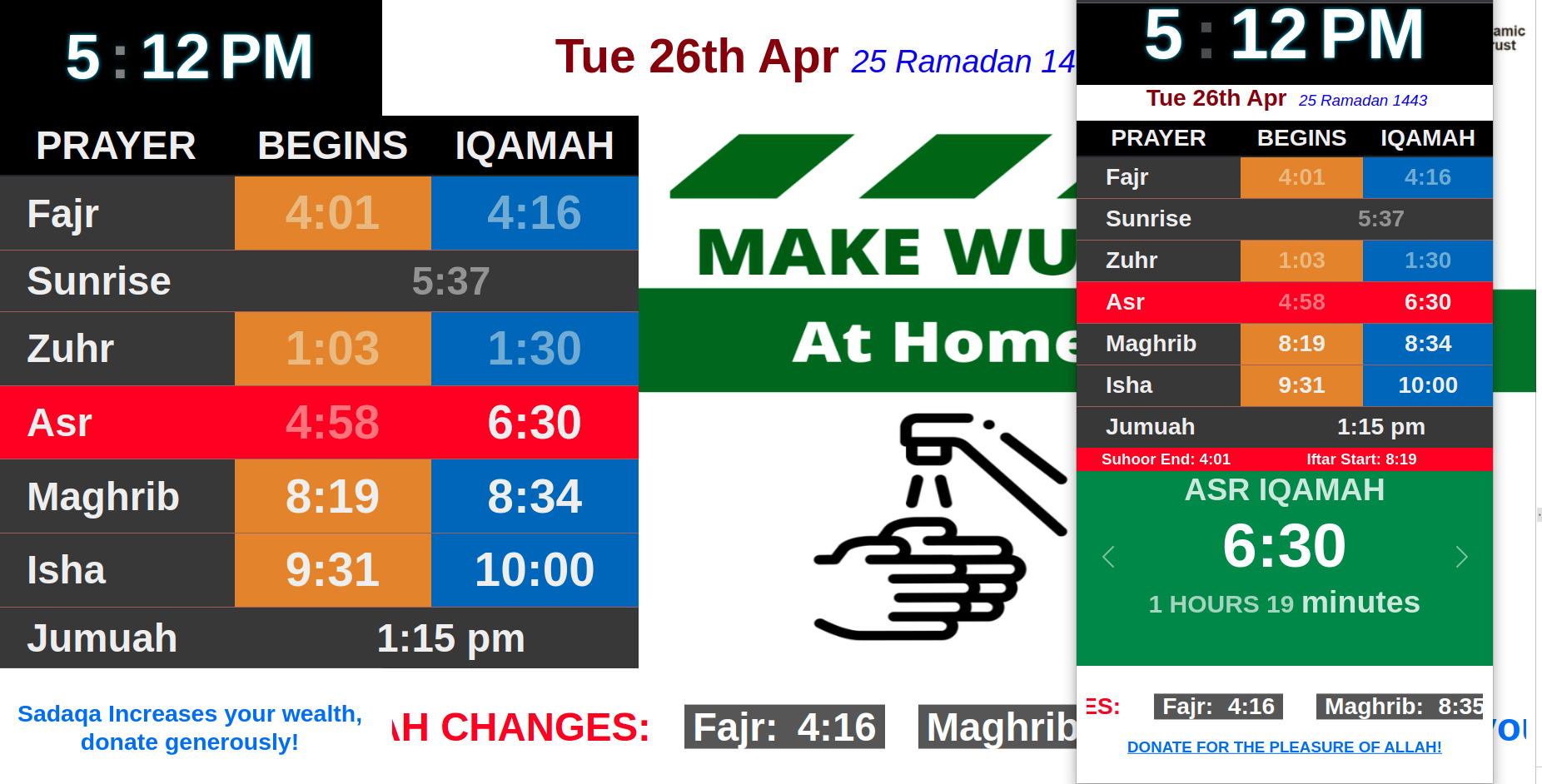
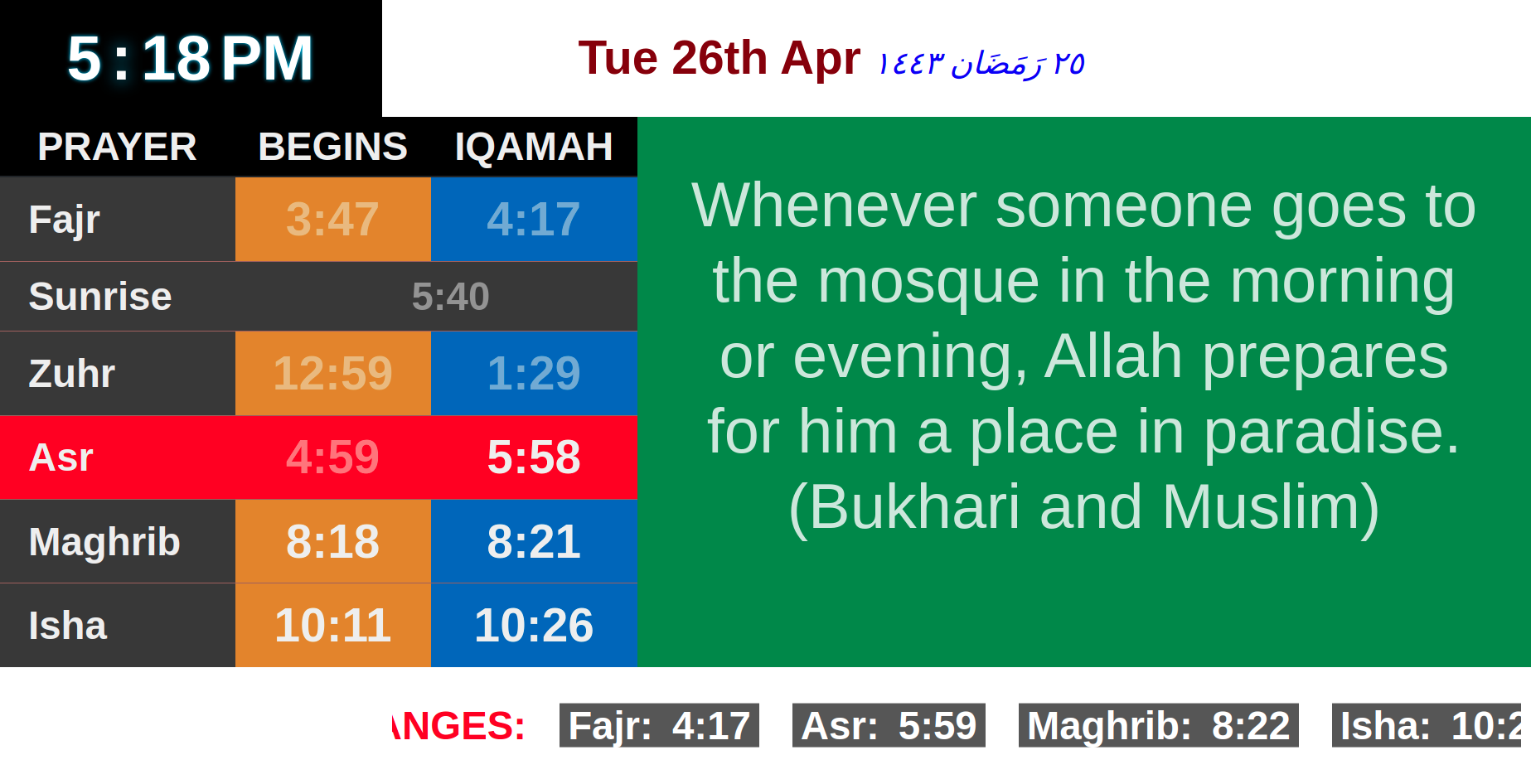
Display prayer time on big monitors in the masjid
-
Display Quran verse in a shortcode
shortcodes
- [monthlytable] – Display Yearly and Monthly prayer time with ajax month selector
- [dailytable_horizontal] – Display daily timetable horizontally
- [dailytable_horizontal asr=hanafi] – Display daily timetable horizontally with Hanafi Asr start method
- [dailytable_vertical] – Display daily timetable vertically
- [dailytable_vertical asr=hanafi] – Display daily timetable vertically with Hanafi Asr start method
- [dailytable_horizontal asr=hanafi friday_alert=”First Khutbah: 1:15. Second Khutbah: 1:45″] – Display Friday announcement
- [monthlytable display=iqamah_only] – Display Iqamah only for Yearly and Monthly prayer time with ajax month selector
- [monthlytable display=azan_only] – Display Azan only for Yearly and Monthly prayer time with ajax month selector
- [monthlytable heading=”Månedlige Tidsplan”] – Display monthly time table heading in any language, default is ‘Monthly Time Table for’
- [digital_screen] – Display prayer time on big monitors in the masjid
- [quran_verse] – Display a random verse from the Holy Quran
- **[disable_overnight_dim] – disable overnight dimming of the digital screen
… and more. Check the ‘helps-and-tips’ page in plugin settings once you install it.
Installation
- Download the plugin
- Simply go under the Plugins page, then click on Add new and select the plugin’s .zip file
- Alternatively you can extract the contents of the zip file directly to your wp-content/plugins/ folder
- Finally, just go under Plugins and activate the plugin
Comprehensive setup
Please upload your mosque’s timetable in .csv format from the plugin setting page.
Frequently asked questions
Why my time table is showing all zeros(0)?
You will need to import your mosque’s timetable csv from settings section.
Why my date is showing ‘1, Jan 1970’
Because you have not imported your mosque’s timetable or your date format is not valid mysql format, which is (YYYY-MM-DD)
How to display ramadan time
Simply put ‘1’ for the last column(is_ramadan) in the sample csv for the days belongs to ramadan before upload
Why does it not show minutes remaining for next IQAMAH
Please check/update your timezone settings in Settings > General
What other features coming in the next updates
Please look at https://trello.com/b/6Re5Dga7/salah-time-wordpress-plugin
Changelog
Fix: next_prayer API azanTime/iqamahTime null for asr, jumuah, ishraq, after-isha Fix: Start times ([fajr_start] etc.) now hold today's value until Jamat time
2026.08.20
- Fix: Individual start-time shortcodes ([fajr_start], [zuhr_start], [asr_start],
[maghrib_start], [isha_start]) now keep showing today’s start time until the
prayer’s Jamat/Iqamah time has passed before switching to tomorrow’s time - Fix: next_prayer API now returns correct azanTime and iqamahTime
for jumuah, ishraq, and after-isha (null) edge cases instead of null
2026.05.20
- Feat: Add digitalScreenSlideBg option for slide/card background
- Feat: Separate row background from slide background control
- Fix: Remove td span.nextPrayer from slide background CSS
- Fix: Add null checks for .trim() calls in dpt.js (JS error fix)
- Fix: ThemeSettingsProcessor now deletes option when value is ‘0’ or empty
2026.05.11
- Feat: Two-column layout for Theme settings (Daily Prayer Table | Digital Screen)
- Feat: Native HTML color picker for each color setting
- Feat: Page-level “Reset All” button deletes all theme options
- Feat: Only valid hex colors (#RRGGBB) are saved; ‘0’ or empty are ignored
- Feat: Add digitalScreenGreenFont color option for next prayer font
- Fix: Stop sunrise/zawal toggle after zawal time has passed
2026.05.05
- Fix: Display Quran verse on right panel for Usman template
- Fix: Show top header with logo and mosque name on mobile, bottom on desktop
- Refactor: Simplify CSS with clamp() for responsive fonts
- Refactor: Use flexbox layouts for full height utilization
- Style: Add decorative border around Quran verse
- Fix: Reduce spacing in prayer section on mobile
- Style: Larger font sizes for prayers and headings
2026.05.04
- Feat: Glassmorphism prayer cards with blur effect in EICT template
- Feat: Glow animation on next prayer highlight
- Feat: Hover transitions with smooth card lift
- Feat: Gradient backgrounds (top section and banner)
- Feat: Fluid typography using clamp() for responsive sizing
- Feat: Mobile responsive – 2-column centered layout for prayer cards
- Fix: Jumuah font sizing – smaller font when jumuah3 is set
- Fix: Correct spelling from jumah to jummah in CSS selectors
2026.05.03
- Fix: Timezone issue in isZawalTimeNext by using user_current_time for consistent comparison
- Fix: Show zawal name instead of sunrise when zawal is next (with fallback)
- Fix: Only highlight ishraq row when ishraq is next (not zawal)
- Fix: Only highlight zuhr row when zawal is next (not sunrise row)
- Fix: Ishraq highlighting in horizontal table’s printAzanTime method
- Fix: Jumuah display logic – show row only when times set and before last jumuah time
Screenshots



For developers
Is this your plugin? Show off the numbers.
Add a live badge to your site, docs or GitHub README. It updates on its own — no account needed.
Best Daily Prayer Time alternatives
All namaz plugins →


FAQ
Daily Prayer Time: quick answers
Straight answers, pulled from live WordPress.org data.
Live data from WordPress.org · checked Oct 11, 2026
Is Daily Prayer Time free?
Yes. Daily Prayer Time is free to download and use from the official WordPress.org plugin directory.
Is Daily Prayer Time safe to use in 2026?
Daily Prayer Time is a solid plugin choice in 2026, with a few things worth checking first. It runs on 1K+ sites, is rated 4.9/5 and was last updated 2 months ago, and scores 72/100 on our health check.
How many websites use Daily Prayer Time?
Daily Prayer Time is active on 1K+ WordPress websites and has been downloaded 104,034 times since it launched in August 2015. It was downloaded 838 times in the last 30 days.
Does Daily Prayer Time work with WordPress 7.1?
Yes. The developer has tested Daily Prayer Time up to WordPress 7.1.3, the latest release. It requires WordPress 4.5 or newer.
What PHP version does Daily Prayer Time need?
Daily Prayer Time requires PHP 7.2 or higher. Most hosts run PHP 8.x today, so it works on any modern WordPress hosting.
When was Daily Prayer Time last updated?
The latest version, 2026.08.20, was released on August 20, 2026 (2 months ago).
Who makes Daily Prayer Time?
Daily Prayer Time is developed and maintained by mmrs151.
What are the best alternatives to Daily Prayer Time?
The most popular alternatives to Daily Prayer Time are Salat Times (500+ installs), Muslim Prayer Time BD (200+ installs) and TM Islamic Helper (100+ installs).
Powered by PageForge
Want thousands of pages that rank like these? Build them in an afternoon.
This directory runs on the same engine as PageForge. Turn any spreadsheet, CSV or API into thousands of fast, SEO-ready WordPress pages — with schema, internal links and AI-written copy baked in.
- CSV, Google Sheets & API data sources
- AI content, schema & internal links per page
- Works with Elementor, Gutenberg, Yoast & Rank Math
- Free on WordPress.org — no credit card


