



Custom PHP Settings
This plugin makes it possible to override php settings.

Use with caution
Custom PHP Settings works, but test it on a staging site before relying on it in 2026. It runs on 10K+ sites, is rated 4.4/5 and was last updated 10 months ago, and scores 55/100 on our health check.
- Proven at scale on 10K+ active sites
- Only tested up to WordPress 6.8 (latest is 7.1)
How does it stack up?
Side-by-side on installs, updates, ratings & support



Daily downloads
Download spikes usually follow a new release — each site that auto-updates counts as a download.
Rankings
Where Custom PHP Settings stands todayWordPress.org search rankings
Live position in the plugin search, top 100| Keyword | Position |
|---|---|
| Apache | #25 |
| apache2 | #2 |
| htaccess | #49 |
| php | #11 |
| settings | #5 |
Version adoption
Share of active sites per release.
Rating breakdown
★★★★★★★★★★ 4.4 from 15 reviews
About Custom PHP Settings
From the official readme · v2.4.1Description
This plugin can be used to customize php settings for you WordPress installation.
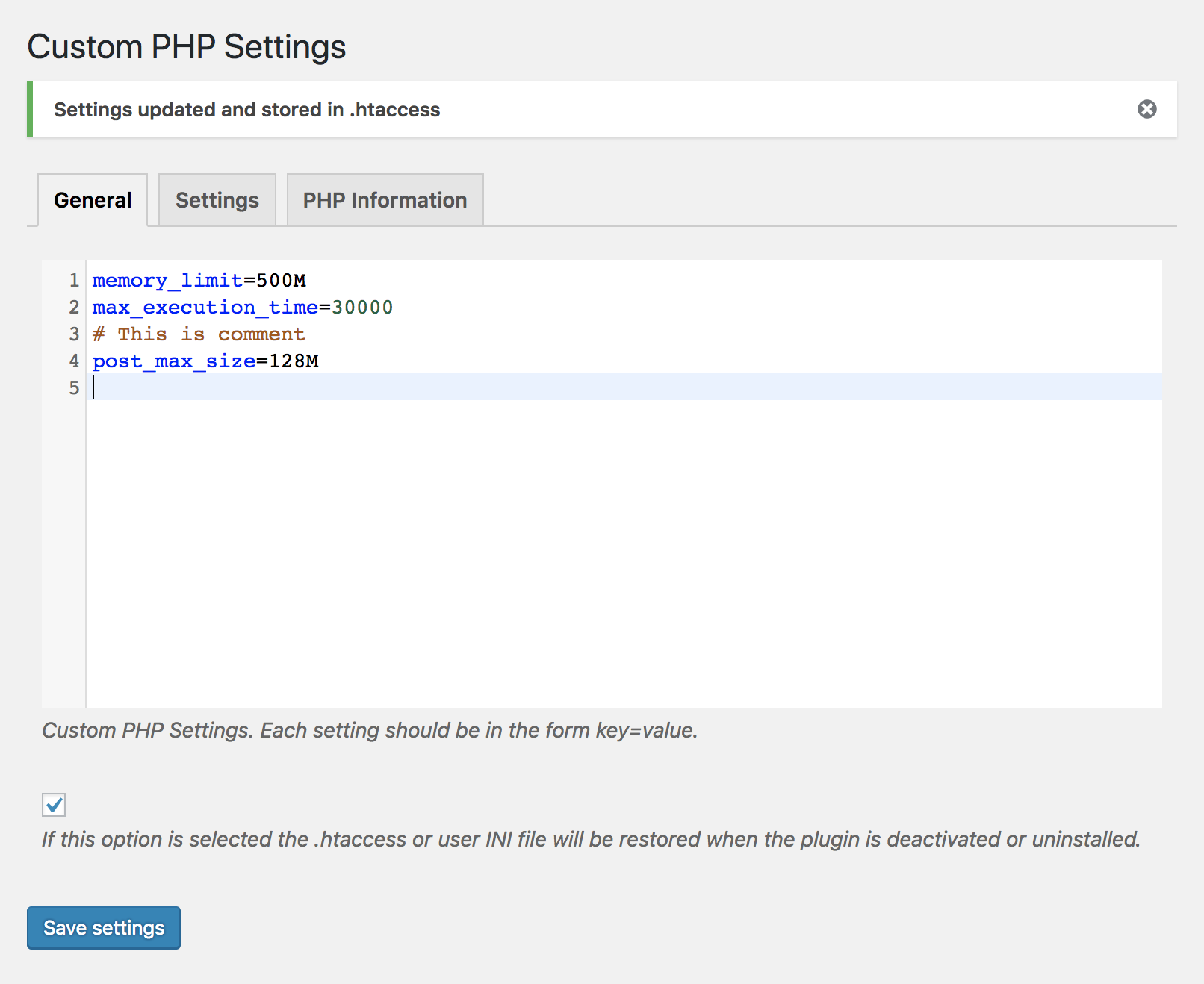
The plugin will modify either the .htaccess file or .user.ini file in order to change the current php settings directly from within the settings page.
Since the configuration file needs to be modified this file must be writable for this plugin to work as expected.
Apache module
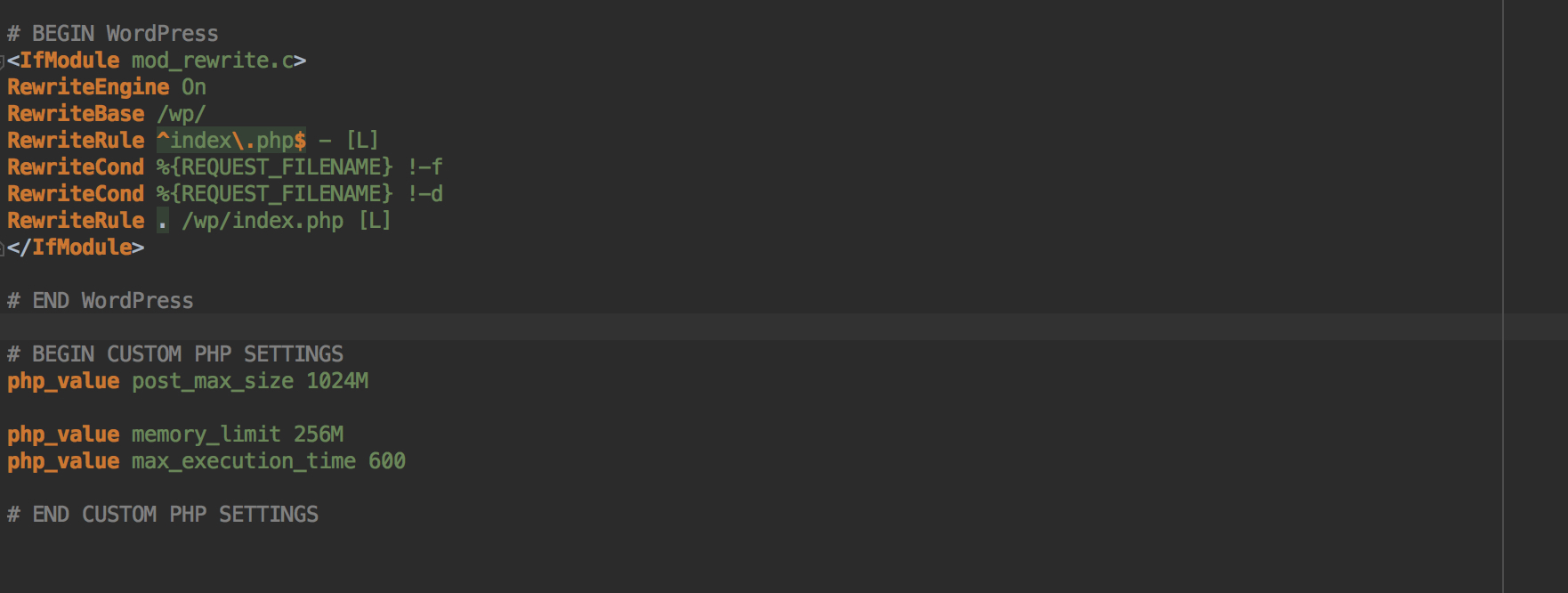
When PHP is running as an Apache module the .htaccess file will be used to set customized settings; make sure so that this file exists and is writable by the webserver.
CGI/Fast-CGI
If instead PHP is running in CGI/Fast-CGI mode then a custom INI file will be used. The name of this file depends on the value of user_ini.filename in the php configuration, by default it is .user.ini.
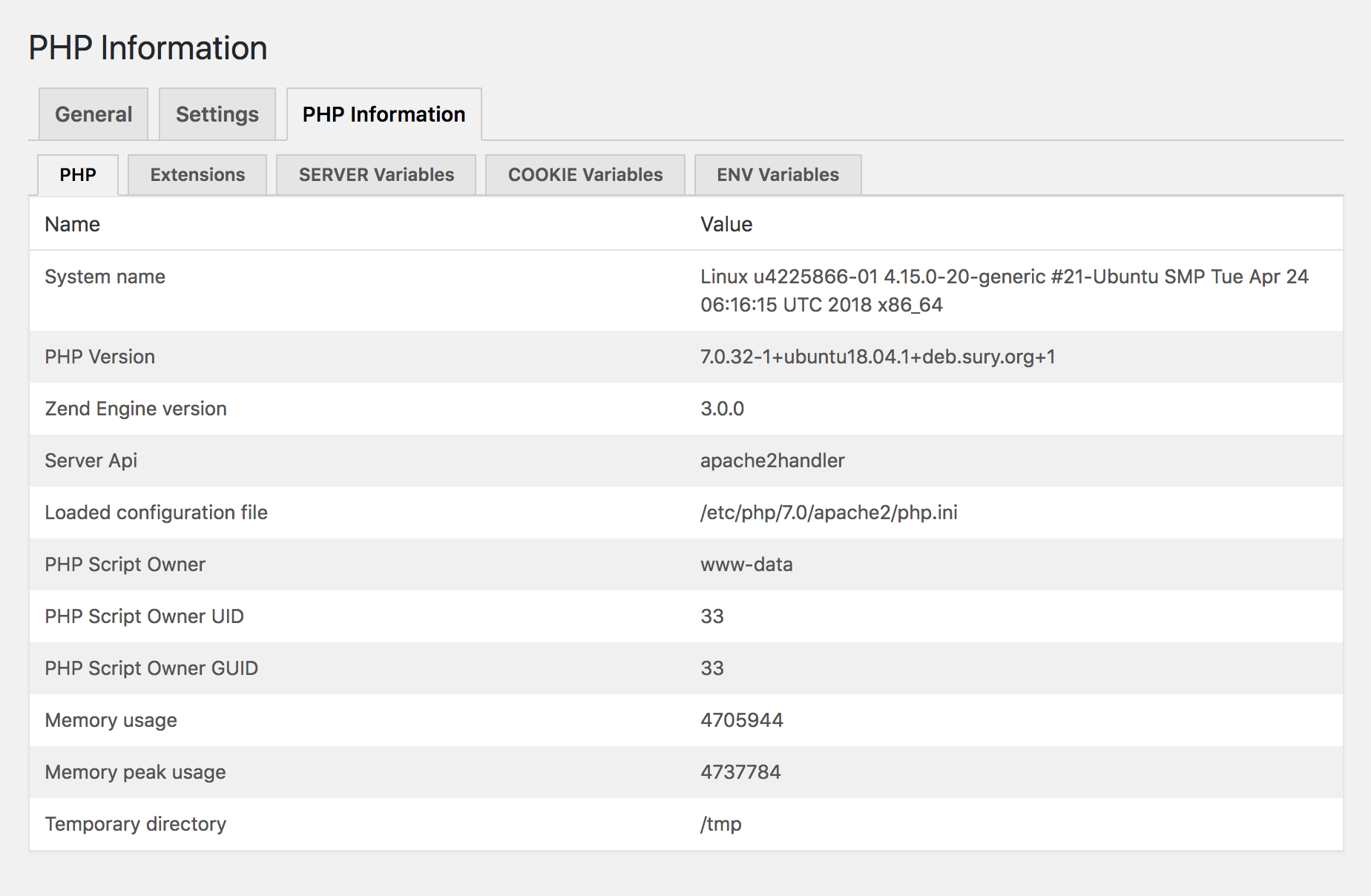
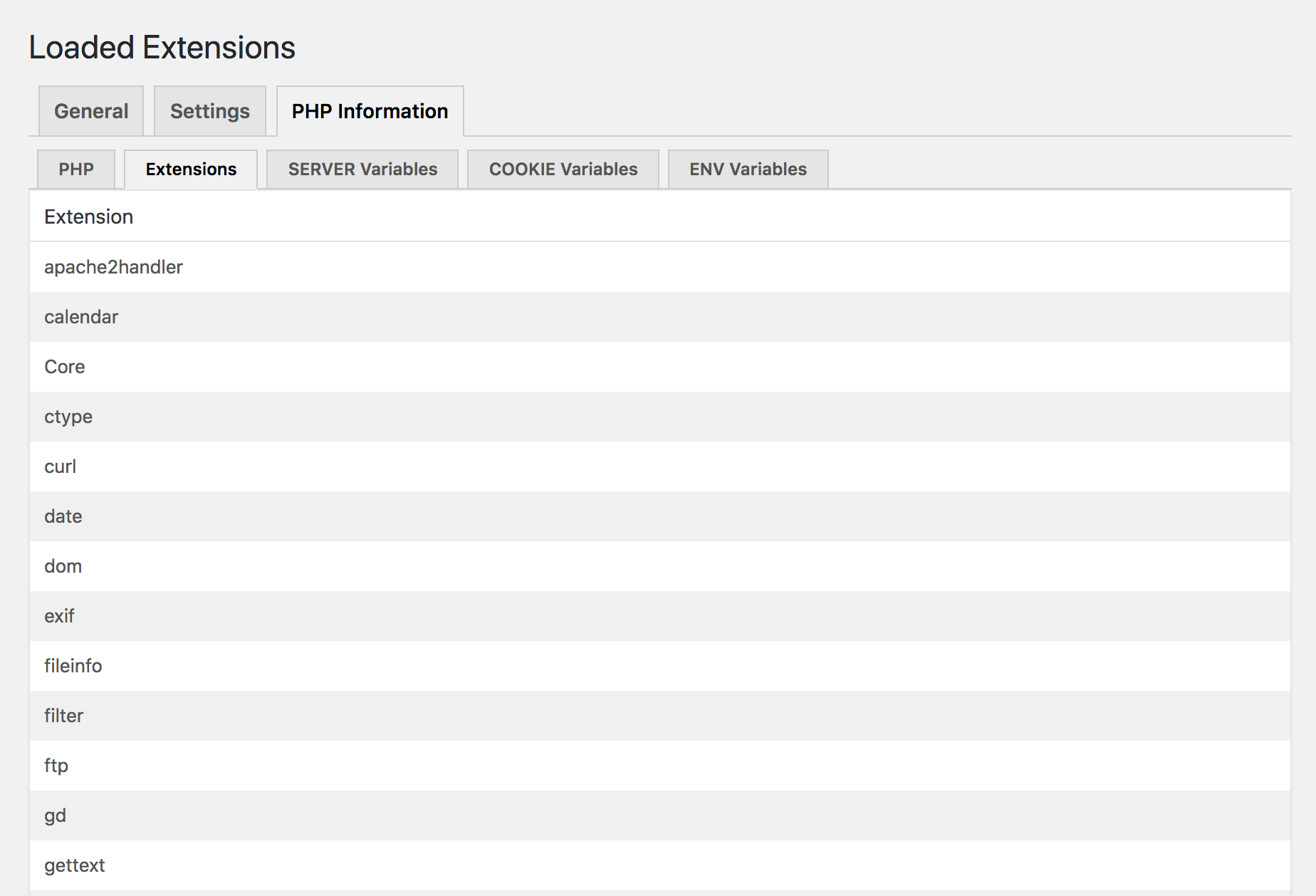
You can check the name of you custom INI file in the PHP Information table. The custom INI file should be placed under the root folder and most be writable by the webserver.
Notice that there is also a User INI file cache TTL value in the information table, this value tells how long the custom INI file will be cached before it gets reloaded.
For instance, if this value is set to 300 then any changes to your custom INI file will not be reflected for up to 5 minutes. The name for this setting in the php configuration is user_ini.cache_ttl.
One important thing is to make sure that your .user.ini file is blocked by your webserver. If you are running NGINX this can be done by adding:
location ~ /\.user\.ini {
  deny all;
}
to your server configuration. The same thing using Apache is done by adding the following to the configuration if not already done:
<Files .user.ini>
order allow,deny
deny from all
</Files>
Available Settings
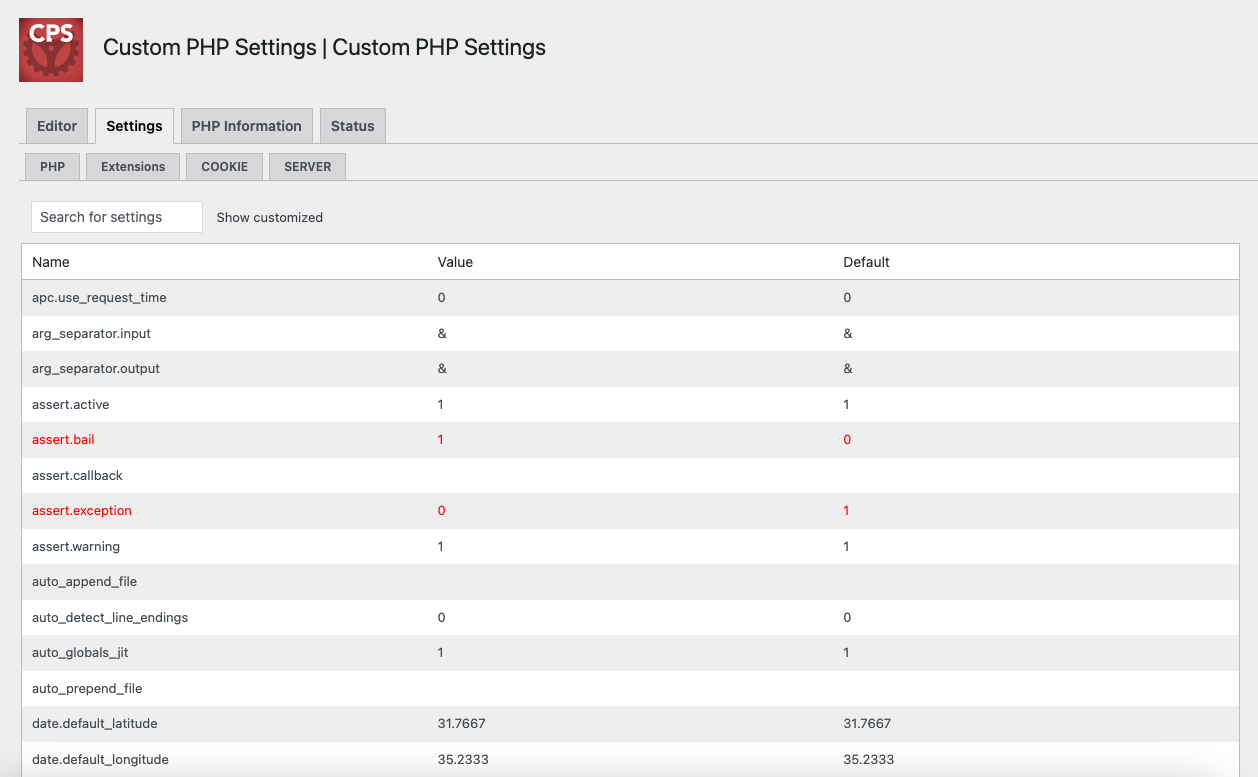
The settings table will display all non-system php settings that can be customized by the plugin. All modified settings will be displayed in red in this table.
Some settings might be displayed in red because they are changed somewhere else, perhaps through a customized php.ini file, by WordPress itself, a plugin or in some other way.
For instance if you have enabled WP_DEBUG in your wp-config.php file the error_reporting setting will turn red.
If you have questions or perhaps some idea on things that should be added you can also try slack.
Multiple Configurations
The premium version adds support for creating multiple named configurations which all can hold their own custom PHP settings.
You will then be able to easily switch between the different configurations entries applying them to you configuration file.
Environment Variables
In the premium version, when running PHP as an apache module and using an .htaccess file for configuration, you are able
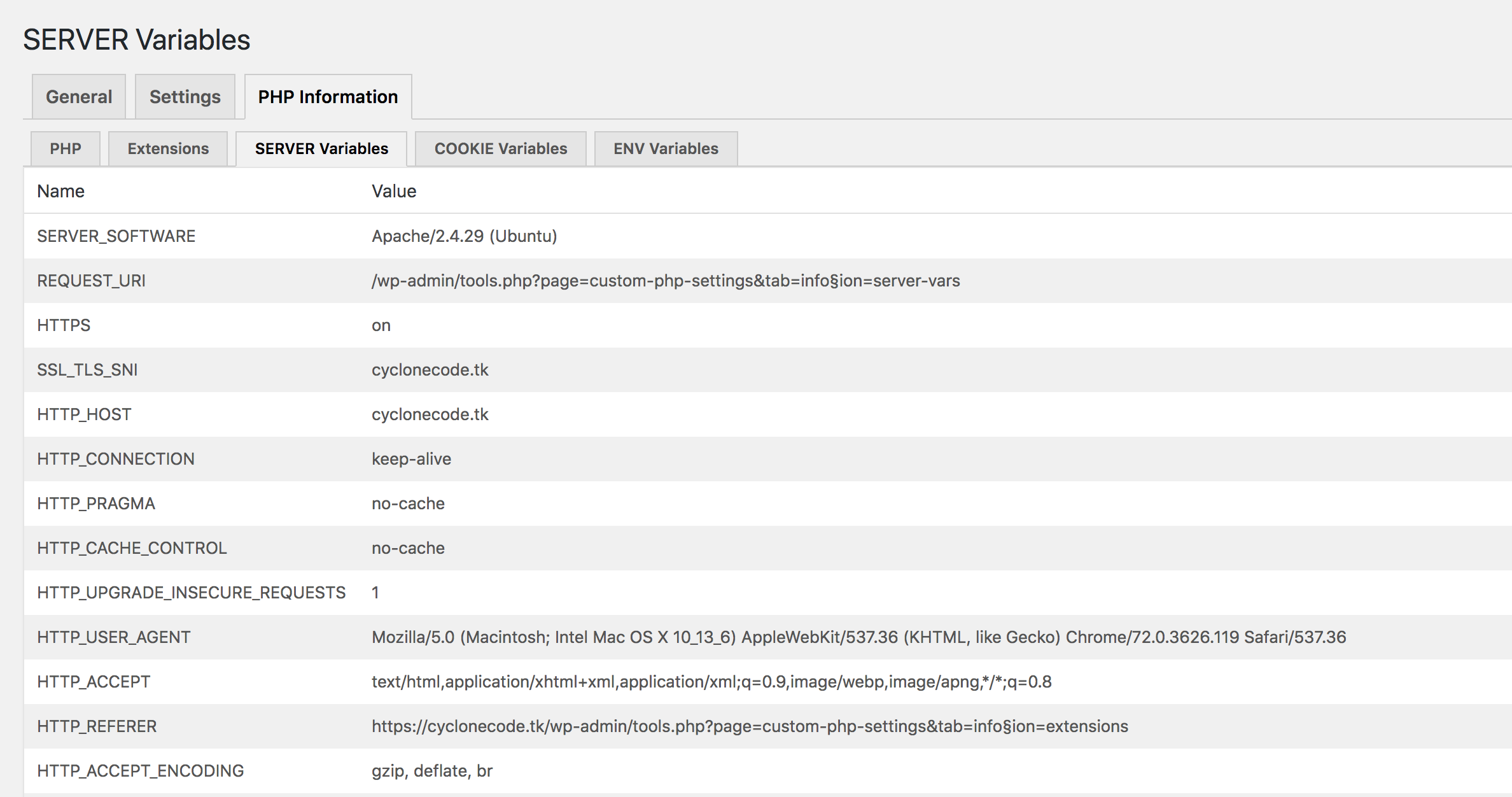
to add custom environment variables. These will be accessible by using the super global $_SERVER array.
In order for this to work you will need to have the mod_env module enabled in your apache setup.
Resources
A complete list of settings that can be modified can be found here: List of php.ini directives
Notice that directives marked as PHP_INI_SYSTEM can not be modified.
Warning
Make sure you know how a value should be configured and what different settings do before changing anything.
This is important since some settings might render your page inaccessible, depending on what value you are using.
A good example of this is the variables_order configuration:
Sets the order of the EGPCS (Environment, Get, Post, Cookie, and Server) variable parsing. For example, if variables_order is set to “SP” then PHP will create the superglobals $_SERVER and $_POST, but not create $_ENV, $_GET, and $_COOKIE. Setting to “” means no superglobals will be set.
If this value would be configured to EPCS then no $_GET superglobal would be set which would make your page inaccessible.
Another example is setting the post_max_size to a very low value so that no form data is sent to the server, which in turn would result in that form data is never saved.
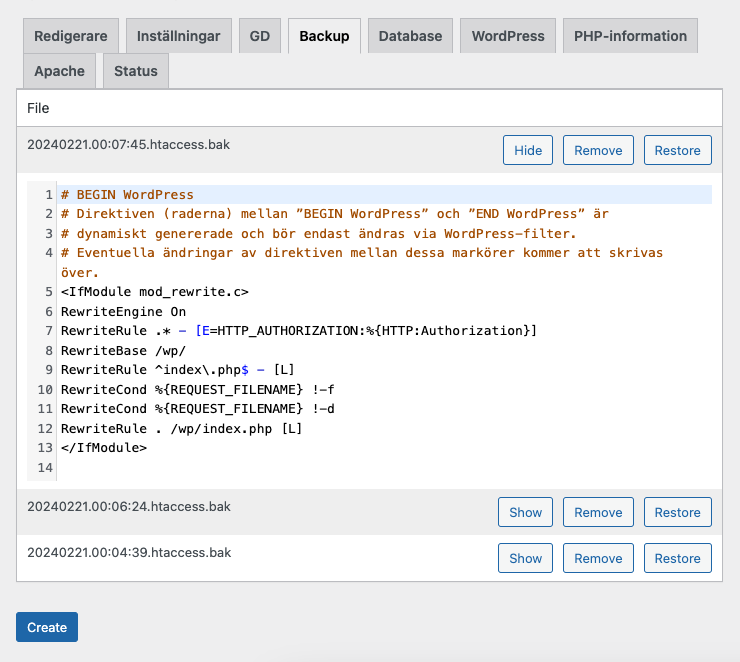
If you by mistake changed some value and your site is now inaccessible you could simply manually remove everything from between the plugin markers in your .htaccess file:
# BEGIN CUSTOM PHP SETTINGS PRO
php_value variables_order EPCS  <-- Remove
# END CUSTOM PHP SETTINGS PRO
If you are running PHP in CGI/Fast-CGI mode then instead remove everything between the plugins markers in your .user.ini file:
; BEGIN CUSTOM PHP SETTINGS
php_value variables_order EPCS  <-- Remove
; END CUSTOM PHP SETTINGS
Support
If you run into any trouble, don’t hesitate to add a new topic under the support section:
https://wordpress.org/support/plugin/custom-php-settings/
You can also try contacting me on slack.
Installation
- Upload custom-php-settings-pro to the /wp-content/plugins/ directory,
- Activate the plugin through the Plugins menu in WordPress.
- You can now modify your php settings by going to the settings page located under wp-admin/admin.php?page=custom-php-settings-pro.
Frequently asked questions
I have saved a setting in the editor but the PHP setting does not reflect this?
Make sure so you have checked the Update configuration file checkbox beneath the editor.
Changelog
= 2.4.1
- Update: Freemius SDK to 2.13.0.
- Update: Add more WordPress information.
- Update: Add Server Software in status page.
Screenshots
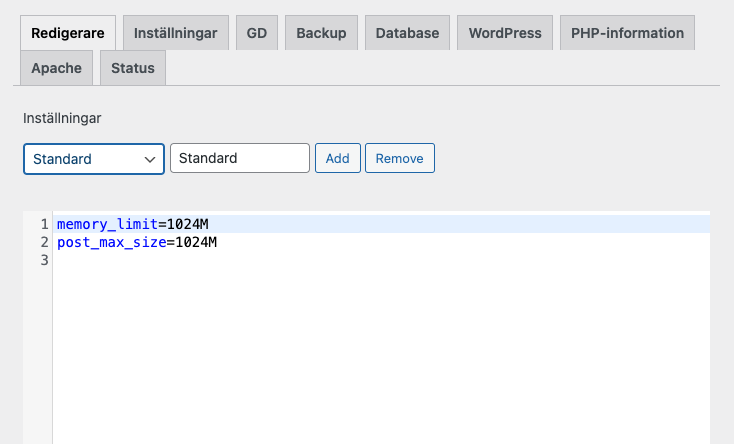
For developers
Is this your plugin? Show off the numbers.
Add a live badge to your site, docs or GitHub README. It updates on its own — no account needed.
Best Custom PHP Settings alternatives
All Apache plugins →





FAQ
Custom PHP Settings: quick answers
Straight answers, pulled from live WordPress.org data.
Live data from WordPress.org · checked Sep 27, 2026
Is Custom PHP Settings free?
Yes. Custom PHP Settings is free to download and use from the official WordPress.org plugin directory.
Is Custom PHP Settings safe to use in 2026?
Custom PHP Settings works, but test it on a staging site before relying on it in 2026. It runs on 10K+ sites, is rated 4.4/5 and was last updated 10 months ago, and scores 55/100 on our health check.
How many websites use Custom PHP Settings?
Custom PHP Settings is active on 10K+ WordPress websites and has been downloaded 415,098 times since it launched in February 2019. It was downloaded 1,000 times in the last 30 days.
Does Custom PHP Settings work with WordPress 7.1?
Custom PHP Settings is officially tested up to WordPress 6.8.10, while the latest release is 7.1.2. It may still work, but try it on a staging site first.
What PHP version does Custom PHP Settings need?
Custom PHP Settings requires PHP 5.6 or higher. Most hosts run PHP 8.x today, so it works on any modern WordPress hosting.
When was Custom PHP Settings last updated?
The latest version, 2.4.1, was released on November 20, 2025 (10 months ago).
Who makes Custom PHP Settings?
Custom PHP Settings is developed and maintained by cyclonecode.
What are the best alternatives to Custom PHP Settings?
The most popular alternatives to Custom PHP Settings are Redirection (2M+ installs), Spider Blocker (20K+ installs) and PageSpeed Module (200+ installs).
Powered by PageForge
Want thousands of pages that rank like these? Build them in an afternoon.
This directory runs on the same engine as PageForge. Turn any spreadsheet, CSV or API into thousands of fast, SEO-ready WordPress pages — with schema, internal links and AI-written copy baked in.
- CSV, Google Sheets & API data sources
- AI content, schema & internal links per page
- Works with Elementor, Gutenberg, Yoast & Rank Math
- Free on WordPress.org — no credit card


