


Creative Addons for Elementor
Write articles and documents faster and more easily using our powerful and practical Elementor widgets.

Solid choice
Creative Addons for Elementor is a solid plugin choice in 2026, with a few things worth checking first. It runs on 700+ sites, is rated 5/5 and was last updated 4 weeks ago, and scores 77/100 on our health check.
- Actively developed — last update 4 weeks ago
- Tested with the latest WordPress (7.1)
- Momentum — downloads up 315% vs the previous 30 days
- Small user base (700+ active installs)
- Very few reviews so far
How does it stack up?
Side-by-side on installs, updates, ratings & support



Daily downloads
Download spikes usually follow a new release — each site that auto-updates counts as a download.
Rankings
Where Creative Addons for Element… stands todayWordPress.org search rankings
Live position in the plugin search, top 100| Keyword | Position |
|---|---|
| builder | >100 |
| elementor addons | #49 |
| elementor page builder | #100 |
| elementor widgets | #91 |
| knowledge base | #37 |
Version adoption
Share of active sites per release.
Rating breakdown
★★★★★★★★★★ 5 from 3 reviews
About Creative Addons for Elementor
From the official readme · v1.8.7Description
Our Elementor widgets are designed for writers. We make it easy to write detailed instructions, step-by-step guides, manuals and detailed documentation.
Built for Writers
We have a lot of experience creating documents, articles, knowledge bases and FAQs. We offer the most popular Knowledge Base plugin. Now we have added Elementor widgets to complement it.
Pre-Designed Presets
The preset option adjusts the widget to a specific look. Each preset has a unique style and design so you can choose the one that works for your needs. Every widget comes with several preset options.
Completely Customizable
Each widget has large number of settings for fine tuning. Start with one of its presets and adjust as many settings as you need.
Be More Productive
Creative Addons for Elementor page builder will enhance and speed your productivity for WordPress pages, posts and articles. It improves your editing and productivity capabilities, taking them to a whole new level. Sometimes you need to write articles and instructions very quickly and efficiently, and we can help with that.
Other Features
- Support for RTL, WCAG accessibility and WPML
Widgets Currently Available
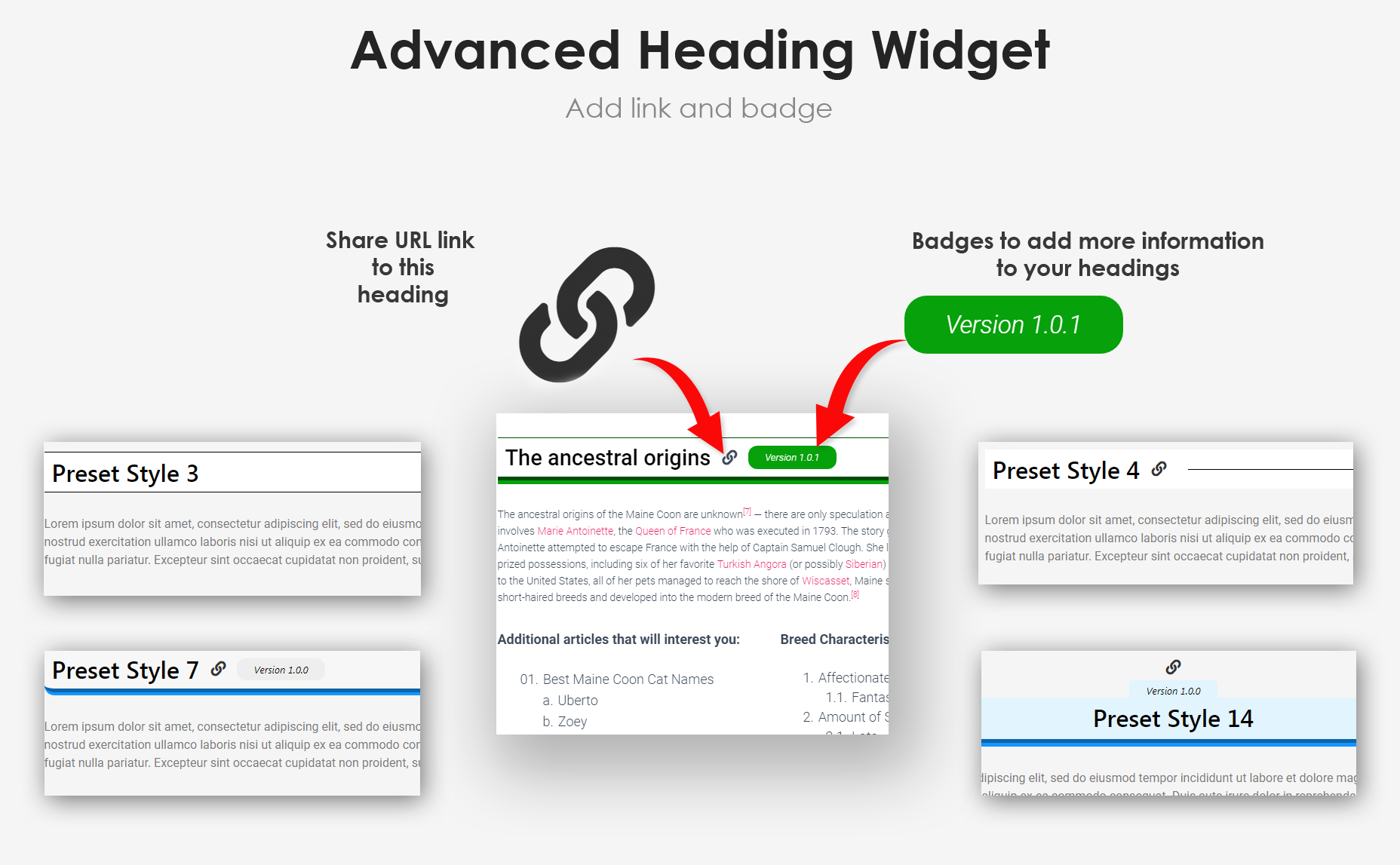
- Add attractive and prominent headings for sections in your documents.
- Supplement headings with HTML anchors anywhere on the page. Add a tag.
✅ Steps
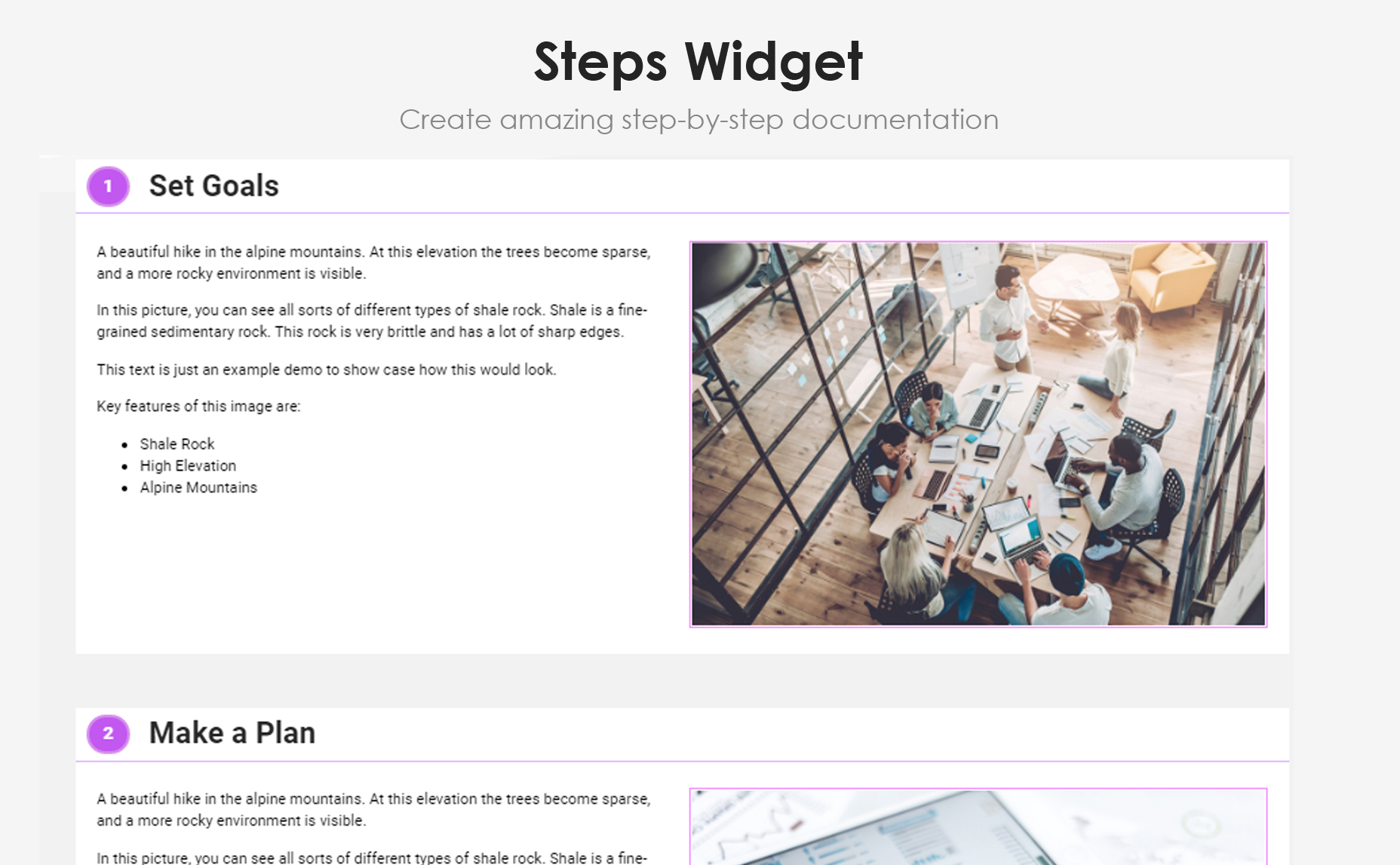
- Auto generates numbers, so you don’t have to.
- Provide easy, step-by-step instructions with a single widget.
- Complement each step with image and distinguishable step number.
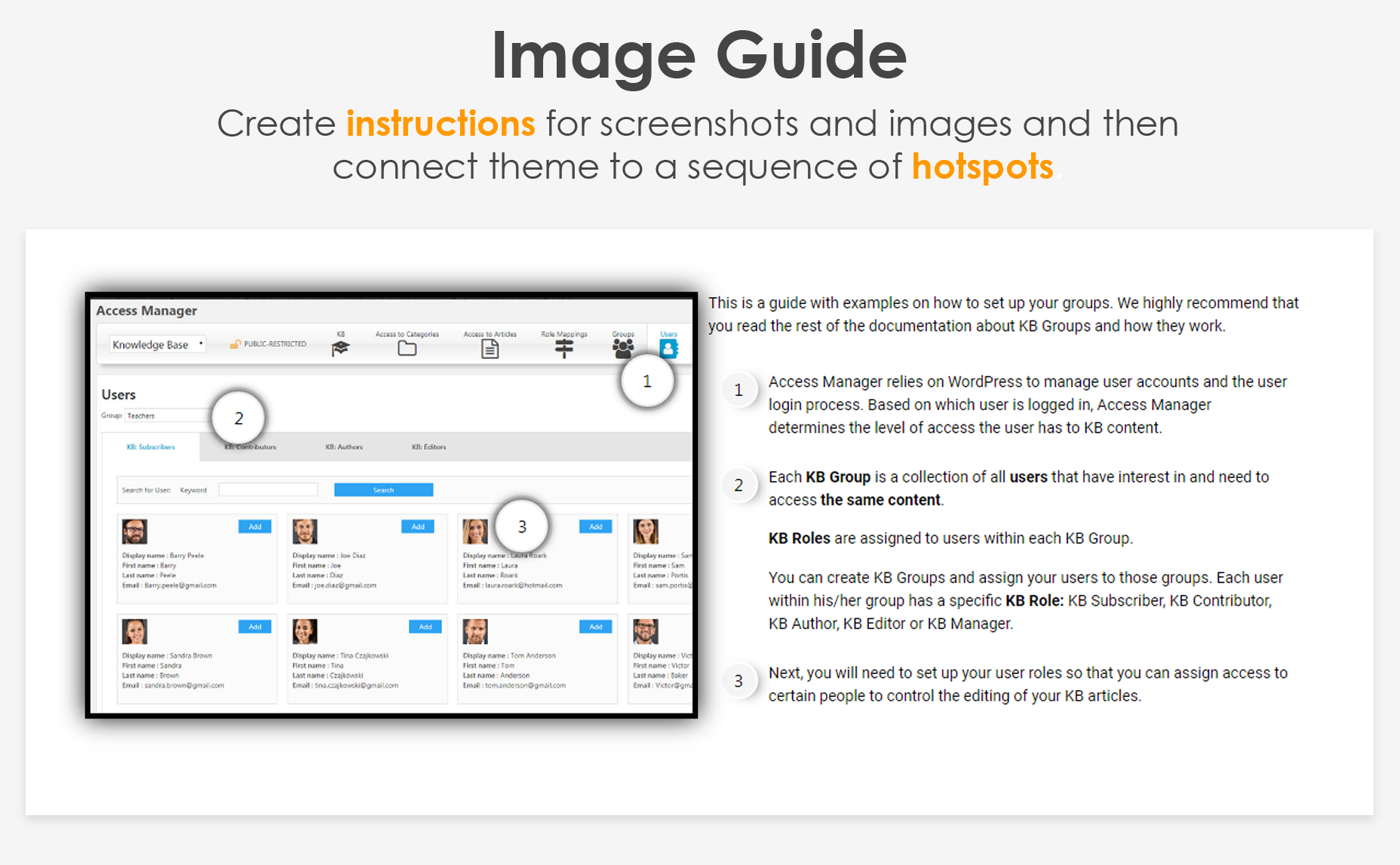
- Create instructions for screenshots and images and connect them to a sequence of image hotspots.
- Add a note for each hotspot as part of the instructions about the screenshot and image.
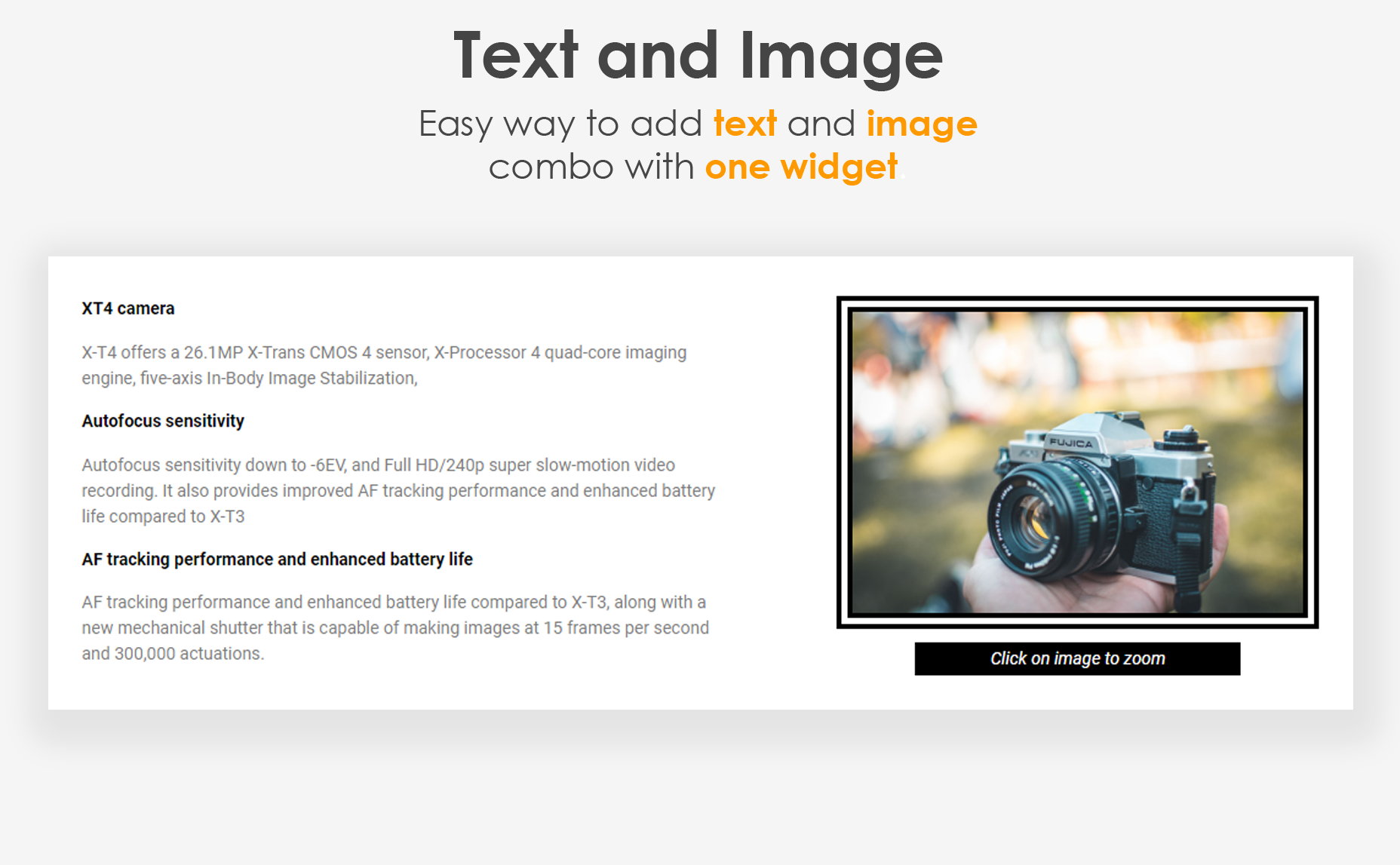
- Add text and image easily with one widget.
- Set width of the image relative to the text using presets.
- Inform, Warn, or Suggest to your readers with boxed instructions.
- Choose your icon and add ‘Learn More’ link.
- Showcase your product features, team and pros/cons in a list format.
- Apply various styles to showcase the features list.
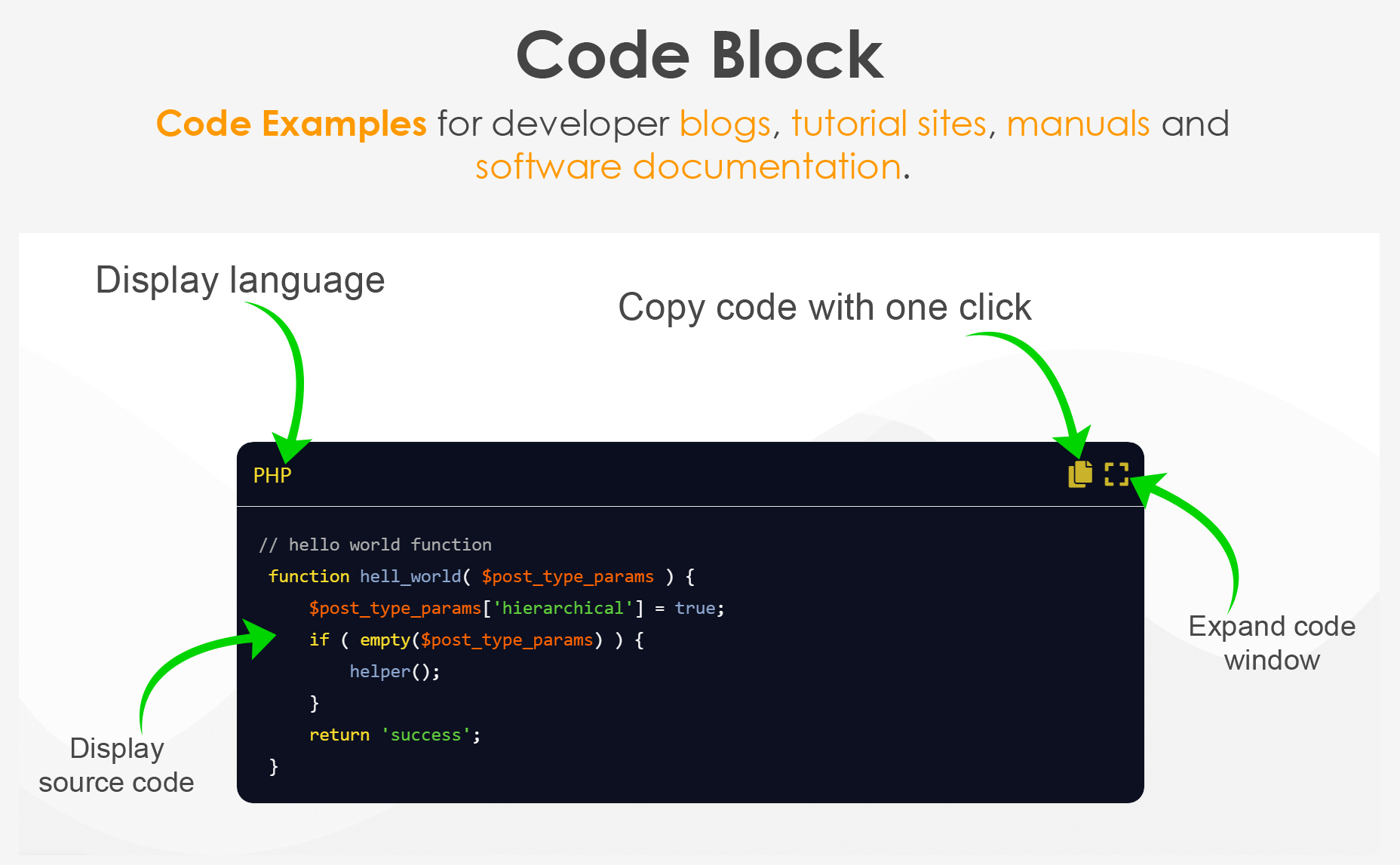
- The Code Block widget is a useful tool for developer blogs, tutorial sites, manuals, and software documentation. It helps to display formatted (highlighted) code of almost any language as it supports over fifty programming, scripting, and mark up languages. We provide 11 different color themes with both white and black backgrounds.
- Show code examples in CSS, HTML, JS, PHP, C# and more.
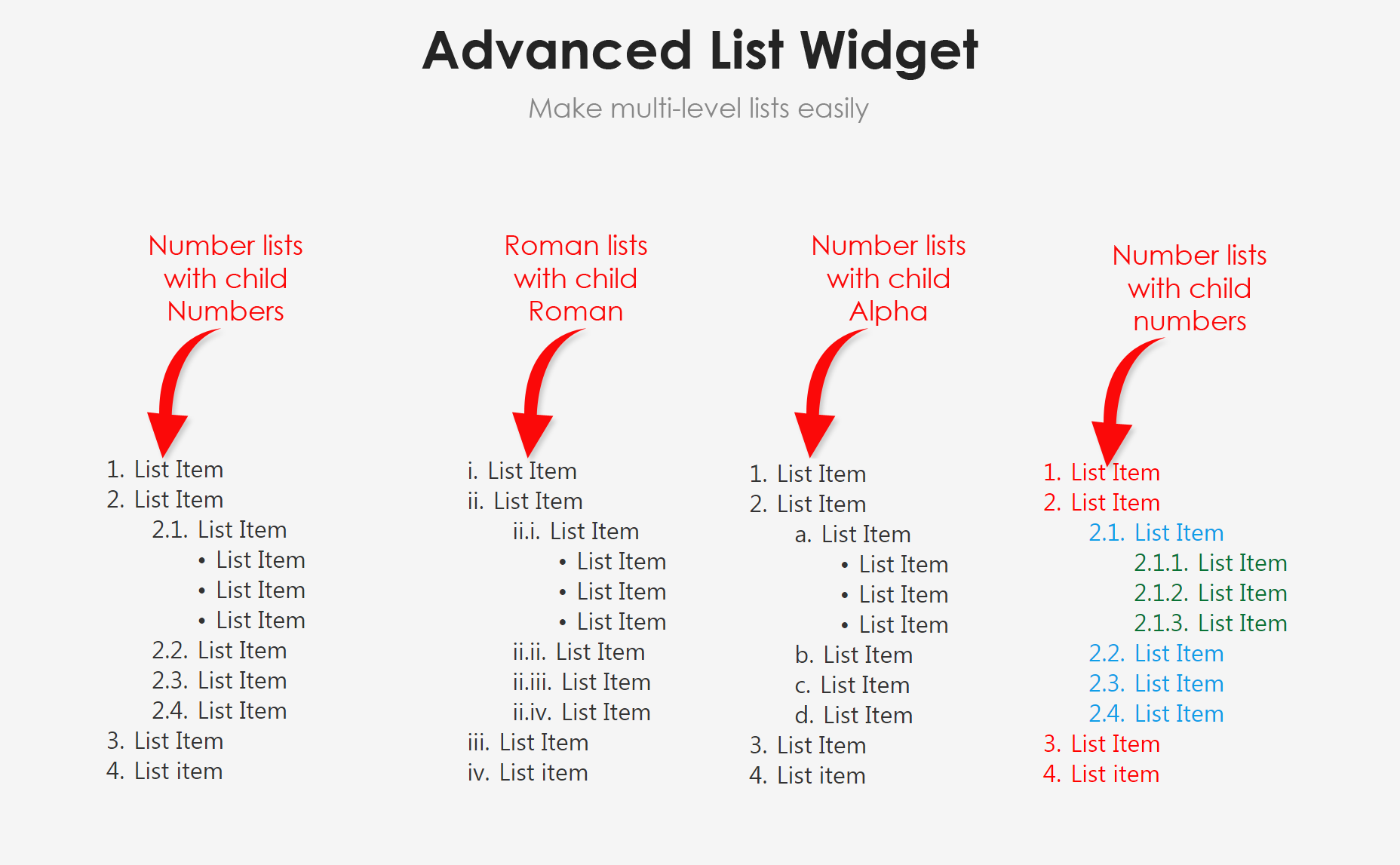
- Create lists of items with indents.
- Choose from numeric, alpha, Rome and other list types.
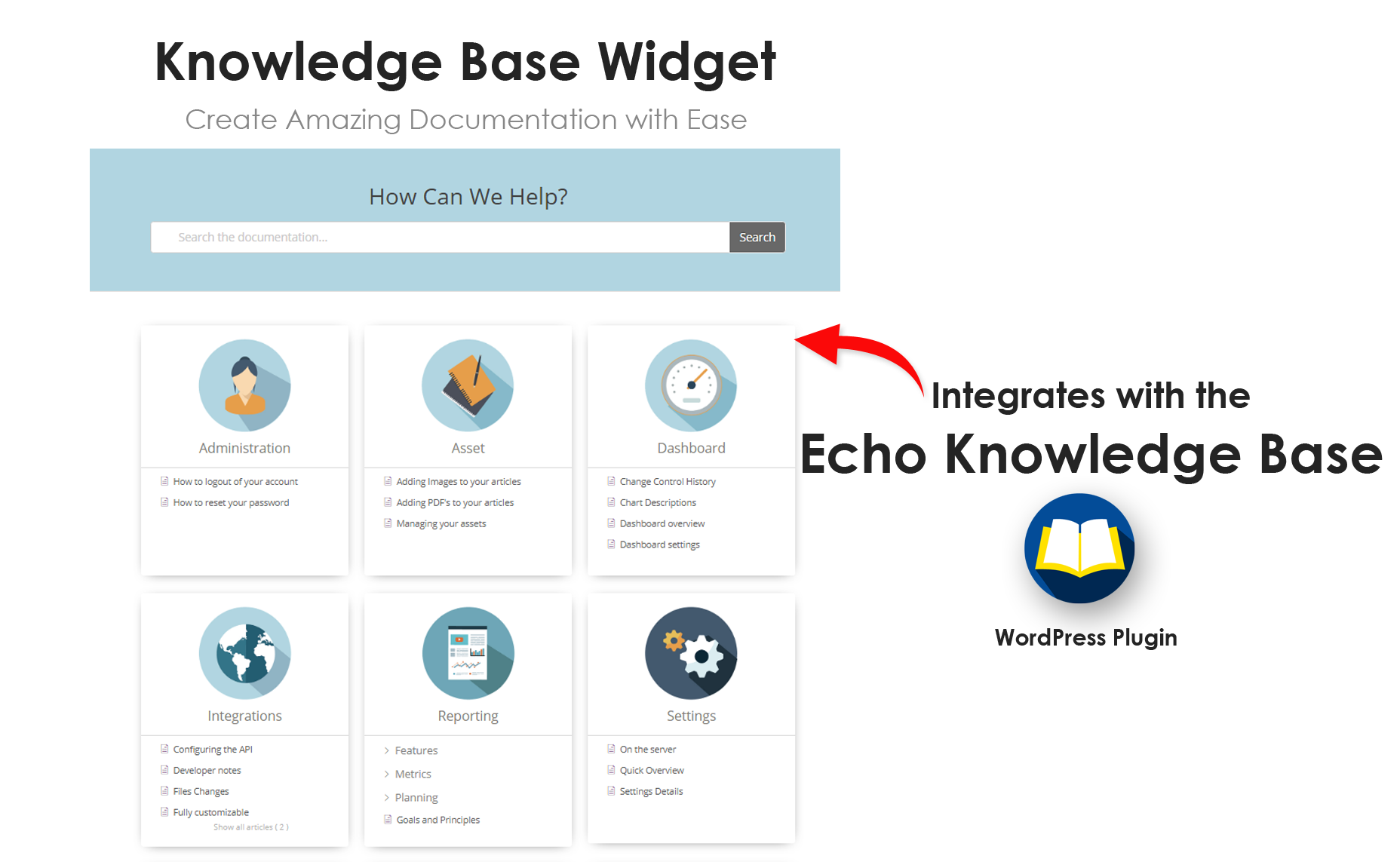
- Add the full Knowledge Base page of categories and articles.
- This requires a free Echo Knowledge Base plugin
- List recent articles from your Echo Knowledge Base.
- This requires a free Echo Knowledge Base plugin
- List specific categories from your Echo Knowledge Base.
- This requires a free Echo Knowledge Base plugin
- Let reader search through your Echo Knowledge Base.
- This requires a free Echo Knowledge Base plugin
Expert Support
We have an extraordinary support team ready to help you. We provide friendly and timely support.
⭐ OUR FREE COMPLEMENTARY PLUGINS ⭐
✅ Echo Knowledge Base is a documentation plugin for WordPress. Create knowledgebase, docs, FAQs, and wikis easily. Learn More
✅ The Help Dialog offers a chatbot-like dialog for better customer support and increased leads and sales. The Help Dialog includes FAQs, search, and a contact form. Learn More
✅ Show IDs reveals IDs on admin screens that list posts, pages, custom post types and taxonomies, and others. Learn More
✅ The Content Down Arrow is coming soon.
Please stay tuned! We have amazing widgets coming!
Installation
You can install the Creative Addons for Elementor plugin from your WordPress Dashboard or manually upload it through FTP.
OPTION 1: Install the Creative Addons for Elementor plugin from WordPress Dashboard
- Navigate to Plugins -> Add New.
- Search for ‘Creative Addons for Elementor’ and install the plugin.
- Activate the plugin in the Plugins menu.
OPTION 2: Manually Upload Plugin Files
- Download the plugin file from the plugin page: creative-addons-for-elementor.zip.
- Unzip the file creative-addons-for-elementor.zip.
- Upload the ‘creative-addons-for-elementor’ folder to your ‘/wp-content/plugins’ directory (do not rename the folder).
Frequently asked questions
What more do I get with your plugin?
We provide the WordPress community with one of the most popular knowledge base plugins. You can try it here: Knowledge Base.
Changelog
1.8.7, Aug 26, 2026
- Update: WordPress 7.1
- Fix: Steps and Image Guide widgets in the Elementor editor
- Update: minimum Elementor version is now 3.5.0
1.8.6, May 18, 2026
- Update: WordPress 7.0
1.8.5, Dec 13, 2025
- Update: WordPress 6.5
1.8.4, Jan 19, 2025
- Fix: Image Guide widget
1.8.3, Dec 28, 2024
- Update: Elementor deprecated CSS
1.8.2, Dec 18, 2024
- Update: Elementor deprecated class
Screenshots


For developers
Is this your plugin? Show off the numbers.
Add a live badge to your site, docs or GitHub README. It updates on its own — no account needed.
Best Creative Addons for Elementor alternatives
All builder plugins →





FAQ
Creative Addons for Elementor: quick answers
Straight answers, pulled from live WordPress.org data.
Live data from WordPress.org · checked Sep 28, 2026
Is Creative Addons for Elementor free?
Yes. Creative Addons for Elementor is free to download and use from the official WordPress.org plugin directory.
Is Creative Addons for Elementor safe to use in 2026?
Creative Addons for Elementor is a solid plugin choice in 2026, with a few things worth checking first. It runs on 700+ sites, is rated 5/5 and was last updated 4 weeks ago, and scores 77/100 on our health check.
How many websites use Creative Addons for Elementor?
Creative Addons for Elementor is active on 700+ WordPress websites and has been downloaded 30,842 times since it launched in October 2020. It was downloaded 801 times in the last 30 days.
Does Creative Addons for Elementor work with WordPress 7.1?
Yes. The developer has tested Creative Addons for Elementor up to WordPress 7.1.2, the latest release. It requires WordPress 5.4 or newer.
What PHP version does Creative Addons for Elementor need?
Creative Addons for Elementor requires PHP 7.0 or higher. Most hosts run PHP 8.x today, so it works on any modern WordPress hosting.
When was Creative Addons for Elementor last updated?
The latest version, 1.8.7, was released on August 30, 2026 (4 weeks ago).
Who makes Creative Addons for Elementor?
Creative Addons for Elementor is developed and maintained by echoplugins.
What are the best alternatives to Creative Addons for Elementor?
The most popular alternatives to Creative Addons for Elementor are Mesmerize Companion (50K+ installs), PixTypes (9K+ installs) and Gantry 5 Framework (7K+ installs).
Powered by PageForge
Want thousands of pages that rank like these? Build them in an afternoon.
This directory runs on the same engine as PageForge. Turn any spreadsheet, CSV or API into thousands of fast, SEO-ready WordPress pages — with schema, internal links and AI-written copy baked in.
- CSV, Google Sheets & API data sources
- AI content, schema & internal links per page
- Works with Elementor, Gutenberg, Yoast & Rank Math
- Free on WordPress.org — no credit card


