


ClientHub
Client management with project tracking, secure messaging, and a front-end client portal for WordPress.

Solid choice
ClientHub is a solid plugin choice in 2026, with a few things worth checking first. It runs on 10+ sites and was last updated 4 weeks ago, and scores 66/100 on our health check.
- Actively developed — last update 4 weeks ago
- Tested with the latest WordPress (7.1)
- Small user base (10+ active installs)
- Very few reviews so far
How does it stack up?
Side-by-side on installs, updates, ratings & support



Daily downloads
Download spikes usually follow a new release — each site that auto-updates counts as a download.
Rankings
Where ClientHub stands todayWordPress.org search rankings
Live position in the plugin search, top 100| Keyword | Position |
|---|---|
| client management | >100 |
| crm | >100 |
| customer portal | >100 |
| dashboard | >100 |
| project tracking | >100 |
Version adoption
Share of active sites per release.
About ClientHub
From the official readme · v1.0.4Description
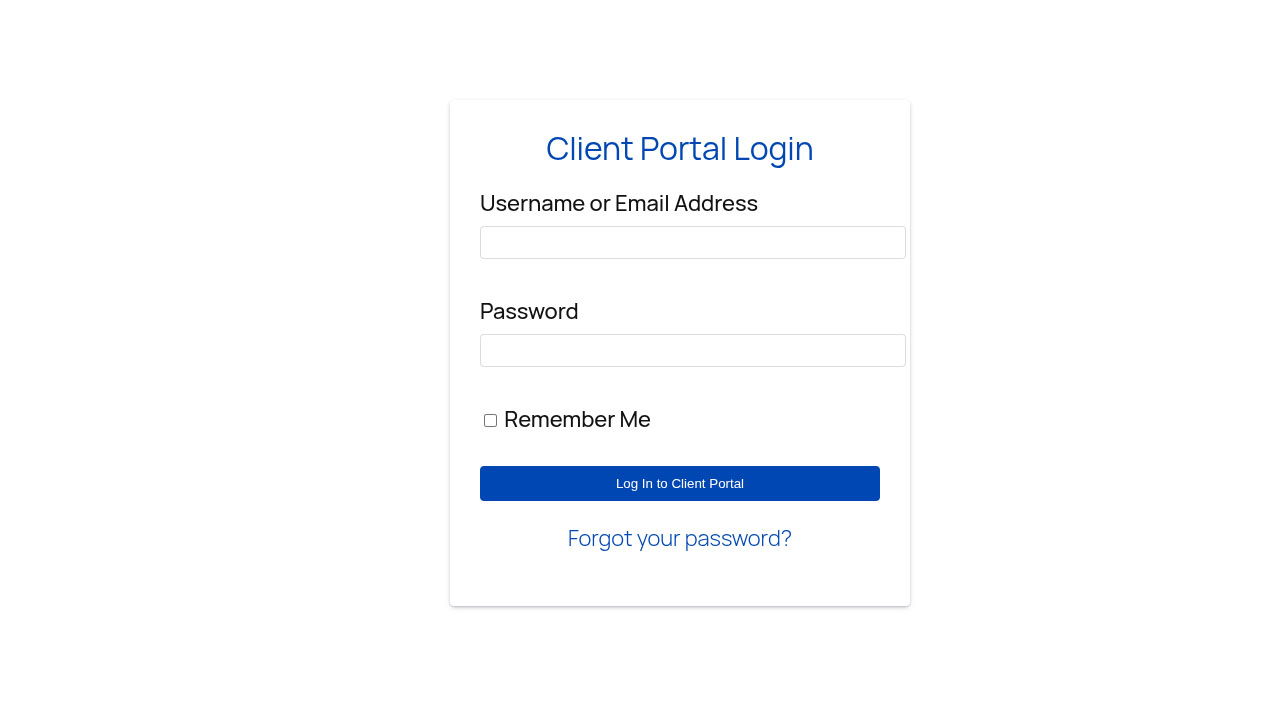
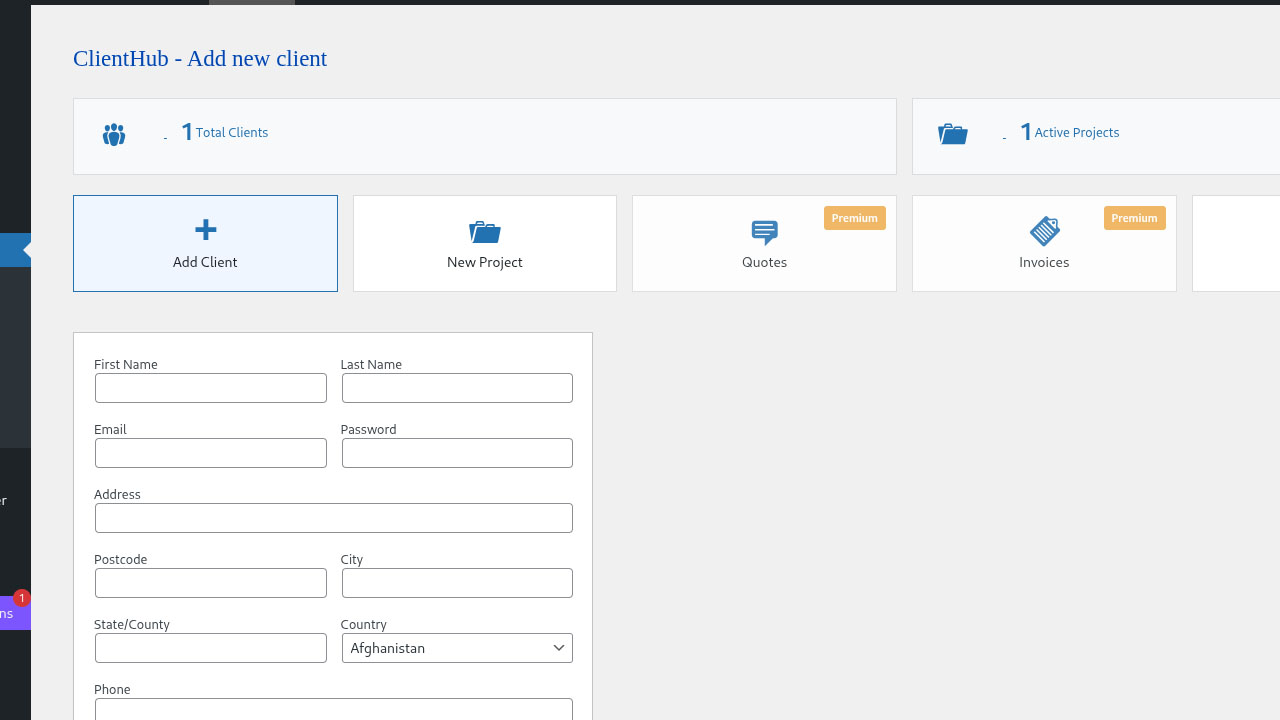
ClientHub helps freelancers and agencies manage clients inside WordPress: keep contact details in one place, track project progress, and give each client a secure portal to view their projects and message you.
Included in this release:
- Client records linked to WordPress user accounts
- Project tracking with progress and dates
- Admin and client messaging
- Front-end portal via the
[clienthub]shortcode - Email notifications for new projects, project updates, and new client messages
- Dedicated Client Portal User role for portal access
- Responsive admin and portal styling
Premium (optional): Quotes, invoices, and advanced reporting are available from NETT.PRO and are clearly marked in the admin dashboard. They are not part of the free WordPress.org plugin.
Whether you manage a handful of clients or a growing roster, ClientHub keeps day-to-day communication and project status in one place without leaving WordPress.
Installation
- Upload the
clienthubfolder to the/wp-content/plugins/directory - Activate the plugin through the ‘Plugins’ menu in WordPress
- Go to ‘ClientHub’ in your WordPress admin panel
- Add your first client and create projects
- Use the shortcode
[clienthub]on any page to display the client portal
Changelog
Documentation and internal improvements only. Existing clients, projects, and messages are unchanged. Updating is recommended for accurate plugin directory information and smoother upgrades.
1.0.4 – 2026-10-22
- Tested compatibility with WordPress 7.1
- Aligned readme and plugin description with actual free features (WordPress.org clarity)
- Centralized client creation logic; removed duplicate unused handlers
- Assign Client Portal User role when adding clients; one-time role sync for existing client accounts (non-destructive)
- Register client role on activation from the main plugin file
- Load portal CSS only on pages that contain the
[clienthub]shortcode - Preserve version and database options on deactivation for safer upgrades
- Improved translatable strings in the client portal
1.0.3 – 2026-05-25
- Tested compatibility with WordPress 7.0
- Updated readme.txt
1.0.2
- Added plugin version badge to admin dashboard corner
- Added email notifications to admin when new projects are created
- Improved security with standardized direct access protection
- Added translators comments for all placeholder strings
1.0.1
- Tested compatibility with WordPress 6.9
- Updated readme.txt
1.0.0
- Initial release
- Client management system
- Project tracking with progress bars
- Secure messaging between admin and clients
- Client portal shortcode
- Responsive mobile design
Screenshots



For developers
Is this your plugin? Show off the numbers.
Add a live badge to your site, docs or GitHub README. It updates on its own — no account needed.
Best ClientHub alternatives
All client management plugins →





FAQ
ClientHub: quick answers
Straight answers, pulled from live WordPress.org data.
Source: WordPress.org
Is ClientHub free?
Yes. ClientHub is free to download and use from the official WordPress.org plugin directory.
Is ClientHub safe to use in 2026?
ClientHub is a solid plugin choice in 2026, with a few things worth checking first. It runs on 10+ sites and was last updated 4 weeks ago, and scores 66/100 on our health check.
How many websites use ClientHub?
ClientHub is active on 10+ WordPress websites and has been downloaded 914 times since it launched in November 2025. It was downloaded 146 times in the last 30 days.
Does ClientHub work with WordPress 7.1?
Yes. The developer has tested ClientHub up to WordPress 7.1.5, the latest release. It requires WordPress 6.2 or newer.
What PHP version does ClientHub need?
ClientHub requires PHP 7.4 or higher. Most hosts run PHP 8.x today, so it works on any modern WordPress hosting.
When was ClientHub last updated?
The latest version, 1.0.4, was released on October 23, 2026 (4 weeks ago).
Who makes ClientHub?
ClientHub is developed and maintained by NETT.PRO.
What are the best alternatives to ClientHub?
The most popular alternatives to ClientHub are AllCoach (400+ installs), PortalPilot (100+ installs) and Sprout Clients (30+ installs).
Powered by PageForge
One template and a spreadsheet. A real page for every search.
PageForge turns each row of a CSV into a WordPress page with its own title, URL, SEO fields and schema, built on the layout you already designed. Free on WordPress.org.
- CSV and XLSX, plus Google Sheets on Professional and Enterprise
- Its own title, URL, SEO fields and schema for every page
- Works with the block editor, Elementor, Divi and Avada
- Free on WordPress.org, no credit card