



Chartsy
Chartsy - lets you easily add dynamic, customizable charts to any page builder using a simple and powerful interface.

Use with caution
Chartsy works, but test it on a staging site before relying on it in 2026. It runs on 100+ sites, is rated 5/5 and was last updated 4 months ago, and scores 49/100 on our health check.
- Small user base (100+ active installs)
- Very few reviews so far
Daily downloads
Download spikes usually follow a new release — each site that auto-updates counts as a download.
Rankings
Where Chartsy stands todayWordPress.org search rankings
Live position in the plugin search, top 100| Keyword | Position |
|---|---|
| apexcharts | #2 |
| charts | #45 |
| data visualization | #14 |
| graphs | #85 |
| responsive chart | #32 |
Version adoption
Share of active sites per release.
Rating breakdown
★★★★★★★★★★ 5 from 1 reviews
About Chartsy
From the official readme · v1.0.3Description
Chartsy is a powerful WordPress chart plugin built with ApexCharts.js, designed to create responsive, interactive, and visually appealing charts. It uses high-performance SVG rendering to ensure smooth animations, precise interactivity, and sharp display across all devices. Whether you’re showcasing business data or complex analytics, Chartsy makes your data easy to understand and engaging.
With an intuitive admin interface and real-time preview, you can quickly customize charts by adjusting colors, fonts, legends, and axes. This flexibility helps you build professional data visualizations faster and more efficiently without any complexity.
Features
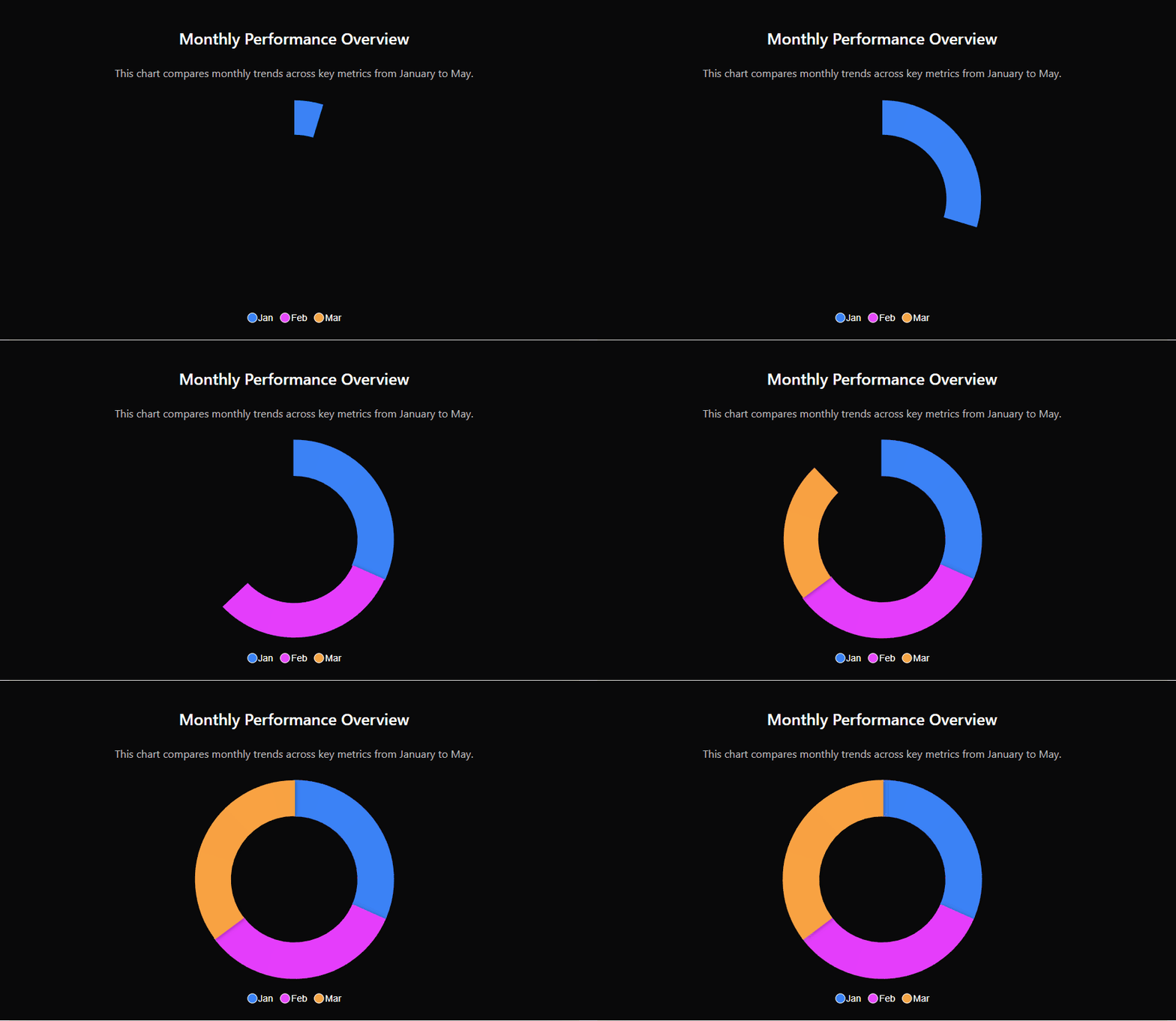
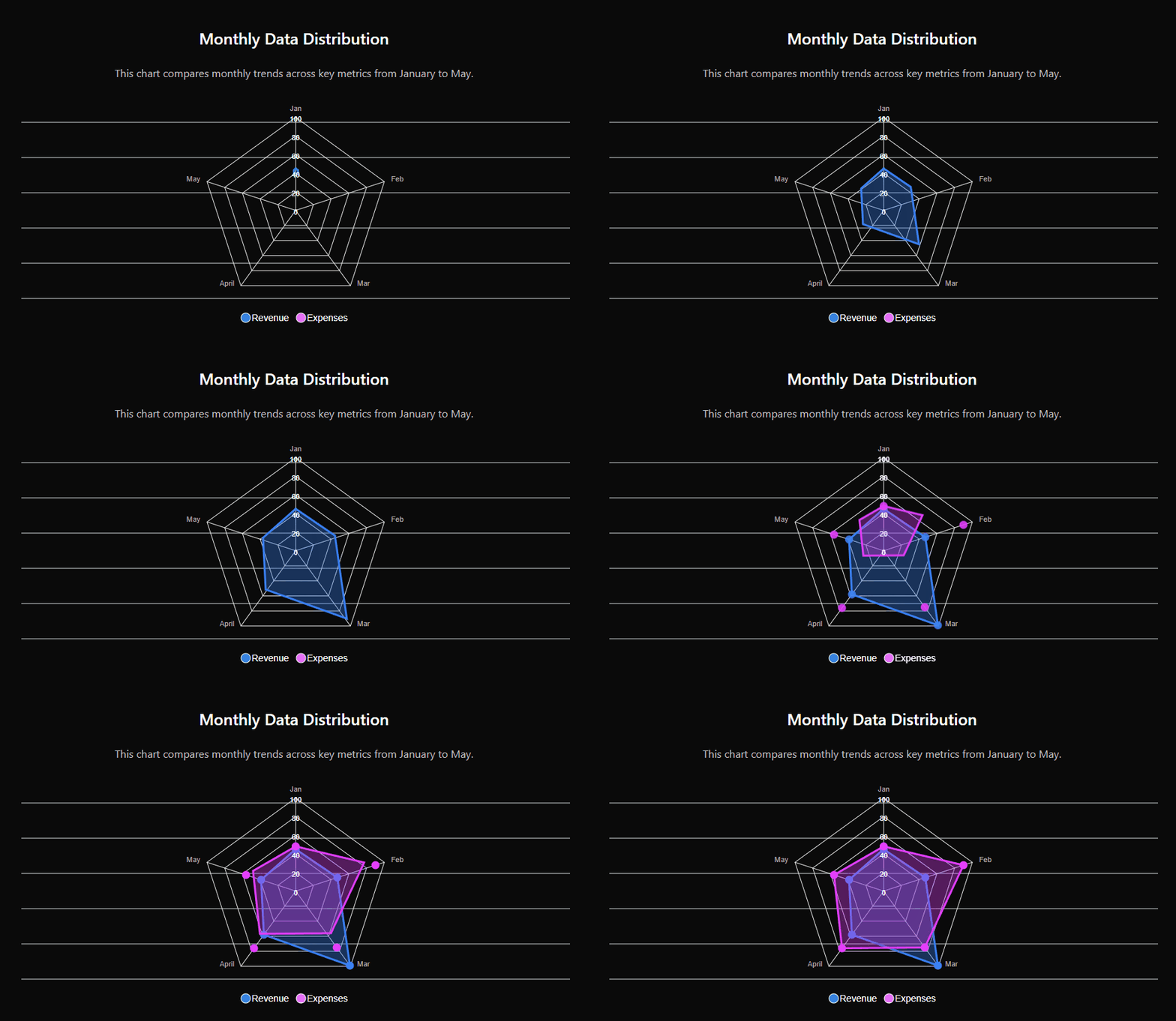
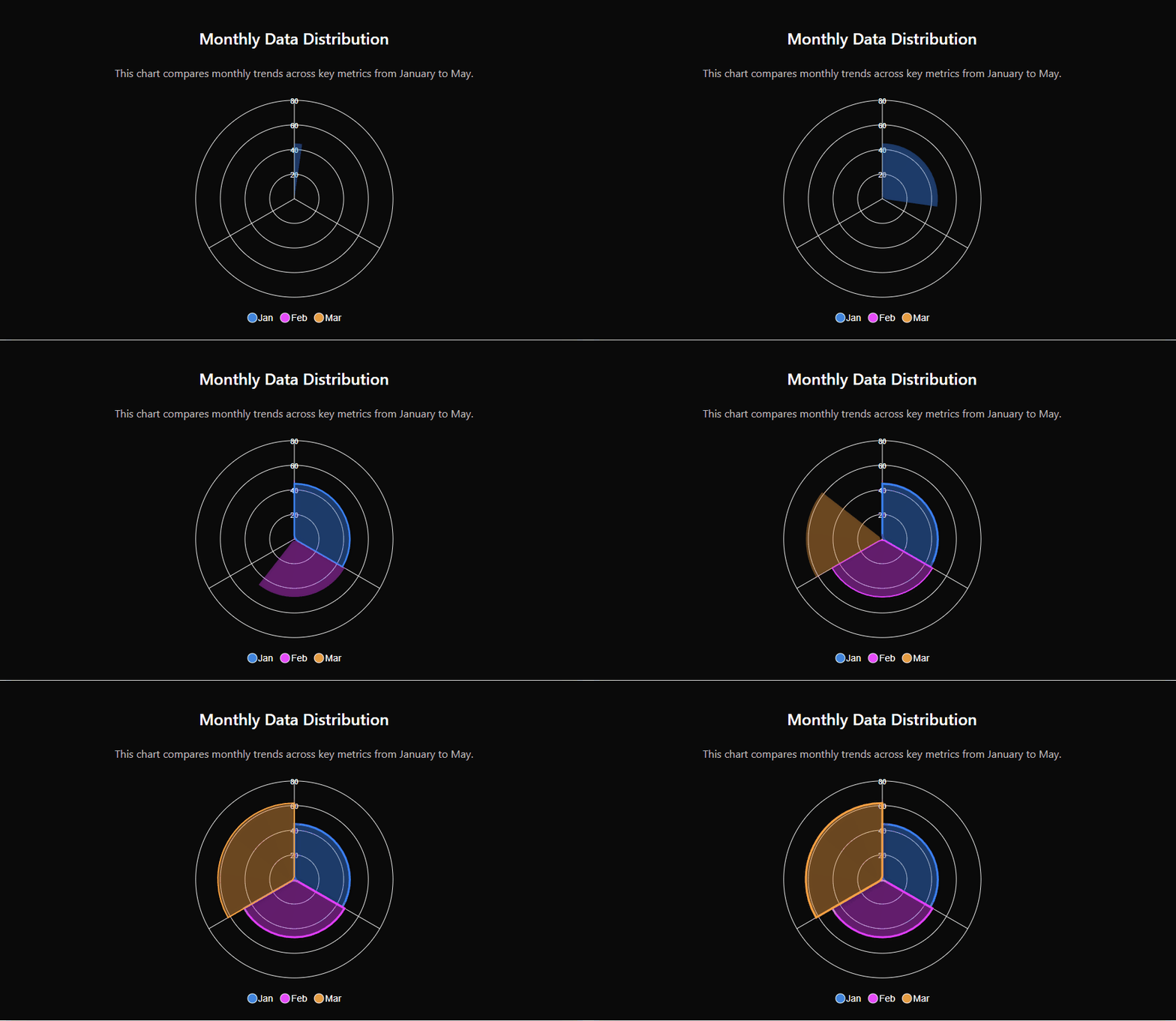
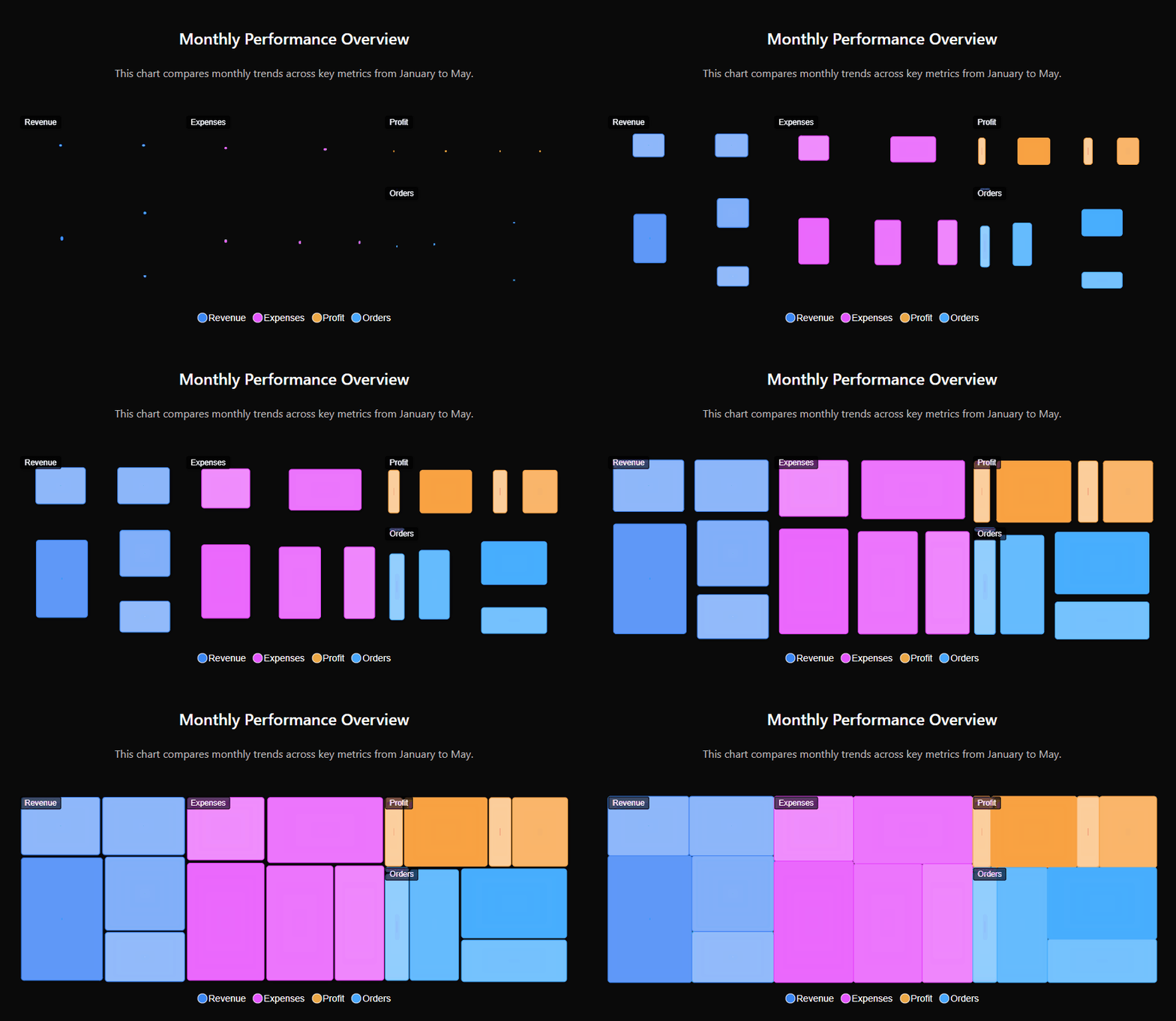
⭐ 18+ Advanced Chart Types – Create everything from standard Line, Area, and Bar charts to complex Candlestick, Heatmap, Treemap, Timeline, Radar, and Polar Area visualizations.
⭐ Dynamic Multi-Series Support – Easily manage multiple data series in a single chart with synchronized legends, shared tooltips, and independent styling for every series.
⭐ Flexible Data Connection – Connect to manual data entry, local or remote CSV files, Google Sheets, SQL databases, REST APIs, or use custom WordPress filters for deep programmatic integration.
⭐ Interactive Toolbar & Controls – Empower users with built-in tools for Zooming (pinching supported), Panning, Selection-zooming, and a one-click Reset to the original view.
⭐ Professional Export Suite – Provide users with the ability to download charts directly as PNG images, SVG files, or CSV/PDF documents for offline viewing and reporting.
⭐ Real-time Admin Preview – Experience zero-latency editing with a live preview system that reflects every change to data sources or styling immediately within the admin panel.
⭐ Precision Plot Options – Deep control over chart geometry including rounded corners (border-radius), stack types (Normal vs 100% Stacked), grouped bars, and custom offset values.
⭐ Advanced Axis Customization – Configure multiple Y-axes, custom label formatting, shared scales, grid-line visibility, and precise range controls for both X and Y dimensions.
⭐ Premium Card Design System – Wrap your charts in beautiful “cards” with custom background gradients, adjustable padding/margins, solid or dashed borders, and rich box-shadow effects.
⭐ Elementor Widget – Elementor widget for chartsy charts there easily drag and drop and choose your chart.
⭐ Dynamic Annotations & Labels – Add custom data labels, markers, and forecast points to highlight specific values or trends, with full control over font styles and background colors.
⭐ Developer Friendly Architecture – Built for developers with extensive hooks (filters and actions) allowing you to inject data or modify chart configurations programmatically.
⭐ Responsive & Touch Optimized – Charts are fully adaptive by default, responding to screen size changes and supporting native touch gestures for mobile interactions like swipe and pinch.
⭐ 24/7 Dedicated Support – Our expert support team is available around the clock to help you with installation, configuration, or any technical questions you may have.
⭐ Shortcode Support – Seamlessly embed your charts anywhere on your site using simple shortcodes: [Chartsy id="123"].
External Services
This plugin includes the following open-source libraries:
- ApexCharts.js
A modern interactive SVG chart library used to power the chart functionality.
License: MIT
Installation
- Upload the plugin to the
/wp-content/plugins/chartsy/directory or install it via Plugins > Add New. - Activate the plugin through the Plugins menu in WordPress.
- Navigate to Chartsy in the WordPress admin menu to create a new chart.
- Choose your desired chart type and configure your data.
- Style your chart using the comprehensive settings tabs: Chart Settings, Legend, Axes, Tooltips, and Card Styling.
- Use the shortcode
[Chartsy id="SLIDER_ID"]to display your chart anywhere on your site, whereSLIDER_IDis the ID of your chart.
Frequently asked questions
How do I create a chart?
Navigate to Chartsy > Add New in your WordPress admin, configure your chart settings and data, and save. Then use the shortcode provided in the sidebar to display it on any page or post.
Does this plugin support responsive design?
Absolutely! All charts created with Chartsy are fully responsive and adapt to different screen sizes.
Can I export my charts?
Yes, you can enable the interactive toolbar in the settings, which allows users to download the chart as an image (PNG/SVG) or as data (CSV/PDF).
Will this work with my page builder?
Yes, Chartsy works with all major page builders like Elementor, Divi, Beaver Builder, and Gutenberg via the shortcode implementation.
What kind of support do you provide?
We provide 24/7 dedicated technical support for all our users. If you encounter any issues, simply contact us through our website.
Changelog
Initial release. Install to start creating professional interactive charts for your WordPress site.
1.0.0
- Initial release
- ApexCharts.js-powered responsive interactive charts
- 18+ advanced chart types supported (Line, Area, Bar, Heatmap, Treemap, etc.)
- Real-time admin preview system
- Advanced customization for axes, legends, tooltips, and markers
- Interactive toolbar with zoom, pan, and download options
- Shortcode implementation for universal compatibility
1.0.1
- Pie chart options fixed
- Add label color options
1.0.2
- Improved Radialbar charts
- Improved Timeline chart
- Create elementor widget
1.0.3
- WordPress 7.0 compatibility verified
- Added Free vs Pro comparison table in settings
- Fixed data mapping and rendering for candlestick and timeline charts
- Improved data fields display logic in the editor
- Fixed translation warning in Elementor widget and minor shortcode display issues
Screenshots
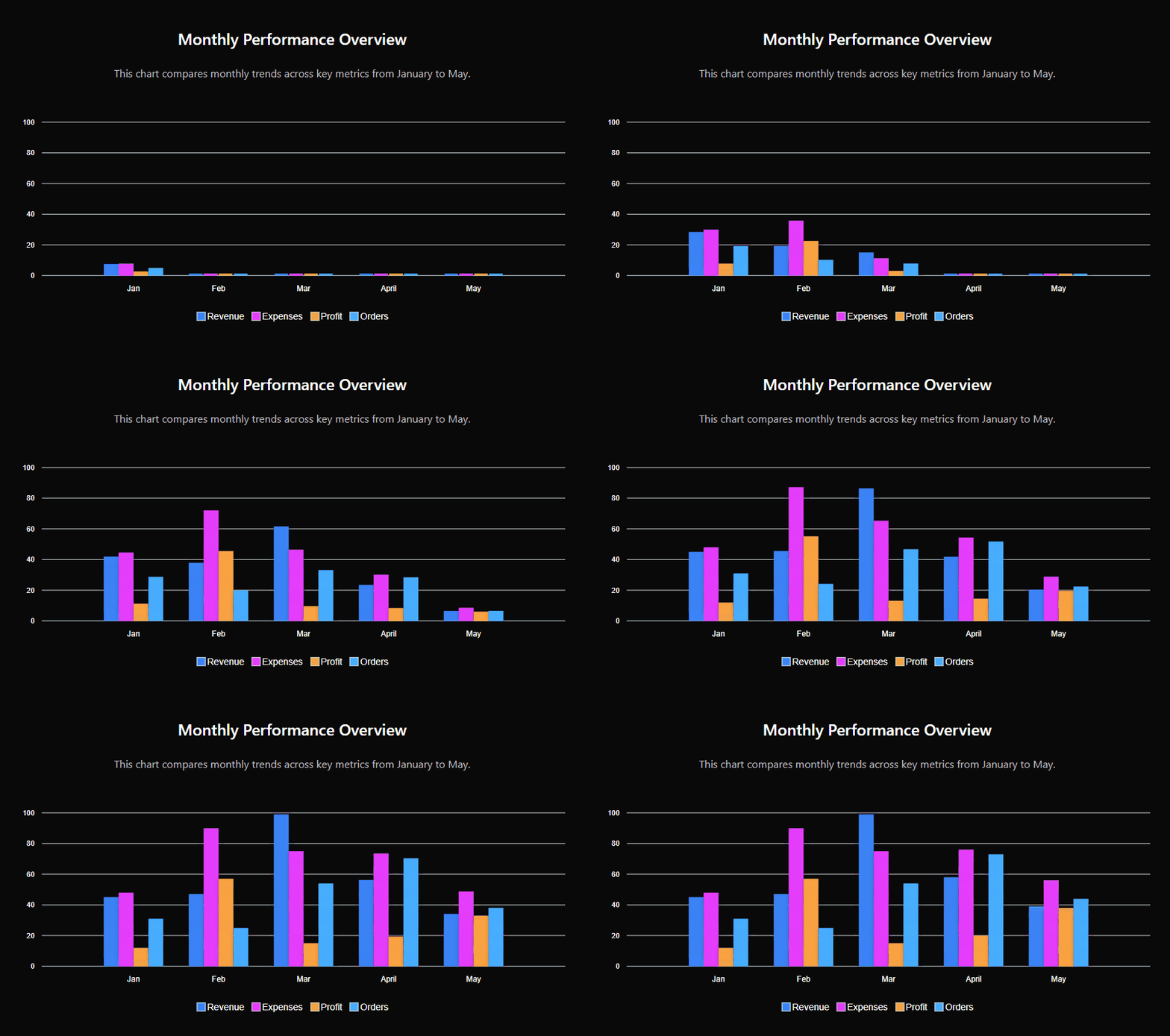
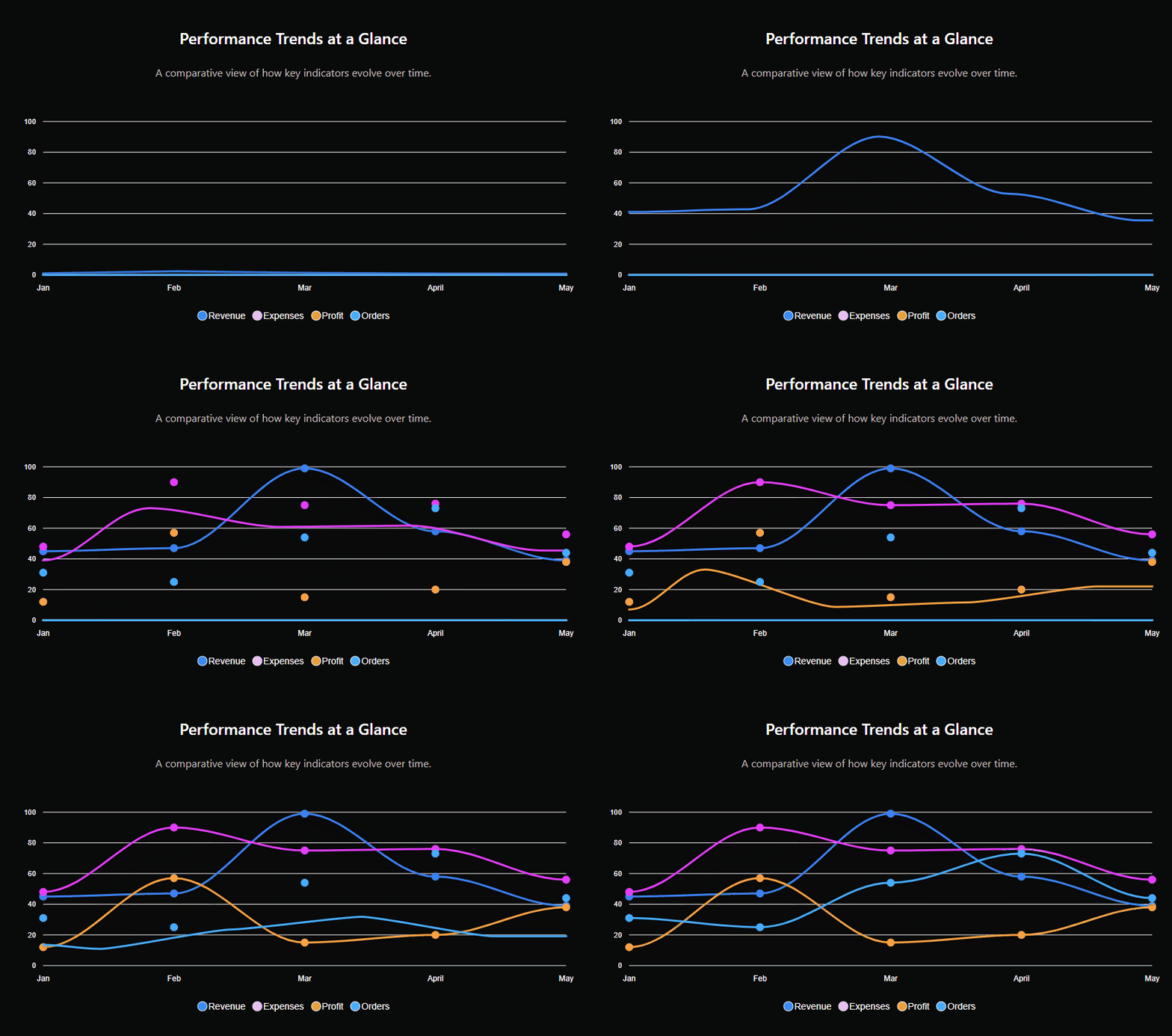
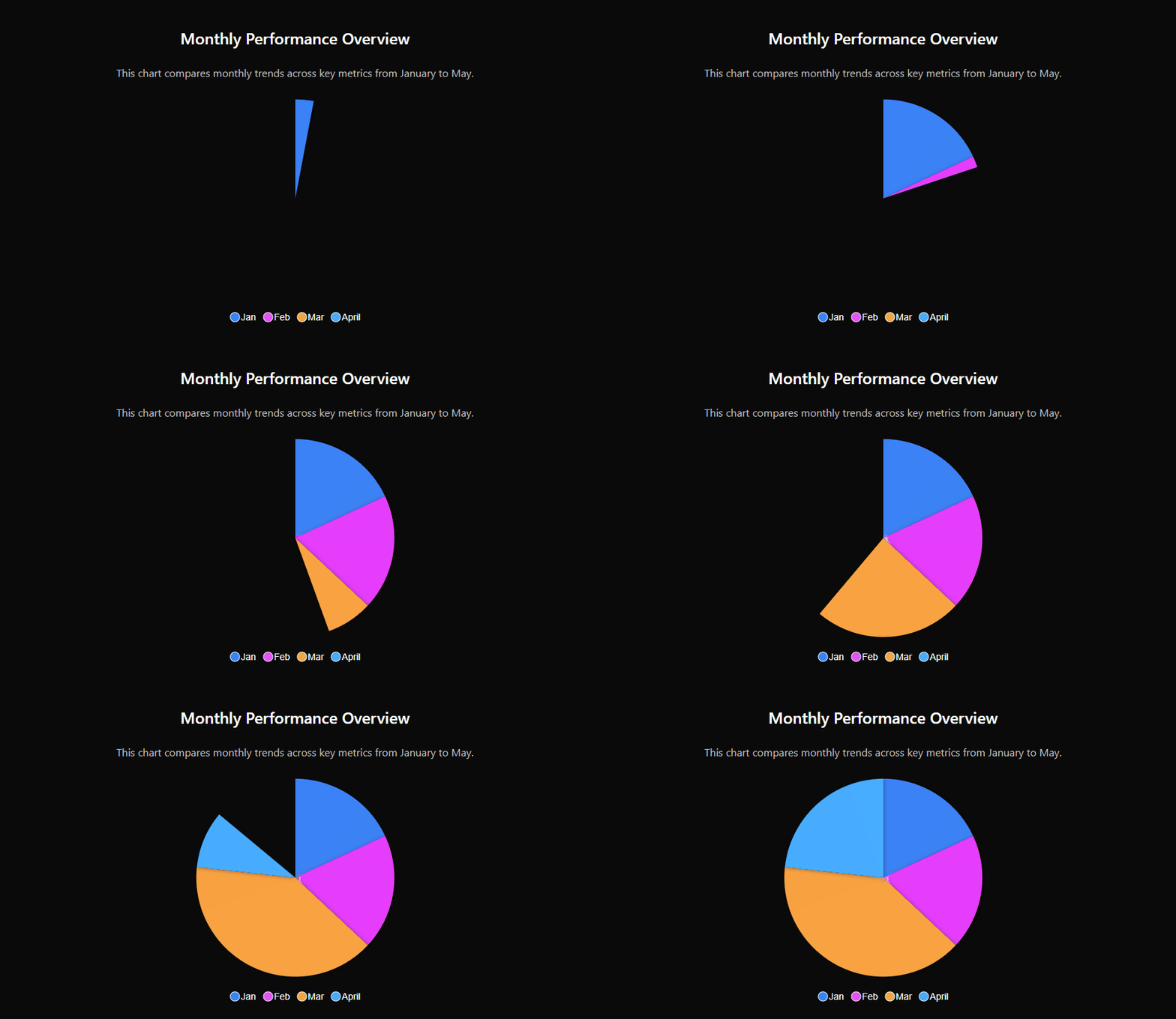
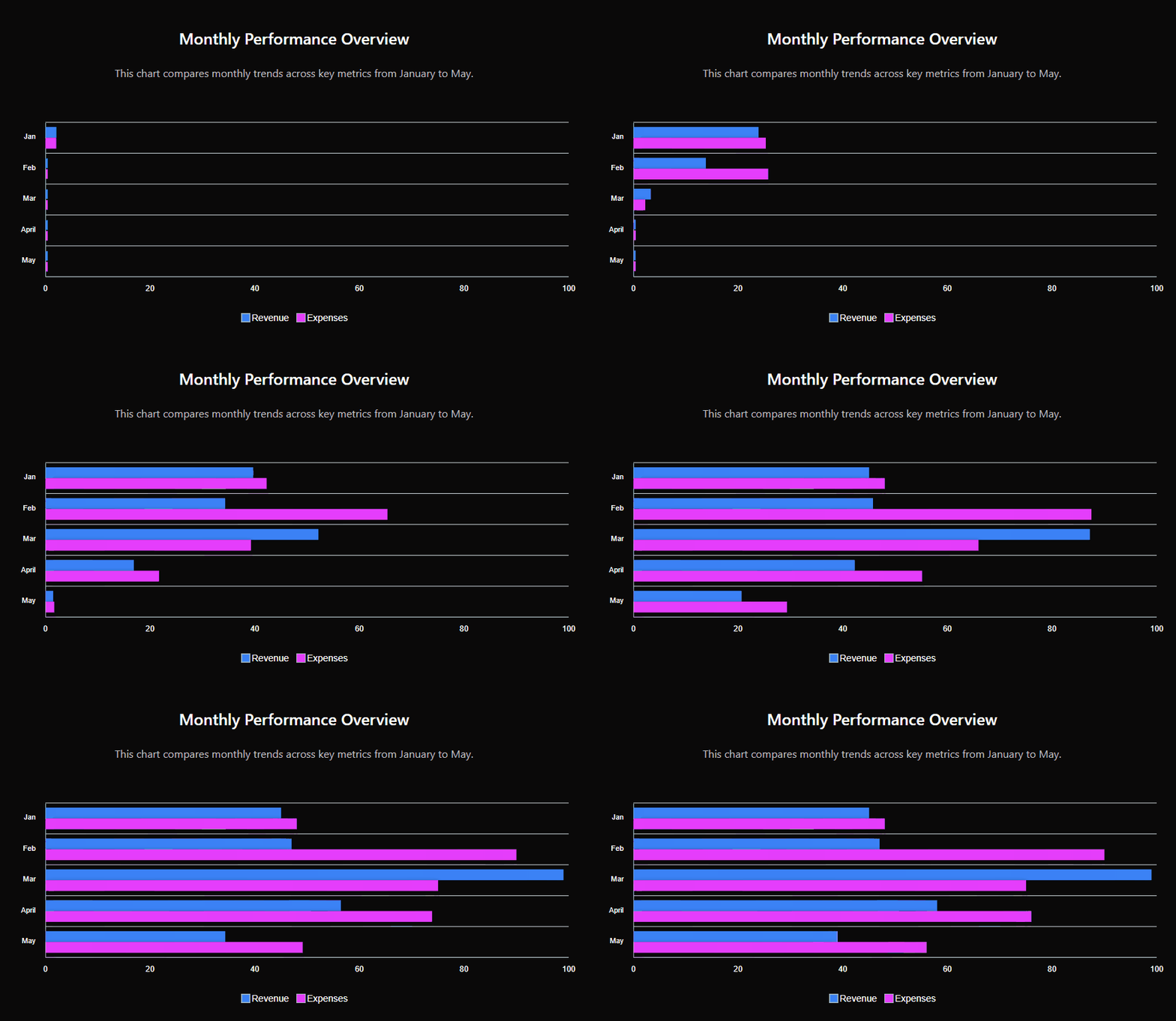
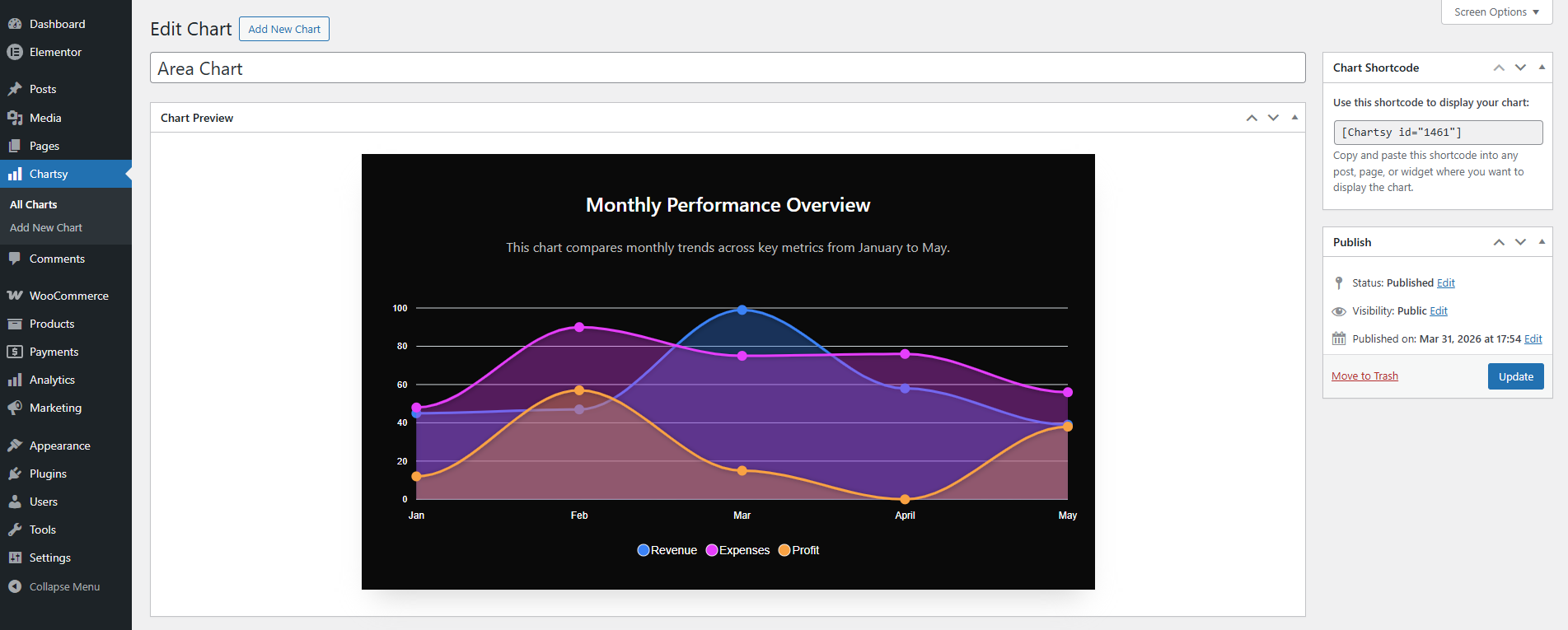
For developers
Is this your plugin? Show off the numbers.
Add a live badge to your site, docs or GitHub README. It updates on its own — no account needed.
FAQ
Chartsy: quick answers
Straight answers, pulled from live WordPress.org data.
Live data from WordPress.org · checked Oct 8, 2026
Is Chartsy free?
Yes. Chartsy is free to download and use from the official WordPress.org plugin directory.
Is Chartsy safe to use in 2026?
Chartsy works, but test it on a staging site before relying on it in 2026. It runs on 100+ sites, is rated 5/5 and was last updated 4 months ago, and scores 49/100 on our health check.
How many websites use Chartsy?
Chartsy is active on 100+ WordPress websites and has been downloaded 2,729 times since it launched in March 2026. It was downloaded 133 times in the last 30 days.
Does Chartsy work with WordPress 7.1?
Chartsy is officially tested up to WordPress 7.0.7, while the latest release is 7.1.3. It may still work, but try it on a staging site first.
What PHP version does Chartsy need?
Chartsy requires PHP 7.4 or higher. Most hosts run PHP 8.x today, so it works on any modern WordPress hosting.
When was Chartsy last updated?
The latest version, 1.0.3, was released on May 29, 2026 (4 months ago).
Who makes Chartsy?
Chartsy is developed and maintained by cosmicinfosoftware.
Powered by PageForge
Want thousands of pages that rank like these? Build them in an afternoon.
This directory runs on the same engine as PageForge. Turn any spreadsheet, CSV or API into thousands of fast, SEO-ready WordPress pages — with schema, internal links and AI-written copy baked in.
- CSV, Google Sheets & API data sources
- AI content, schema & internal links per page
- Works with Elementor, Gutenberg, Yoast & Rank Math
- Free on WordPress.org — no credit card


