


AyeCode Connect
Use this service plugin to easily activate any of our products, open a support ticket and view documentation all from your wp-admin!

Safe pick
Yes — AyeCode Connect is a safe, well-maintained plugin to use in 2026. It runs on 10K+ sites, is rated 5/5 and was last updated 3 weeks ago, and scores 84/100 on our health check.
- Proven at scale on 10K+ active sites
- Actively developed — last update 3 weeks ago
- Tested with the latest WordPress (7.1)
- Very few reviews so far
Daily downloads
Download spikes usually follow a new release — each site that auto-updates counts as a download.
Rankings
Where AyeCode Connect stands todayWordPress.org search rankings
Live position in the plugin search, top 100| Keyword | Position |
|---|---|
| ayecode | #1 |
| geodirectory | #4 |
| GetPaid | #5 |
| service | #31 |
| userswp | #5 |
Version adoption
Share of active sites per release.
Rating breakdown
★★★★★★★★★★ 5 from 4 reviews
About AyeCode Connect
From the official readme · v1.4.22Description
To take full advantage of this plugin you should have one of our plugins installed.
GeoDirectory | UsersWP | GetPaid | BlockStrap
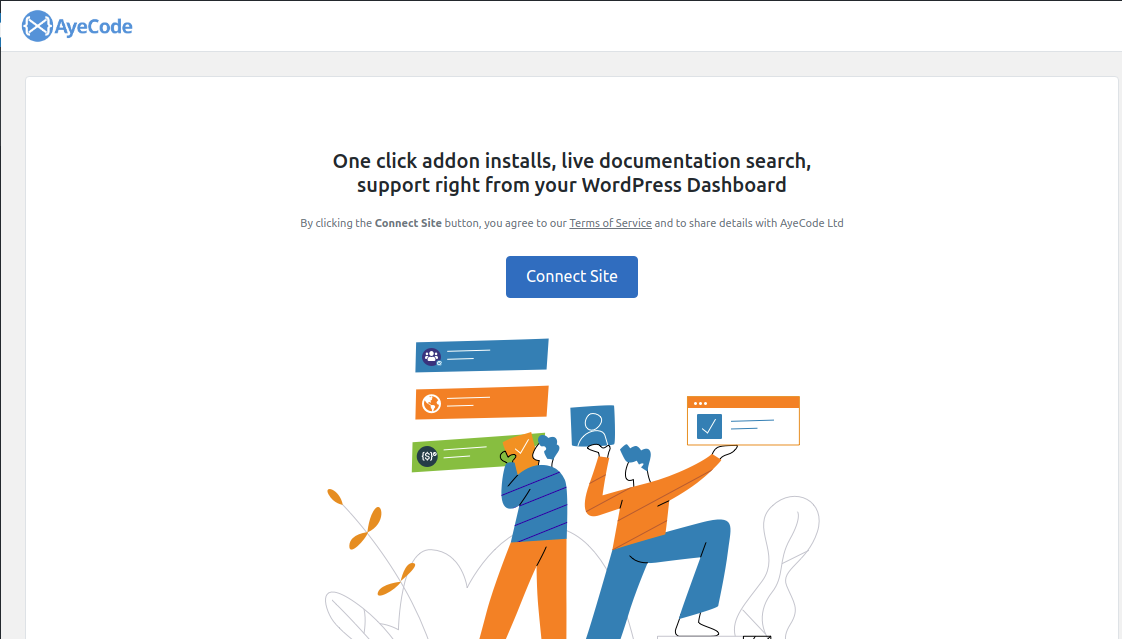
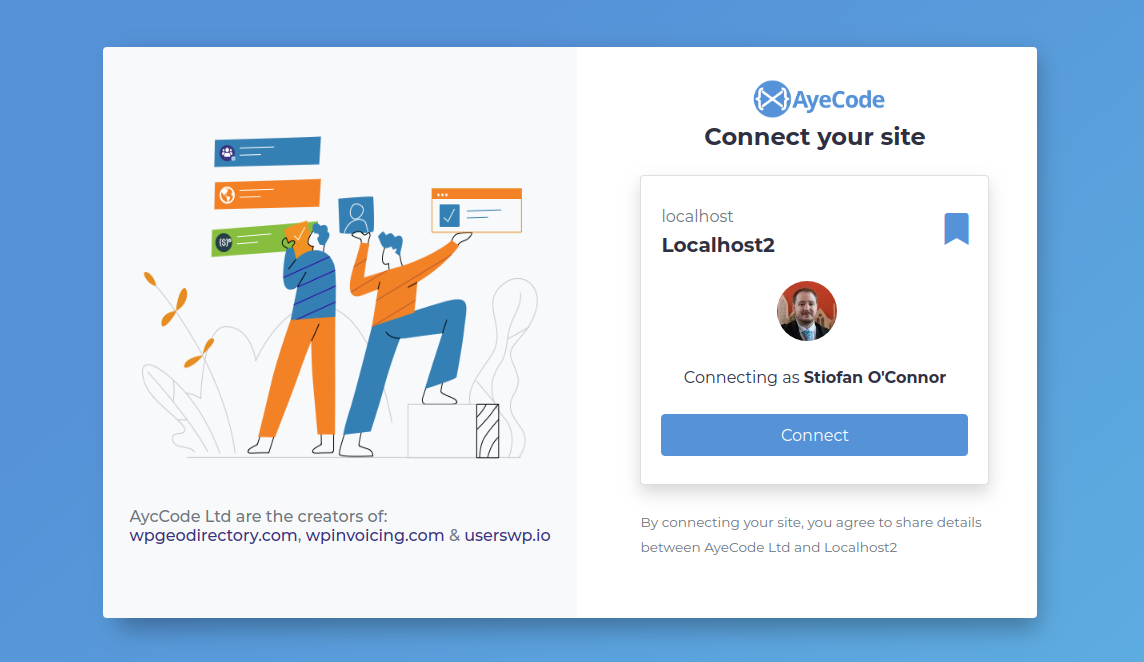
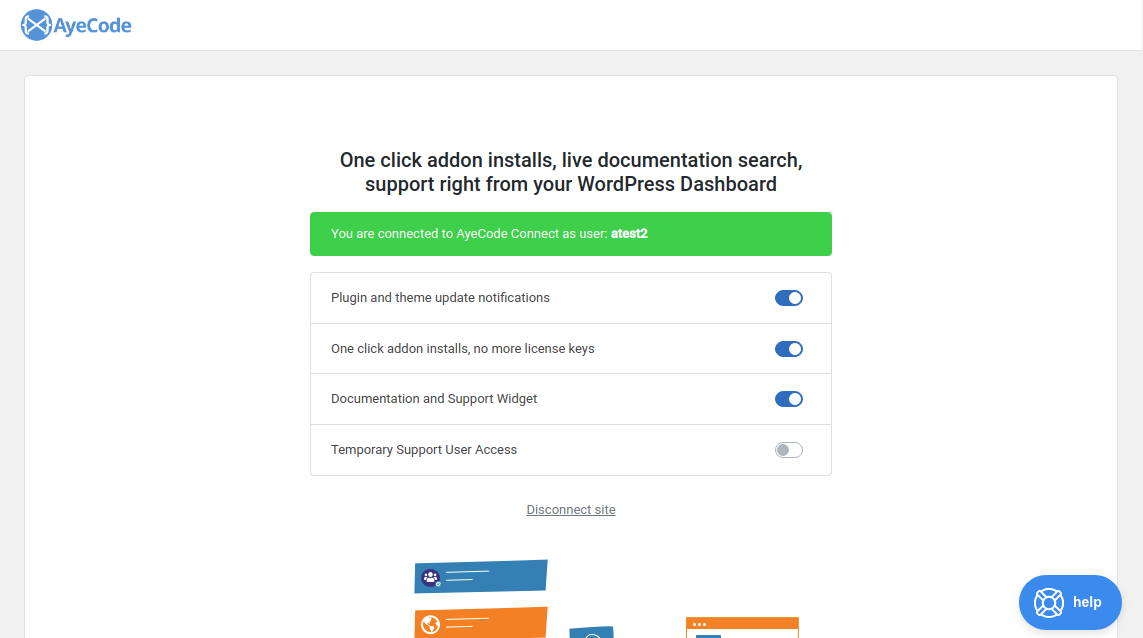
AyeCode Connect is a service plugin, meaning that it will have no functionality until you connect your site to ours. This link allows us to provide extra services to your site such as live documentation search and submission of support tickets.
After connecting your site you can install our update plugin which will give you the ability to automatically sync license keys of purchases and also be able to remotely install and update purchased products.
You will be able to remotely manage your activated sites and licences all from your account area on our site.
You can also use our one click demo importer.
NEW: Cloudflare Turnstile Captcha feature. You can now activate Cloudflare turnstile on your site which will add a captcha to all AyeCode Ltd products ( GeoDirectory, UsersWP, GetPaid, BlockStrap ).
Our implementation of Turnstile is loaded only when the field is show on the screen which helps with speed and SEO of your site.
NOTE: Your site does NOT have to be using Cloudflare to be able to use Cloudflare Turnstile.
Security
To report a security vulnerability, please review our vulnerability disclosure policy.
Installation
Minimum Requirements
- WordPress 6.0 or greater
- PHP version 7.2 or greater
- MySQL version 8.0 or greater
Automatic installation
Automatic installation is the easiest option. To do an automatic install of AyeCode Connect, log in to your WordPress dashboard, navigate to the Plugins menu and click Add New.
In the search field type “AyeCode Connect” and click Search Plugins. Once you’ve found our plugin you install it by simply clicking Install Now.
Manual installation
The manual installation method involves downloading our AyeCode Connect plugin and uploading it to your webserver via your favourite FTP application. The WordPress codex will tell you more here.
Updating
Automatic updates should seamlessly work. We always suggest you backup up your website before performing any automated update to avoid unforeseen problems.
Frequently asked questions
Do you have T&C’s and a Privacy Policy?
Yes, please see our terms & conditions and privacy policy.
Do i need to pay to use this?
No, you can register a free account on our site which will provide you with live documentation search and the ability to get support directly from your wp-admin area.
Is my connection to your site safe?
Yes, our system will only connect via HTTPS ensuring all passed data is encrypted. Additionally, we built our systems in such a way that; Should your database or our database (or both) be compromised, this would not result in access to your site. Should your files or our files (or both) be compromised, this would not result in access to your site.
Your demo importer is not working?
If your host runs “mod security” on your hosting and has some specific additional rules active, this can block some of our API calls. Please contact our support for help with this.
Changelog
1.4.22 – 2026-09-08
- WP Login blocked by Turnstile captcha when Wordfence 2FA is active – FIXED
1.4.21 – 2026-08-18
- Merge AUI 0.2.52 & SD 1.2.35 – CHANGED
1.4.20 – 2026-07-29
- Fix PHP 8.5 compatibility notices – COMPATIBILITY
1.4.19 – 2026-07-01
- AUI 0.2.51 & SD 1.2.33 – CHANGED
1.4.18 – 2026-06-17
- Enhance capability validation within the Turnstile captcha to prevent unauthorized access – SECURITY
1.4.17 – 2026-06-17
- Turnstile captcha support for UWP Getresponse, Aweber, Constant Contact, Newsletter, Active Campaign, and Campaign Monitor addon forms – ADDED
Screenshots
For developers
Is this your plugin? Show off the numbers.
Add a live badge to your site, docs or GitHub README. It updates on its own — no account needed.
FAQ
AyeCode Connect: quick answers
Straight answers, pulled from live WordPress.org data.
Live data from WordPress.org · checked Sep 27, 2026
Is AyeCode Connect free?
Yes. AyeCode Connect is free to download and use from the official WordPress.org plugin directory.
Is AyeCode Connect safe to use in 2026?
Yes — AyeCode Connect is a safe, well-maintained plugin to use in 2026. It runs on 10K+ sites, is rated 5/5 and was last updated 3 weeks ago, and scores 84/100 on our health check.
How many websites use AyeCode Connect?
AyeCode Connect is active on 10K+ WordPress websites and has been downloaded 514,075 times since it launched in February 2020. It was downloaded 11,321 times in the last 30 days.
Does AyeCode Connect work with WordPress 7.1?
Yes. The developer has tested AyeCode Connect up to WordPress 7.1.2, the latest release. It requires WordPress 6.0 or newer.
What PHP version does AyeCode Connect need?
AyeCode Connect requires PHP 7.2 or higher. Most hosts run PHP 8.x today, so it works on any modern WordPress hosting.
When was AyeCode Connect last updated?
The latest version, 1.4.22, was released on September 8, 2026 (3 weeks ago).
Who makes AyeCode Connect?
AyeCode Connect is developed and maintained by Stiofan.
Powered by PageForge
Want thousands of pages that rank like these? Build them in an afternoon.
This directory runs on the same engine as PageForge. Turn any spreadsheet, CSV or API into thousands of fast, SEO-ready WordPress pages — with schema, internal links and AI-written copy baked in.
- CSV, Google Sheets & API data sources
- AI content, schema & internal links per page
- Works with Elementor, Gutenberg, Yoast & Rank Math
- Free on WordPress.org — no credit card


