



Automind Toolkit
The ultimate "Zero-Bloat" growth suite: Maintenance Mode, Bio Links, Custom Login, Smart 404, and Newsletter Widget.

Consider an alternative
Automind Toolkit shows warning signs in 2026 — compare the alternatives below before installing. Was last updated 7 months ago, and scores 36/100 on our health check.
- Small user base (<10 active installs)
- Very few reviews so far
- Only tested up to WordPress 6.9 (latest is 7.1)
How does it stack up?
Side-by-side on installs, updates, ratings & support



Daily downloads
Download spikes usually follow a new release — each site that auto-updates counts as a download.
Rankings
Where Automind Toolkit stands todayWordPress.org search rankings
Live position in the plugin search, top 100| Keyword | Position |
|---|---|
| coming soon | >100 |
| custom login | >100 |
| link in bio | >100 |
| maintenance mode | >100 |
| newsletter | >100 |
About Automind Toolkit
From the official readme · v2.7.0Description
Automind Toolkit is a lightweight, all-in-one growth suite designed for agencies, creators, and startups who value performance and brand consistency.
Stop installing 5 different plugins for basic features. Automind Toolkit bundles the essential “Launch Stack” into one file, adhering to a strict Zero-Bloat philosophy (No frameworks, no jQuery, minimal CSS).
🚀 Key Features:
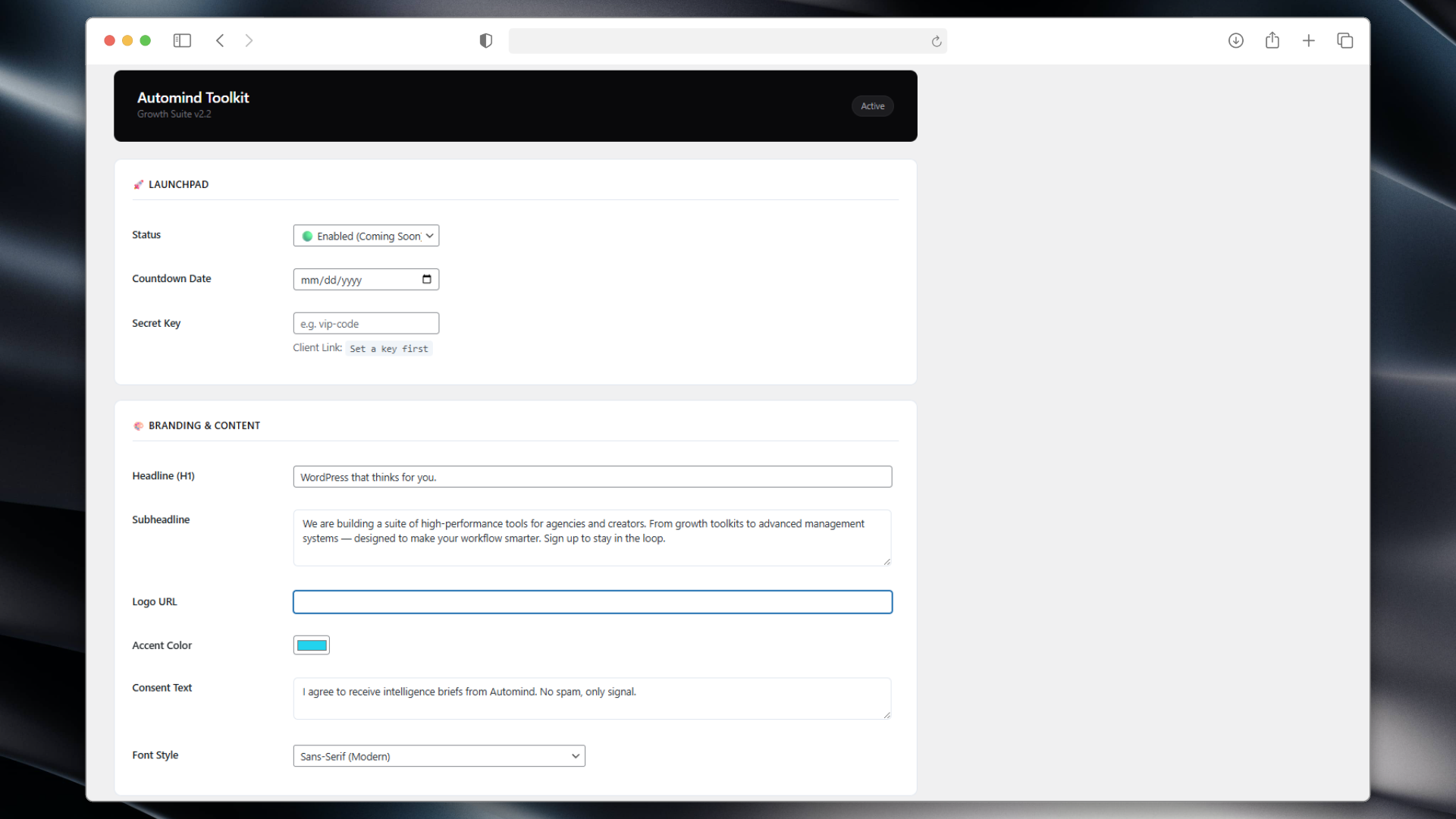
- Launchpad (Maintenance Mode): Beautiful, typography-driven “Coming Soon” page with a countdown timer and email capture.
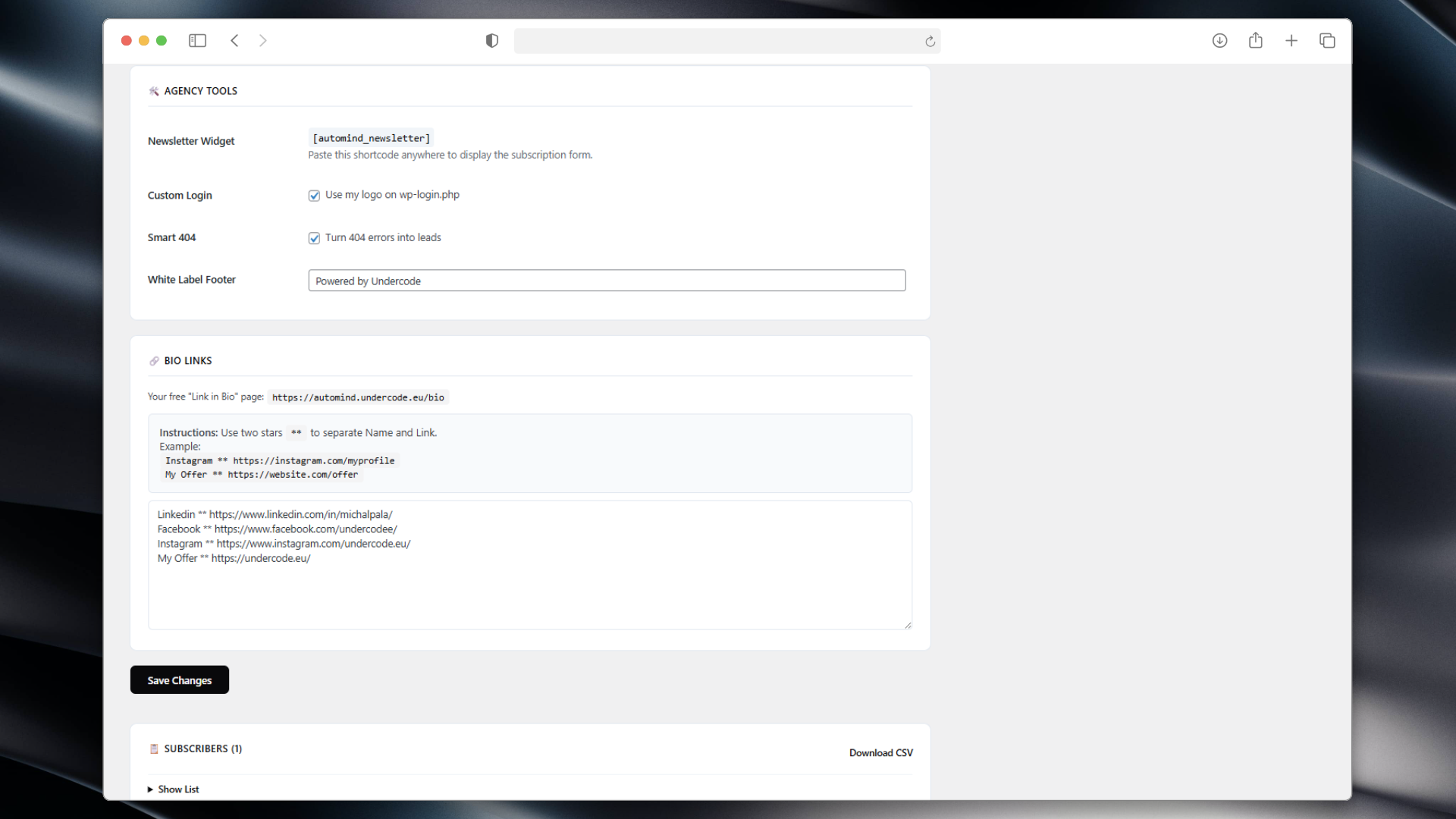
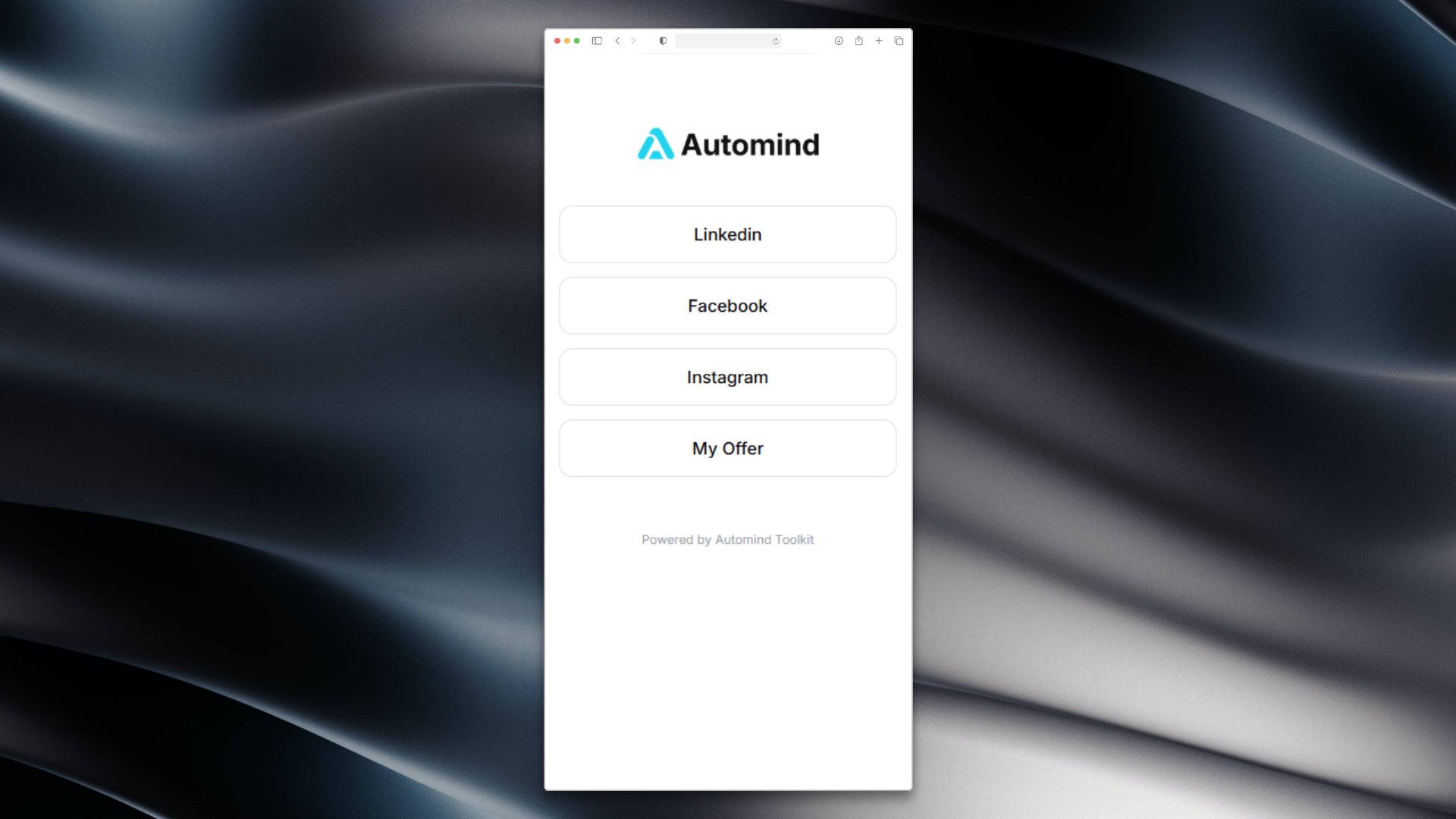
- Bio Links (Linktree Alternative): Create a clean, fast-loading “Link in Bio” page (
/bio) hosted on your own domain.
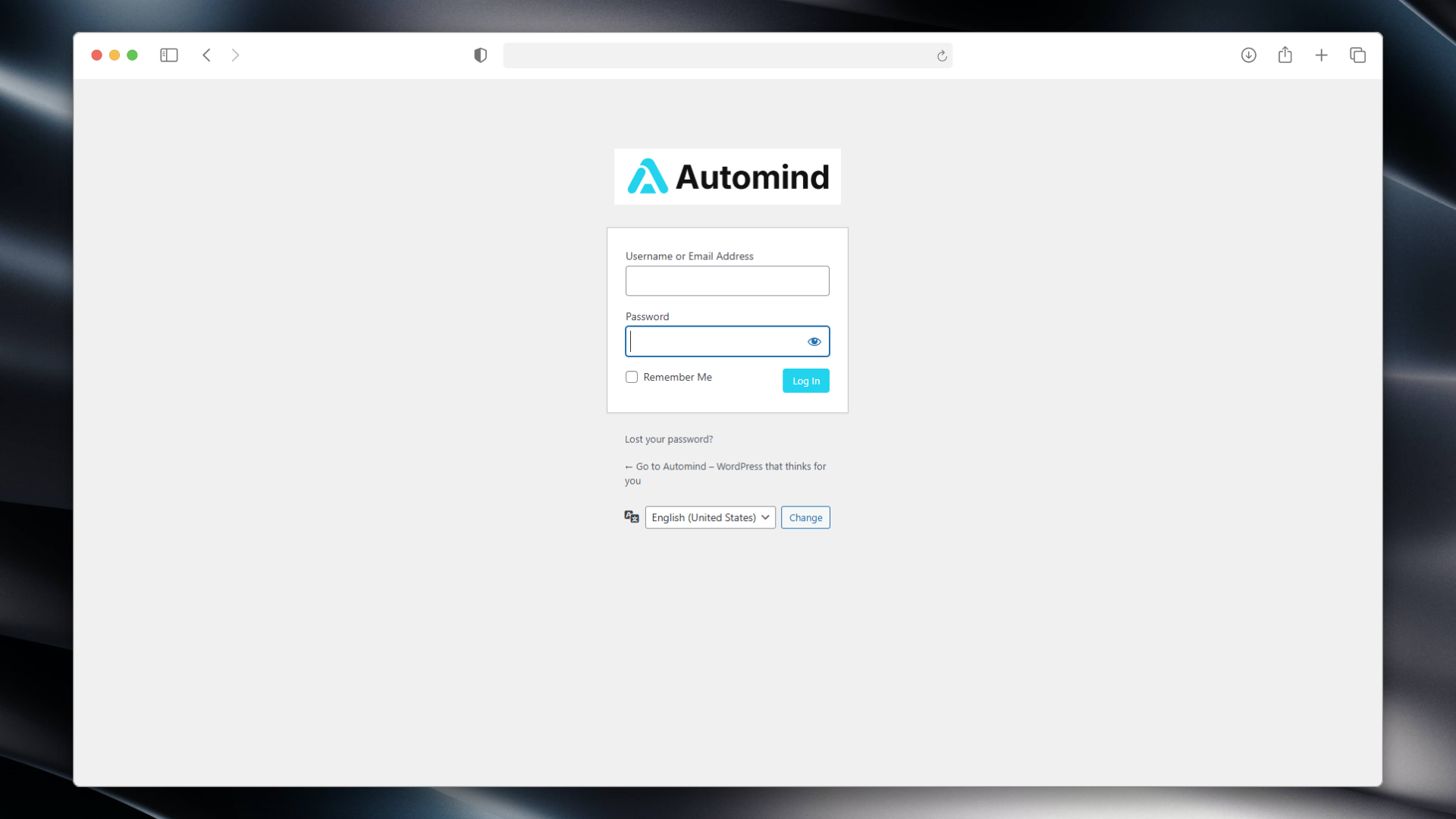
No more paying for basic link tools. - Custom Login Screen: Rebrand the default WordPress login page (
wp-login.php) with your own Logo and Colors.
Great for client handoff. - Smart 404: Automatically turn lost visitors into leads by displaying a newsletter capture form on 404 error pages.
- Newsletter Widget: Use the
[automind_newsletter]shortcode to place a stylish subscription form anywhere (Sidebar, Footer, Posts). - Honeypot Security: Built-in invisible trap blocks bots without annoying CAPTCHAs.
- White Label: Customize the admin footer text to remove WordPress branding (e.g., “Powered by Your Agency”).
- CSV Export: Download your subscriber list with one click.
🎨 Design System:
The plugin features the “Automind Vibe” – a minimalist, editorial design style.
You can switch between Serif (Playfair Display) for luxury/legal brands and Sans-Serif (Inter) for modern tech startups with one click.
Installation
- Upload the plugin files to the
/wp-content/plugins/automind-toolkitdirectory. - Activate the plugin through the ‘Plugins’ screen in WordPress.
- Go to the “Automind Toolkit” menu in your dashboard.
- Configure your colors, logo, and enable the modules you need.
Frequently asked questions
How do I add links to my Bio Page?
Go to the “Bio Links” section in the plugin settings. Enter your links in the format: Name ** URL (one per line). Example: Instagram ** https://instagram.com.
Where is the subscriber data stored?
Emails are stored locally in your WordPress database. We do not send data to any external servers. You can export the list as a CSV file.
Can I give clients access while Maintenance Mode is on?
Yes! Use the “Secret Key” feature. The plugin generates a special link (e.g., /?access_key=vip) that allows clients to bypass the lock screen without logging in.
Changelog
2.6.5
- Updated codebase to meet the latest WordPress.org repository guidelines (prefixes, output escaping, Guideline 10 compliance).
2.2.0
- UX Improvement: Bio Links now accept
**as a separator for easier typing. - Updated Admin UI with clearer instructions.
2.1.0
- Added “Smart 404” module.
- Added Custom Login Branding.
- Added
[automind_newsletter]shortcode. - Added Secret Key bypass link.
1.0.0
- Initial release (formerly Automind Launchpad).
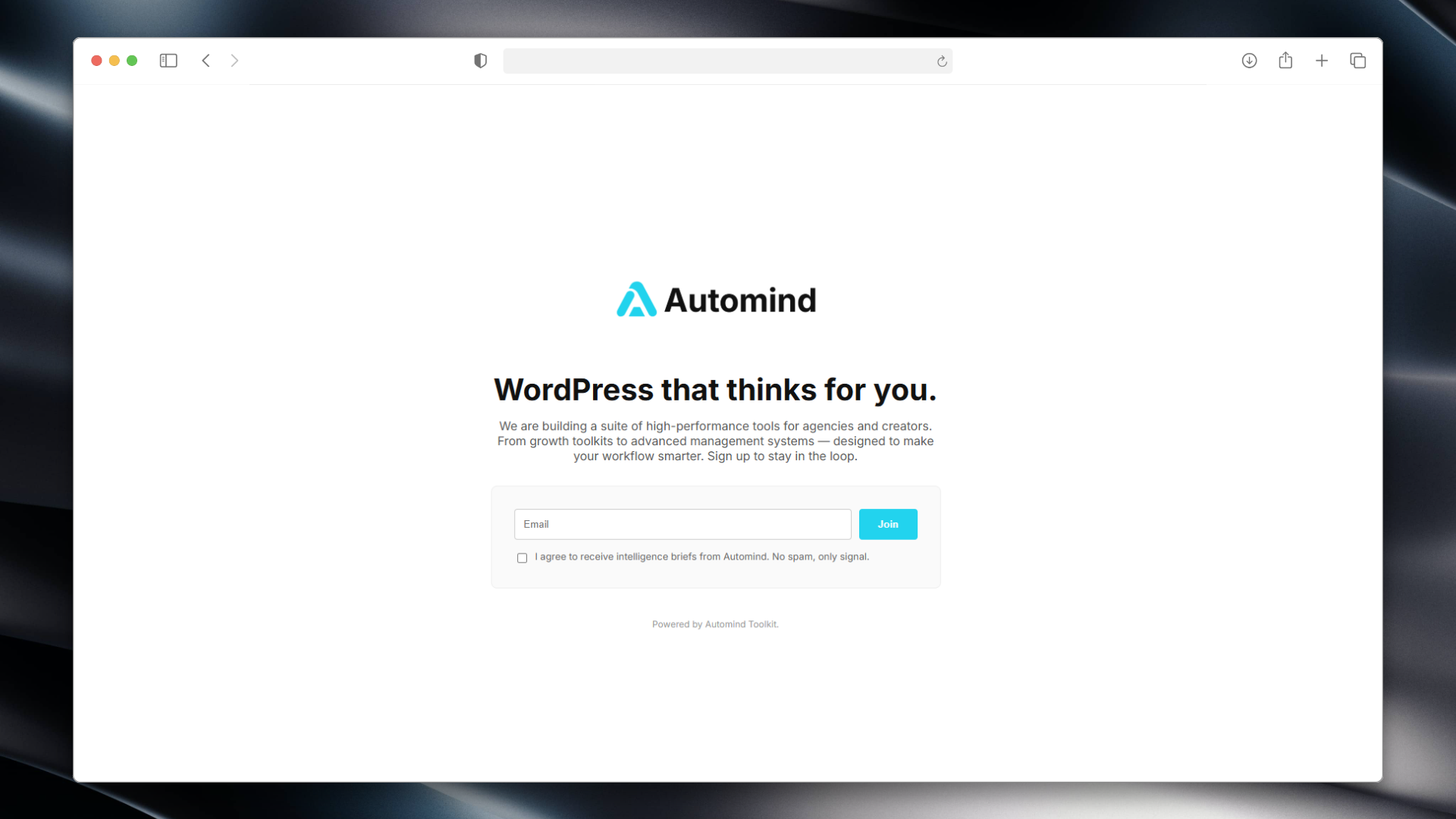
Screenshots
For developers
Is this your plugin? Show off the numbers.
Add a live badge to your site, docs or GitHub README. It updates on its own — no account needed.
Best Automind Toolkit alternatives
All coming soon plugins →





FAQ
Automind Toolkit: quick answers
Straight answers, pulled from live WordPress.org data.
Live data from WordPress.org · checked Oct 10, 2026
Is Automind Toolkit free?
Yes. Automind Toolkit is free to download and use from the official WordPress.org plugin directory.
Is Automind Toolkit safe to use in 2026?
Automind Toolkit shows warning signs in 2026 — compare the alternatives below before installing. Was last updated 7 months ago, and scores 36/100 on our health check.
How many websites use Automind Toolkit?
Automind Toolkit is active on <10 WordPress websites and has been downloaded 452 times since it launched in March 2026. It was downloaded 58 times in the last 30 days.
Does Automind Toolkit work with WordPress 7.1?
Automind Toolkit is officially tested up to WordPress 6.9.10, while the latest release is 7.1.3. It may still work, but try it on a staging site first.
What PHP version does Automind Toolkit need?
Automind Toolkit requires PHP 7.4 or higher. Most hosts run PHP 8.x today, so it works on any modern WordPress hosting.
When was Automind Toolkit last updated?
The latest version, 2.7.0, was released on March 22, 2026 (7 months ago).
Who makes Automind Toolkit?
Automind Toolkit is developed and maintained by undercode.
What are the best alternatives to Automind Toolkit?
The most popular alternatives to Automind Toolkit are Maintenance (1M+ installs), LightStart (400K+ installs) and CMP (200K+ installs).
Powered by PageForge
Want thousands of pages that rank like these? Build them in an afternoon.
This directory runs on the same engine as PageForge. Turn any spreadsheet, CSV or API into thousands of fast, SEO-ready WordPress pages — with schema, internal links and AI-written copy baked in.
- CSV, Google Sheets & API data sources
- AI content, schema & internal links per page
- Works with Elementor, Gutenberg, Yoast & Rank Math
- Free on WordPress.org — no credit card


