



Assistant – Every Day Productivity Apps
Assistant is a plugin that allows you to work more efficiently. It provides you shortcuts to common admin tasks on the front-end of your website.

Safe pick
Yes — Assistant is a safe, well-maintained plugin to use in 2026. It runs on 4K+ sites, is rated 4.9/5 and was last updated 1 month ago, and scores 80/100 on our health check.
- Tested with the latest WordPress (7.1)
Daily downloads
Download spikes usually follow a new release — each site that auto-updates counts as a download.
Rankings
Where Assistant stands todayWordPress.org search rankings
Live position in the plugin search, top 100| Keyword | Position |
|---|---|
| Assistant Pro | #2 |
| beaver builder | #26 |
| blocks | >100 |
| gutenberg | >100 |
| page builder | >100 |
Version adoption
Share of active sites per release.
Rating breakdown
★★★★★★★★★★ 4.9 from 15 reviews
About Assistant – Every Day Productivity Apps
From the official readme · v1.5.5Description
Assistant is a free plugin that allows you to work more efficiently in WordPress. It’s a huge time saver and fun to use!
Assistant is a stand-alone tool that provides shortcuts to common tasks, and will help you work more freely without needing to go to the WordPress admin as much.
Features
- Access the front-end UI from anywhere (posts, pages, archives, etc…)
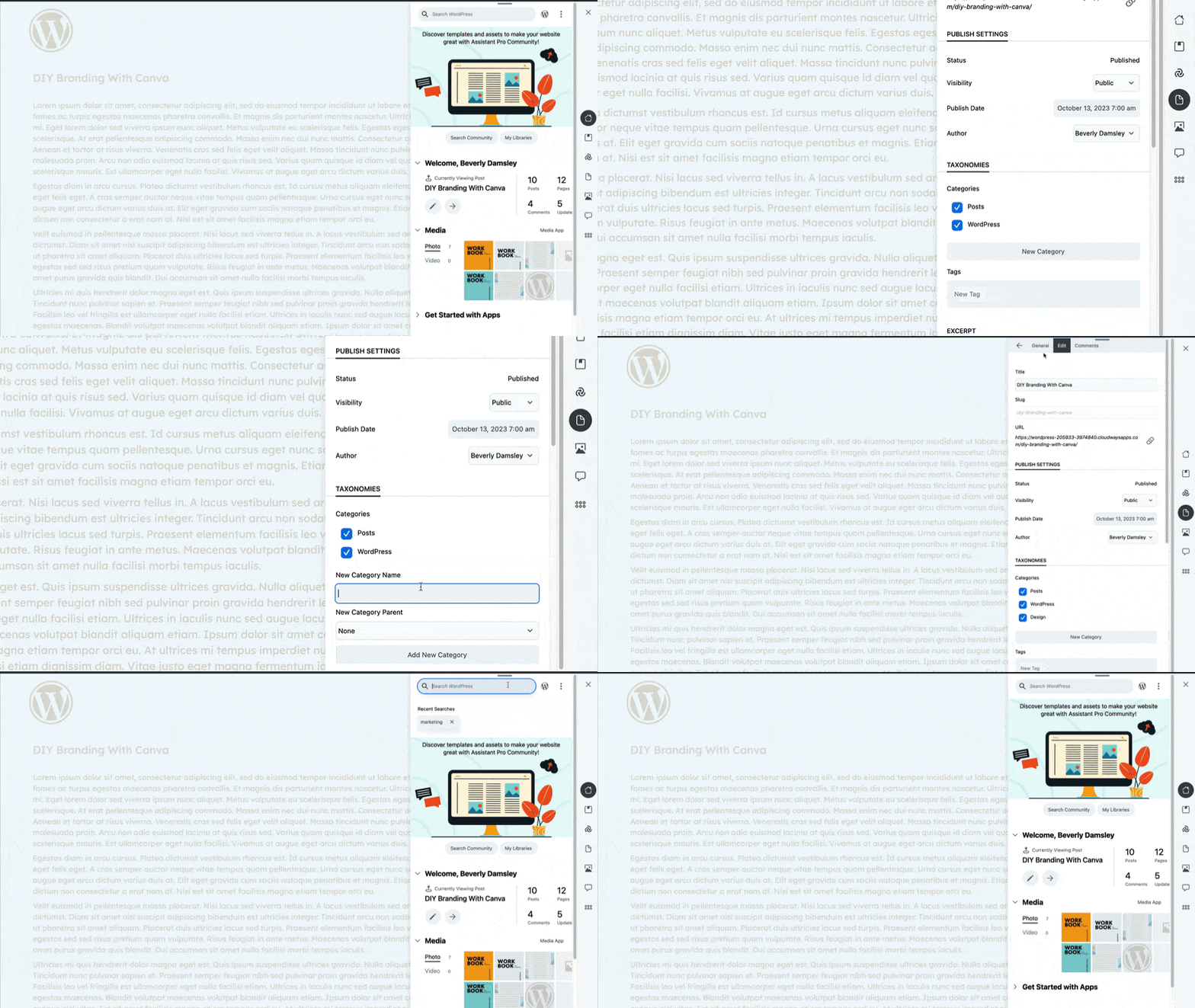
- Get a glance of your recently edited posts on the home screen.
- Search WordPress directly from the frontend.
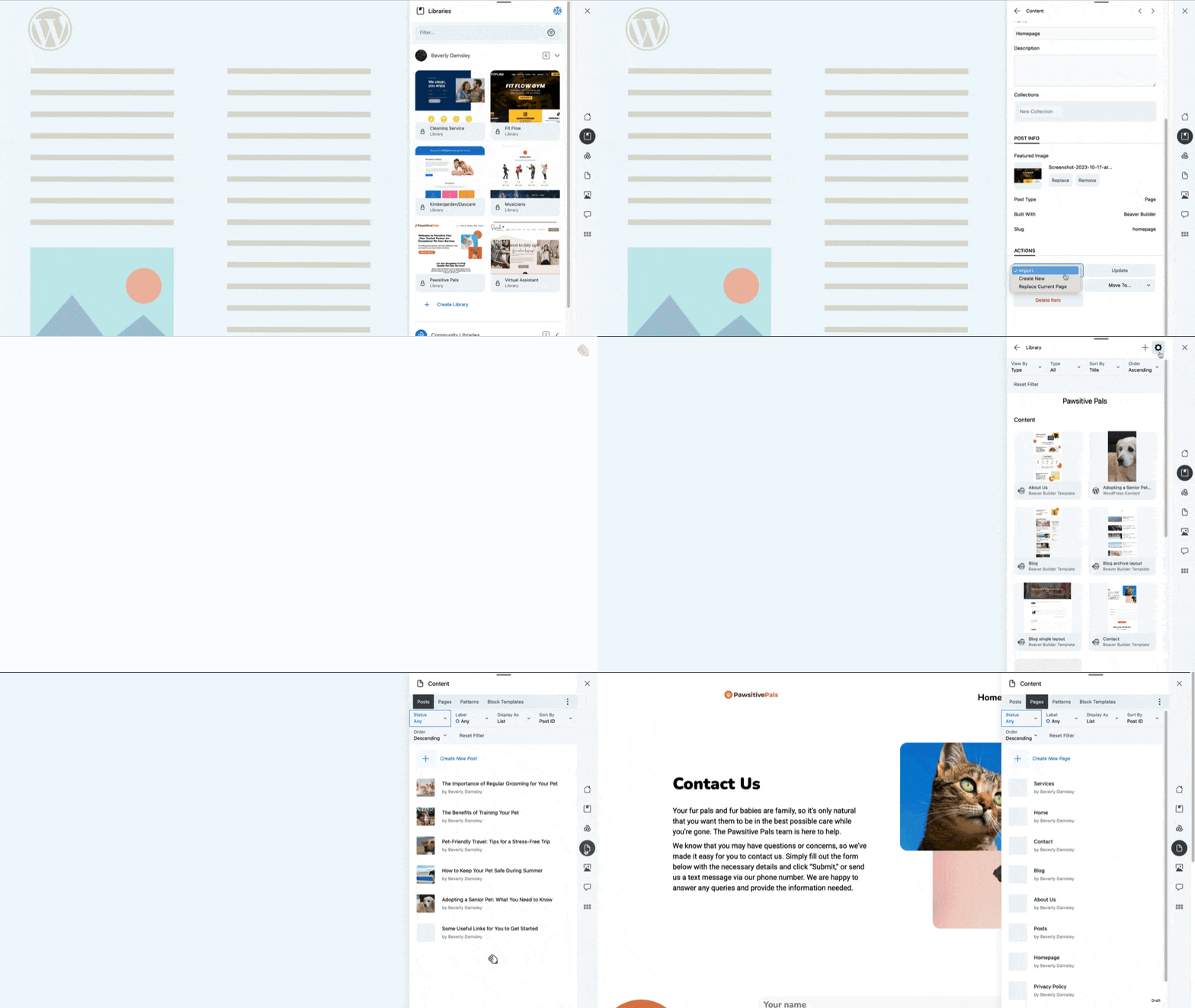
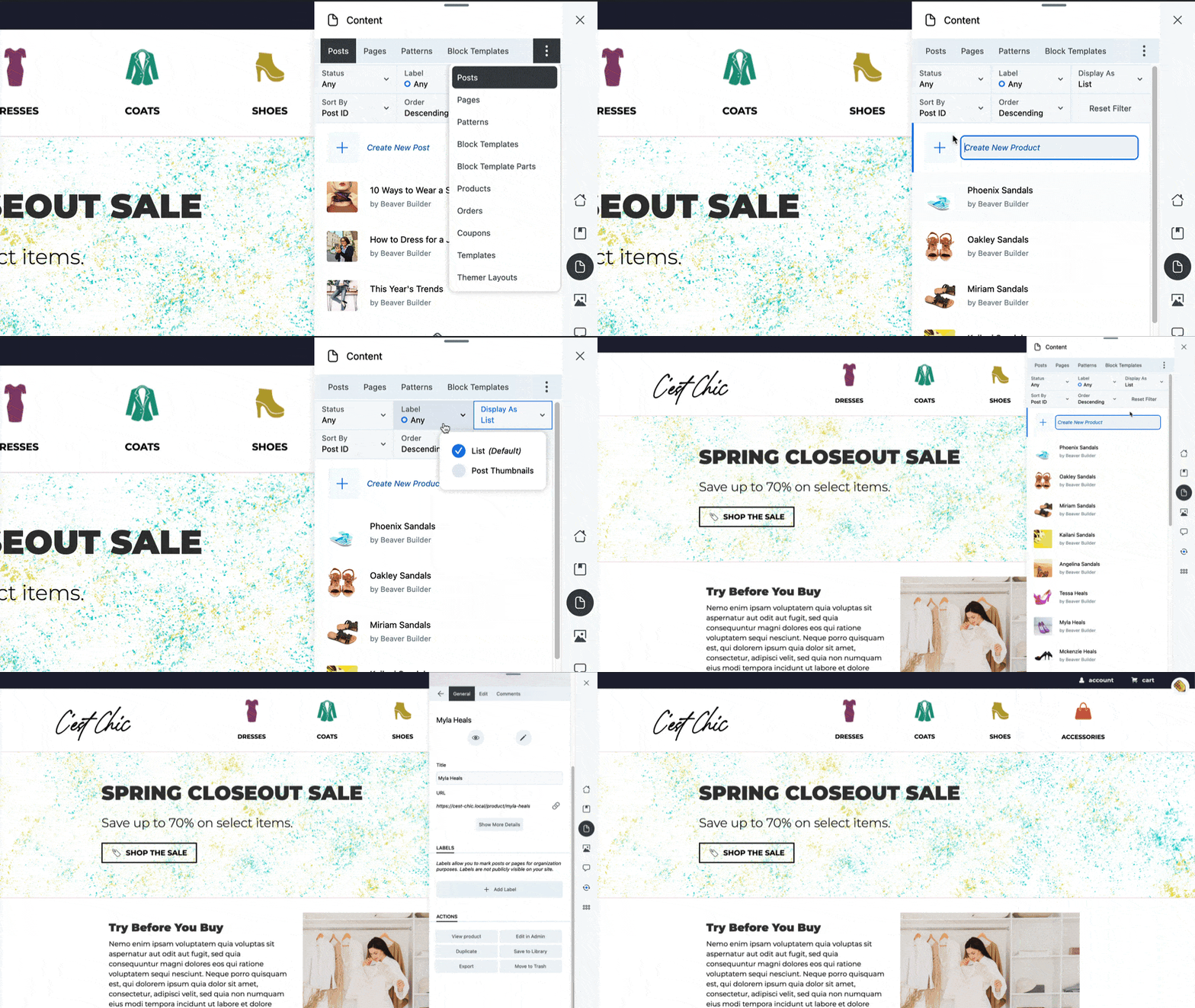
- Quickly find posts, pages, and custom post types with the content app.
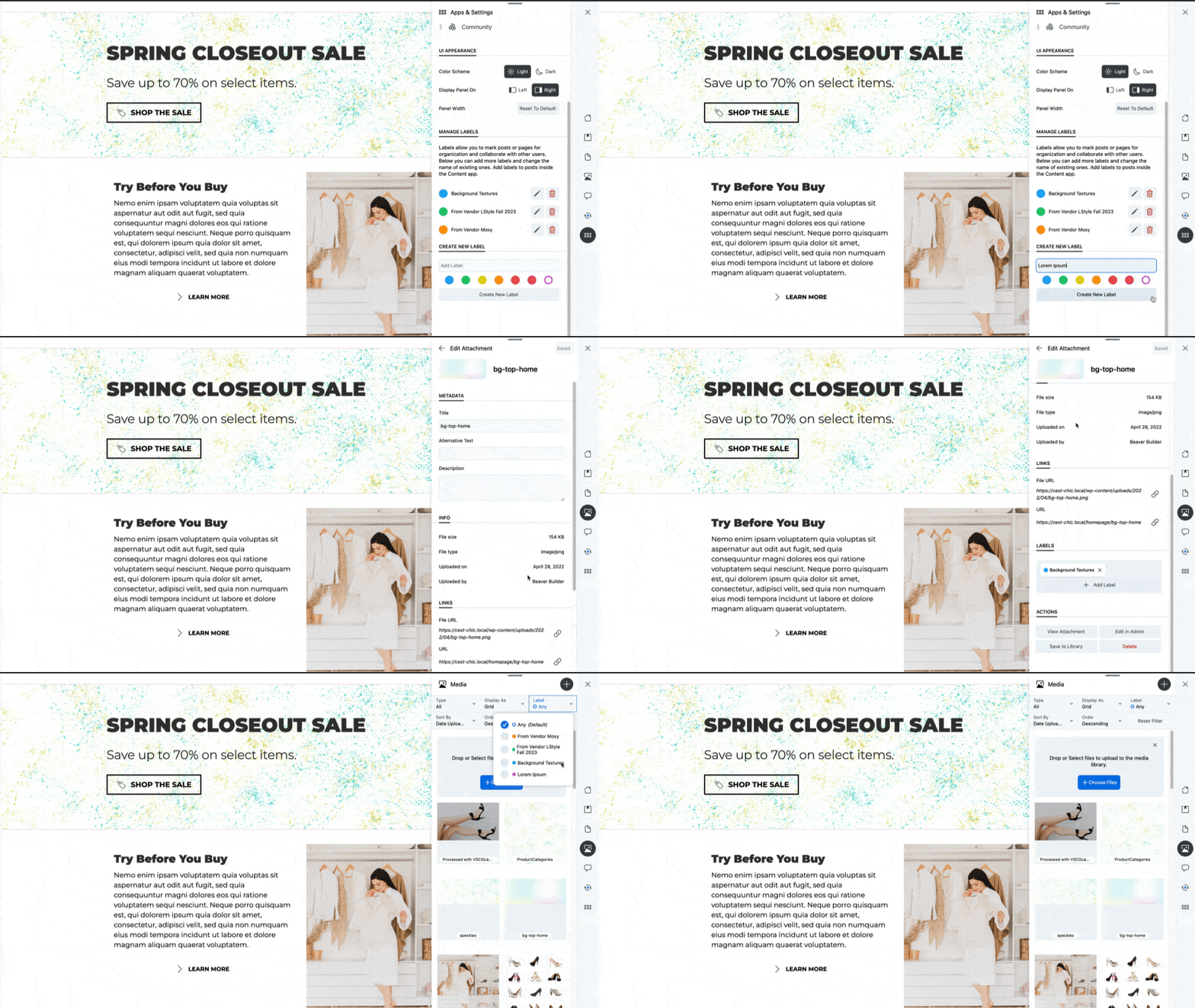
- Upload media to WordPress media library by dropping files on the Media app.
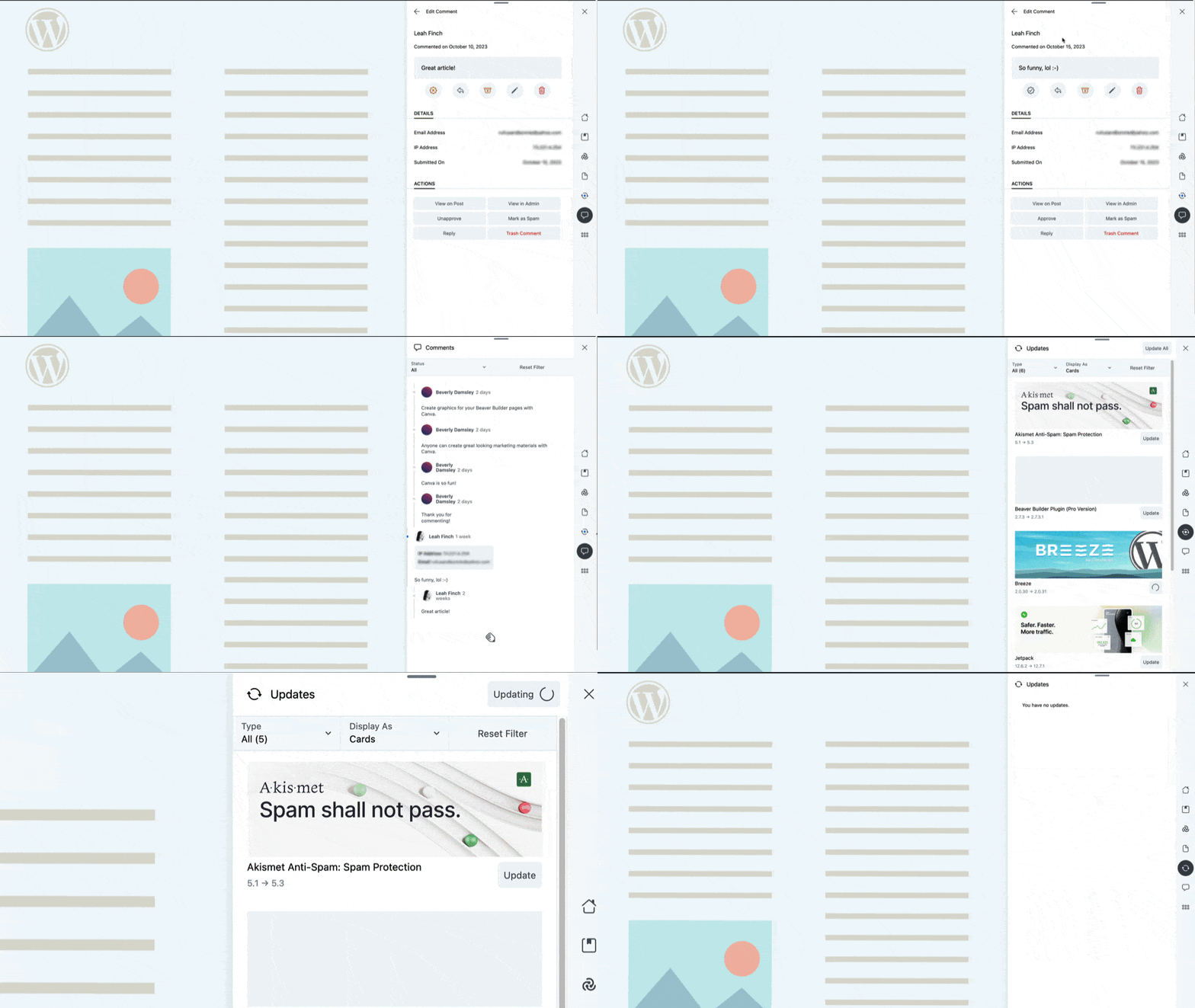
- Keep an eye on comments and updates for themes and plugins
- Add custom labels to posts or pages to help organize your site while you work.
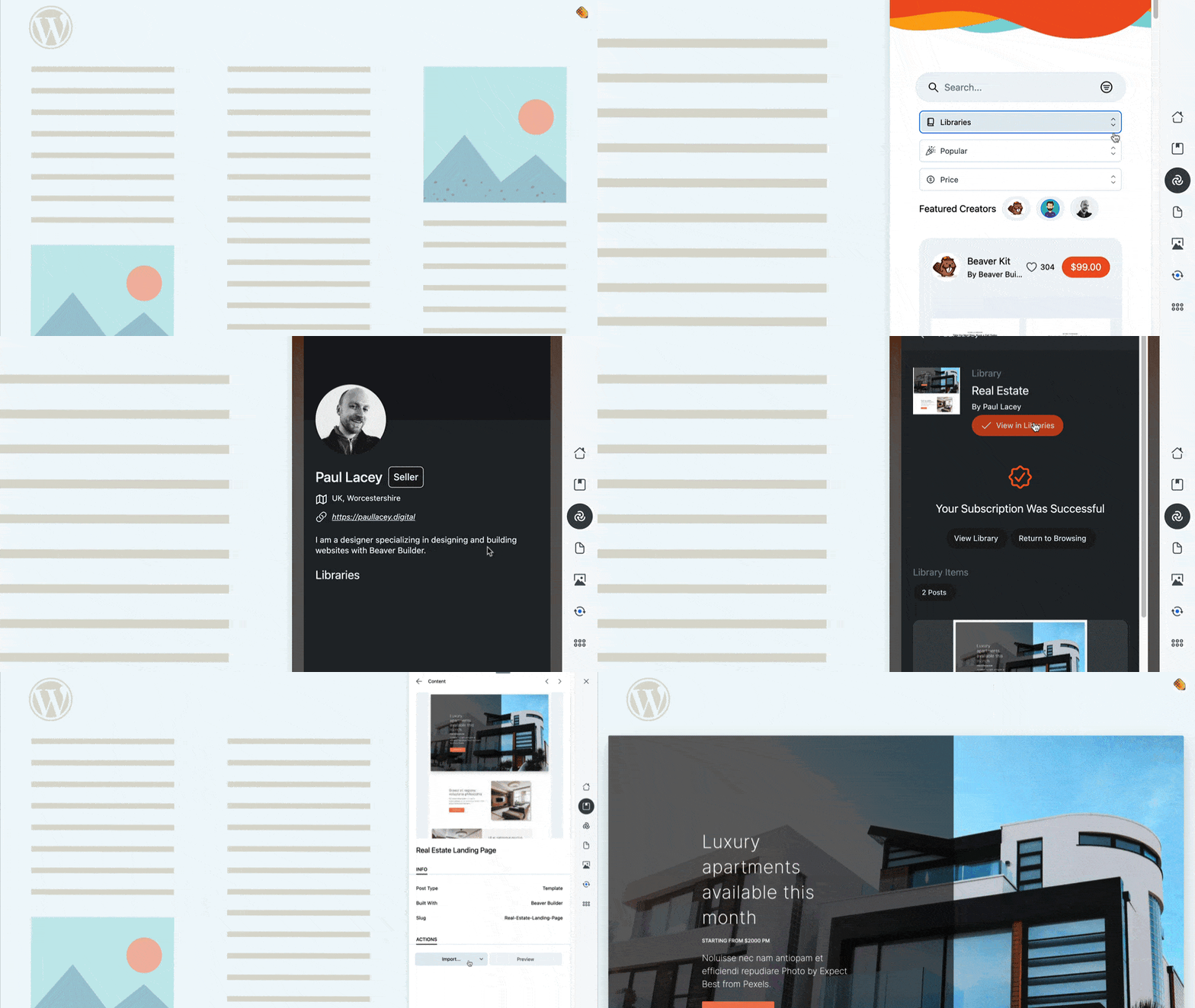
The plugin also connects your sites to Assistant Pro – a cloud storage platform designed specifically for WordPress assets. Use the cloud to enhance staging/production workflow, streamline your design processes, and facilitate team collaboration. Assistant Pro is not just an awesome cloud storage platform, perfect for organizing and finding your favorite WordPress assets, it’s a better way of working across all your WordPress sites.
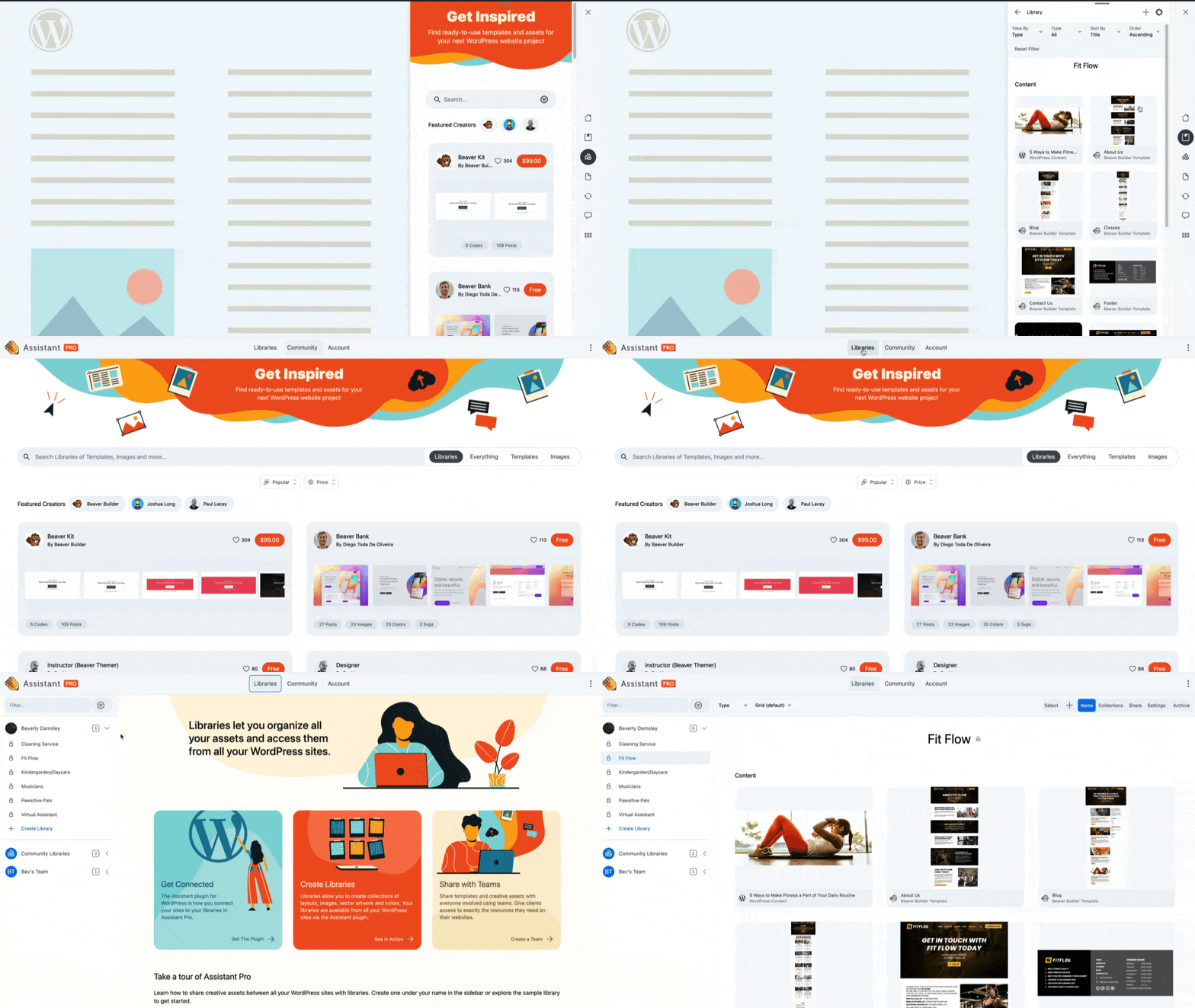
- Store page builder and block editor templates you’ve created in the cloud. Works with the Block Editor and most popular WordPress page builders
- Organize your site’s assets (media, posts, pages, page builder templates and WooCommerce products/coupons/orders) into libraries you can access from anywhere.
- Works with a variety of common WordPress page builders (Gutenberg, Beaver Builder, Elementor, Divi and Visual Composer)
- Delight your team with seamless staging to production workflows
- It’s made by the Beaver Builder Team, which means awesome support!
You can also try Assistant on a demo site here.
Installation
-
Install Assistant via the WordPress plugin directory or by uploading the files to your server at wp-content/plugins.
-
After activating Assistant on the Plugins screen, navigate to the front end of your website.
-
Assistant will be open. You can dismiss it using the x icon in the top right corner.
-
A small pencil icon will appear in the bottom right corner. Clicking it will show Assistant.
-
Use the icons across the top of the panel to navigate between the different apps.
Frequently asked questions
Is Assistant Free?
Yes! All of the core Assistant features are free and will remain so. For moving templates and assets between sites, we also offer Assistant Pro via a subscription.
Does Assistant require Beaver Builder to work?
No! Assistant is a standalone plugin and can be used with any WordPress 5.0+ installation. Assistant does complement Beaver Builder and integrates with it nicely.
Changelog
1.5.5 ( 2026-08-20 )
- Add support for Beaver Builder AI Design systems to be added to a library
1.5.4.2 ( 2026-04-30 )
- Fix javascript error when viewing bb settings library items
- Defer loading of stripe library
- Fix settings items not getting imported when another browser tab is active
- Add copy public URL button to library settings panel
- Normalize naming convention for templates/modules/saved rows
1.5.4.1 ( 2026-03-19 )
- Fixed thumbnail being cropped incorrectly when exporting images
- Fixed incorrect image dimensions in item details panel
- Fixed timeout when downloading zip files of libraries with many items
1.5.4 ( 2026-02-25 )
- Allow exporting/importing of Beaver Builder settings to/from libraries
- Modify import library to allow selecting type of library item to import
- Adjust “Add All” UI to prevent accidental exporting of items
1.5.3.2 ( 2026-01-28 )
- Fixed PHP warning for undefined array key when updating profile
- Fixed PHP warning for constants already defined
1.5.3.1 ( 2025-10-29 )
- Fixed implicitly nullable parameter declaration deprecated notice in PHP 8.4
- Fixed redirection to libraries after connecting to Assistant Pro
Screenshots
For developers
Is this your plugin? Show off the numbers.
Add a live badge to your site, docs or GitHub README. It updates on its own — no account needed.
FAQ
Assistant: quick answers
Straight answers, pulled from live WordPress.org data.
Live data from WordPress.org · checked Sep 27, 2026
Is Assistant free?
Yes. Assistant is free to download and use from the official WordPress.org plugin directory.
Is Assistant safe to use in 2026?
Yes — Assistant is a safe, well-maintained plugin to use in 2026. It runs on 4K+ sites, is rated 4.9/5 and was last updated 1 month ago, and scores 80/100 on our health check.
How many websites use Assistant?
Assistant is active on 4K+ WordPress websites and has been downloaded 204,609 times since it launched in March 2019. It was downloaded 2,515 times in the last 30 days.
Does Assistant work with WordPress 7.1?
Yes. The developer has tested Assistant up to WordPress 7.1.2, the latest release. It requires WordPress 6.6 or newer.
What PHP version does Assistant need?
Assistant requires PHP 7.2 or higher. Most hosts run PHP 8.x today, so it works on any modern WordPress hosting.
When was Assistant last updated?
The latest version, 1.5.5, was released on August 21, 2026 (1 month ago).
Who makes Assistant?
Assistant is developed and maintained by Beaver Builder.
Powered by PageForge
Want thousands of pages that rank like these? Build them in an afternoon.
This directory runs on the same engine as PageForge. Turn any spreadsheet, CSV or API into thousands of fast, SEO-ready WordPress pages — with schema, internal links and AI-written copy baked in.
- CSV, Google Sheets & API data sources
- AI content, schema & internal links per page
- Works with Elementor, Gutenberg, Yoast & Rank Math
- Free on WordPress.org — no credit card


