



Table Addons for Elementor – Responsive Table Builder
Table Addons for Elementor – Responsive Table Builder is the most powerful and intuitive responsive table builder plugin designed exclusively for Elementor. If you are looking to create stunning, interactive, and highly…

Use with caution
Table Addons for Elementor works, but test it on a staging site before relying on it in 2026. It runs on 100+ sites, is rated 5/5 and was last updated 4 months ago, and scores 60/100 on our health check.
- Small user base (100+ active installs)
- Very few reviews so far
Daily downloads
Download spikes usually follow a new release — each site that auto-updates counts as a download.
Rankings
Where Table Addons for Elementor stands todayWordPress.org search rankings
Live position in the plugin search, top 100| Keyword | Position |
|---|---|
| Advanced Table | #40 |
| data table | #21 |
| elementor table | #39 |
| responsive table | #19 |
| Table Builder | #34 |
Version adoption
Share of active sites per release.
Rating breakdown
★★★★★★★★★★ 5 from 1 reviews
About Table Addons for Elementor
From the official readme · v1.0.4Description
Table Addons for Elementor – Responsive Table Builder is the most powerful and intuitive responsive table builder plugin designed exclusively for Elementor. If you are looking to create stunning, interactive, and highly customizable data tables on your WordPress website without writing a single line of code, this is the perfect solution.
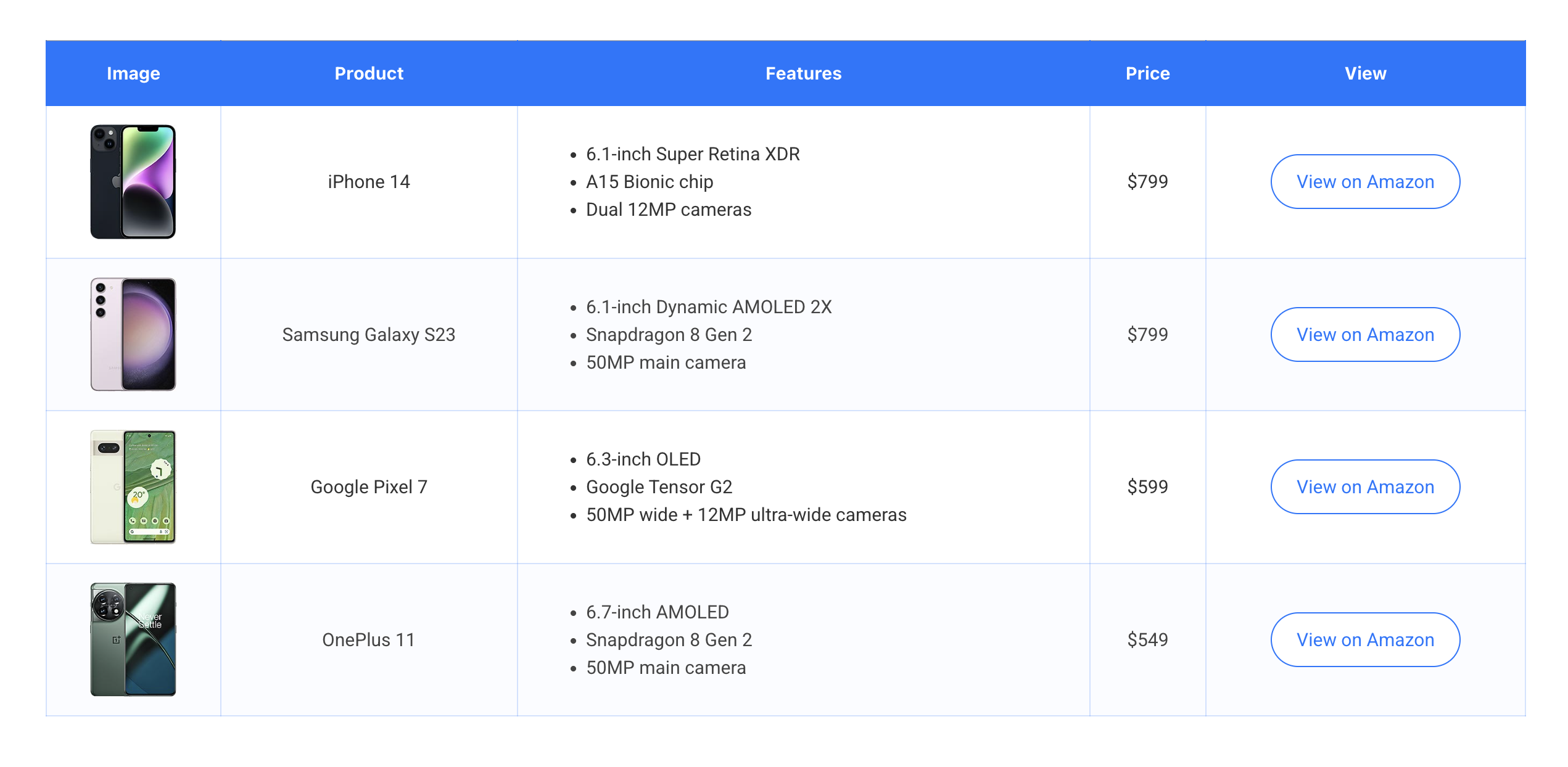
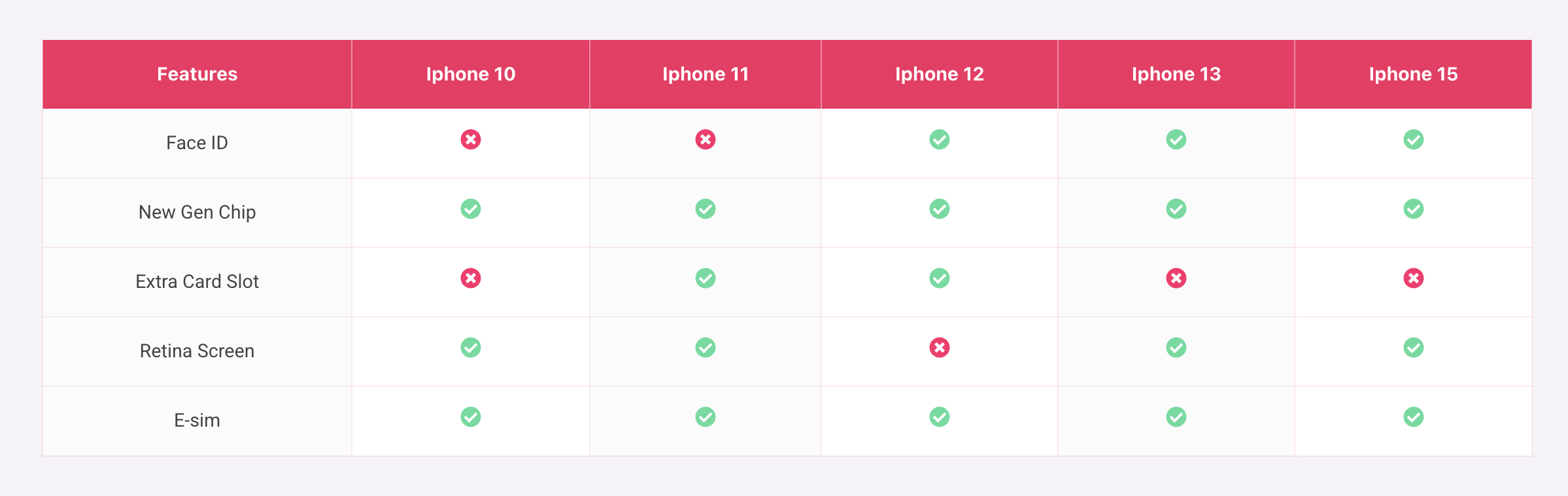
Whether you need to display product comparisons, pricing plans, directories, or statistical data, our Elementor table widget gives you complete control over your table’s design and functionality directly within the familiar Elementor page builder interface.
🚀 Why Choose Table Addons for Elementor – Responsive Table Builder?
Creating tables in WordPress can be a hassle, but not anymore. Our plugin offers a seamless drag-and-drop experience, allowing you to design beautiful responsive tables with real-time live preview.
- Multiple Data Sources: Create tables manually using static data, effortlessly import data from CSV files, or dynamically generate tables from WordPress Users data.
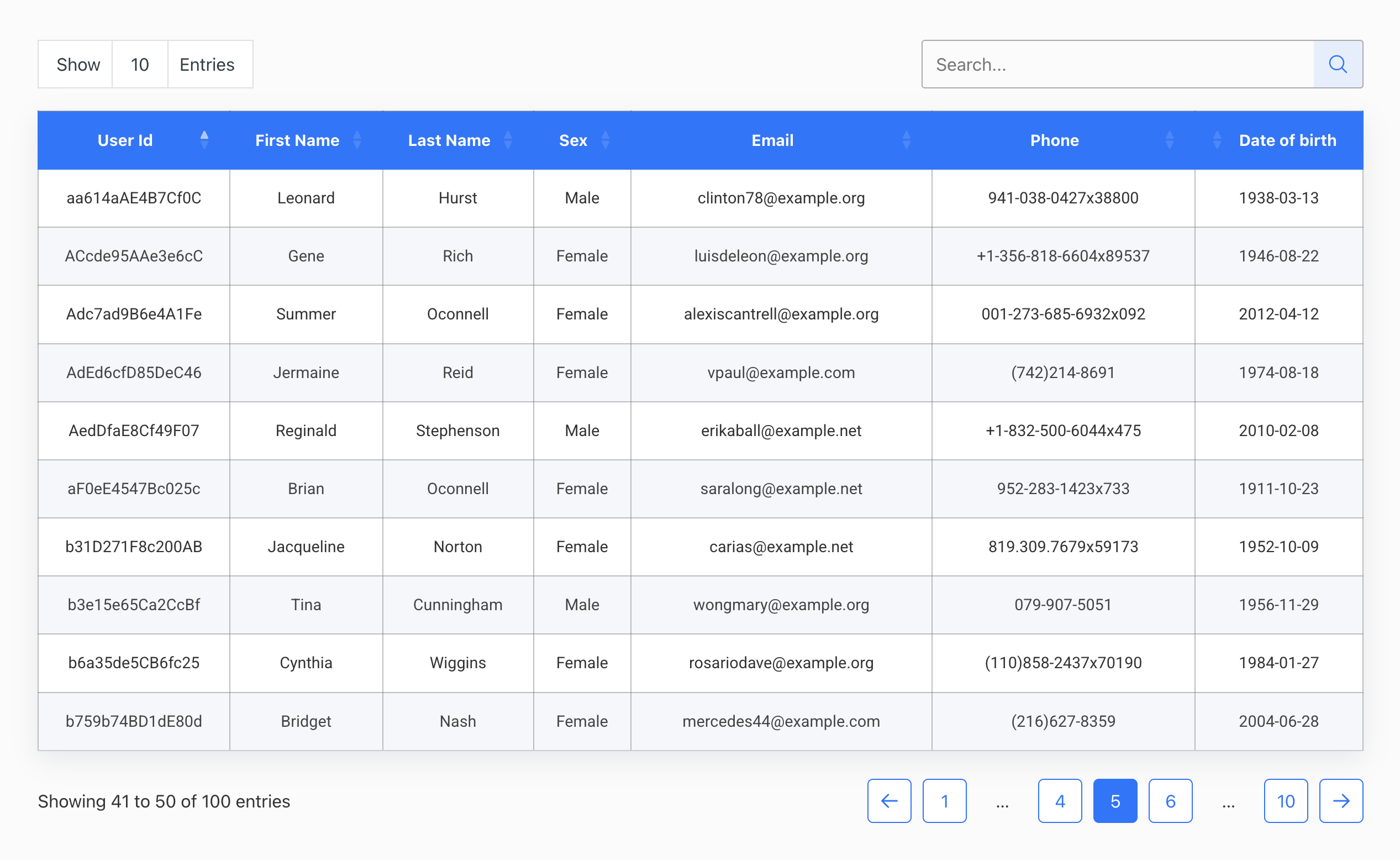
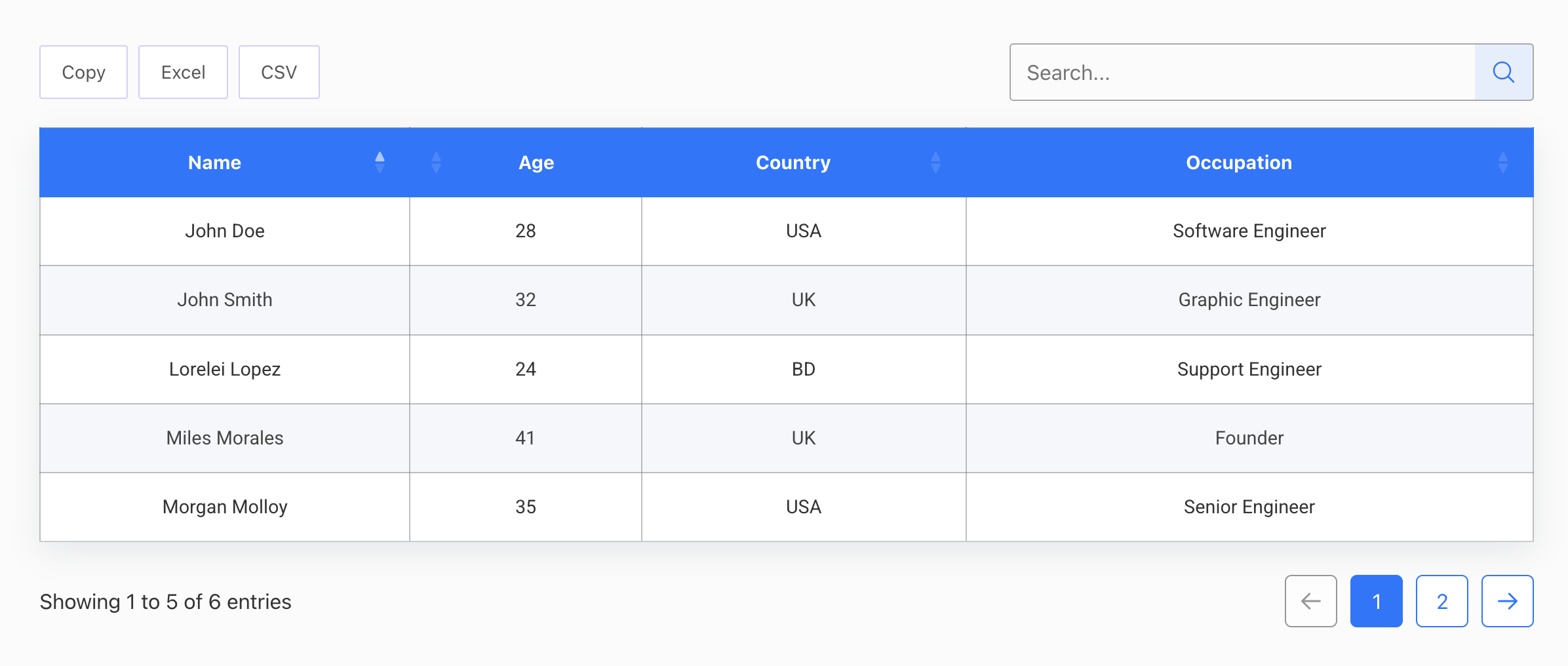
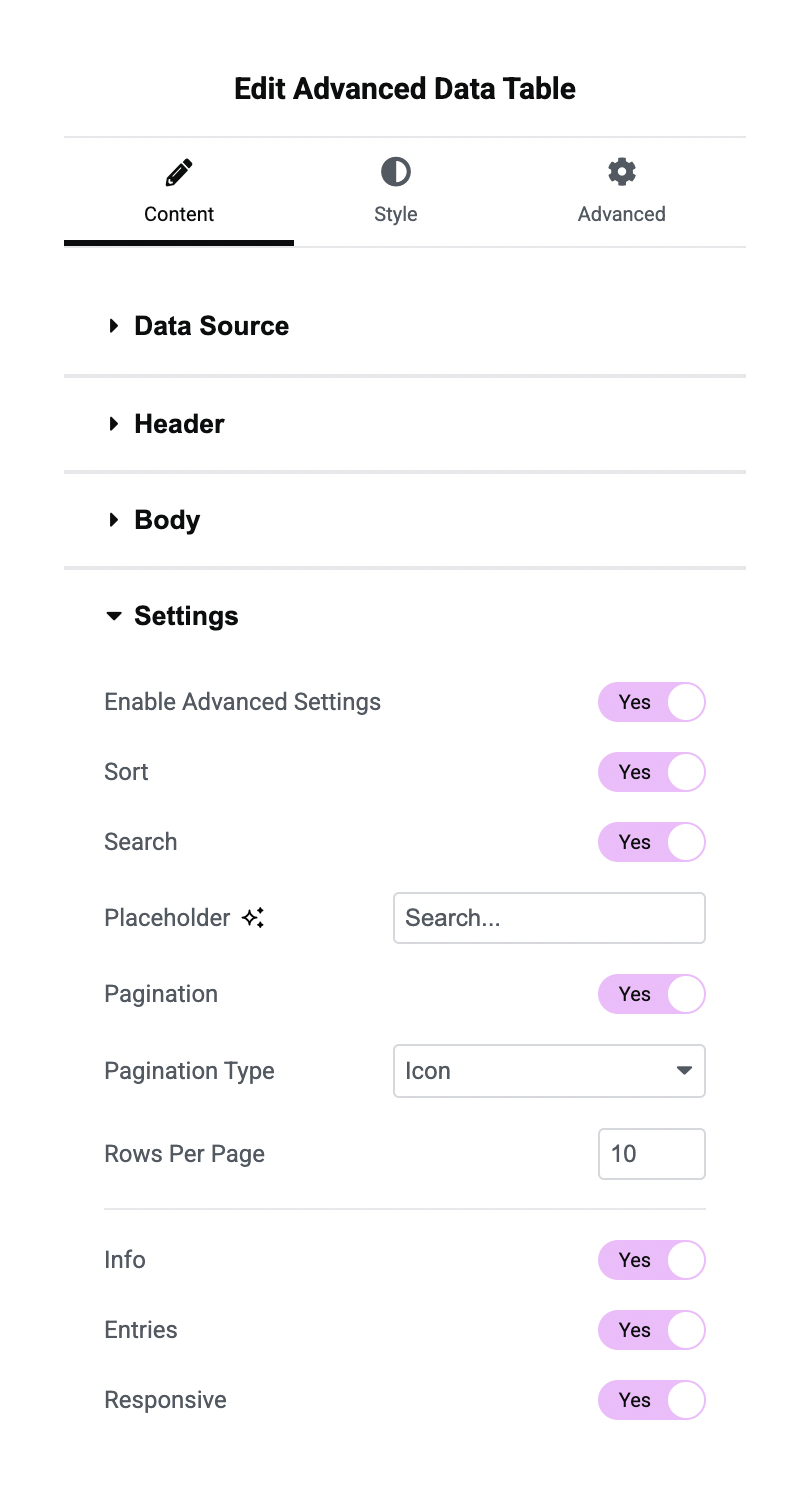
- Interactive DataTables: Powered by DataTables.js, instantly add advanced features like live search, multi-column filtering, sorting, and pagination to make large datasets easy to navigate.
- 100% Mobile Responsive: Ensure your data tables look perfect on all devices.
- Unlimited Styling Options: Customize every aspect of your table including colors, typography, borders, and text alignment.
✨ Highlighted Features:
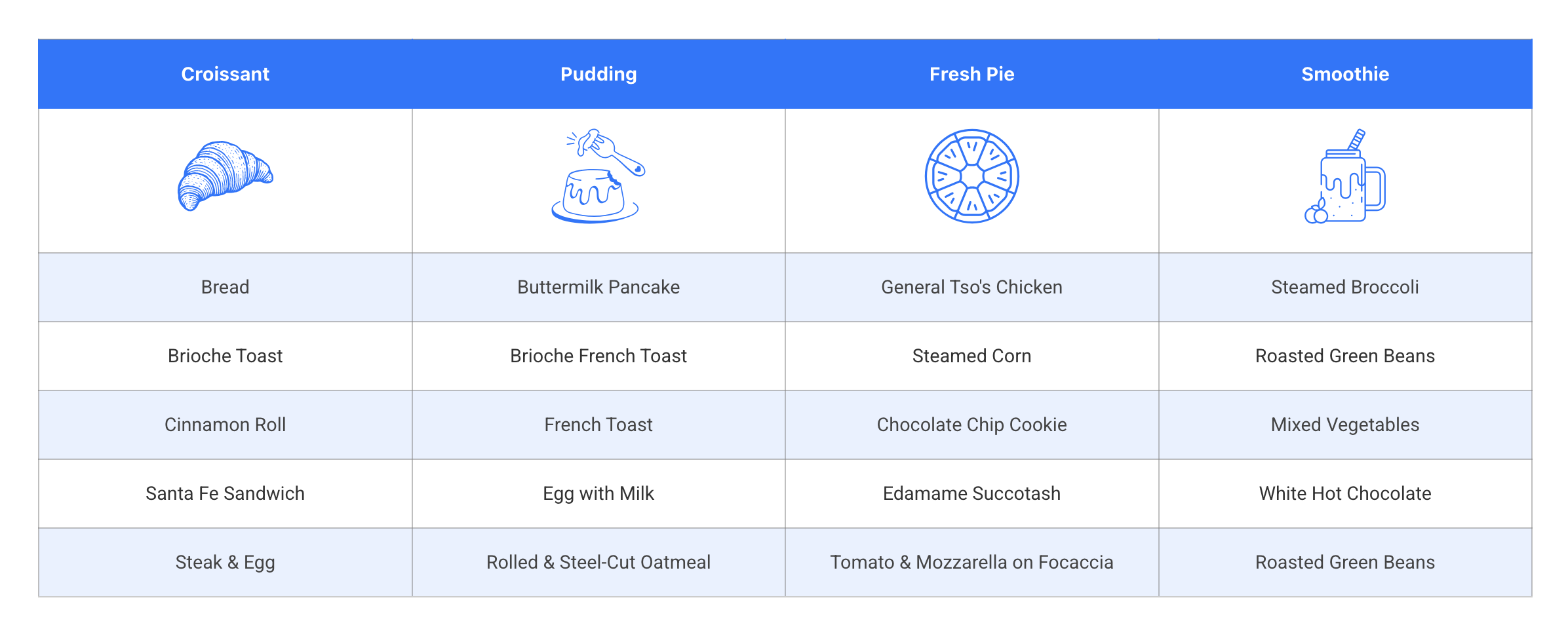
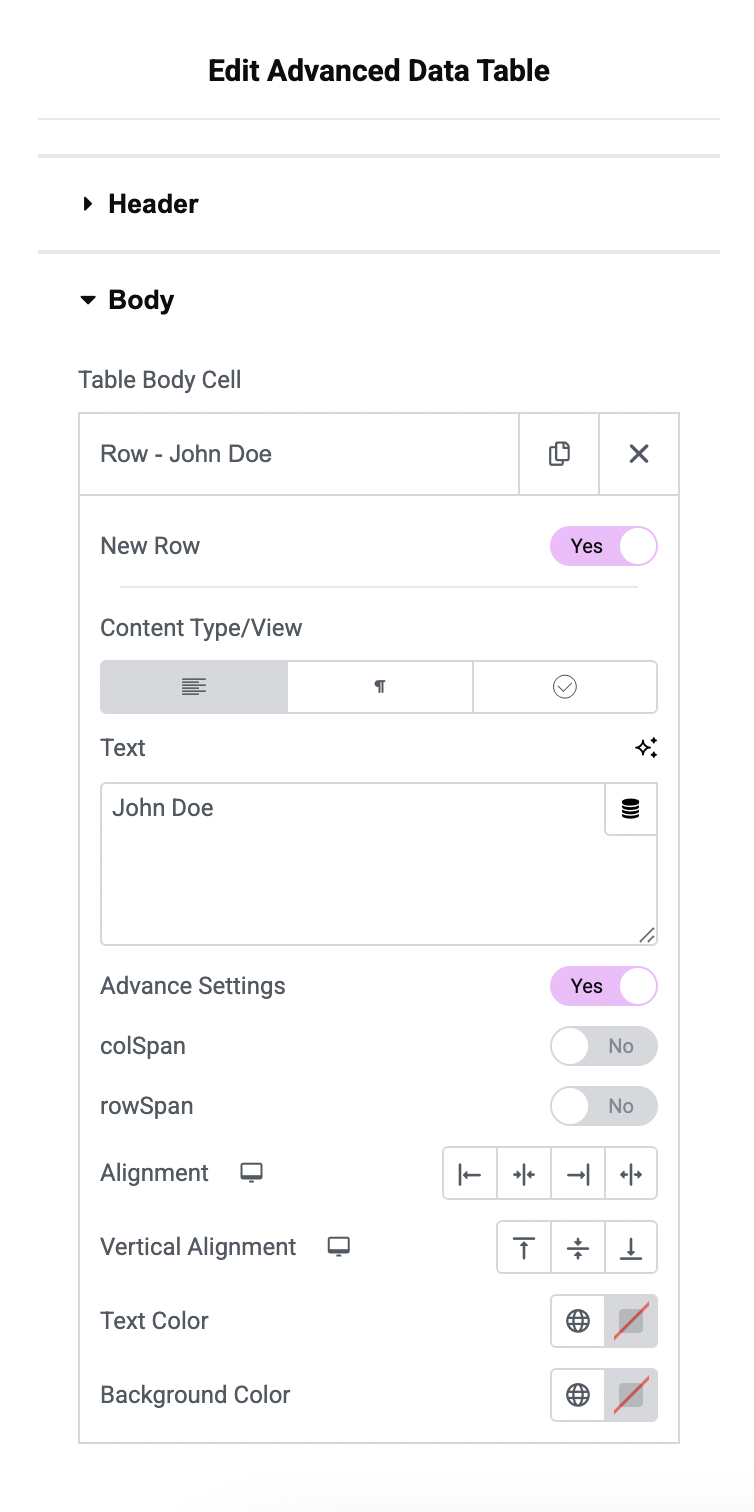
- Static Data Entry: Manually build tables with rich content (text, icons, images, buttons).
- CSV Import: Quickly convert CSV data into a fully functional WordPress table.
- WordPress Users Data: Display lists of registered users—perfect for member directories.
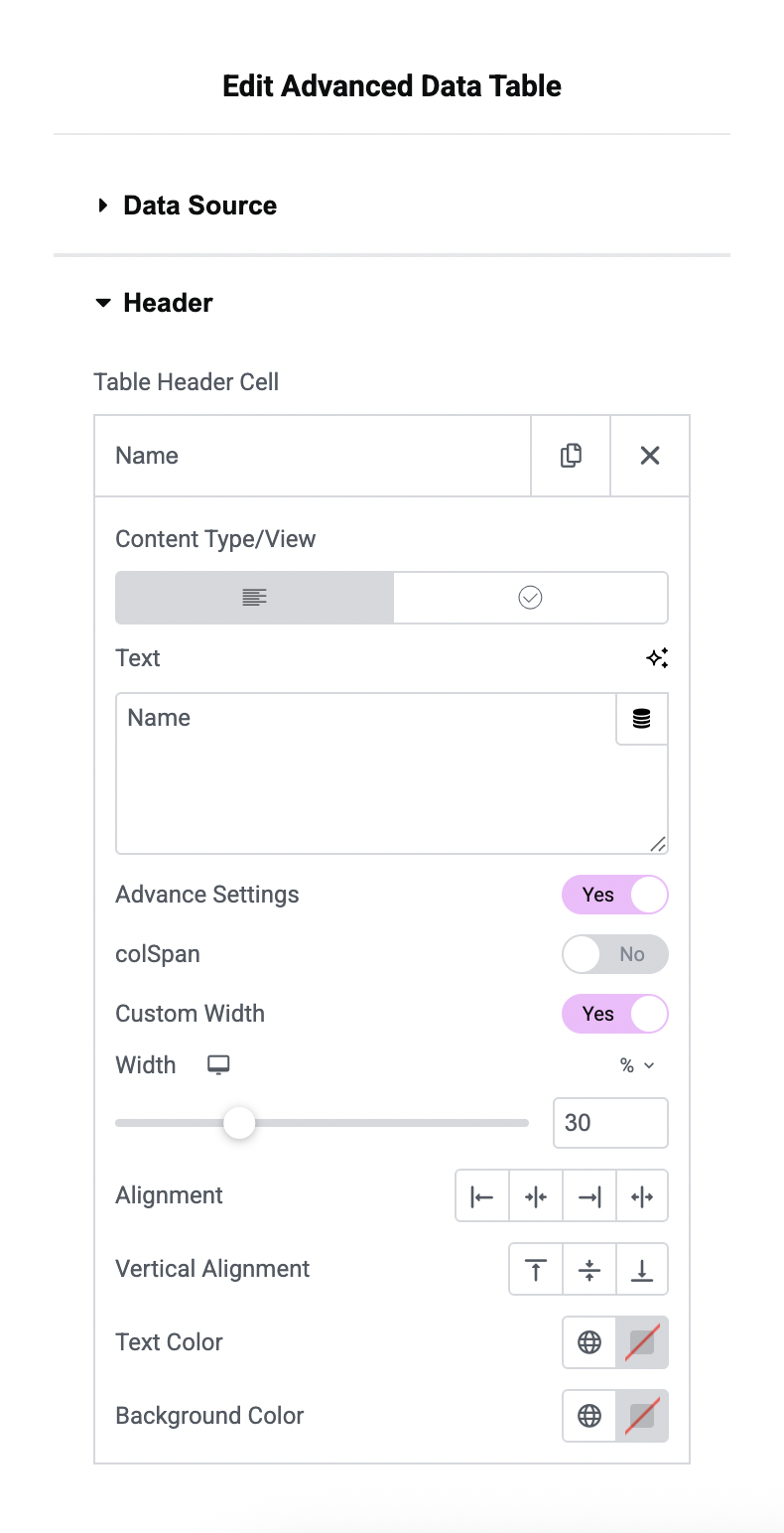
- Advanced Merging: Manage complex layouts with ColSpan and RowSpan support.
- Export Options: Allow users to export table data as CSV, Excel, or copy to clipboard.
Key Features:
- Static Data
- CSV Data
- WordPress Users Data (new)
- Live Customization
- Merge & Split Cells
- ColSpan Support
- RowSpan Support
- Icon Support
- Image Support
- Button Support
- Text Alignment (Global or Individual)
- Text Color (Global or Individual)
- Bordered Table Options
- Striped Rows
- Typography Control
- Search, Pagination, Fitler options
- Export in CSV, Excel and Copy
- and more…
For search, filter, pagination and more advanced feature, this plugin use datatables.js js library.
Requirements
- PHP 7.4
- Elementor
Installation
- Install Advanced Data Table plugin
- Make sure you also have Elementor activated.
Frequently asked questions
Is Advanced Data Table for Elementor compatible with all Elementor themes?
Yes, Advanced Data Table for Elementor is designed to work seamlessly with all Elementor themes.
What is advanced settings?
Advanced settings include table search, filters, pagination, responsiveness, and more. Users can easily enable and style each feature as needed.
Are there any limitations to the advanced settings?
Yes, Colspan and rowspan are not supported with advanced settings, as these features rely on the DataTables.js library.
Can I customize the appearance of the tables created with Advanced Data Table for Elementor?
Absolutely! You have full control over the design and styling of your tables, including colors, fonts, borders, and more.
Are there any limitations on the number of tables, cells, or rows I can create?
No, there are no limitations. You can create as many tables as you need, with any number of cells and rows.
Is Advanced Data Table for Elementor mobile responsive?
Yes, our plugin is built with responsiveness in mind, ensuring that your tables look great on all devices.
Changelog
1.0.4
- Added WordPress Users data source type
1.0.3
- Added CSV data type
- Added Image, Button in static data type
- Bug Fix
1.0.2
- Added datatable.js
- Added ots of design and layout options
1.0.1
- Fix security issue
1.0.0
- Initial Release
Screenshots
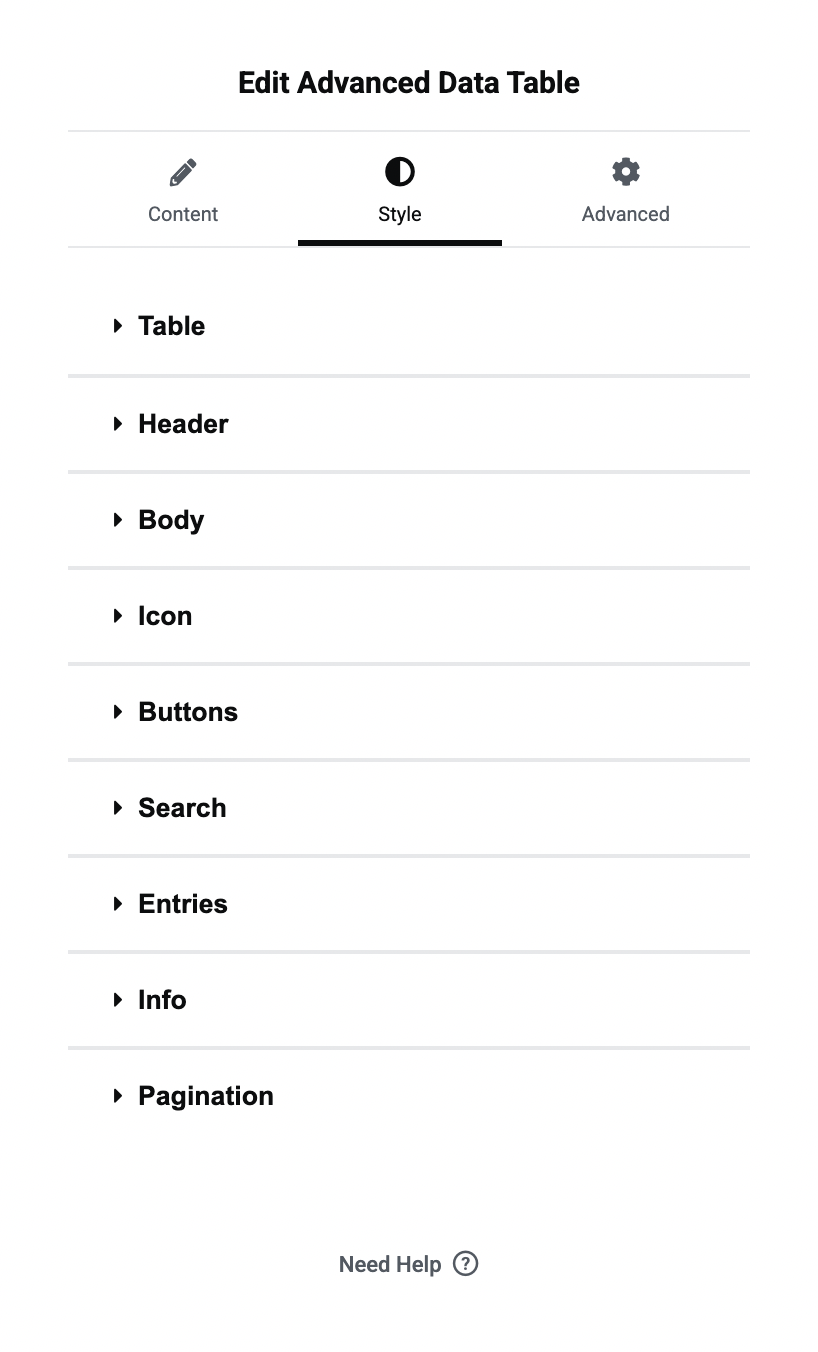
For developers
Is this your plugin? Show off the numbers.
Add a live badge to your site, docs or GitHub README. It updates on its own — no account needed.
FAQ
Table Addons for Elementor: quick answers
Straight answers, pulled from live WordPress.org data.
Live data from WordPress.org · checked Oct 7, 2026
Is Table Addons for Elementor free?
Yes. Table Addons for Elementor is free to download and use from the official WordPress.org plugin directory.
Is Table Addons for Elementor safe to use in 2026?
Table Addons for Elementor works, but test it on a staging site before relying on it in 2026. It runs on 100+ sites, is rated 5/5 and was last updated 4 months ago, and scores 60/100 on our health check.
How many websites use Table Addons for Elementor?
Table Addons for Elementor is active on 100+ WordPress websites and has been downloaded 2,001 times since it launched in October 2024. It was downloaded 139 times in the last 30 days.
Does Table Addons for Elementor work with WordPress 7.1?
Table Addons for Elementor is officially tested up to WordPress 7.0.7, while the latest release is 7.1.3. It may still work, but try it on a staging site first.
What PHP version does Table Addons for Elementor need?
Table Addons for Elementor requires PHP 7.4 or higher. Most hosts run PHP 8.x today, so it works on any modern WordPress hosting.
When was Table Addons for Elementor last updated?
The latest version, 1.0.4, was released on June 12, 2026 (4 months ago).
Who makes Table Addons for Elementor?
Table Addons for Elementor is developed and maintained by PluginsCafe.
Powered by PageForge
Want thousands of pages that rank like these? Build them in an afternoon.
This directory runs on the same engine as PageForge. Turn any spreadsheet, CSV or API into thousands of fast, SEO-ready WordPress pages — with schema, internal links and AI-written copy baked in.
- CSV, Google Sheets & API data sources
- AI content, schema & internal links per page
- Works with Elementor, Gutenberg, Yoast & Rank Math
- Free on WordPress.org — no credit card


