



360 Javascript Viewer
Turn a series of images into an interactive 360 degree view.

Safe pick
Yes — 360 Javascript Viewer is a safe, well-maintained plugin to use in 2026. It runs on 1K+ sites, is rated 5/5 and was last updated 3 weeks ago, and scores 82/100 on our health check.
- Actively developed — last update 3 weeks ago
- Tested with the latest WordPress (7.1)
- Momentum — downloads up 312.9% vs the previous 30 days
How does it stack up?
Side-by-side on installs, updates, ratings & support



Daily downloads
Download spikes usually follow a new release — each site that auto-updates counts as a download.
Rankings
Where 360 Javascript Viewer stands todayWordPress.org search rankings
Live position in the plugin search, top 100| Keyword | Position |
|---|---|
| 360 | #4 |
| 360 degree | #3 |
| 360 product viewer | #3 |
| elementor | >100 |
| woocommerce | >100 |
Version adoption
Share of active sites per release.
Rating breakdown
★★★★★★★★★★ 5 from 13 reviews
About 360 Javascript Viewer
From the official readme · v1.7.33Description
Features
- Full 360° view
- WooCommerce support
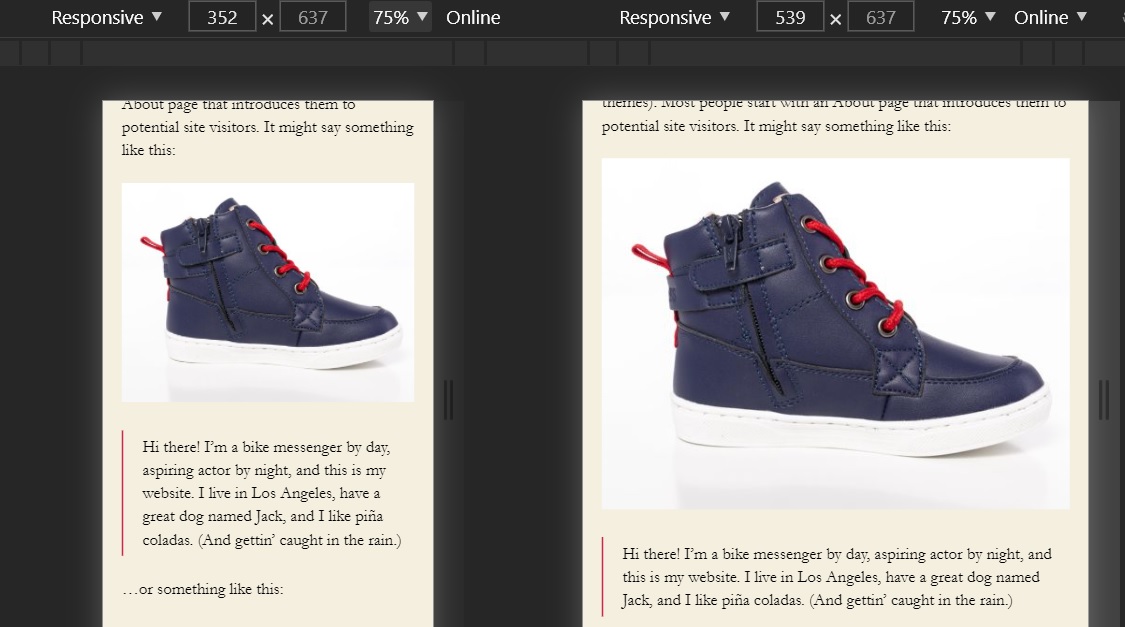
- Responsive design
- Zoom by wheel(mouse) or pinch(mobile)
- Unlimited presentations on a single page
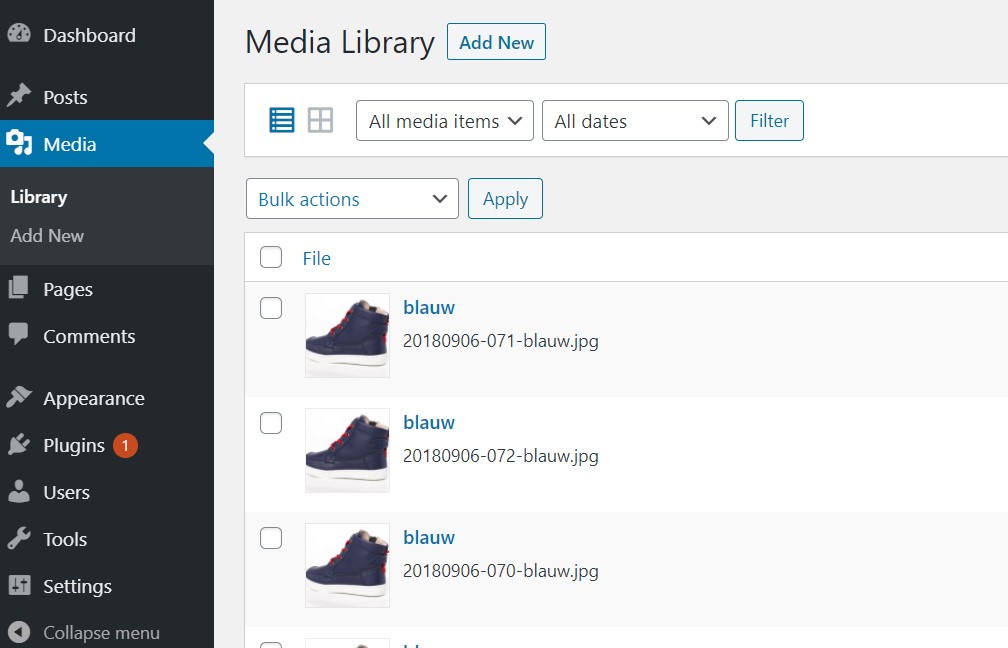
- Just upload your images to your media library, no external service needed
- Variable amount of images, limit is 365 images
- Customize speed and inertia
- Reverse dragging
- Rotate to edges
- Custom frame format, no renaming of files
- Optional autorotation on start 1 is one rotation after start and 2 is 2 rotations and so on
- Reverse autorotation
- Speed autorotation otherwise it uses the speed of the viewer
- Custom start frame
- Stop at edges
- Use your own notifier
- Extra classes on images
- Float and margin for some placement control
- ShortCodes system, generate the shortcodes online for more control
- Widget
- Gutenberg block
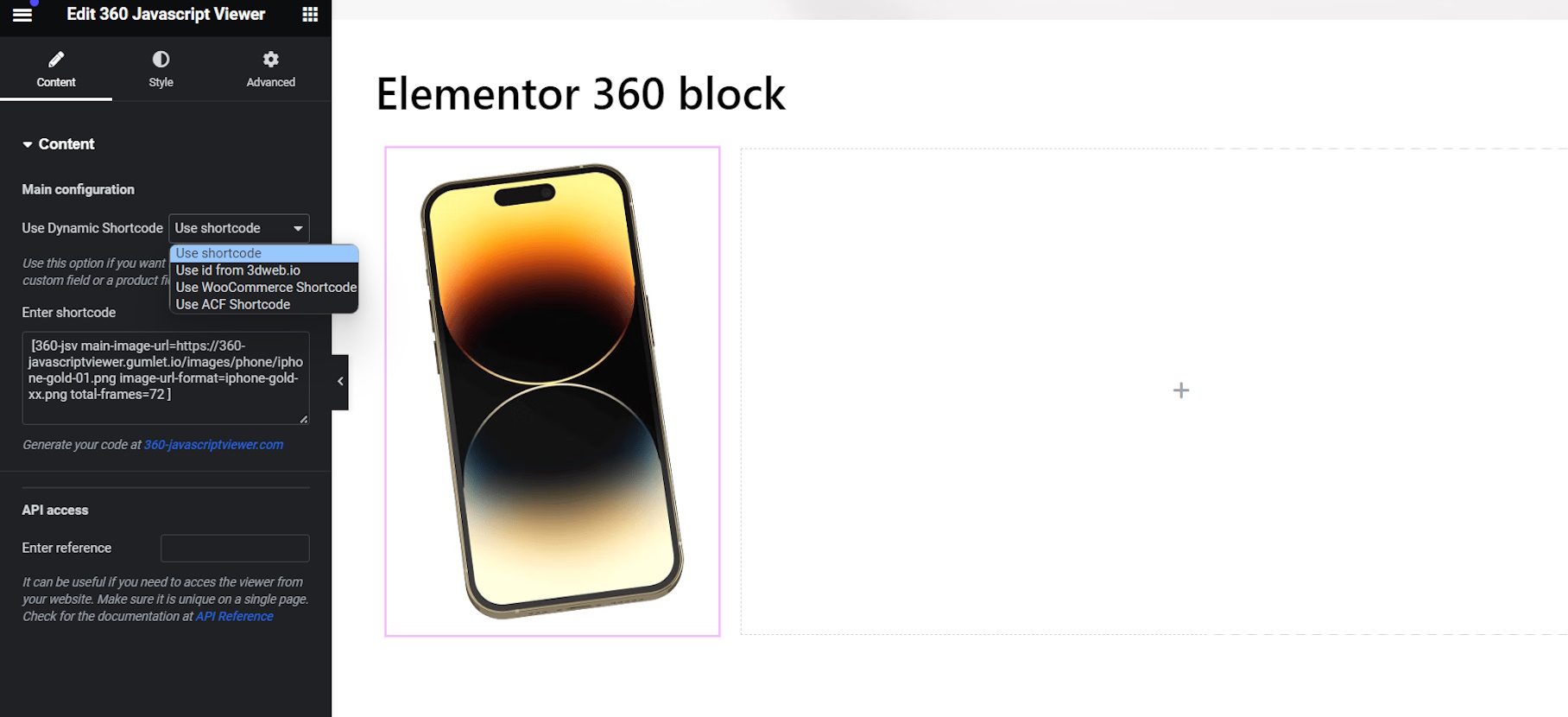
- Elementor block
- Use ACF or WooCommerce product code for presentation
- Template function for developers
- Very lightweight (50kb)
- Support for WooCommerce Flatsome theme
Installation
- Upload the plugin files to the
your_wordpress_plugins_dir/360deg-javascript-viewerdirectory, or Install as a regular WordPress plugin - Go your Plugins page in the WordPress Dashboard and activate it
Shortcode parameters
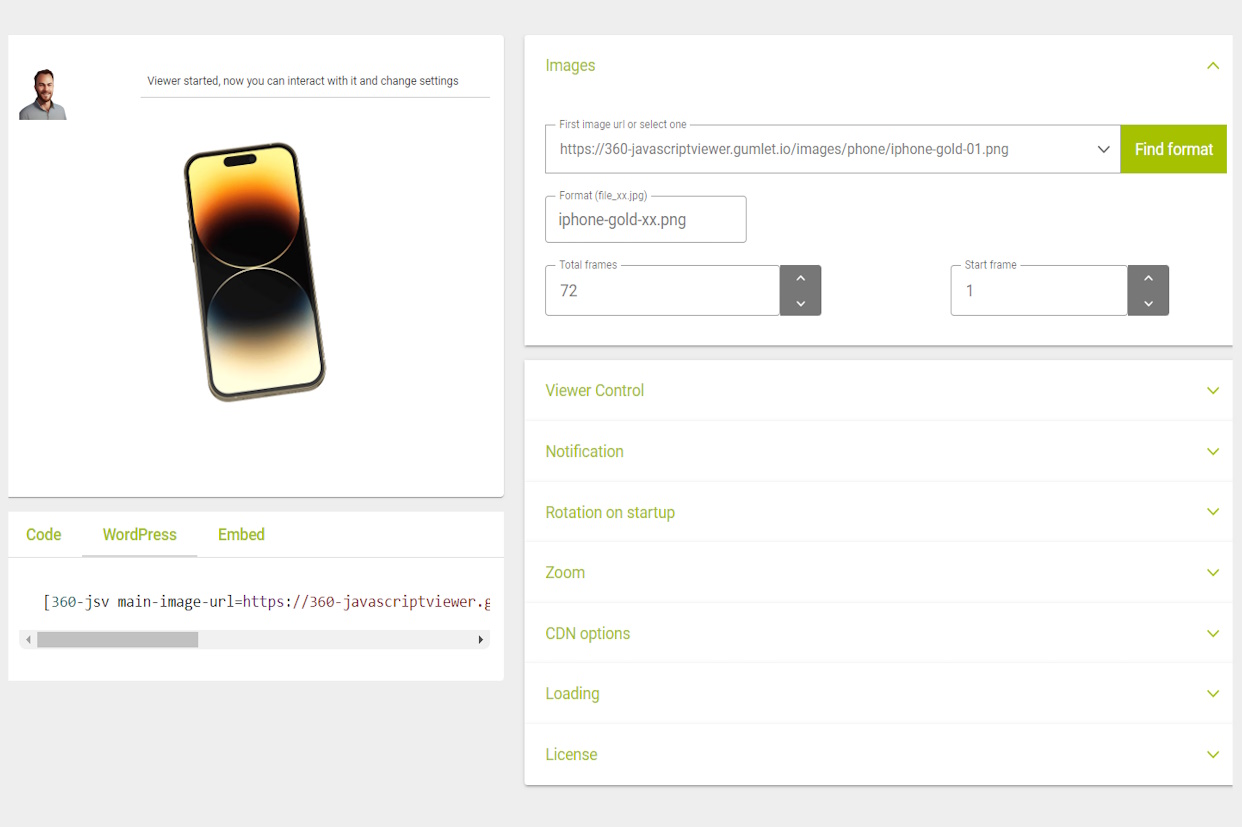
Generate the shortcodes online
example: [360-jsv total-frames=72 speed=90 inertia=30 max-width=200]  // will take the default image
example: [360-jsv main-image-url=your/image.jpg total-frames=16 speed=90 inertia=30 image-url-format=your/image_xx.jpg]
- main-image-url is the url to the main image, that is the base for all the other frames
- total-frames is the total number of frames in the presentation
- speed is the speed of rotating
- inertia is the delay when the user stops dragging
- reverse inverts the rotation direction when dragging
- image-url-format give a format for the next frames
- auto-rotate use this setting for rotating the view at start. Rotation stops when user drags the model or another animation method is called. 0 is no rotation and 10 is 10 rotations at start
- auto-rotate-speed use this setting for changing the speed of the auto rotating
- auto-rotate-reverse use this setting for changing the direction of the auto rotating
- stop-at-edges blocks repeating images after reaching last image
- max-width sets the max-width of the presentation in px
- float use left or right to align the presentation
- margin-left set the left margin
- margin-right set the right margin
- margin-top set the top margin
- margin-bottom set the bottom margin
Frequently asked questions
Why am I redirected to your website for creating a shortcode?
Some people find it hard to construct a shortcode by hand, that’s why we created a tool te make it more convenient.
How does it work with WooCommerce?
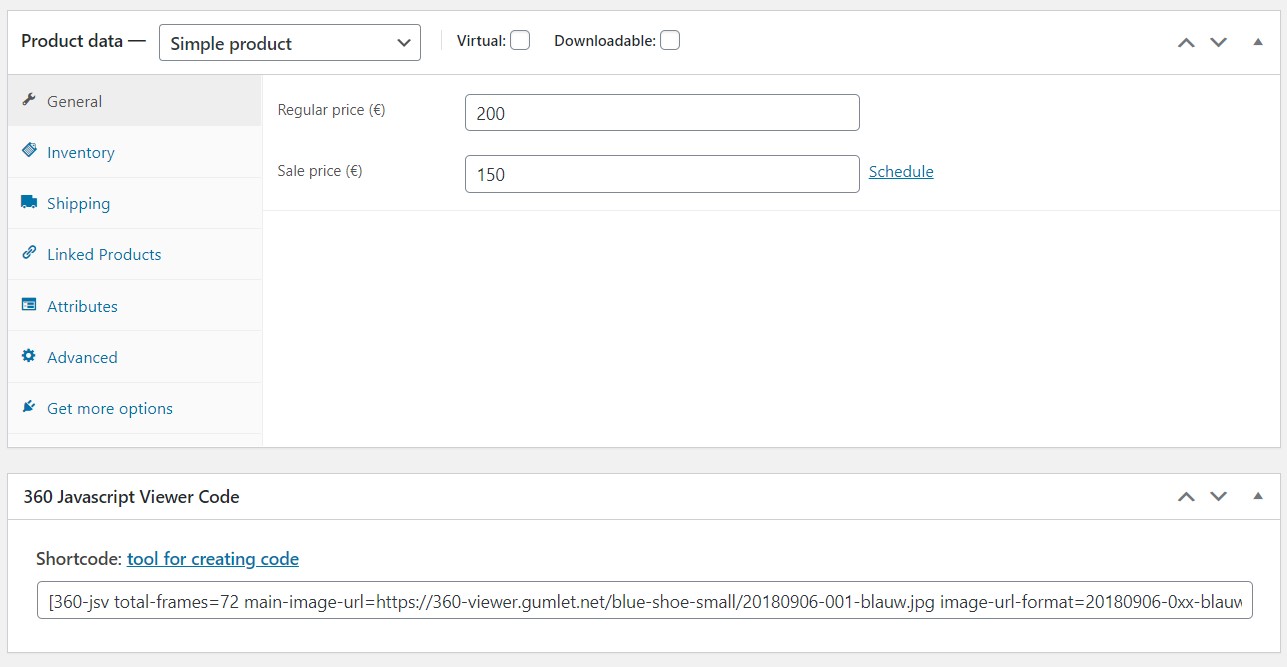
You need to have images in your gallery and you need the shortcode filled into the product properties. Then the viewer will be shown in the product gallery. You can also use the shortcode in combination with a Gutenberg lock or Elementor block. In that case you must set the block to use the WooCommerce product code for presentation.
How does it work with Advanced Custom Fields?
In the settings there is an options to define the ACF field what must be used by the Gutenberg block or Elementor block. In that case you must set the block to use the ACF code for presentation. You can fill the ACF field with the shortcode and it will be used by the block.
Can I use global settings?
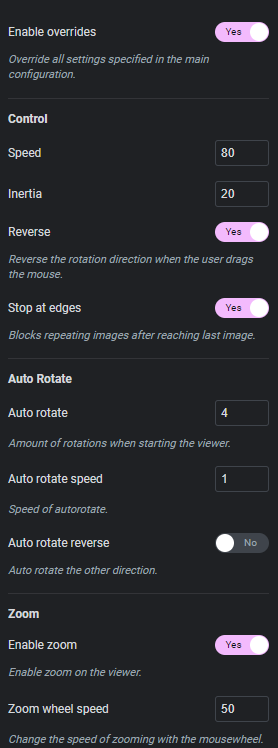
Yes, you can use global settings in the settings page. You can also use the shortcode to override the global settings.
Can I use it in my templates?
Yes, you can call parse_jsv360_shortcode() function within your template. Use the shortcode as a parameter.
Changelog
1.0
- Basic version, still under development
1.0.1
- Bugfixes in viewer, update to v0.0.45
1.1.0
- Added optional autorotation on start
1.2.0
- Added zoom functions
1.2.1
- Fix scrolling bug, update jsv to v1.2.7
1.2.2
- Fix parameter bug
Screenshots

For developers
Is this your plugin? Show off the numbers.
Add a live badge to your site, docs or GitHub README. It updates on its own — no account needed.
Best 360 Javascript Viewer alternatives
All 360 plugins →





FAQ
360 Javascript Viewer: quick answers
Straight answers, pulled from live WordPress.org data.
Live data from WordPress.org · checked Sep 28, 2026
Is 360 Javascript Viewer free?
Yes. 360 Javascript Viewer is free to download and use from the official WordPress.org plugin directory.
Is 360 Javascript Viewer safe to use in 2026?
Yes — 360 Javascript Viewer is a safe, well-maintained plugin to use in 2026. It runs on 1K+ sites, is rated 5/5 and was last updated 3 weeks ago, and scores 82/100 on our health check.
How many websites use 360 Javascript Viewer?
360 Javascript Viewer is active on 1K+ WordPress websites and has been downloaded 41,875 times since it launched in September 2020. It was downloaded 995 times in the last 30 days.
Does 360 Javascript Viewer work with WordPress 7.1?
Yes. The developer has tested 360 Javascript Viewer up to WordPress 7.1.2, the latest release. It requires WordPress 5.0 or newer.
What PHP version does 360 Javascript Viewer need?
360 Javascript Viewer requires PHP 7.0.0 or higher. Most hosts run PHP 8.x today, so it works on any modern WordPress hosting.
When was 360 Javascript Viewer last updated?
The latest version, 1.7.33, was released on September 9, 2026 (3 weeks ago).
Who makes 360 Javascript Viewer?
360 Javascript Viewer is developed and maintained by 3DWeb.
What are the best alternatives to 360 Javascript Viewer?
The most popular alternatives to 360 Javascript Viewer are Garden Gnome Package (4K+ installs), Algori 360 Image (4K+ installs) and PanoPress (2K+ installs).
Powered by PageForge
Want thousands of pages that rank like these? Build them in an afternoon.
This directory runs on the same engine as PageForge. Turn any spreadsheet, CSV or API into thousands of fast, SEO-ready WordPress pages — with schema, internal links and AI-written copy baked in.
- CSV, Google Sheets & API data sources
- AI content, schema & internal links per page
- Works with Elementor, Gutenberg, Yoast & Rank Math
- Free on WordPress.org — no credit card


