


Backup Migration
Backup, migrate, and create staging sites with free cloud storage and support.

Escolha segura
Yes — Backup Migration is a safe, well-maintained plugin to use in 2026. It runs on 80K+ sites, is rated 4.9/5 and was last updated 3 weeks ago, and scores 96/100 on our health check.
- Comprovado em escala em mais de 80 mil sites ativos
- Loved by users — 4.9/5 from 1,342 reviews
- Desenvolvido ativamente — última atualização 3 semanas atrás
- Testado com as últimas WordPress (7.1)
- Suporte responsivo — 100% dos tópicos recentes resolvidos
Como ele se acumula?
Lado a lado em instalações, atualizações, avaliações e suporte



Downloads diários
Os picos de download geralmente seguem uma nova versão — cada site que atualiza automaticamente é um download.
Rankings
Where Backup Migration stands todayWordPress.org Classificações de pesquisa
Posição ao vivo na pesquisa de plugins, top 100| Palavra chave | Posição |
|---|---|
| backup | #6 |
| Backups | #8 |
| migrate | #5 |
| migration | #8 |
| staging | #8 |
Adoção da versão
Compartilhamento de sites ativos por lançamento.
Divisão de classificação
★★★★★★★★★★ 4.9 from 1,342 reviews
About Backup Migration
From the official readme · v2.1.9Descrição
TL;DR:
- 🚀 Lightning fast backups
- 🪶 Lightweight – just over 1MB
- ⚡ Super-quick migration with only a few clicks
- 🎯 Incredibly easy to use – no tech skills required
- ☁️ Many free storage options: Google Drive, Dropbox, OneDrive, pCloud, Amazon S3 & more
- 🔒 Exclusive own storage solution with 1GB of free space – unique on the market!
👉 Try it out instantly on a live demo
—
Creating a backup of your site has never been easier!
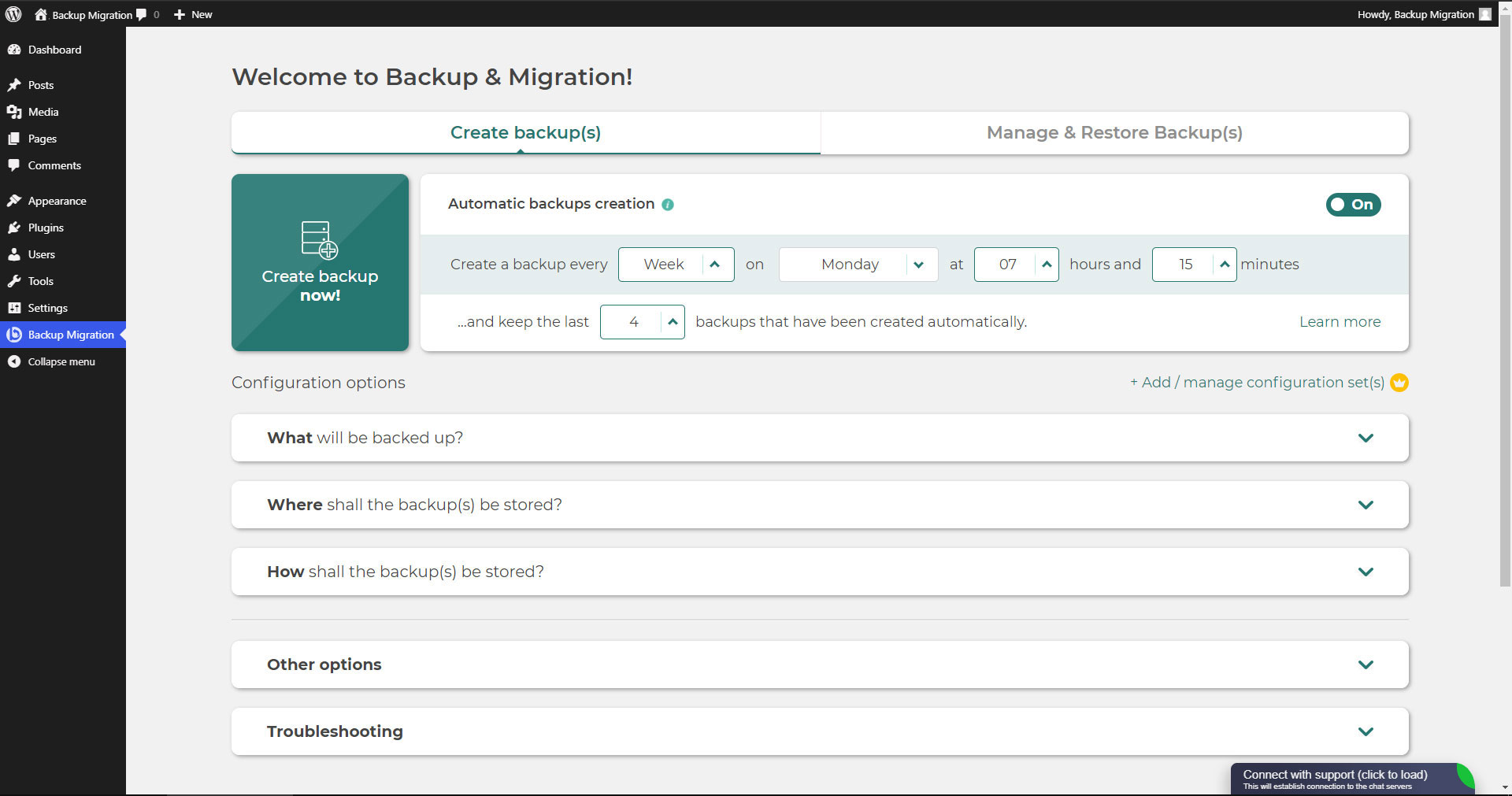
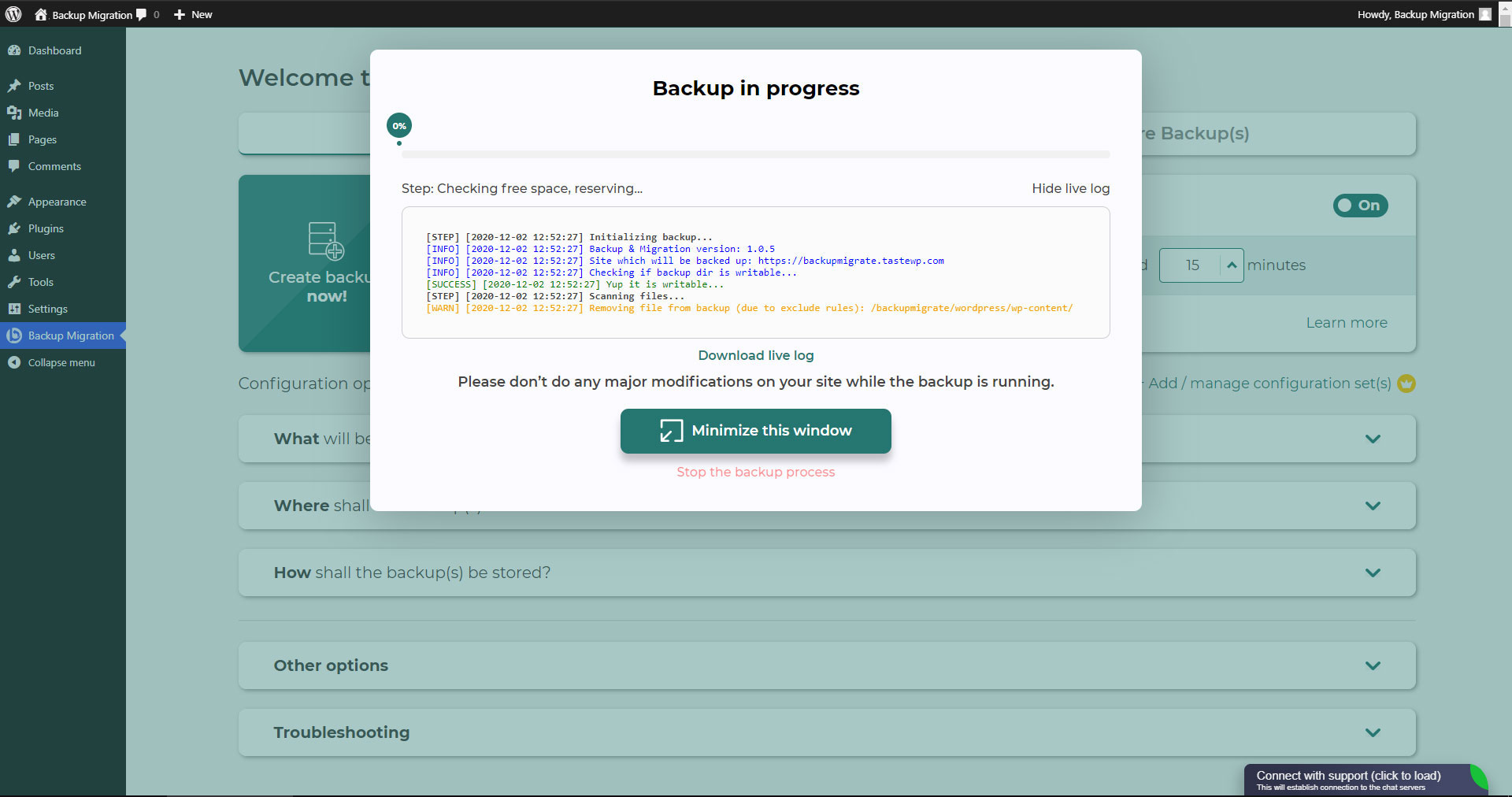
Simply install the plugin, click on “Create backup now” – done.
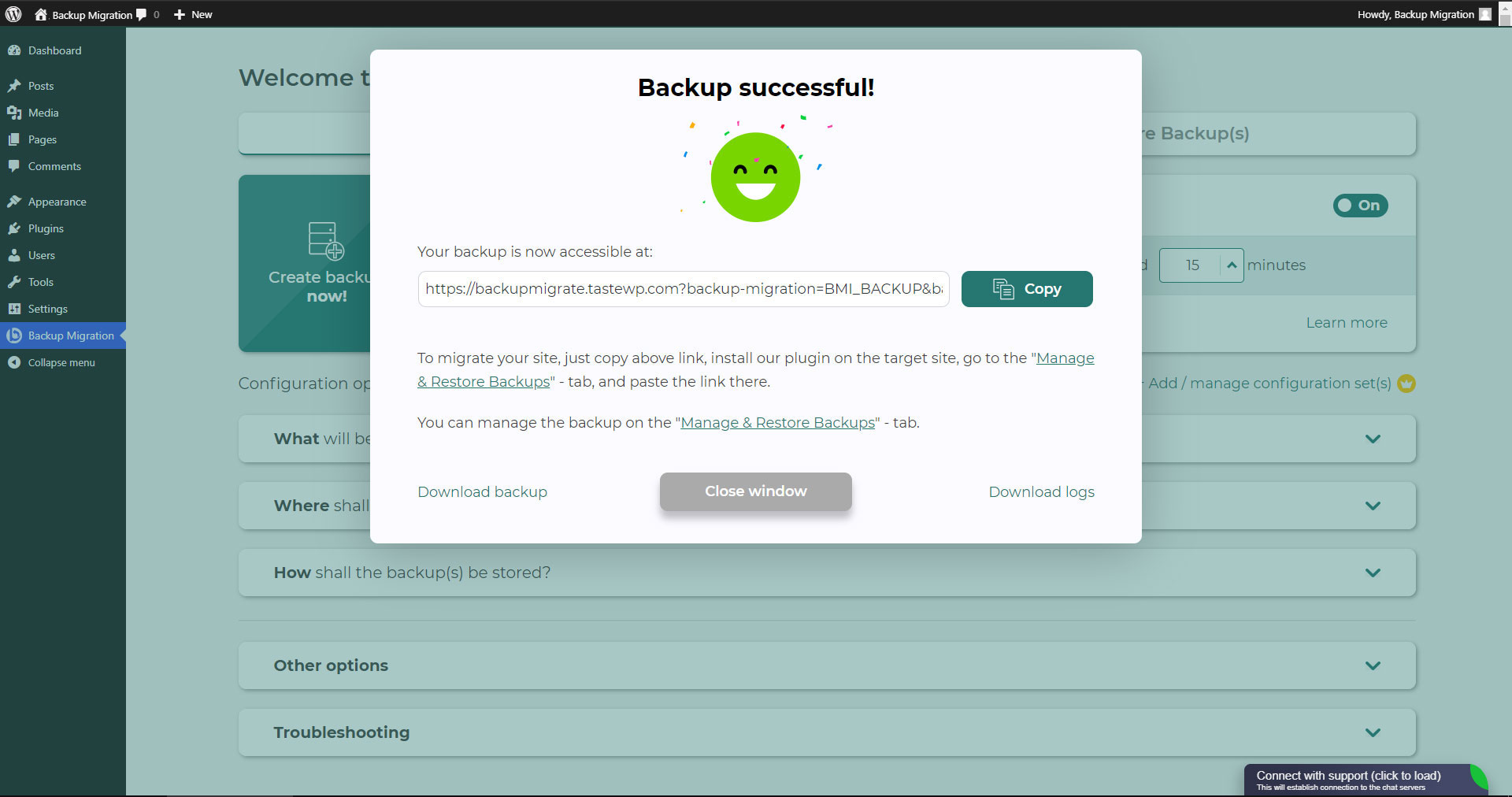
Website migration is just as easy and FREE, with just two clicks!
Wide range of available cloud storage locations: Google Drive, Dropbox, OneDrive, Amazon S3, Wasabi, pCloud, SFTP & FTP, and free cloud storage BackupBliss.
You can also schedule backups, e.g. define that a backup should be taken automatically every week (or every day/month).
Use a wide choice of configuration options:
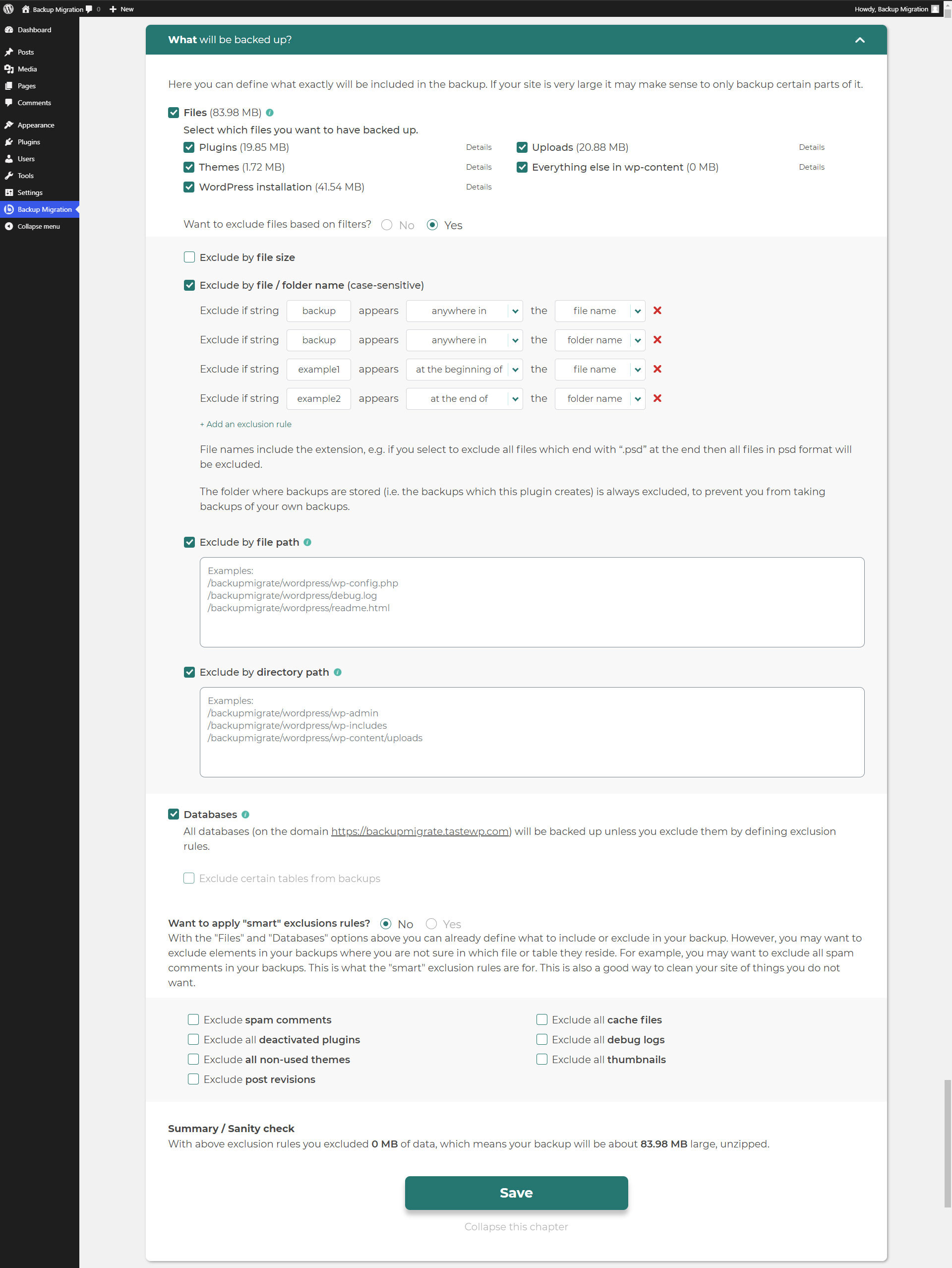
- Define exactly which files / databases should be in the backup, and which should not
- Define where the backup will be stored (store locally and/or backup to cloud)
- Define what name your backup should have, in which instances you should receive a notification email, and much more
- Additional advanced features included in the premium: smart exclusion rules, Tar and GZip compression methods, full email notifications, automatic backups before updates, and more.
This plugin is all in one solution if you need to migrate your site to another host or just restore the local backup.
Note: This (free) version is limited to backups of 4GB in size, due to native WordPress ZIP limitations. For unlimited sizes and increased stability for larger sites, please have a look at the Premium Plugin. The code of this free plugin is licensed under GPLv3, however, we claim rights to other content. Please read the full Terms of Use that touch other points as well and apply in entirety.
If any questions come up, please ask us in the Support Forum – we’re always happy to help!
Instalação
Admin Installer via search
- Visit the Add New plugin screen and select “Author” from the dropdown near search input
- Search for “Migrate”
- Find “Backup Migration” and click the “Install Now” button.
- Ative o plugin.
- The plugin should be shown below the settings menu.
Admin Installer via zip
- Visit the Add New plugin screen and click the “Upload Plugin” button.
- Click the “Browse…” button and select the zip file of our plugin.
- Click the “Install Now” button.
- Once uploading is done, activate Backup Migration.
- The plugin should be shown below the settings menu.
Log de Changes
What's new in 2.1.9? * [FIX] Fixed shared backup download links failing on sites with a persistent object cache. * [ENHANCEMENT] Stored the download link token in plugin config and migrated existing tokens so already shared links keep working. * [FEATURE] Added the new search & replace engine to local staging creation. * [FIX] Prevented duplicated "www." in staging URLs when the source site uses a www domain.
2.1.9
- [FIX] Fixed shared backup download links failing on sites with a persistent object cache.
- [ENHANCEMENT] Stored the download link token in plugin config and migrated existing tokens so already shared links keep working.
- [FEATURE] Added the new search & replace engine to local staging creation.
- [FIX] Prevented duplicated “www.” in staging URLs when the source site uses a www domain.
Capturas de tela
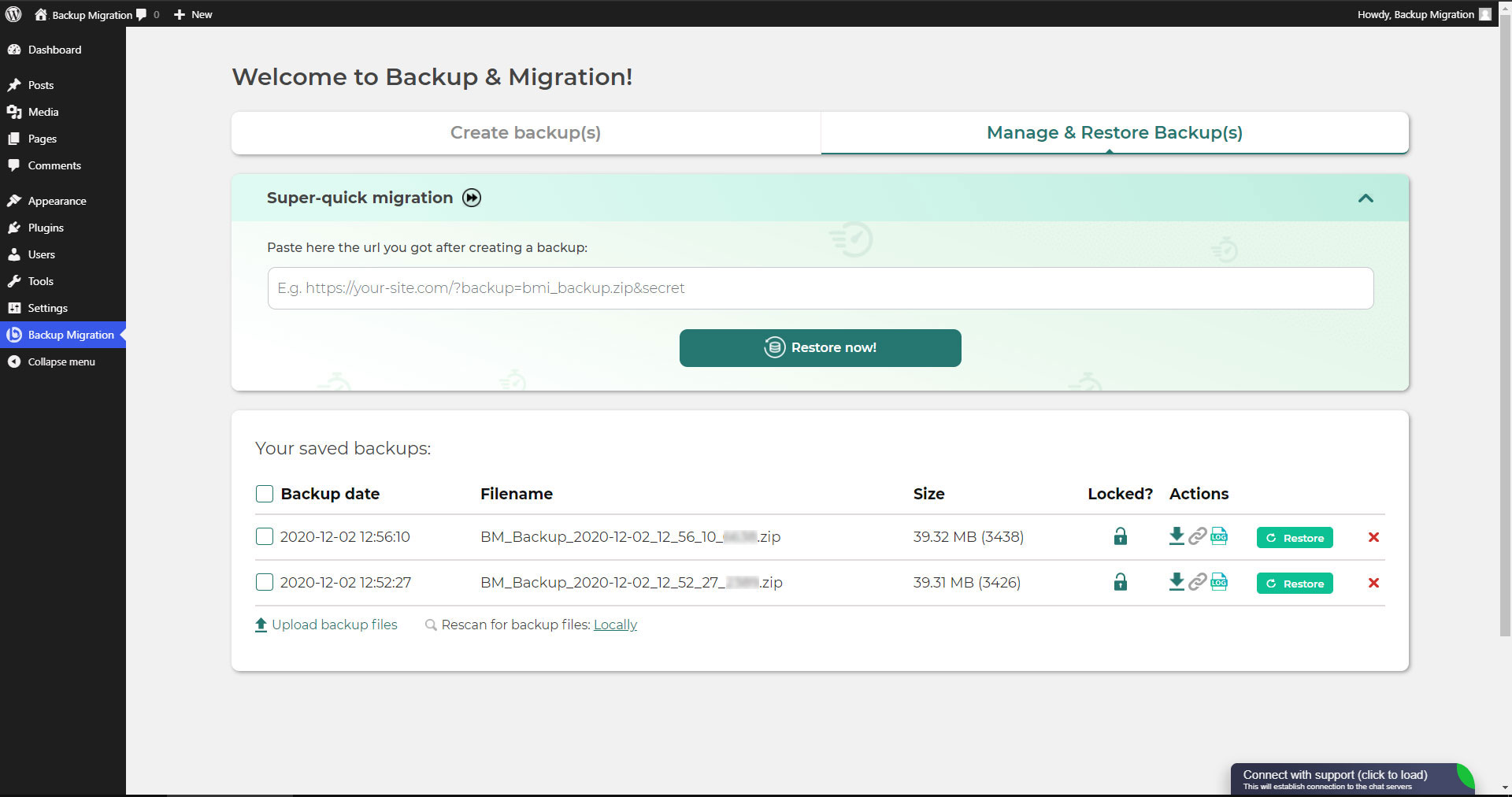
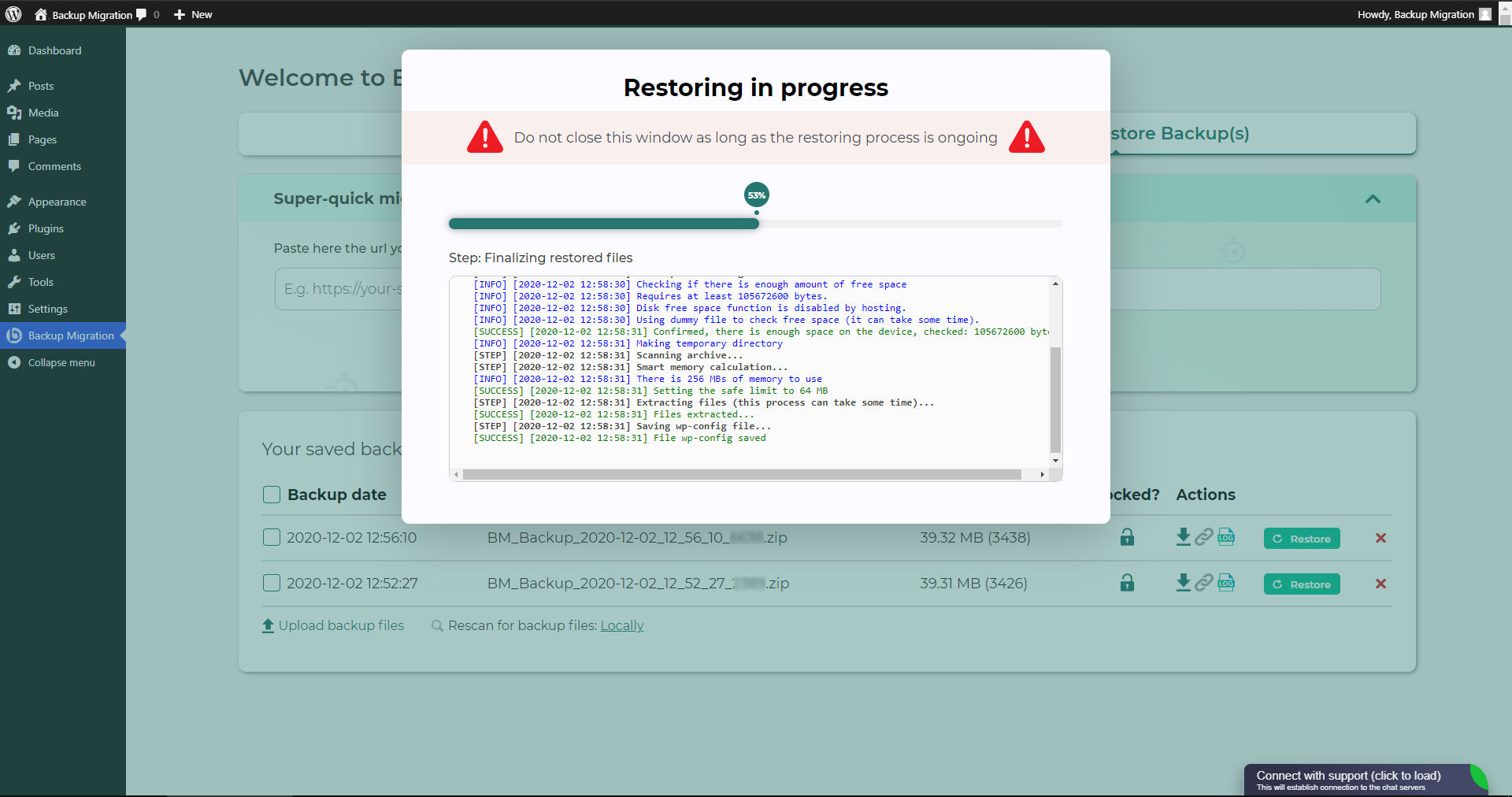
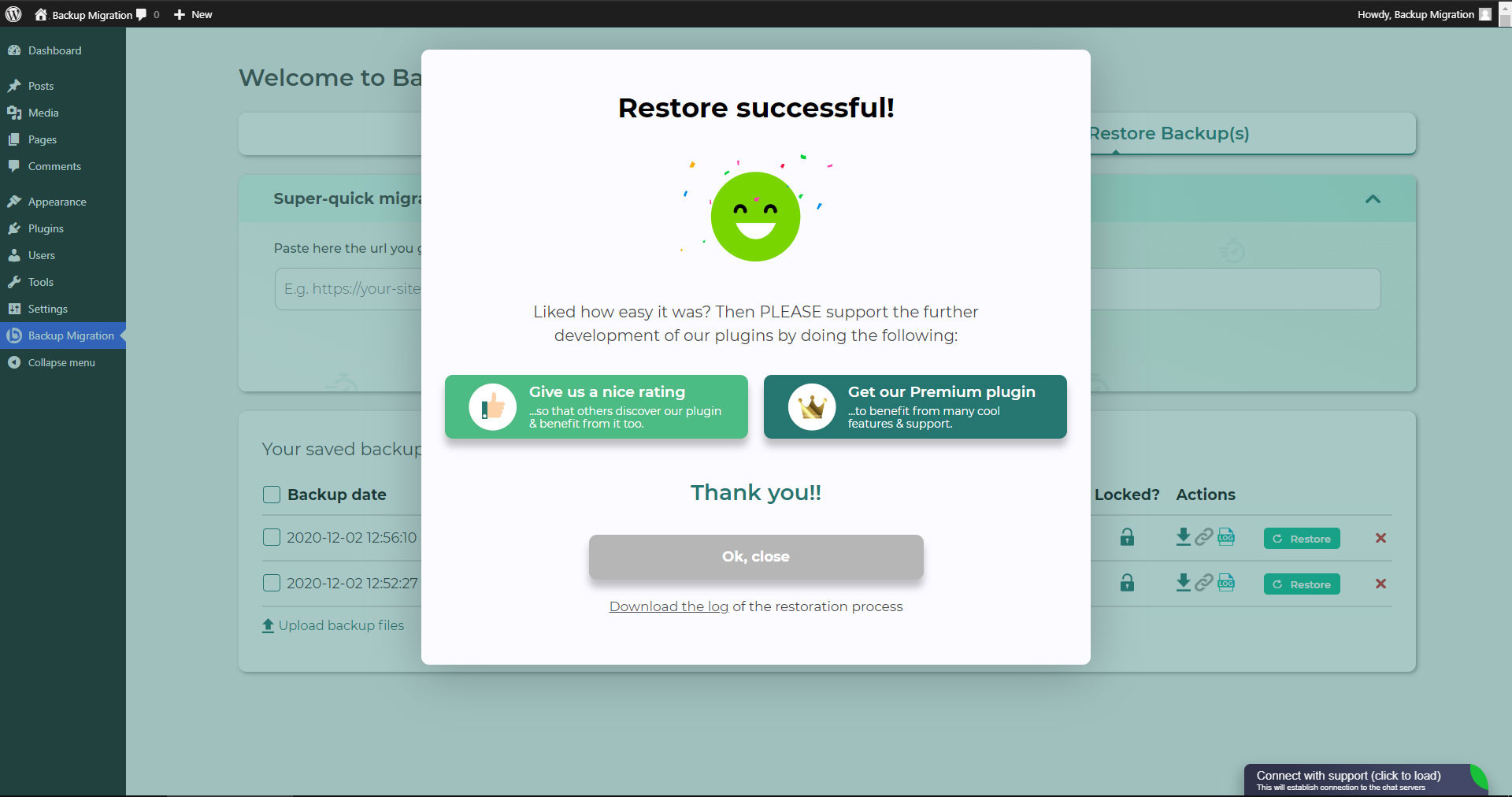
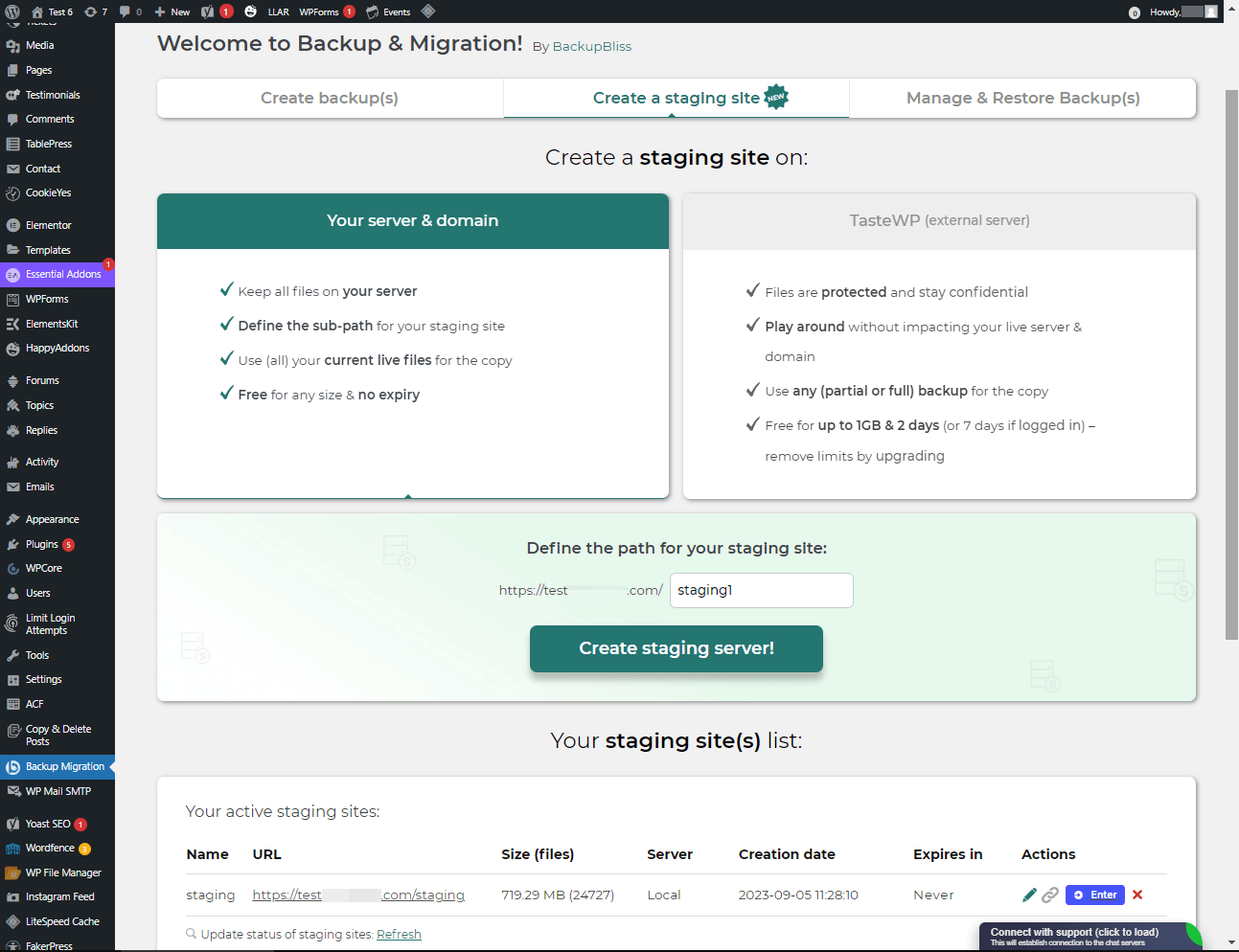
Para desenvolvedores
Este é o seu plugin? Mostre os números.
Adicione um crachá ao vivo ao seu site, Documentos ou Readme do GitHub. Ele é atualizado por conta própria - nenhuma conta necessária.
Best Backup Migration alternatives
All backup plugins →





FAQ
Backup Migration: quick answers
Respostas diretas, extraídas de dados ao vivo WordPress.org.
Fonte: WordPress.org
Is Backup Migration free?
Yes. Backup Migration is free to download and use from the official WordPress.org plugin directory.
Is Backup Migration safe to use in 2026?
Yes — Backup Migration is a safe, well-maintained plugin to use in 2026. It runs on 80K+ sites, is rated 4.9/5 and was last updated 3 weeks ago, and scores 96/100 on our health check.
How many websites use Backup Migration?
Backup Migration is active on 80K+ WordPress websites and has been downloaded 2,695,973 times since it launched in December 2020. It was downloaded 81,663 times in the last 30 days.
Does Backup Migration work with WordPress 7.1?
Yes. The developer has tested Backup Migration up to WordPress 7.1.5, the latest release. It requires WordPress 4.6 or newer.
What PHP version does Backup Migration need?
Backup Migration requires PHP 5.6 or higher. Most hosts run PHP 8.x today, so it works on any modern WordPress hosting.
When was Backup Migration last updated?
The latest version, 2.1.9, was released on November 10, 2026 (3 weeks ago).
Who makes Backup Migration?
Backup Migration is developed and maintained by Inisev.
What are the best alternatives to Backup Migration?
The most popular alternatives to Backup Migration are All-in-One WP Migration and… (5M+ installs), UpdraftPlus: WP Backup & Mi… (4M+ installs) and Jetpack (3M+ installs).
Alimentado por PageForge
Um modelo e uma planilha. Uma página real para cada pesquisa.
PageForge Transforma cada linha de um CSV em uma página WordPress com seu próprio título, URL, SEO campos e esquema, construído no layout que você já desenhou. Gratuito em WordPress.org.
- CSV e XLSX, mais Google Sheets em Profissional e Empresarial
- Seu próprio título, URL, SEO campos e esquema para cada página
- Funciona com o editor de blocos, Elementor, Divi e Avada
- Gratuito em WordPress.org, sem cartão de crédito