


WPVIVID — Backup, migração e preparação
All-in-one WordPress backup, migration and staging plugin — schedule automatic backups, restore in one click, and migrate or clone sites safely.

Escolha segura
Yes — WPvivid is a safe, well-maintained plugin to use in 2026. It runs on 900K+ sites, is rated 4.9/5 and was last updated 2 weeks ago, and scores 93/100 on our health check.
- Comprovado em escala em mais de 900 mil sites ativos
- Loved by users — 4.9/5 from 1,574 reviews
- Desenvolvido ativamente — última atualização 2 semanas atrás
- Testado com as últimas WordPress (7.1)
- Momentum — downloads up 55.4% vs the previous 30 days
Como ele se acumula?
Lado a lado em instalações, atualizações, avaliações e suporte



Downloads diários
Os picos de download geralmente seguem uma nova versão — cada site que atualiza automaticamente é um download.
Rankings
Where WPvivid stands todayWordPress.org Classificações de pesquisa
Posição ao vivo na pesquisa de plugins, top 100| Palavra chave | Posição |
|---|---|
| backup | #5 |
| clone | #5 |
| duplicate | #10 |
| migrate | #7 |
| staging | #2 |
Adoção da versão
Compartilhamento de sites ativos por lançamento.
Divisão de classificação
★★★★★★★★★★ 4.9 from 1,574 reviews
About WPvivid — Backup, Migration & Staging
From the official readme · v0.9.140Descrição
WPvivid Backup & Migration Plugin offers backup, migration, and staging (create a staging site on a subdirectory to safely test WordPress, plugins, themes and website changes) as basic features.
WPvivid Backup & Migration for MainWP
WPvivid Backup & Migration for MainWP is now available to download.
WPvivid Backup & Migration for MainWP allows you to set up and control WPvivid Backup & Migration plugins for all child sites directly from your MainWP dashboard.
WPvivid Backup & Migration Pro is Now Available
- Customize everything to backup
- Create staging sites and push staging sites to live
- Incremental backups
- Database backup encryption
- Auto backup WordPress, themes, and plugins
- WordPress multisite backup
- WordPress multisite staging
- Create a fresh WP install
- Advanced remote backups
- Advanced backup schedules
- Restore remote backups
- Migrate a site via remote storage
- Migrate a childsite (MU) to a single WordPress install
- White label WPvivid Backup & Migration Pro
- Control user access to WPvivid Backup & Migration Pro
- More amazing features
See a review video on WPvivid Backup & Migration Pro:
Get WPvivid Backup & Migration Pro
Core Features
1. Easy Backups
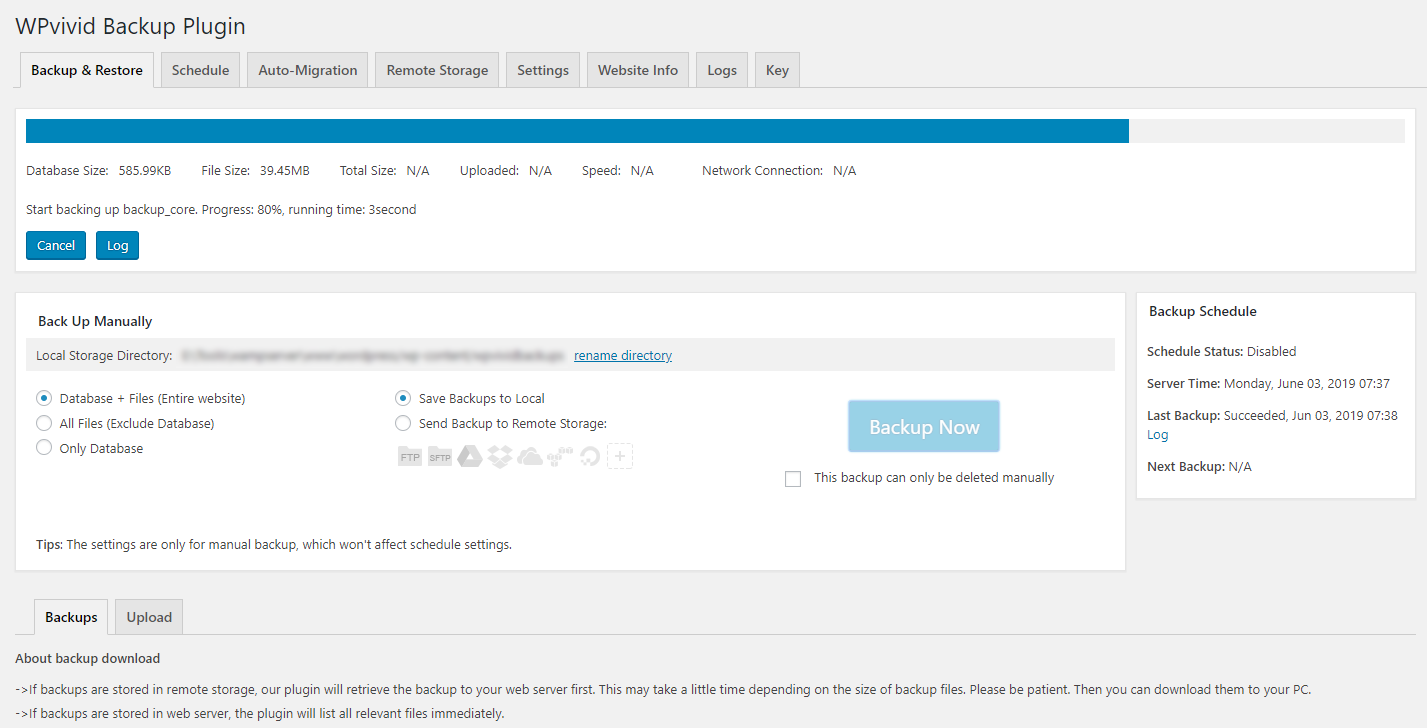
Easily create a backup of your WordPress site. You can choose to backup the entire site(database+files), all files, or database only.
2. Auto Migration
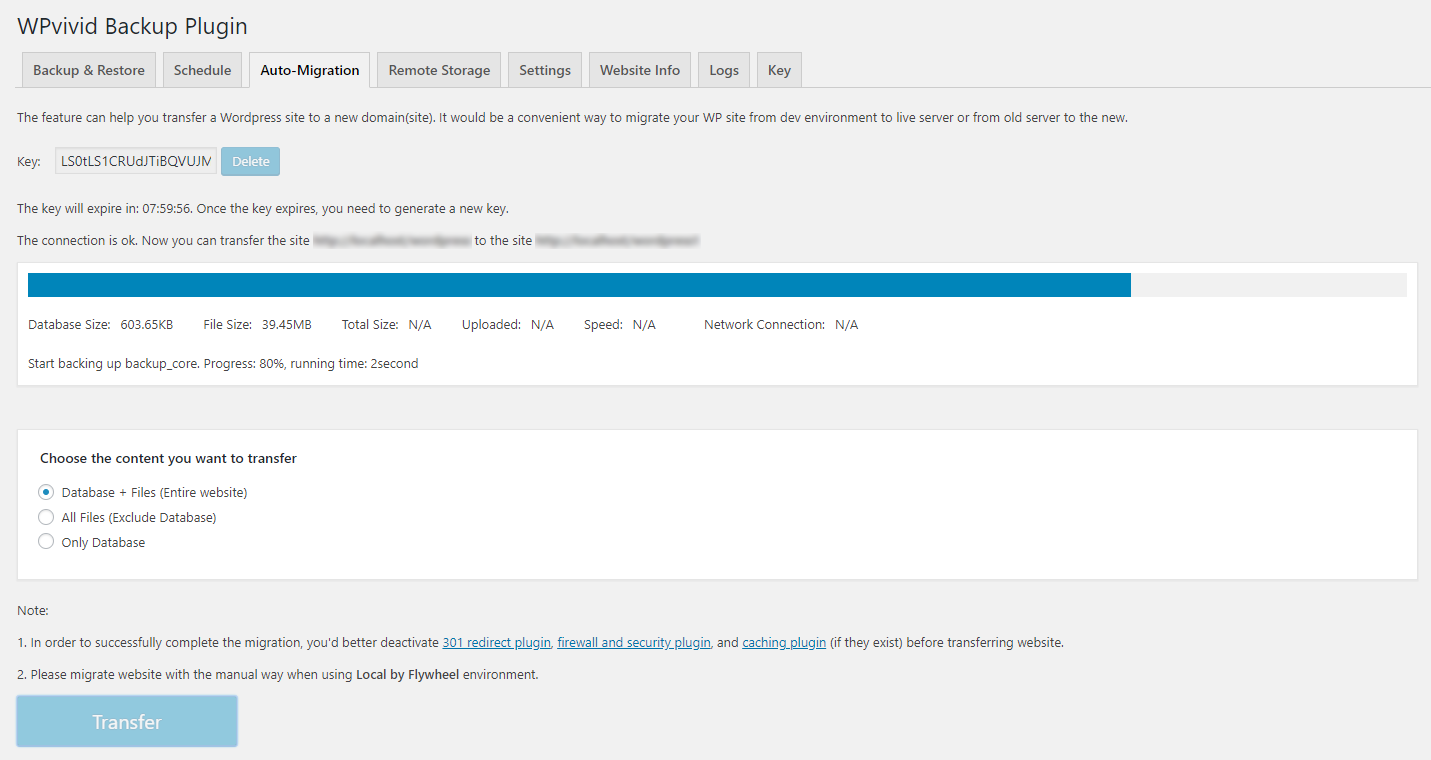
Clone and migrate your WordPress site to a new domain with a single click. WPvivid Backup & Migration Plugin supports site migration from dev environment to a new server, from dev environment to a new domain or from a live server to another.
3. Create A Staging Site
Create a staging site on a subdirectory of your production site to safely test WordPress, plugins, themes and website changes. You can choose what to copy from the the live site to the staging site.
4. Scheduled Backups
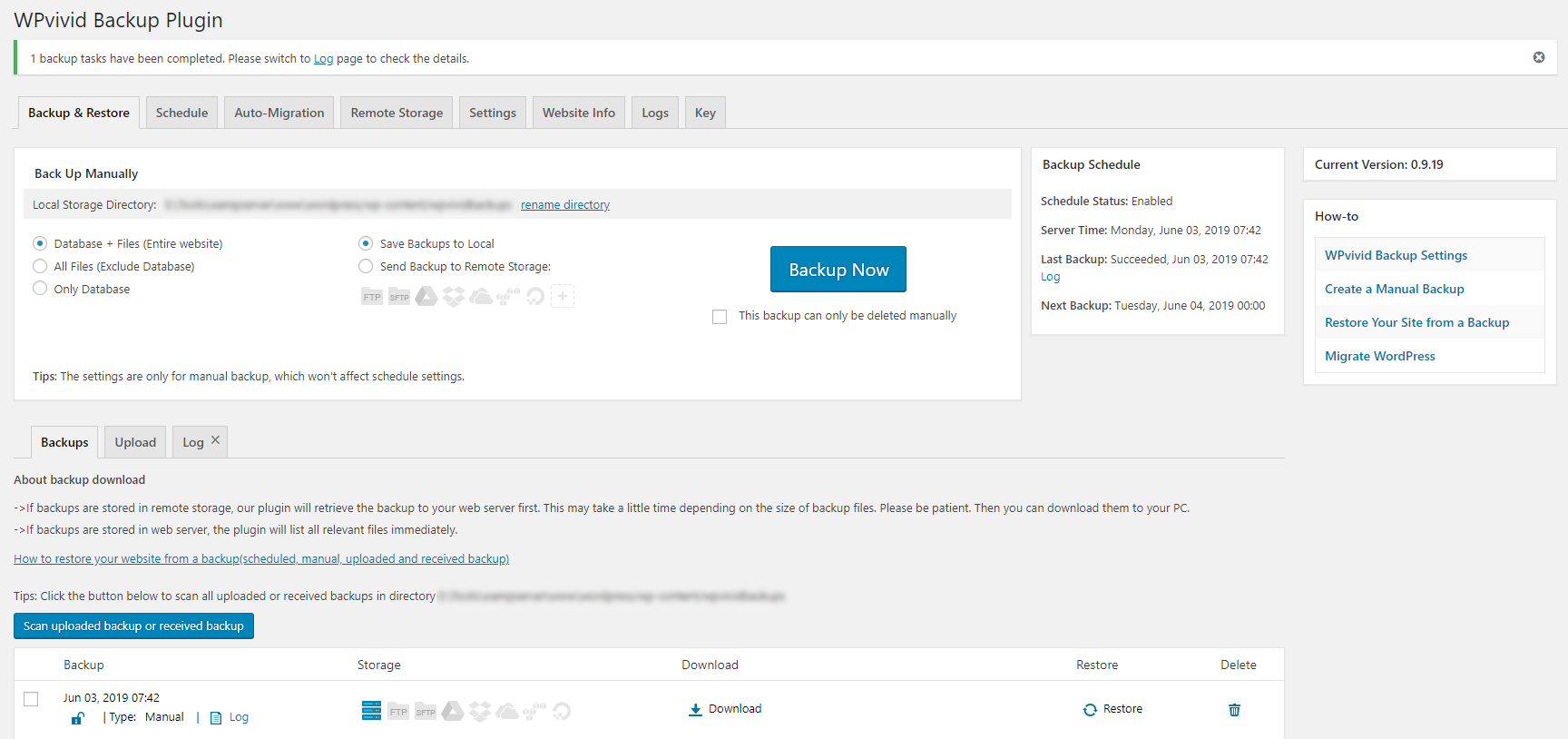
Set a schedule to run backups automatically on your website. You can set the backups to run every 12 hours, daily, weekly, fortnightly, monthly, choose backup items and destination.
5. Offsite Backup to Remote Storage
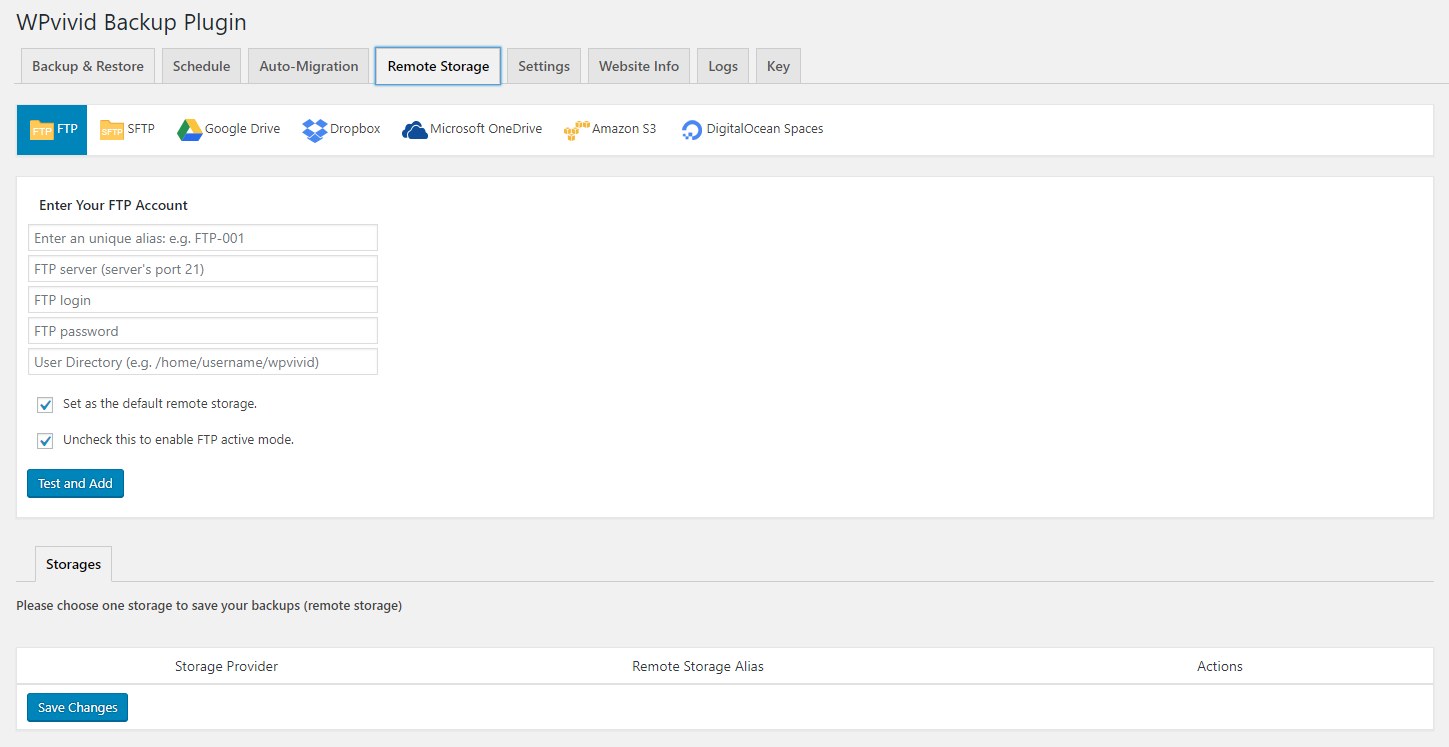
Send your backups offsite to a remote location. WPvivid Backup & Migration Plugin supports the leading cloud storage providers: Dropbox, Google Drive, Amazon S3, Microsoft OneDrive, DigitalOcean Spaces, FTP and SFTP.
6. One-Click Restore
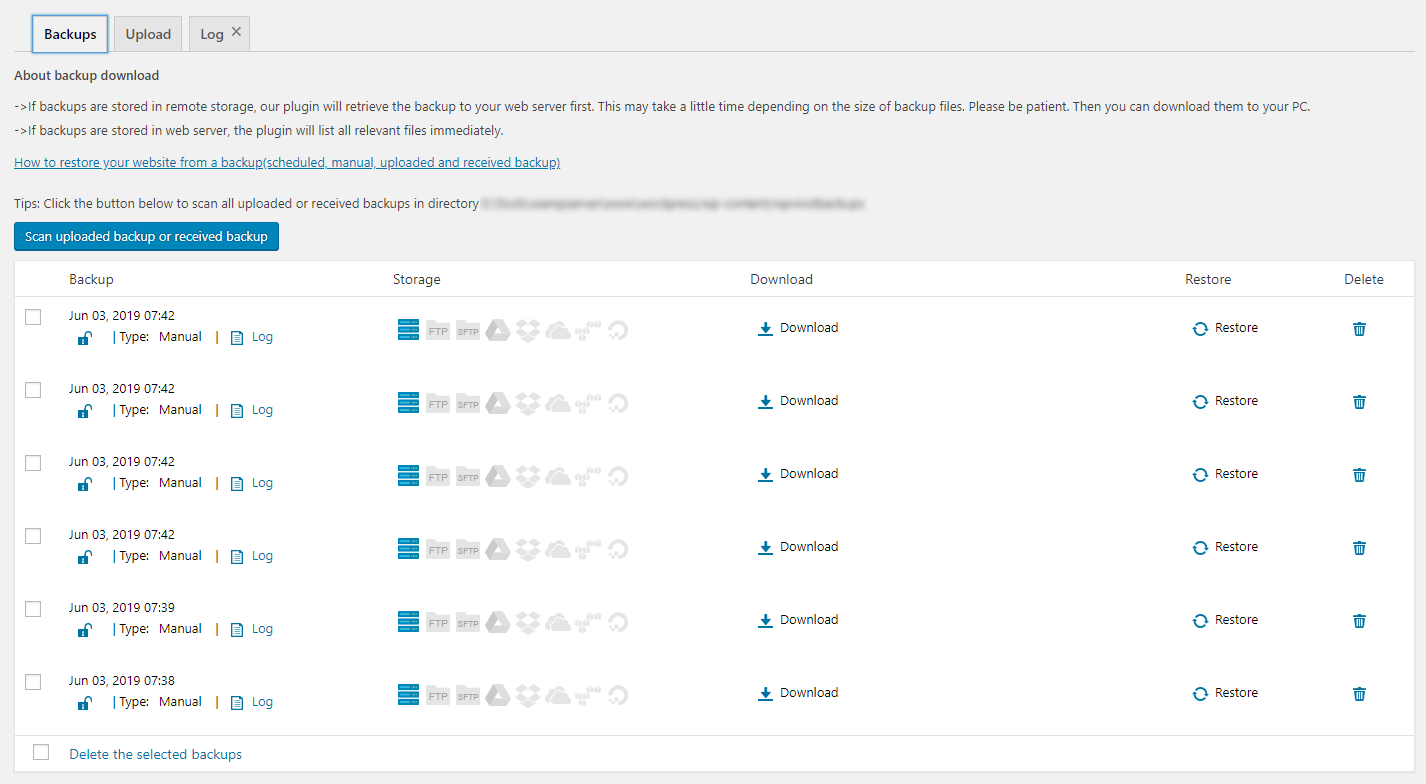
Restore your WordPress site from a backup with a single click.
7. Cloud Storage Supported
WPvivid Backup & Migration plugin supports Dropbox, Google Drive, Microsoft OneDrive, Amazon S3, DigitalOcean Spaces, SFTP, FTP. WPvivid Backup & Migration Pro also supports Wasabi, pCloud, Backblaze, WebDav and more.
Minimum Requirements to use WPvivid Backup & Migration plugin
- Character Encoding UTF-8
- PHP version 5.3
- MySQL version 4.1
- WordPress 4.5
Serviços externos
This plugin can optionally connect to third-party storage providers — Google Drive, Dropbox, Microsoft OneDrive, Amazon S3, DigitalOcean Spaces, and FTP/SFTP servers — to store backup files. When remote storage is enabled, backup archives and required authentication tokens are sent to the selected service’s API. Use of these services is subject to their own terms and privacy policies.
Instalação
Install WPvivid Backup & Migration Plugin
1.Go to your sites admin dashboard.
2.Navigate to Plugins Menu and search for WPvivid Backup & Migration.
3.Find WPvivid Backup & Migration and click Install Now.
4. Click Activate.
Log de Changes
Fixed two security vulnerabilities. Special thanks to Jakub Herman and WPScan for reporting and assisting with the fixes. Fixed an issue with missing core files and incorrect archive paths on environments with duplicate slashes in the WordPress path.
0.9.140
- Fixed two security vulnerabilities. Special thanks to Jakub Herman and WPScan for reporting and assisting with the fixes.
- Fixed an issue with missing core files and incorrect archive paths on environments with duplicate slashes in the WordPress path.
0.9.139
- Fixed: An issue that prevented version 0.9.138 from being properly installed.
0.9.138
- Fixed two vulnerabilities in the plugin code.
0.9.137
- Fixed some security issues in the plugin code. Special thanks to Karthik Ramakrishnan, Qi Qin and WPScan for reporting and assisting with the fixes.
0.9.136
- Upgraded the phpseclib3 library for improved SFTP cloud storage compatibility.
- Fixed: Database Snapshot settings were not include when exporting plugin settings.
0.9.135
- Fixed some vulnerabilities in the plugin code. Special thanks to Badr Azeez. Alex Thomas, and Wordfence Argus for reporting and assisting with the fixes.
Capturas de tela
Para desenvolvedores
Este é o seu plugin? Mostre os números.
Adicione um crachá ao vivo ao seu site, Documentos ou Readme do GitHub. Ele é atualizado por conta própria - nenhuma conta necessária.
Best WPvivid alternatives
All backup plugins →





FAQ
WPvivid: quick answers
Respostas diretas, extraídas de dados ao vivo WordPress.org.
Fonte: WordPress.org
Is WPvivid free?
Yes. WPvivid is free to download and use from the official WordPress.org plugin directory.
Is WPvivid safe to use in 2026?
Yes — WPvivid is a safe, well-maintained plugin to use in 2026. It runs on 900K+ sites, is rated 4.9/5 and was last updated 2 weeks ago, and scores 93/100 on our health check.
How many websites use WPvivid?
WPvivid is active on 900K+ WordPress websites and has been downloaded 20,925,651 times since it launched in January 2019. It was downloaded 743,542 times in the last 30 days.
Does WPvivid work with WordPress 7.1?
Yes. The developer has tested WPvivid up to WordPress 7.1.5, the latest release. It requires WordPress 4.5 or newer.
What PHP version does WPvivid need?
WPvivid requires PHP 5.6 or higher. Most hosts run PHP 8.x today, so it works on any modern WordPress hosting.
When was WPvivid last updated?
The latest version, 0.9.140, was released on November 9, 2026 (2 weeks ago).
Who makes WPvivid?
WPvivid is developed and maintained by wpvividplugins.
What are the best alternatives to WPvivid?
The most popular alternatives to WPvivid are All-in-One WP Migration and… (5M+ installs), UpdraftPlus: WP Backup & Mi… (4M+ installs) and Jetpack (3M+ installs).
Alimentado por PageForge
Um modelo e uma planilha. Uma página real para cada pesquisa.
PageForge Transforma cada linha de um CSV em uma página WordPress com seu próprio título, URL, SEO campos e esquema, construído no layout que você já desenhou. Gratuito em WordPress.org.
- CSV e XLSX, mais Google Sheets em Profissional e Empresarial
- Seu próprio título, URL, SEO campos e esquema para cada página
- Funciona com o editor de blocos, Elementor, Divi e Avada
- Gratuito em WordPress.org, sem cartão de crédito