


Offload Media – Cloud Storage
Offload WordPress media to Amazon S3, Google Cloud Storage, Cloudflare R2 or DigitalOcean Spaces and serve it from the cloud or your CDN.

Sichere Auswahl
Yes — Offload Media – Cloud Storage is a safe, well-maintained plugin to use in 2026. It runs on 1K+ sites, is rated 4.4/5 and was last updated 1 week ago, and scores 84/100 on our health check.
- Aktiv entwickelt — letztes Update vor 1 Woche
- Getestet mit dem neuesten WordPress (7.1)
- Momentum — downloads up 198.4% vs the previous 30 days
Wie stapelt es sich?
Side-by-side bei Installationen, Updates, Bewertungen und Support



Tägliche Downloads
Download-Spitzen folgen normalerweise einer neuen Version - jede Website, die automatisch aktualisiert wird, gilt als Download.
Ranglisten
Where Offload Media stands todayWordPress.org Ranglisten suchen
Live-Position in der Plugin-Suche, Top 100| Stichwort | Position |
|---|---|
| amazon s3 | #25 |
| cdn | #74 |
| cloudflare r2 | #12 |
| google cloud storage | #5 |
| offload media | #3 |
Versionsübernahme
Anteil aktiver Sites pro Release.
Bewertungsaufschlüsselung
★★★★★★★★★★ 4.4 from 18 reviews
About Offload Media – Cloud Storage
From the official readme · v1.9.1Beschreibung
Offload Media – Cloud Storage copies the files you upload to the WordPress Media Library to cloud storage and serves them from there. Images, videos, PDFs and other attachments load from your Amazon S3, Google Cloud Storage, Cloudflare R2 or DigitalOcean Spaces bucket, or from a CDN in front of it.
Serving media from the cloud takes load and disk usage off your web server, and a CDN delivers files from locations closer to your visitors, which can help page speed.
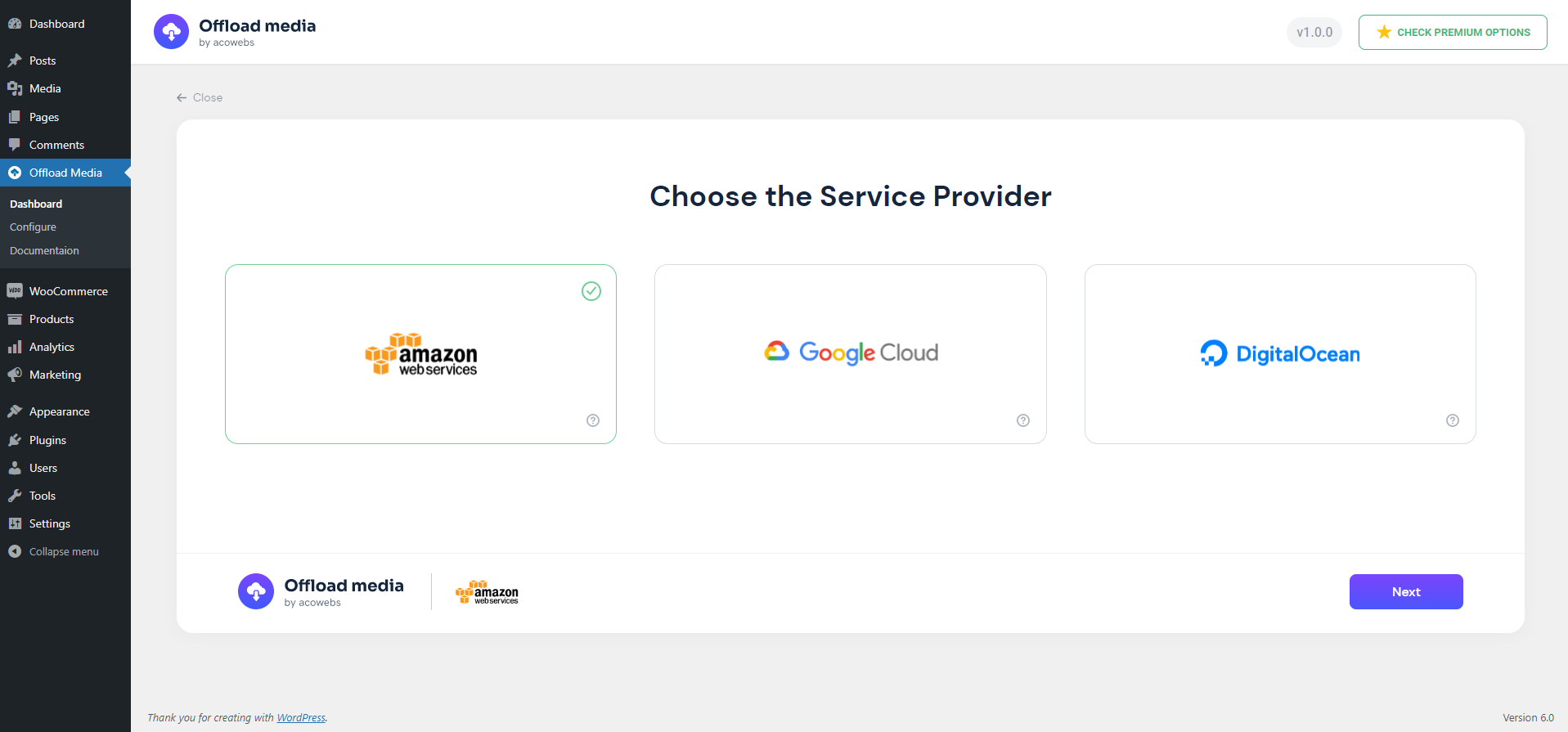
Supported cloud storage providers
- Amazon S3 (including buckets with ACLs disabled)
- Google Cloud Storage (including buckets with uniform bucket-level access)
- Cloudflare R2
- DigitalOcean Spaces
Merkmale
- Automatic offloading: new Media Library uploads are copied to your bucket, including every generated image size and the original image.
- URL rewriting: media URLs in posts, pages, image srcsets and the block editor point to the cloud. Post content keeps local URLs in the database, so your content stays intact if you turn the plugin off.
- CDN support: serve files through a custom CDN or endpoint URL, such as Amazon CloudFront or a Cloudflare domain.
- Pre-signed URLs: serve files through expiring, signed URLs with a configurable lifetime.
- Save disk space: optionally remove local copies once files are in the cloud.
- Folder structure: set a base path and keep WordPress year/month folders.
- Object versioning: add a unique prefix to file paths to avoid stale CDN caches (Amazon S3, Google Cloud Storage, DigitalOcean Spaces).
- Stays in sync: edited images and regenerated thumbnails are offloaded again, and deleting media also removes it from your bucket.
- Reliable background uploads: offloading runs in a queue with automatic retries, so busy uploads and temporary provider errors do not leave files behind.
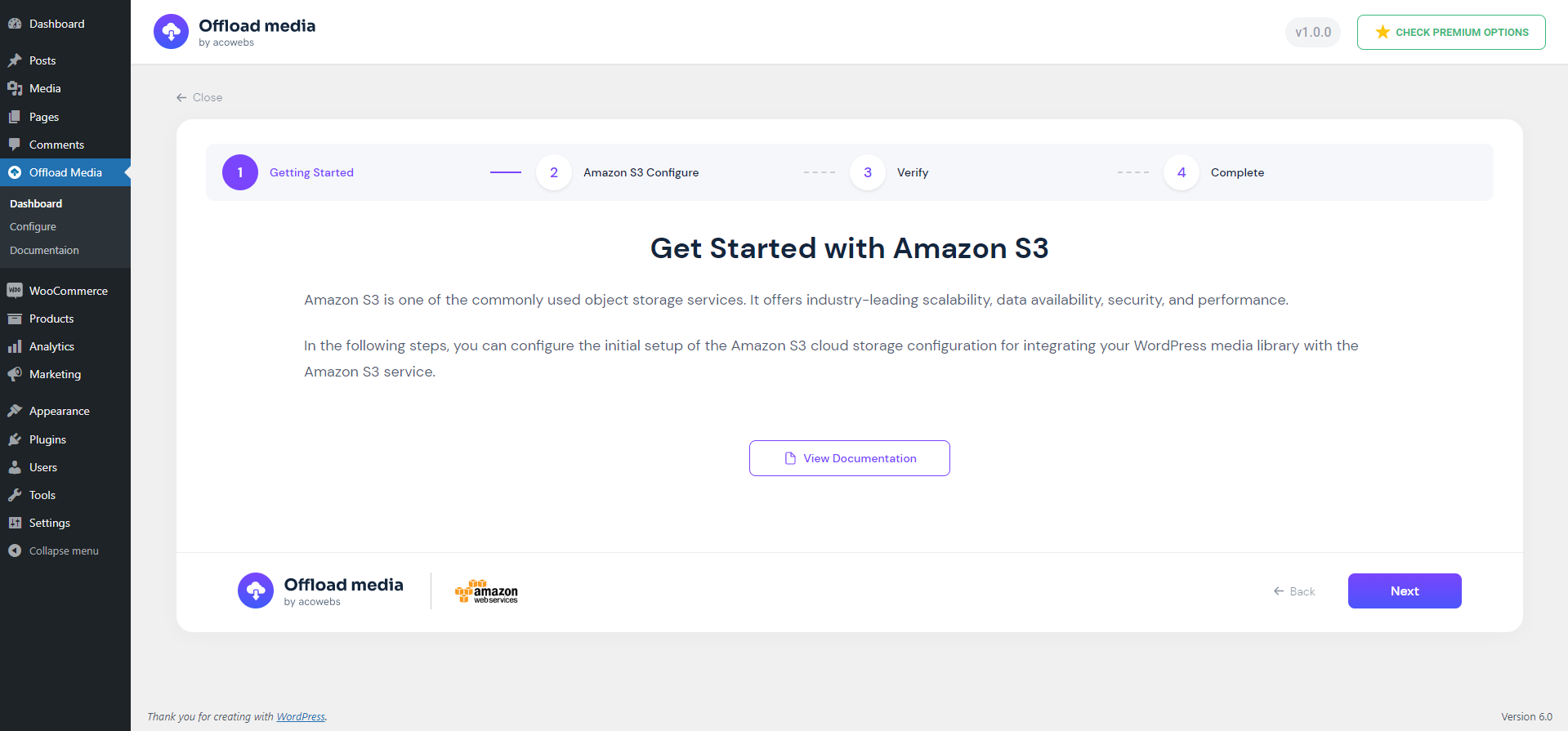
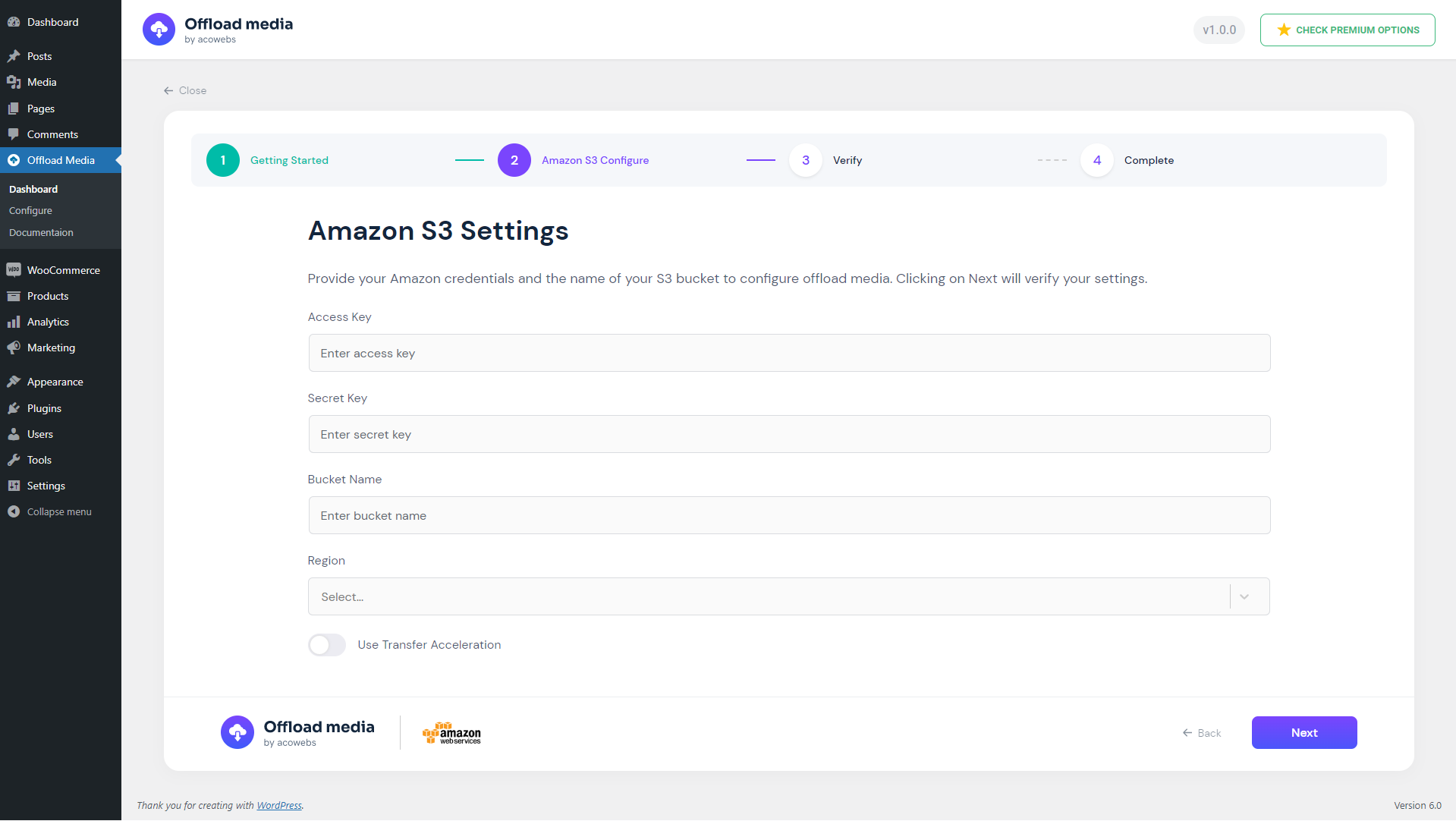
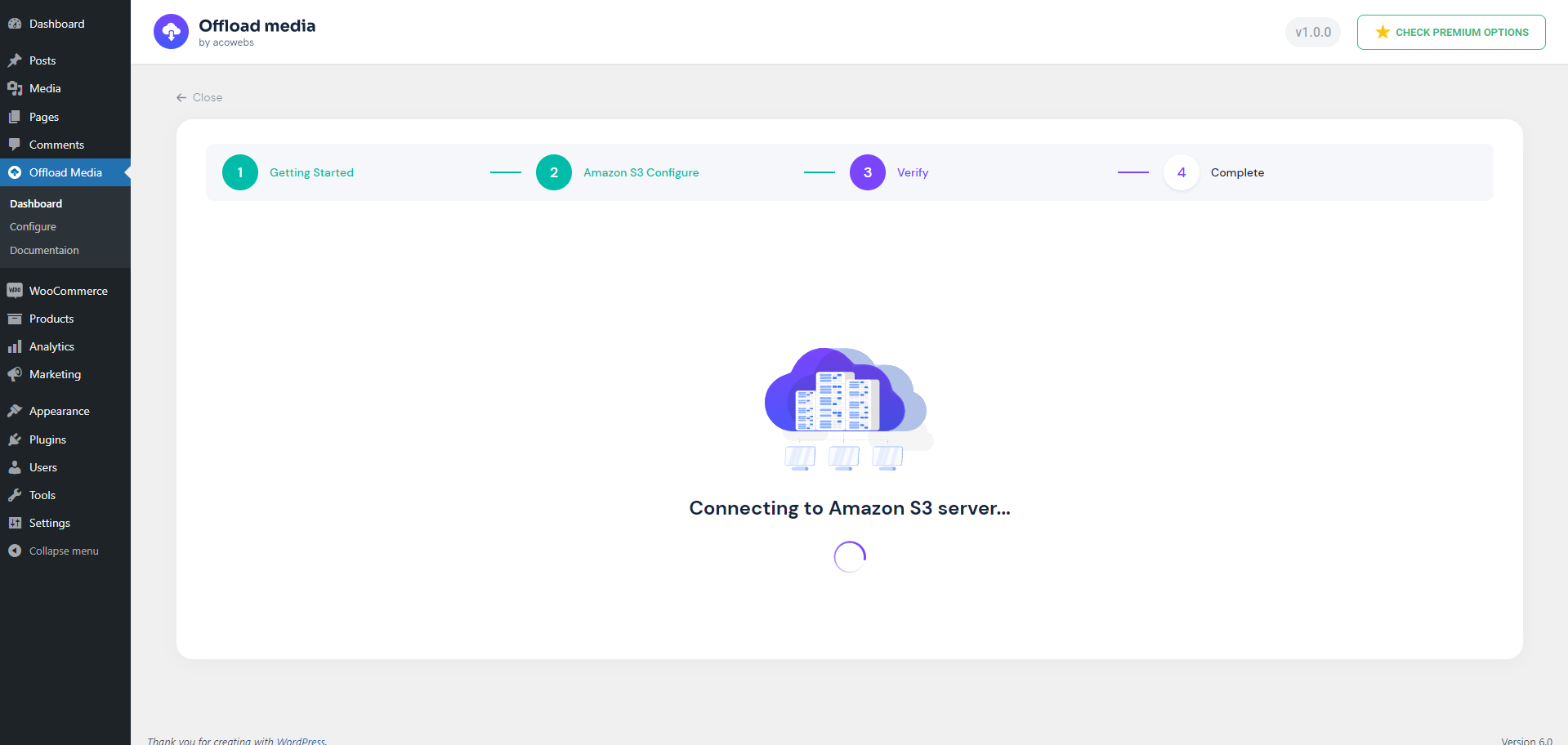
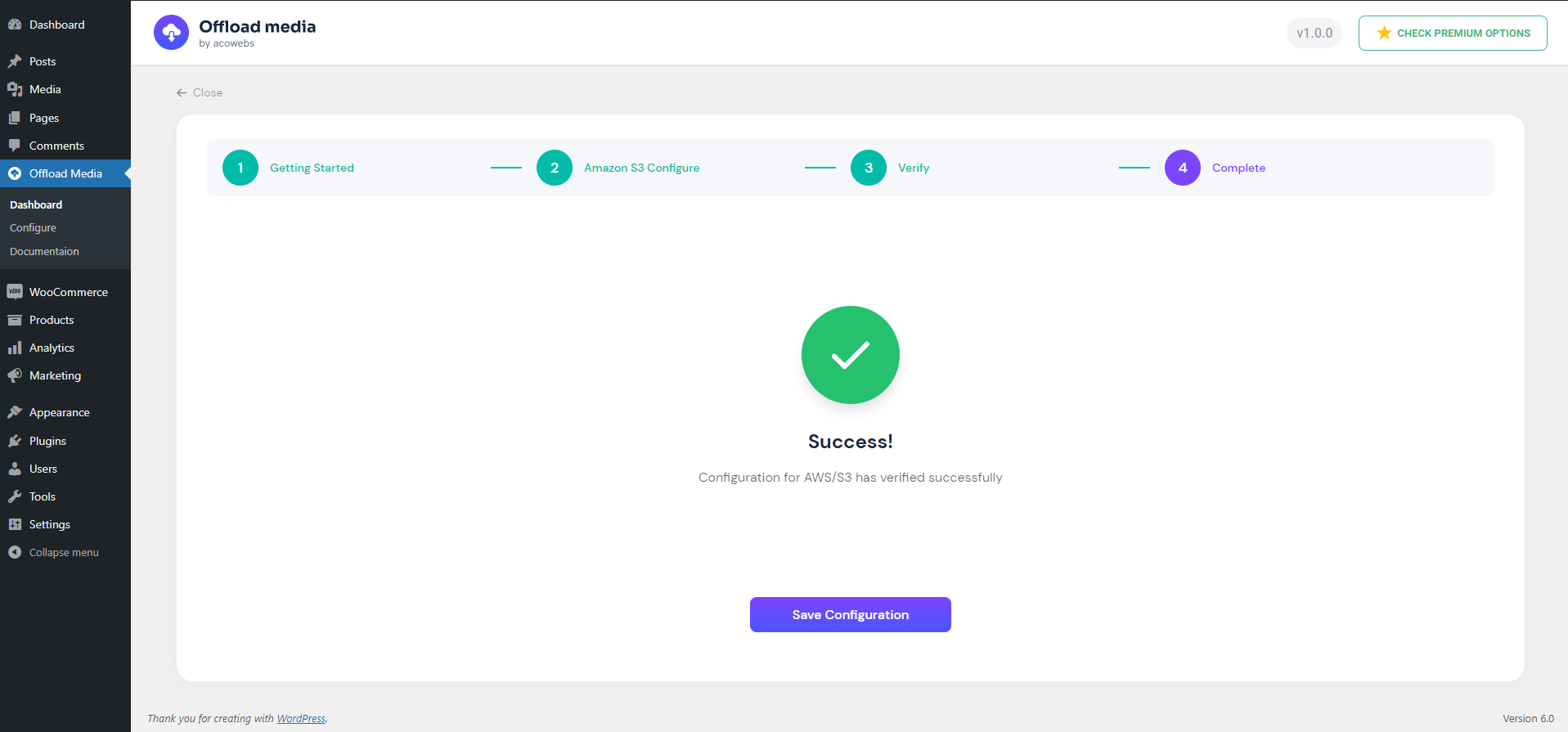
- Guided setup: a configuration wizard verifies your credentials, can create a new bucket, and lets you keep access keys in wp-config.php.
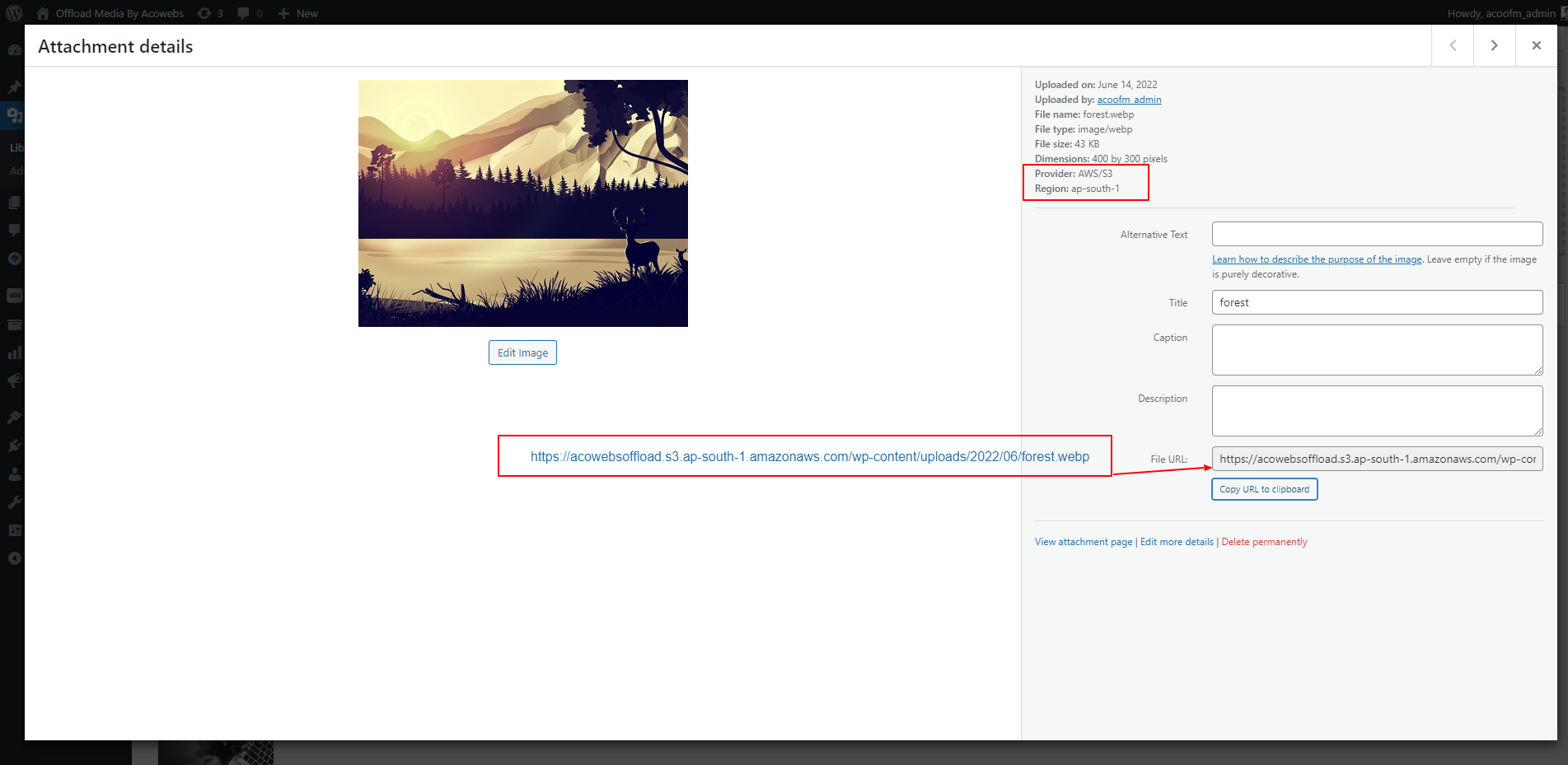
- Offload details: the attachment details screen shows each file’s provider, region and access.
- Works with WooCommerce product images and other themes and plugins that use the standard WordPress media functions.
- Translation-ready.
Pro-Version
Offload Media – Cloud Storage Pro adds:
- More providers: Wasabi, MinIO and other S3-compatible storage.
- Bulk tools: offload your existing Media Library, remove local copies, or download files back to your server in bulk.
- Media Library tools: an offload status column and per-file actions to sync, remove or download files.
- Image optimization: image compression with original backups, and WebP generation, offloading and delivery.
- WooCommerce: WooCommerce downloadable product files served from your bucket.
- Troubleshooting tools: connection, media and delivery checks, cache clearing, and import of data from earlier versions.
Useful links
Externe Dienste
This plugin connects to the Acowebs Feedback API (https://audience.acowebs.com), run by Acowebs. Nothing is sent on activation, on page load or in the background: data is sent only after an administrator clicks a button.
- Deactivation feedback: when you deactivate the plugin, a short optional survey opens. Only if you click “Send & deactivate”, the plugin sends your answer and details, your site address, site name and language, the plugin name, edition and version, and your WordPress, WooCommerce and PHP versions. Your name and email are included only while “Acowebs can contact me about this feedback” is ticked. “Skip & deactivate” sends nothing.
- Newsletter signup: a dismissible notice on the Dashboard and the plugin’s settings page invites you to join the Acowebs newsletter. Only if you click “Subscribe”, the plugin sends the email address you entered, your first name and phone number if you filled them in, your site address and site name, and the plugin name and edition. “Not now” hides the notice for good and sends nothing.
Acowebs privacy policy: https://acowebs.com/privacy-policy/
Installation
- In your WordPress dashboard, go to Plugins > Add New, search for “Offload Media – Cloud Storage”, then install and activate it. You can also upload the ZIP file under Plugins > Add New > Upload Plugin.
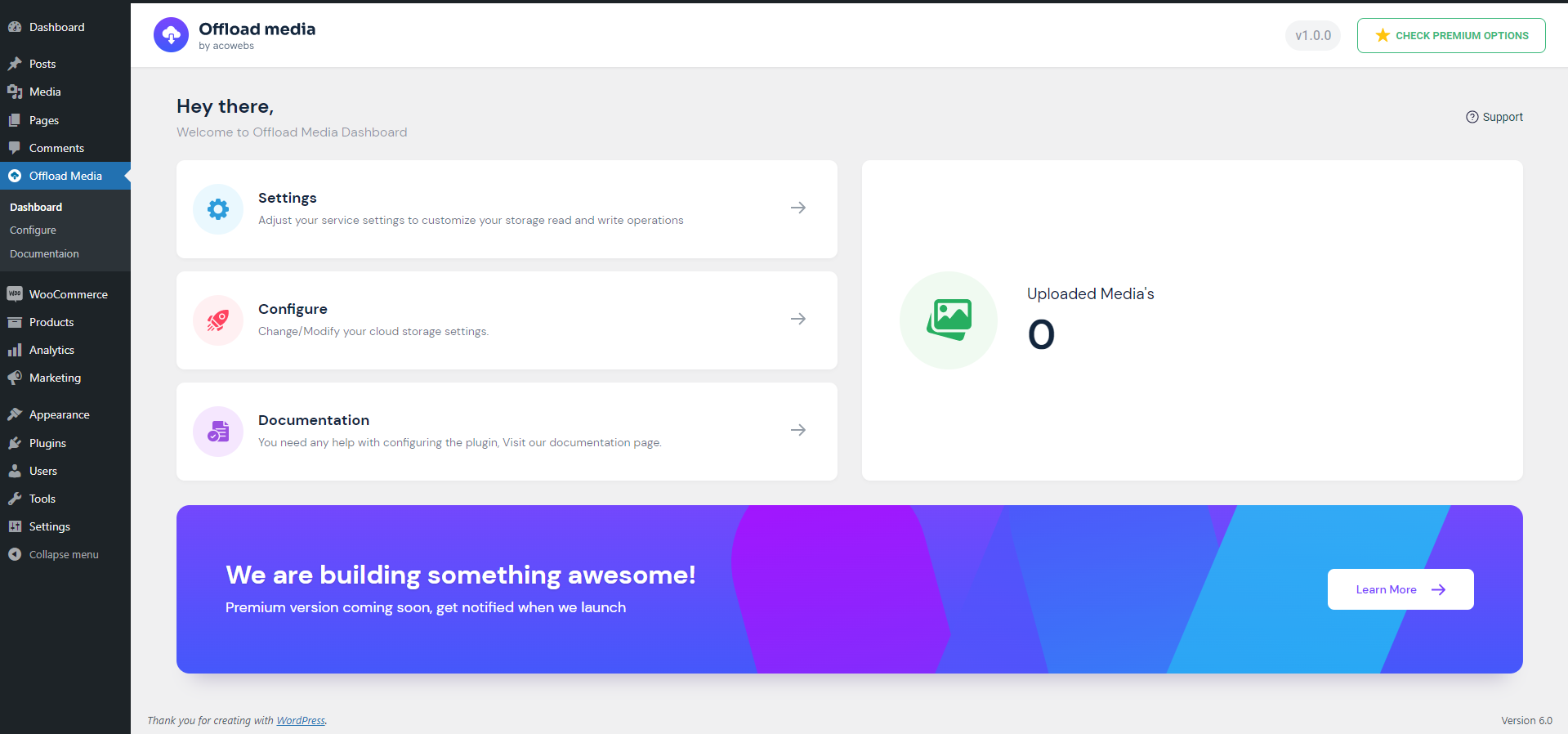
- Open Offload Media in the admin menu and choose your cloud storage provider.
- Enter your access keys (or a Google Cloud service account key file), or define them in wp-config.php.
- Choose an existing bucket or create a new one, then save once the credentials are verified.
- Review the settings: copying files to the bucket, URL rewriting, CDN, pre-signed URLs and removing local files.
New uploads are offloaded from then on.
Änderungsprotokoll
Improvements and bug fixes.
1.9.1
- Improvements and bug fixes
1.9.0
- WordPress 7.1 compatibility
- Reliable background offloading with automatic retries
- Block editor uploads use cloud URLs
- Google Cloud uniform bucket and S3 ACL-disabled bucket support
- Security improvements
- Fehlerbehebung
1.8.3
- Fix PHP fatal when rewriting image URLs in the block editor REST API
1.8.2
- Fix Cloudflare R2 undefined account ID warning during setup
- Improve Cloudflare R2 credential error messages
- Remove unsupported object ACL usage for Cloudflare R2 uploads
- Improve configure wizard credential verification error display
1.8.1
- WordPress 7.0 compatibility
- Improvements and bug fixes
1.7.0
- WordPress 6.9 compatibility
- Improvements and bug fixes
Screenshots
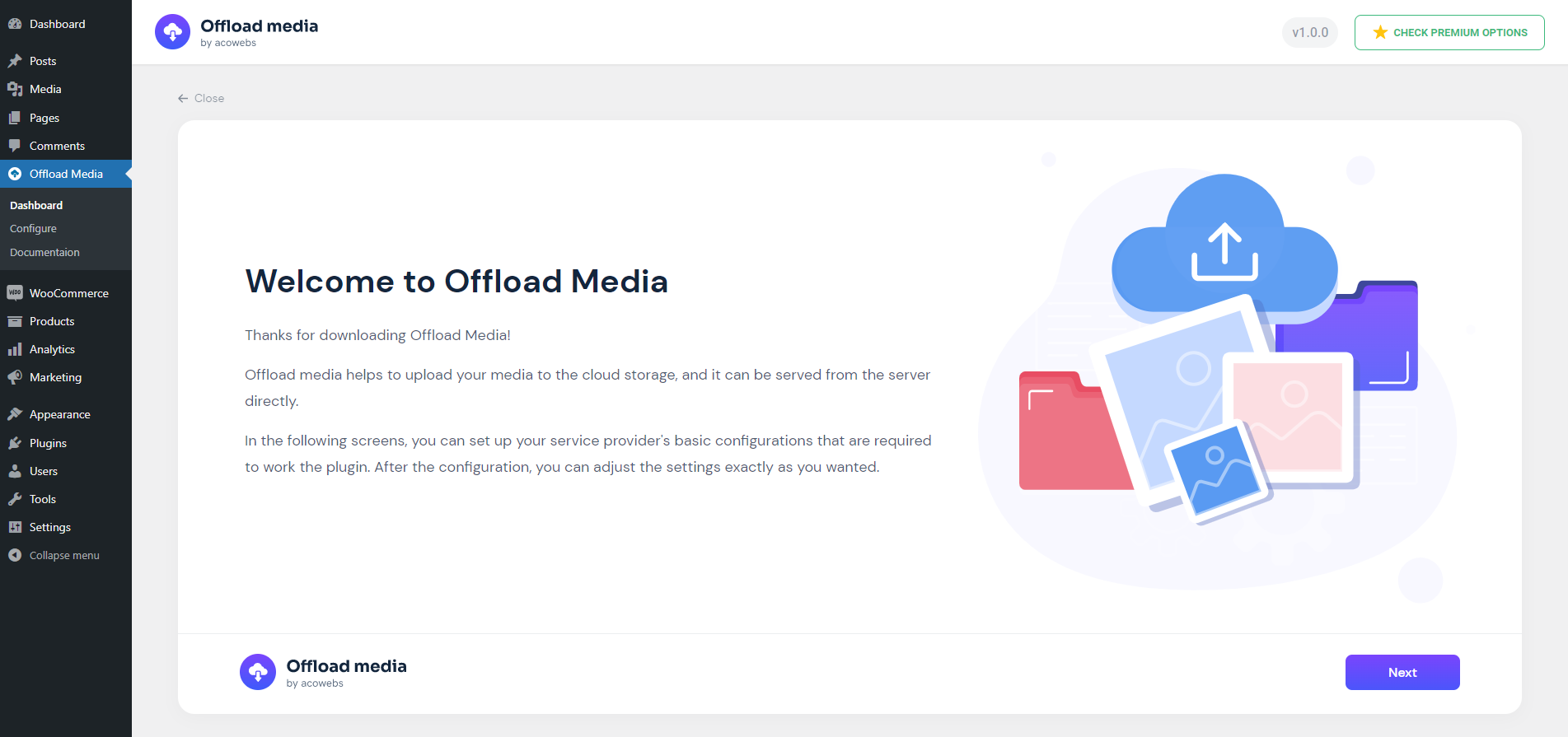

Für Entwickler
Ist das dein Plugin? Zeigen Sie die Zahlen.
Fügen Sie Ihrer Website, Docs oder GitHub Readme ein Live-Badge hinzu. Es wird von selbst aktualisiert - kein Konto erforderlich.
Best Offload Media – Cloud Storage alternatives
All amazon s3 plugins →





Fragen und Antworten
Offload Media – Cloud Storage: quick answers
Gerade Antworten, gezogen von Live WordPress.org Daten.
Quelle: WordPress.org
Is Offload Media – Cloud Storage free?
Yes. Offload Media – Cloud Storage is free to download and use from the official WordPress.org plugin directory.
Is Offload Media – Cloud Storage safe to use in 2026?
Yes — Offload Media – Cloud Storage is a safe, well-maintained plugin to use in 2026. It runs on 1K+ sites, is rated 4.4/5 and was last updated 1 week ago, and scores 84/100 on our health check.
How many websites use Offload Media – Cloud Storage?
Offload Media – Cloud Storage is active on 1K+ WordPress websites and has been downloaded 32,616 times since it launched in June 2022. It was downloaded 2,408 times in the last 30 days.
Does Offload Media – Cloud Storage work with WordPress 7.1?
Yes. The developer has tested Offload Media – Cloud Storage up to WordPress 7.1.5, the latest release. It requires WordPress 6.0 or newer.
What PHP version does Offload Media – Cloud Storage need?
Offload Media – Cloud Storage requires PHP 7.4 or higher. Most hosts run PHP 8.x today, so it works on any modern WordPress hosting.
When was Offload Media – Cloud Storage last updated?
The latest version, 1.9.1, was released on November 13, 2026 (1 week ago).
Who makes Offload Media – Cloud Storage?
Offload Media – Cloud Storage is developed and maintained by acowebs.
What are the best alternatives to Offload Media – Cloud Storage?
The most popular alternatives to Offload Media – Cloud Storage are WP Offload Media Lite for A… (30K+ installs), Advanced Media Offloader (8K+ installs) and Static Porter (100+ installs).
Angetrieben von PageForge
Eine Vorlage und eine Tabelle. Eine echte Seite für jede Suche.
PageForge Verwandelt jede Zeile eines CSV in eine WordPress-Seite mit eigenem Titel, URL, SEO Felder und Schema entworfen. Kostenlos auf WordPress.org.
- CSV und XLSX, plus Google Sheets auf Beruf und Unternehmen
- seinen eigenen Titel, URL, SEO Felder und Schema für jede Seite
- Arbeitet mit dem Blockeditor, Elementor, Divi und Avada
- Kostenlos auf WordPress.org, keine Kreditkarte