


Fotogenic AI – Product Image Generator for WooCommerce
Create AI product photos, lifestyle scenes and campaign images in WordPress. Generate in bulk and update your WooCommerce product images.

Solide Wahl
Fotogenic AI is a solid plugin choice in 2026, with a few things worth checking first. It runs on 10+ sites, is rated 5/5 and was last updated 1 week ago, and scores 73/100 on our health check.
- Aktiv entwickelt — letztes Update vor 1 Woche
- Getestet mit dem neuesten WordPress (7.1)
- Momentum — downloads up 111.1% vs the previous 30 days
- Kleine Benutzerbasis (10+ aktive Installationen)
- Bisher sehr wenige Bewertungen
Wie stapelt es sich?
Side-by-side bei Installationen, Updates, Bewertungen und Support



Tägliche Downloads
Download-Spitzen folgen normalerweise einer neuen Version - jede Website, die automatisch aktualisiert wird, gilt als Download.
Ranglisten
Where Fotogenic AI stands todayWordPress.org Ranglisten suchen
Live-Position in der Plugin-Suche, Top 100| Stichwort | Position |
|---|---|
| ai image generator | >100 |
| media library | >100 |
| product images | >100 |
| product photography | #32 |
| WooCommerce | >100 |
Versionsübernahme
Anteil aktiver Sites pro Release.
Bewertungsaufschlüsselung
★★★★★★★★★★ 5 from 1 reviews
About Fotogenic AI
From the official readme · v1.1.6Beschreibung
📸 Give your WooCommerce products a fresh new look
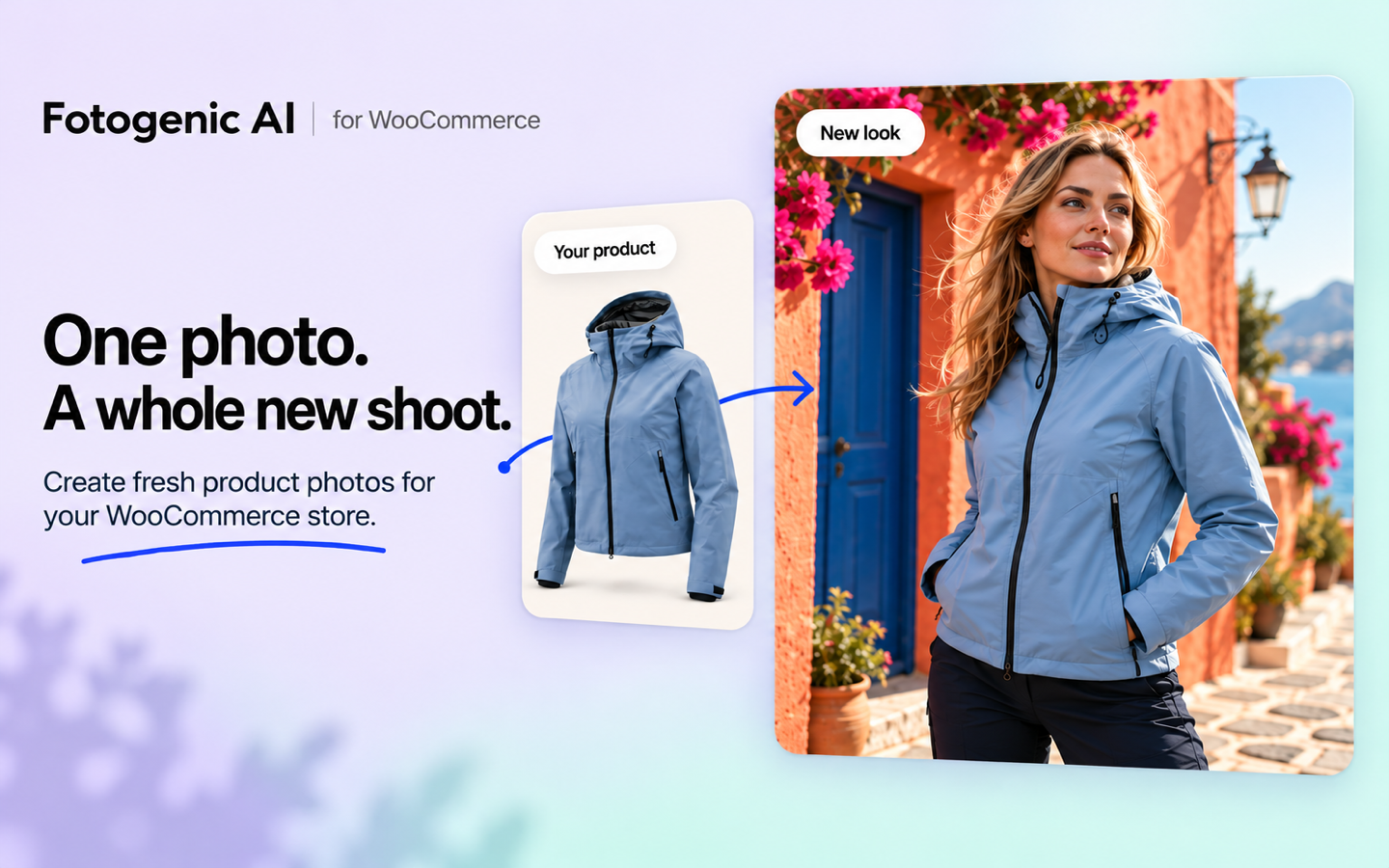
Your products. A fresh look. No new real photoshoot.
Turn the photos already in your WooCommerce store into studio shots, lifestyle scenes and on-model images for product pages, ads and social posts.
Fotogenic AI is an AI product photography plugin for WooCommerce stores and ecommerce businesses. Give a best-selling product a new look, prepare visuals for a launch, or refresh an entire collection, right inside WordPress.
Using SureCart, another ecommerce plugin or a regular WordPress site? Create new images from your WordPress Media Library, Posts and Pages, then use the saved results on your site. Direct product selection and automatic product updates are WooCommerce features.
- Make your products the focus: create new looks for your WooCommerce product pages and galleries.
- Prepare your next promotion: create campaign images for new arrivals, seasonal offers and social posts.
- Refresh more of your catalog: select products and variations and generate in bulk.
- Put new images to work: update featured images and galleries directly, with review-first or automatic options.
🎬 See Fotogenic AI in action
Explore the Fotogenic AI platform. This plugin provides the image creation, campaign and upscaling workflows described here.
🛍️ Update WooCommerce product images and galleries
From a fresh product look to your WooCommerce product page. Create, review and apply images in the same workflow, without downloading and uploading them again.
Choose how you want to work:
- Review images first: save the results, inspect them and apply the images you want.
- Update my store automatically: choose your image updates during setup and let eligible completed results use those settings.
For supported product and variation results, you can:
- Replace the featured image with a new product photo.
- Add images to the gallery at the beginning or end.
- Replace the current gallery with your new images.
- Keep results in the Media Library by choosing Review images first.
Your original files stay in the Media Library. Incomplete results may require review. AI creates new images, so check product shape, colors, logos and text before publishing.
📦 Bulk AI product image generation for WooCommerce
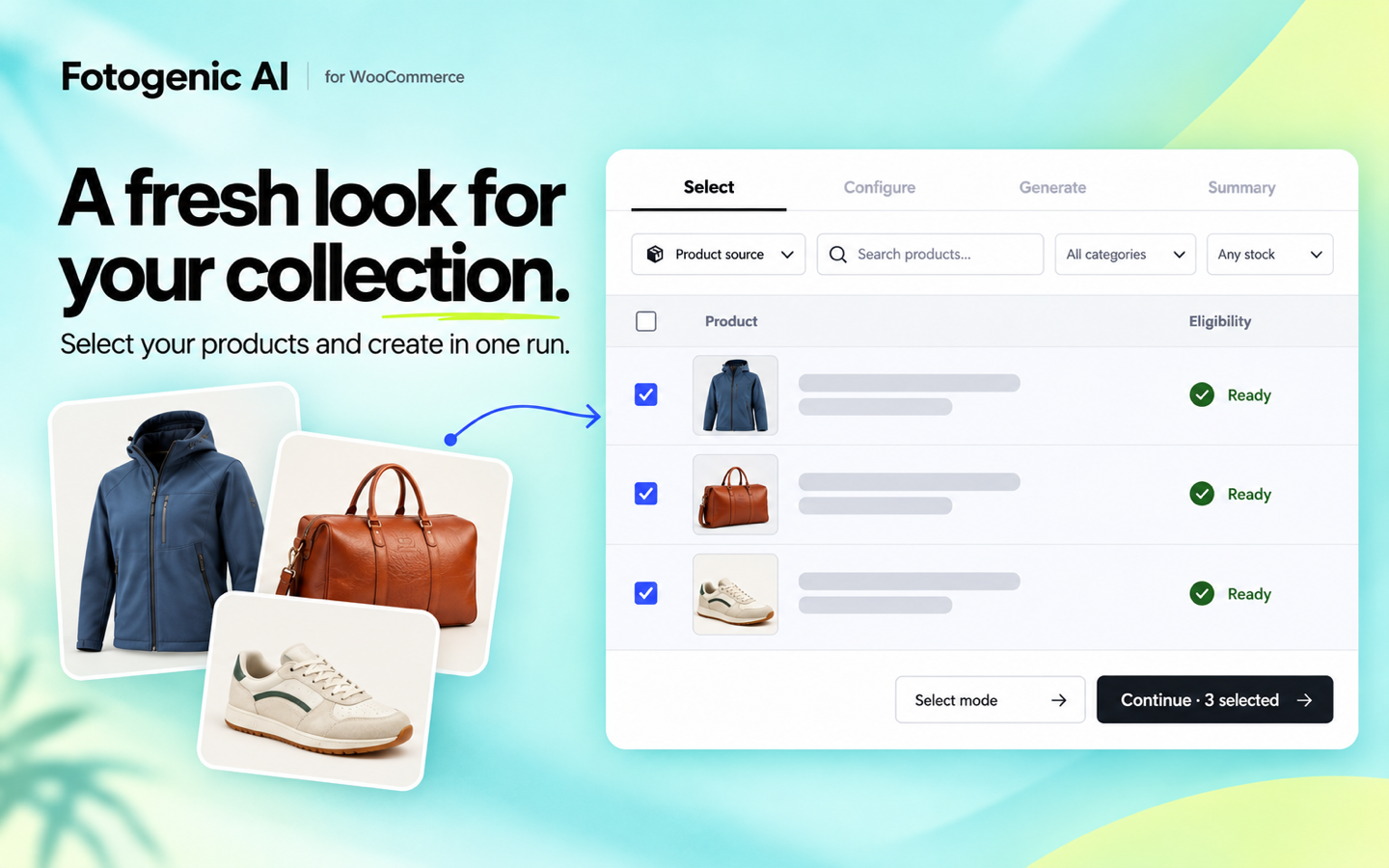
A new collection. A seasonal refresh. A catalog that needs a new look. Select the products you want to work on and create images together, without setting up a separate run for every item.
- Find the right products: search by name, SKU or ID, and filter by category or stock status.
- Select products and variations: apply a shared setup to the items you choose.
- Check the estimate first: see the estimated credit cost before starting.
- Follow your progress: larger product selections use background processing.
- Return through History: reopen saved runs and review their results.
AI campaign images for launches, ads and social media
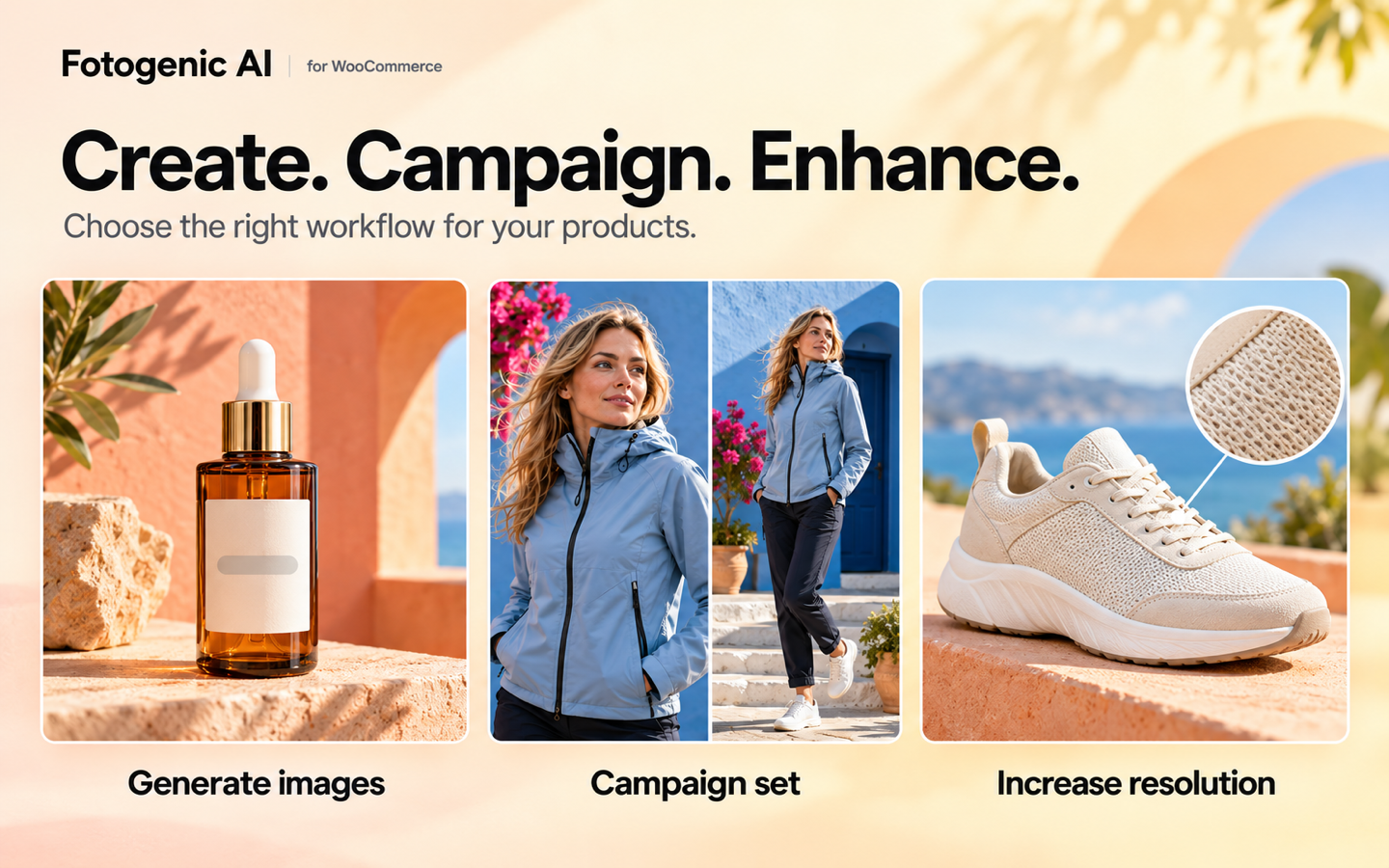
One product. More ways to promote it. Use Campaign Set to create a group of images with a shared creative direction for your store’s next launch or promotion.
- 2 to 6 related images: build a set for new arrivals, a seasonal offer or a social campaign.
- Creative options: choose the available style, model and output settings.
- Single or multiple selections: create campaign sets from WooCommerce products or Media Library images.
🎨 AI product backgrounds and lifestyle photography
A plain product photo is just the starting point. Take a jacket outdoors, give a skincare bottle a colorful studio backdrop, or place home decor in a lifestyle setting.
- New backgrounds and styles: explore clean catalog looks, colorful settings and lifestyle scenes.
- Your existing photos: use the featured image, gallery photos or both as references.
- Your creative direction: choose available environment and style settings, then add your own instructions.
AI models for product and fashion photography
Show clothing on a model, explore a different look, or keep the focus on the product alone.
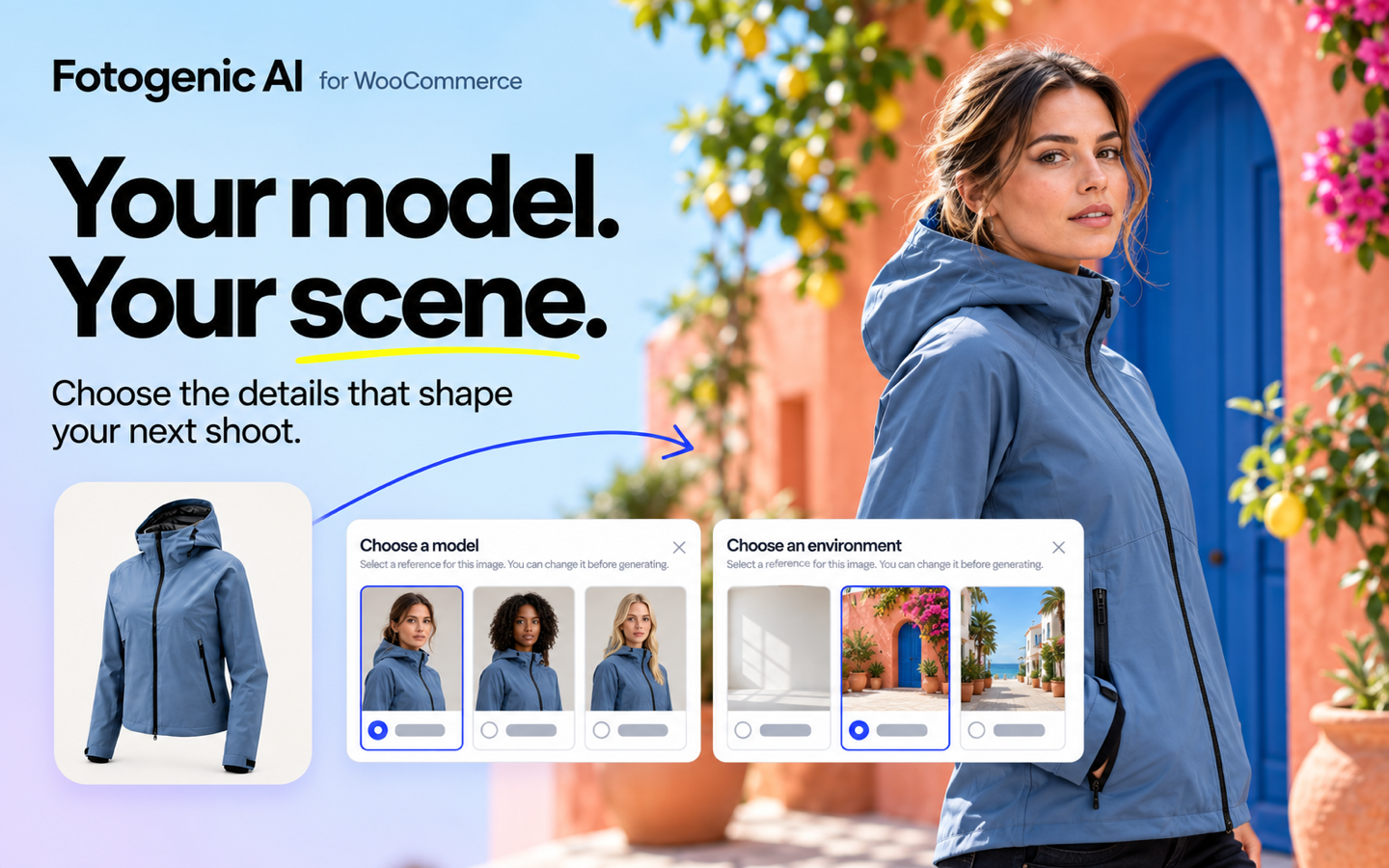
- Fotogenic AI models: choose from the available model library.
- Your own references: select an available account reference or upload a model photo.
- Reusable saved models: pick references saved in the plugin without finding them again in the Media Library.
- Product-only images: create a scene without including a model.
✨ Product photography templates and custom controls
Start with a look you like. Make it work for your products.
- Ready-made templates: browse by product category, preview the example and apply its creative and output settings.
- Custom lighting and camera settings: guide the lighting, angle, framing and composition in custom image setup.
- Image quality and aspect ratio: choose the available output options for your workflow.
- Reference images and instructions: give the AI more direction about the result you want.
- Saved setups: reuse a creative direction across your next collection or product selection.
- Fotogenic Visual Intelligence: get suggested settings from your source image, then review and adjust them.
Template options are defined by each template. Switch to custom settings when you want more control.
AI image upscaling for existing product photos
Already have a product photo you like? Use Increase Resolution to create a higher-resolution version for your store.
- Upscale product or Media Library images individually or in multiple selections.
- Save the enhanced image as a new file in your WordPress Media Library.
- Keep your original photo available for future use.
Get your new product look in 4 steps
- Choose your products: select WooCommerce products or variations from your catalog.
- Choose your look: start with a template or set your own creative direction.
- Check and generate: review the setup and estimated credit cost.
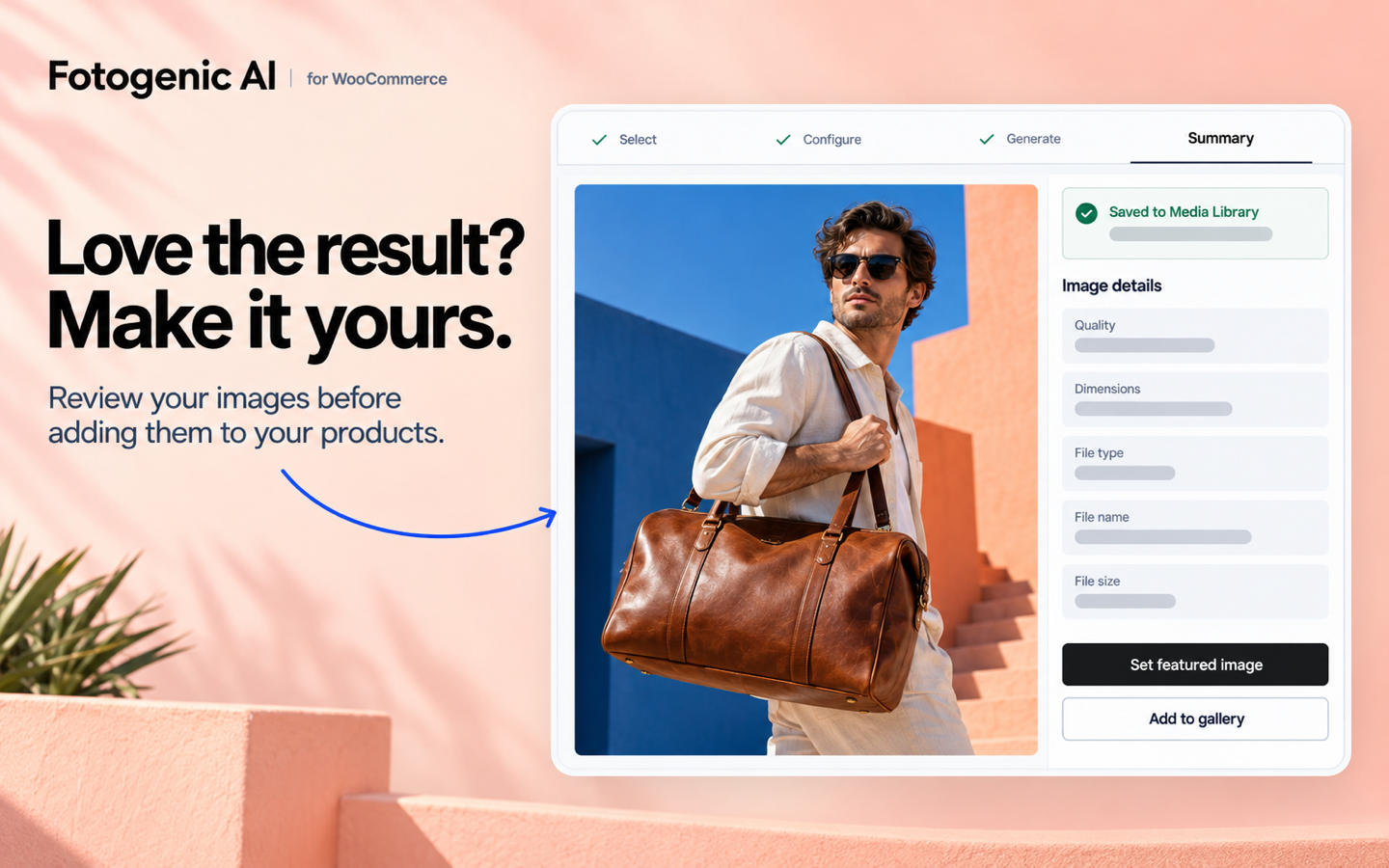
- Use your new images: review and apply the results, or use the automatic updates you selected.
More image tools for your WordPress content
Create beyond your product catalog, too. Use images for your blog, landing pages and other WordPress content. WooCommerce is optional for these workflows:
- Generate Images with Media Library, Post and Page images.
- Campaign Set and Increase Resolution with Media Library selections.
The plugin works in your WordPress dashboard and adds no frontend blocks, shortcodes, widgets or tracking scripts to your storefront.
Give your first WooCommerce product a new look
Start with a product you already sell. See what a new look can do for it. Install Fotogenic AI, connect your account and select a product photo from your store.
- Free to install: image creation uses the Fotogenic AI service and account credits.
- Free credits for eligible new accounts: try the service with no credit card.
- Costs visible before you start: check your balance and the estimated generation cost in Studio.
View plans and pricing | Explore Fotogenic AI for WooCommerce
External Service
Fotogenic AI connects to the Fotogenic AI service when you connect an account, refresh account-backed configuration or pricing, use Fotogenic Visual Intelligence, or start and monitor an image workflow. Depending on the action, the plugin sends the selected image files, chosen recipe options, and the account/session data required to fulfill the request. Images returned by completed workflows are saved as new attachments in your WordPress Media Library.
Review the Fotogenic AI Privacy Policy and current Pricing before using the service.
Auszeichnung
To view current plans, credits, and pricing details, visit our Pricing page.
More Information
https://fotogenic.ai/
https://fotogenic.ai/woocommerce-product-image-generator/
Installation
- Upload the
fotogenic-aifolder to/wp-content/plugins/, or install it through Plugins -> Add New. - Aktivieren Sie das Plugin.
- Open Fotogenic AI -> Settings.
- Log in to your Fotogenic AI account.
- Open Fotogenic AI -> Studio and choose your first workflow.
Änderungsprotokoll
A major Studio update adding multi-item generation, Campaign Set, Increase Resolution, large-catalog processing, run history, improved result actions, and WordPress 7.1 compatibility.
1.1.6
- Updated Fotogenic AI sign-in to stay in the same tab and give clearer connection messages.
- Improved recovery when a saved connection needs refreshing or an individual request is refused.
- Improved generation progress updates, selected-item visibility and Campaign failed-image counts.
- Reduced queue scheduling, status-check and completion delays, with safer recovery from temporary request failures.
- Added a Featured templates carousel with templates from multiple categories, available before and after sign-in.
- Improved caching for templates, styles, models and environments, with background refreshes.
- Fixed expired template pagination and improved Media Library filtering for larger image collections.
- Improved product image availability checks and missing-image guidance, with lightweight refreshes that avoid reloading unchanged product lists.
- Made History recover once from temporary loading failures, keep loaded results visible and open saved results faster.
- Unified model and environment pickers with consistent loading, empty states and Change controls.
- Improved large image queues to keep up to ten items in progress and refill available slots, with safer pause, stop and recovery.
- Updated generation availability checks for the latest backend configuration.
- Fixed History labels for Post and Page queues.
- Fixed template retries so they request only the images that failed.
- Moved Log out next to Top up in Settings and improved the Return to Studio link.
- Improved welcome screens and connection feedback, and added focused loading feedback while automatic settings are prepared for review.
- Simplified template setup and preset saving, with clearer reset actions and product-photo controls.
- Fixed navigation between History and Summary and improved result-panel spacing on smaller screens.
1.1.5
- Fixed Generate Images being unavailable for some connected accounts with available credits.
- Fixed background image generation on sites without WooCommerce.
- Added environment-library selection to Campaign Set and improved model and environment reference handling.
- Improved automatic recovery for slow generations and queued runs without submitting duplicate requests.
- Fixed template, model and environment loading, preview and selection stability.
- Improved Studio spacing, footer placement, scrolling and keyboard accessibility, including a dismissible WooCommerce notice.
- Corrected delayed credit details and generation History behaviour after refreshing.
1.1.4
- Expanded Generate Images, Campaign Set and Increase Resolution to support Products, Media Library images, Posts and Pages.
- Added individual and bulk retries for failed images, plus regeneration of incomplete Campaign Sets while keeping previously saved images.
- Added background processing for larger Media Library selections, with progress, pause, resume and recovery from History.
- Updated Generate Images templates for the latest catalog, with supported model choices, optional environments and editable output settings.
- Improved catalog reloads with cached pages, targeted preloading, matching skeleton placeholders and automatic loading as you scroll.
- Restored Template and Style browsing before sign-in with shipped previews, and matched Dashboard Style scrolling to Templates.
- Improved automatic recovery from expired request tokens, outdated settings and temporary connection failures, with bounded retries and clearer error messages.
- Reduced duplicate status requests and prevented ongoing generation from using up image download retries.
- Made Dashboard the default entry point, added a shortcut on the Plugins page and corrected History navigation and WordPress menu highlighting.
- Fixed Recent activity refreshes and empty states after account changes.
- Simplified Results settings and image actions, with confirmation progress inside the popup and keyboard navigation between generated images.
- Fixed keyboard focus after cancelling image deletion.
- Fixed selecting variations unexpectedly clearing product selections.
- Unified welcome, credit and error popups, with smoother timing and clearer balance and refund information.
- Improved Media Library selection and saved-reference filtering, preserving cards and focus during loading and cleaning up references to removed source images.
- Fixed template setup redraws and Model visibility flashes, preserving the preview, settings, focus and scroll when changing references.
- Refined desktop, tablet and mobile layouts, including compact Model cards, smaller variation filters, visible Continue controls, overlay scrolling and aligned Summary actions.
- Added update notifications with release notes, one-click updating and automatic reload after the update is confirmed.
- Updated header and footer branding and simplified navigation.
- Removed unused bundled artwork and outdated catalog data to reduce the plugin’s installed size.
1.1.3
- Added optional automatic updates for WooCommerce product and variation images after generation.
- Added gallery placement controls: add new images at the beginning or end, or replace the current gallery.
- Simplified image setup and review, with clearer validation and image-count guidance.
- Added style, model and image-quality choices for Campaign Set.
- Improved template and environment browsing with progressive loading and smoother scrolling.
- Made saved model references available in model pickers, with clearer names and separate tabs for Fotogenic models, account models and your saved references.
- Improved History loading, navigation and retained-run recovery.
- Improved credit estimates, confirmed charge and refund details, and low-credit messages.
- Clarified successful, failed and partially completed results. Failed runs now offer Start a new run.
- Fixed full-size image links and Increase Resolution for individual products.
- Fixed rapid navigation in WebKit and improved popup focus, scrolling and page navigation.
- Refined layouts and action bars across phone, tablet, desktop and large screens.
1.1.2
- Added a Home screen with style inspiration, templates, workflow shortcuts and recent creations.
- Added Fotogenic templates, models and environment references to supported generation workflows.
- Expanded background processing for large Product selections in Generate Images and Campaign Set.
- Added batch Increase Resolution for Product images and whole Media Library selections while preserving originals.
- Improved Configure and Generate navigation, source selection, status sorting and credit estimates.
- Added welcome and first-result guidance, low-credit alerts and insufficient-credit prompts, with balance checks before generation.
- Improved live progress, pause, stop and resume behavior while keeping completed results accessible.
- Fixed Run History entries, pagination, result recovery and conflicting Product gallery updates.
- Improved template caching, account reconnection and loading/error handling.
- Refined desktop, tablet and mobile layouts with more compact rows, consistent controls and smoother updates.
1.1.1
- Redesigned the Studio with a guided four-step workflow for selecting sources, configuring images, generating results, and reviewing them.
- Added multi-item generation for WooCommerce Products, Media Library images, Posts, and Pages.
- Added Campaign Set for creating coordinated groups of campaign images.
- Added Increase Resolution for creating enhanced images without overwriting original images.
- Added category and stock filtering, desktop infinite scrolling, and queued processing for larger Product catalogs.
- Added live progress, pause, resume, stop, run history, and recovery controls.
- Improved result selection and Product gallery, featured-image, and Media Library actions.
- Improved login, logout, signed-out behavior, credit estimates, loading states, and error handling.
- Improved desktop, tablet, and mobile layouts throughout the Studio.
- Fixed compatibility when updating from older active plugin versions.
- Added compatibility with WordPress 7.1 and PHP 7.4 through 8.5.
- WooCommerce remains optional for Media Library, Post, and Page workflows.
Screenshots

Für Entwickler
Ist das dein Plugin? Zeigen Sie die Zahlen.
Fügen Sie Ihrer Website, Docs oder GitHub Readme ein Live-Badge hinzu. Es wird von selbst aktualisiert - kein Konto erforderlich.
Best Fotogenic AI alternatives
All ai image generator plugins →




Fragen und Antworten
Fotogenic AI: quick answers
Gerade Antworten, gezogen von Live WordPress.org Daten.
Quelle: WordPress.org
Is Fotogenic AI free?
Yes. Fotogenic AI is free to download and use from the official WordPress.org plugin directory.
Is Fotogenic AI safe to use in 2026?
Fotogenic AI is a solid plugin choice in 2026, with a few things worth checking first. It runs on 10+ sites, is rated 5/5 and was last updated 1 week ago, and scores 73/100 on our health check.
How many websites use Fotogenic AI?
Fotogenic AI is active on 10+ WordPress websites and has been downloaded 1,712 times since it launched in April 2026. It was downloaded 570 times in the last 30 days.
Does Fotogenic AI work with WordPress 7.1?
Yes. The developer has tested Fotogenic AI up to WordPress 7.1.5, the latest release. It requires WordPress 6.5 or newer.
What PHP version does Fotogenic AI need?
Fotogenic AI requires PHP 7.4 or higher. Most hosts run PHP 8.x today, so it works on any modern WordPress hosting.
When was Fotogenic AI last updated?
The latest version, 1.1.6, was released on November 13, 2026 (1 week ago).
Who makes Fotogenic AI?
Fotogenic AI is developed and maintained by fotogenicai.
What are the best alternatives to Fotogenic AI?
The most popular alternatives to Fotogenic AI are AutoWP (900+ installs), Instant AI Image Generator (800+ installs) and PixMagix (200+ installs).
Angetrieben von PageForge
Eine Vorlage und eine Tabelle. Eine echte Seite für jede Suche.
PageForge Verwandelt jede Zeile eines CSV in eine WordPress-Seite mit eigenem Titel, URL, SEO Felder und Schema entworfen. Kostenlos auf WordPress.org.
- CSV und XLSX, plus Google Sheets auf Beruf und Unternehmen
- seinen eigenen Titel, URL, SEO Felder und Schema für jede Seite
- Arbeitet mit dem Blockeditor, Elementor, Divi und Avada
- Kostenlos auf WordPress.org, keine Kreditkarte