


WP Admin Audit
WP Admin Audit monitors the security-relevant activities on your site, keeps an event log and tells you when something out of the ordinary happens.

Escolha sólida
WP Admin Audit is a solid plugin choice in 2026, with a few things worth checking first. It runs on 1K+ sites, is rated 3.7/5 and was last updated 2 months ago, and scores 73/100 on our health check.
- Testado com as últimas WordPress (7.1)
Como ele se acumula?
Lado a lado em instalações, atualizações, avaliações e suporte



Downloads diários
Os picos de download geralmente seguem uma nova versão — cada site que atualiza automaticamente é um download.
Rankings
Where WP Admin Audit stands todayWordPress.org Classificações de pesquisa
Posição ao vivo na pesquisa de plugins, top 100| Palavra chave | Posição |
|---|---|
| Activity Log | #59 |
| Registro de auditoria | #11 |
| audit trail | #5 |
| security audit log | #19 |
| user log | >100 |
Adoção da versão
Compartilhamento de sites ativos por lançamento.
Divisão de classificação
★★★★★★★★★★ 3.7 from 6 reviews
About WP Admin Audit
From the official readme · v1.2.18Descrição
The modern activity log solution for WordPress
WP Admin Audit is the powerful monitoring log plugin for WordPress.
Site owners and administrators can sleep better at night knowing the plugin keeps track of all site changes, security events, and admin activities.
Ever wondered
- who unpublished a post?
- when a plugin was deactivated?
- how that strange new admin account appeared?
The WordPress activity log in WP Admin Audit answers these questions.
Keep track of everything that happens on your WordPress sites to:
- Have a log of every change that’s made
- Know about security-relevant activities
- Find out who did what and when they did it
- Analyze the steps that led to a technical problem
- Identify and mitigate automated login attempts by bots
What is being logged?
The short answer: almost all changes on your WordPress site, but you can decide what is kept in the audit log.
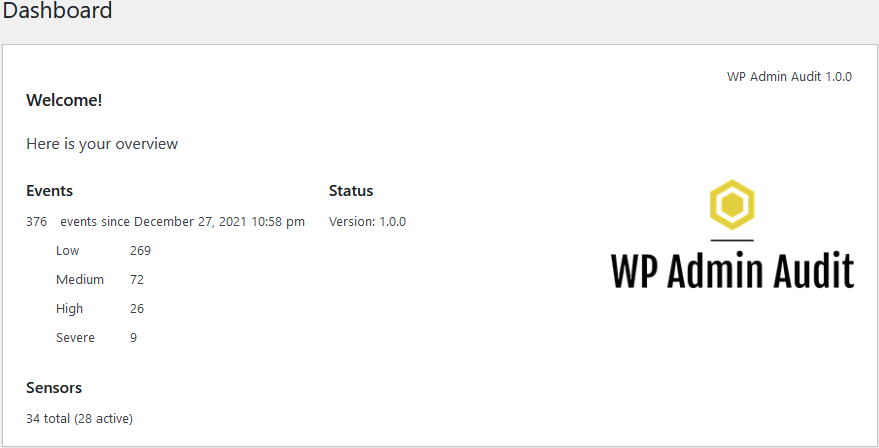
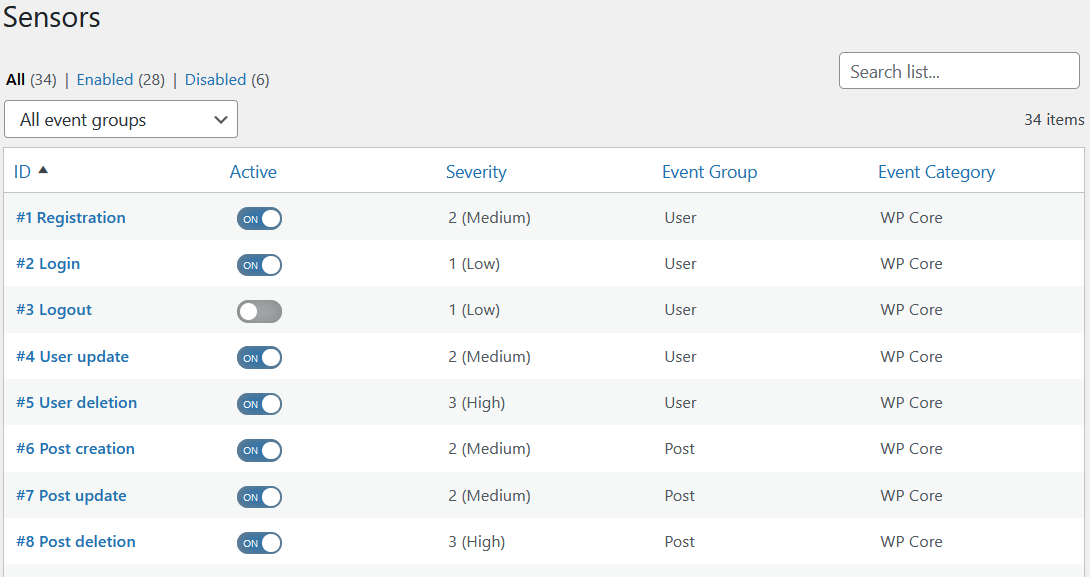
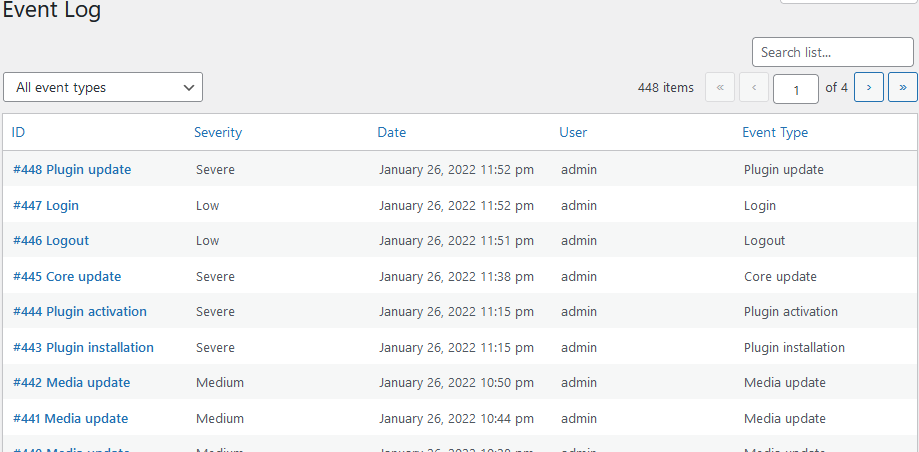
The longer answer: WP Admin Audit has sensors that monitor the changes in your WordPress site and record what actions were performed by which user at which time on which item. A summary of the types of monitored events is below.
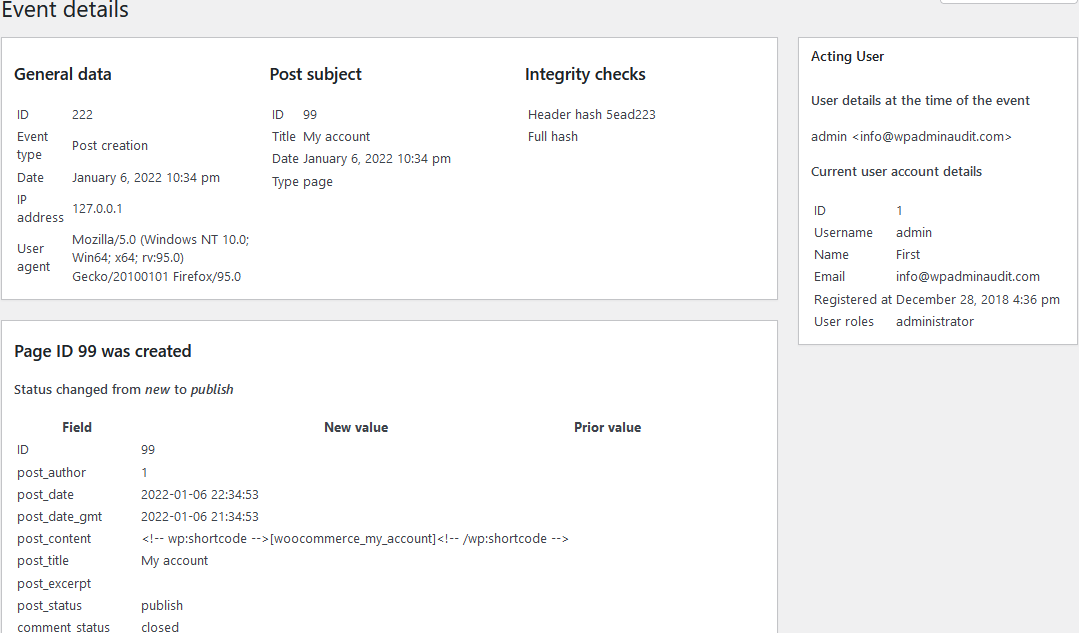
- Content: Page and Post changes (e.g. post created/updated/published/unpublished/deleted)
- Taxonomy: Changes to Categories and Tags (e.g. tag is created, updated, or deleted)
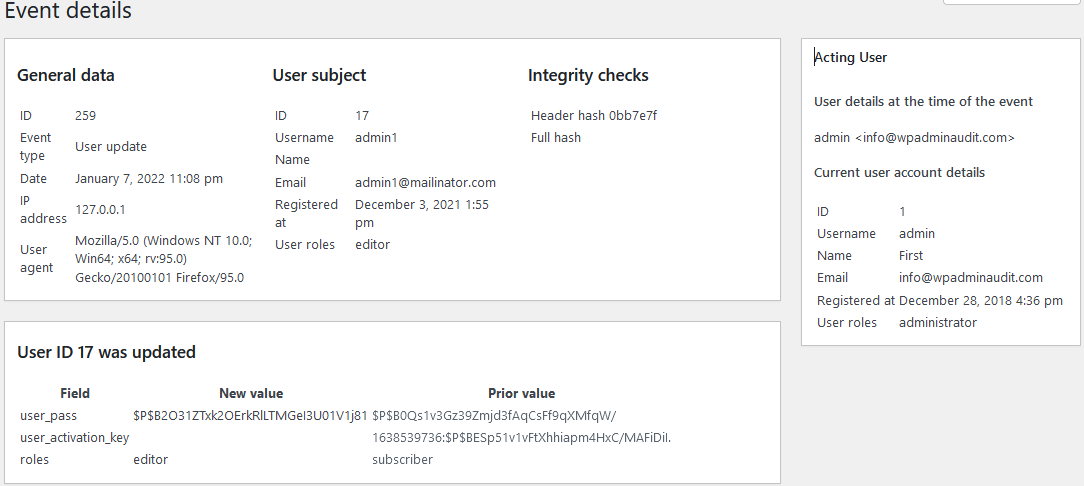
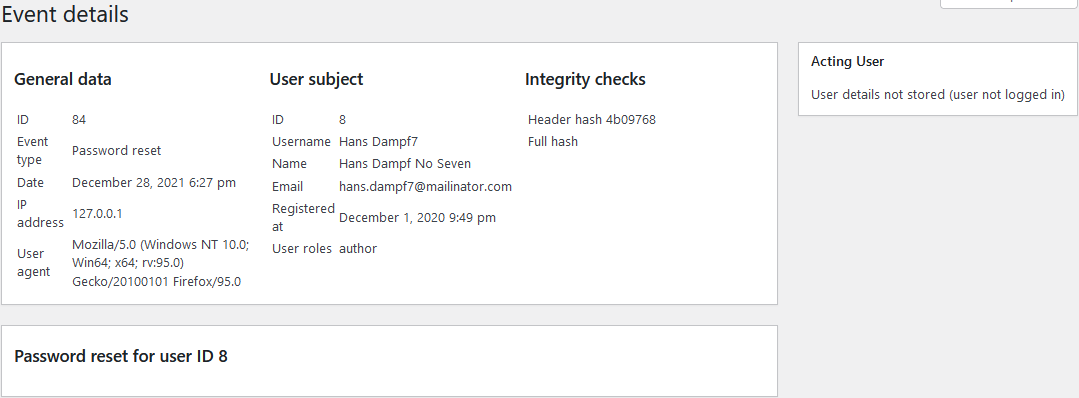
- User: User registration, user profile updates, password resets, application password creation/revocation, user deletions, login, and logout
- WordPress: Updates of the WordPress core version, settings updates (general/writing/reading/discussion/media/permalink/privacy settings)
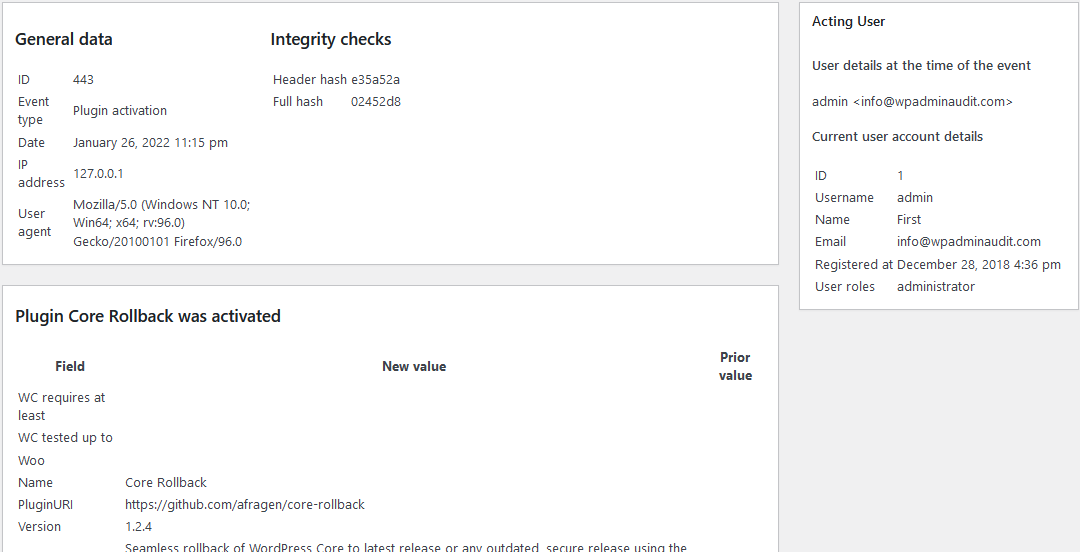
- Plugin: Installation, activation, updates, deactivation, and deletion of plugins
- Theme: Installation, activation (theme switch), update, and deletion of themes
- Media: Media file and data creations, updates, and deletions
- Menu: Creation, updates, and deletions of menus
- Comment: Comment creations, updates, deletions, and status changes (approved, unapproved, spammed, etc.)
- File: File changes via the plugin file editor and theme file editor
See the complete list of sensors, i.e. the event types that are stored in the WordPress activity log.
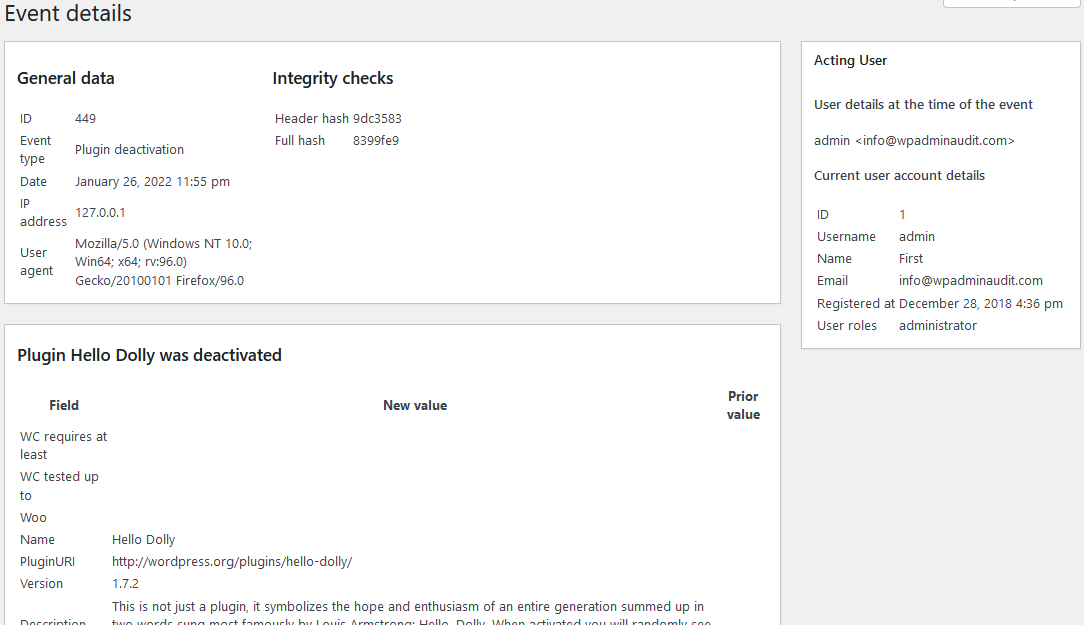
For every event WP Admin Audit records:
- Event type
- Date and time
- IP address (the action/event originated from)
- Acting user (the user who did the change)
- Subject (the item affected e.g. a post the action is done with/to)
Features (free)
Besides the WordPress event log, WP Admin Audit also features:
- Powerful search & filtering: Powerful free-text search as well as filtering by all sorts of categories makes it easy to find the data you are interested in.
- Administrator & user audit: Find inactive administrator accounts and review the users’ last login dates. Check on their individual activity log.
- Login attempts audit: Monitor logins to be aware of automated (brute-force) attacks and to identify IP addresses for blocking.
Features (premium editions)
Upgrade to the premium editions for the following features:
- Third-party plugin support: Optional extensions help you capture events happening in other WordPress plugins. See our extension directory for more details.
- Notifications: Select event types or event severity levels (e.g. critical and high) for instant notification via email. You can choose whole user groups (e.g. administrators), individual WordPress users, or selected email addresses.
- Offsite archive / Replication: To increase security and for backup purposes, you can forward the events for storage to an external logging provider.
- Enforce password changes: You can enable a policy that requires users (with specific user roles) to change their passwords regularly. For example, administrator accounts can be required to change their passwords at least every 90 days.
- CSV export: Export events, users, and login attempts to CSV files.
Instalação
Instalação automática
To do an automatic installation of WP Admin Audit, log in to your WordPress dashboard, navigate to the Plugins menu, and click “Add New”.
In the search field type “WP Admin Audit”, then click “Search Plugins”. Once you have located WP Admin Audit, you can install it. Click “Install Now” and WordPress will proceed with the installation. After the installation, make sure to activate the plugin as well.
Instalação manual
Manual installation requires downloading the WP Admin Audit plugin (from this listing) and uploading it to WordPress. The WordPress documentation has [a tutorial for that]https://wordpress.org/documentation/article/manage-plugins/#upload-via-wordpress-admin).
Atualizando
WP Admin Audit supports automatic updates.
Log de Changes
Security update: restrict access to audit data, secure database searches, and redact Post via email passwords.
1.2.18
Release Date – October 3rd, 2026
- Fix unauthorized access to audit data through AJAX actions
- Treat search terms as literal text and escape database queries
- Redact Post via email passwords in settings and option audit events
1.2.17
Release Date – August 22nd, 2026
- Add events for application password creation and revocation
- Improve logging and setup error handling
- WordPress 7.1 compatibility
1.2.16
Release Date – July 24th, 2025
- Fix error when duplicating posts/pages: Uncaught TypeError: array_keys(): Argument #1 ($array) must be of type array
- New minimum PHP version changed from 5.6 to 7.0
- Prevent PHP warnings
1.2.15
Release Date – April 15th, 2025
- Fix for PHP notice “Function _load_textdomain_just_in_time was called incorrectly”
- WordPress 6.8 compatibility
1.2.14
Release Date – January 2nd, 2025
- Fix Sensitive data exposure vulnerability (log file)
- Fix PHP error for old WP installs (< 5.5)
- Fix Displaying number of available extensions
1.2.13
Release Date – November 20th, 2024
- WP Admin Audit joined the Patchstack VDP (Vulnerability Disclosure Program)
- Updated PUC library
- Tested with WP v6.7
Capturas de tela

Para desenvolvedores
Este é o seu plugin? Mostre os números.
Adicione um crachá ao vivo ao seu site, Documentos ou Readme do GitHub. Ele é atualizado por conta própria - nenhuma conta necessária.
Best WP Admin Audit alternatives
All Activity Log plugins →





FAQ
WP Admin Audit: quick answers
Respostas diretas, extraídas de dados ao vivo WordPress.org.
Fonte: WordPress.org
Is WP Admin Audit free?
Yes. WP Admin Audit is free to download and use from the official WordPress.org plugin directory.
Is WP Admin Audit safe to use in 2026?
WP Admin Audit is a solid plugin choice in 2026, with a few things worth checking first. It runs on 1K+ sites, is rated 3.7/5 and was last updated 2 months ago, and scores 73/100 on our health check.
How many websites use WP Admin Audit?
WP Admin Audit is active on 1K+ WordPress websites and has been downloaded 17,586 times since it launched in February 2022. It was downloaded 795 times in the last 30 days.
Does WP Admin Audit work with WordPress 7.1?
Yes. The developer has tested WP Admin Audit up to WordPress 7.1.5, the latest release. It requires WordPress 5.5 or newer.
What PHP version does WP Admin Audit need?
WP Admin Audit requires PHP 7.0 or higher. Most hosts run PHP 8.x today, so it works on any modern WordPress hosting.
When was WP Admin Audit last updated?
The latest version, 1.2.18, was released on October 3, 2026 (2 months ago).
Who makes WP Admin Audit?
WP Admin Audit is developed and maintained by brandtoss.
What are the best alternatives to WP Admin Audit?
The most popular alternatives to WP Admin Audit are WP Activity Log (300K+ installs), Activity Log (200K+ installs) and Stream (70K+ installs).
Alimentado por PageForge
Um modelo e uma planilha. Uma página real para cada pesquisa.
PageForge Transforma cada linha de um CSV em uma página WordPress com seu próprio título, URL, SEO campos e esquema, construído no layout que você já desenhou. Gratuito em WordPress.org.
- CSV e XLSX, mais Google Sheets em Profissional e Empresarial
- Seu próprio título, URL, SEO campos e esquema para cada página
- Funciona com o editor de blocos, Elementor, Divi e Avada
- Gratuito em WordPress.org, sem cartão de crédito