


Vision – Interactive Image Map with Hotspots Builder
Empower your site with interactive visuals! Our plugin seamlessly transforms static images into engaging media, enabling publishers and bloggers.

Escolha segura
Yes — Vision is a safe, well-maintained plugin to use in 2026. It runs on 2K+ sites, is rated 4.9/5 and was last updated 1 month ago, and scores 83/100 on our health check.
- Testado com as últimas WordPress (7.1)
Como ele se acumula?
Lado a lado em instalações, atualizações, avaliações e suporte



Downloads diários
Os picos de download geralmente seguem uma nova versão — cada site que atualiza automaticamente é um download.
Rankings
Where Vision stands todayWordPress.org Classificações de pesquisa
Posição ao vivo na pesquisa de plugins, top 100| Palavra chave | Posição |
|---|---|
| floor plan | #3 |
| hotspots | #2 |
| image maps | #19 |
| infographics | #7 |
| interactive images | #7 |
Adoção da versão
Compartilhamento de sites ativos por lançamento.
Divisão de classificação
★★★★★★★★★★ 4.9 from 9 reviews
About Vision
From the official readme · v1.12.3Descrição
📢 Note from the Developer
To our amazing Vision community! We are proud to introduce PicPoints – our next-generation interactive image map builder.
It is built on modern web standards to solve old layout problems once and for all. It features full CSS/JS isolation (Shadow DOM) to prevent theme conflicts, a powerful Figma-like vector editor, and enhanced performance for multi-level floor plans or shoppable lookbooks.
🎁 Check out PicPoints and download it for FREE!
Vision – Interactive Image Map Builder
Vision Interactive is a lightweight and rich-feature plugin helps you enhance images with additional information and links. With this plugin you are able to easily annotate images with text, shapes and icons, draw attention to areas and features on images. You can then use them in posts that empower publishers and bloggers to create more engaging content. It provides an easy way for you to convert a static image into the online interactive media brochures or booklets, image maps, immersive storytelling in seconds. The plugin can be deployed easily and runs on all modern browsers and mobile devices.
📋 DEMO & DESCRIPTION 📋
🔥 DON’T DELAY, BE PRO TODAY!!! 🔥
Note: the video tutorial above also uses a WordPress media folder management plugin iFolders, you can learn more at this link.
Discover the joy of effectively creating media presentations with this innovative tool.
🔥 Features
With a suite of powerful features, you can effortlessly add a wide range of interactive elements to your images, including:
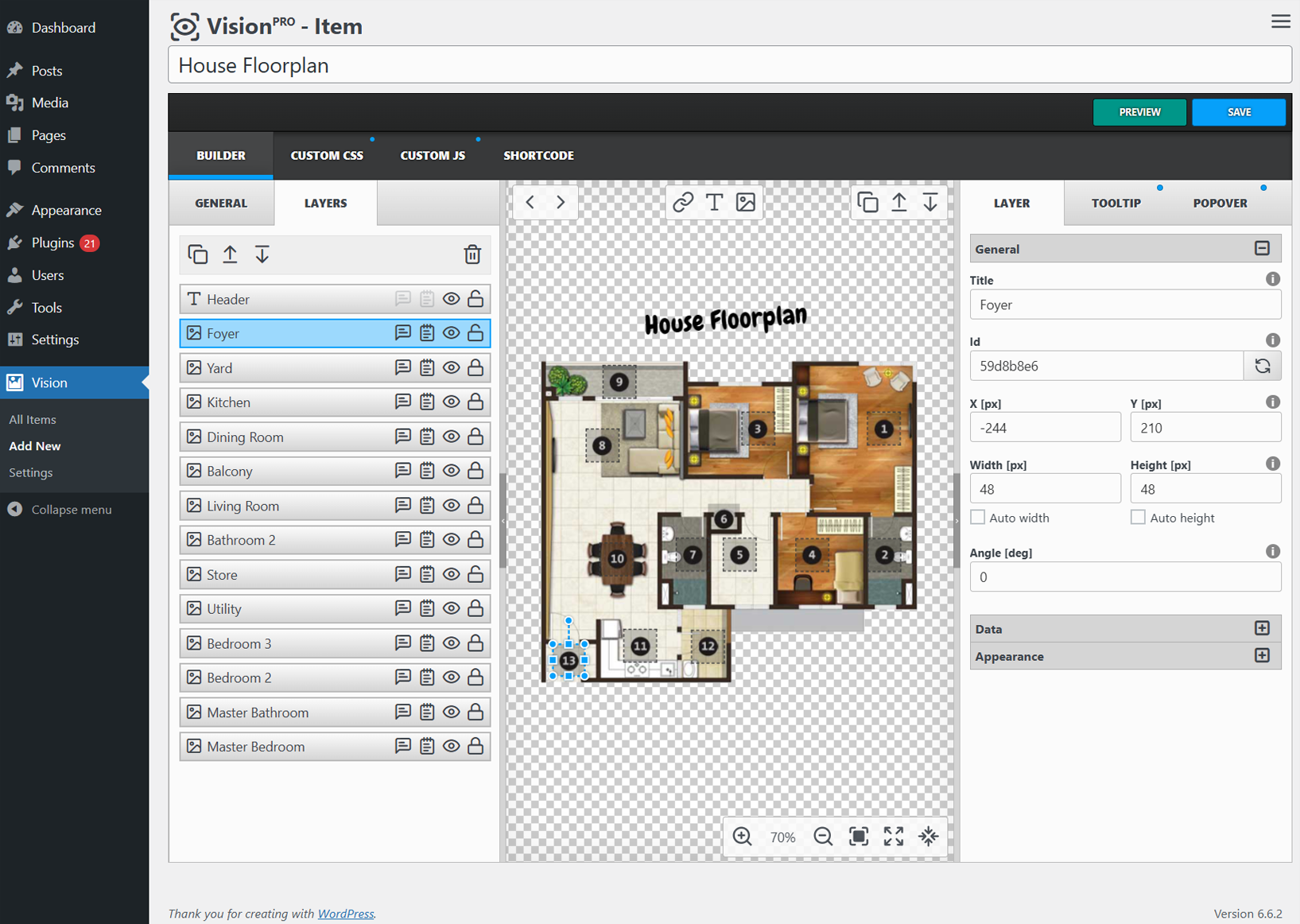
✅ Powerful Interface – the drag-and-drop feature takes this experience to the next level, allowing you to intuitively position and rearrange your interactive elements with ease.
✅ Layers – properly place clickable markers on images to link to relevant content, this can be an image, text or just an area.
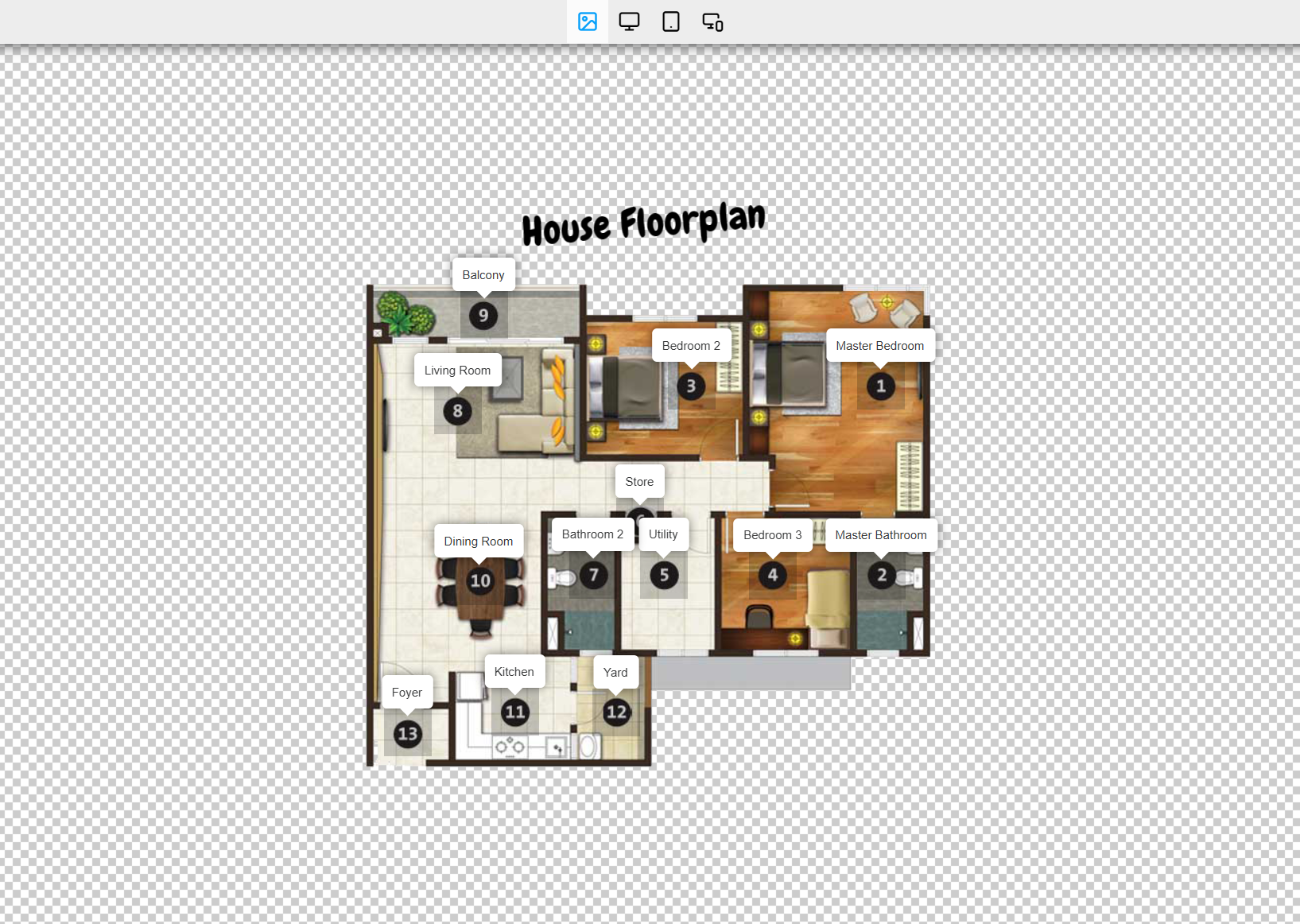
✅ Tooltips – provide concise, informative tooltips that appear when users hover over specific areas of your image.
✅ Popovers – showcase detailed information or multimedia content in eye-catching popup boxes, both in-line and lightbox styles.
✅ Smart – advanced algorithms ensure that your interactive elements are always positioned in the optimal location.
✅ Responsive – the responsive design automatically adjusts the size and placement of your markers, tooltips, and popovers to maintain a clean, professional look across all devices.
✅ Animations – elevate your interactive image maps with a wide range of captivating animations, choose from over 100 show/hide effects to make your tooltips come alive, captivating your audience and keeping them engaged.
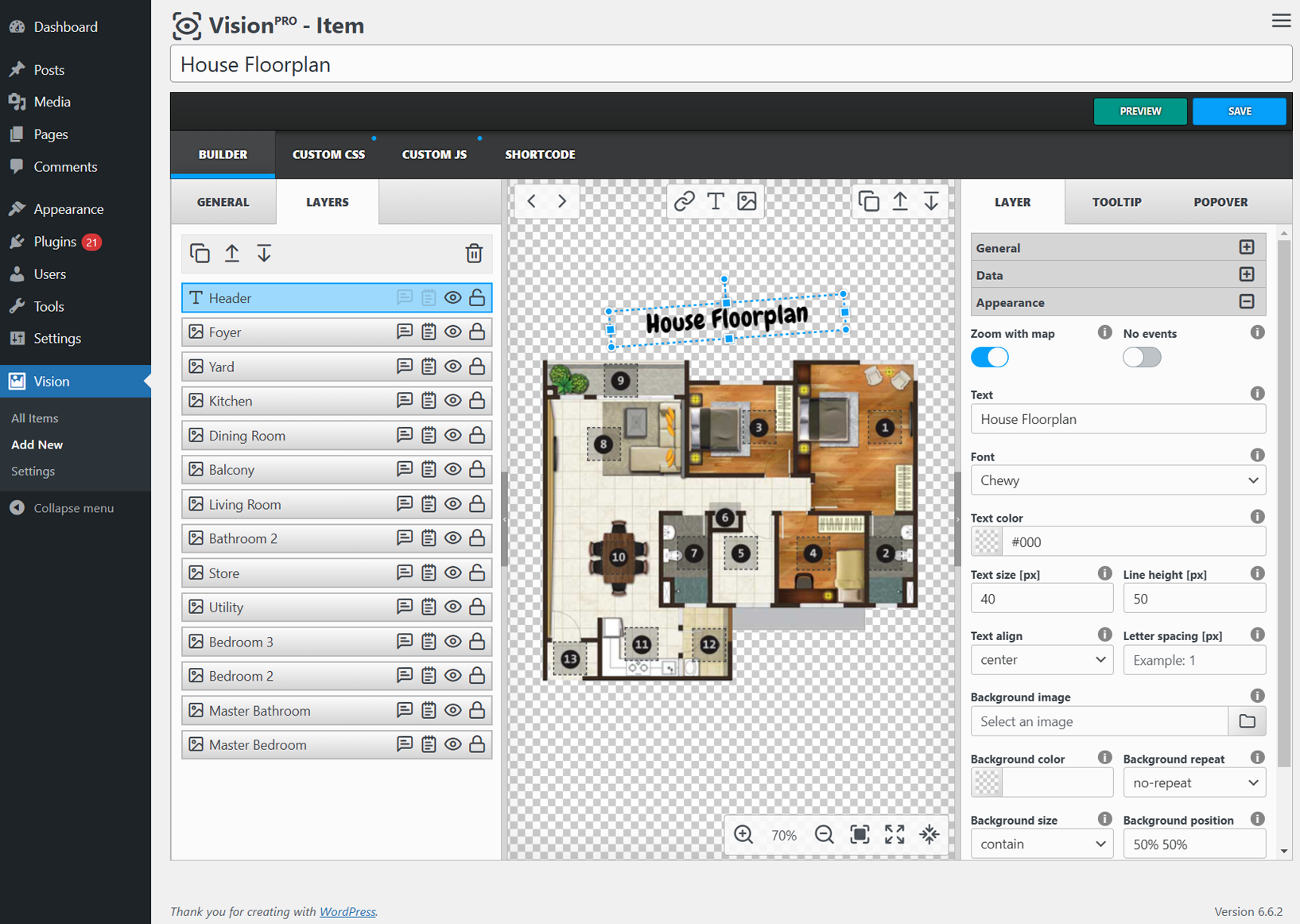
✅ Code editors & Customization – tailor the appearance and behavior of your interactive elements to match your brand’s unique style, or dive into the code editors to add custom CSS and JavaScript for even greater control.
Unlock the full potential of your WordPress site and start your journey towards interactive excellence today. Experience the power of our cutting-edge plugin and watch as your audience becomes captivated by the immersive visuals you create.
⚙️ Compatibility
At the heart of our plugin lies a deep commitment to compatibility. We understand that the WordPress ecosystem is a diverse and vibrant landscape, with a wide array of themes, plugins, and page builders to choose from. That’s why we’ve designed our interactive map creation plugin to seamlessly integrate with your unique WordPress setup, ensuring a smooth and cohesive experience.
Our plugin is proudly compatible with the most popular WordPress page builders, themes, and plugins, allowing you to effortlessly incorporate interactive maps into your content, no matter your existing WordPress configuration. We’ve put in the work to ensure our plugin plays nicely with the tools you already love and trust.
PAGE BUILDERS
* Gutenberg – modern built-in WordPress block editor
* Classic Editor – classic built-in WordPress editor
* Elementor – leading website builder platform on WordPress
* WP Bakery – create any layout in an intuitive way
* Beaver – page builder you can trust with your business
* Bricks – amazing block editor with many templates
* Brizy – next-gen website builder that anyone can use
* and more…
THEMES
* Avada – swiss army knife of WordPress themes
* Divi – most popular WordPress theme in the world
* BeTheme – more than just WordPress theme
* Bridge – not just a theme, it’s a collection of amazing examples
* Flatsome – multi-purpose responsive WooCommerce theme
* and more…
In the rare event that you encounter a compatibility challenge with a specific tool, our dedicated support team is here to help. We’re committed to ensuring a seamless integration, no matter your WordPress setup.
🎓 Conclusion
Unlock the power of interactive maps: elevate your WordPress content with our innovative plugin.
Are you tired of static images on your WordPress site? Unlock a new world of interactivity and engagement with our cutting-edge plugin – the ultimate solution for creating dynamic, interactive image maps. Say goodbye to the limitations of traditional media management and embrace the future of WordPress content creation.
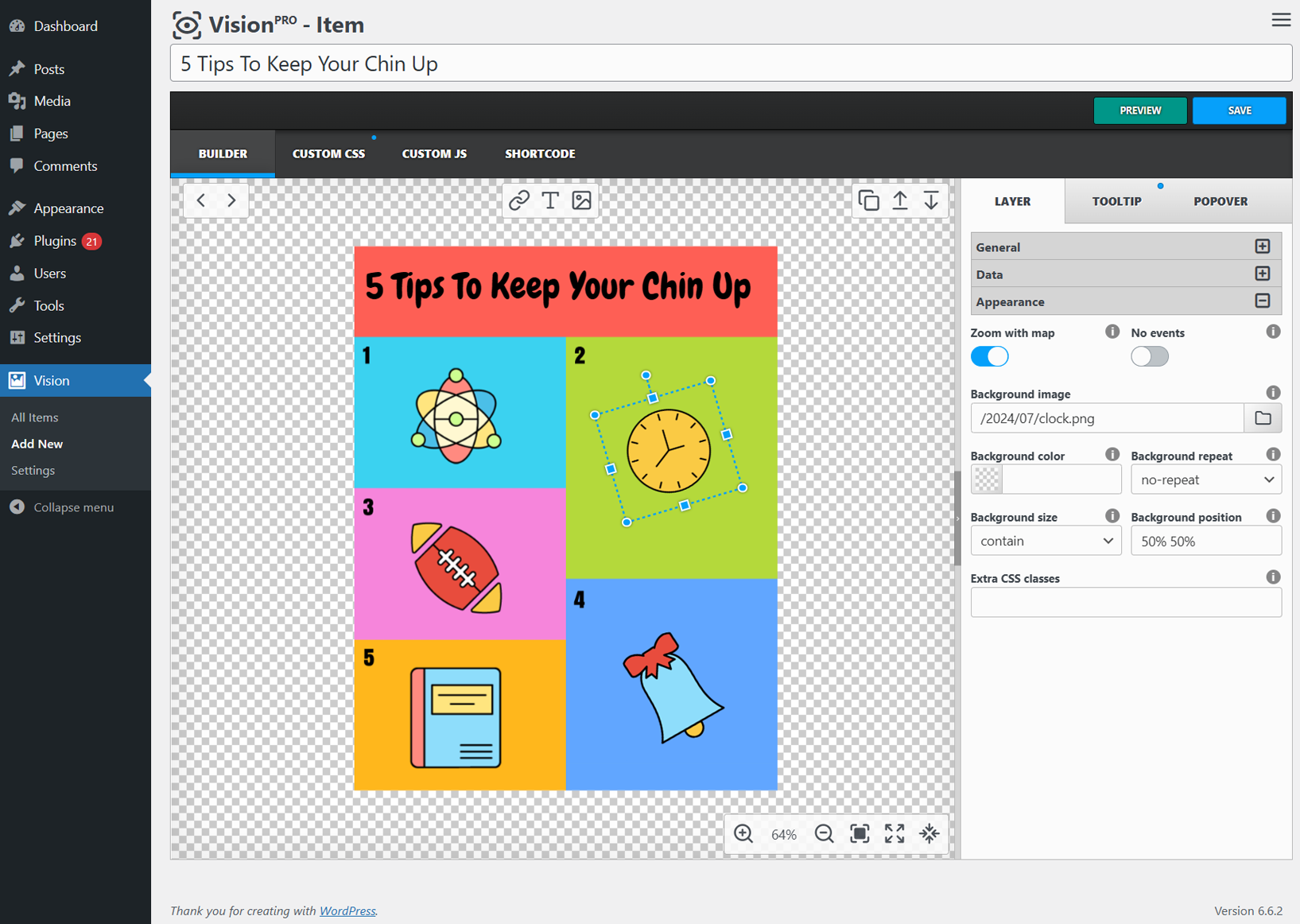
Vision is a revolutionary plugin that lets you turn ordinary images into engaging interactive maps, floorplans, infographics, and more. With its intuitive interface and powerful features, you can easily add clickable dots, informative tooltips, and easy navigation to your WordPress content, taking user experience to new heights.
Vision seamlessly integrates with your WordPress, providing a user-friendly environment to create, customize, and manage your interactive imagemaps. Transform your WordPress site into a dynamic, immersive experience. With Vision, you can captivate your audience with interactive maps that showcase your products, services, or any other content. Leverage the power of interactivity to increase user engagement, boost conversions, and leave a lasting impression on your visitors.
We understand the diverse nature of the WordPress ecosystem, which is why Vision is designed to work seamlessly with a wide range of popular page builders, themes, and plugins. Seamlessly integrate interactive maps into your existing WordPress setup and enjoy a cohesive, streamlined experience.
Vision is the ultimate tool for anyone seeking to enhance their online presence, engage their audience, and stand out in the crowded digital landscape. Start your journey towards interactive excellence today and unlock the full potential of your WordPress site.
💼 GDPR & Privacy
- We do not collect or store any information about our visitors or users without their consent.
- We also do not transfer any data to external servers without users’ consent.
- The purpose of our folder manager plugin is to help organize the WordPress media library, pages, posts, and custom post types.
🔥 Check out other best WordPress Plugins
HappyVR – virtual tour builder and 360 panorama viewer for WordPress
MediaCommander – bring folders to media, posts, and pages
NinjaDraw – create diagrams, sketches & visual workflows
PicPoints – create interactive images and multi-level floor plans in minutes
Instalação
Setup is easy and takes only a few minutes.
- From the WP admin panel, click “Plugins” -> “Add new”
- In the browser input box, type “Vision”
- Select the “Vision” plugin and click “Install”
- Activate the plugin
You’re done. Enjoy.
Log de Changes
1.12.3
- Mod: tested up to WordPress 7.1
1.12.2
- Changed: promotional notice introducing PicPoints
1.12.1
- Fixed: frontend 403 errors on expired REST API nonces (completes the 1.11.0 fix)
1.12.0
- Added: promotional notice introducing PicPoints
1.11.0
- Fixed: resolved 403 errors on the frontend caused by expired REST API nonces
1.10.0
- Added: ability to change the author of an item directly from the items list
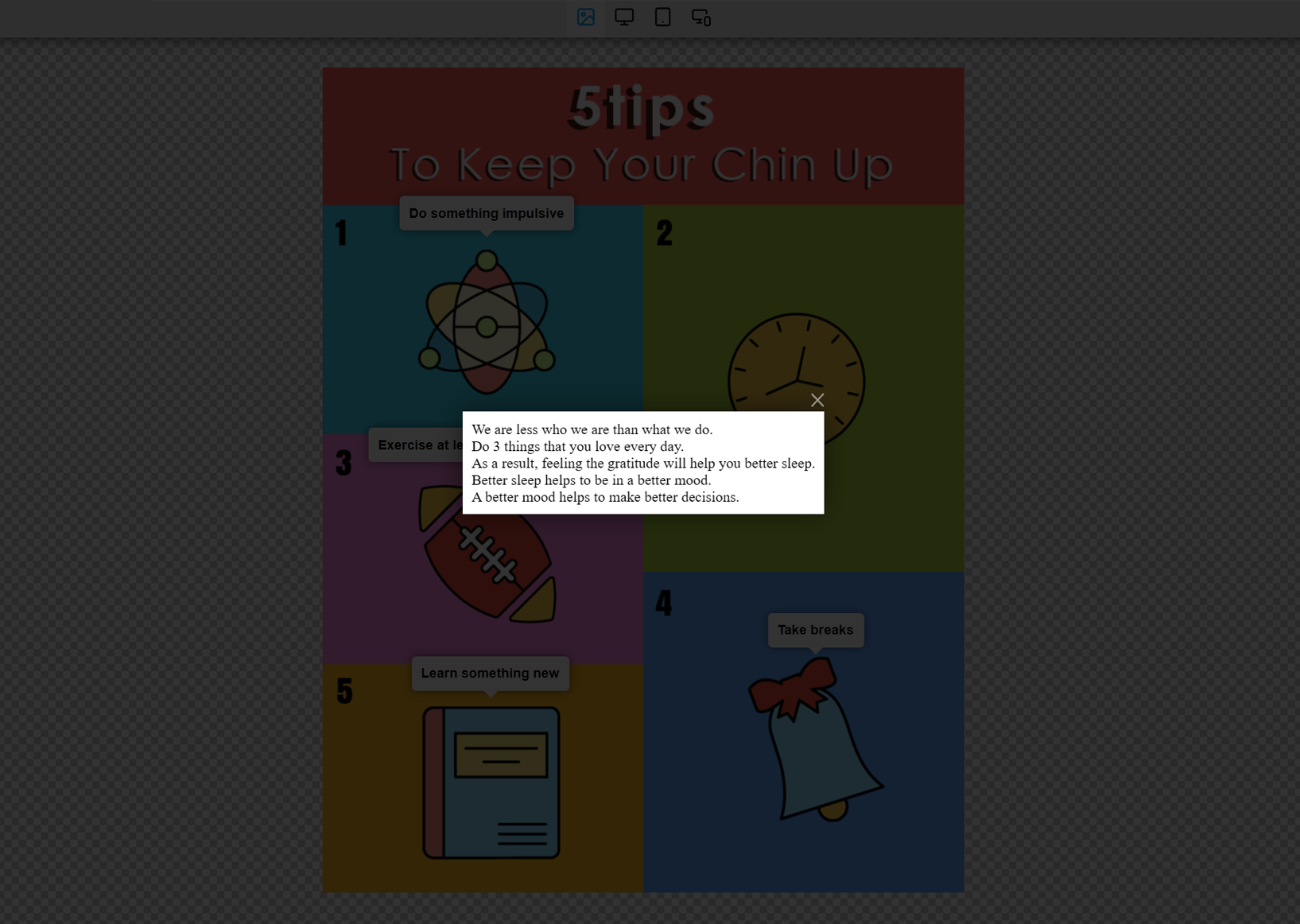
Capturas de tela



Para desenvolvedores
Este é o seu plugin? Mostre os números.
Adicione um crachá ao vivo ao seu site, Documentos ou Readme do GitHub. Ele é atualizado por conta própria - nenhuma conta necessária.
Best Vision alternatives
All floor plan plugins →





FAQ
Vision: quick answers
Respostas diretas, extraídas de dados ao vivo WordPress.org.
Fonte: WordPress.org
Is Vision free?
Yes. Vision is free to download and use from the official WordPress.org plugin directory.
Is Vision safe to use in 2026?
Yes — Vision is a safe, well-maintained plugin to use in 2026. It runs on 2K+ sites, is rated 4.9/5 and was last updated 1 month ago, and scores 83/100 on our health check.
How many websites use Vision?
Vision is active on 2K+ WordPress websites and has been downloaded 81,519 times since it launched in November 2018. It was downloaded 1,165 times in the last 30 days.
Does Vision work with WordPress 7.1?
Yes. The developer has tested Vision up to WordPress 7.1.5, the latest release. It requires WordPress 6.0 or newer.
What PHP version does Vision need?
Vision requires PHP 7.4 or higher. Most hosts run PHP 8.x today, so it works on any modern WordPress hosting.
When was Vision last updated?
The latest version, 1.12.3, was released on October 20, 2026 (1 month ago).
Who makes Vision?
Vision is developed and maintained by Avirtum.
What are the best alternatives to Vision?
The most popular alternatives to Vision are Interactive Image Map Plugin (20K+ installs), Image Map Connect (100+ installs) and HappyVR (80+ installs).
Alimentado por PageForge
Um modelo e uma planilha. Uma página real para cada pesquisa.
PageForge Transforma cada linha de um CSV em uma página WordPress com seu próprio título, URL, SEO campos e esquema, construído no layout que você já desenhou. Gratuito em WordPress.org.
- CSV e XLSX, mais Google Sheets em Profissional e Empresarial
- Seu próprio título, URL, SEO campos e esquema para cada página
- Funciona com o editor de blocos, Elementor, Divi e Avada
- Gratuito em WordPress.org, sem cartão de crédito