


WP Composer – le constructeur de pages le plus simple
Welcome to WP Composer, the premier WordPress website builder designed to empower users in crafting professional websites effortlessly. With our intuitive drag-and-drop interface, WP Composer ensures you have full…

Envisager une alternative
WP Composer shows warning signs in 2026 — compare the alternatives below before installing. It runs on 20+ sites and was last updated 8 months ago, and scores 39/100 on our health check.
- Petite base d'utilisateurs (20+ installations actives)
- Très peu de critiques jusqu'à présent
- Uniquement testé jusqu'à WordPress 6,9 (le dernier est de 7,1)
Comment s'accumule-t-il ?
Côte à côte sur les installations, les mises à jour, les évaluations et le support



Téléchargements quotidiens
Les pics de téléchargement suivent généralement une nouvelle version - chaque site qui met à jour automatiquement compte comme un téléchargement.
Classements
Where WP Composer stands todayWordPress.org Classements de recherche
Position en direct dans la recherche de plugins, Top 100| Mot-clé | Position |
|---|---|
| builder | >100 |
| drag and drop builder | >100 |
| Générateur de page de destination | >100 |
| Générateur de pages | >100 |
| Constructeur de sites Web | >100 |
Adoption de version
Part de sites actifs par version.
About WP Composer – The Easiest Page Builder
À partir du Lisezmoi officiel · v1.0.7Description
WordPress Page Builder Plugin
Welcome to WP Composer, the premier WordPress website builder designed to empower users in crafting professional websites effortlessly. With our intuitive drag-and-drop interface, WP Composer ensures you have full control over the website building process, eliminating the need for coding skills.
WP Composer isn’t just a plugin; it’s a powerful page builder revolutionizing website creation. Leveraging cutting-edge AI technology, we’ve simplified and accelerated the website development process, making it accessible to users of all expertise levels. This groundbreaking feature enhances your website building journey, freeing you from the limitations of traditional development methods.
Begin your website creation adventure with WP Composer and unlock a realm where creativity knows no bounds. Experience the future of website building with WP Composer today!
Traits
-
Drag n Drop: Effortlessly build your pages by dragging and dropping elements into place. No coding skills required.
-
Inline Text Editing: Edit text directly on your page, providing a true visual experience.
-
True Visual Editing: See your changes in real-time with our true visual editor, making the design process seamless.
-
Easy to Use: WP Composer is user-friendly, allowing both beginners and experienced users to create professional-looking websites effortlessly.
-
Modern UI: Enjoy a sleek and modern user interface for a delightful user experience.
-
AI Integration: Harness the power of artificial intelligence for smart suggestions and optimizations.
-
Undo, Redo, & Revisions: Make mistakes? No problem. Easily undo and redo changes or review previous revisions.
OVER 35+ FREE ELEMENTS
Unlock the potential of your website with WP Composer’s free version. Enjoy a user-friendly experience with the following features:
-
Text Editor (WYSIWYG): Create and edit text directly on your page with the What You See Is What You Get (WYSIWYG) editor. Enjoy a seamless content creation experience.
-
Row Inner: Achieve sophisticated page layouts by dividing your content into rows with inner sections, allowing for greater customization and design flexibility.
-
Image: Easily insert and customize images to enhance your content and create visually appealing pages.
-
Image Gallery: Showcase your images in a stunning gallery format, providing a visually appealing way to display multiple images on your website.
-
Image Slider: Create dynamic and interactive image presentations with a sleek slider, adding a modern touch to your website and improving user engagement.
-
Single Title/Heading: Add clear and attention-grabbing titles or headings to organize your content and improve readability.
-
Pricing Box: Present pricing information attractively with customizable pricing boxes, making it easy for visitors to understand your offerings.
-
Maps: Integrate maps seamlessly into your website to help visitors locate your business or points of interest.
-
Video Player: Embed videos effortlessly and engage your audience with dynamic multimedia content.
-
YouTube Gallery: Showcase multiple YouTube videos in a visually appealing gallery format to keep your audience entertained.
-
CTA (Call to Action): Encourage user interaction and guide visitors with effective calls to action strategically placed on your page.
-
Button: Create stylish and functional buttons to drive user engagement and prompt specific actions.
-
Icon: Enhance visual appeal and convey information concisely with a variety of customizable icons.
-
Separator: Use separators to add structure and visual interest between different sections of your content.
-
Spacing: Fine-tune the layout and spacing of your content for a polished and well-organized design.
-
Image Comparison: Highlight differences or transformations by using an image comparison element for impactful visual storytelling.
-
Links: Easily incorporate hyperlinks to direct users to relevant pages, resources, or external websites.
-
Social Link: Integrate social media links to connect with your audience and expand your online presence.
-
Blog: Display your latest blog posts or create a dedicated blog section to keep your audience informed and engaged.
-
Post Carousel: Showcase multiple blog posts in an interactive carousel format for a dynamic and engaging user experience.
-
Product Box: Promote products effectively with customizable product boxes that include images, descriptions, and calls to action.
-
Feature Box: Highlight key features or information with feature boxes, adding visual emphasis and improving the overall aesthetics of your content.
-
Alert Box: Grab attention and convey important messages with customizable alert boxes.
-
Custom HTML Editor: Take full control of your content with a custom HTML editor for advanced users who want to add custom code.
-
WordPress Widgets: Seamlessly integrate and display standard WordPress widgets to enhance functionality and content on your pages.
-
List: Present information in a structured and organized manner with customizable lists, improving readability and user comprehension.
-
Progres Bar: Highlight progress or completion percentages with stylish progress bars, providing a visual representation of achievements or milestones.
-
Tabs: Organize and present content more efficiently with tabbed sections, allowing users to easily navigate through different topics or categories.
-
Accordion: Save space and present content in a compact yet accessible manner with collapsible accordion sections, enhancing user experience.
-
Round Chart: Illustrate data or statistics in a visually appealing manner with round charts, making complex information more digestible for your audience.
-
Line Chart: Communicate trends or comparisons effectively with customizable line charts, providing a dynamic way to showcase data.
-
Table: Display data in a structured and organized format with customizable tables, improving data presentation and user comprehension.
-
Counter: Highlight achievements or milestones with customizable counters, adding a sense of accomplishment and credibility to your website.
-
And many more.
Fonctionnalités Pro
Unlock an extensive range of advanced elements and take your website to the next level with WP Composer’s Pro version. Elevate your user experience with the following premium features:
Website Packs, Templates & Presets
Discover WP Composer’s extensive collection of over hundreds of pre-made website layouts, templates, and presets, all available at no cost. With new layouts added weekly, our package offers not only an ever-expanding array of design options but also includes royalty-free photos, icons, and illustrations to enhance your website’s appeal.
Advanced Animations And Scroll Effects
Enhance user engagement on your website with mesmerizing motion effects that come to life as visitors scroll. Our dynamic animations respond to user interaction, offering an immersive experience beyond static effects. Harness the power of WP Composer’s motion effects to craft visually stunning elements that captivate and hold your audience’s attention.
Shape Dividers
Transform your webpages with bespoke shapes and effects, injecting dynamic transitions between content blocks for a personalized touch. With Shape Dividers strategically positioned above and below each section, effortlessly create striking transitions across your page’s various elements. Elevate your website’s appeal and user experience with seamless design enhancements that leave a lasting impression.
Background Gradients
Personalize backgrounds with colors, gradients, images, and videos for every row and column. Achieve unique designs with overlapping effects and blend modes. Elevate your site’s visual appeal effortlessly!
Facebook Page Feed, Instagram Feed and Twitter Timeline
Connect with your audience by embedding your Facebook page feed directly into your website, keeping visitors informed and engaged. Showcase your latest tweets and stay connected with your Twitter audience by embedding your Twitter timeline on your website. Curate and display your Instagram content directly on your website, fostering a visual connection with your audience.
Installation
Pour une installation automatique :
The simplest way to install is to click on ‘Plugins’ then ‘Add’ and type ‘WP Composer Page Builder’ in the search field.
For manual installation 1:
- Connectez-vous à votre site Web et accédez à la section Plugins de votre panneau d'administration.
- Cliquez sur le bouton Ajouter un nouveau.
- Sous Installer des plugins, cliquez sur le lien de téléchargement.
- Select the plugin zip file (page-builder-wp.x.x.x.zip) from your computer then click the Install Now button.
- Vous devriez voir un message indiquant que le plugin a été installé avec succès.
- Cliquez sur le lien Activer le plugin.
For manual installation 2:
- Vous devriez avoir accès au serveur sur lequel WordPress est installé. Si ce n'est pas le cas, consultez votre administrateur système.
- Copy the plugin zip file (page-builder-wp.zip) up to your server and unzip it somewhere on the file system.
- Copy the “page-builder-wp” folder into the /wp-content/plugins directory of your WordPress installation.
- Connectez-vous à votre site Web et accédez à la section Plugins de votre panneau d'administration.
- Look for “WP Composer” and click Activate.
For Mac Users
- Go to your Downloads folder and locate the folder with the plugin.
- Right-click on the folder and select Compress.
- Now you have a newly created .zip file which can be installed as described here.*
- Click “Install Now” button.
- Click “Activate Plugin” button for activating the plugin.
Journal de modifications
IMPORTANT! SECURITY BUGS FIX, PLEASE UPDATE NOW!
1.0.7
- Fixed : Security XSS issue reported by Wordfence
1.0.5
- Updated compatibility with WordPress 6.9
- Updated compatibility with PHP 8.1+
- Fixed compatibility with FSE themes
- Fixed an issue where the plugin tour was stuck in the “Add Item” section
- Fixed and optimized various PHP and CSS issues
- Added engine lists for the AI image generator
1.0.3
- Added a Google Fonts API key field in General Settings
1.0.1
- Added new items:
- Image Slider
- Image Gallery
- Feature Box
- Pricing Box
- Onglets
- Accordéon
- Liste
- Table
- Round Chart
- Line Chart
- Counter
1.0.0
- Communiqué initial
Captures d'écran


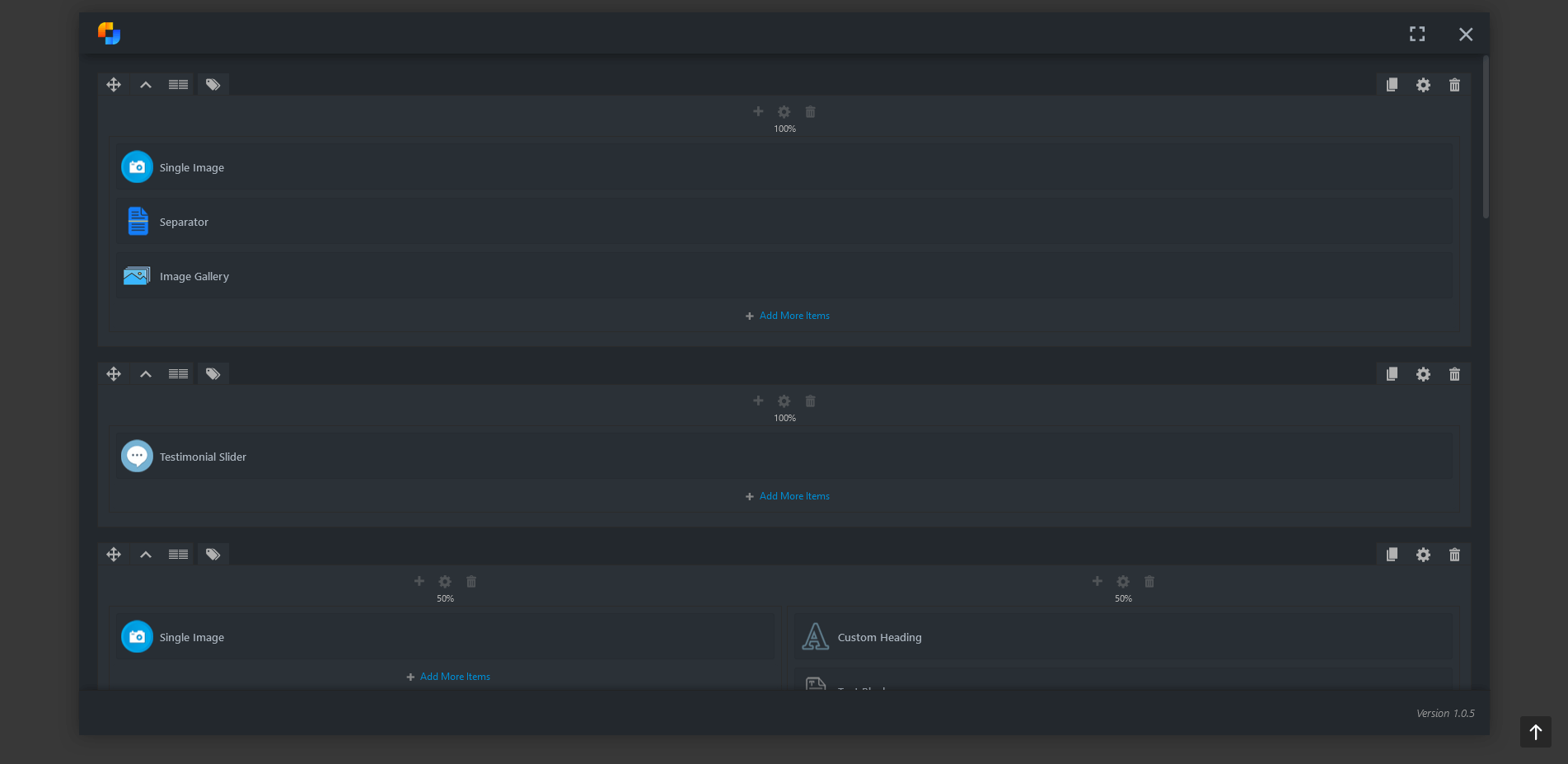

Pour les développeurs
Est-ce votre plugin ? Montrez les chiffres.
Ajoutez un badge en direct à votre site, docs ou github readme. Il se met à jour par lui-même - aucun compte n'est nécessaire.
Best WP Composer alternatives
All builder plugins →





FAQ
WP Composer: quick answers
Réponses directes, extraites des données en direct WordPress.org.
Source : WordPress.org
Is WP Composer free?
Yes. WP Composer is free to download and use from the official WordPress.org plugin directory.
Is WP Composer safe to use in 2026?
WP Composer shows warning signs in 2026 — compare the alternatives below before installing. It runs on 20+ sites and was last updated 8 months ago, and scores 39/100 on our health check.
How many websites use WP Composer?
WP Composer is active on 20+ WordPress websites and has been downloaded 3,938 times since it launched in April 2024. It was downloaded 128 times in the last 30 days.
Does WP Composer work with WordPress 7.1?
WP Composer is officially tested up to WordPress 6.9.12, while the latest release is 7.1.5. It may still work, but try it on a staging site first.
What PHP version does WP Composer need?
WP Composer requires PHP 7.2 or higher. Most hosts run PHP 8.x today, so it works on any modern WordPress hosting.
When was WP Composer last updated?
The latest version, 1.0.7, was released on March 14, 2026 (8 months ago).
Who makes WP Composer?
WP Composer is developed and maintained by GhozyLab.
What are the best alternatives to WP Composer?
The most popular alternatives to WP Composer are Mesmerize Companion (50K+ installs), PixTypes (9K+ installs) and Gantry 5 Framework (7K+ installs).
Propulsé par PageForge
Un modèle et une feuille de calcul. Une vraie page pour chaque recherche.
PageForge transforme chaque ligne d'un CSV en une page WordPress avec son propre titre, URL, SEO et schéma, construit sur la mise en page que vous Déjà conçu. Gratuit sur WordPress.org.
- CSV et XLSX, plus Google Sheets sur les professionnels et les entreprises
- Son propre titre, URL, SEO champs et schéma pour chaque page
- Fonctionne avec l'éditeur de blocs, Elementor, Divi et Avada
- Gratuit sur WordPress.org, pas de carte de crédit