


WP Scanner – Performance and Security
Monitor your site’s load time, performance and security using WP Scanner. Gain an insight into how quickly your site loads for visitors over time and receive suggestions on how to improve performance. Ensure your site…

Betrachten Sie eine Alternative
WP Scanner shows warning signs in 2026 — compare the alternatives below before installing. It runs on 40+ sites, is rated 5/5 and was last updated 11 years ago, and scores 31/100 on our health check.
- Kleine Benutzerbasis (40+ aktive Installationen)
- Bisher sehr wenige Bewertungen
- Kein Update in 10 Jahren
- Nur getestet bis WordPress 4.5 (letzt ist 7.1)
Wie stapelt es sich?
Side-by-side bei Installationen, Updates, Bewertungen und Support



Tägliche Downloads
Download-Spitzen folgen normalerweise einer neuen Version - jede Website, die automatisch aktualisiert wird, gilt als Download.
Ranglisten
Where WP Scanner stands todayWordPress.org Ranglisten suchen
Live-Position in der Plugin-Suche, Top 100| Stichwort | Position |
|---|---|
| Performance | >100 |
| scan | >100 |
| scanner | >100 |
| scanning | >100 |
| Sicherheit | >100 |
Versionsübernahme
Anteil aktiver Sites pro Release.
Bewertungsaufschlüsselung
★★★★★★★★★★ 5 from 2 reviews
About WP Scanner – Performance and Security
Aus der offiziellen Readme · V1.0.2Beschreibung
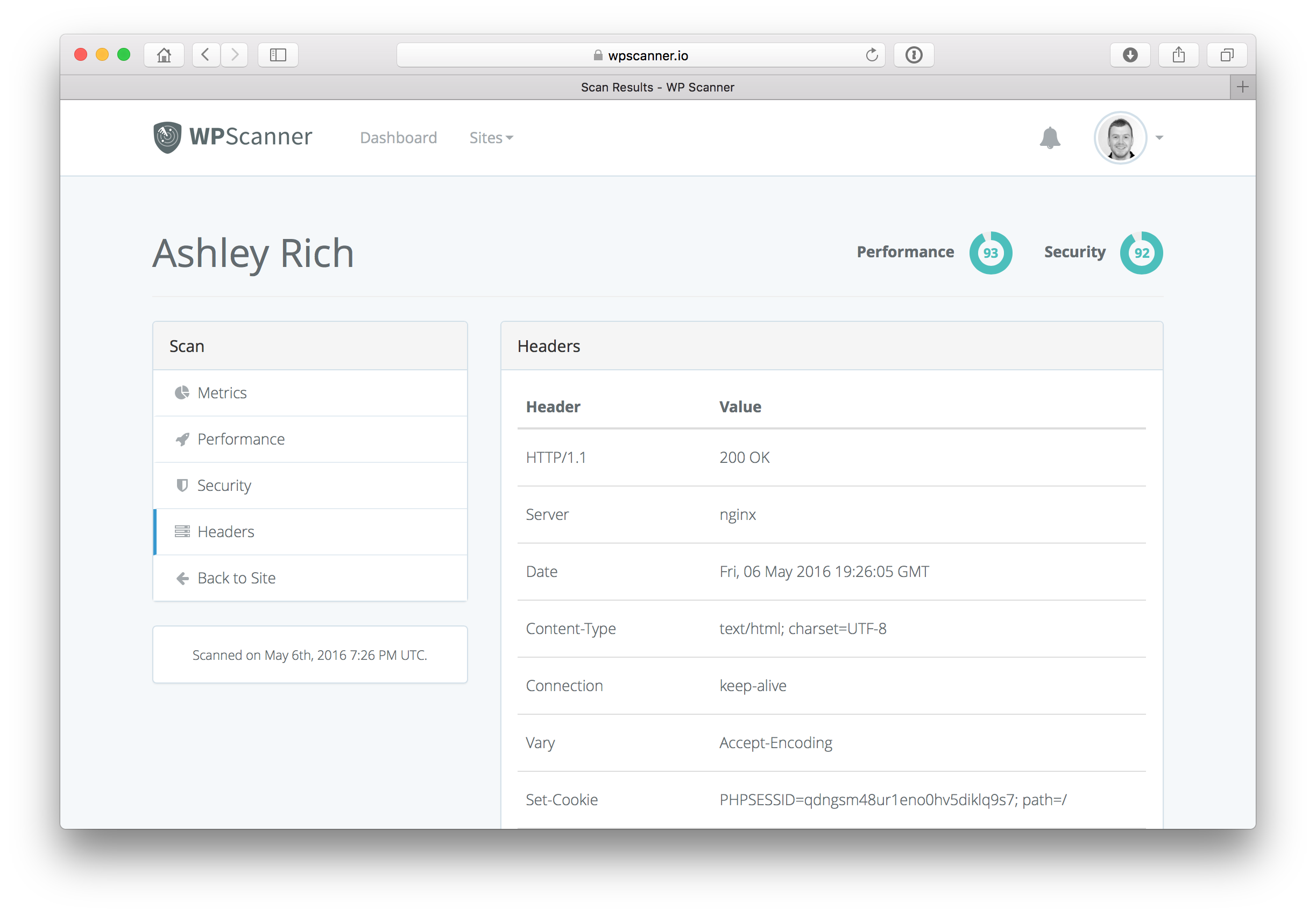
Monitor your site’s load time, performance and security using WP Scanner. Gain an insight into how quickly your site loads for visitors over time and receive suggestions on how to improve performance. Ensure your site is secure by monitoring file changes, permissions, server headers and other security concerns.
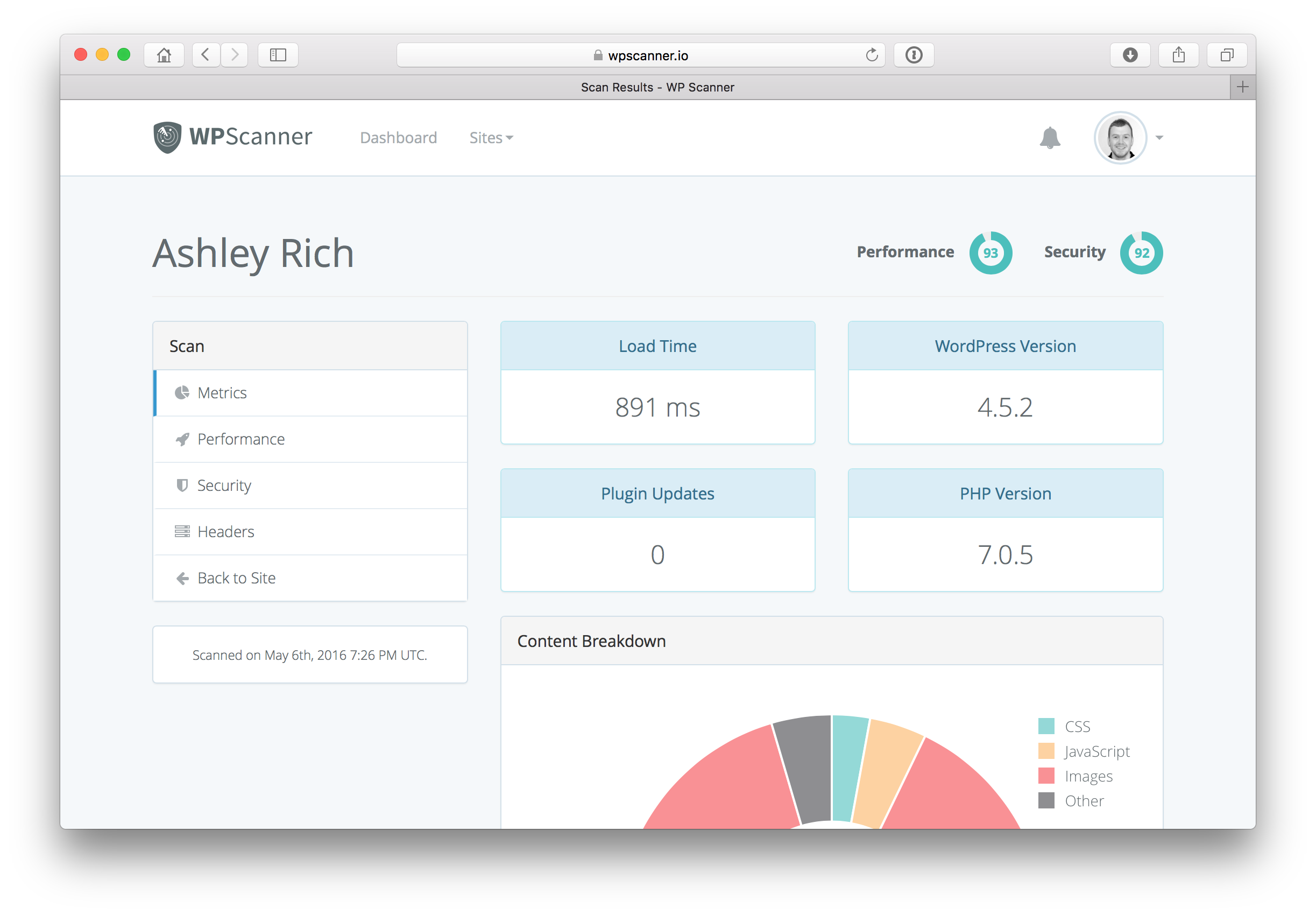
Metrics
View important metrics about your WordPress install, including:
- Load time
- WordPress version
- PHP version
- Plugin-Updates
- Content breakdown
Performance
The following performance rules are checked when scanning your site:
- Use PHP 7 or HHVM
- Enable object caching
- Minimize HTTP Requests
- Use a Content Delivery Network
- Avoid empty src or href
- Add an Expires or a Cache-Control Header
- Gzip Components
- Put StyleSheets at the Top
- Put Scripts at the Bottom
- Avoid CSS Expressions
- Make JavaScript and CSS External
- Reduce DNS Lookups
- Minify JavaScript and CSS
- Avoid Redirects
- Remove Duplicate Scripts
- Configure ETags
- Make AJAX Cacheable
- Use GET for AJAX Requests
- Reduce the Number of DOM Elements
- No 404s
- Reduce Cookie Size
- Use Cookie-Free Domains for Components
- Avoid Filters
- Do Not Scale Images in HTML
- Make favicon.ico Small and Cacheable
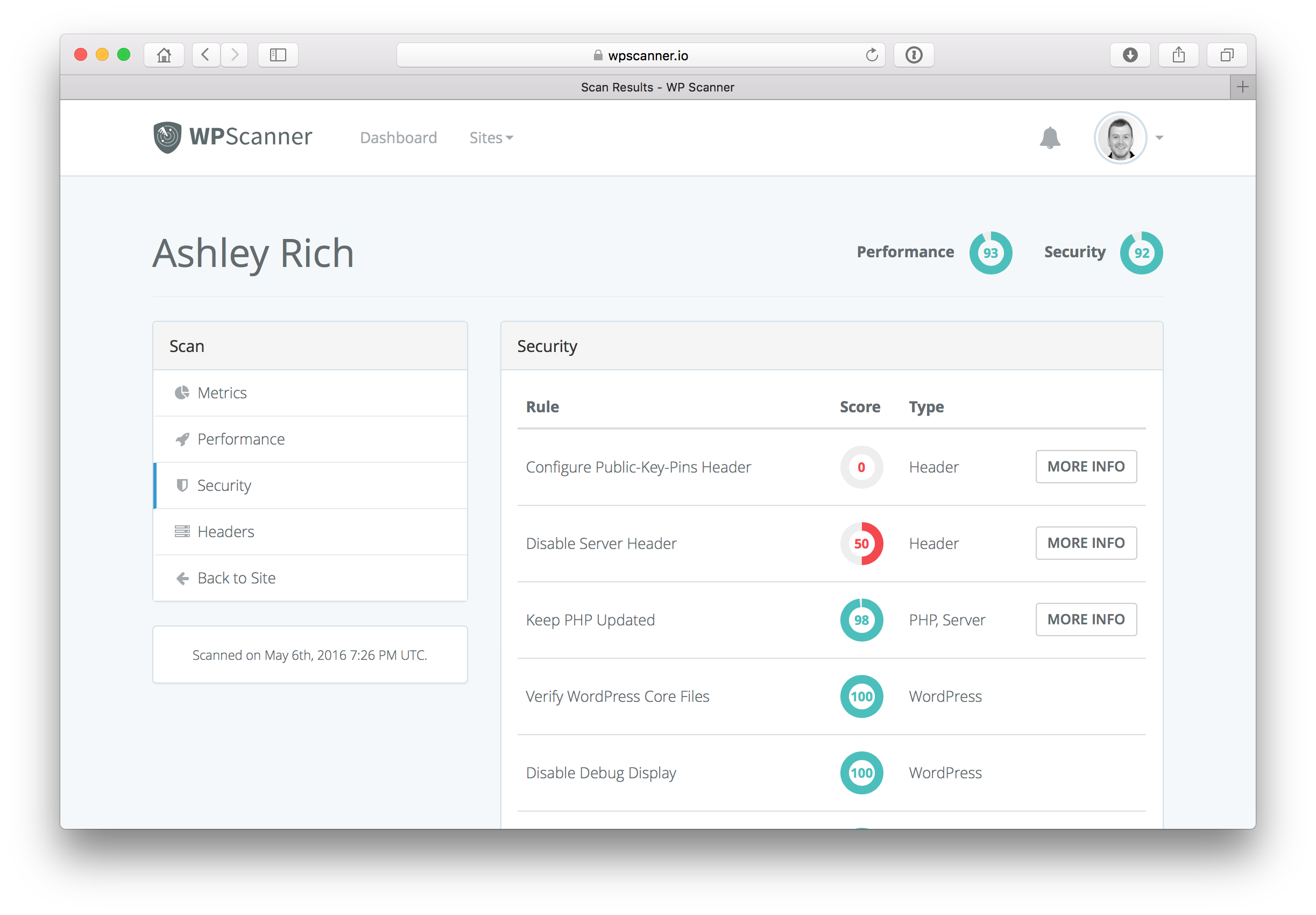
Sicherheit
The following security rules are checked when scanning your site:
- Verify WordPress Core Files
- Verify Directory and File Permissions
- Serve Site Over HTTPS
- Keep Plugins Updated
- Keep WordPress Updated
- Keep PHP Updated
- Disable Debug Display
- Disable File Editing
- Remove Accounts with “Admin” Username
- Change the Default Table Prefix
- Configure Public-Key-Pins Header
- Configure Content Security Policy Header
- Configure X-Frame-Options Header
- Configure X-Content-Type-Options Header
- Configure X-Xss-Protection Header
- Configure Strict-Transport-Security Header
- Disable Server Header
- Disable X-Powered-By Header
Installation
- Laden Sie die Plugin-Dateien in das
/wp-content/plugins/wp-scanner-Verzeichnis hoch oder installieren Sie das Plugin über den WordPress-Plugin-Bildschirm direkt. - Activate the WP Scanner through the ‘Plugins’ screen in WordPress.
- Create a free account at https://wpscanner.io to generate your API keys.
- Visit the Settings -> WP Scanner screen and enter your API keys.
Änderungsprotokoll
WP Scanner 1.0.2
- Bug fix: Unable to activate sites.
WP Scanner 1.0.1
- Bug fix: Core files incorrectly showing as modified when using non-standard locale.
WP Scanner 1.0
- Initial plugin release.
Screenshots


Für Entwickler
Ist das dein Plugin? Zeigen Sie die Zahlen.
Fügen Sie Ihrer Website, Docs oder GitHub Readme ein Live-Badge hinzu. Es wird von selbst aktualisiert - kein Konto erforderlich.
Best WP Scanner alternatives
All performance plugins →





Fragen und Antworten
WP Scanner: quick answers
Gerade Antworten, gezogen von Live WordPress.org Daten.
Quelle: WordPress.org
Is WP Scanner free?
Yes. WP Scanner is free to download and use from the official WordPress.org plugin directory.
Is WP Scanner safe to use in 2026?
WP Scanner shows warning signs in 2026 — compare the alternatives below before installing. It runs on 40+ sites, is rated 5/5 and was last updated 11 years ago, and scores 31/100 on our health check.
How many websites use WP Scanner?
WP Scanner is active on 40+ WordPress websites and has been downloaded 10,772 times since it launched in May 2016. It was downloaded 107 times in the last 30 days.
Does WP Scanner work with WordPress 7.1?
WP Scanner is officially tested up to WordPress 4.5.33, while the latest release is 7.1.5. It may still work, but try it on a staging site first.
When was WP Scanner last updated?
The latest version, 1.0.2, was released on May 29, 2016 (11 years ago).
Who makes WP Scanner?
WP Scanner is developed and maintained by A5hleyRich.
What are the best alternatives to WP Scanner?
The most popular alternatives to WP Scanner are LiteSpeed Cache (7M+ installs), WP Super Cache (1M+ installs) and Speed Optimizer (1M+ installs).
Angetrieben von PageForge
Eine Vorlage und eine Tabelle. Eine echte Seite für jede Suche.
PageForge Verwandelt jede Zeile eines CSV in eine WordPress-Seite mit eigenem Titel, URL, SEO Felder und Schema entworfen. Kostenlos auf WordPress.org.
- CSV und XLSX, plus Google Sheets auf Beruf und Unternehmen
- seinen eigenen Titel, URL, SEO Felder und Schema für jede Seite
- Arbeitet mit dem Blockeditor, Elementor, Divi und Avada
- Kostenlos auf WordPress.org, keine Kreditkarte