


RobArt Colour Collector
Capture colours from your WordPress dashboard or website, save them as personal swatches, and copy HEX values whenever you need them.

Solide Wahl
RobArt Colour Collector is a solid plugin choice in 2026, with a few things worth checking first. Was last updated 2 weeks ago, and scores 64/100 on our health check.
- Aktiv entwickelt — letztes Update vor 2 Wochen
- Getestet mit dem neuesten WordPress (7.1)
- Kleine Benutzerbasis (<10 aktive Installationen)
- Bisher sehr wenige Bewertungen
Wie stapelt es sich?
Side-by-side bei Installationen, Updates, Bewertungen und Support



Tägliche Downloads
Download-Spitzen folgen normalerweise einer neuen Version - jede Website, die automatisch aktualisiert wird, gilt als Download.
Ranglisten
Where RobArt Colour Collector stands todayWordPress.org Ranglisten suchen
Live-Position in der Plugin-Suche, Top 100| Stichwort | Position |
|---|---|
| color palette | >100 |
| color picker | >100 |
| Entwurf | >100 |
| eyedropper | #3 |
| swatches | >100 |
About RobArt Colour Collector
From the official readme · v0.5.15Beschreibung
See a colour you love? Save it. Use it again.
RobArt Colour Collector gives you a personal colour library inside WordPress. Pick colours while working in the admin area or browsing your site’s front end, organise them into named swatches, and copy the HEX code with a click.
No more hunting through old designs, screenshots or notes for that perfect shade. Whether you’re building pages, matching brand colours or refining a site’s design, your favourites stay close at hand in a floating collector dock.
Sample. Organise. Reuse.
Capture colours as you work
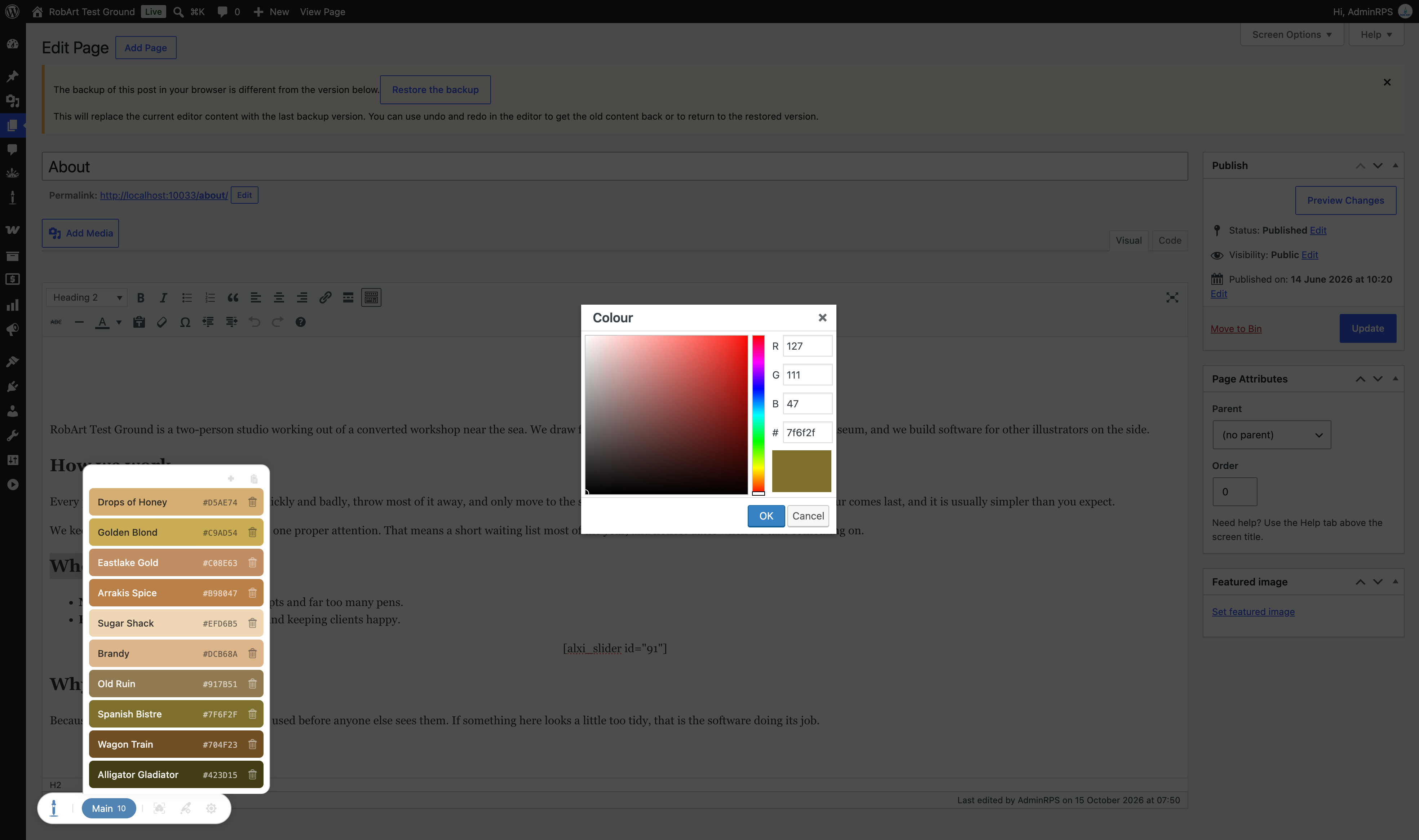
- Floating colour picker: Collect colours from WordPress editing screens and, when enabled, your site’s front end while logged in.
- Screen eyedropper: Chrome and Edge support picking pixels from the screen using the browser’s EyeDropper API. Other browsers, including Safari, use the system colour picker instead.
- Keep picking: The eyedropper re-arms after each selection for quick colour gathering. Press Esc or click the tool again to stop.
- Add by HEX: Enter an exact colour value or choose one with the system picker, with a live preview.
- Automatic colour names: Captured colours receive descriptive names from a built-in library; edit names whenever you like.
Build a colour library that’s yours
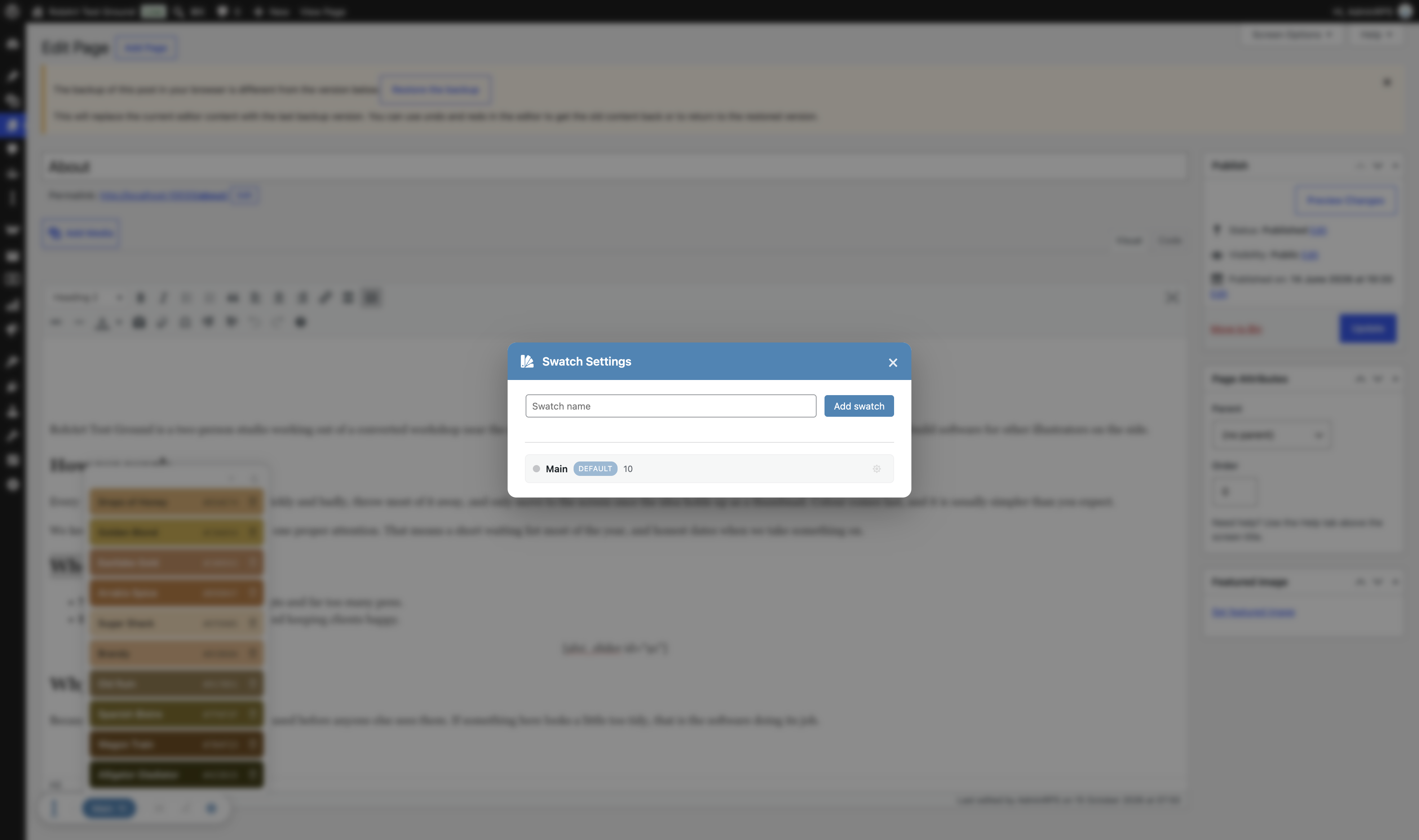
- Custom swatches: Group colours by client, project, brand, mood or purpose.
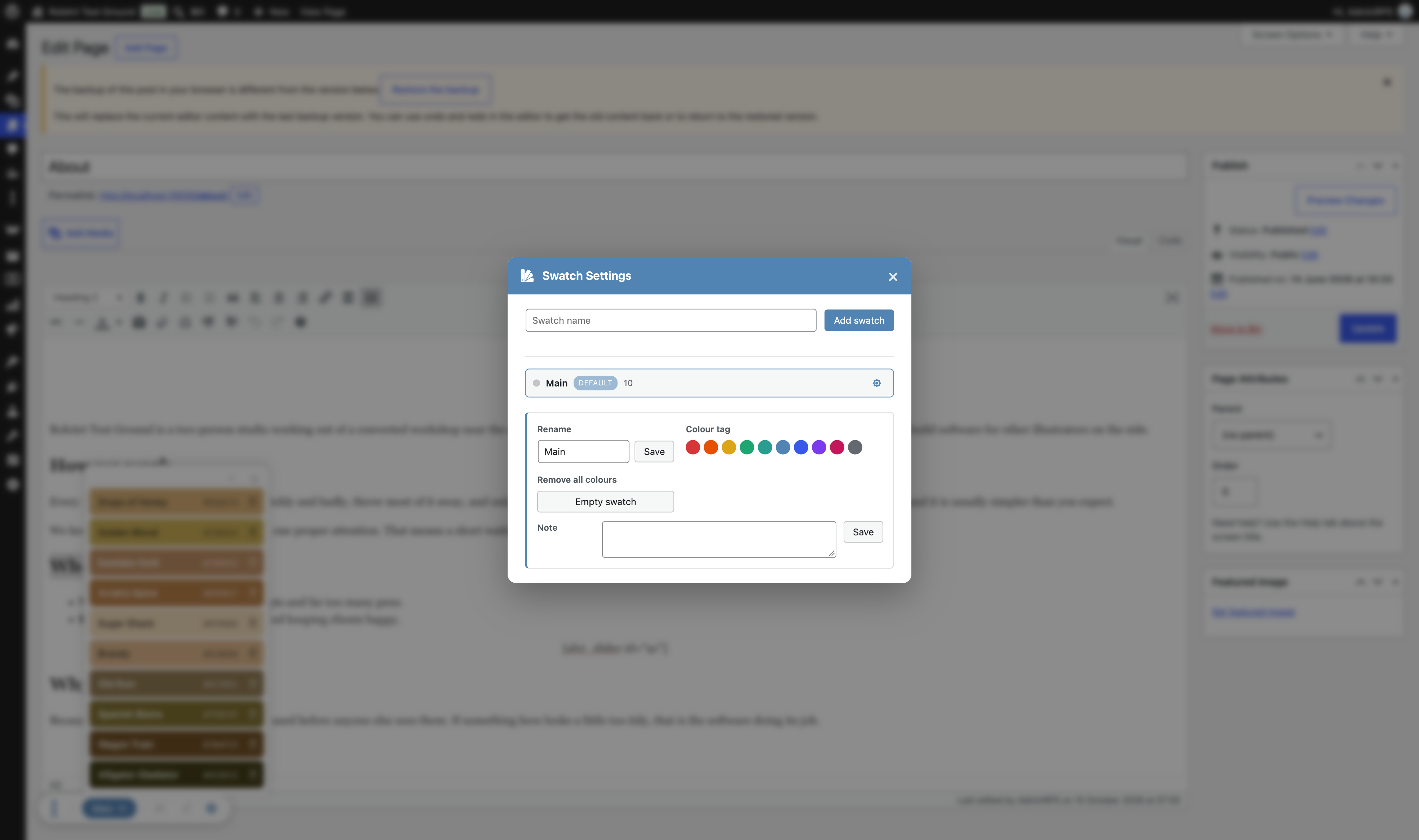
- Unlimited swatch groups: Start with a pinned Main swatch and create additional groups as needed. Each group holds up to 60 colours by default.
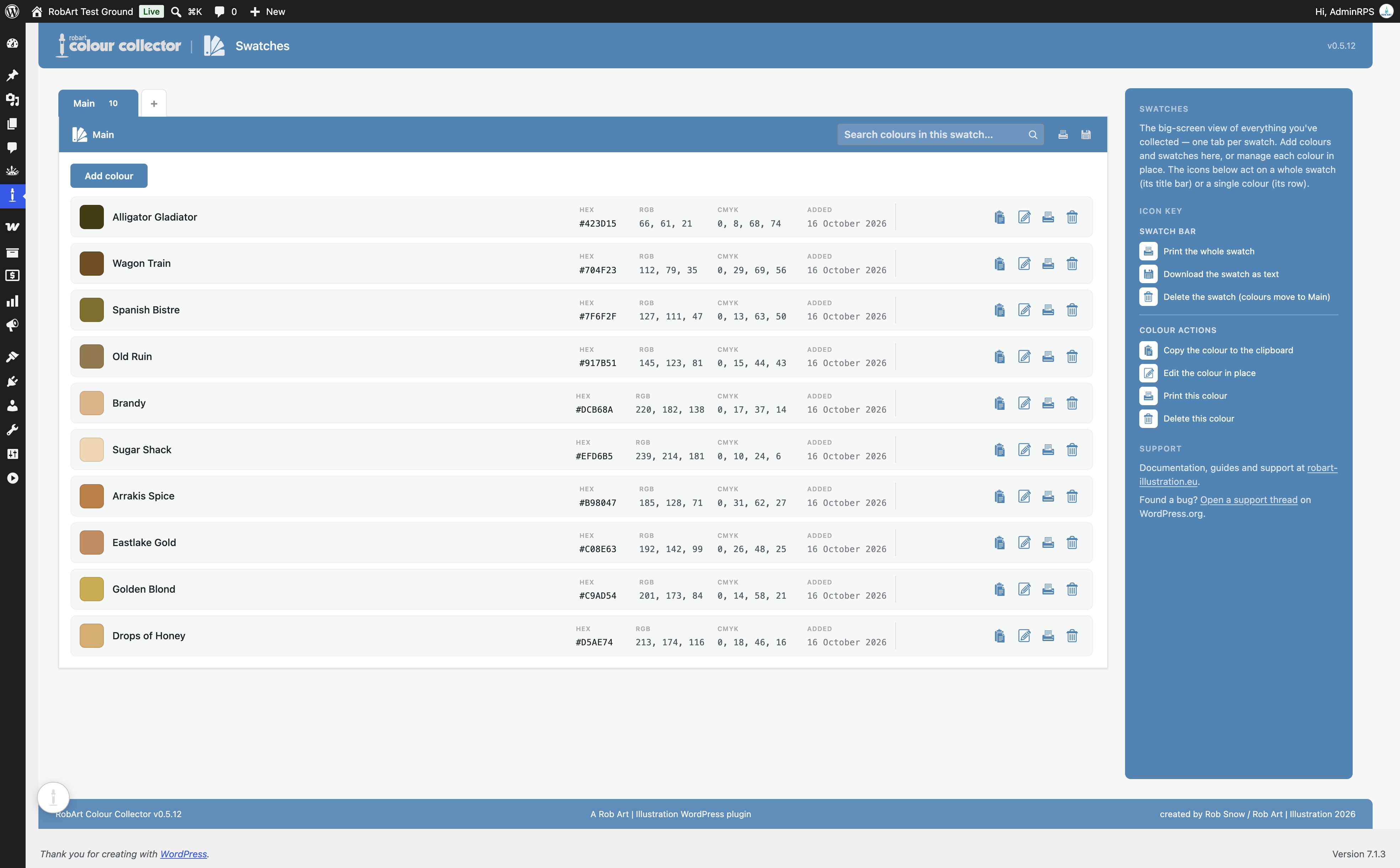
- Swatch notes and management: Rename, annotate, merge or remove swatches, and move colours between them.
- Floating dock and full library page: Work from the compact on-screen tray or manage colours in the dedicated Swatches admin screen.
- Personal collections: Saved colours belong to your WordPress user account and remain on your own site.
Reuse a colour in one click
Click a saved colour to copy its HEX value. Paste it into a block-editor colour field, a theme or plugin setting, or a CSS rule. You can also edit, print and manage your saved entries from the Swatches screen.
Ideal for
- Website designers keeping brand and project palettes at their fingertips.
- Site owners collecting colours from their existing pages and imagery.
- Content editors who regularly need consistent colours across pages.
- Developers copying HEX values into CSS and design settings.
- Illustrators and other creatives gathering colour inspiration.
What do you get for free?
The complete everyday workflow is free: floating dock, eyedropper or system colour picker, manual HEX entry, automatic names, unlimited swatch groups, notes, swatch management and click-to-copy HEX values.
RobArt Colour Collector Pro adds optional tools for larger or more specialised libraries:
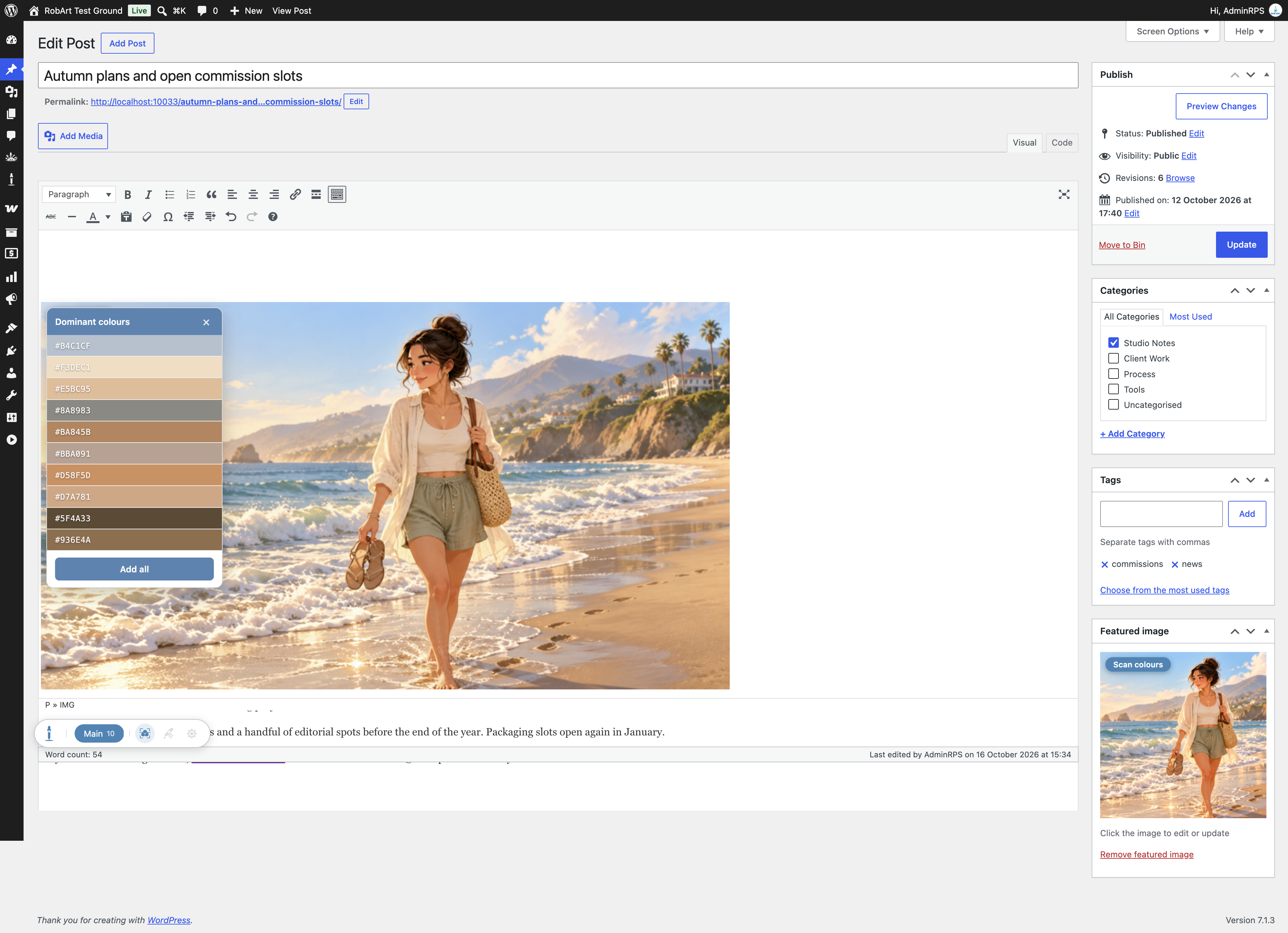
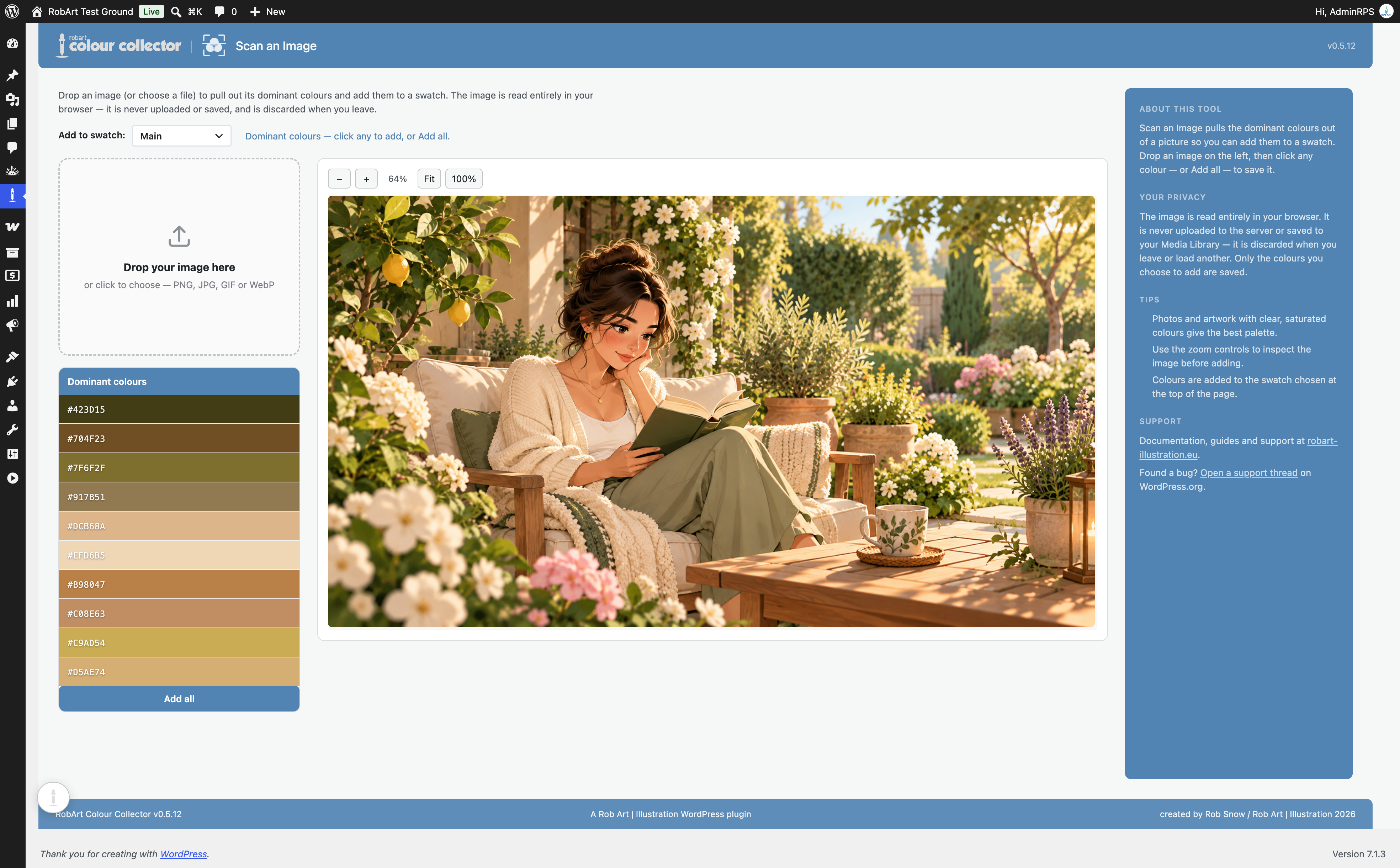
- Image colour scanning: Extract dominant colours from eligible images on your site, or use the dedicated Scan an Image screen to drop, choose or paste an image. Analysis runs in your browser; the image isn’t uploaded by the scanning tool.
- Instant search: Filter saved colours by name or HEX value.
- Manual ordering: Alt-drag to arrange colours and swatches.
- Additional export tools: Pro includes extra swatch export functionality; consult the current Pro documentation for supported formats.
Free functionality does not require Pro or a licence key. The Pro add-on is a separate purchase, offered as a one-time licence with updates throughout version 1.x.
Privacy first
Your swatches and colour values are stored in your WordPress site’s database for your user account. The free plugin makes no external service requests. Pro licence validation, if you separately install and activate the Pro add-on, is explained under External Services below.
Externe Dienste
The free plugin makes no external requests and stores saved colour data on your own site’s database.
The separately installed paid RobArt Colour Collector Pro add-on uses the author’s licence server at robart-illustration.eu, which verifies licensing through Lemon Squeezy.
- Information sent: licence key and site URL; no collected colours are sent.
- When: licence activation, deactivation and periodic validation of an active Pro licence.
- Purpose: confirm the licence is valid for the site and enable licensed Pro updates.
- Terms and privacy: https://robart-illustration.eu/ and https://www.lemonsqueezy.com/privacy and https://www.lemonsqueezy.com/terms .
Unterstützen
For questions, bug reports and feature requests, use this plugin’s WordPress.org support forum. Documentation and guides: https://robart-illustration.eu/plugins-wordpress-development/ .
Uninstall
Deactivating the plugin preserves saved colours and settings. Deleting the plugin removes its dedicated colour and swatch tables, settings, associated transients and user references as described in the included documentation.
Installation
- Install RobArt Colour Collector from the Plugins screen, or upload the plugin ZIP.
- Aktivieren Sie das Plugin.
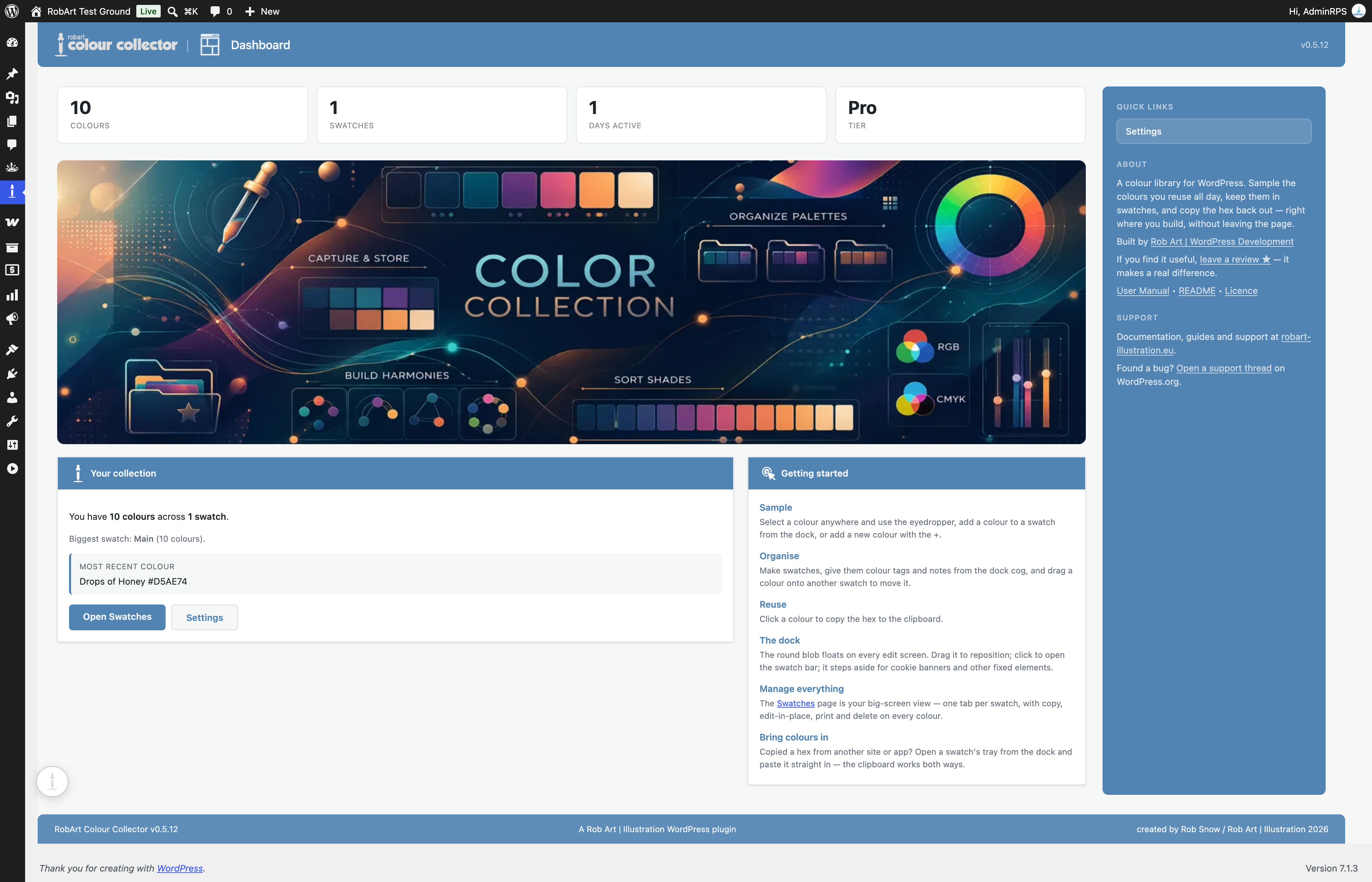
- Open Colour Collector → Dashboard or look for the floating collector dock on your editing screen.
- Open the dock, select the eyedropper and pick a colour, or add a HEX value manually.
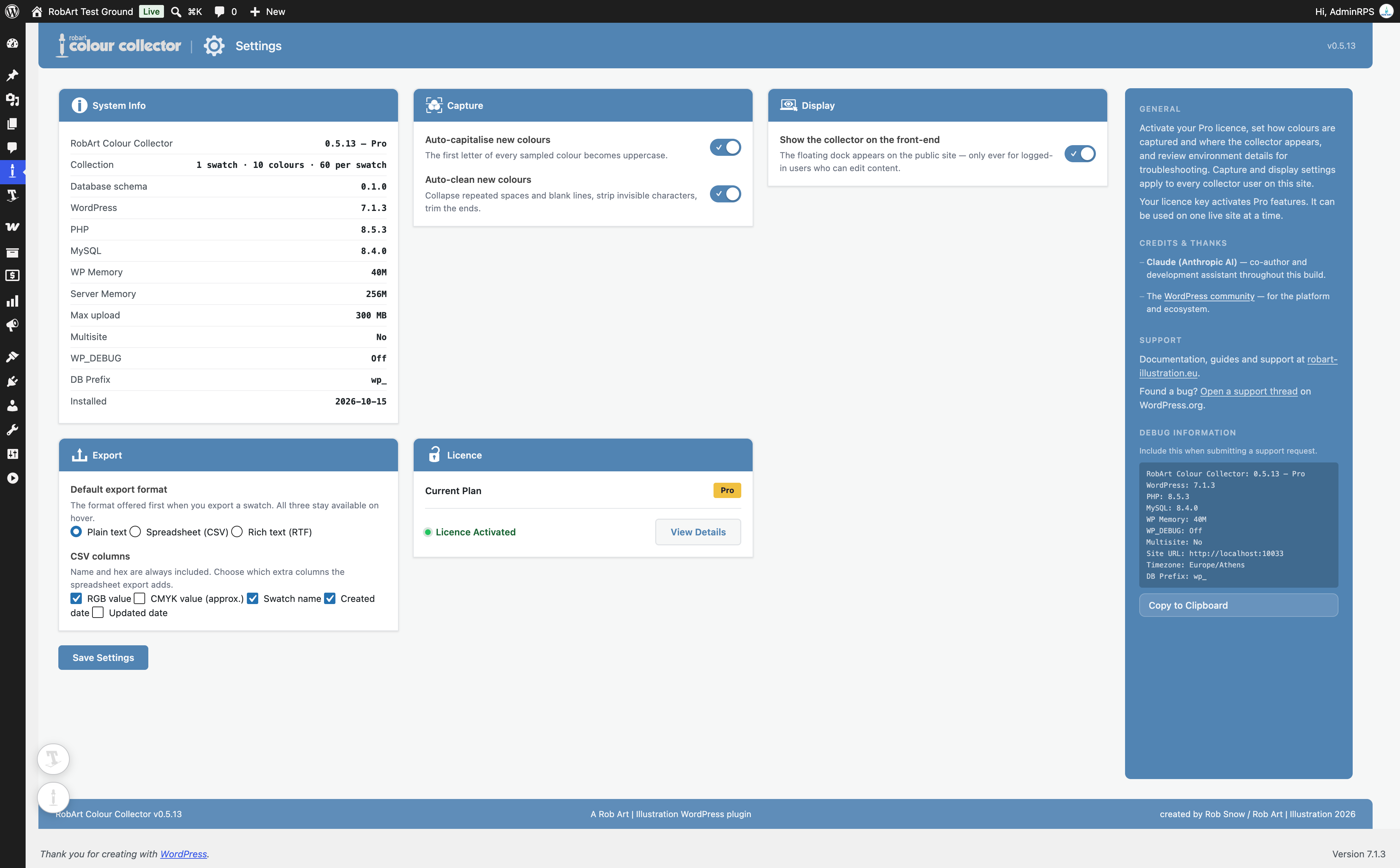
- Open Colour Collector → Swatches to organise your collection. Administrators can enable front-end access under Settings.
Änderungsprotokoll
Upgrade prices now show in euros, the same currency as the checkout.
0.5.15
- Changed: upgrade prices now show in euros (€), the same currency as the checkout.
0.5.14
- Fixed (Pro): Pro features no longer switch off on pages loaded over plain http. The licence check now uses your saved site address, which is the same for http and https.
0.5.13
- Fixed (Pro): “Scan image for colours” now finds images inside a post you are editing. The Classic editor and the block editor show the post in a frame of their own, so those images had no Scan pill; only the featured image did.
- New readme: rewritten description and FAQ.
0.5.12
- Security: internal hardening.
0.5.11
- Security: internal hardening.
0.5.10
- Fixed: the floating collector dock could show its “Open Colour Collector” accessibility label as visible text on themes that do not provide the standard screen-reader-text utility. The dock now hides its own labels regardless of the active theme.
Screenshots

Für Entwickler
Ist das dein Plugin? Zeigen Sie die Zahlen.
Fügen Sie Ihrer Website, Docs oder GitHub Readme ein Live-Badge hinzu. Es wird von selbst aktualisiert - kein Konto erforderlich.
Best RobArt Colour Collector alternatives
All color palette plugins →


Fragen und Antworten
RobArt Colour Collector: quick answers
Gerade Antworten, gezogen von Live WordPress.org Daten.
Quelle: WordPress.org
Is RobArt Colour Collector free?
Yes. RobArt Colour Collector is free to download and use from the official WordPress.org plugin directory.
Is RobArt Colour Collector safe to use in 2026?
RobArt Colour Collector is a solid plugin choice in 2026, with a few things worth checking first. Was last updated 2 weeks ago, and scores 64/100 on our health check.
How many websites use RobArt Colour Collector?
RobArt Colour Collector is active on <10 WordPress websites and has been downloaded 815 times since it launched in July 2026. It was downloaded 204 times in the last 30 days.
Does RobArt Colour Collector work with WordPress 7.1?
Yes. The developer has tested RobArt Colour Collector up to WordPress 7.1.5, the latest release. It requires WordPress 6.2 or newer.
What PHP version does RobArt Colour Collector need?
RobArt Colour Collector requires PHP 8.0 or higher. Most hosts run PHP 8.x today, so it works on any modern WordPress hosting.
When was RobArt Colour Collector last updated?
The latest version, 0.5.15, was released on November 8, 2026 (2 weeks ago).
Who makes RobArt Colour Collector?
RobArt Colour Collector is developed and maintained by Rob Art.
What are the best alternatives to RobArt Colour Collector?
The most popular alternatives to RobArt Colour Collector are Block Editor Colors (3K+ installs), Custom Color Palette for Gu… (1K+ installs) and Editor Custom Color Palette (80+ installs).
Angetrieben von PageForge
Eine Vorlage und eine Tabelle. Eine echte Seite für jede Suche.
PageForge Verwandelt jede Zeile eines CSV in eine WordPress-Seite mit eigenem Titel, URL, SEO Felder und Schema entworfen. Kostenlos auf WordPress.org.
- CSV und XLSX, plus Google Sheets auf Beruf und Unternehmen
- seinen eigenen Titel, URL, SEO Felder und Schema für jede Seite
- Arbeitet mit dem Blockeditor, Elementor, Divi und Avada
- Kostenlos auf WordPress.org, keine Kreditkarte