


Easy Integration for Dropbox – File Manager
Turn Dropbox into a WordPress file manager — browse, embed, upload & share files with shortcodes, blocks & forms.

Solide Wahl
Easy Integration for Dropbox is a solid plugin choice in 2026, with a few things worth checking first. It runs on 100+ sites, is rated 5/5 and was last updated 2 months ago, and scores 76/100 on our health check.
- Getestet mit dem neuesten WordPress (7.1)
- Kleine Benutzerbasis (100+ aktive Installationen)
Wie stapelt es sich?
Side-by-side bei Installationen, Updates, Bewertungen und Support


Tägliche Downloads
Download-Spitzen folgen normalerweise einer neuen Version - jede Website, die automatisch aktualisiert wird, gilt als Download.
Ranglisten
Where Easy Integration for Dropbox stands todayWordPress.org Ranglisten suchen
Live-Position in der Plugin-Suche, Top 100| Stichwort | Position |
|---|---|
| cloud storage | #61 |
| Dropbox | #10 |
| file manager | #62 |
| file upload | >100 |
| Shortcode | >100 |
Versionsübernahme
Anteil aktiver Sites pro Release.
Bewertungsaufschlüsselung
★★★★★★★★★★ 5 from 5 reviews
About Easy Integration for Dropbox
From the official readme · v2.3.2Beschreibung
Easy Integration for Dropbox – File Manager connects your WordPress site directly to Dropbox, so you can browse, embed, upload, and manage files without ever touching your server’s storage. Your files stay in Dropbox — WordPress just displays and manages them.
Whether you need a simple download link, a full image gallery, or a way for visitors to upload files straight into your Dropbox account, the shortcode builder, Gutenberg blocks, and page-builder widgets get you there in minutes — no code required.
💡 Why Choose Easy Dropbox Integration?
- ✅ Save server space — Dropbox stores the files, not your WordPress host, so large media libraries never eat your hosting quota.
- ✅ No coding required — a visual shortcode builder plus Gutenberg, Elementor, and Divi support handle the setup.
- ✅ Built-in previews — PDFs, Office documents, images, and video open in a responsive popup, no download needed.
- ✅ Form-ready uploads — connect Contact Form 7 (or WPForms, Ninja Forms, and more with PRO) so submissions upload straight to Dropbox.
- ✅ SEO-friendly embeds — shortcodes render clean, crawlable markup instead of files hidden behind a Dropbox login wall.
- ✅ Scales with PRO — add multiple Dropbox accounts, sync with the WordPress Media Library, and more when you need it.
🚀 Hauptmerkmale
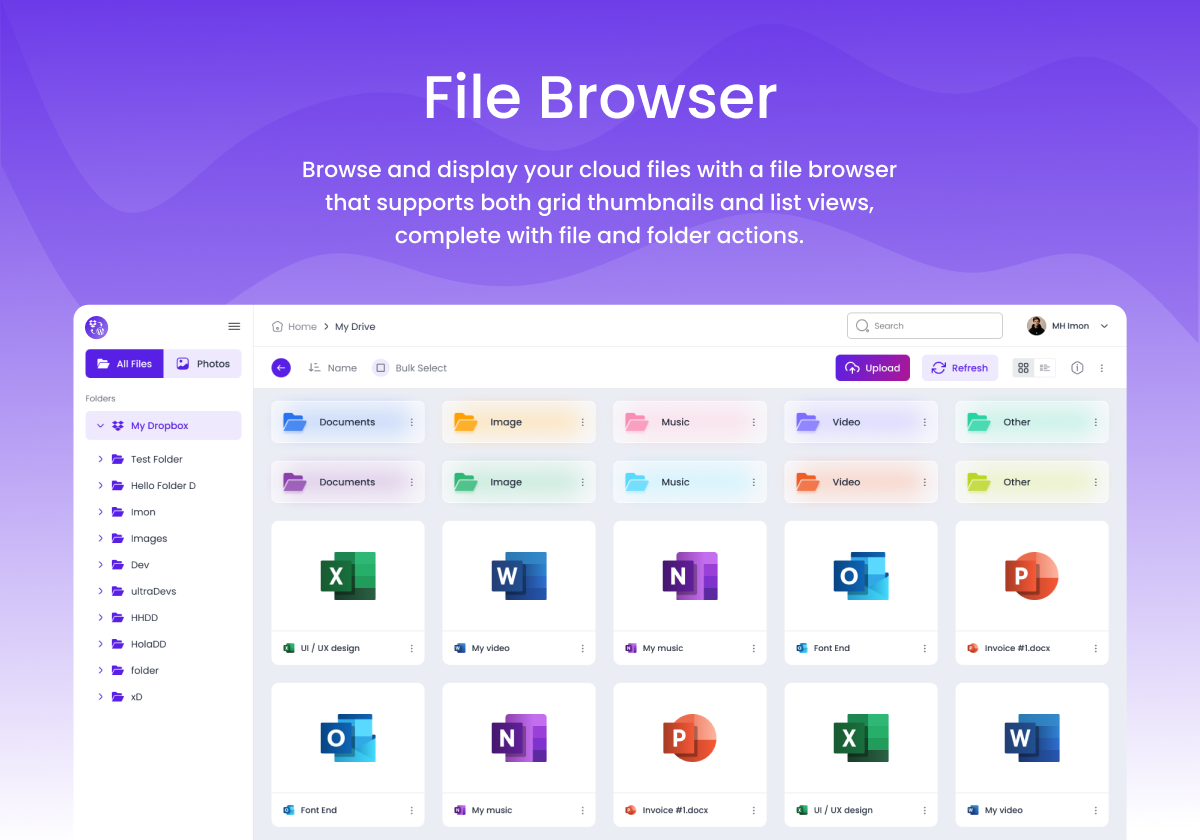
- File Browser – Browse, search, and organize Dropbox files and folders from the WordPress admin.
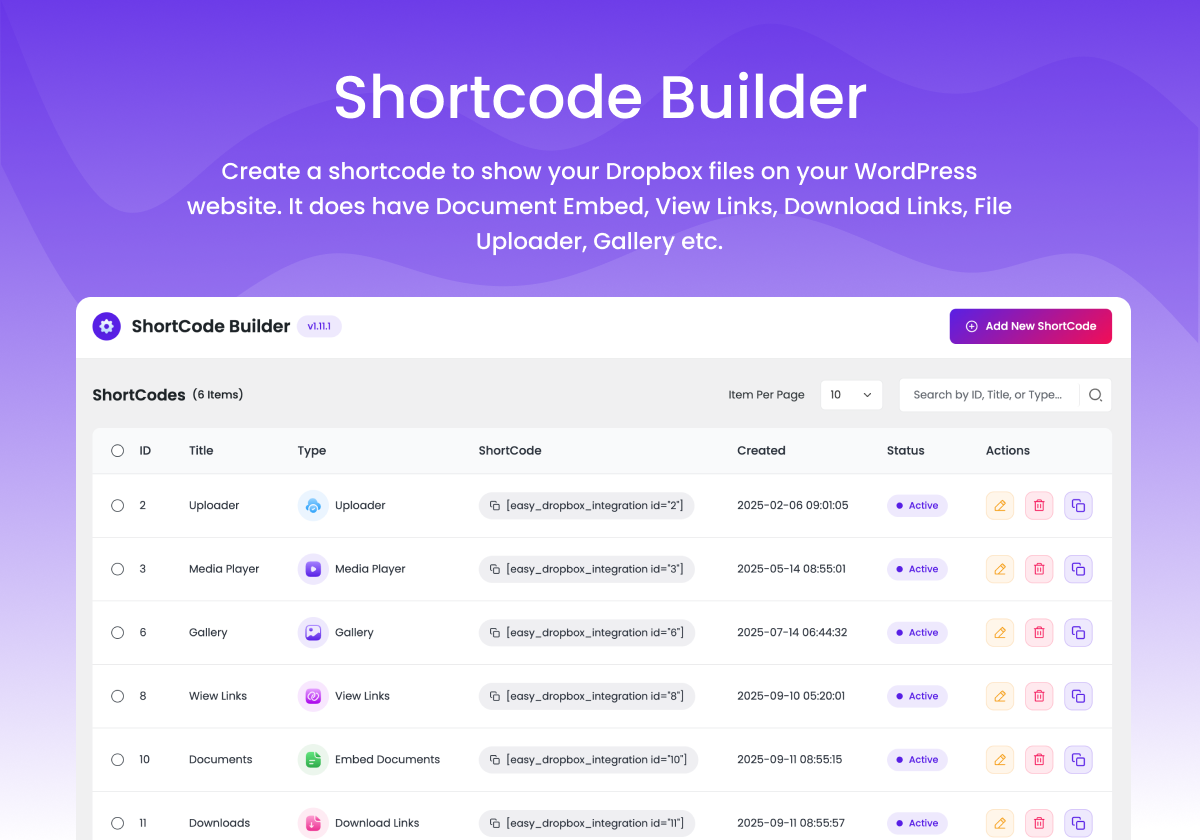
- Shortcode Builder – Visually create embeds for documents, image galleries, view links, and download links.
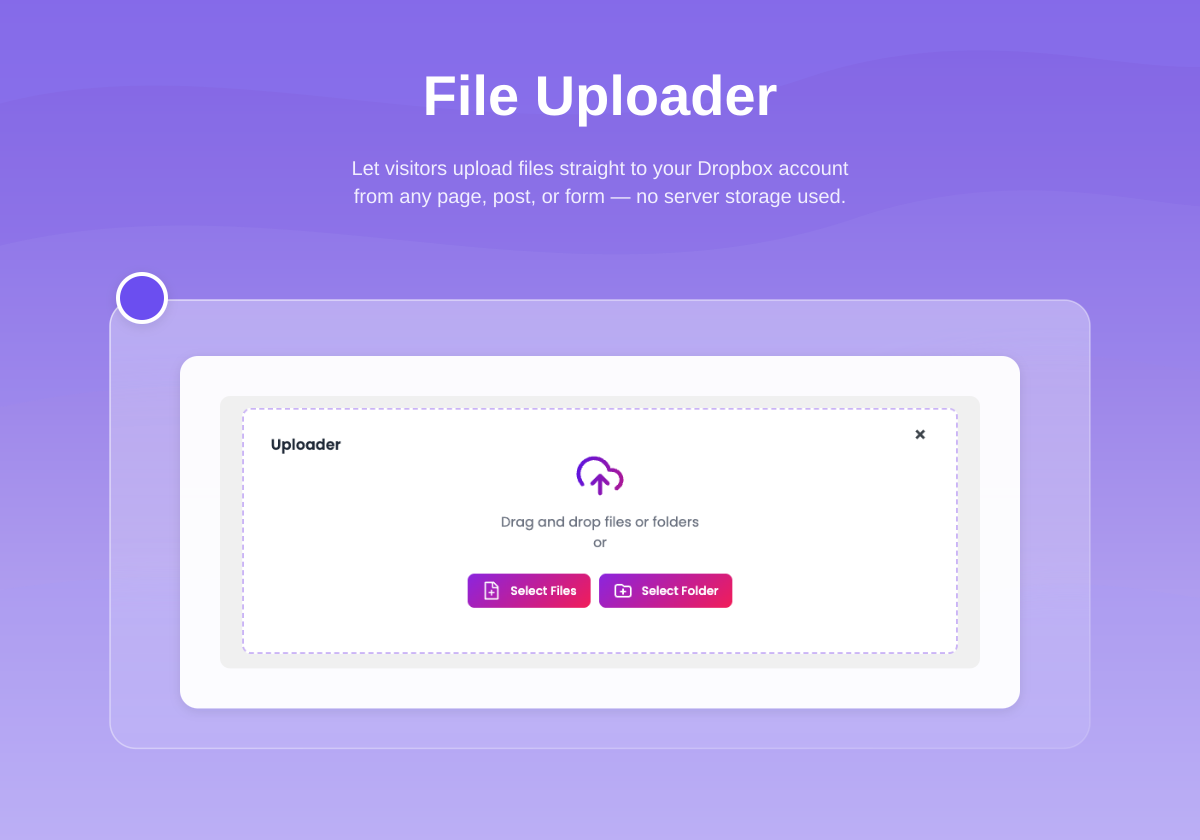
- File Uploader – Drop an uploader into any page, post, or Contact Form 7 form; submissions save straight to Dropbox.
- File Previewer – Responsive popup previews for PDFs, Office documents, images, and more, powered by lightGallery and the Microsoft Office viewer.
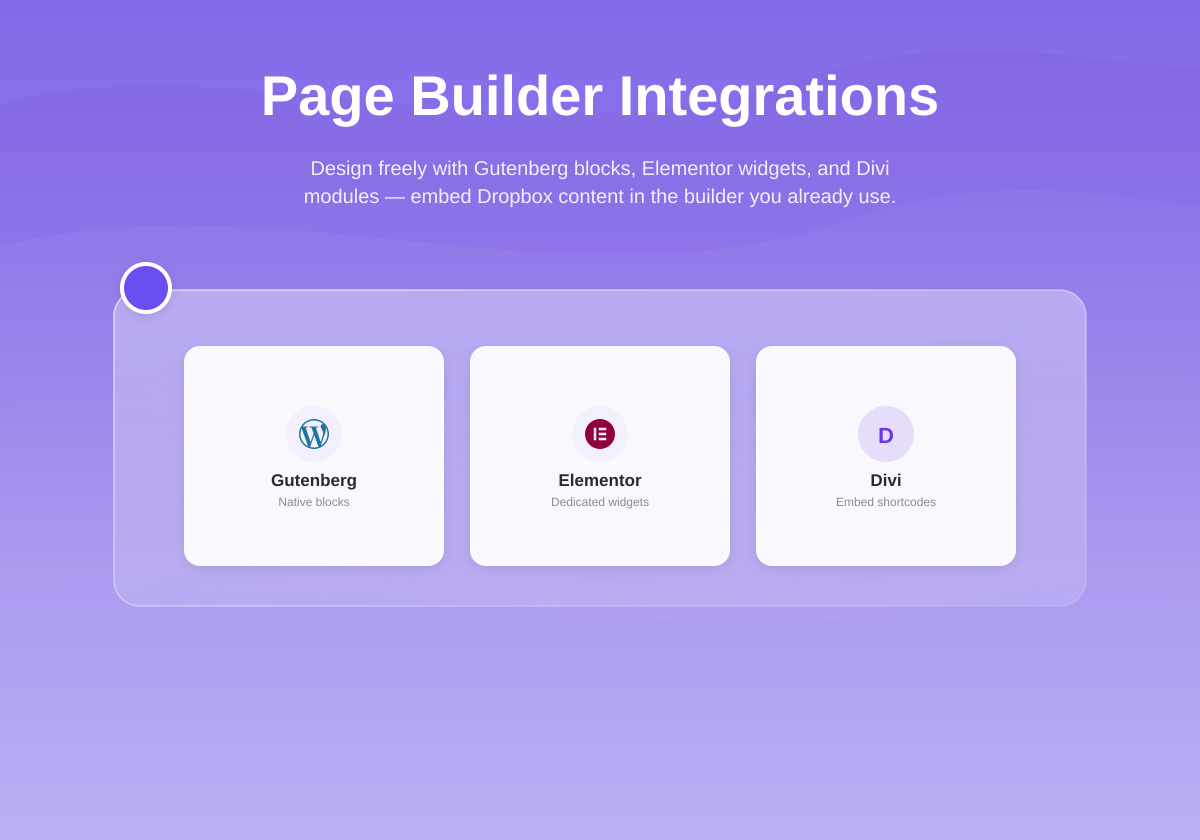
- Gutenberg, Elementor & Divi Support – Native blocks and a module for the page builder you already use.
👥 Perfect For
- Agencies & freelancers managing client files without server storage limits.
- Course creators & membership sites delivering downloadable resources.
- Real estate & portfolio sites embedding image galleries and documents.
- Businesses collecting files from customers through Contact Form 7 (or WPForms/Ninja Forms with PRO).
⚡ Getting Started in 3 Steps
- Install and activate the plugin, then connect your Dropbox account from Dropbox → Connect Dropbox using the guided OAuth flow.
- Open Dropbox → Shortcode Builder and create an embed for a document, gallery, or download link.
- Paste the generated shortcode into any page or post — or use the Gutenberg block, Elementor widget, or Divi module instead.
✨ Free Features
⚙️ Easy Setup
Connect your Dropbox account in a few clicks with the guided OAuth flow.
🗂️ File Browser
Browse, search, and manage Dropbox files and folders directly from the WordPress admin.
⏫ File Uploader
Let visitors upload files straight to Dropbox from a shortcode, Gutenberg block, or Elementor widget.
🔍 File Search
Add a lightweight search box so visitors can quickly find Dropbox files by name.
📝 Shortcode Builder
Visually create SEO-friendly embeds for folders, documents, galleries, and download links.
👁️ File Previewer
Show a responsive preview popup for PDFs, images, Office documents, and other files — no download required.
🔀 Contact Form 7 Integration
Add a Dropbox uploader to Contact Form 7 so submitted attachments save directly to Dropbox instead of your server.
🚀 PRO Features
Unlock more with Easy Dropbox Integration PRO:
🔒 User Private Files
Give logged-in users their own private Dropbox folder with per-user visibility controls for uploads and downloads.
📚 WordPress Media Library Integration
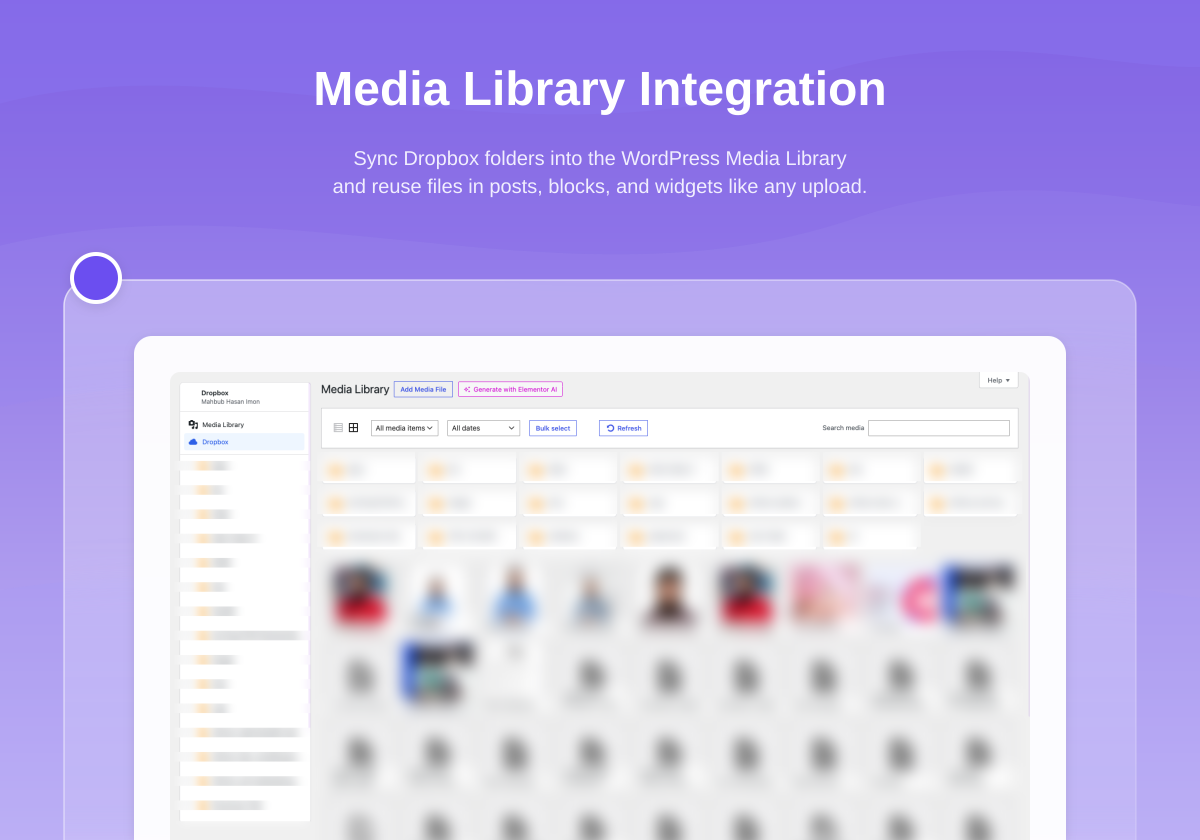
Sync Dropbox folders into the WordPress Media Library so you can reuse files in posts, blocks, and widgets like any other upload.
🔐 Multiple Dropbox Accounts
Connect and switch between several Dropbox accounts without re-authenticating — ideal for agencies managing multiple clients.
📁 Dropbox Team Folders
Use your Dropbox Business Team root as the plugin’s root folder. Review existing shortcodes and linked folders first, since the root will no longer be your personal folder.
🎬 Media Player in Shortcode Builder
Play audio and video directly through shortcode embeds, no extra configuration needed.
📡 Media Streaming
Stream media assets from Dropbox with optimized buffering for smooth playback.
🎠 Slider Carousel Layouts
Display folder contents as a touch-friendly carousel to spotlight featured files.
💾 Storage Syncing
Keep Dropbox and WordPress media in sync automatically so files stay available wherever they’re used.
📊 Statistics & Email Reports
Track downloads, uploads, previews, streams, and searches with top files, top users, a daily events chart, and a filterable, exportable event log — with optional scheduled email reports.
🔌 Integrations
Included free:
– Gutenberg Block Editor – native blocks for embedding Dropbox content.
– Elementor Page Builder – dedicated widgets for folders, galleries, and uploaders.
– Divi Page Builder – embed Dropbox shortcodes inside Divi.
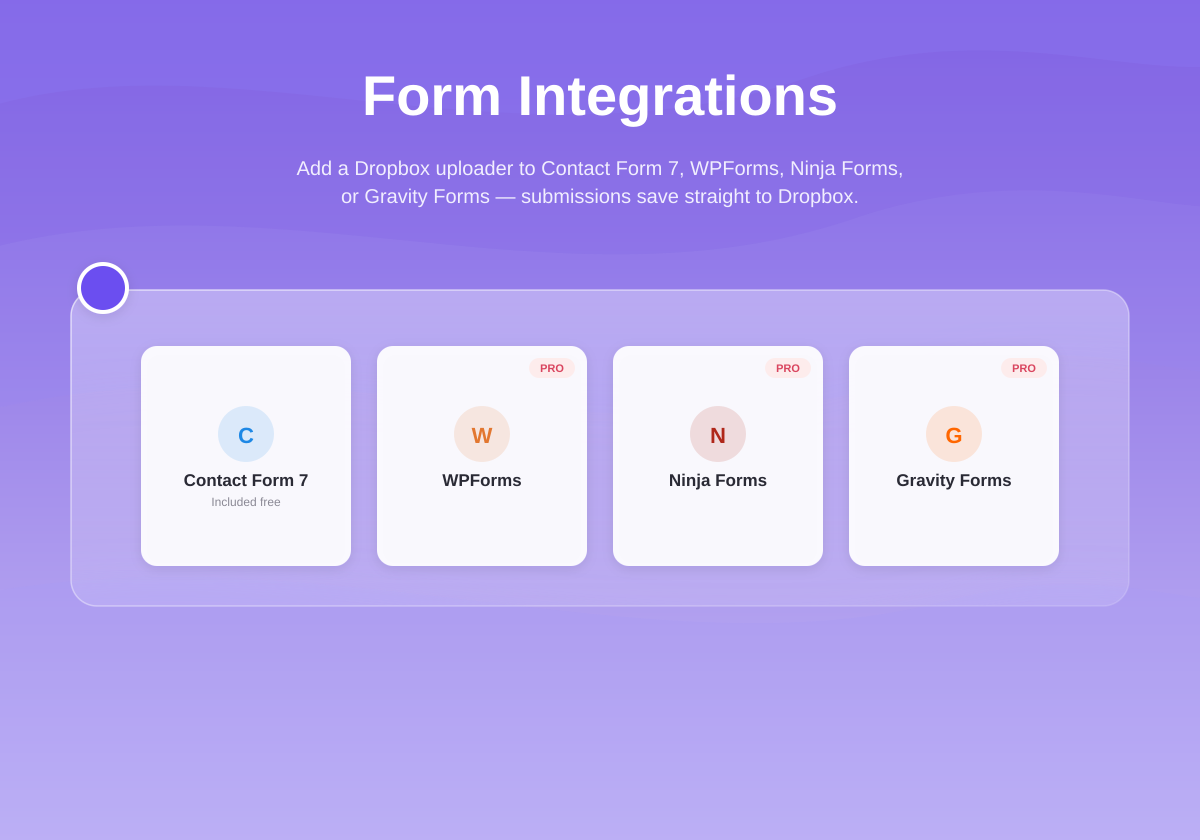
– Contact Form 7 – upload form attachments straight to Dropbox.
Available in PRO:
– WooCommerce – sell Dropbox files as downloadable products.
– Easy Digital Downloads – sell Dropbox files as downloadable products with a “Choose from Dropbox” picker.
– Dokan – multivendor marketplaces where each vendor connects their own isolated Dropbox account and attaches Dropbox files to their products.
– WPForms
– Ninja Forms – Dropbox file uploaders for form submissions.
– Gravity Forms, Fluent Forms, Formidable Forms & MetForm – Dropbox uploaders for each form builder.
– Elementor Pro Forms – a Dropbox file uploader field for Elementor’s own form widget.
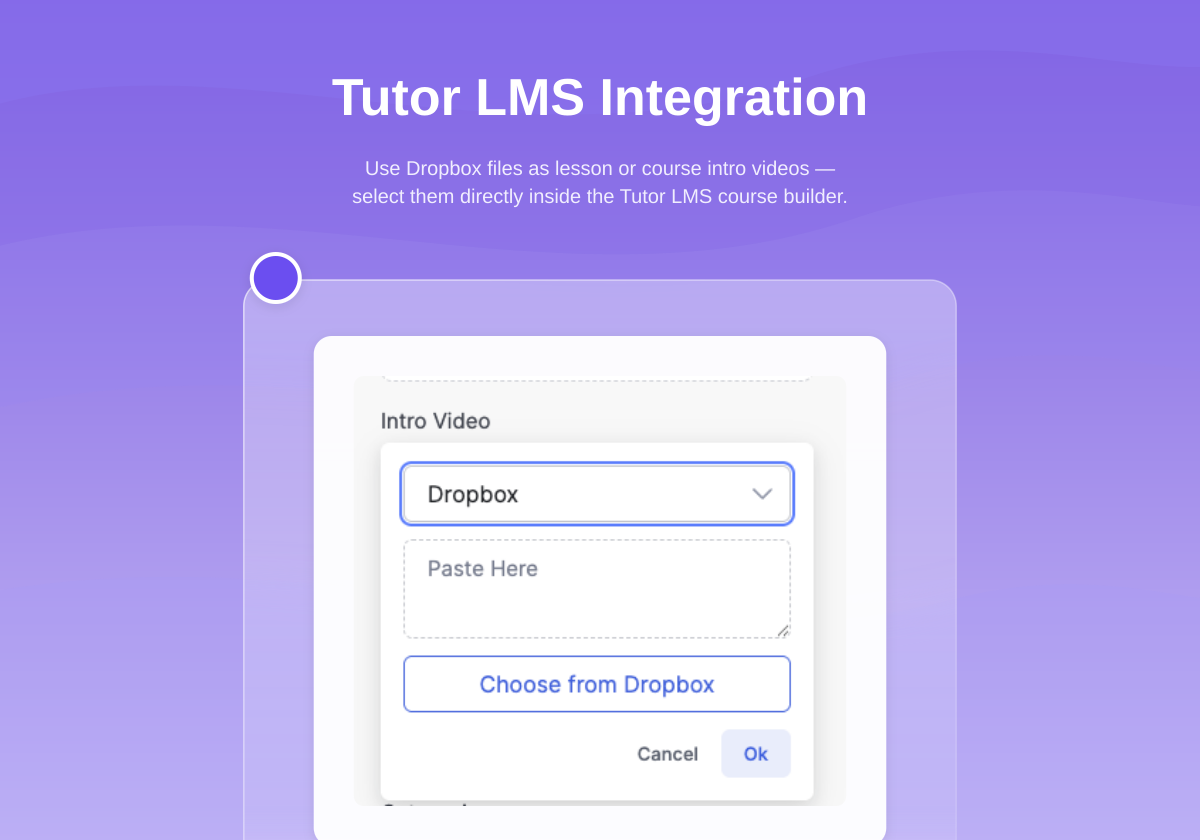
– Tutor LMS – use Dropbox files as lesson or course videos, plus downloadable lesson materials.
– MasterStudy LMS – attach Dropbox-hosted files to a lesson’s materials.
– Advanced Custom Fields (ACF) – a “Dropbox File” field type usable in any field group, on any post type.
🗺️ Roadmap
We’re actively expanding support to more page builders, form plugins, and LMS platforms — let us know what you’d like to see next.
📚 External Libraries & Third-Party Services
This plugin relies on the following third-party libraries and services:
– Dropbox PHP SDK — communicates with the Dropbox API to browse, upload, and manage files.
– lightGallery — renders responsive image, video, and document galleries and previews.
– Flaticon — provides interface icons.
– Google Docs Viewer (docs.google.com/viewerng/viewer) — embeds PDF previews.
– Microsoft Office Viewer (view.officeapps.live.com) — embeds Office document previews.
🔐 Data Privacy
Connecting Dropbox requires your own Dropbox App (see the FAQ below) — the plugin does not use a shared or default Dropbox App. When you complete the OAuth flow from Dropbox → Connect Dropbox, your site talks directly to Dropbox’s own authorization servers, and Dropbox redirects back to your site once you approve access.
No ultraDevs server is involved in this exchange, and your files are never stored on or transferred through our infrastructure. All file operations happen directly and securely between your server and Dropbox’s API.
See the ultraDevs Privacy Policy for how we handle other data, such as license and support information.
💬 Support, Docs & Community
- 🆘 Free Support Forum
- 📖 Documentation
- 🎥 Video Tutorials
- 💬 Live Chat on Facebook
- 👥 Facebook Community Group
- 📺 YouTube Channel
- 🐦 Twitter/X
Made with ❤️ by ultraDevs.
Installation
- Upload the plugin files to
/wp-content/plugins/easy-dropbox-integration, or install it directly through Plugins → Add New in your WordPress admin. - Activate the plugin through the Plugins screen.
- Go to Dropbox → Connect Dropbox and follow the guided OAuth flow to link your Dropbox account.
- Open Dropbox → Shortcode Builder to create your first embed, then paste the shortcode into any page or post.
Änderungsprotokoll
Fixes stale/broken gallery thumbnails, adds File Browser search, and corrects file-type icons for many formats. Recommended for all users.
2.3.2 – 08 October, 2026
- Update: Updated Freemius SDK to the latest version.
2.3.1 – 25 September, 2026
- New: Added a Display options menu to the File Browser (grid/list view, items per row, and a “show full name” toggle) so long file and folder names no longer get cut off in the picker.
- Fix: The File Browser’s admin styles could keep showing an outdated version after updating the plugin — they now always load the current version instead of getting stuck on a browser-cached copy.
2.3.0 – 23 September, 2026
- Fix: A frontend file uploader (Contact Form 7 and, with Premium, other supported form plugins) could fail to render at all — with no folder pre-selected in its configuration, the uploader crashed instead of falling back to letting visitors browse and pick a file at upload time.
- Fix: Previewing or opening Word, Excel, PowerPoint, SVG, and several other file types could fail with “File not found” or a blank preview — the file link handed to the previewer wasn’t in a format it could read.
- New: Preview support added for plain text and code files (Markdown, JSON, CSS, JavaScript, HTML, PHP, Python, SQL, and more) — these now open directly instead of showing no preview at all.
- Fix: iPhone photos (.HEIC), camera RAW files, and Photoshop (.PSD) files could show a blank preview in most browsers (only Safari renders these formats directly) — preview now uses the already-generated thumbnail image instead.
- Fix: .ico files had no preview, and .rar/.7z archives could show a broken preview instead of the file icon.
- New: Added the event logging that powers Statistics in Easy Integration for Dropbox Premium — track downloads, uploads, previews, streams, and searches from the Statistics page in the Premium plugin.
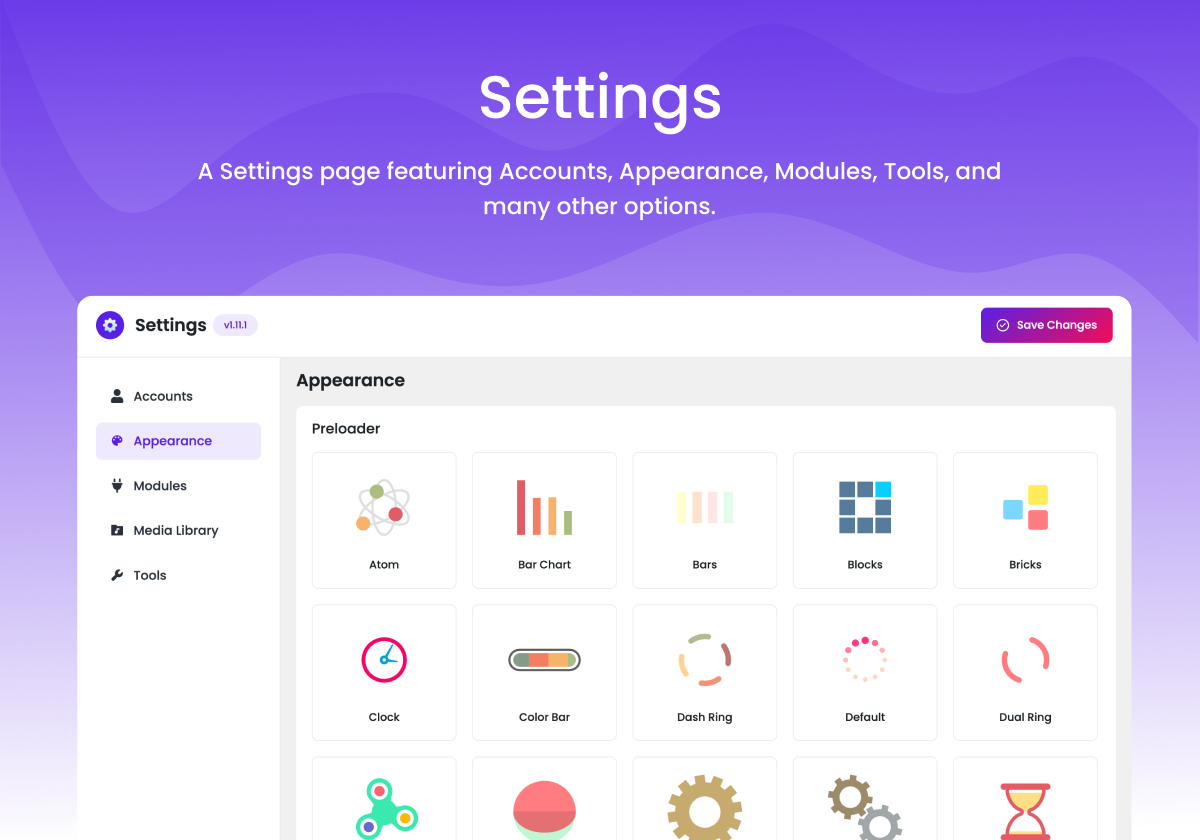
- Enhancement: The Private Folders, Media Library, Statistics, and Synchronization settings tabs are now provided by Easy Integration for Dropbox Premium when active, instead of this plugin.
- New: Added
edbi_authorization_redirect,edbi_accounts_list, andedbi_scoped_account_idsfilters, letting Easy Integration for Dropbox Premium give a Dokan vendor their own isolated Dropbox connection. - Fix: A connected account could be silently deleted by an unrelated background event — the automatic storage-sync cron re-saved every account through a list that a filter (such as the new vendor-scoping filter) could narrow, and anything the filter left out was dropped from storage instead of just hidden from that one request.
2.2.11 – 17 September, 2026
- Fix: The File Browser’s file previewer could fail because of security updates.
- Fix: PDF previews on the frontend could render too small to read.
2.2.10 – 14 September, 2026
- Fix: Frontend gallery images could still show as permanently broken until a full page reload — large originals over Dropbox’s thumbnail size limit are now resized and cached locally instead of being served as a raw, repeatedly-refetched original file.
- Enhancement: Gallery images now retry automatically if a load briefly fails, instead of requiring a manual page reload.
- New: Added Move, Duplicate, and Share to the File Browser’s file/folder menu (previously showed “Coming Soon”).
- New: Added Cut & Paste to the File Browser — cut a file or folder from its menu, then use the new Paste button to move it into any folder you open.
- Fix: Dropbox errors (such as a naming conflict when moving, duplicating, or renaming a file) showed a raw error code instead of a clear, readable message.
- Fix: The File Browser’s ⋮ and right-click menus could appear as an empty box (just their divider lines) on a shortcode with every file or folder action disabled — the menu, and its ⋮ button, no longer render when there’s nothing left to show.
- New: PRO Feature: Tutor LMS Integration module now lets you select Dropbox files as lesson or course intro videos in the Tutor LMS course builder.
2.2.9 – 11 September, 2026
- Fix: Frontend gallery images could show as broken (with working click/preview links) until the page was reloaded — cached thumbnail URLs that had gone stale (expired Dropbox temporary links or cleared local thumbnail files) are now detected and regenerated automatically.
- New: Added a search box to the File Browser so you can quickly find files and folders by name.
- Fix: Dropdown css classnaming conflict.
- Fix: The File Browser could show stale results after uploading a file or clicking Refresh — every other refresh silently reused cached data instead of pulling new files. Uploads and manual refreshes now always fetch the latest data from Dropbox.
- Fix: Many file types (.txt, .csv, .docx, code files, fonts, archives, and more) showed a folder icon in the File Browser instead of their correct file-type icon.
Screenshots
Für Entwickler
Ist das dein Plugin? Zeigen Sie die Zahlen.
Fügen Sie Ihrer Website, Docs oder GitHub Readme ein Live-Badge hinzu. Es wird von selbst aktualisiert - kein Konto erforderlich.
Best Easy Integration for Dropbox alternatives
All cloud storage plugins →





Fragen und Antworten
Easy Integration for Dropbox: quick answers
Gerade Antworten, gezogen von Live WordPress.org Daten.
Quelle: WordPress.org
Is Easy Integration for Dropbox free?
Yes. Easy Integration for Dropbox is free to download and use from the official WordPress.org plugin directory.
Is Easy Integration for Dropbox safe to use in 2026?
Easy Integration for Dropbox is a solid plugin choice in 2026, with a few things worth checking first. It runs on 100+ sites, is rated 5/5 and was last updated 2 months ago, and scores 76/100 on our health check.
How many websites use Easy Integration for Dropbox?
Easy Integration for Dropbox is active on 100+ WordPress websites and has been downloaded 8,365 times since it launched in July 2024. It was downloaded 597 times in the last 30 days.
Does Easy Integration for Dropbox work with WordPress 7.1?
Yes. The developer has tested Easy Integration for Dropbox up to WordPress 7.1.5, the latest release. It requires WordPress 6.2 or newer.
What PHP version does Easy Integration for Dropbox need?
Easy Integration for Dropbox requires PHP 7.4.0 or higher. Most hosts run PHP 8.x today, so it works on any modern WordPress hosting.
When was Easy Integration for Dropbox last updated?
The latest version, 2.3.2, was released on October 8, 2026 (2 months ago).
Who makes Easy Integration for Dropbox?
Easy Integration for Dropbox is developed and maintained by ultraDevs.
What are the best alternatives to Easy Integration for Dropbox?
The most popular alternatives to Easy Integration for Dropbox are Advanced Media Offloader (8K+ installs), Media Cloud (6K+ installs) and Infinite Uploads (800+ installs).
Angetrieben von PageForge
Eine Vorlage und eine Tabelle. Eine echte Seite für jede Suche.
PageForge Verwandelt jede Zeile eines CSV in eine WordPress-Seite mit eigenem Titel, URL, SEO Felder und Schema entworfen. Kostenlos auf WordPress.org.
- CSV und XLSX, plus Google Sheets auf Beruf und Unternehmen
- seinen eigenen Titel, URL, SEO Felder und Schema für jede Seite
- Arbeitet mit dem Blockeditor, Elementor, Divi und Avada
- Kostenlos auf WordPress.org, keine Kreditkarte