


Chartify – WordPress Chart Plugin
Chartify is a powerful WordPress Chart Builder Plugin that will help you to create WordPress Graphs & Charts easily and quickly.

Solide Wahl
Chartify is a solid plugin choice in 2026, with a few things worth checking first. It runs on 3K+ sites, is rated 4.9/5 and was last updated 2 months ago, and scores 73/100 on our health check.
- Loved by users — 4.9/5 from 28 reviews
- Getestet mit dem neuesten WordPress (7.1)
Wie stapelt es sich?
Side-by-side bei Installationen, Updates, Bewertungen und Support



Tägliche Downloads
Download-Spitzen folgen normalerweise einer neuen Version - jede Website, die automatisch aktualisiert wird, gilt als Download.
Ranglisten
Where Chartify stands todayWordPress.org Ranglisten suchen
Live-Position in der Plugin-Suche, Top 100| Stichwort | Position |
|---|---|
| chart | #4 |
| charts | #16 |
| graphs | #24 |
| Pie | #11 |
| visualization | #11 |
Versionsübernahme
Anteil aktiver Sites pro Release.
Bewertungsaufschlüsselung
★★★★★★★★★★ 4.9 from 28 reviews
About Chartify – WordPress Chart Plugin
From the official readme · v3.8.1Beschreibung
WordPress Chart Plugin
WordPress Chart Plugin is designed to build both static and dynamic charts, graphs and diagrams for your WordPress website. Interactive Charts WordPress can display in three methods: manually inputting data, linking to your Google Spreadsheet, or querying your preferred database.
Create an unlimited number of wordpress chart using the various chart types included in the WordPress data visualization plugin.
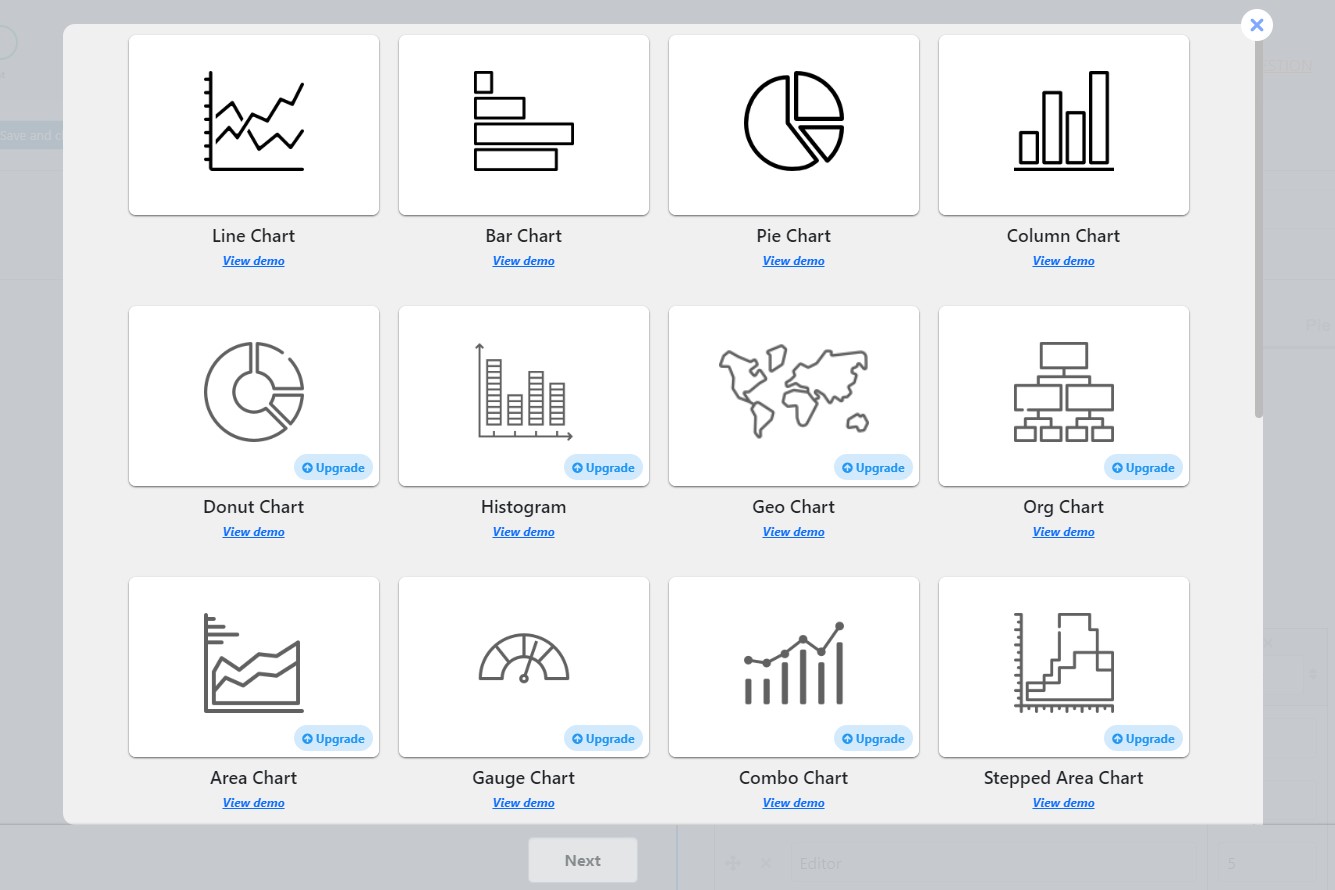
22 Available Chart Types Demos
- Line Chart
- Pie Chart
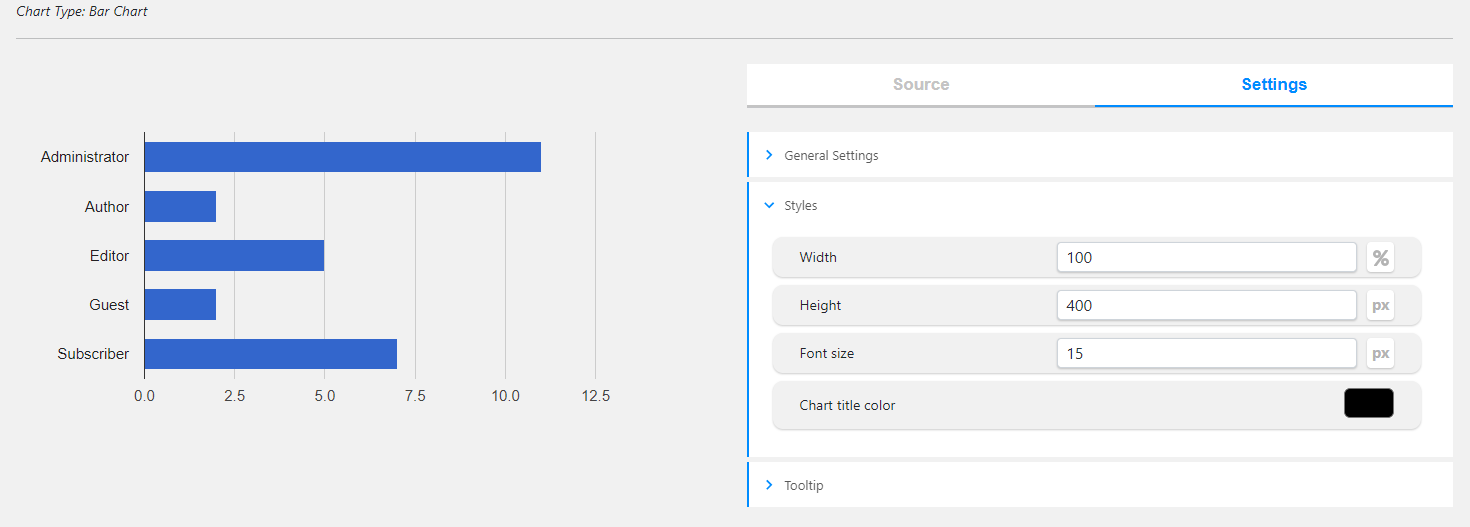
- Bar Chart
- Column Chart
- Donut Chart
- Histogram
- Geo Chart
- Org Chart
- Combo Chart
- Stepped Area Chart
- Gauge Chart
- Area Chart
- Bubble Chart
- Scatter Chart
- Table Chart
- 3D Pie Chart
- Zeitleiste
- Candlestick Chart
- Gantt Chart
- Sankey Diagram
- Treemap Chart
- Word Tree Chart
Why choose us among other WordPress Chart Builder Plugins?
With Chartify, you will have responsive charts & graphs into your WordPress posts and pages. Create dynamic charts that will automatically updated based on your data. When you add your data to your Google sheet, the charts inserted on your website will automatically be adjusted in excel style.
Moreover, the WordPress Graph plugin allows you to view your chart on your dashboard via live preview functionality. See it before publishing and make all the necessary changes.
Most importantly, the WordPress Graphs & Charts has a professional support team, that is always will be by your side while using this visualizer plugin.
Feel free to write topics on the FREE SUPPORT FORUM in case of having any questions about the plugin. All your desires can be achieved with the WordPress chart plugin.
Easy-to-use | Intuitive Design | Mobile-Friendly
A beginner-friendly and intuitive interface makes the process of creating charts easy than ever. If you have no data visualization background, no problem at all – you can build attractive charts and graphs like an expert with this visualizer wordpress tool.
With WordPress data visualization plugin create visual charts that can help you to create engaging content for your audience. No matter what profession you have, responsive charts are essential tools for you.
Chart plugin is designed for:
- Business owners to show their business trends over time
- Business analysts
- Data analysts
- Stock marketers
- Sports statistics website owners
- Teachers, Tutors to display their student’s stats.
- Newspapers to show infographics in their articles.
- Bloggers, Vloggers to show their growth stats.
- Scientific researchers.
- Those, who looking for gaining business investors
- Those, who want to present info to board members
- Those, who want to show their staff directory via organization chart
- Those, who want to visually show insights from your quizzes, polls, surveys, etc
Wie man benutzt
- Create a chart by clicking on the Add New button.
- Choose your preferred chart type.
- Add your data manually.
- Copy the generated shortcode and paste it into your desired post/page.
Chart shortcode
[ays_chart id=”chart_id”]
DATA SOURCES
- Manual Data
- Google Spreadsheet
- Query from Database
Build Charts by manually entering data
Have plain data and want to extract insights? Or do you want to show charts for wordpress and convince or clarify a point? It is no matter a problem with the Chartify visualizer plugin. With WordPress Chart Plugin for Visualizing Data you can create a chart by manually adding the needed data to any chart type you want.
Build Charts from Google Spreadsheet
Easily connect Chartify to your Google Sheets without having any coding skills. Keep charts up to date with your data from your spreadsheet. Have your data displayed like in excel in seconds. Most importantly, you do need to configure the chart settings to update the chart plugin it will be updated automatically when you add or change any data from your spreadsheet. Have visual data representation and save your data with us. Amazing, isn’t it?
Build Charts by querying the database
Quickly create charts based on your query data with Responsive Chart Plugin. Here you need to have some development skills. This ideally works for visualizing frequency distribution and displaying a comparison over time; x per day, per month, etc. Make colorful charts from your data and create data-driven decisions for your business with our Chart Maker.
Visualize Quiz Data with WordPress Chart Plugin
If you are using the Quiz Maker plugin, you’ve got a special opportunity to make interactive graphs for WordPress out of it. Visual data representation even easier now.
Connect your Chart Builder plugin to the Quiz Maker and display the data of your quizzes in various chart types. Using graphical data representation plugin, you can make all sorts of graphical data to show how many people got quiz questions right or wrong, or wordpress diagram that explain who’s taking your quizzes with responsive Chart Plugin. By putting together the Quiz Maker plugin and Chart WordPress plugin, you’re not just making quizzes more fun. You’re turning quiz results into something super useful with WordPress Analytics Charts. You can see trends, understand how people are doing, and use that info to make your content even better.
It’s like turning numbers into data that everyone can understand with interactive Charts WordPress.
Chart Types that can be useful for your WordPress data visualization
Display the data in various chart types in Chart WordPress plugin. With WordPress visualizer make use of the popular types and show the results in your preferred way.
Organizational Chart, will be useful for you to see your team’s structure on your WordPress site.
With Organization Chart WordPress plugin you can easily put this map on your website and make it understandable for your visitors how your team works together.
The Geo Chart for example, can help you to explore facts about places all around the world. It’s like a map that shows interesting things about different areas in charts for WordPress.
But the mentioned types are just a small part of the possibilities the best WordPress Chart plugin offers to you. Make sure to try the charts wordpress plugin by yourself and enjoy the 20+ chart types in Interactive Graphs for WordPress.
Embed Chart with Shortcode in Gutenberg
If you are using Gutenberg, you are free to embed chart with shortcode.
With the user-friendly interface, your WordPress data visualization results will look eye-catching on your WordPress website.
Merkmale
- Line Chart
- Bar Chart
- Pie Chart
- Column Chart
- Manual Data Entry
- Live-Vorschau
- Responsive design
- Permissions of charts
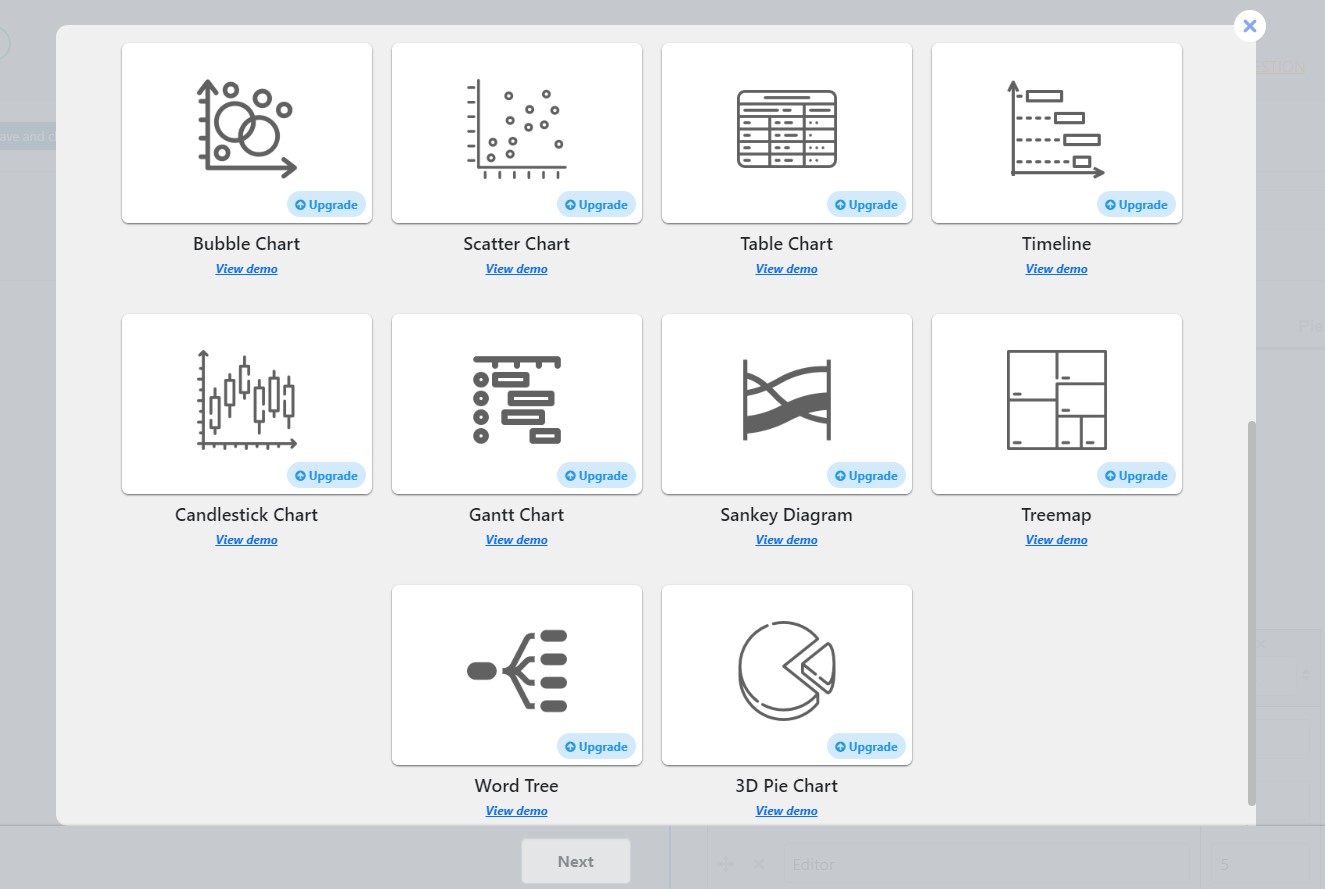
PREMIUM FEATURES
- Donut Chart
- Histogram
- Geo Chart
- Org Chart
- Area Chart
- Gauge Chart
- Combo Chart
- Stepped Area Chart
- Bubble Chart
- Scatter Chart
- Table Chart
- Zeitleiste
- Candlestick Chart
- Gantt Chart
- Sankey Diagram
- Treemap
- Word Tree
- 3D Pie Chart
- Google Integration
- Database Entry
3RD PARTY OR EXTERNAL SERVICE DISCLAIMER
The plugin uses Google Charts (https://developers.google.com/chart). The charts included in the plugin generate in Google scripts.
It does not send any data nor do we collect information from the request.
The privacy policy can be found at this URL https://developers.google.com/chart/interactive/docs/security_privacy
In case of any further questions feel free to contact us via the following FREE SUPPORT FORUM.
Other plugins from Ays Pro Team
- Quiz Maker for creating advanced quizzes and exams easily and quickly.
- Survey Maker for collecting data and analyze it.
- Fox LMS to easily build and manage online courses directly from your WordPress LMS website.
- Poll Maker for creating powerful and interactive polls.
- Popup Box, an easy way to create eye-catching and engaging popups.
- Secure Copy Content Protection to protect web content from being plagiarized.
- Easy Form to create various forms for your website.
- AI ChatBot to generate high-quality content for your blog, and finding the answer to any questions in seconds.
- Personal Dictionary to create and organize their vocabulary lists, study and memorize the words.
- FAQ Builder to display Frequently Asked Questions on your website with a beautiful accordion.
- Image Slider give the aility to grab your audience’s attention with amazing and entertaining slideshows.
- Random Posts and Pages Widget for creating internal links and encouraging visitor engagement on your website.
- Popup Like box to promote your Facebook page and add number of Likes.
- Advanced Related Posts allows you to show a related posts list on your website after a post or via a widget.
- Photo Gallery for displaying responsive image gallery with awesome layout options.
- Portfolio Responsive Gallery to showcase beautiful image galleries on your WordPress websites.
Installation
Let’s learn how to install the WordPress Chart Builder plugin together. There are two ways to do that.
The first way:
1. Log in to your WordPress website dashboard.
2. Move to the Plugins section on the left navigation menu.
3. Click on the Add New button.
3. Enter Chartify in the search box.
4. Click on Install Now button.
5. Click on the Activate Now button.
The second way:
1. Download the zip file from the Chartify wp.org page via the Download button.
2. Go to the Plugins section on your WordPress website dashboard.
3. Click on the Add New button.
4. Click on the Upload plugin button and upload the file you downloaded beforehand via Choose file button.
5. Click on the Install Now button.
6. Do not forget to activate it.
That’s all. Enjoy the plugin and if you need help, feel free to write to our support specialist via the following free support form.
Änderungsprotokoll
3.8.1( Sep 25, 2026 )
- Added: “Chart Data Grouping Limit” option for Pie chart in Chart.js Pie Settings
- Added: “Chart Data Grouping Label” option for Pie chart in Chart.js Pie Settings
- Added: “Chart Data Grouping Color” option for Pie chart in Chart.js Pie Settings
- Tested: Compatible up to WordPress 7.1.2
3.8.0( Sep 4, 2026 )
- Improved: Made some changes to the admin dashboard
3.7.9( Aug 17, 2026 )
- Added: “Slice tooltip text” option for Pie chart in Chart.js Pie Settings
- Updated: POT file
3.7.8( Jul 31, 2026 )
- Added: “Degree of chart rotation” option for Pie chart in Chart.js Pie Settings
- Updated: POT file
3.7.7( Jul 07, 2026 )
- Added: “Enable interactivity” option in Chart.js charts general settings
- Updated: POT file
3.7.6 ( Jun 24, 2026 )
- Added: “Font size” option in Chart.js charts tooltip
- Added: “Bold text” option in Chart.js charts tooltip
- Updated: POT file
Screenshots
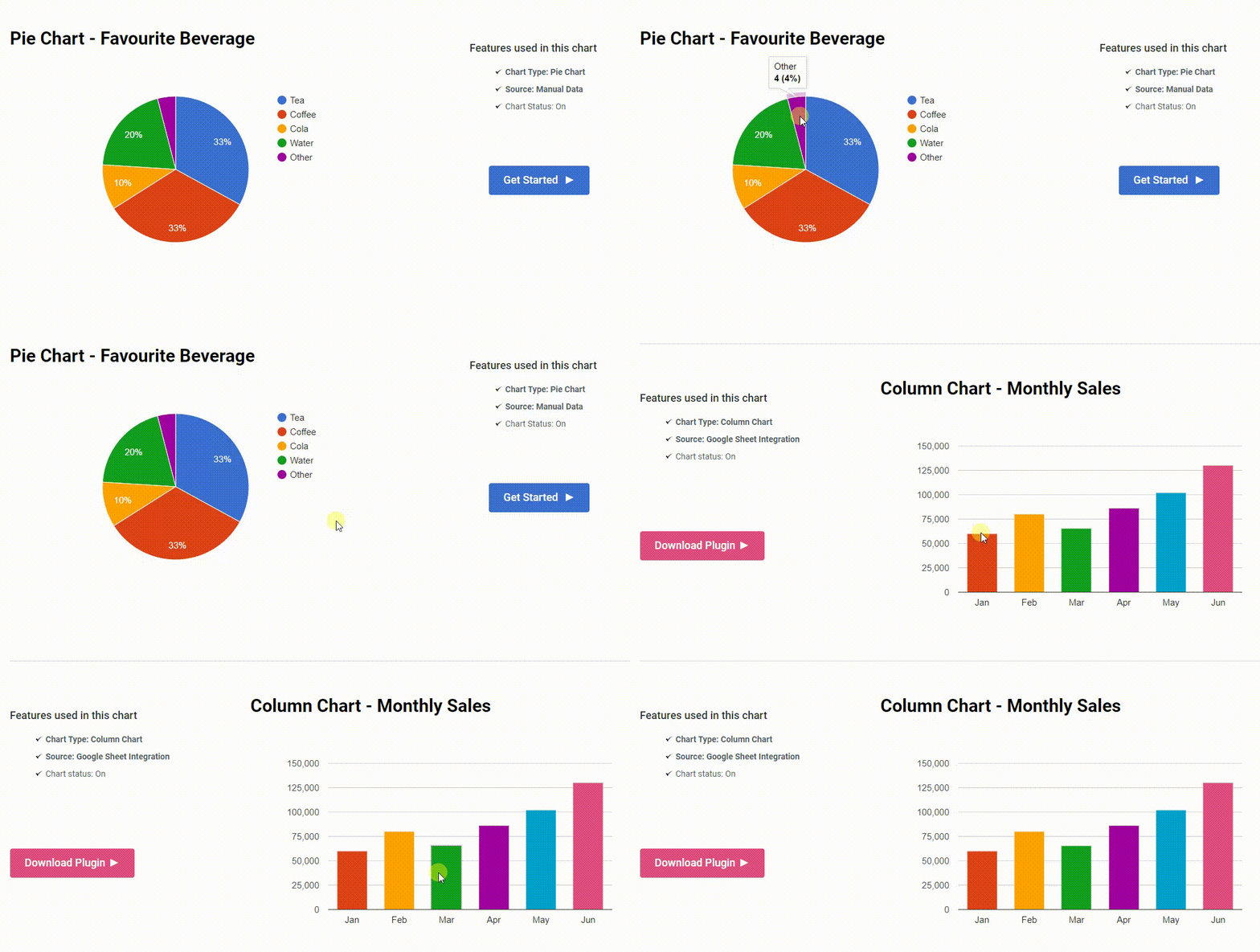
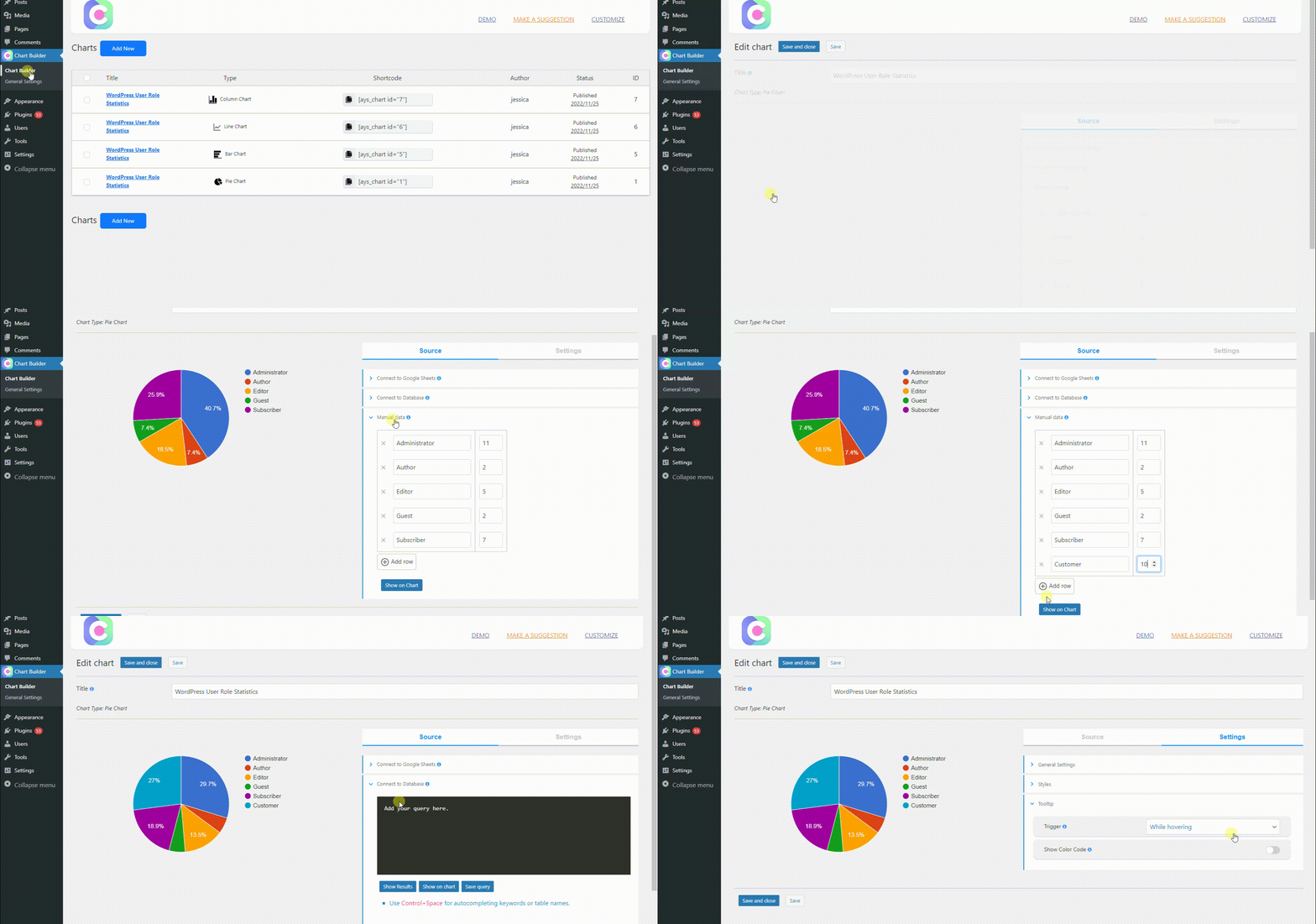
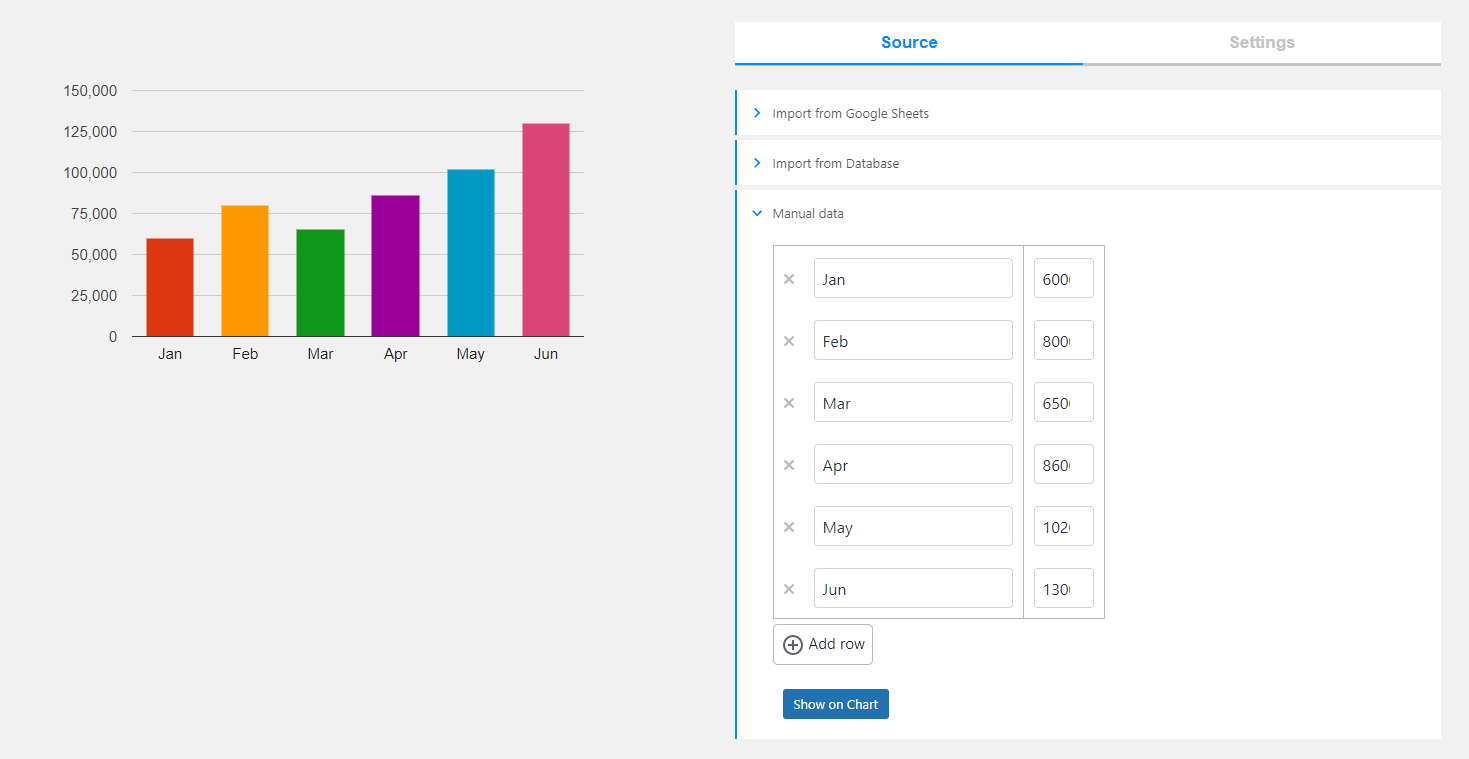
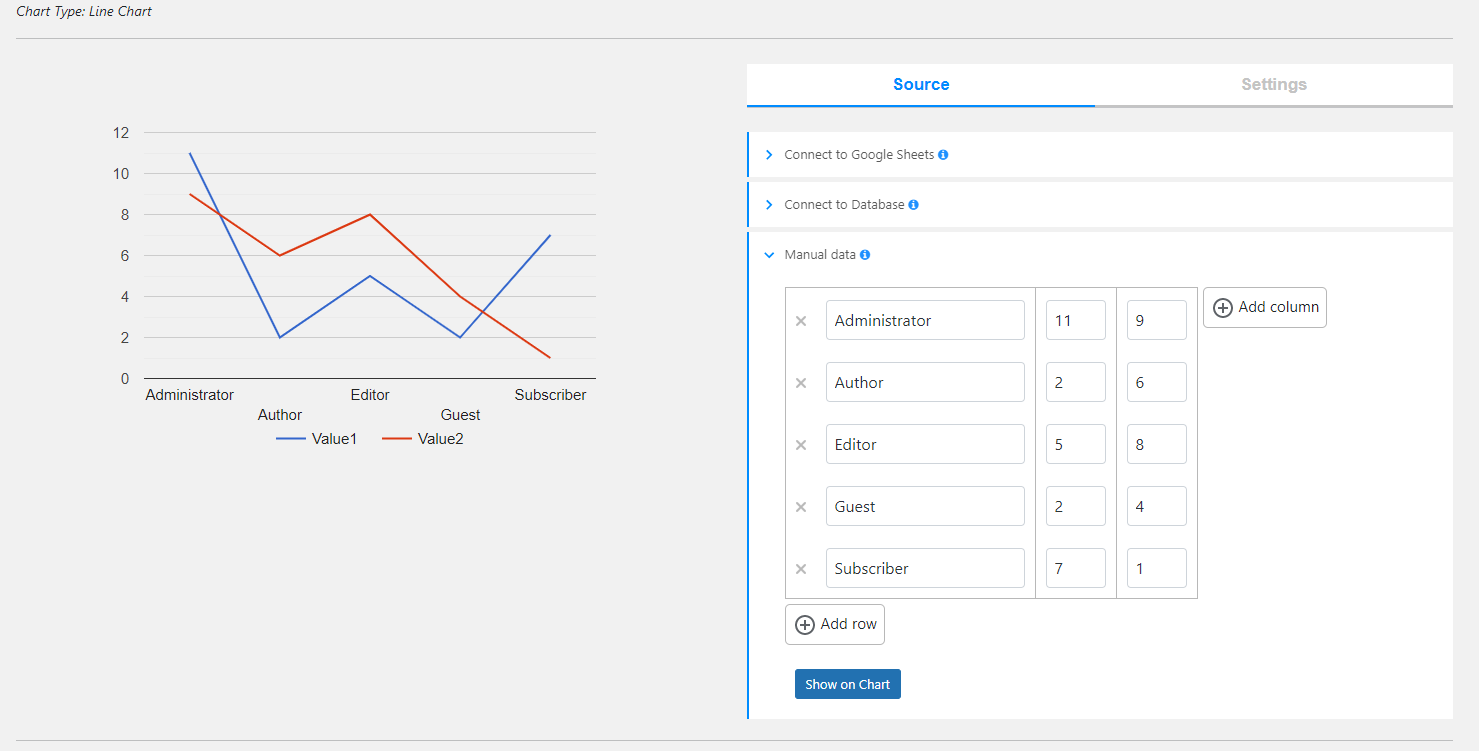
Für Entwickler
Ist das dein Plugin? Zeigen Sie die Zahlen.
Fügen Sie Ihrer Website, Docs oder GitHub Readme ein Live-Badge hinzu. Es wird von selbst aktualisiert - kein Konto erforderlich.
Best Chartify alternatives
All chart plugins →




Fragen und Antworten
Chartify – WordPress Chart Plugin: quick answers
Gerade Antworten, gezogen von Live WordPress.org Daten.
Quelle: WordPress.org
Is Chartify free?
Yes. Chartify is free to download and use from the official WordPress.org plugin directory. The developer also sells premium add-ons or a Pro version with extra features.
Is Chartify safe to use in 2026?
Chartify is a solid plugin choice in 2026, with a few things worth checking first. It runs on 3K+ sites, is rated 4.9/5 and was last updated 2 months ago, and scores 73/100 on our health check.
How many websites use Chartify?
Chartify is active on 3K+ WordPress websites and has been downloaded 320,688 times since it launched in November 2022. It was downloaded 3,140 times in the last 30 days.
Does Chartify work with WordPress 7.1?
Yes. The developer has tested Chartify up to WordPress 7.1.5, the latest release. It requires WordPress 5.0 or newer.
What PHP version does Chartify need?
Chartify requires PHP 7.0 or higher. Most hosts run PHP 8.x today, so it works on any modern WordPress hosting.
When was Chartify last updated?
The latest version, 3.8.1, was released on September 25, 2026 (2 months ago).
Who makes Chartify?
Chartify is developed and maintained by Ays Pro.
What are the best alternatives to Chartify?
The most popular alternatives to Chartify are wpDataTables (60K+ installs), Stock Market Ticker (2K+ installs) and Yes/No Chart (2K+ installs).
Angetrieben von PageForge
Eine Vorlage und eine Tabelle. Eine echte Seite für jede Suche.
PageForge Verwandelt jede Zeile eines CSV in eine WordPress-Seite mit eigenem Titel, URL, SEO Felder und Schema entworfen. Kostenlos auf WordPress.org.
- CSV und XLSX, plus Google Sheets auf Beruf und Unternehmen
- seinen eigenen Titel, URL, SEO Felder und Schema für jede Seite
- Arbeitet mit dem Blockeditor, Elementor, Divi und Avada
- Kostenlos auf WordPress.org, keine Kreditkarte