


Call Now Button – The Free Click to Call Button for WordPress
The click-to-call button for WordPress since 2013. Add a call button in under a minute. No code, mobile and desktop, with click tracking.

Sichere Auswahl
Yes — Call Now Button is a safe, well-maintained plugin to use in 2026. It runs on 200K+ sites, is rated 4.8/5 and was last updated 1 month ago, and scores 80/100 on our health check.
- Bewährt im Maßstab auf 200k+ aktiven Standorten
- Loved by users — 4.8/5 from 102 reviews
- Actively developed — last update 1 month ago
- Getestet mit dem neuesten WordPress (7.1)
- Momentum — downloads up 220.4% vs the previous 30 days
Wie stapelt es sich?
Side-by-side bei Installationen, Updates, Bewertungen und Support



Tägliche Downloads
Download-Spitzen folgen normalerweise einer neuen Version - jede Website, die automatisch aktualisiert wird, gilt als Download.
Ranglisten
Where Call Now Button stands todayWordPress.org Ranglisten suchen
Live-Position in der Plugin-Suche, Top 100| Stichwort | Position |
|---|---|
| call button | #1 |
| click to call | #1 |
| contact button | #4 |
| floating button | #2 |
| #45 |
Versionsübernahme
Anteil aktiver Sites pro Release.
Bewertungsaufschlüsselung
★★★★★★★★★★ 4.8 from 102 reviews
About Call Now Button
From the official readme · v2.1.0Beschreibung
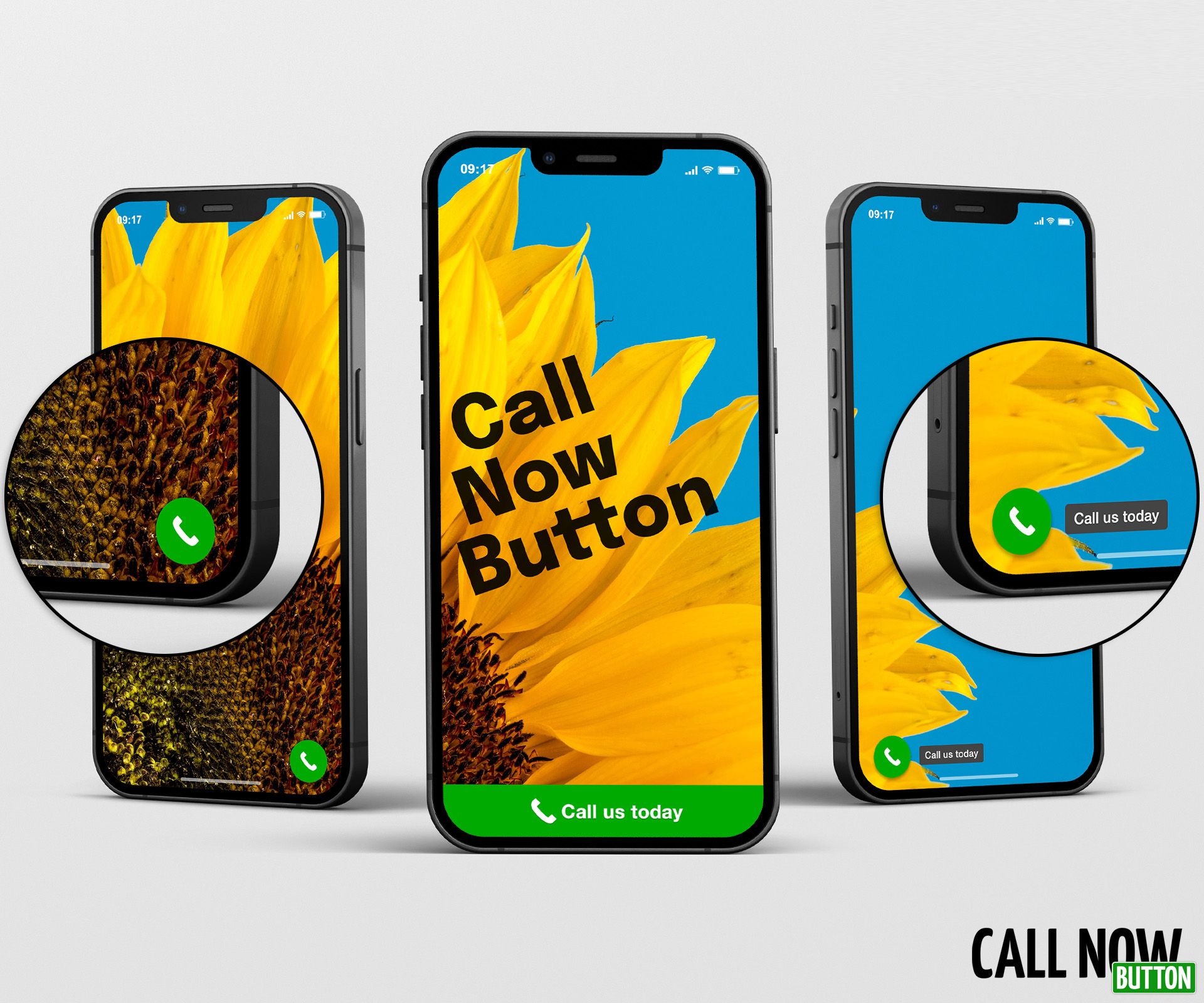
Call Now Button puts a floating call button on your website. On a phone, one tap starts the call. On a desktop, it’s a standard click-to-call link that opens in the visitor’s calling app. Either way, nobody has to hunt for your contact page or copy a number by hand.
It has been doing exactly that since 2013, on more than 200,000 websites.
Set it up in under a minute
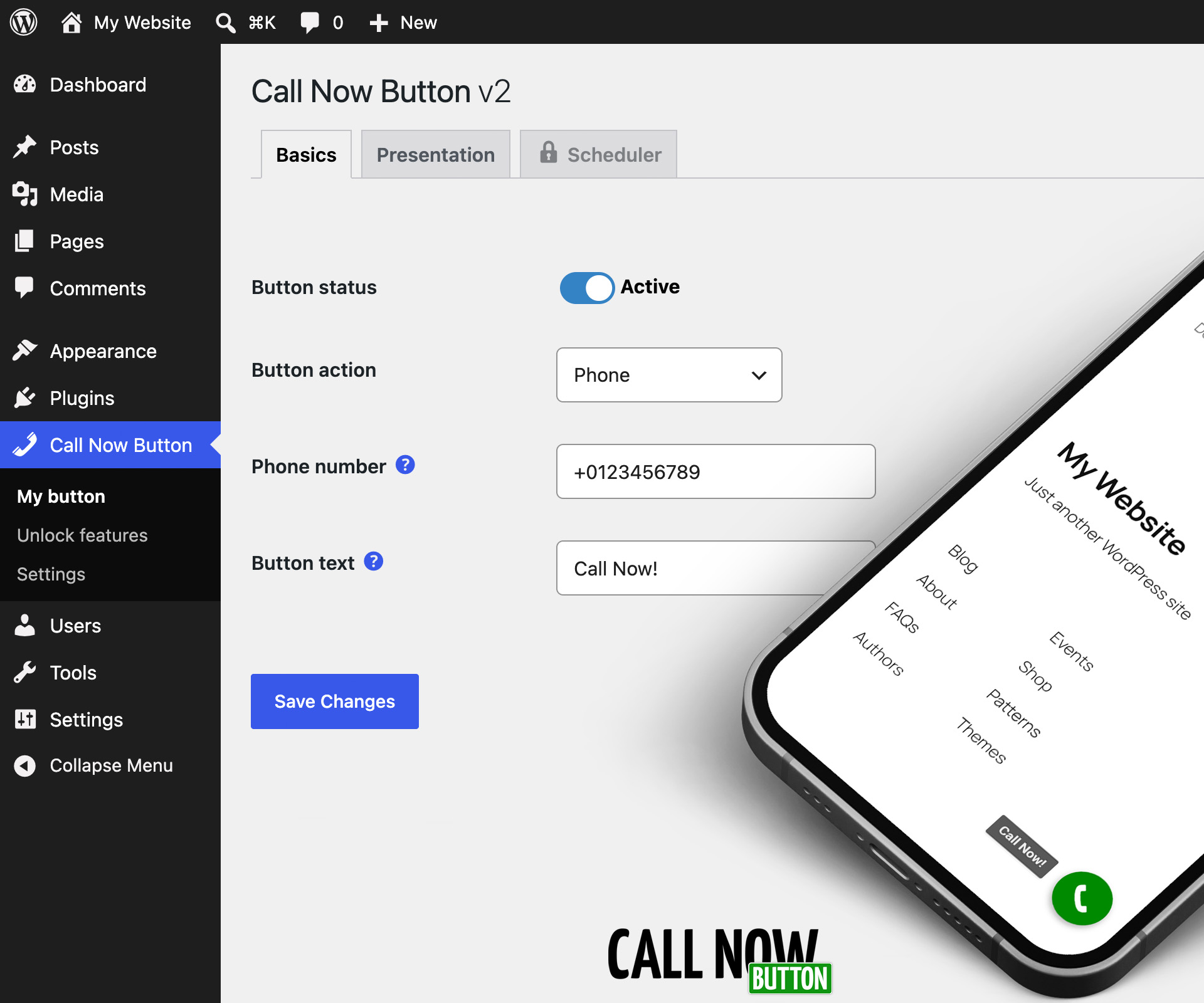
Install, enable the button, type your phone number, save. There is no account to create, no code to paste, and nothing more to configure before it works.
From there you can make it yours:
- Label it: Leave the label empty for a clean, circular phone button or add text. The text can sit in a bar across the top or bottom of the screen or in a bubble beside the round button.
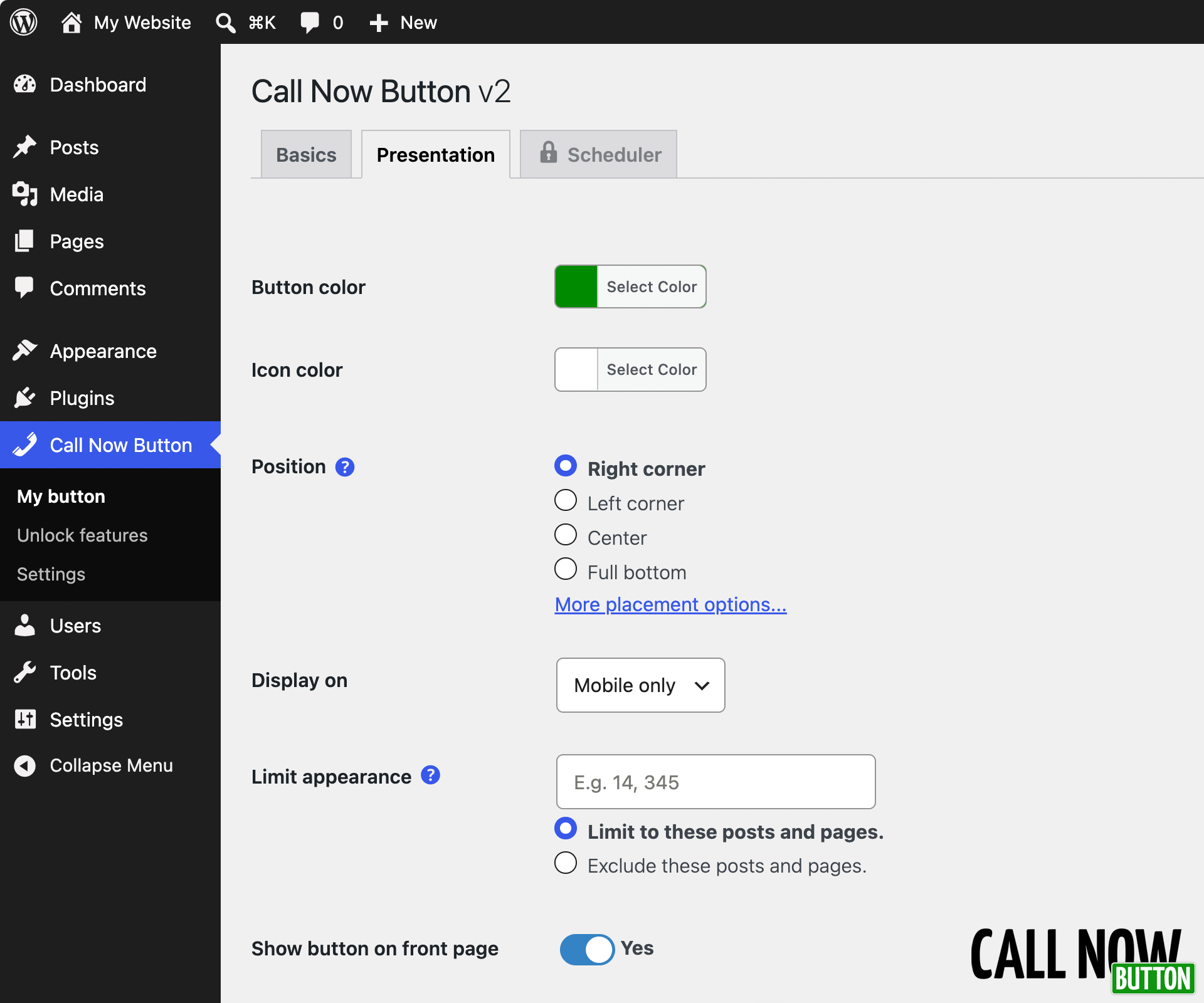
- Color it: Pick your own button and icon colors.
- Place it: Choose from 8 preset screen positions or spread the button across the full width of the top or bottom of the screen.
- Size it: Use one slider to set the button size and another to place the button behind other page elements when something else, such as a cookie notice, needs to sit on top.
- Show it where it belongs: Enter post and page IDs to show the button only on those pages or to exclude those pages.
- Show it to the right devices: Choose mobile only, desktop only, or both.
- Measure it: Send clicks to Google Analytics or fire a Google Ads conversion tag so that a call counts as a conversion. Using Google Tag Manager instead? There’s a guide for that.
All of the above is free and works without an account.
What you get, by plan
Free: plugin only, no account
- One call button
- Labels, colors, all 8 positions, button size, layering
- Google Analytics click tracking and Google Ads conversion tracking
- Include or exclude specific posts and pages
- Mobile, desktop, or both
Free with a NowButtons account
Everything above, plus:
- Up to 5 buttons, with one visible per page (showing multiple buttons on the same page requires PRO)
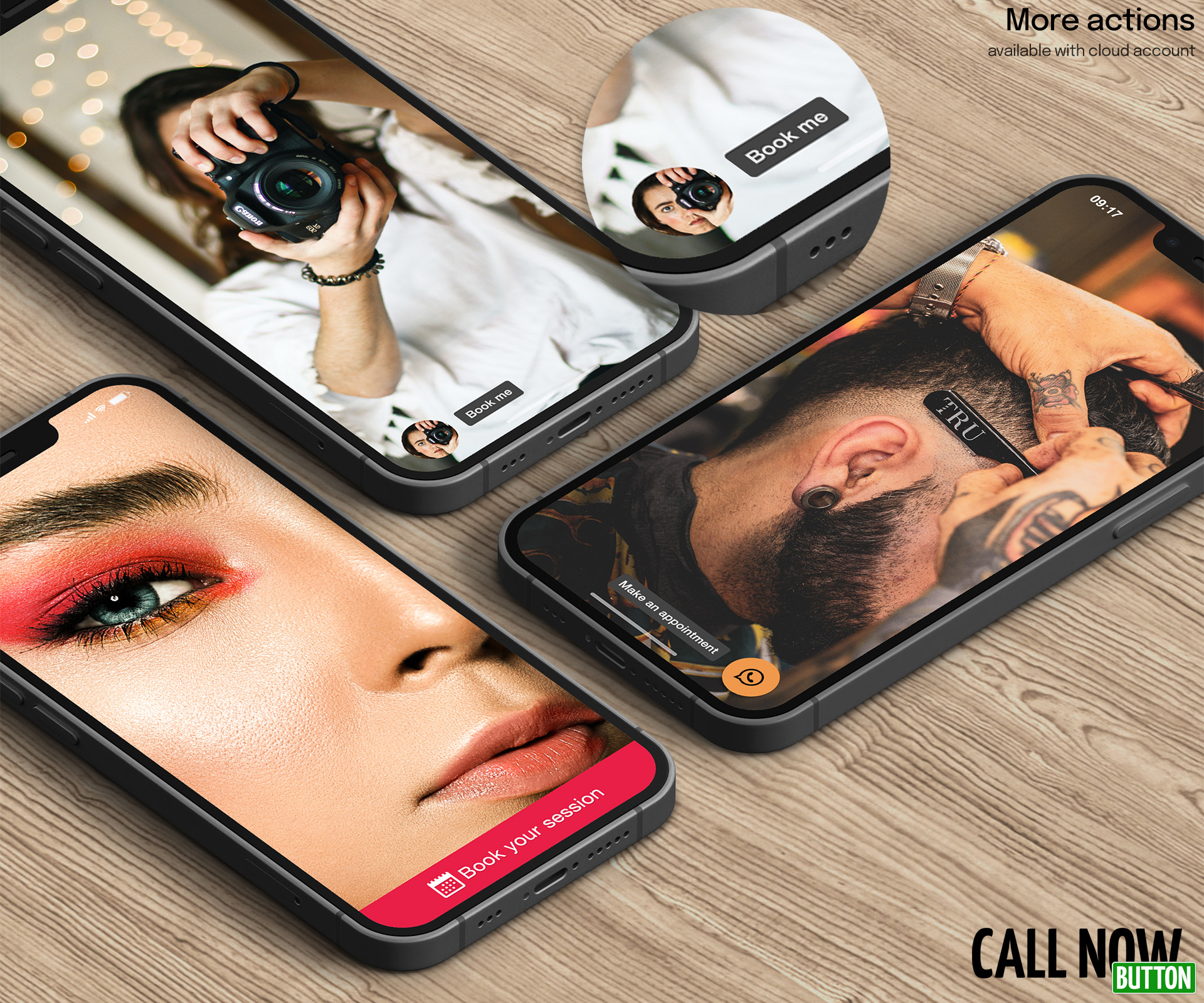
- More actions: SMS/Text, Email, Maps, Links, Scroll to point
- Chat and social actions: WhatsApp, Messenger, Telegram, Signal, Zalo, Viber, Line, WeChat
- More advanced display rules for deciding where buttons appear
- Live preview while you edit
PRO: paid, with a 14-day free trial
Everything above, plus:
- Up to 200 buttons and add multiple buttons to the same page
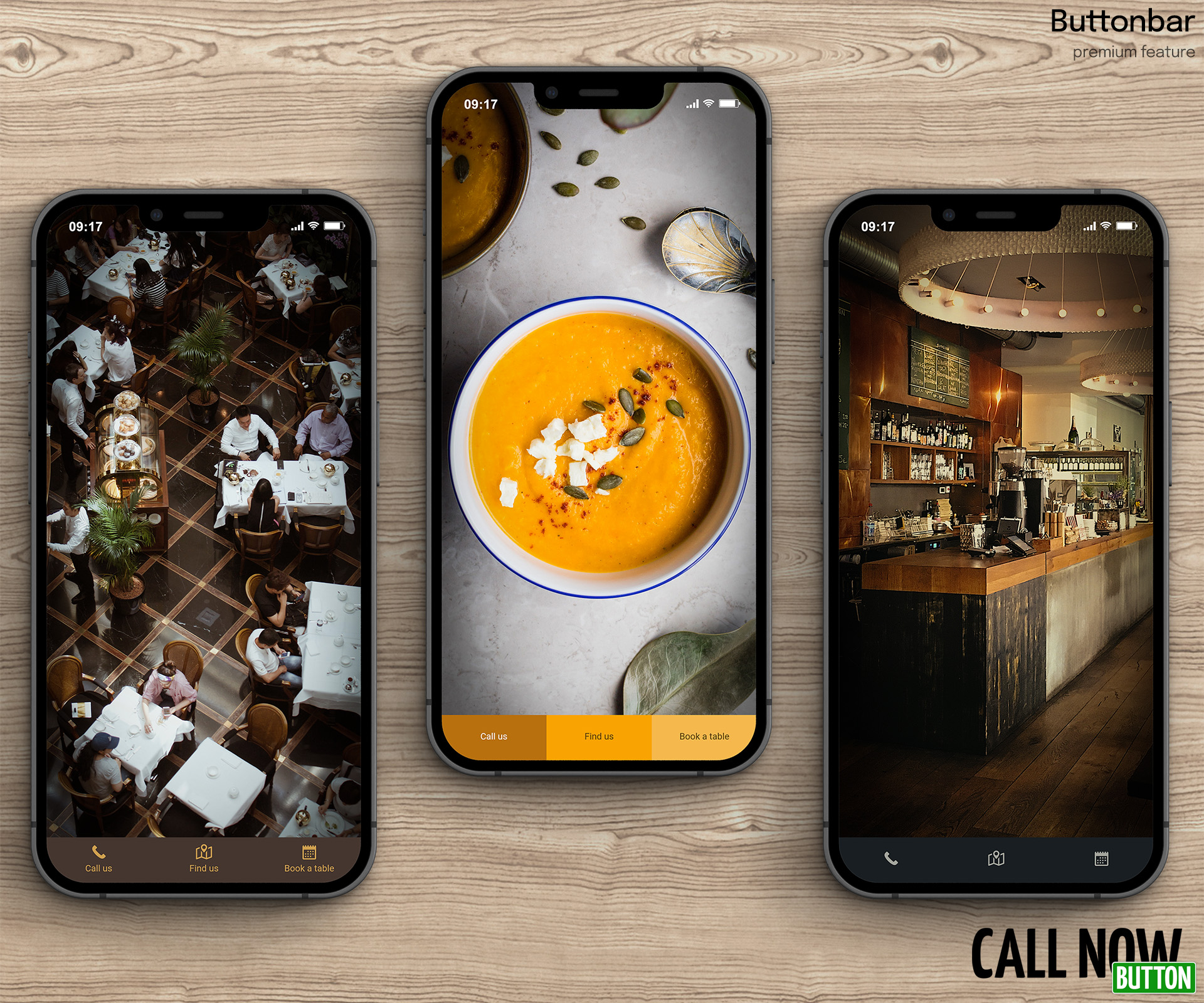
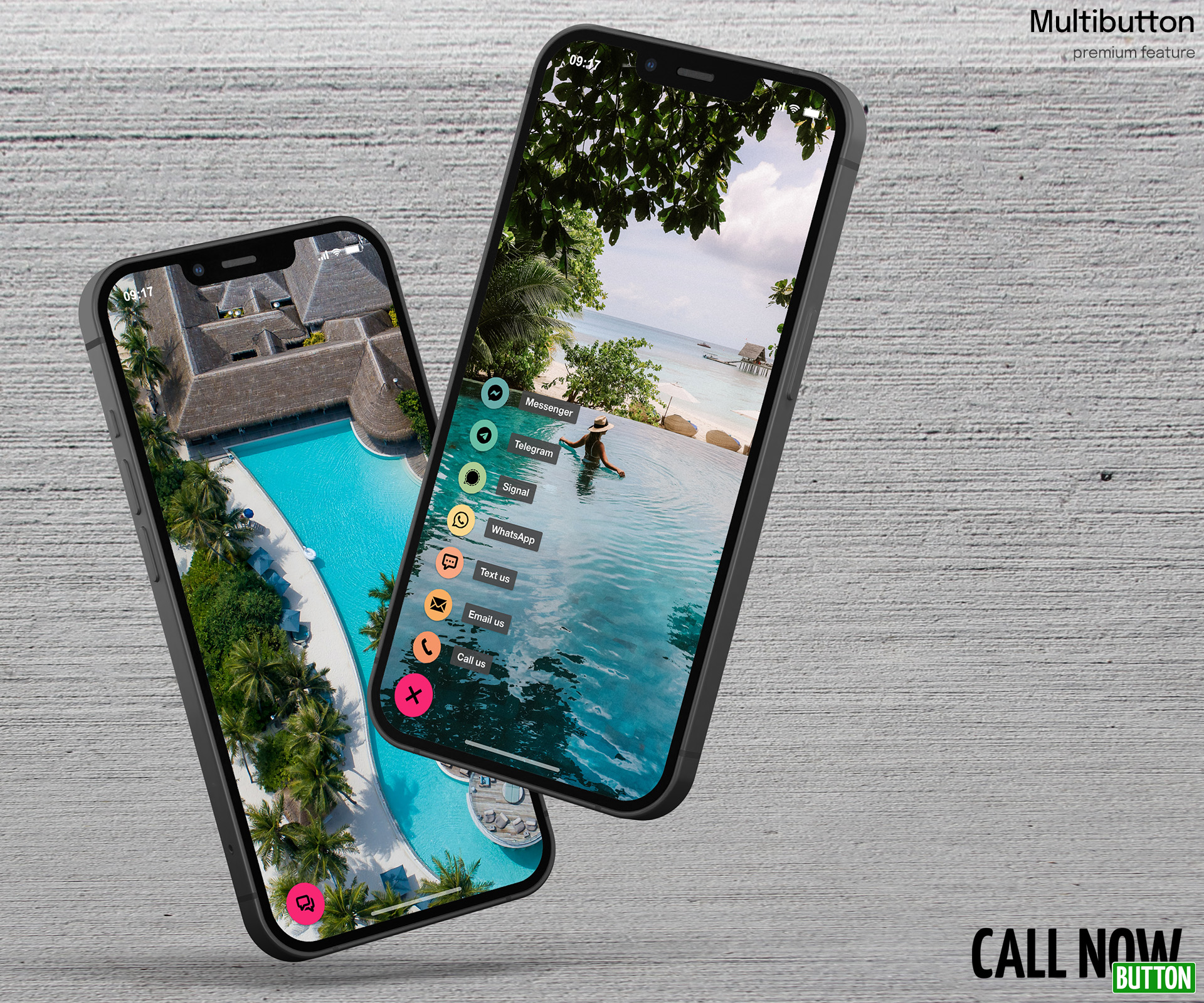
- Multi-action buttons: Buttonbar (up to 5 actions), Multibutton, Button Dots, Button Flower
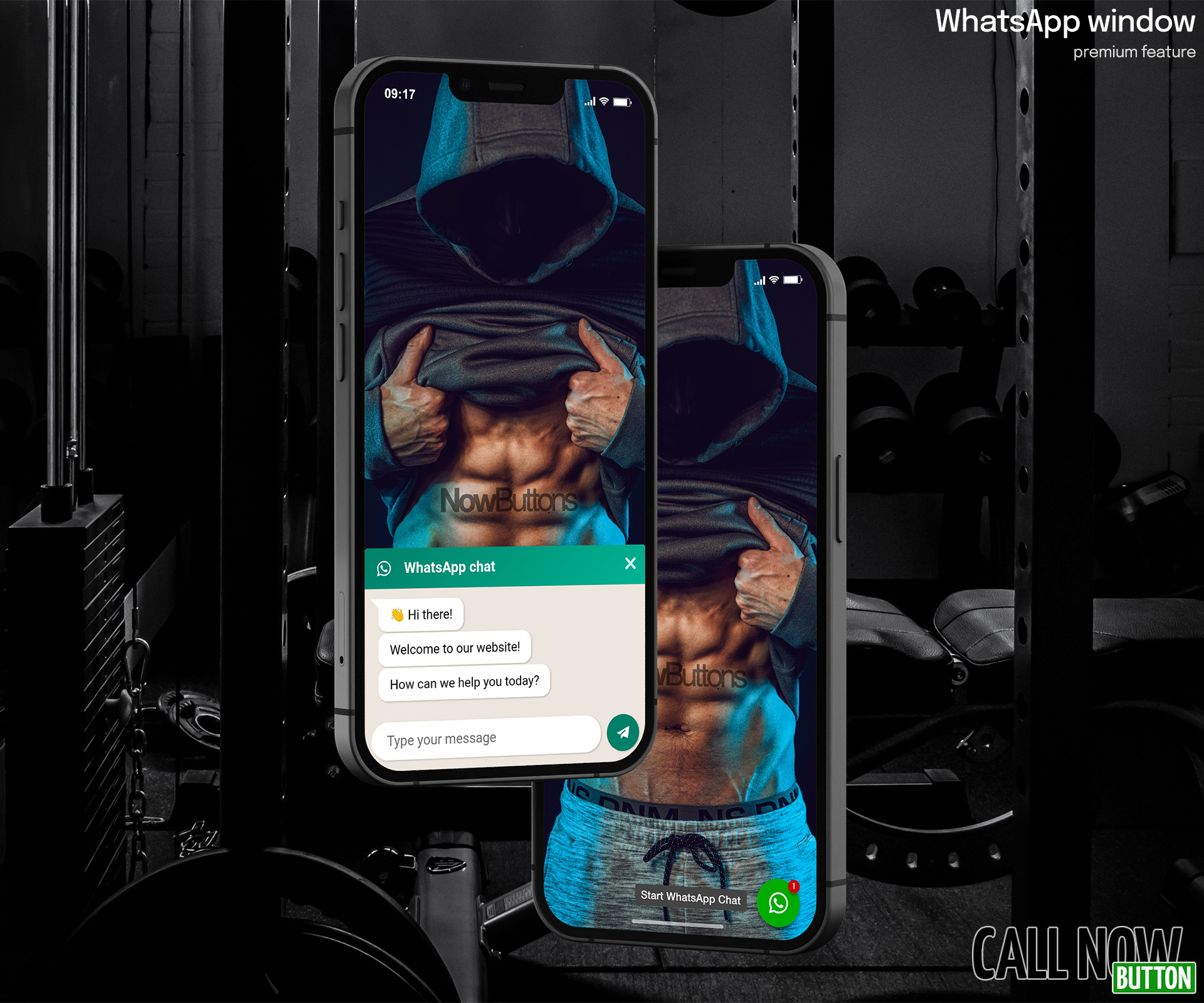
- WhatsApp chat window and Messenger chat widget
- Live chat (beta)
- Slide-in content windows, iframe embedding and form embedding
- Intercom chat integration
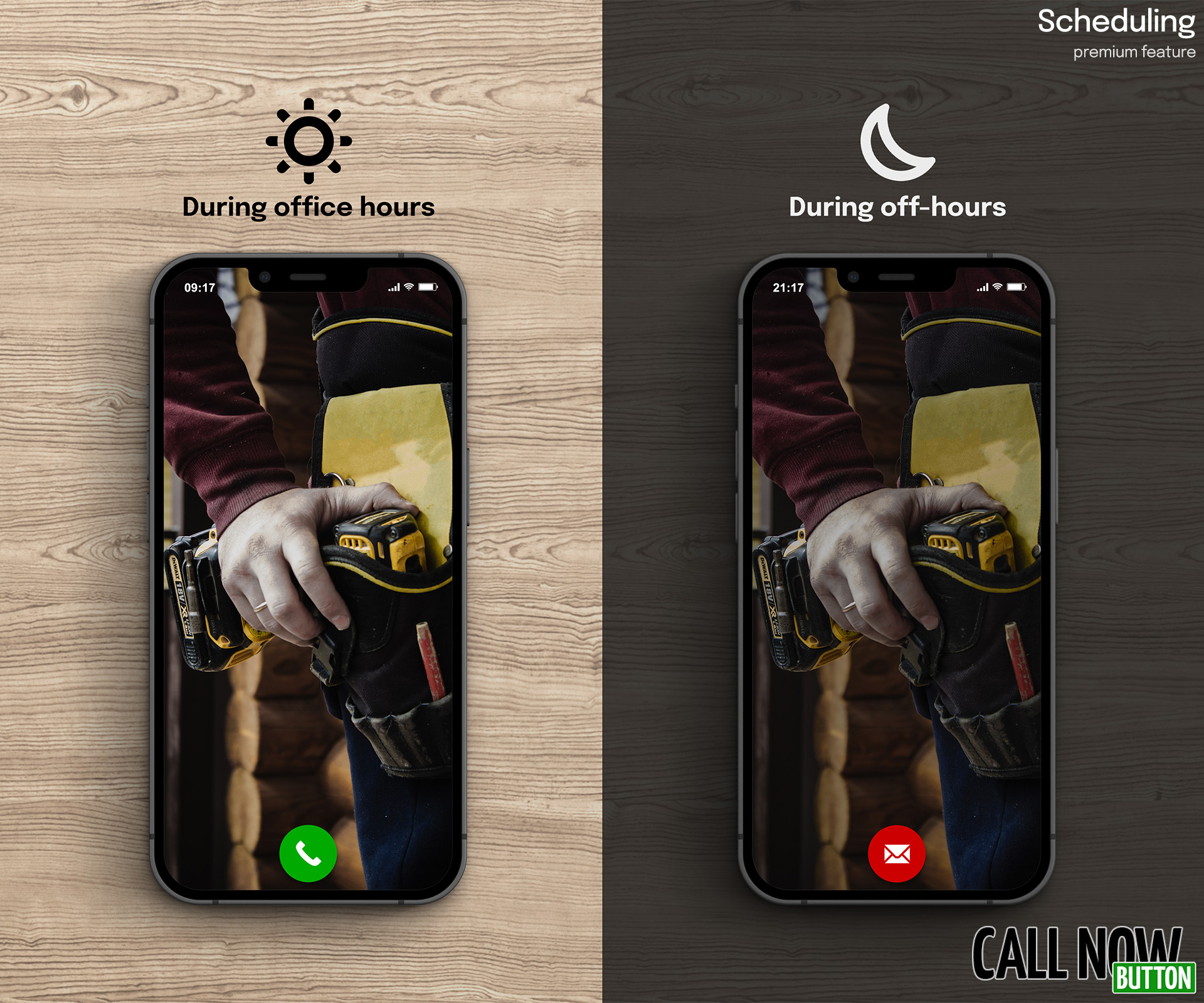
- A weekly scheduler that controls when each button appears
- Geo targeting: include or exclude countries
- Icon picker, custom images on buttons, button animations
- Appear after scrolling
The account and PRO features are set up inside your WordPress dashboard. No need to leave the plugin to use them.
Our cloud service: NowButtons.com
The account and PRO features above are powered by our cloud service NowButtons. The plugin does not contact our servers at all until you choose to connect it. The button your visitors see is rendered entirely by your own site. It makes no external requests, fetches nothing from us and performs no tracking beyond the Google Analytics or Google Ads tags you configure yourself.
When you do connect, the plugin sends an email address and your domain to our servers to create your account, and your button configuration is then stored on and served from our servers. Requests identify your WordPress and PHP version and your site URL.
- Terms & Conditions: https://nowbuttons.com/legal/terms/
- Privacy statement: https://nowbuttons.com/legal/privacy/
Separately, the plugin can send anonymous error reports and usage statistics to help us fix bugs. This is off by default and only starts if you switch on “Errors and usage” under Settings. It is never enabled on your visitors’ pages.
More about our cloud service at NowButtons.com.
Installation
- From your WordPress Dashboard go to ‘Plugins’ > ‘Add new’ and search for ‘Call Now Button’.
- Click ‘Install Now’ under the title of the Call Now Button plugin
- Click activate
- Go to ‘Call Now Button’ from the sidebar, check the box to activate the button and enter your phone number.
- Click ‘Save’ and you’re done!
Oder:
- Upload the
call-now-button-folder to the/wp-content/plugins/directory - Aktivieren Sie das Plugin über das „Plugins“-Menü in WordPress
- Go to ‘Call Now Button’ from the sidebar, check the box to activate the button and enter your phone number.
- Click ‘Save’ and your Call Now Button is live!
Änderungsprotokoll
2.1.0
- Improved onboarding experience
- UI improvements
- Removed unused settings
2.0.5
- Fixed flickering on plugin pages
- Improved the onboarding making it easier to create a first button
- Polished the admin UI making certain actions easier and more intuitive
- Added a clearer status badge to button in the overview
- Removed Skype from the actions list and outdated GA versions from the settings
2.0.4
- Click tracking is now a simple on/off toggle for Google Analytics 4 (gtag.js)
- Fixed a blank page when opening an activation link while signed out of WordPress; you are now sent to the login screen first
- Fixed the styling of the activation buttons and the confirmation message after requesting an activation email
- Fixed the day and time selector on the button preview, which did not update the preview
2.0.3
- Tested with WordPress 7.1
- The form provider’s script no longer loads on the settings pages unless a form is shown
- Updated the plugin listing with a clearer overview of the free, free-account and PRO features
2.0.2
- Ready for WordPress 7.0
2.0.1
- Prevent icon from being lazy loaded
- Prepare contact form addon for Content Window
Screenshots

Für Entwickler
Ist das dein Plugin? Zeigen Sie die Zahlen.
Fügen Sie Ihrer Website, Docs oder GitHub Readme ein Live-Badge hinzu. Es wird von selbst aktualisiert - kein Konto erforderlich.
Best Call Now Button alternatives
All call button plugins →




Fragen und Antworten
Call Now Button: quick answers
Gerade Antworten, gezogen von Live WordPress.org Daten.
Quelle: WordPress.org
Is Call Now Button free?
Yes. Call Now Button is free to download and use from the official WordPress.org plugin directory.
Is Call Now Button safe to use in 2026?
Yes — Call Now Button is a safe, well-maintained plugin to use in 2026. It runs on 200K+ sites, is rated 4.8/5 and was last updated 1 month ago, and scores 80/100 on our health check.
How many websites use Call Now Button?
Call Now Button is active on 200K+ WordPress websites and has been downloaded 7,415,294 times since it launched in September 2012. It was downloaded 106,881 times in the last 30 days.
Does Call Now Button work with WordPress 7.1?
Yes. The developer has tested Call Now Button up to WordPress 7.1.5, the latest release. It requires WordPress 6.1 or newer.
What PHP version does Call Now Button need?
Call Now Button requires PHP 7.4 or higher. Most hosts run PHP 8.x today, so it works on any modern WordPress hosting.
When was Call Now Button last updated?
The latest version, 2.1.0, was released on October 30, 2026 (1 month ago).
Who makes Call Now Button?
Call Now Button is developed and maintained by Jerry Rietveld.
What are the best alternatives to Call Now Button?
The most popular alternatives to Call Now Button are WP Call Button (40K+ installs), Really Simple Click To Call… (7K+ installs) and Button Generator (4K+ installs).
Angetrieben von PageForge
Eine Vorlage und eine Tabelle. Eine echte Seite für jede Suche.
PageForge Verwandelt jede Zeile eines CSV in eine WordPress-Seite mit eigenem Titel, URL, SEO Felder und Schema entworfen. Kostenlos auf WordPress.org.
- CSV und XLSX, plus Google Sheets auf Beruf und Unternehmen
- seinen eigenen Titel, URL, SEO Felder und Schema für jede Seite
- Arbeitet mit dem Blockeditor, Elementor, Divi und Avada
- Kostenlos auf WordPress.org, keine Kreditkarte