


Blog Designer Pack – Blog, Post Grid, Post Slider, Post Carousel, Category Post, News
News & Blog plugin for post grid, post slider, post carousel, post filter, masonry, ticker & list category posts using shortcode, Elementor & Divi.

Sichere Auswahl
Yes — Blog Designer Pack is a safe, well-maintained plugin to use in 2026. It runs on 30K+ sites, is rated 4.7/5 and was last updated 1 month ago, and scores 86/100 on our health check.
- Bewährt auf 30.000 aktiven Standorten
- Loved by users — 4.7/5 from 79 reviews
- Getestet mit dem neuesten WordPress (7.1)
Wie stapelt es sich?
Side-by-side bei Installationen, Updates, Bewertungen und Support


Tägliche Downloads
Download-Spitzen folgen normalerweise einer neuen Version - jede Website, die automatisch aktualisiert wird, gilt als Download.
Ranglisten
Where Blog Designer Pack stands todayWordPress.org Ranglisten suchen
Live-Position in der Plugin-Suche, Top 100| Stichwort | Position |
|---|---|
| blog | #4 |
| news | #25 |
| post carousel | #16 |
| post grid | #18 |
| post slider | #17 |
Versionsübernahme
Anteil aktiver Sites pro Release.
Bewertungsaufschlüsselung
★★★★★★★★★★ 4.7 from 79 reviews
About Blog Designer Pack
From the official readme · v4.0.14Beschreibung
News & Blog Designer Pack – Everything you need to build a beautiful magazine, news, blog website or blog page.
News & Blog Designer Pack – WordPress Blog Plugin can be used as a news & blog page builder to create a news page or blog page with post grid, post slider, post carousel, post list, post masonry, post filter, recent posts, popular posts, post ticker, post grid box, post timeline, featured posts etc.
✅ Blog Designer Pack having 7 blog layouts/shortcodes:
- 6 shortcodes with 2 designs for each blog layout or news layout.
- 1 Post ticker shortcode.
- 2 Widgets (Latest posts and Post vertical scrolling).
View FREE DEMO for more details.
Checkout Premium Version Demo | Buy Premium Version for more designs and options.
🌟 Premium Version supports Custom Post Type, Custom Taxonomy, Custom Tags, Featured Posts, Trending Posts, Timeline, Post Filtering with Categories Or Tags, Category Grid, Category Slider as well as many cool features.
You can get News & Blog Designer Pack Premium here!
✅ Blog Designer Pack is perfect for:
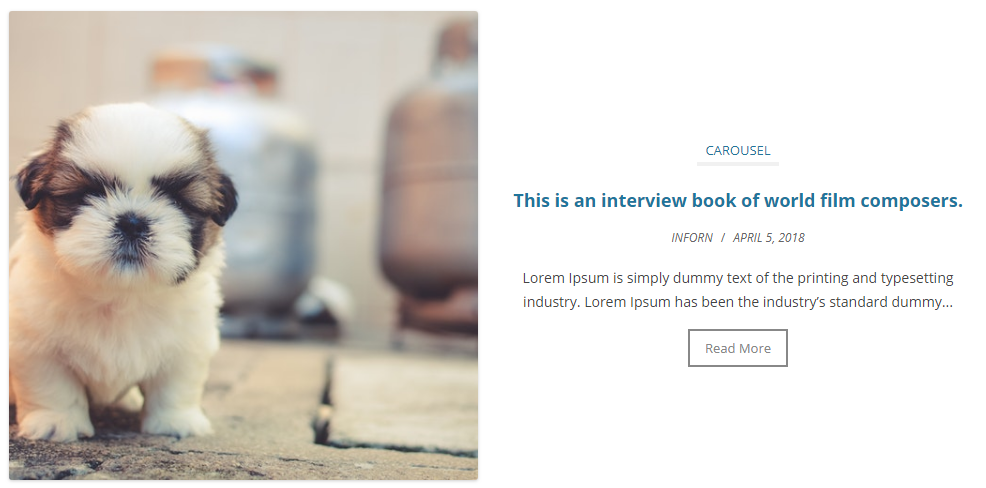
- Post Grid, News Grid or Blog Grid
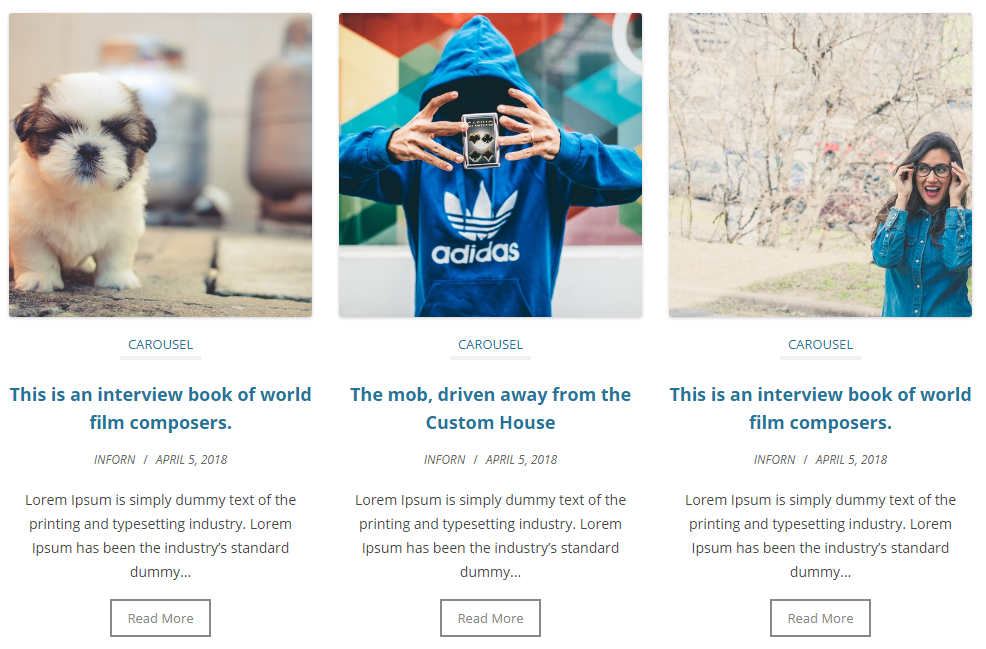
- Post Carousel, News Carousel or Blog Carousel
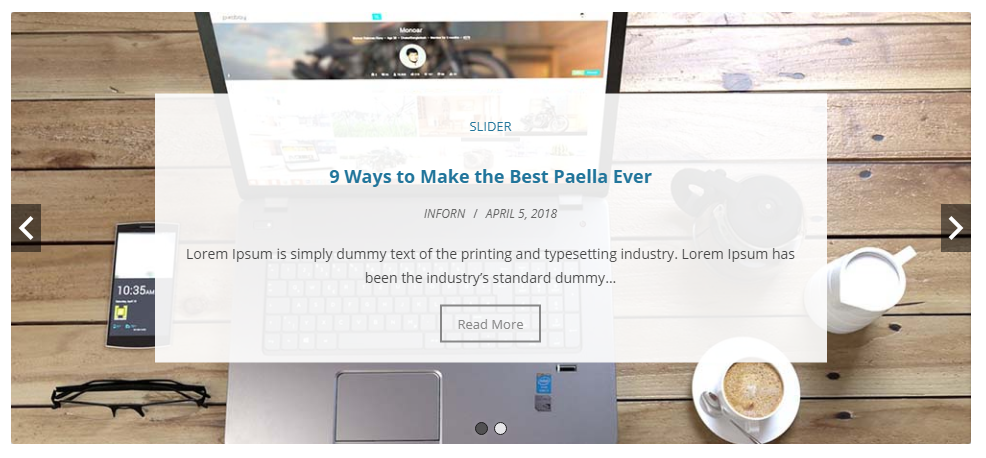
- Post Slider, News Slider or Blog Slider
- Post List, News List or Blog List
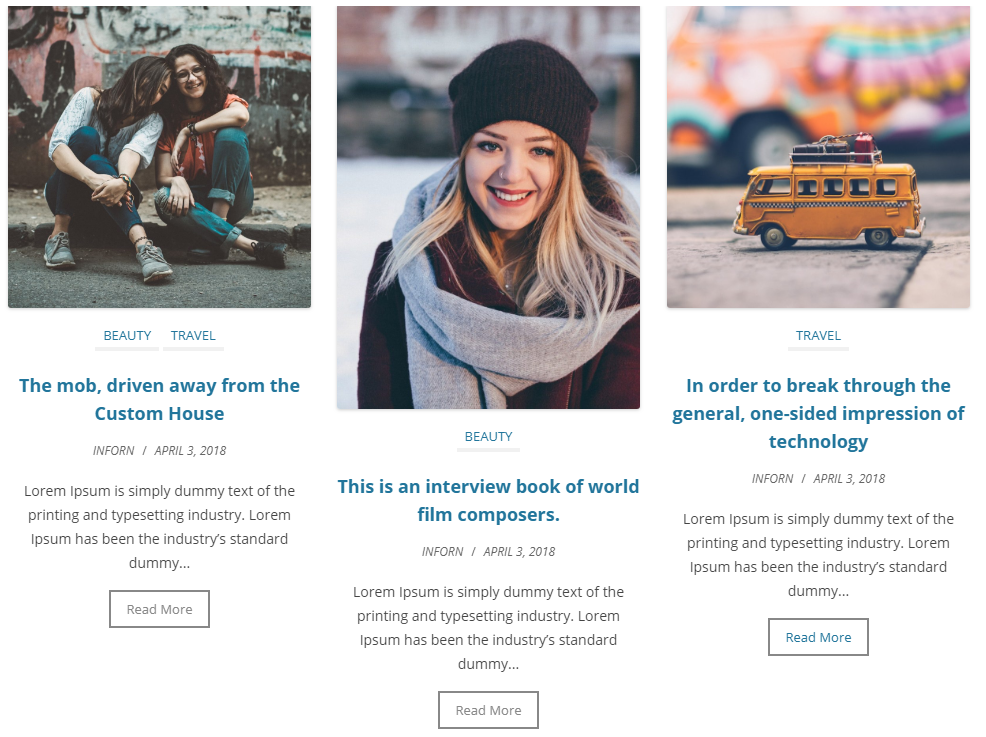
- Post Masonry, News Masonry or Blog Masonry
- Post Grid Box, News Grid Box or Blog Grid Box
- Post Ticker, News Ticker or Blog Ticker
- Post Vertical Scrolling, News Vertical Scrolling or Blog Vertical Scrolling
- Post Filtering with Categories Or Tags.
News & Blog Designer Pack is the #1 plugin for creating fully customized News, Magazines, Review Websites, Personal Blogs, Travel Blogs, Fashion Blogs, Viral News, Food Reviews, Recipes Blogs, etc.
✅ Best News, Magazine & Blog Building Tool
News & Blog Designer Pack is mostly used for creating News Magazine sites. So, It is also well known as News Plugin. However, it is a multi-functional plugin that fulfills all required features for creating blogs along with news and magazine sites.
✅ Blog Designer Pack contains 7 shortcodes
[bdp_post]: Display blog post or news post in grid view.[bdp_post_list]: Display blog post or news post in list view.[bdp_masonry]: Display blog post or news post in masonry layouts.[bdp_post_slider]: Display recent blog post or news post in slider view.[bdp_post_carousel]: Display recent blog post or news post in carousel view.[bdp_post_gridbox]: Display blog post or news post in grid box layout.[bdp_ticker]: Display blog post or news post in ticker.
Common Shortcode Parameters for all
-
Limit:
limit=”10″ (i.e. Display 5 blog posts on your website and then pagination. To show all posts use limit=”-1″) -
Display by Category
category=”category_ID” OR category=”category_slug” (i.e. Display blog posts by their category ID OR Slug) -
Design:
design=”design-1″ (Select design for blog post. There are 2 designs. design-1 and design-2) -
Show Blog Author:
show_author=”false” (Show blog post author or not. Values are true or false) -
Show Blog Category:
show_category=”false” (Show blog post category or not. Values are true or false) -
Show Blog Date:
show_date=”false” (Show blog post date or not. Values are true or false) -
Show Blog Content:
show_content=”false” (Show blog post content or not. Values are true or false) -
Content Words Limit:
content_words_limit=”40″ (Set blog post content words limit.) -
Media Size:
media_size=”large” (Set media size for post. Values are thumbnail, medium, medium_large, large, full) -
Show Read More:
show_read_more=”true” (Show read more button of blog post. Values are true or false) -
Post Order:
order=”DESC” (Designates the ascending or descending order of the ‘orderby’ parameter. Defaults to ‘DESC’. Values are “DESC” and “ASC”) -
Post Order by :
orderby=”post_date” (Sort retrieved posts by parameter. Defaults to ‘date’ (post_date). One or more options can be passed. ‘none’, ID’, ‘author’, ‘title’, ‘name’, ‘rand’, ‘date’) -
Show Tags:
show_tags=”true” (Show tags of blog post. Values are true or false) -
Show Comments:
show_comments=”true” (Show comments of blog post. Values are true or false)
Others Shortcode Parameters Grid Shortcode
[bdp_post]
-
Post Grid :
[bdp_post grid=”2″] (Set blog post grid i.e. 1 or 2 or 3 or 4 or 5) -
Post Pagination :
[bdp_post pagination=”true”] (Show blog post pagination or not. Values are true or false)
Others Shortcode Parameters List Shortcode
[bdp_post_list]
- Post Pagination :
[bdp_post_list pagination=”true”] (Show blog post pagination or not. Values are true or false)
Others Shortcode Parameters Masonry Shortcode
[bdp_masonry]
-
Post Grid :
[bdp_masonry grid=”2″] (Set blog post grid i.e. 1 or 2 or 3 or 4 or 5) -
Post Pagination :
[bdp_masonry pagination=”true”] (Show blog post pagination or not. Values are true or false) -
Load More Post Effect :
[bdp_masonry effect=”effect-2″] (Set effect when you click on load more post button. There are 2 effects) -
Load More Text :
[bdp_masonry load_more_text=”Load More Post”] (Change the text as per your need)
Others Shortcode Parameters Slider Shortcode
[bdp_post_slider]
-
Pagination and arrows:
[bdp_post_slider dots=”false” arrows=”false”] -
Auto Play and Auto Play Interval:
[bdp_post_slider autoplay=”true” autoplay_interval=”2000″] -
Slide Speed:
[bdp_post_slider speed=”1000″] -
Loop:
[bdp_post_slider loop=”true”] ( Display slider in Loop OR not : You can use “true” OR “false”)
Others Shortcode Parameters Carousel Shortcode
[bdp_post_carousel]
-
Number of Posts Show at a Time:
[bdp_post_carousel slide_show=”3″] -
Number of Posts Scroll at a Time:
[bdp_post_carousel slide_scroll=”1″] -
Pagination and arrows:
[bdp_post_carousel dots=”false” arrows=”false”] -
Autoplay and Autoplay Interval:
[bdp_post_carousel autoplay=”true” autoplay_interval=”2000″] -
Slide Speed:
[bdp_post_carousel speed=”1000″] -
Loop:
[bdp_post_carousel loop=”true”] (Display slider in Loop OR not : You can use “true” OR “false”)
Others Shortcode Parameters GridBox Shortcode
[bdp_post_gridbox]
- Post Pagination :
[bdp_post_gridbox pagination=”true”] (Show post pagination or not. Values are “true” or “false”)
Others Shortcode Parameters Ticker Shortcode
[bdp_ticker]
-
Ticker Title :
[bdp_ticker ticker_title=”Latest”] (Set Ticker title) -
Ticker Theme Color :
[bdp_ticker theme_color=”#2096cd”] -
Ticker Heading Font Color :
[bdp_ticker heading_font_color=”#fff”] -
Ticker Heading Font Color :
[bdp_ticker heading_font_color=”#fff”] -
Ticker Font Style :
[bdp_ticker font_style=”normal”] -
Ticker Effect :
[bdp_ticker ticker_effect=”slide-v”] (You can use slide-v or slide-h) -
Ticker Auto Play :
[bdp_ticker autoplay=”true”] (You can use “true” OR “false”) -
Ticker Speed :
[bdp_ticker speed=”3000″]
Others parameter for ticker i.e. ‘category’, ‘order’ and ‘orderby’ you can use from common shortcodes.
Blog Designer Pack is a good handy and free solution for everyone who is looking for a responsive blog page with the website. Blog Designer pack provides you with a variety of 6 different blog templates to setup your blog page for any WordPress websites. Sometimes, we always stick with one blog layout as per theme, but it’s not easy to change or modify only blog layout very easily, only you can do it by modifying code and CSS files.
However, using Blog Designer Pack plugin you can design your blog page as per your choice to give it a WOW factor. Also you can modify various settings very quickly with the help of Blog Designer pack plugin shortcode parameters. So, beginners can start blogging within 5 minutes, no coding skill required.
✅ PRO Features Include :
Premium Version
* 90+ News and Blog Designs.
* Post Filtering with Categories Or Tags.
* Create multiple news and blog layout.
* Works with any Custom Post Type.
* Works with any Custom Taxonomy.
* Works with any Custom Tags.
* Set custom link for blog post or news post.
* Display Blog in a Timeline View.
* Category Grid View.
* Category Slider View.
* Featured Post Functionality.
* Trending Post Functionality.
* Multiple Post Type Functionality.
* 5 Types of different pagination.
* Load More and Prev – Next Ajax Pagination.
* Infinite Scroll Pagination.
* Shortcode Generator with Live Preview Panel – No hassles for documentation.
* Amazing Shortcode Template Functionality – Control your shortcode from one place on various location!!
* Set “Order” and “Orderby” sorting parameters via shortcode.
* Drag & Drop Post Order Change.
* WPBakery Page Builder support.
* Elementor Page Builder support.
* Slider RTL support.
* 100% Multi language.
* Many more other features also…View PRO DEMO and Features for additional information.
✅ Post Filtering with Categories Or Tags
Post Filter is an option where you can choose the category, tag or taxonomy to filter the posts. You can also use 6 different types of pagination. Category ajax filter is fully responsive and come with 3 position i.e. top, left and right. You can also align them to left, center and right when position will be top.
✅ Ajax Pagination
Ajax Pagination is similar to the Ajax filter that helps to explore posts or blog without reloading the whole page. Blog Designer Pack offers 6 types of pagination, which include:
- Numeric
- Numeric with Ajax
- Prev & Next
- Prev & Next with Ajax
- Load More
- Infinite Scroll
✅ Where Blog Designer Pack plugin is useful ?
- Blog section or blog page of website.
- News section or news page of website.
- Post Filtering with Categories Or Tags.
- Blogging website.
- News magazine website.
- Business & Technology idea sharing.
- Your company story timeline.
- My achievements (timeline).
- Fashion blog website.
- Latest blog trending posts.
- Latest blog featured posts.
- NGO website to share news/update.
- Personal blog site.
Logo credit : Freepik
Was kommt als nächstes
If you find News & Blog Designer Pack – WordPress Blog Plugin plugin useful, please leave a good rating and consider checking out our other plugins:
- Post Slider and Carousel with Widget – A Responsive Post Slider and Post Carousel Plugin
- Logo Showcase with Slick Slider – Logo Carousel, Logo Slider & Logo Grid Plugin
- Posts List Designer by Category – Display Posts by Category in a List View
Installation
- Upload the ‘blog-designer-pack’ folder to the ‘/wp-content/plugins/’ directory.
- Activate the Blog Designer Pack plugin through the ‘Plugins’ menu in WordPress.
- Add and manage blog post items on your site by clicking on the ‘Post’ tab that appears in your admin menu.
Änderungsprotokoll
Erste Freigabe.
4.0.14 (11 Oct, 2026)
- [Update] – Update Freemius SDK to latest version 2.13.5
4.0.12 (27 Aug, 2026)
- [Update] – Check compatibility with WordPress 7.1
- [Update] – Update Freemius SDK to latest version 2.13.4
4.0.11 (05 April, 2026)
- [Update] – Update Font Awesome fonts library to version 7.2
- [Update] – Moved block directory to integration directory for consistency.
- [Update] – Check compatibility with WordPress 7.0
- [Update] – Update Freemius SDK to latest version 2.13.1
4.0.10 (02 March, 2026)
- [New] – Added ‘Gutenberg’ block to select post display layout.
4.0.9 (02 Feb, 2026)
- [*] Minor tweaks and improvements.
4.0.8 (04 Jan, 2026)
- [*] Updated plugin website links.
Screenshots
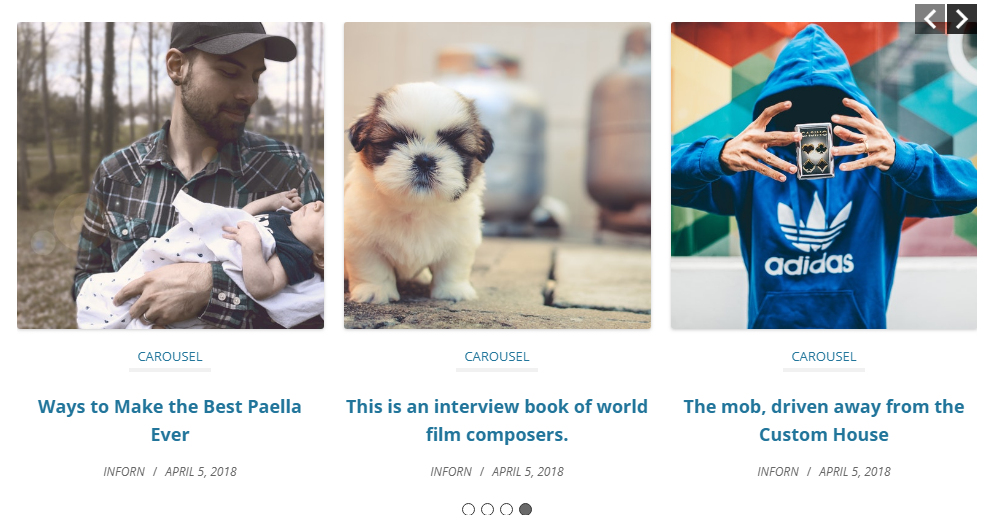
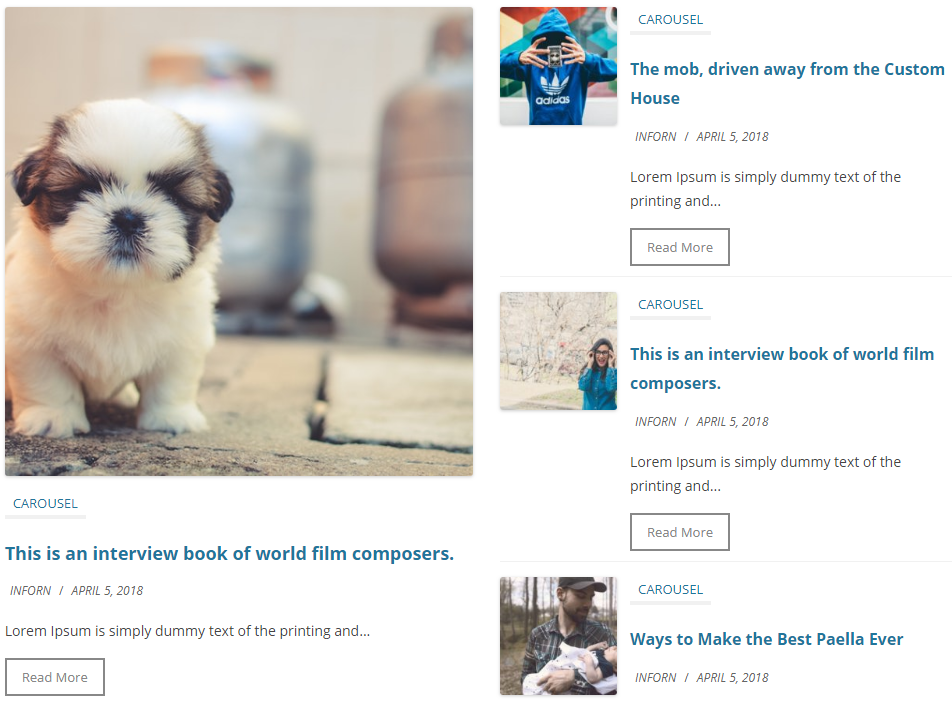
Für Entwickler
Ist das dein Plugin? Zeigen Sie die Zahlen.
Fügen Sie Ihrer Website, Docs oder GitHub Readme ein Live-Badge hinzu. Es wird von selbst aktualisiert - kein Konto erforderlich.
Best Blog Designer Pack alternatives
All blog plugins →




Fragen und Antworten
Blog Designer Pack: quick answers
Gerade Antworten, gezogen von Live WordPress.org Daten.
Quelle: WordPress.org
Is Blog Designer Pack free?
Yes. Blog Designer Pack is free to download and use from the official WordPress.org plugin directory. The developer also sells premium add-ons or a Pro version with extra features.
Is Blog Designer Pack safe to use in 2026?
Yes — Blog Designer Pack is a safe, well-maintained plugin to use in 2026. It runs on 30K+ sites, is rated 4.7/5 and was last updated 1 month ago, and scores 86/100 on our health check.
How many websites use Blog Designer Pack?
Blog Designer Pack is active on 30K+ WordPress websites and has been downloaded 957,241 times since it launched in April 2018. It was downloaded 7,310 times in the last 30 days.
Does Blog Designer Pack work with WordPress 7.1?
Yes. The developer has tested Blog Designer Pack up to WordPress 7.1.5, the latest release. It requires WordPress 5.8 or newer.
What PHP version does Blog Designer Pack need?
Blog Designer Pack requires PHP 5.4 or higher. Most hosts run PHP 8.x today, so it works on any modern WordPress hosting.
When was Blog Designer Pack last updated?
The latest version, 4.0.14, was released on October 11, 2026 (1 month ago).
Who makes Blog Designer Pack?
Blog Designer Pack is developed and maintained by InfornWeb.
What are the best alternatives to Blog Designer Pack?
The most popular alternatives to Blog Designer Pack are SiteOrigin Widgets Bundle (400K+ installs), All In One Favicon (50K+ installs) and Gum Addon for Elementor (50K+ installs).
Angetrieben von PageForge
Eine Vorlage und eine Tabelle. Eine echte Seite für jede Suche.
PageForge Verwandelt jede Zeile eines CSV in eine WordPress-Seite mit eigenem Titel, URL, SEO Felder und Schema entworfen. Kostenlos auf WordPress.org.
- CSV und XLSX, plus Google Sheets auf Beruf und Unternehmen
- seinen eigenen Titel, URL, SEO Felder und Schema für jede Seite
- Arbeitet mit dem Blockeditor, Elementor, Divi und Avada
- Kostenlos auf WordPress.org, keine Kreditkarte