

WPTerm
An xterm-like plugin to run non-interactive shell commands.

Escolha sólida
WPTerm is a solid plugin choice in 2026, with a few things worth checking first. It runs on 4K+ sites, is rated 5/5 and was last updated 4 months ago, and scores 74/100 on our health check.
- Testado com as últimas WordPress (7.1)
- Momentum — downloads up 26.3% vs the previous 30 days
Como ele se acumula?
Lado a lado em instalações, atualizações, avaliações e suporteDownloads diários
Os picos de download geralmente seguem uma nova versão — cada site que atualiza automaticamente é um download.
Rankings
Where WPTerm stands todayWordPress.org Classificações de pesquisa
Posição ao vivo na pesquisa de plugins, top 100| Palavra chave | Posição |
|---|---|
| bash | #1 |
| command | #16 |
| shell | #5 |
| terminal | #7 |
| xterm | #1 |
Adoção da versão
Compartilhamento de sites ativos por lançamento.
Divisão de classificação
★★★★★★★★★★ 5 from 15 reviews
About WPTerm
Do Leiame Oficial · v1.3Descrição
An xterm-like plugin to run non-interactive shell commands.
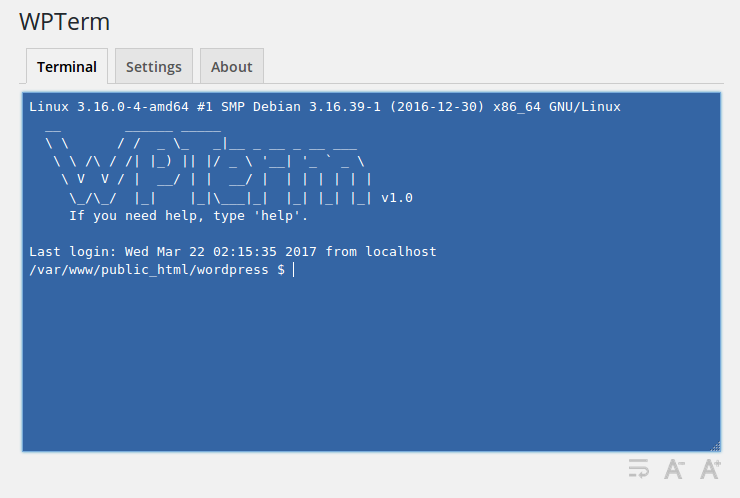
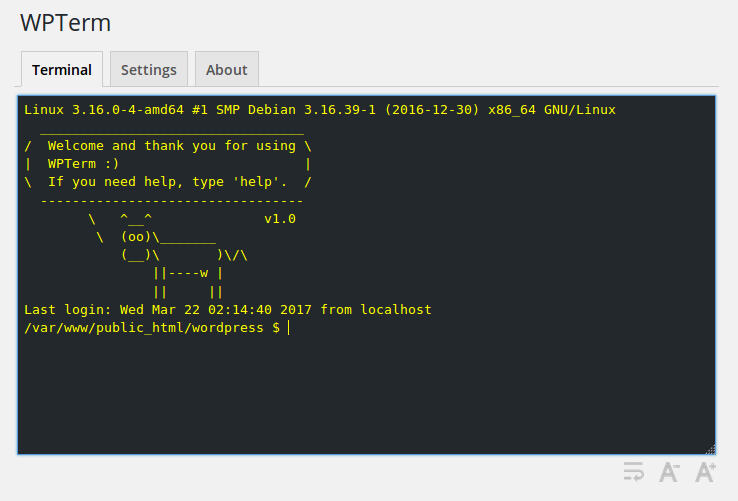
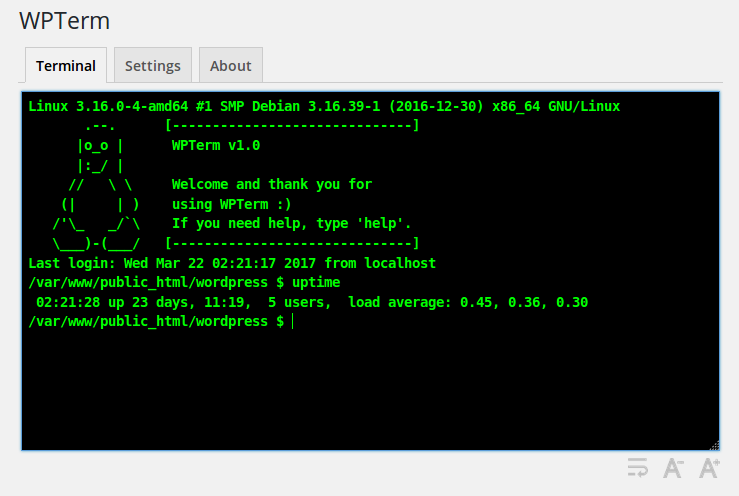
WPTerm is an xterm-like plugin. It can be used to run non-interactive shell commands from the WordPress admin dashboard.
Just like a terminal, WPTerm lets you do almost everything you want (e.g., changing file permissions, viewing network connections or current processes etc). That’s great, but if you aren’t familiar with Unix shell commands, you can also damage your blog. Therefore, each time you use WPTerm, please follow this rule of thumb: if you don’t know what you’re doing, don’t do it!
Compatibilidade
WPTerm is not compatible with Microsoft Windows; it works on Unix-like servers only.
Because it makes use of PHP program execution functions such as exec or shell_exec, it may not be compatible with some shared hosts that have disabled these functions. To make sure your server is compatible, follow these steps:
- Download this script.
- Rename it to “wpterm-check.php”.
- Upload it inside your website root folder.
- Go to http://YOUR WEBSITE/wpterm-check.php
- Delete it afterwards.
Password Protection
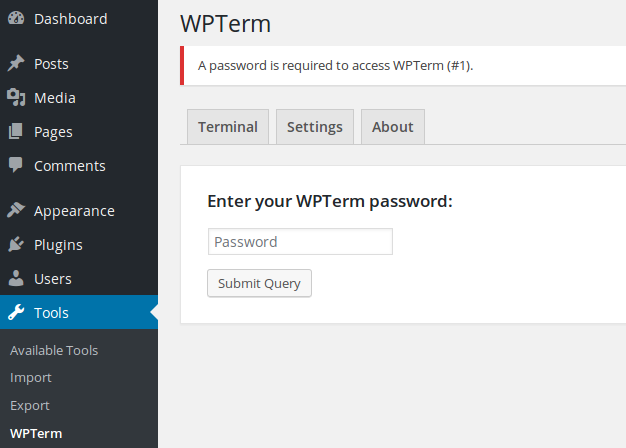
You can (and probably should!) password protect the access to WPTerm. Consult the contextual help, or type help at the terminal prompt to get more details about how to enable this feature.
Recursos
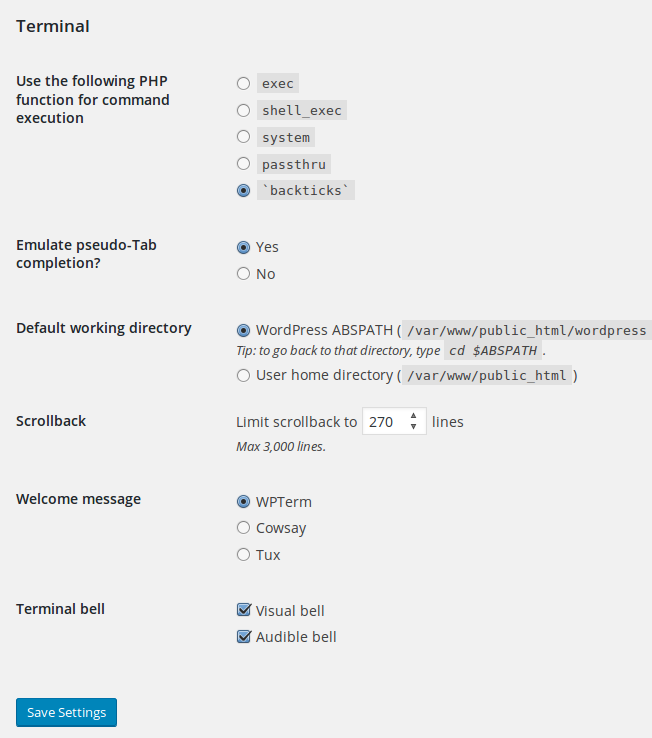
- Selectable PHP program execution function to run commands.
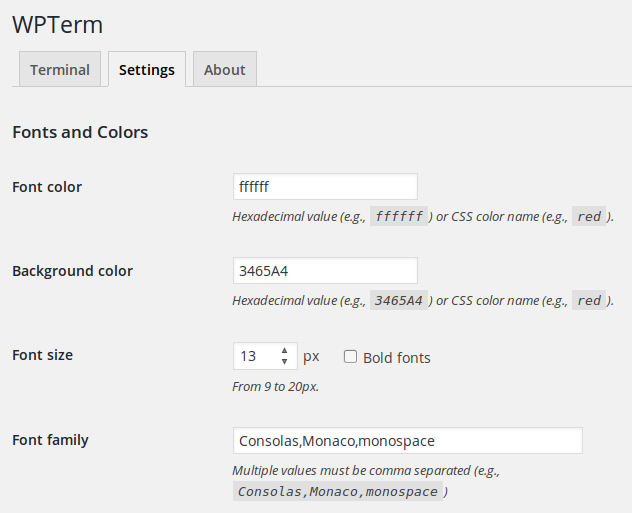
- Custom fonts family, size and color.
- Custom background color.
- History and scrollback buffer.
- Terminal bell (audible / visible).
- Optional password protection.
- Contextual help.
- Multisite compatible (only accessible to the SuperAdmin).
Supported Languages
- Inglês
- Francês
Requisitos
- WordPress 5.0+
- PHP 7.0+
- Unix-like OS (Linux, *BSD etc) only. WPTerm is NOT compatible with Microsoft Windows.
Instalação
- Upload
wptermfolder to the/wp-content/plugins/directory. - Activate the plugin through the ‘Plugins’ page in WordPress.
- Plugin settings are located in the ‘Tools > WPTerm’ sub-menu.
Log de Changes
1.3
- Many small fixes and improvements: useless/obsolete parts of code removed, terminal’s AJAX code improved, translation strings escaped, bugs fixed etc.
- If
DISALLOW_FILE_MODSis set on the blog, access to the terminal will be refused. - WPTerm requires now at least PHP 7.0 and WordPress 5.0.
1.2
- Communication between the terminal and the plugin will be base64-encoded to prevent security applications such as ModSecurity to block the AJAX request.
- Fixed a PHP “Function _load_textdomain_just_in_time was called incorrectly” notice.
- Ensure compatibility with WordPress 6.8
1.1.9
- Compatibility with WordPress 5.9.
1.1.8
- Fixed the “Your site could not complete a loopback request” error message in Site Health due to the PHP session when WPTerm’s password protection was enabled.
- On multisite installations the plugin is now accessible from the main site only. Since there’s just one physical WordPress install, there’s no need to use it on other sites.
1.1.7
- Added right to left language support to the terminal (compatible wit Firefox, Chrome, Opera and Safari browsers).
1.1.6
- Fixed an issue where the PHP session required by WPTerm’s password protection was always started, even when a non-admin user visited the site.
Capturas de tela

Para desenvolvedores
Este é o seu plugin? Mostre os números.
Adicione um crachá ao vivo ao seu site, Documentos ou Readme do GitHub. Ele é atualizado por conta própria - nenhuma conta necessária.
Best WPTerm alternatives
All bash plugins →| Classificação | Plugin | Instalações ativas |
|---|---|---|
| 2 |
 SimTerm
Make demos of your terminal commands and output in an attractive way. |
20+ |
| 3 |
 Simpler Syntax Highlighter
Lightweight code snippet syntax highlighter. |
<10 |
FAQ
WPTerm: quick answers
Respostas diretas, extraídas de dados ao vivo WordPress.org.
Fonte: WordPress.org
Is WPTerm free?
Yes. WPTerm is free to download and use from the official WordPress.org plugin directory.
Is WPTerm safe to use in 2026?
WPTerm is a solid plugin choice in 2026, with a few things worth checking first. It runs on 4K+ sites, is rated 5/5 and was last updated 4 months ago, and scores 74/100 on our health check.
How many websites use WPTerm?
WPTerm is active on 4K+ WordPress websites and has been downloaded 76,308 times since it launched in April 2017. It was downloaded 2,101 times in the last 30 days.
Does WPTerm work with WordPress 7.1?
Yes. The developer has tested WPTerm up to WordPress 7.1.5, the latest release. It requires WordPress 5.0 or newer.
What PHP version does WPTerm need?
WPTerm requires PHP 7.0 or higher. Most hosts run PHP 8.x today, so it works on any modern WordPress hosting.
When was WPTerm last updated?
The latest version, 1.3, was released on August 16, 2026 (4 months ago).
Who makes WPTerm?
WPTerm is developed and maintained by bruandet.
What are the best alternatives to WPTerm?
The most popular alternatives to WPTerm are SimTerm (20+ installs) and Simpler Syntax Highlighter (<10 installs).
Alimentado por PageForge
Um modelo e uma planilha. Uma página real para cada pesquisa.
PageForge Transforma cada linha de um CSV em uma página WordPress com seu próprio título, URL, SEO campos e esquema, construído no layout que você já desenhou. Gratuito em WordPress.org.
- CSV e XLSX, mais Google Sheets em Profissional e Empresarial
- Seu próprio título, URL, SEO campos e esquema para cada página
- Funciona com o editor de blocos, Elementor, Divi e Avada
- Gratuito em WordPress.org, sem cartão de crédito