


Simple Analytics
Simple, free, and privacy-friendly website analytics https://vimeo.com/1033359807/dde00e7f39

Escolha sólida
Simple Analytics is a solid plugin choice in 2026, with a few things worth checking first. It runs on 1K+ sites, is rated 5/5 and was last updated 7 days ago, and scores 77/100 on our health check.
- Actively developed — last update 7 days ago
- Testado com as últimas WordPress (7.1)
- Momentum — downloads up 94.1% vs the previous 30 days
- Muito poucos comentários até agora
Downloads diários
Os picos de download geralmente seguem uma nova versão — cada site que atualiza automaticamente é um download.
Rankings
Where Simple Analytics stands todayWordPress.org Classificações de pesquisa
Posição ao vivo na pesquisa de plugins, top 100| Palavra chave | Posição |
|---|---|
| free analytics | #27 |
| privacy friendly | #27 |
| privacy-first | #26 |
| simple analytics | #8 |
| website analytics | #28 |
Adoção da versão
Compartilhamento de sites ativos por lançamento.
Divisão de classificação
★★★★★ ★★★★★ 5 de 3 comentários
About Simple Analytics
From the official readme · v1.116Descrição
Simple Analytics gives you the analytics you need without invading the privacy of your users, with a clean interface and simple integration.
- Privacy-friendly by design: Simple Analytics is built with privacy in mind. Get the insights you need while respecting your users’ privacy.
- Simple interface: Google Analytics is a monstrosity of custom dashboards and features. At Simple Analytics, we provide the insights you need in a clear and straightforward interface.
- No cookiebanner required. Simple Analytics does not use cookies or any other identifiers, meaning you don’t need to add an annoying cookiebanner to your website. You can use Simple Analytics without the need for consent.
- GDPR-compliant. Simple Analytics is GDPR-compliant and out-of-the-box since we don’t collect, store, or process personally identifiable information.
- Easy integration. Simple Analytics is easy to install. You can use our WordPress plugin to get started right away. It’s also possible to import your historical Google Analytics traffic so you don’t lose any data switching to Simple Analytics.
- It’s free. Simple Analytics has a free option to get started. There is a 14-day free trial to explore our paid features. However, you can use Simple Analytics for free forever if you like.
Check our live demo
Simple Analytics is entirely self-funded and proudly supported by our 18500+ users. We don’t sell your data, we don’t do ads, and we don’t have investors that tell us what to do. We’re here to build a product that you love.
Use it for free as long as you need, or if you’re happy, consider one of our paid options for more features and more data history.
Recursos
Events
– Event Tracking: Monitor specific user interactions that are not captured by standard page views, such as button clicks, form submissions, or video plays.
Goals
– Goal Tracking: Set specific goals to monitor user interactions on your website, such as conversions or engagement metrics.
– Goal Cards: Visual representations of your goals that allow for quick performance assessments.
– Custom Filters: Create filters to refine the data associated with each goal, making it easier to analyze specific user behaviors.
Ai Analytics
– Chat with your analytics to generate custom insights and dashboards.
Custom Views
– Permanent Filters: Establish permanent filters on your dashboard to focus on specific data sets.
– Multi-Domain Merging: Combine data from multiple domains into a single dashboard for a comprehensive overview.
– Access Control: Share limited views of your analytics data with team members or stakeholders.
Filters
– Data Filtering: Apply filters to exclude certain traffic sources or user behaviors, allowing for cleaner, more relevant data analysis.
Export Your Data
– Data Export Options: Easily export your analytics data in various formats for further analysis or reporting.
Import Google Analytics Data
– Data Migration: Import historical data from Google Analytics to maintain continuity in your analytics tracking.
Email Reports
– Automated Reporting: Set up automated email reports to receive regular updates on your website’s performance metrics.
Bypass Ad-Blockers
– Ad-Blocker Resilience: The tracking script is designed to bypass common ad-blockers, ensuring that you capture more accurate visitor data.
Robot Blocking
– Bot Traffic Management: Automatically block known bots from skewing your analytics data, leading to more reliable insights.
Hide Referral SPAM
– Spam Filtering: Filter out referral spam to ensure that your analytics data reflects genuine user interactions.
Embed Chart on Your Site
– Data Visualization: Embed analytics charts directly on your website for live data displays, enhancing transparency.
Trend Lines
– Performance Tracking: Utilize trend lines in your analytics to visualize performance over time, aiding in identifying patterns and forecasting.
Annotations
– Event Marking: Add annotations to your data to mark significant events or changes, providing context for fluctuations in your analytics.
Block Your Visits Extension
– Personal Visit Exclusion: Use an extension to block your own visits from being tracked, ensuring that your analytics reflect genuine user activity.
Instalação
Installing “Simple Analytics” can be done in multiple ways.
Install via WordPress Plugins
- Search for
simpleanalyticsplugin in your WordPress admin - Upload the ZIP file through the ‘Plugins > Add New > Upload’ screen in your WordPress dashboard
- Ative o plugin através do menu 'Plugins' em WordPress
Download the ZIP via WordPress.org
- Download the plugin via wordpress.org/plugins/simpleanalytics
- Upload the ZIP file through the ‘Plugins > Add New > Upload’ screen in your WordPress dashboard
- Ative o plugin através do menu 'Plugins' em WordPress
Download the ZIP via GitHub
- Download the plugin via github.com/simpleanalytics/wordpress-plugin
- Upload the ZIP file through the ‘Plugins > Add New > Upload’ screen in your WordPress dashboard
- Ative o plugin através do menu 'Plugins' em WordPress
Log de Changes
No changes needed for upgrades.
1.116
- 2026-11-23
- Tested up to WordPress 7.1.5
- Requires WordPress 7.0.8
- Requires PHP 7.4.0
- Changes:
- Restrict analytics tracking and harden settings and releases (#58)
- Use the same validated client IP for settings and exclusions (#46)
- Document that third parties depend on data-platform=”wordpress” (#63)
- Ignore script tags without an id in the attributes filter (#60)
1.115
- 2026-11-09
- Changes:
- Remove the iOS app from the plugin readme (#57) [no ci]
1.114
- 2026-11-02
- Tested up to WordPress 7.1.4
- Requires WordPress 7.0.7
- Requires PHP 7.4.0
- Changes:
- Label pull requests by release risk (#55)
1.113
- 2026-10-12
- Tested up to WordPress 7.1.3
- Requires WordPress 7.0.6
- Requires PHP 7.4.0
1.112
- 2026-09-28
- Tested up to WordPress 7.1.2
- Requires WordPress 7.0.5
- Requires PHP 7.4.0
1.111
- 2026-09-21
- Tested up to WordPress 7.1.1
- Requires WordPress 7.0.4
- Requires PHP 7.4.0
Capturas de tela
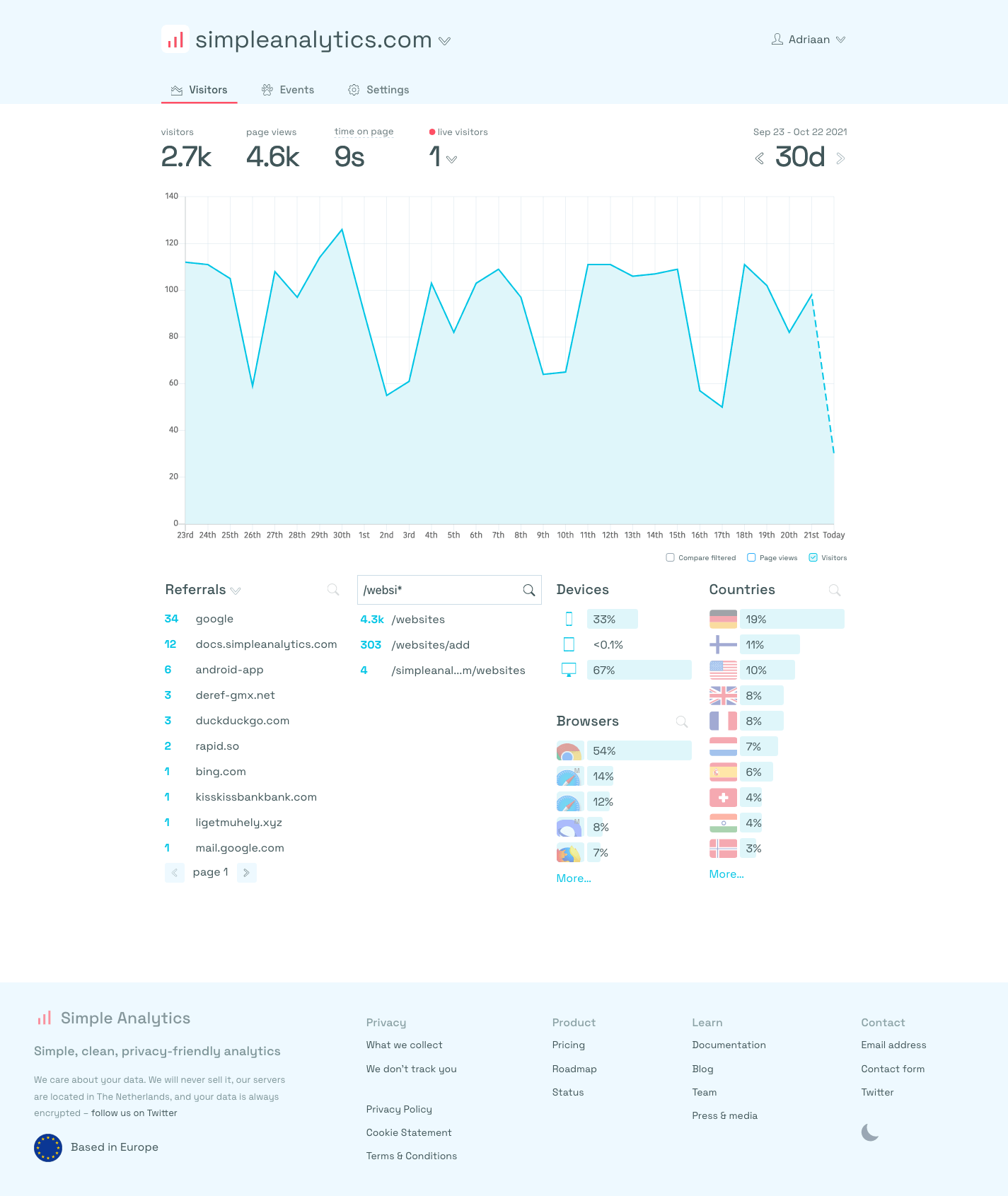
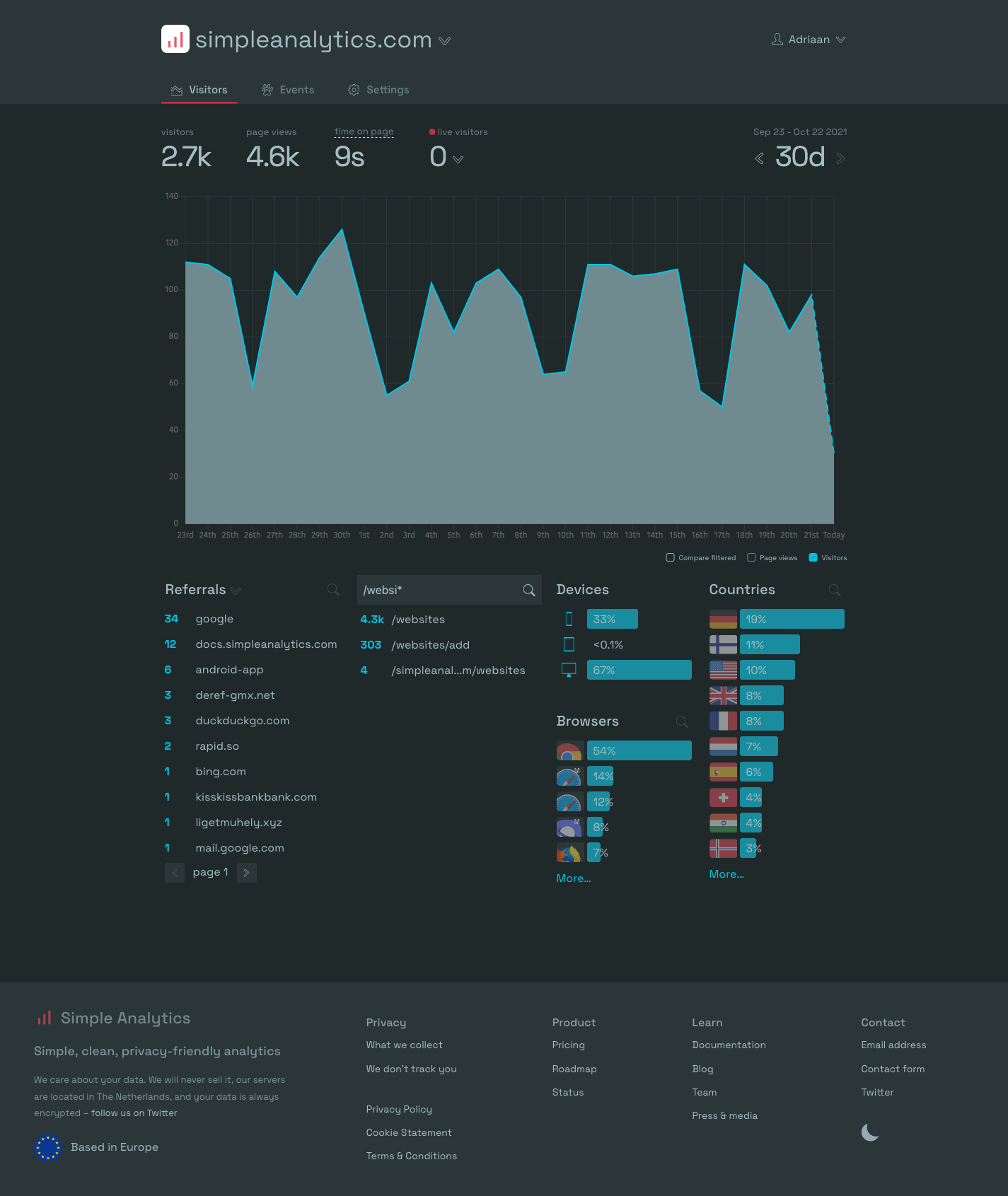

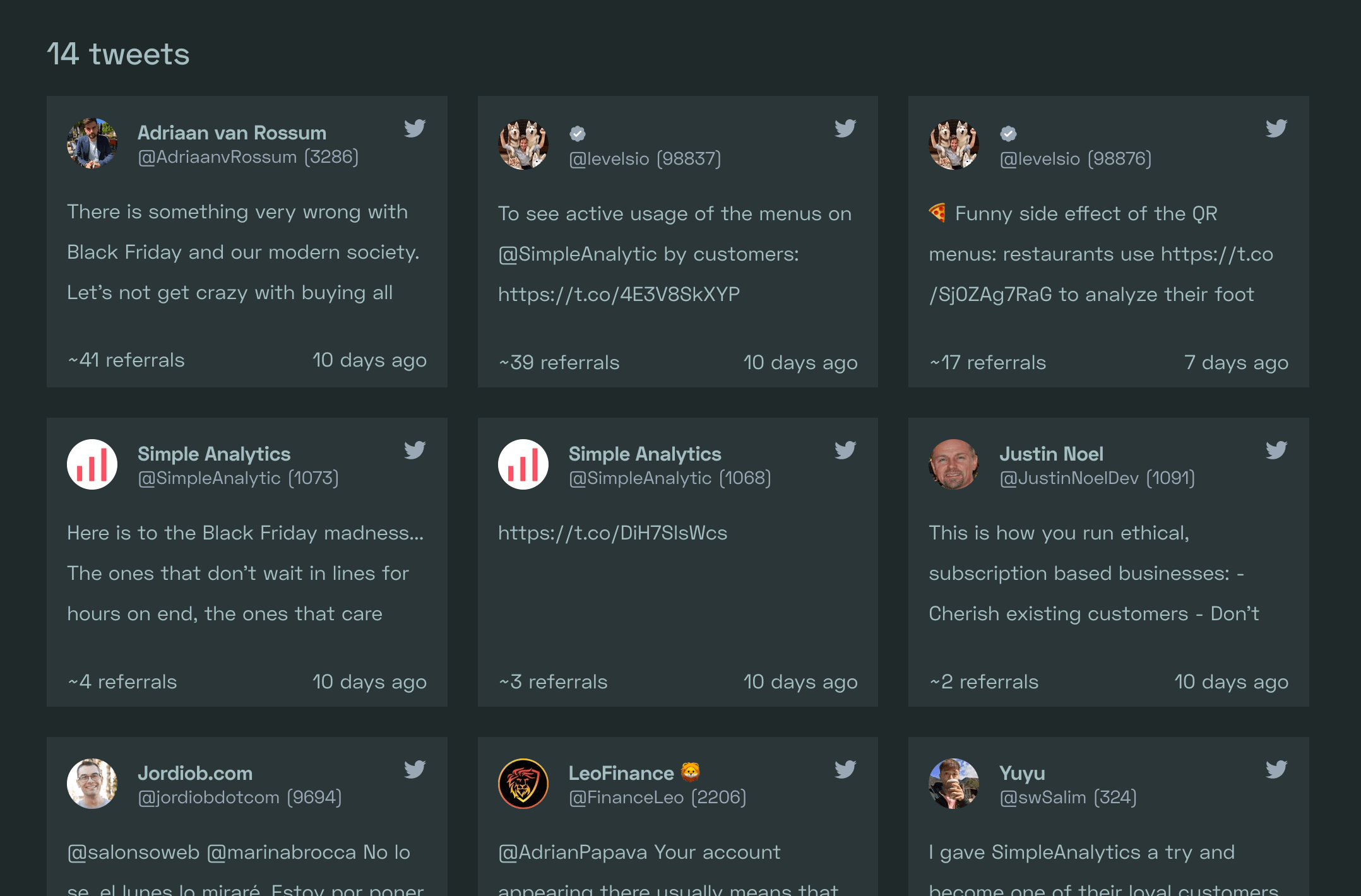
Para desenvolvedores
Este é o seu plugin? Mostre os números.
Adicione um crachá ao vivo ao seu site, Documentos ou Readme do GitHub. Ele é atualizado por conta própria - nenhuma conta necessária.
FAQ
Simple Analytics: quick answers
Respostas diretas, extraídas de dados ao vivo WordPress.org.
Fonte: WordPress.org
Is Simple Analytics free?
Yes. Simple Analytics is free to download and use from the official WordPress.org plugin directory.
Is Simple Analytics safe to use in 2026?
Simple Analytics is a solid plugin choice in 2026, with a few things worth checking first. It runs on 1K+ sites, is rated 5/5 and was last updated 7 days ago, and scores 77/100 on our health check.
How many websites use Simple Analytics?
Simple Analytics is active on 1K+ WordPress websites and has been downloaded 35,260 times since it launched in June 2019. It was downloaded 3,375 times in the last 30 days.
Does Simple Analytics work with WordPress 7.1?
Yes. The developer has tested Simple Analytics up to WordPress 7.1.5, the latest release. It requires WordPress 7.0.8 or newer.
What PHP version does Simple Analytics need?
Simple Analytics requires PHP 7.4.0 or higher. Most hosts run PHP 8.x today, so it works on any modern WordPress hosting.
When was Simple Analytics last updated?
The latest version, 1.116, was released on November 23, 2026 (7 days ago).
Who makes Simple Analytics?
Simple Analytics is developed and maintained by Adriaan.
Alimentado por PageForge
Um modelo e uma planilha. Uma página real para cada pesquisa.
PageForge Transforma cada linha de um CSV em uma página WordPress com seu próprio título, URL, SEO campos e esquema, construído no layout que você já desenhou. Gratuito em WordPress.org.
- CSV e XLSX, mais Google Sheets em Profissional e Empresarial
- Seu próprio título, URL, SEO campos e esquema para cada página
- Funciona com o editor de blocos, Elementor, Divi e Avada
- Gratuito em WordPress.org, sem cartão de crédito