


Pin CTA
Add beautiful Pinterest share buttons to your content with 10 stunning pre-built styles.

Considere uma alternativa
Pin CTA shows warning signs in 2026 — compare the alternatives below before installing. It runs on 20+ sites and was last updated 2 years ago, and scores 27/100 on our health check.
- Base de usuários pequenas (mais de 20 instalações ativas)
- Muito poucos comentários até agora
- Nenhuma atualização em mais de um ano
- Testado apenas até WordPress 6.7 (mais recente é 7.1)
Como ele se acumula?
Lado a lado em instalações, atualizações, avaliações e suporte



Downloads diários
Os picos de download geralmente seguem uma nova versão — cada site que atualiza automaticamente é um download.
Rankings
Where Pin CTA stands todayWordPress.org Classificações de pesquisa
Posição ao vivo na pesquisa de plugins, top 100| Palavra chave | Posição |
|---|---|
| cta | >100 |
| pin | >100 |
| >100 | |
| share | >100 |
| Share on Pinterest | >100 |
Adoção da versão
Compartilhamento de sites ativos por lançamento.
About Pin CTA
From the official readme · v1.2.0Descrição
Pin CTA is a powerful WordPress plugin that helps you encourage Pinterest sharing with stylish, customizable call-to-action buttons. Available as both a Gutenberg block and shortcode, it’s perfect for food bloggers, DIY websites, and any content creator wanting to boost their Pinterest engagement.
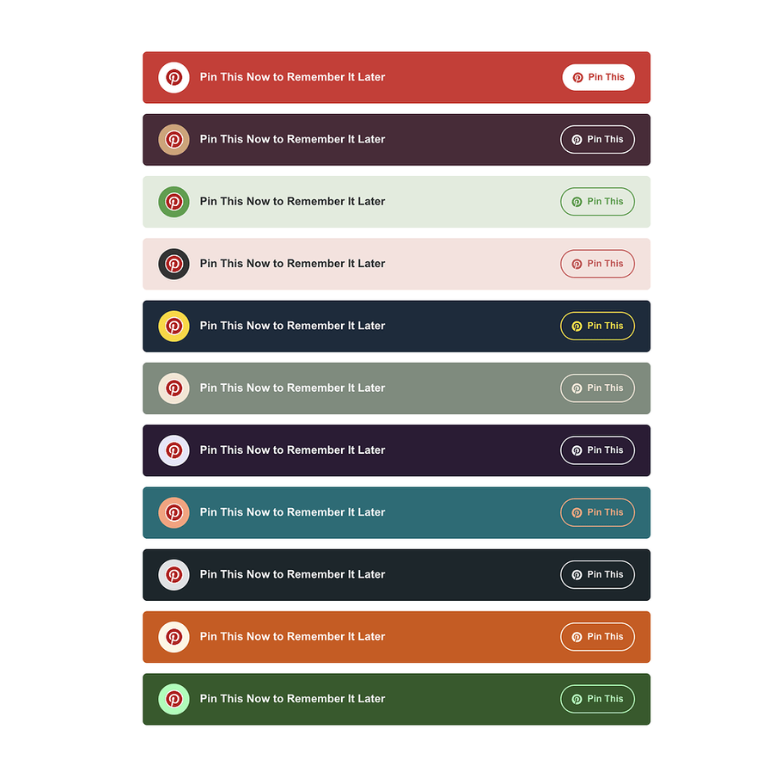
The plugin includes ten professionally designed styles, ranging from classic Pinterest red to elegant color combinations that will match any website theme.
Join our Traffic Alchemy community to discover proven strategies for growing and monetizing your websites and social media profiles. Get insider tips on driving traffic, maximizing ad revenue, and mastering affiliate marketing straight to your inbox!
Key Features
- 10 beautiful pre-designed styles
- Available as both Gutenberg block and shortcode
- Inline or block layout options
- Custom text support
- Automatic image detection (uses featured image, first content image, or custom selection)
- Responsive design for all devices
- No tracking or external dependencies
- SEO-friendly implementation
Uso
Gutenberg Bloco
- Add the “Pin CTA” block to your post
- Customize the style, layout, and text in the block settings
- Optionally select a custom Pinterest image
Shortcode
Use the following shortcode format:
[pin_cta_button style=”style1″ inline=”false” custom_text=”Pin This Recipe”]
Available Styles
- Classic Red & White:
style="default" - Burgundy & Gold:
style="style1" - Fresh Green & White:
style="style2" - Soft Pink & Rose:
style="style3" - Navy & Gold:
style="style4" - Sage & Cream:
style="style5" - Royal Purple & Lavender:
style="style6" - Ocean Teal & Coral:
style="style7" - Midnight Blue & Silver:
style="style8" - Autumn Orange & Cream:
style="style9" - Forest & Mint:
style="style10"
Parâmetros de código curto
style: Choose from style1 through style10 (default: “default”)inline: Set to “true” for inline layout (default: false)custom_text: Your custom call-to-action textmedia_id: Specify a custom image ID for Pinterest sharing
Screenshots ==s
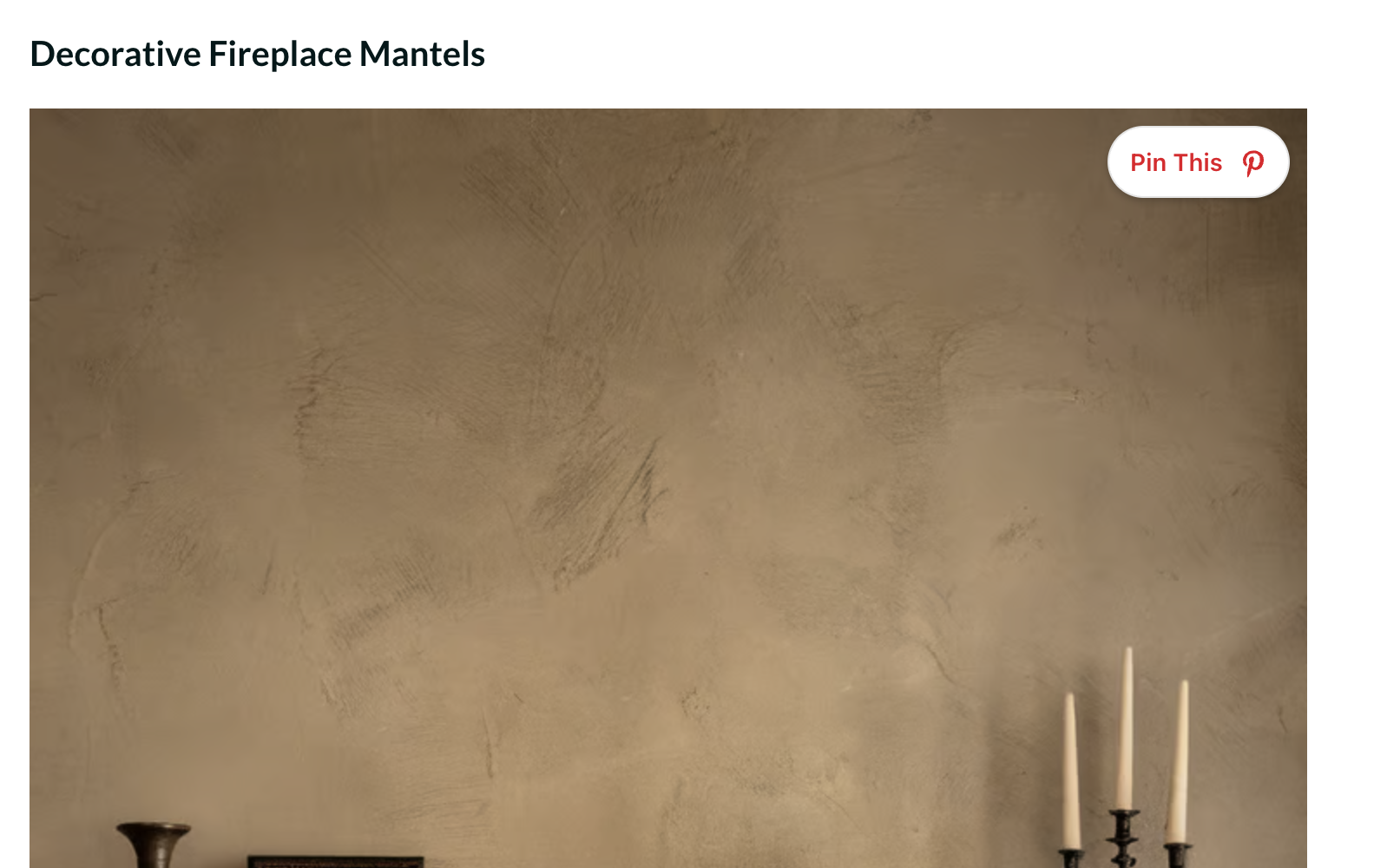
- How it looks on site
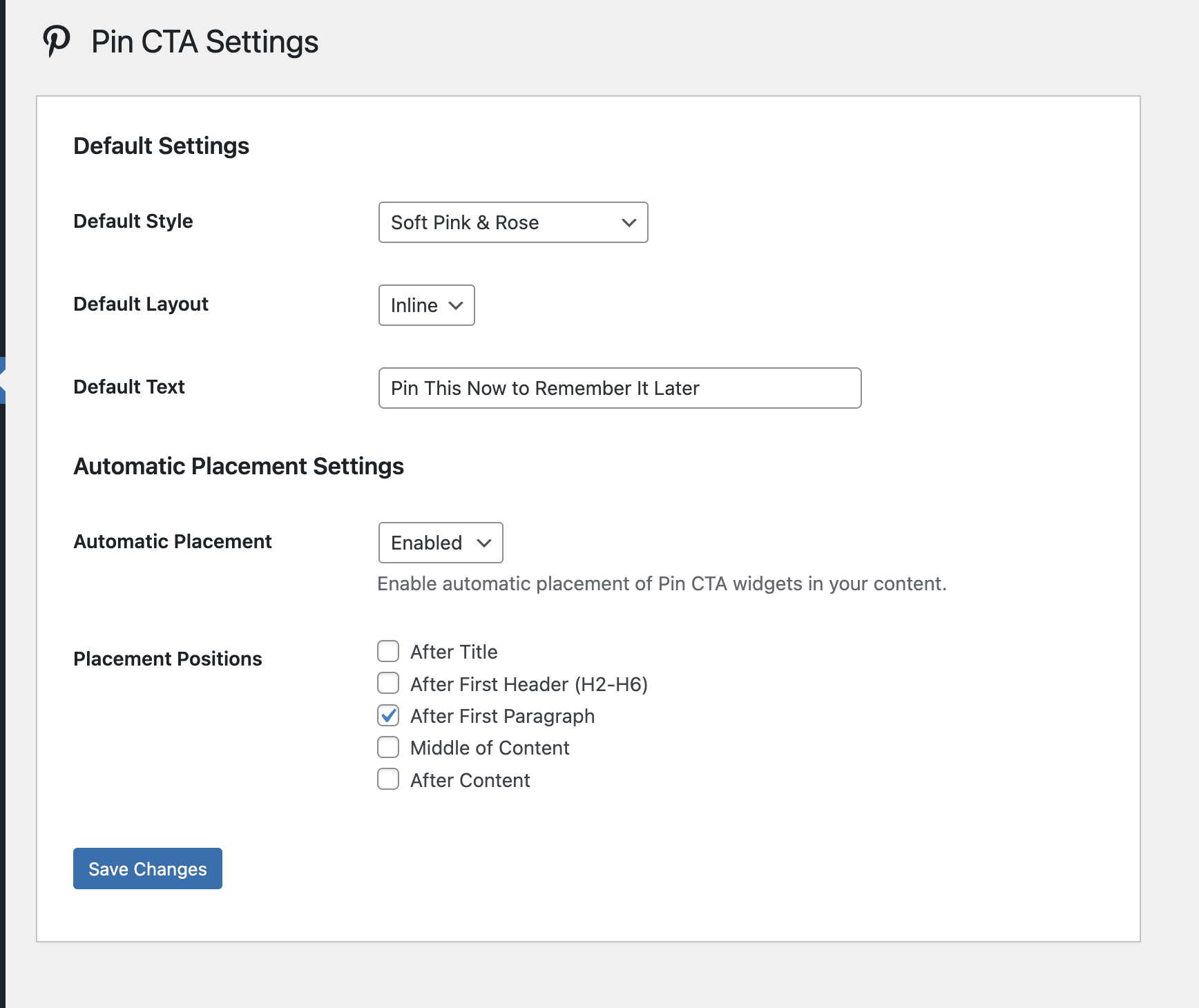
- Options page
- Color options
License
This plugin is licensed under the GPL v2 or later.
Créditos
- Pinterest logo used with permission under Pinterest’s brand guidelines
- Icons: Dashicons (WordPress native)
Instalação
- Upload
pin-cta.zipthrough the Plugins > Add New > Upload Plugin screen - Activate the plugin through the Plugins menu
- Use either the Gutenberg block or shortcode to add buttons to your content
Log de Changes
Security and compatibility update. Improves sanitization and escaping for better security.
= 1.2.0
* disable the buttons on all page except single post
* added themes for pin it button
* updated previews in admin panel
= 1.1.1
* added image overlay buttons
= 1.0.6
* fixed automatic insertion
* fixed color constrast
* fix inline layout
= 1.0.5
* fix automatic placement bug
= 1.0.4
* fix automatic placement bug
= 1.0.3
* fix automatic placement bug
= 1.0.2
* fix display on posts
1.0.1
- Fixed sanitization in plugin settings
- Improved escaping of URLs for better security
- Removed hidden files from plugin package
- Updated “Tested up to” format in readme
- Added 6 new style variations
- Introduced inline layout option
- Added Gutenberg block support
- Improved image detection logic
1.0.0
- Lançamento inicial
Capturas de tela

Para desenvolvedores
Este é o seu plugin? Mostre os números.
Adicione um crachá ao vivo ao seu site, Documentos ou Readme do GitHub. Ele é atualizado por conta própria - nenhuma conta necessária.
Best Pin CTA alternatives
All cta plugins →





FAQ
Pin CTA: quick answers
Respostas diretas, extraídas de dados ao vivo WordPress.org.
Fonte: WordPress.org
Is Pin CTA free?
Yes. Pin CTA is free to download and use from the official WordPress.org plugin directory.
Is Pin CTA safe to use in 2026?
Pin CTA shows warning signs in 2026 — compare the alternatives below before installing. It runs on 20+ sites and was last updated 2 years ago, and scores 27/100 on our health check.
How many websites use Pin CTA?
Pin CTA is active on 20+ WordPress websites and has been downloaded 1,250 times since it launched in March 2025. It was downloaded 117 times in the last 30 days.
Does Pin CTA work with WordPress 7.1?
Pin CTA is officially tested up to WordPress 6.7.12, while the latest release is 7.1.5. It may still work, but try it on a staging site first.
What PHP version does Pin CTA need?
Pin CTA requires PHP 7.0 or higher. Most hosts run PHP 8.x today, so it works on any modern WordPress hosting.
When was Pin CTA last updated?
The latest version, 1.2.0, was released on April 9, 2025 (2 years ago).
Who makes Pin CTA?
Pin CTA is developed and maintained by spyderman4g63.
What are the best alternatives to Pin CTA?
The most popular alternatives to Pin CTA are Notibar (7K+ installs), WP CTA (2K+ installs) and TopBar Call To Action (1K+ installs).
Alimentado por PageForge
Um modelo e uma planilha. Uma página real para cada pesquisa.
PageForge Transforma cada linha de um CSV em uma página WordPress com seu próprio título, URL, SEO campos e esquema, construído no layout que você já desenhou. Gratuito em WordPress.org.
- CSV e XLSX, mais Google Sheets em Profissional e Empresarial
- Seu próprio título, URL, SEO campos e esquema para cada página
- Funciona com o editor de blocos, Elementor, Divi e Avada
- Gratuito em WordPress.org, sem cartão de crédito