


Product Labels, Quick View, Buy Now, Pre-Orders, Frequently Bought Together & More for WooCommerce – Merchant
48 WooCommerce modules in one plugin: product labels, quick view, buy now, pre-orders, variation swatches, discount rules & more.

Escolha sólida
Product Labels, Quick View, Buy… is a solid plugin choice in 2026, with a few things worth checking first. It runs on 8K+ sites, is rated 4.2/5 and was last updated 1 week ago, and scores 76/100 on our health check.
- Desenvolvido ativamente — última atualização 1 semana atrás
- Momentum — downloads up 98.3% vs the previous 30 days
Como ele se acumula?
Lado a lado em instalações, atualizações, avaliações e suporte



Downloads diários
Os picos de download geralmente seguem uma nova versão — cada site que atualiza automaticamente é um download.
Rankings
Where Product Labels, Quick View,… stands todayWordPress.org Classificações de pesquisa
Posição ao vivo na pesquisa de plugins, top 100| Palavra chave | Posição |
|---|---|
| frequently bought together | #3 |
| pre-orders | #7 |
| product labels | #13 |
| quick view | #15 |
| variation swatches | #58 |
Adoção da versão
Compartilhamento de sites ativos por lançamento.
Divisão de classificação
★★★★★★★★★★ 4.2 from 11 reviews
About Product Labels, Quick View, Buy Now, Pr…
Do Readme oficial · v2.3.3Descrição
A WOOCOMMERCE TOOLKIT FOR MODERN STORES
Merchant is an all-in-one WooCommerce plugin with 48 modules (16 free, 32 Pro) that help you boost sales, increase average order value, and reduce cart abandonment. Most WooCommerce stores run 20 or more separate plugins to do this. Merchant brings those features together so you have one plugin to install, update, and maintain instead of a dozen.
Merchant Pro
Merchant is the free version of Merchant Pro, which adds Frequently Bought Together, Buy X Get Y (BOGO), Bulk Discounts, Free Gifts, and Advanced Reviews, plus 27 more WooCommerce modules (32 Pro modules in total) and email support. Upgrade to Merchant Pro and unlock every premium module.
Free WooCommerce Modules (16 Included)
The free version of Merchant includes 16 modules you can switch on individually:
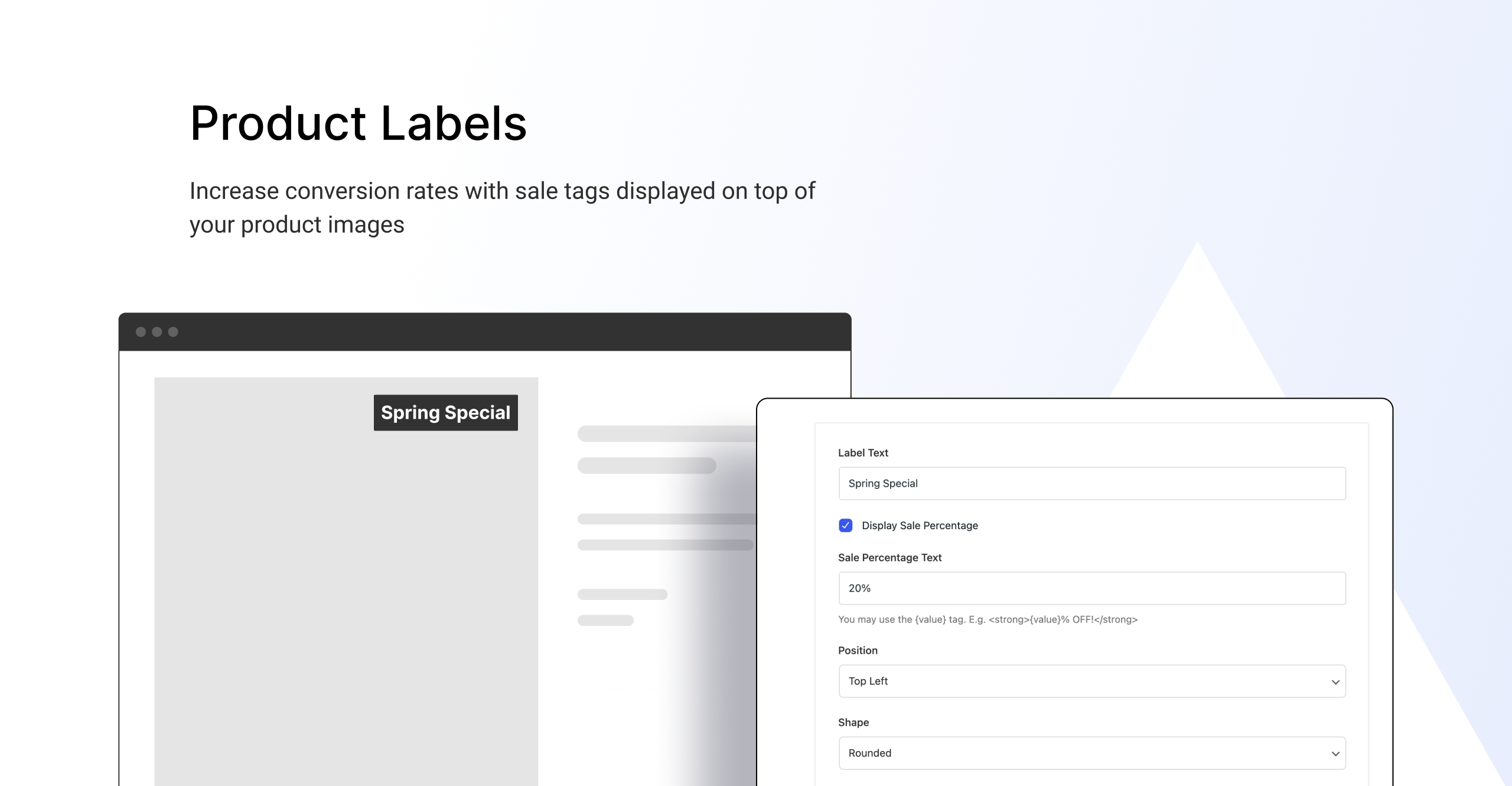
Product Labels: Draw attention to products and drive sales by adding labels to the product images on your shop pages.
Quick View: Let customers view product details in a popup without leaving the current page.
Buy Now: Skip the cart and send shoppers straight from the product page to checkout, the way Amazon does.
Pre-Orders: Let customers pre-order upcoming or out-of-stock products, so you capture sales before items are available.
Real-Time Search: Add predictive WooCommerce product search with instant results and suggested search terms.
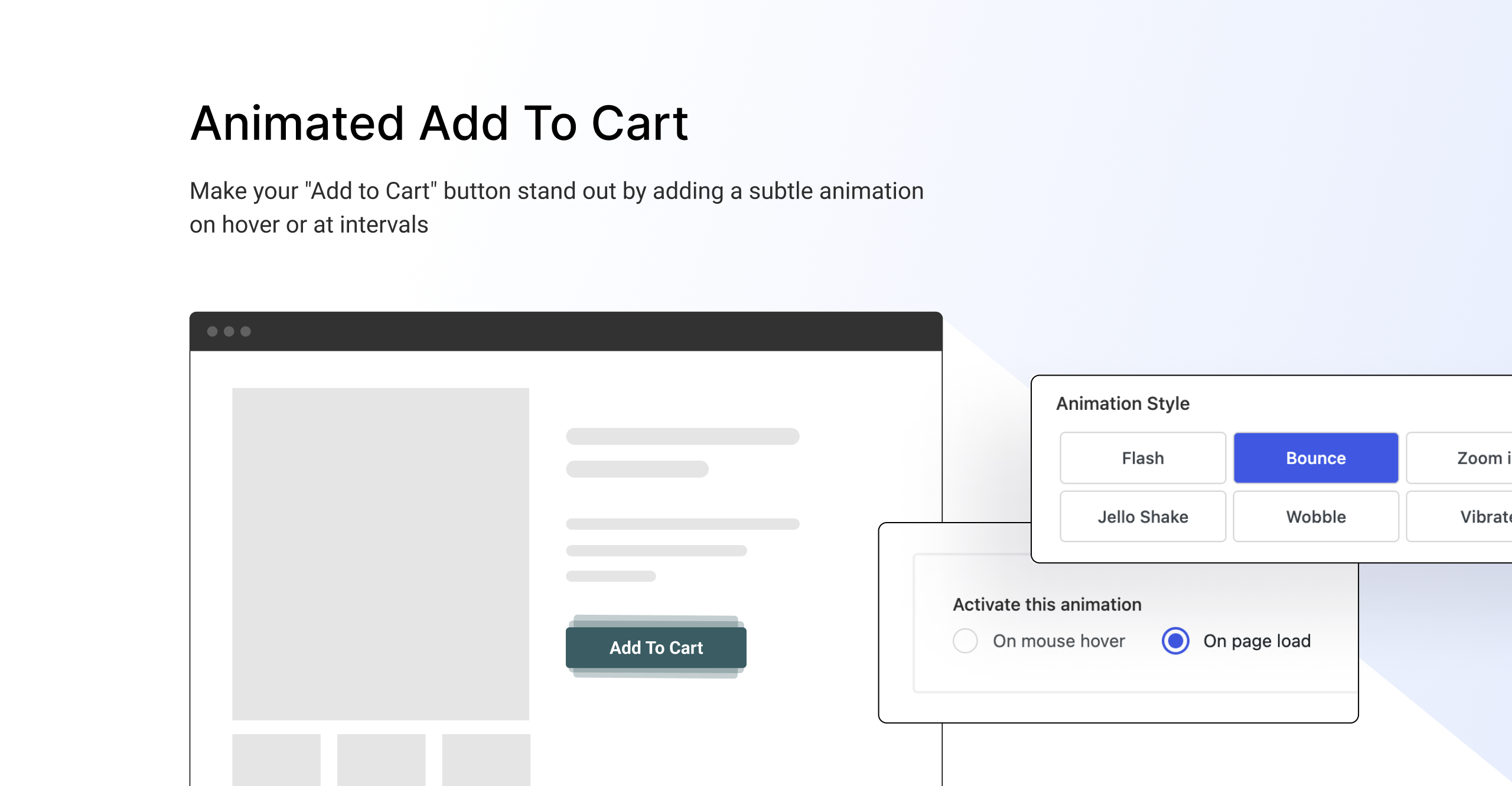
Animated Add to Cart: Make your add to cart button stand out with 10+ animations, triggered on mouseover or on page load.
Add To Cart Text: Change the ‘Add to Cart’ button text for simple, variable, out-of-stock, or individual products.
Trust Badge: Add trust badges that match your store’s design to reassure shoppers at checkout.
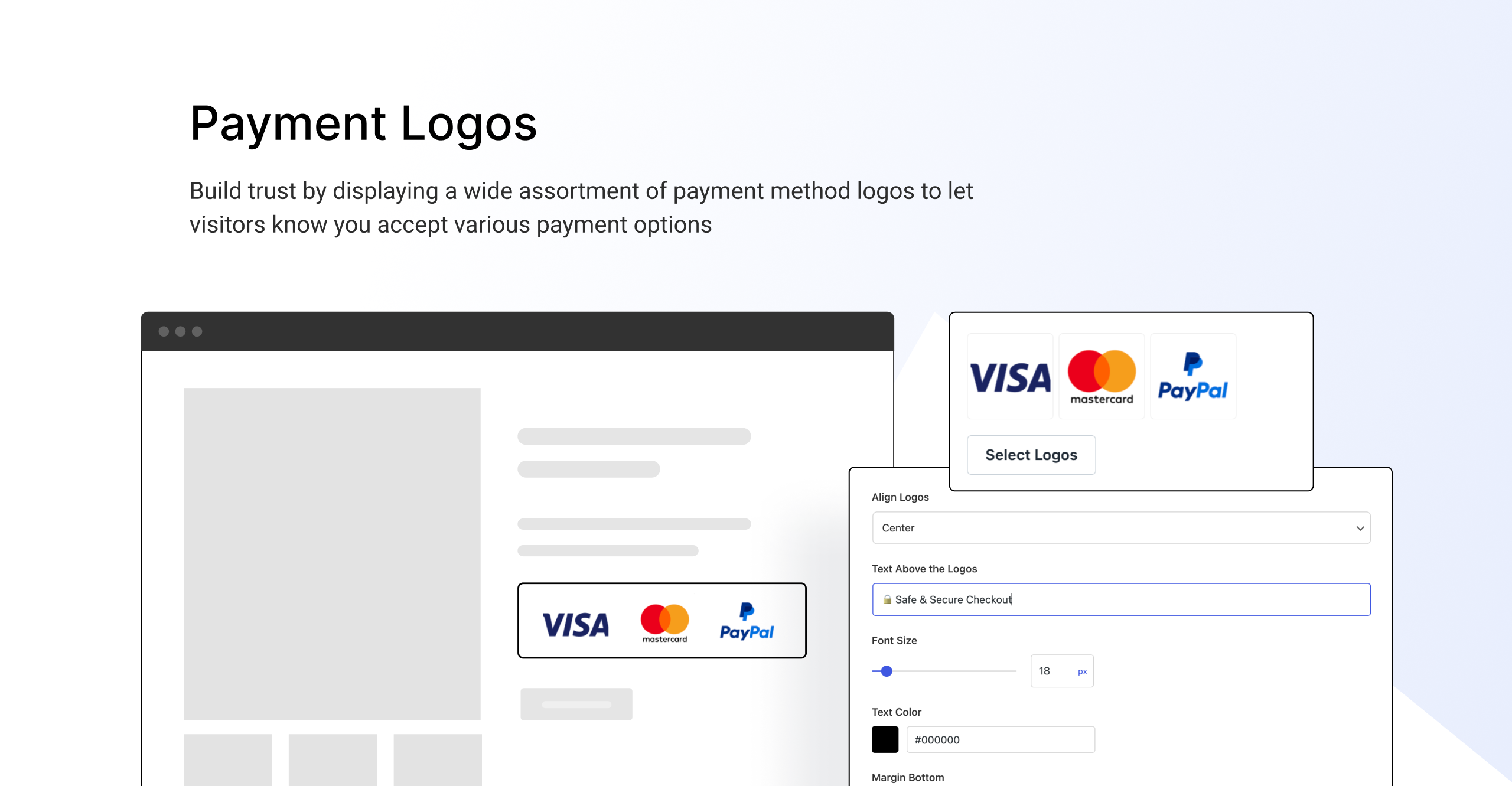
Payment Logos: Display the payment methods you accept, from credit cards to digital wallets.
Clear Cart: Let customers empty their cart and start fresh in one click.
Scroll to Top: Give shoppers an easy way to return to the top of long pages.
Auto External Links: Automatically open external links in a new tab, with no manual setup.
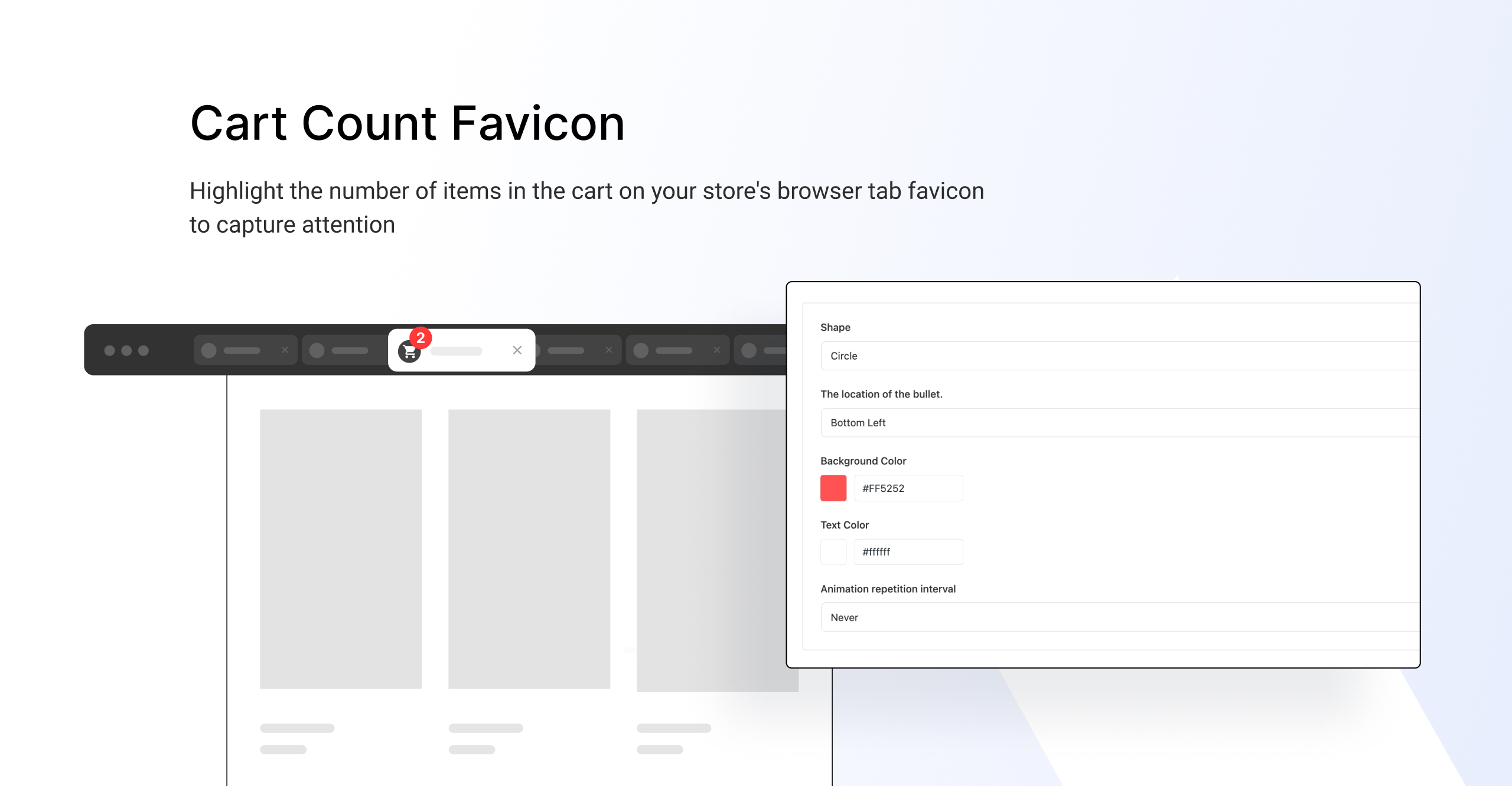
Cart Count Favicon: Show the number of items in the cart in the browser tab favicon.
Inactive Tab Message: Change the browser tab title when a visitor switches tabs, to draw them back to your store.
Agree to Terms Checkbox: Require shoppers to accept your terms and conditions during checkout.
Cookie Banner: Show a customizable cookie consent banner, floating or fixed.
Every module is optional, so you load only what your WooCommerce store actually uses.
🏆 FEATURED ON WPTUTS
For me, the key selling point of either of these versions, whether it’s the free one or the Pro, is that it means I’ve only got one plugin to maintain and update (and purchase, if I go for the Pro version) over having multiple plugins to maintain, purchase and update. This just makes life a little easier.
More WooCommerce Modules in Merchant Pro
Merchant Pro adds 32 more modules, built-in analytics, campaign scheduling, and email support:
Frequently Bought Together: Recommend products customers often buy together and add the bundle to the cart in one click.
Product Bundles: Sell curated bundles of products together at a set price to increase average order value.
Bulk Discounts: Reward larger orders with quantity-based discounts on products, categories, tags, or the whole store.
Buy X, Get Y: Run Buy One Get One (BOGO) offers, such as buy one Product X and get one free.
Free Gifts: Reward shoppers with a free gift for hitting a spending target or applying a coupon.
Spending Goal: Show customers how much more to spend to earn a discount, lifting average order value.
Free Shipping Bar: Show the amount left to qualify for free shipping.
Storewide Sale: Schedule discount campaigns across the whole store, specific categories, or selected products.
Complementary Products: Suggest matched products with flexible discount and display rules.
Countdown Timer: Add urgency with a countdown timer on discounted products.
Stock Scarcity: Show low-stock messages on products visitors are viewing.
Sticky Add To Cart: Keep an add to cart bar visible as shoppers scroll product pages.
Added To Cart Popup: Show a cross-sell popup with recommendations when an item is added to the cart.
Side Cart: Slide out a side cart on add-to-cart, with upsells and direct checkout.
Cart Reserved Timer: Tell visitors their cart is reserved for a limited time.
Recently Viewed Products: Show recently viewed products on product pages and in the cart.
Waitlist: Let customers join a back-in-stock waitlist and auto-notify them when items return.
Variation Swatches: Show variable product options as color or image swatches, buttons, or dropdowns.
Wishlist: Let customers save and share products for later.
Advanced Reviews: Collect and display reviews with photo uploads, a review popup, and a rating summary.
Recent Sales Notifications: Show real-time purchase activity to build social proof.
Size Chart: Show a size chart on specific products or all products to reduce returns.
Checkouts: Choose a Shopify-style, multi-step, or one-page checkout layout.
Google Address Autocomplete: Autocomplete checkout address fields to reduce errors and speed up checkout.
Delivery & Pickup: Let customers book a delivery date and time slot at checkout, or collect the order from one of your pickup locations.
Quick Social Links: Show floating social media icons for shoppers to connect with you.
Reasons To Buy List: Summarize the key benefits of a product to support the buying decision.
Brand Image: Add brand images to product pages.
Login Popup: Let users log in from a simple popup.
Product Video: Add video to product galleries and archive pages.
Product Audio: Add audio to product galleries and archive pages.
Product Nav Links: Add next and previous links between products.
Unlike stacking single-purpose plugins, every Pro module shares one settings interface and built-in analytics that track impressions, conversions, and revenue, and many modules run as managed campaigns with scheduling, display conditions, and user-role targeting.
Merchant Pro has significantly enhanced my online commerce experience on WordPress. The user friendly interface and responsive support make this plugin a must-have choice. I highly recommend Merchant Pro!
Christian Laborde, Co-Founder of Zipangu
Merchant Pro comes with a 14-day money-back guarantee. If you are not satisfied, we will refund 100% of your money.
A Merchant Alternative to Single-Purpose WooCommerce Plugins
If you have shopped for WooCommerce conversion features, you have probably compared plugins from YITH, WPC, Flycart, and Barn2. Each adds one capability, with its own settings screen, license, and update cycle.
Merchant brings the equivalents into one modular plugin, then goes further: one settings interface and built-in analytics that track each module’s impressions, conversions, and revenue, plus campaign management on the modules that support it, with scheduling, display conditions, and user-role targeting. You enable only the modules you need, so unused features never load and your store keeps passing Core Web Vitals.
Switching from YITH, WPC, Flycart, Barn2 or Several WooCommerce Plugins?
If you are moving away from a stack of single-purpose plugins, Merchant is designed to be the one you switch to. For most features, like product labels, quick view, buy now, variation swatches, bundles, and discounts, switching is simply enabling the matching Merchant module and deactivating your old plugin. There is no separate tool to learn, because every module lives in one place.
Consolidating also means one license to renew, one plugin to update, and shared analytics across every feature, instead of juggling separate dashboards from YITH, WPC, Flycart, or Barn2. If you get stuck while switching, our support team can help you map your old setup to the right Merchant modules.
WOOCOMMERCE IS REQUIRED FOR MOST MODULES TO WORK
Backed by a trusted team
From the team behind aThemes and WPForms, along with other leading WordPress plugins, Merchant is built with the same commitment to ease of use, reliability, and excellent support. We know WordPress, and we know what you need to succeed.
Documentation and Support
– To learn how to use Merchant, see our documentation.
– For questions, visit the support forum. For direct email support from our developers, consider Merchant Pro. We aim to answer premium support requests within 24 hours.
– To learn more, visit the Merchant plugin page.
Happy user of Merchant?
– Join our Facebook Group.
– Or rate us on WordPress 🙂
Instalação
Go to Plugins > Add New and search for Merchant. Install and activate it.
Log de Changes
2.3.3
- Added – Site Health: Merchant now tells you on the Site Health screen if something is wrong with its database tables
- Fixed – Analytics and other Merchant data were not saved on some hosting setups
- Fixed – Quick View: Visitors can no longer open draft or private products, and the popup no longer stays stuck on loading when a product fails to load
- Fixed – Pre-Orders: Products on sale showed the regular price in the cart instead of the sale price
- Fixed – Product Labels: Labels now look the same in the block editor as they do on your store
- Fixed – Settings: The Save button did not appear after deleting text with Backspace or Delete
- Fixed – WPML: Category, tag and brand rules now apply to translated products, translating one text no longer changes another, and the Clear Cart label and Scroll To Top text can now be translated
2.3.2
- Fixed – Orders: Merchant’s internal data no longer shows up next to product names on the order screen, the customer’s order page or order emails, even for modules you have switched off
- Removed – Patcher page, with a notice offering to remove the aThemes Patcher plugin if it is still installed
- Fixed – Settings: Checkbox lists sometimes showed none of your saved choices as ticked
- Fixed – Settings: Number fields dropped decimals and minus signs as you typed
- Fixed – Settings: Clicking inside a module preview no longer makes the page think you have unsaved changes
2.3.1
- Added – Include Subcategories: New per-module toggle so a category rule also matches products filed only under its child categories — Buy X Get Y, Bulk Discounts, Buy Now, Complementary Products, Free Gifts, Frequently Bought Together, Payment Logos, Pre-Orders, Product Labels, Reasons to Buy, Side Cart, Spending Goal, Sticky Add to Cart, Storewide Sale, and Wishlist.
- Added – Size Chart: New “Display position” setting
- Added – White Label section to the Merchant Settings page
- Added – Declare WooCommerce 11.0 compatibility
- Fixed – Hook field priority sanitization & missing attributes
- Fixed – Size Chart: compatibility with Ohio theme
2.3.0
- Added – WP Abilities API integration
- Added – Declare WordPress 7.0 compatibility
- Added – Quick View — Side Panel Layout, Navigation & Cross-Module Integration
- Added – Animated Add to Cart enhancements
2.2.8
- Added – Buy Now: Multi-campaign architecture with targeting rules, button icon presets, upsell popup with AJAX add-to-cart, and countdown timer
- Added – Inactive Tab Message: Multiple rotating messages, high-value cart threshold, custom favicon (emoji and image), return-to-tab welcome message, scrolling text, and redesigned admin settings with live preview
- Added – Reasons to Buy: Icon support — assign icons to individual list items
- Added – Payment Logos: WooCommerce blocks integration with a built-in payment icons library
- Fixed – Admin: Review notice incorrectly referring to “theme” instead of “plugin”
- Fixed – Admin: Fatal error on the Campaigns page when calling an undefined method
2.2.7
- Added – Bulk discounts: Missing styles for themes Astra, Divi, and Hello Elementor
- Added – Free shipping progress bar: String registration for multilingual plugins
- Added – Declare WooCommerce block support
- Fixed – Recently viewed products: Moved frontend styles to Merchant pro, and keep only the admin preview styles
Capturas de tela





Para desenvolvedores
Este é o seu plugin? Mostre os números.
Adicione um crachá ao vivo ao seu site, Documentos ou Readme do GitHub. Ele é atualizado por conta própria - nenhuma conta necessária.
Best Product Labels, Quick View, B… alternatives
All frequently bought together plugins →





FAQ
Product Labels, Quick View, Buy Now…: quick answers
Respostas diretas, extraídas de dados ao vivo WordPress.org.
Fonte: WordPress.org
Is Product Labels, Quick View, Buy… free?
Yes. Product Labels, Quick View, Buy… is free to download and use from the official WordPress.org plugin directory. The developer also sells premium add-ons or a Pro version with extra features.
Is Product Labels, Quick View, Buy… safe to use in 2026?
Product Labels, Quick View, Buy… is a solid plugin choice in 2026, with a few things worth checking first. It runs on 8K+ sites, is rated 4.2/5 and was last updated 1 week ago, and scores 76/100 on our health check.
How many websites use Product Labels, Quick View, Buy…?
Product Labels, Quick View, Buy… is active on 8K+ WordPress websites and has been downloaded 333,951 times since it launched in November 2023. It was downloaded 9,483 times in the last 30 days.
Does Product Labels, Quick View, Buy… work with WordPress 7.1?
Product Labels, Quick View, Buy… is officially tested up to WordPress 7.0.9, while the latest release is 7.1.5. It may still work, but try it on a staging site first.
What PHP version does Product Labels, Quick View, Buy… need?
Product Labels, Quick View, Buy… requires PHP 7.4 or higher. Most hosts run PHP 8.x today, so it works on any modern WordPress hosting.
When was Product Labels, Quick View, Buy… last updated?
The latest version, 2.3.3, was released on November 19, 2026 (1 week ago).
Who makes Product Labels, Quick View, Buy…?
Product Labels, Quick View, Buy… is developed and maintained by Syed Balkhi.
What are the best alternatives to Product Labels, Quick View, Buy…?
The most popular alternatives to Product Labels, Quick View, Buy… are YITH Frequently Bought Toge… (7K+ installs), Upsell Funnel Builder for W… (2K+ installs) and Leo Product Recommendations… (400+ installs).
Alimentado por PageForge
Um modelo e uma planilha. Uma página real para cada pesquisa.
PageForge Transforma cada linha de um CSV em uma página WordPress com seu próprio título, URL, SEO campos e esquema, construído no layout que você já desenhou. Gratuito em WordPress.org.
- CSV e XLSX, mais Google Sheets em Profissional e Empresarial
- Seu próprio título, URL, SEO campos e esquema para cada página
- Funciona com o editor de blocos, Elementor, Divi e Avada
- Gratuito em WordPress.org, sem cartão de crédito