


Kit do site Google – análise, console de pesquisa, adsense, velocidade
Site Kit is a one-stop solution for WordPress users to use everything Google has to offer to make them successful on the web.

Escolha segura
Yes — Site Kit by Google is a safe, well-maintained plugin to use in 2026. It runs on 5M+ sites, is rated 4.2/5 and was last updated 2 days ago, and scores 92/100 on our health check.
- Um dos plugins mais usados na web: 5 milhões de sites ativos
- Desenvolvido ativamente — última atualização 2 dias atrás
- Testado com as últimas WordPress (7.1)
- Responsive support — 81% of recent threads resolved
- Momentum — downloads up 28.9% vs the previous 30 days
Como ele se acumula?
Lado a lado em instalações, atualizações, avaliações e suporte



Downloads diários
Os picos de download geralmente seguem uma nova versão — cada site que atualiza automaticamente é um download.
Rankings
Where Site Kit by Google stands todayWordPress.org Classificações de pesquisa
Posição ao vivo na pesquisa de plugins, top 100| Palavra chave | Posição |
|---|---|
| adsense | #1 |
| analytics | #1 |
| #1 | |
| pagespeed insights | #1 |
| Search Console | #1 |
Adoção da versão
Compartilhamento de sites ativos por lançamento.
Divisão de classificação
★★★★★★★★★★ 4.2 from 1,016 reviews
About Site Kit by Google
From the official readme · v1.192.0Descrição
Site Kit is the official WordPress plugin from Google for insights about how people find and use your site. Site Kit is the one-stop solution to deploy, manage, and get insights from critical Google tools to make the site successful on the web. It provides authoritative, up-to-date insights from multiple Google products directly on the WordPress dashboard for easy access, all for free.
Bringing the best of Google tools to WordPress
Site Kit includes powerful features that make using these Google products seamless and flexible:
- Easy-to-understand stats directly on your WordPress dashboard
- Official stats from multiple Google tools, all in one dashboard
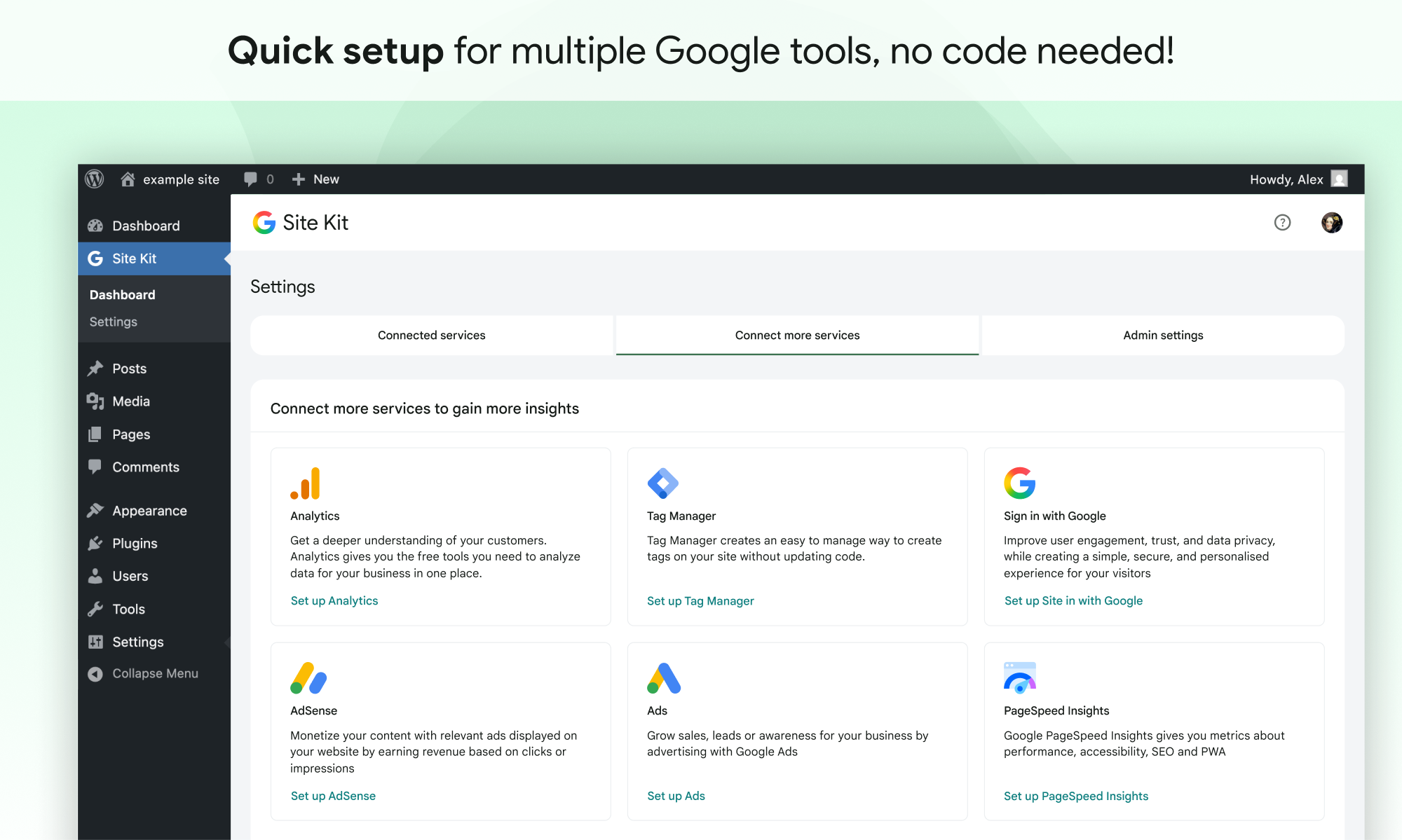
- Quick setup for multiple Google tools without having to edit the source code of your site
- Metrics for your entire site and for individual posts
- Easy-to-manage, granular permissions across WordPress and different Google products
Supported Google tools
Site Kit shows key metrics and insights from different Google products:
- Search Console: Understand how Google Search discovers and displays your pages in Google Search. Track how many people saw your site in Search results, and what query they used to search for your site.
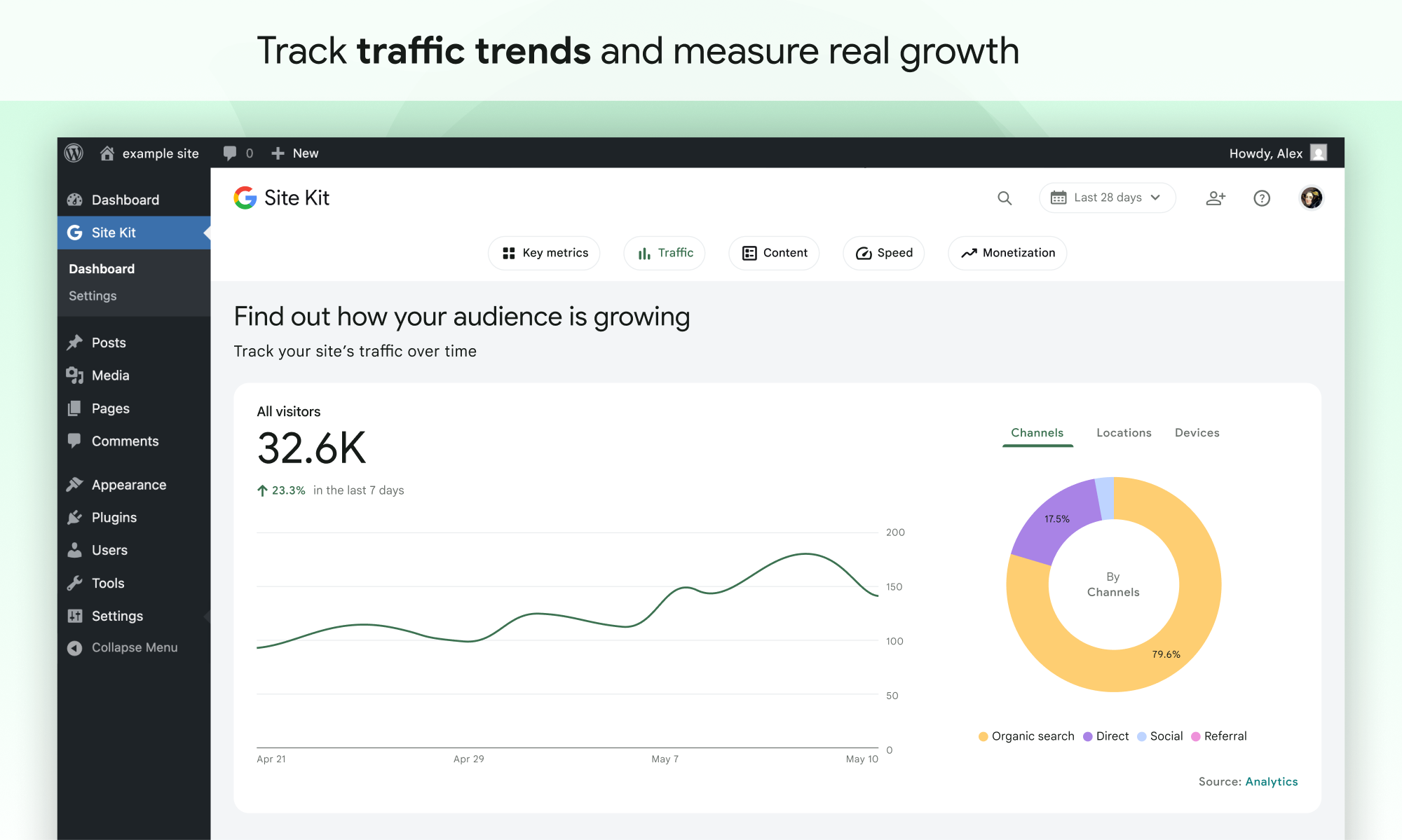
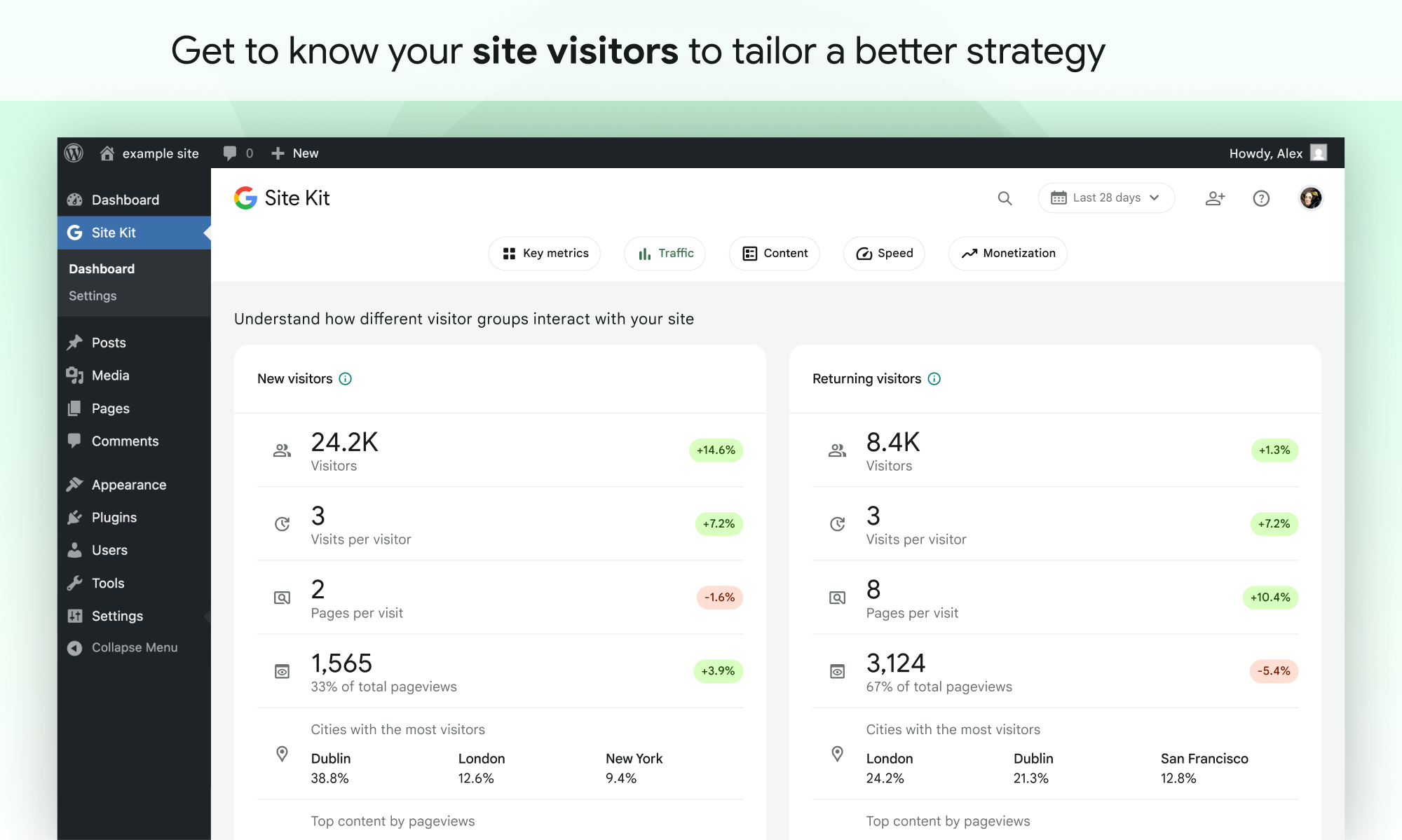
- Analytics: Explore how users navigate your site and track goals you’ve set up for your users to complete.
- AdSense: Keep track of how much your site is earning you.
- PageSpeed Insights: See how your pages perform compared to other real-world sites. Improve performance with actionable tips from PageSpeed Insights.
- Tag Manager: Use Site Kit to easily set up Tag Manager- no code editing required. Then, manage your tags in Tag Manager.
- Sign in with Google: Allows visitors to sign up and log in to your site with their existing Google account.
- Reader Revenue Manager: Helps you grow, retain, and engage your site visitors via subscription, contribution, newsletters, surveys, and custom prompts.
- Ads: Get customers and sell more with targeted traffic from Google Ads.
Instalação
Note: Make sure that your website is live. If your website isn’t live yet, Site Kit can’t show you any data.
However, if you have a staging environment in addition to your production site, Site Kit can display data from your production site in the staging environment. Learn how to use Site Kit with a staging environment.
Installation from within WordPress
- Visit Plugins > Add New.
- Search for Site Kit by Google.
- Install and activate the Site Kit by Google plugin.
- Connect Site Kit to your Google account. If there are multiple WordPress admins, keep in mind that each admin must connect their own Google account in order to access the plugin.
Instalação manual
- Upload the entire
google-site-kitfolder to the/wp-content/plugins/directory. - Visit Plugins.
- Activate the Site Kit by Google plugin.
- Connect Site Kit to your Google account. If there are multiple WordPress admins, keep in mind that each admin must connect their own Google account in order to access the plugin.
After activation
- Visit the new Site Kit menu.
- Follow the instructions in the setup flow.
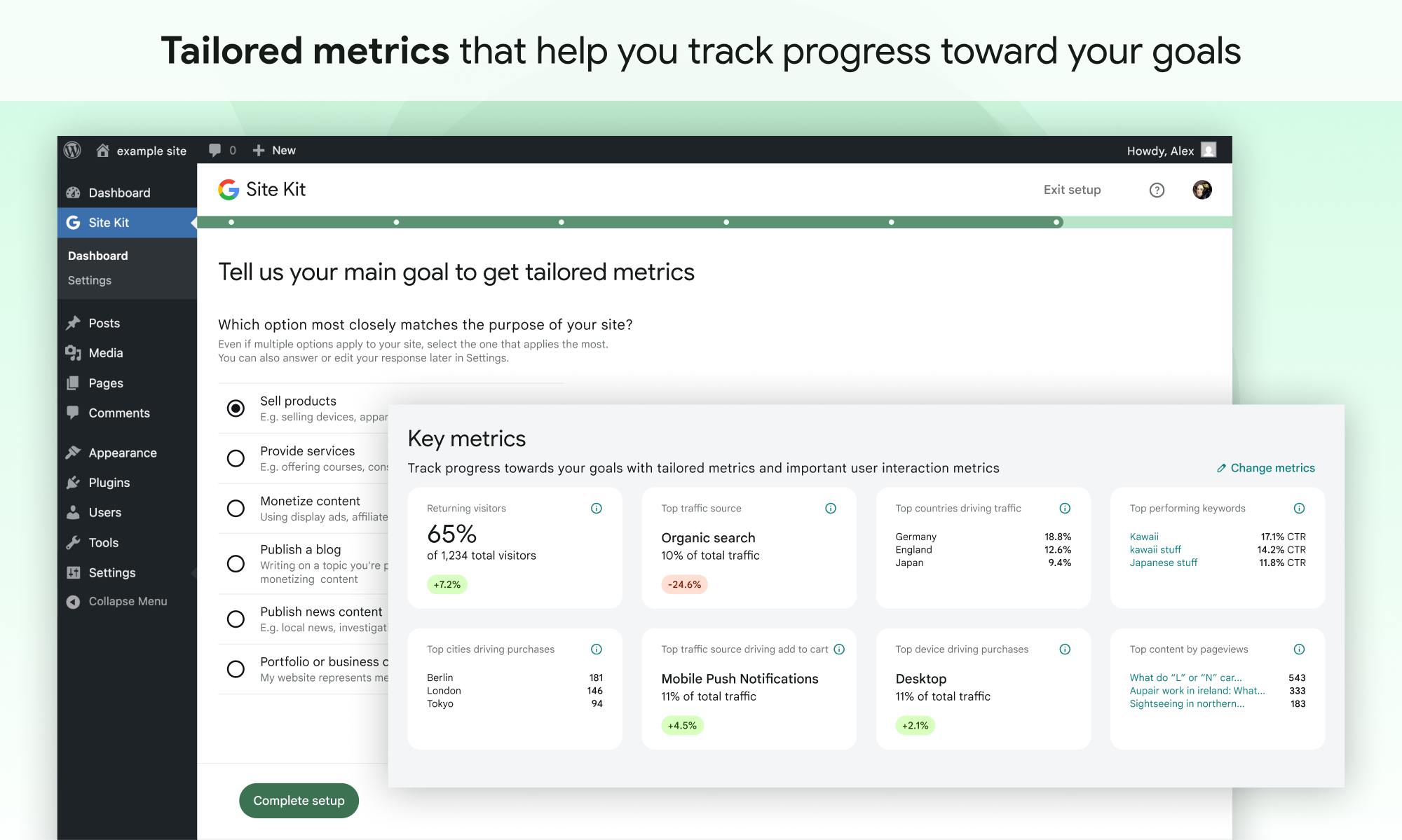
- Go to the main Site Kit dashboard which already displays key metrics from Search Console.
- Connect additional Google tools under Site Kit > Settings. Learn more about which tools are right for you.
Log de Changes
1.192.0
Enhanced
- Add “Recent activity” to dashboard. See #14131.
- Add surveys for the Recent activity tab of the Traffic card. See #14046.
- Update the “Visitor groups” feature’s setup checklist copy. See #13988.
- Add an existing CTA screen to Reader Revenue Manager express setup. See #13979.
- Update the “Learn more” link in the Site Goals notices about a missing plugin to point to the Supported plugins guide. See #13966.
- Add shared components for AI-generated content: an AI icon, an AI disclosure line and AI text with bold support. See #13931.
- Add a builder that prepares the Site Goals insight data from the Site Goals reports. See #13929.
- Use the new
/feedbackservice endpoint for recording votes and related feedback. See #13880. - Add support for the new
/feedback/service endpoint. See #13879. - Add triggers for Reader Revenue Manager newsletter sign-up surveys. See #13862.
- Add error and gathering data states for Fresh Data. See #13849.
- Add a notice to the Site Goals widgets that lets admins switch Plugin Conversion Tracking back on when it is turned off after the breakdown was in use. See #13832.
- Add a survey CTA preview for Reader Revenue Manager express setup. See #13730.
- Add the
SurveyQuestionRowcomponent, which displays a question for the Reader Revenue Manager survey setup and is visible in Storybook. See #13727. - Show Reader Revenue Manager’s own setup success notice in the Feature Discovery Hub. See #13505.
- Add success notice when using new Feature Discovery Hub setup. See #13356.
- Add setup for the Key Metrics feature in the Feature Discovery Hub. See #13348.
- Enable setting up the Reader Revenue Manager newsletter sign-up feature from the Feature Discovery Hub. See #13345.
- Enable setup for the Visitor Groups feature on the Feature Discovery Hub. See #13344.
- Fix the Site Goals breakdown success and error notice titles so the ecommerce-only and combined breakdowns show the correct wording. See #13177.
- Add a setting and a
googlesitekit_show_wp_dashboard_widgetfilter to turn off the Site Kit widget on the WordPress dashboard. See #12799.
Fixed
- Fix bug that could cause “Recent activity” to show “gathering data” state when no visits were detected. See #14099.
- Improve text truncation in “Engagement & outcomes” tile. See #14097.
- Show publication CTA display names when listing them, don’t show deleted CTAs, and update how CTAs are shown in Site Health. See #13908.
- Keep the “Publication” field in Reader Revenue Manager express setup within the step’s width when a publication has a long name. See #13886.
- Require reader consent on the newsletter sign-up form when “Require consent before signing up” is turned on during express setup. See #13884.
- Prevent Reader Revenue Manager express setup errors from displaying outside of the step they’re related to. See #13873.
- Fix the Reader Revenue Manager express setup flow for publications connected through the original setup. See #13871.
- Fix a bug where some dates, such as the PDF report period and the dates of the Top recent trending pages widget, were one day early for a few days after the clocks moved forward for daylight saving time. See #13857.
- Improve settings migration handling during upgrades. See #13829.
- Improve accessibility of collapsible dashboard widget headers so screen readers read their titles and the Space key toggles them. See #13511.
- Improve VoiceOver text for Site Goal tooltips. See #13510.
- Fix bug with Dashboard Sharing reset when PageSpeed Insights is disconnected. See #13433.
- Fix the help menu so that opening it closes the tooltip pointing to it. See #12071.
- Fix the dashboard not scrolling to the Speed section when opened from the PageSpeed Insights settings link. See #8373.
- Fix Site Kit screens crashing or formatting numbers and dates in the wrong language for some site and user languages. See #7589.
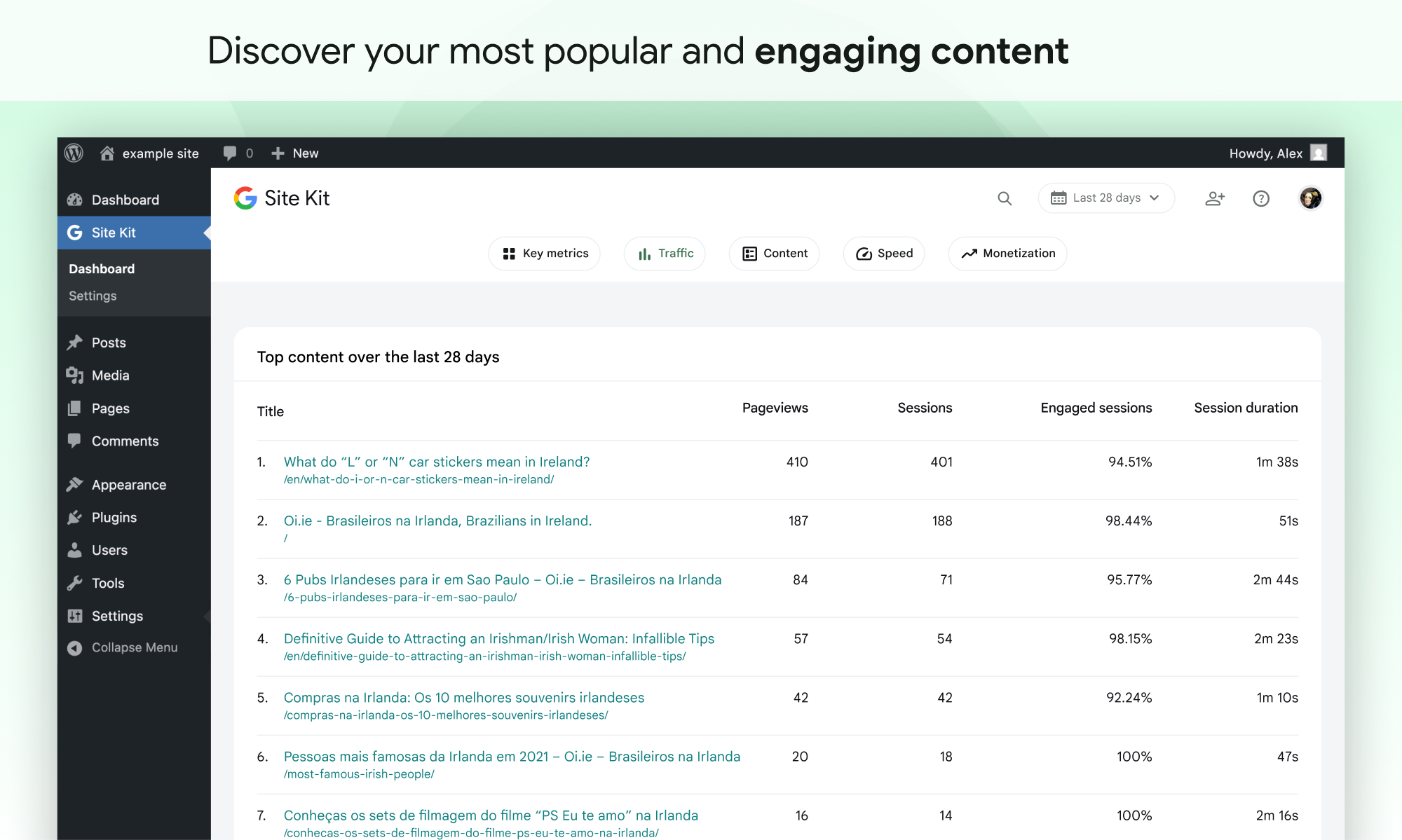
Capturas de tela
Para desenvolvedores
Este é o seu plugin? Mostre os números.
Adicione um crachá ao vivo ao seu site, Documentos ou Readme do GitHub. Ele é atualizado por conta própria - nenhuma conta necessária.
Best Site Kit by Google alternatives
All adsense plugins →





FAQ
Site Kit by Google: quick answers
Respostas diretas, extraídas de dados ao vivo WordPress.org.
Fonte: WordPress.org
Is Site Kit by Google free?
Yes. Site Kit by Google is free to download and use from the official WordPress.org plugin directory.
Is Site Kit by Google safe to use in 2026?
Yes — Site Kit by Google is a safe, well-maintained plugin to use in 2026. It runs on 5M+ sites, is rated 4.2/5 and was last updated 2 days ago, and scores 92/100 on our health check.
How many websites use Site Kit by Google?
Site Kit by Google is active on 5M+ WordPress websites and has been downloaded 295,259,581 times since it launched in October 2019. It was downloaded 7,795,525 times in the last 30 days.
Does Site Kit by Google work with WordPress 7.1?
Yes. The developer has tested Site Kit by Google up to WordPress 7.1.5, the latest release. It requires WordPress 5.2 or newer.
What PHP version does Site Kit by Google need?
Site Kit by Google requires PHP 7.4 or higher. Most hosts run PHP 8.x today, so it works on any modern WordPress hosting.
When was Site Kit by Google last updated?
The latest version, 1.192.0, was released on November 16, 2026 (2 days ago).
Who makes Site Kit by Google?
Site Kit by Google is developed and maintained by Google.
What are the best alternatives to Site Kit by Google?
The most popular alternatives to Site Kit by Google are Ad Inserter (300K+ installs), AdRotate Banner Manager (20K+ installs) and Quads Ads Manager for Googl… (20K+ installs).
Alimentado por PageForge
Um modelo e uma planilha. Uma página real para cada pesquisa.
PageForge Transforma cada linha de um CSV em uma página WordPress com seu próprio título, URL, SEO campos e esquema, construído no layout que você já desenhou. Gratuito em WordPress.org.
- CSV e XLSX, mais Google Sheets em Profissional e Empresarial
- Seu próprio título, URL, SEO campos e esquema para cada página
- Funciona com o editor de blocos, Elementor, Divi e Avada
- Gratuito em WordPress.org, sem cartão de crédito