


Chartsy
Chartsy - lets you easily add dynamic, customizable charts to any page builder using a simple and powerful interface.

Use com cautela
Chartsy works, but test it on a staging site before relying on it in 2026. It runs on 100+ sites, is rated 5/5 and was last updated 6 months ago, and scores 43/100 on our health check.
- Base de usuários pequenas (mais de 100 instalações ativas)
- Muito poucos comentários até agora
Downloads diários
Os picos de download geralmente seguem uma nova versão — cada site que atualiza automaticamente é um download.
Rankings
Where Chartsy stands todayWordPress.org Classificações de pesquisa
Posição ao vivo na pesquisa de plugins, top 100| Palavra chave | Posição |
|---|---|
| apexcharts | #1 |
| charts | #56 |
| data visualization | #14 |
| graphs | #90 |
| responsive chart | #37 |
Adoção da versão
Compartilhamento de sites ativos por lançamento.
Divisão de classificação
★★★★★ ★★★★★ 5 de 1 comentários
About Chartsy
From the official readme · v1.0.3Descrição
Chartsy is a powerful WordPress chart plugin built with ApexCharts.js, designed to create responsive, interactive, and visually appealing charts. It uses high-performance SVG rendering to ensure smooth animations, precise interactivity, and sharp display across all devices. Whether you’re showcasing business data or complex analytics, Chartsy makes your data easy to understand and engaging.
With an intuitive admin interface and real-time preview, you can quickly customize charts by adjusting colors, fonts, legends, and axes. This flexibility helps you build professional data visualizations faster and more efficiently without any complexity.
Recursos
⭐ 18+ Advanced Chart Types – Create everything from standard Line, Area, and Bar charts to complex Candlestick, Heatmap, Treemap, Timeline, Radar, and Polar Area visualizations.
⭐ Dynamic Multi-Series Support – Easily manage multiple data series in a single chart with synchronized legends, shared tooltips, and independent styling for every series.
⭐ Flexible Data Connection – Connect to manual data entry, local or remote CSV files, Google Sheets, SQL databases, REST APIs, or use custom WordPress filters for deep programmatic integration.
⭐ Interactive Toolbar & Controls – Empower users with built-in tools for Zooming (pinching supported), Panning, Selection-zooming, and a one-click Reset to the original view.
⭐ Professional Export Suite – Provide users with the ability to download charts directly as PNG images, SVG files, or CSV/PDF documents for offline viewing and reporting.
⭐ Real-time Admin Preview – Experience zero-latency editing with a live preview system that reflects every change to data sources or styling immediately within the admin panel.
⭐ Precision Plot Options – Deep control over chart geometry including rounded corners (border-radius), stack types (Normal vs 100% Stacked), grouped bars, and custom offset values.
⭐ Advanced Axis Customization – Configure multiple Y-axes, custom label formatting, shared scales, grid-line visibility, and precise range controls for both X and Y dimensions.
⭐ Premium Card Design System – Wrap your charts in beautiful “cards” with custom background gradients, adjustable padding/margins, solid or dashed borders, and rich box-shadow effects.
⭐ Elementor Widget – Elementor widget for chartsy charts there easily drag and drop and choose your chart.
⭐ Dynamic Annotations & Labels – Add custom data labels, markers, and forecast points to highlight specific values or trends, with full control over font styles and background colors.
⭐ Developer Friendly Architecture – Built for developers with extensive hooks (filters and actions) allowing you to inject data or modify chart configurations programmatically.
⭐ Responsive & Touch Optimized – Charts are fully adaptive by default, responding to screen size changes and supporting native touch gestures for mobile interactions like swipe and pinch.
⭐ 24/7 Dedicated Support – Our expert support team is available around the clock to help you with installation, configuration, or any technical questions you may have.
⭐ Shortcode Support – Seamlessly embed your charts anywhere on your site using simple shortcodes: [Chartsy id="123"].
Serviços externos
This plugin includes the following open-source libraries:
- ApexCharts.js
A modern interactive SVG chart library used to power the chart functionality.
License: MIT
Instalação
- Upload the plugin to the
/wp-content/plugins/chartsy/directory or install it via Plugins > Add New. - Ative o plugin através do menu Plugins em WordPress.
- Navigate to Chartsy in the WordPress admin menu to create a new chart.
- Choose your desired chart type and configure your data.
- Style your chart using the comprehensive settings tabs: Chart Settings, Legend, Axes, Tooltips, and Card Styling.
- Use the shortcode
[Chartsy id="SLIDER_ID"]to display your chart anywhere on your site, whereSLIDER_IDis the ID of your chart.
Log de Changes
Initial release. Install to start creating professional interactive charts for your WordPress site.
1.0.0
- Lançamento inicial
- ApexCharts.js-powered responsive interactive charts
- 18+ advanced chart types supported (Line, Area, Bar, Heatmap, Treemap, etc.)
- Real-time admin preview system
- Advanced customization for axes, legends, tooltips, and markers
- Interactive toolbar with zoom, pan, and download options
- Shortcode implementation for universal compatibility
1.0.1
- Pie chart options fixed
- Add label color options
1.0.2
- Improved Radialbar charts
- Improved Timeline chart
- Create elementor widget
1.0.3
- WordPress 7.0 compatibility verified
- Added Free vs Pro comparison table in settings
- Fixed data mapping and rendering for candlestick and timeline charts
- Improved data fields display logic in the editor
- Fixed translation warning in Elementor widget and minor shortcode display issues
Capturas de tela
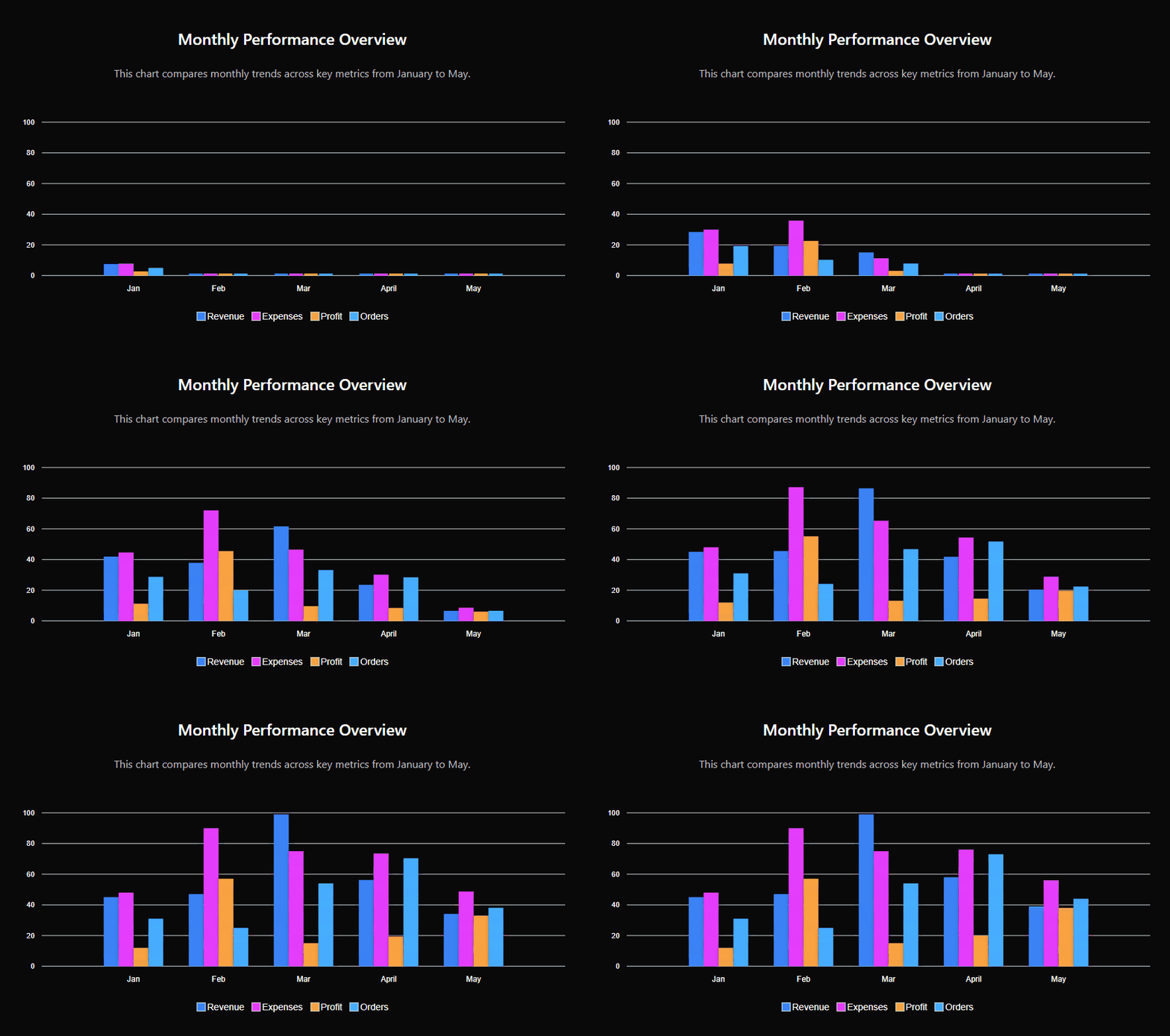
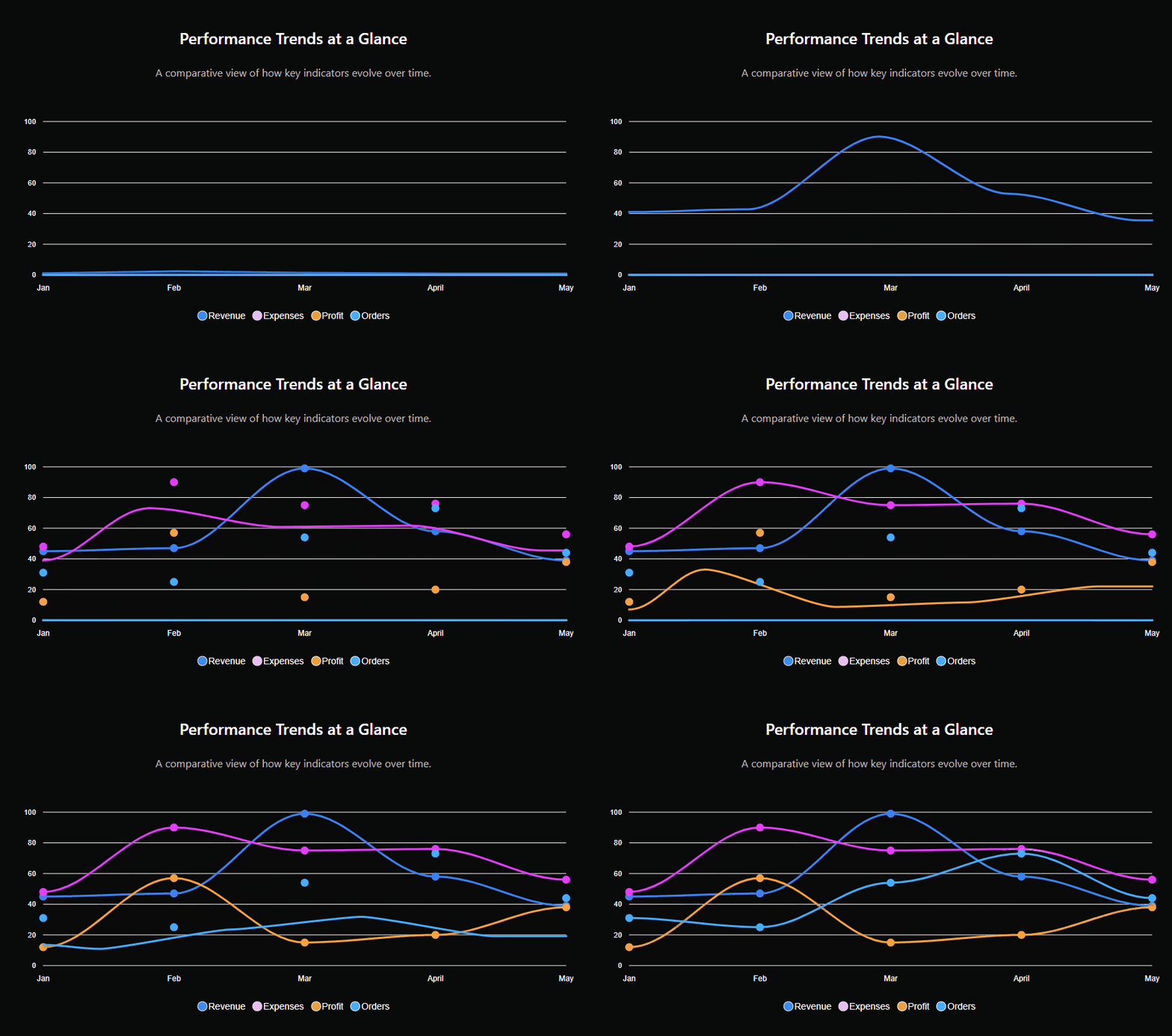
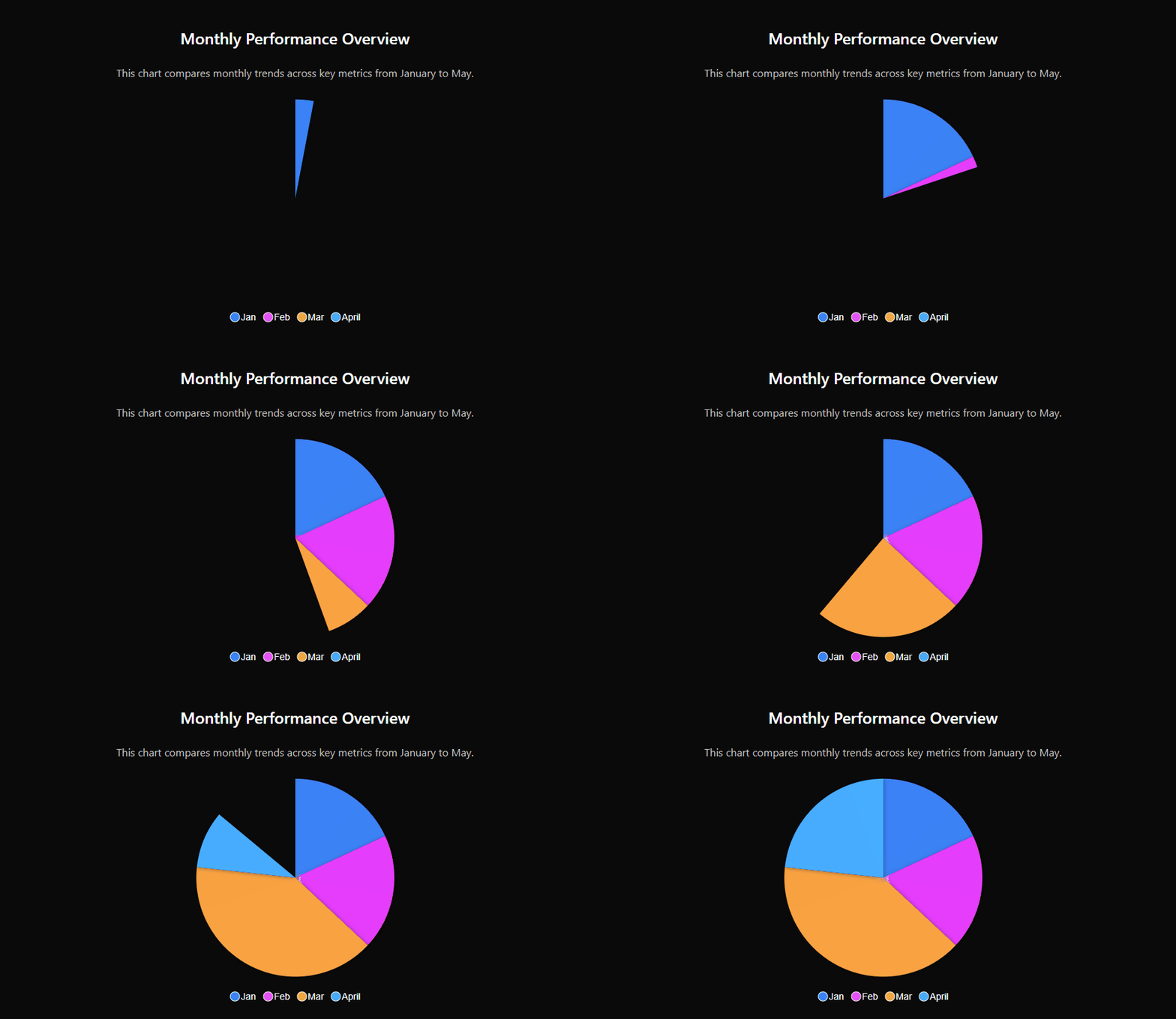
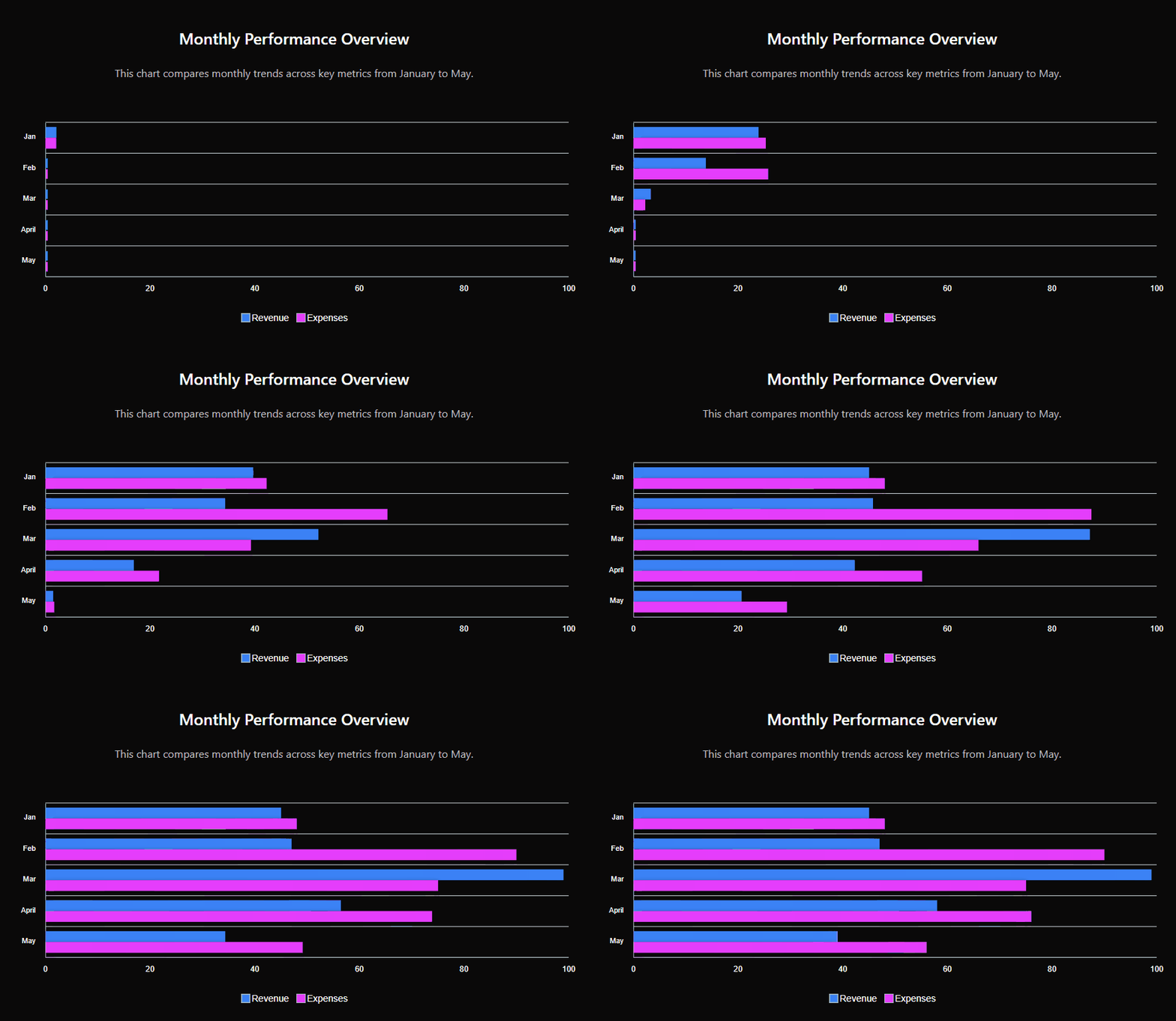
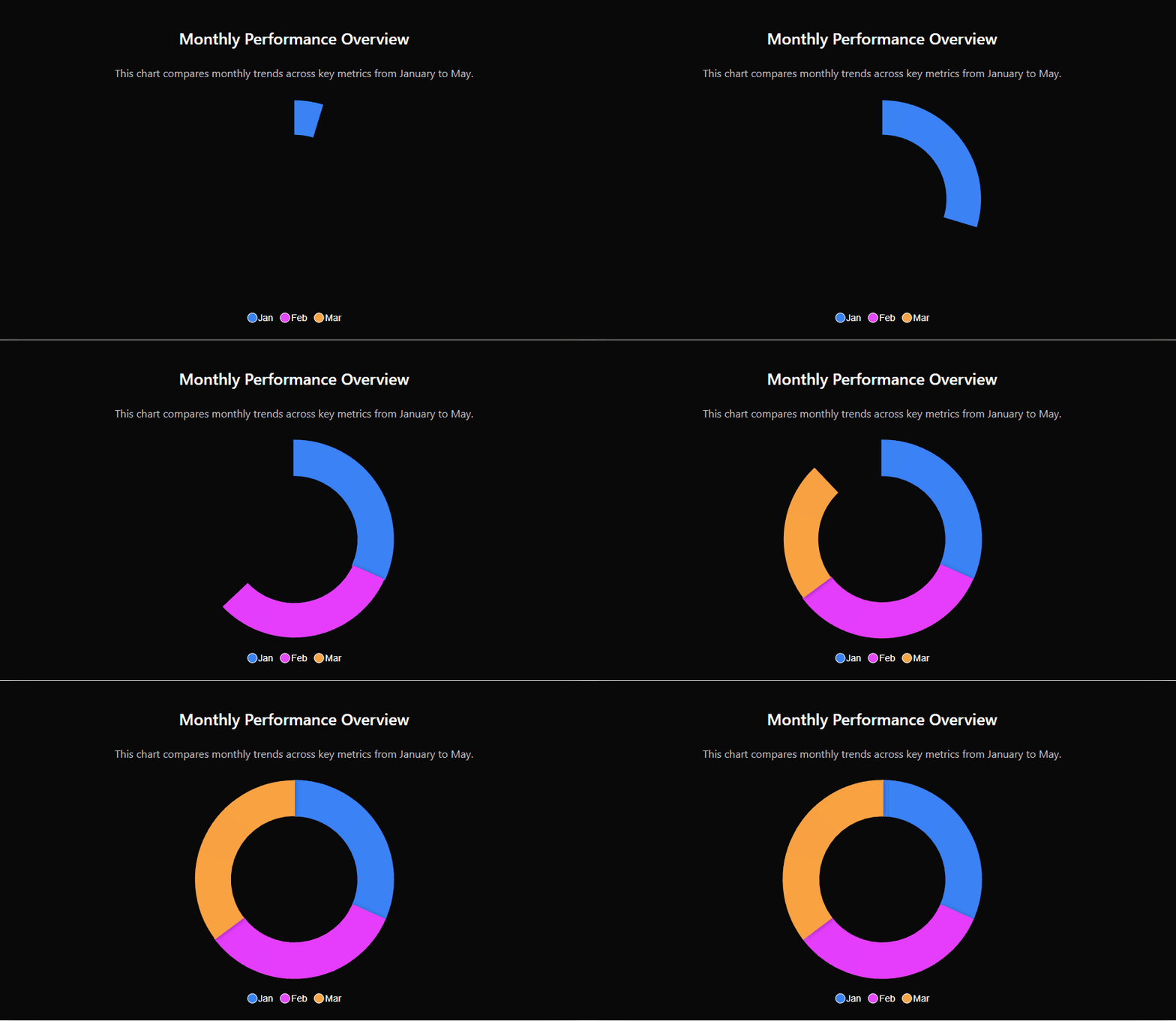
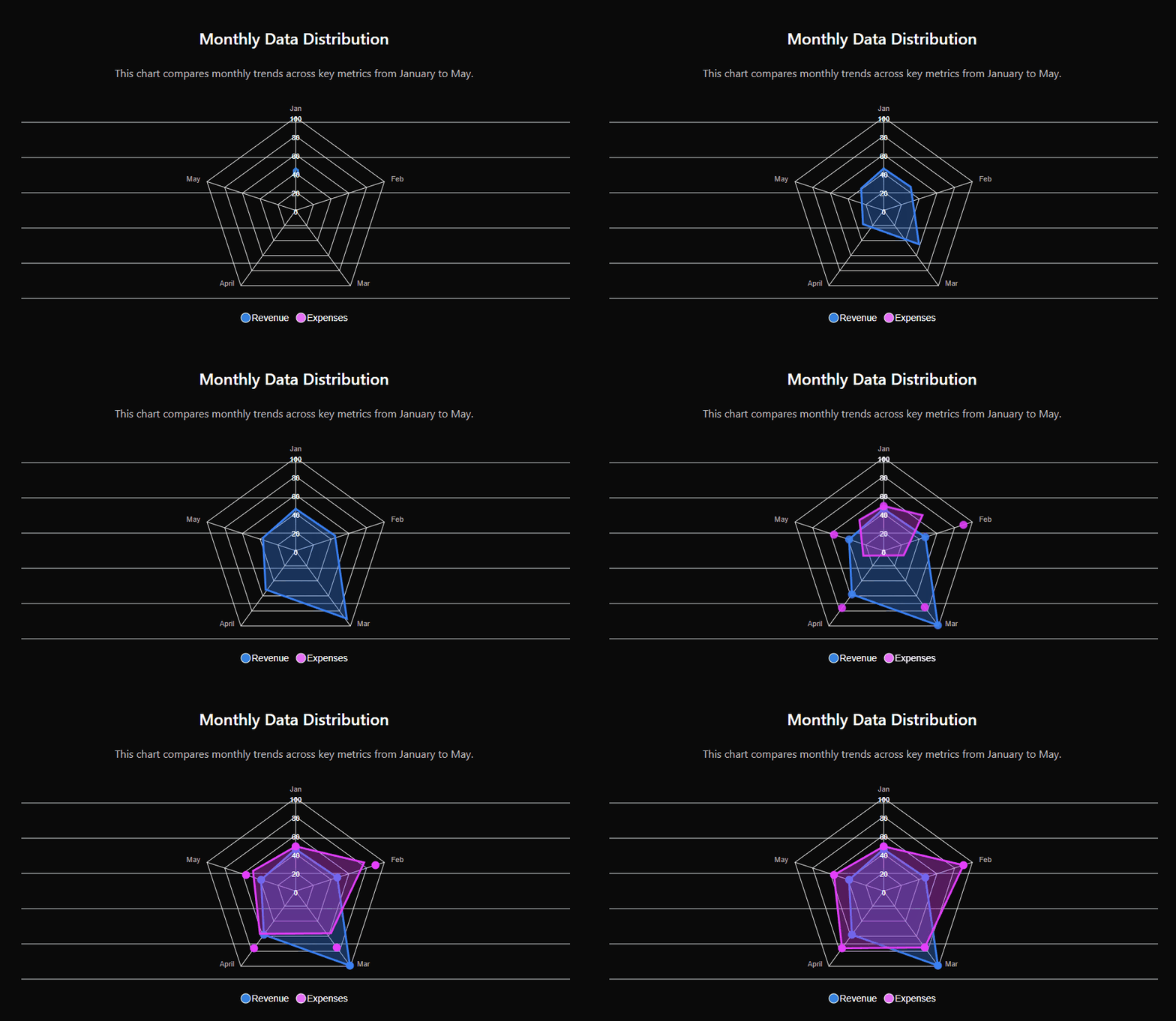
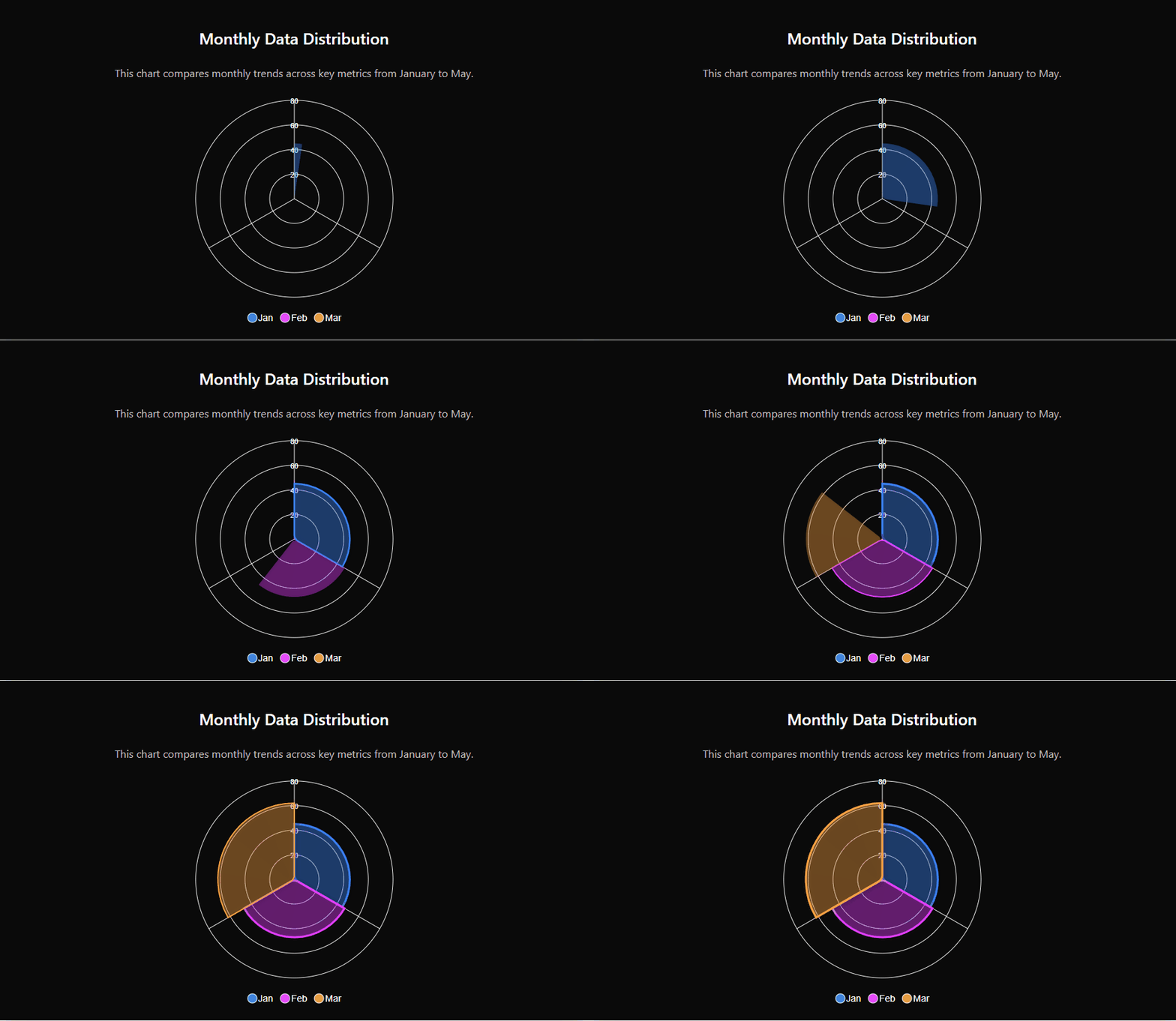
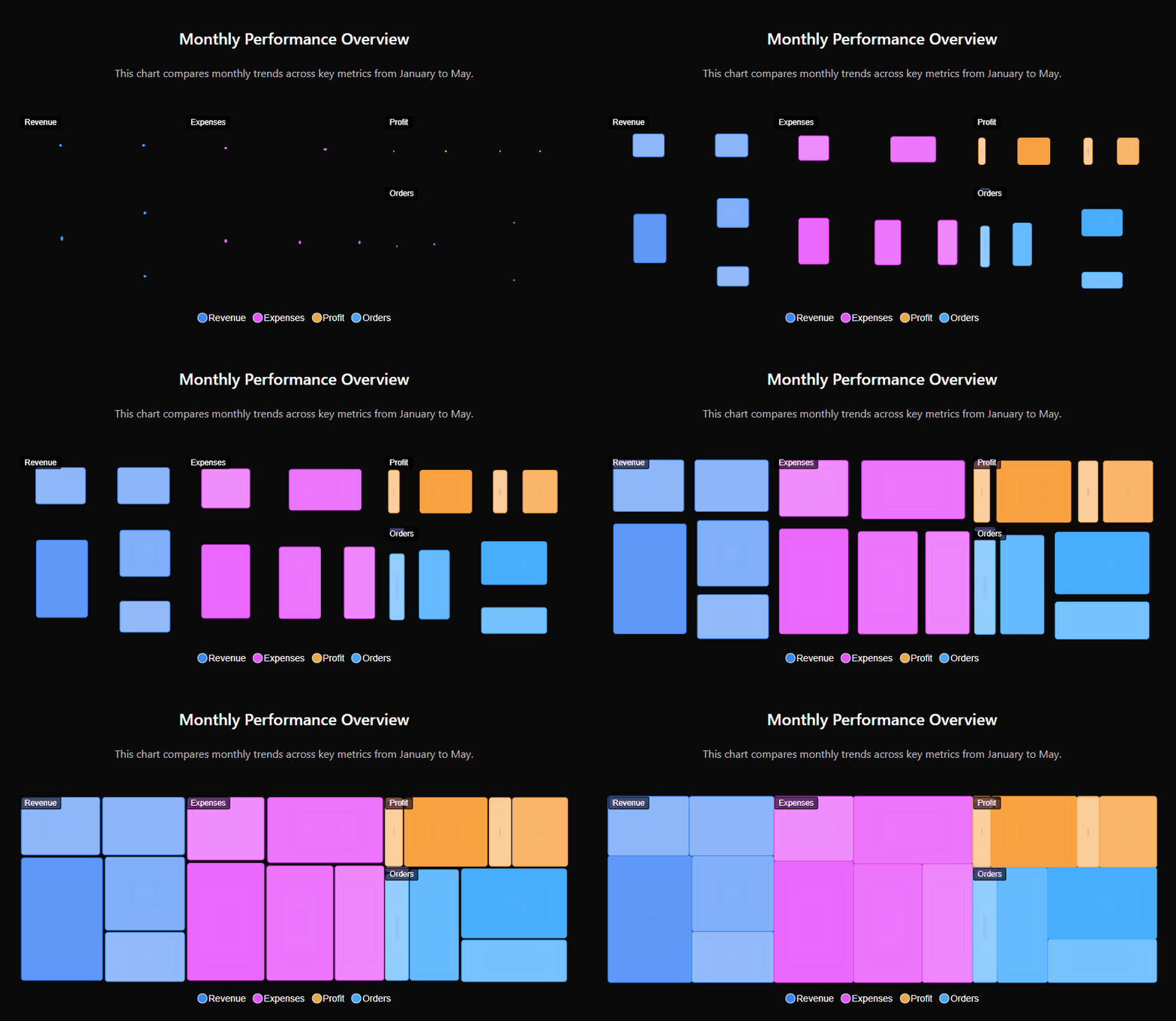
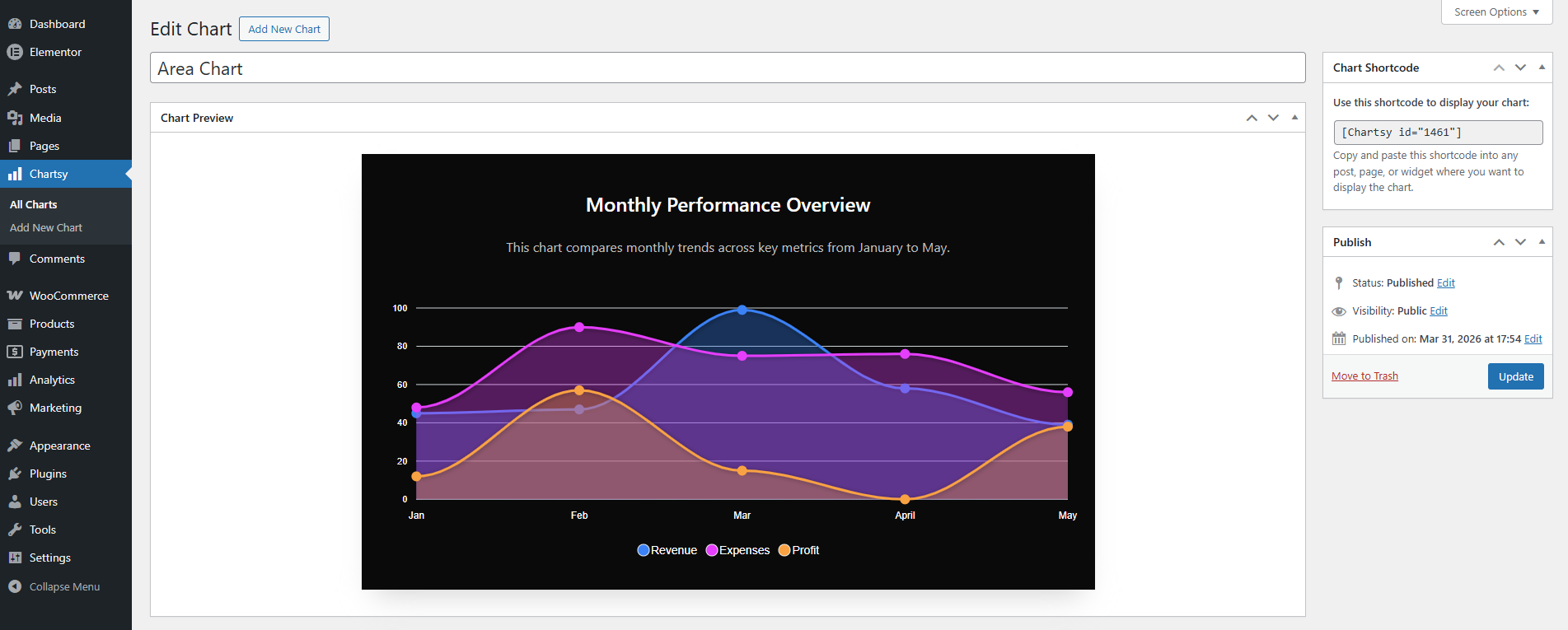
Para desenvolvedores
Este é o seu plugin? Mostre os números.
Adicione um crachá ao vivo ao seu site, Documentos ou Readme do GitHub. Ele é atualizado por conta própria - nenhuma conta necessária.
FAQ
Chartsy: quick answers
Respostas diretas, extraídas de dados ao vivo WordPress.org.
Fonte: WordPress.org
Is Chartsy free?
Yes. Chartsy is free to download and use from the official WordPress.org plugin directory.
Is Chartsy safe to use in 2026?
Chartsy works, but test it on a staging site before relying on it in 2026. It runs on 100+ sites, is rated 5/5 and was last updated 6 months ago, and scores 43/100 on our health check.
How many websites use Chartsy?
Chartsy is active on 100+ WordPress websites and has been downloaded 3,042 times since it launched in March 2026. It was downloaded 203 times in the last 30 days.
Does Chartsy work with WordPress 7.1?
Chartsy is officially tested up to WordPress 7.0.9, while the latest release is 7.1.5. It may still work, but try it on a staging site first.
What PHP version does Chartsy need?
Chartsy requires PHP 7.4 or higher. Most hosts run PHP 8.x today, so it works on any modern WordPress hosting.
When was Chartsy last updated?
The latest version, 1.0.3, was released on May 29, 2026 (6 months ago).
Who makes Chartsy?
Chartsy is developed and maintained by cosmicinfosoftware.
Alimentado por PageForge
Um modelo e uma planilha. Uma página real para cada pesquisa.
PageForge Transforma cada linha de um CSV em uma página WordPress com seu próprio título, URL, SEO campos e esquema, construído no layout que você já desenhou. Gratuito em WordPress.org.
- CSV e XLSX, mais Google Sheets em Profissional e Empresarial
- Seu próprio título, URL, SEO campos e esquema para cada página
- Funciona com o editor de blocos, Elementor, Divi e Avada
- Gratuito em WordPress.org, sem cartão de crédito