


Brand Master – Customize Login and User Frontend Dashboard
Brand Master is a powerful plugin designed to provide you complete control over the appearance and behaviour of your WordPress login pages, along with a seamless experience for users through a customized frontend…

Escolha sólida
Brand Master is a solid plugin choice in 2026, with a few things worth checking first. Was last updated 5 days ago, and scores 64/100 on our health check.
- Desenvolvido ativamente — última atualização 5 dias atrás
- Testado com as últimas WordPress (7.1)
- Base de usuários pequenas (<10 instalações ativas)
- Muito poucos comentários até agora
- Precisa de PHP 8.3 ou mais recente
Como ele se acumula?
Lado a lado em instalações, atualizações, avaliações e suporte



Downloads diários
Os picos de download geralmente seguem uma nova versão — cada site que atualiza automaticamente é um download.
Rankings
Where Brand Master stands todayWordPress.org Classificações de pesquisa
Posição ao vivo na pesquisa de plugins, top 100| Palavra chave | Posição |
|---|---|
| branding | >100 |
| frontend-dashboard | >100 |
| login customization | >100 |
| White Label | >100 |
About Brand Master
Do Readme oficial · v1.0.6Descrição
Brand Master is a powerful plugin designed to provide you complete control over the appearance and behaviour of your WordPress login pages, along with a seamless experience for users through a customized frontend dashboard. Elevate your brand by creating a unique and user-friendly login and frontend dashboard environment.
Available shortcodes
- [brand_master_dashboard /]
- [brand_master_login /]
Inbuilt Patterns for Quick Setup
The ‘Brand Master’ plugin comes with a collection of inbuilt Gutenberg Block Patterns that users can easily apply for a quick setup. It includes patters for dashboard main page and support page.
Locating and Inserting Patterns
-
Access the Block Editor: Open the page or post where you want to use a pattern. Click the “Add Block” button (+) or the “+” sign in the top left corner of the block editor.
-
Switch to the Patterns Tab: In the block inserter window, click the “Patterns” tab. This displays all available patterns.
-
Dashboard : Within the Patterns tab, find the category labeled “Dashboard.” This categorization ensures a quick and efficient search for the patterns tailored to your needs.
-
Insert a Pattern: Click on one of the pattern to insert it directly into your edit content area.
-
Modify as Needed: The inserted pattern serves as a starter template. Customize it effortlessly to align with your specific requirements. Modify text, colors, and any other elements to ensure your Dashboard page reflects your unique style.
Recursos
-
Login Page Customization:
- Personalize the login, registration, and password reset pages with your brand colors, logo, and background images.
-
Frontend Dashboard:
- Integrate a stylish frontend dashboard for users with customizable dashboard and menu content from selected pages.
-
Branding Options:
- Customize the WordPress logo on the login page and dashboard, reinforcing your brand identity.
-
Responsive Design:
- Ensure a consistent and responsive design across devices, providing a seamless experience for users on both desktop and mobile.
-
Additional Features:
- Display login user info with avatar, advanced menu options with menu title, slug, and page selection, social links with headings, and a logout link.
There are two ways to install the plugin:
- Upload the plugin’s zip file via Dashboard -> Plugins -> Add New -> “Upload Plugin”.
- Extract the plugin folder and place it in the “/wp-content/plugins/” directory.
After installation, activate the plugin through the ‘Plugins’ menu in WordPress.
Source code and build instructions: https://github.com/codersantosh/brand-master
Full changelog: changelog.txt
Log de Changes
1.0.6
- Added: Tested up to WordPress 7.1
- Fixed: Removed the duplicate Tested up to plugin header for WordPress.org compatibility
- Changed: Raised minimum PHP requirement to 8.3
- Changed: Raised minimum WordPress requirement to 7.0 and confirmed compatibility with WordPress 7.0 and 7.1
- Changed: Modernized Sass modules and lazy-loaded admin routes to reduce the initial admin bundle
- Added: Deep recursive settings sanitization with unfiltered_html gate for custom CSS/JS
- Added: Login/redirect slug conflict validation (reserved slugs, page collisions)
- Added: uninstall.php for clean data deletion
- Added: PHPUnit test suite and GitHub Actions CI
- Added: WordPress 7.0/7.1 runtime smoke tests and reproducible release artifacts
- Security: SVN publishing requires a validated release tag and the exact digest-reviewed package
- Security: Redirect URL validation via wp_validate_redirect (internal-only by default)
- Security: Closed /wp/v2/settings REST endpoint exposure
- Fix: Scoped site_url filter to wp-login.php paths only
- Fix: Social link target/rel attributes use whitelist-built values
- Accessibility: aria-current on active menu item; heading hierarchy fix
- i18n: Default labels translated at render time
- Security: Partial settings updates now deep-merge instead of overwriting the whole options row (no more silent sibling-data loss via the REST API)
- Security: Login-page CSS/JS render output neutralizes tag breakouts even if a stored value bypasses sanitization
- Fix: Legacy login globals ($error, $user_login) are only initialized when unset, preserving prior-handler values on lost-password/reset/registration flows
- Fix: Settings page and REST endpoint accept network admins on network-active multisite installs
- Fix: dashboard.userInfo.sort schema corrected; siteIdentity/userInfo logo fields constrained to their valid values
- Fix: Custom login slug no longer emits “Undefined variable $user_login / $error” warnings — wp-login.php globals are now bound in the including method scope (version-agnostic across WP 6.6/6.7/7.x)
- Fix: Custom login slug responses now return HTTP 200 instead of retaining a 404 status
- Fix: wp-login.php redirect allowlist — logout, password-reset key exchange (rp/resetpass) and all POST requests pass through instead of bouncing to the redirect slug
- Fix: Custom login slug matching is now exact-path (tails like /ogin no longer load the login page); referer handling hardened for missing Referer headers
- Added: Unit coverage for login scope binding, wp-login.php redirect matrix, exact slug matching, and admin-bar / post-action redirect settings
- Added: Automated WordPress.org deployment from published GitHub Releases
- Added: Public source code and build documentation
Capturas de tela
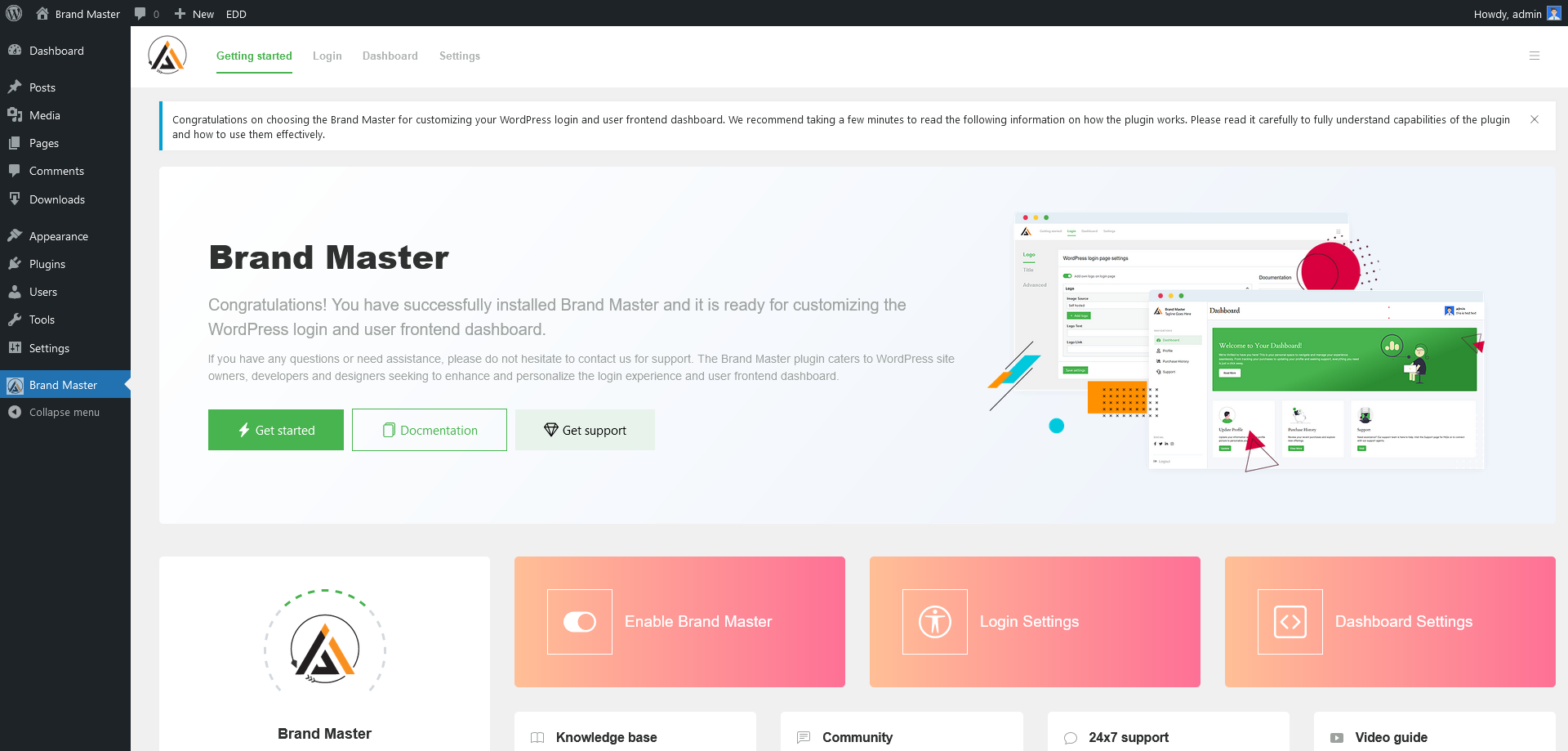
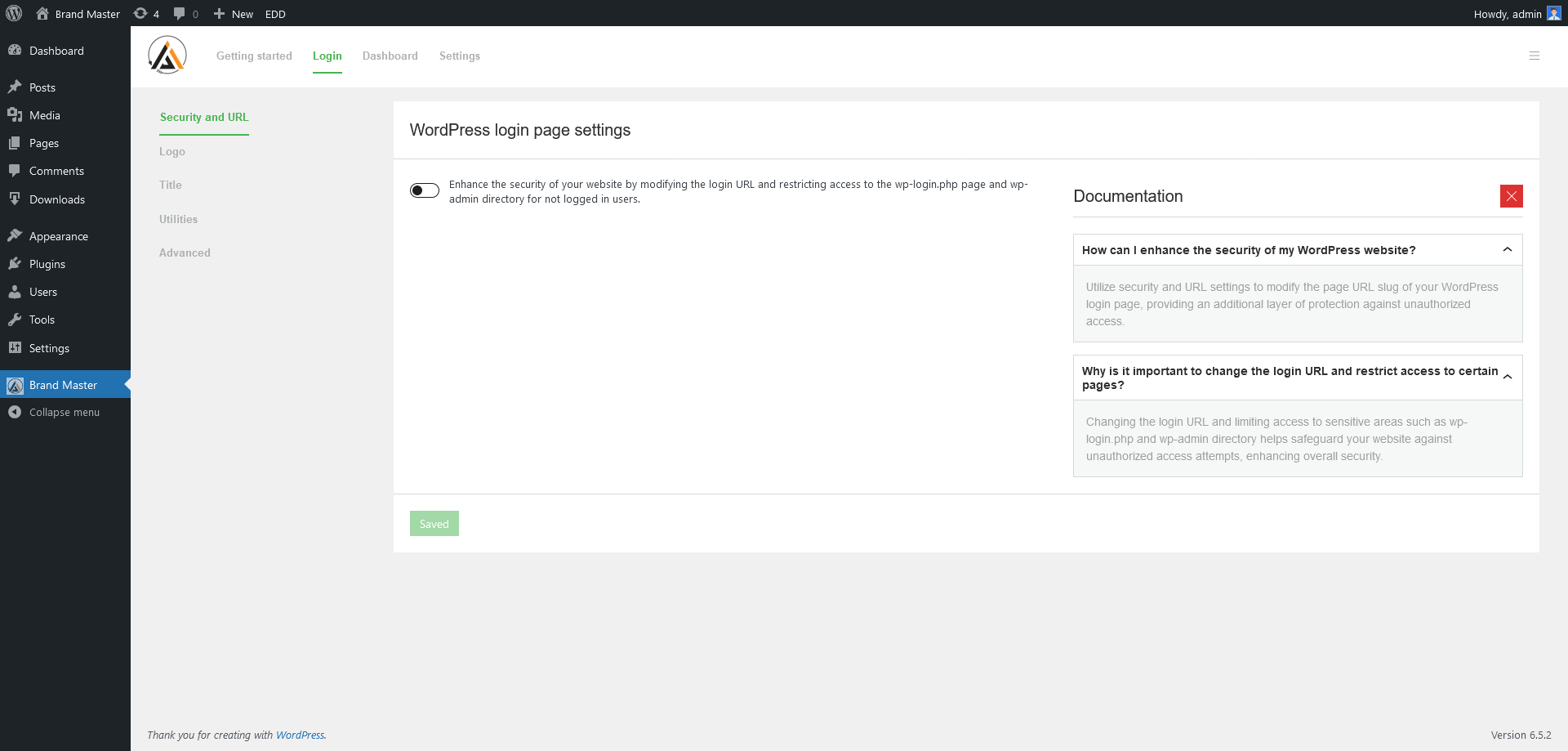
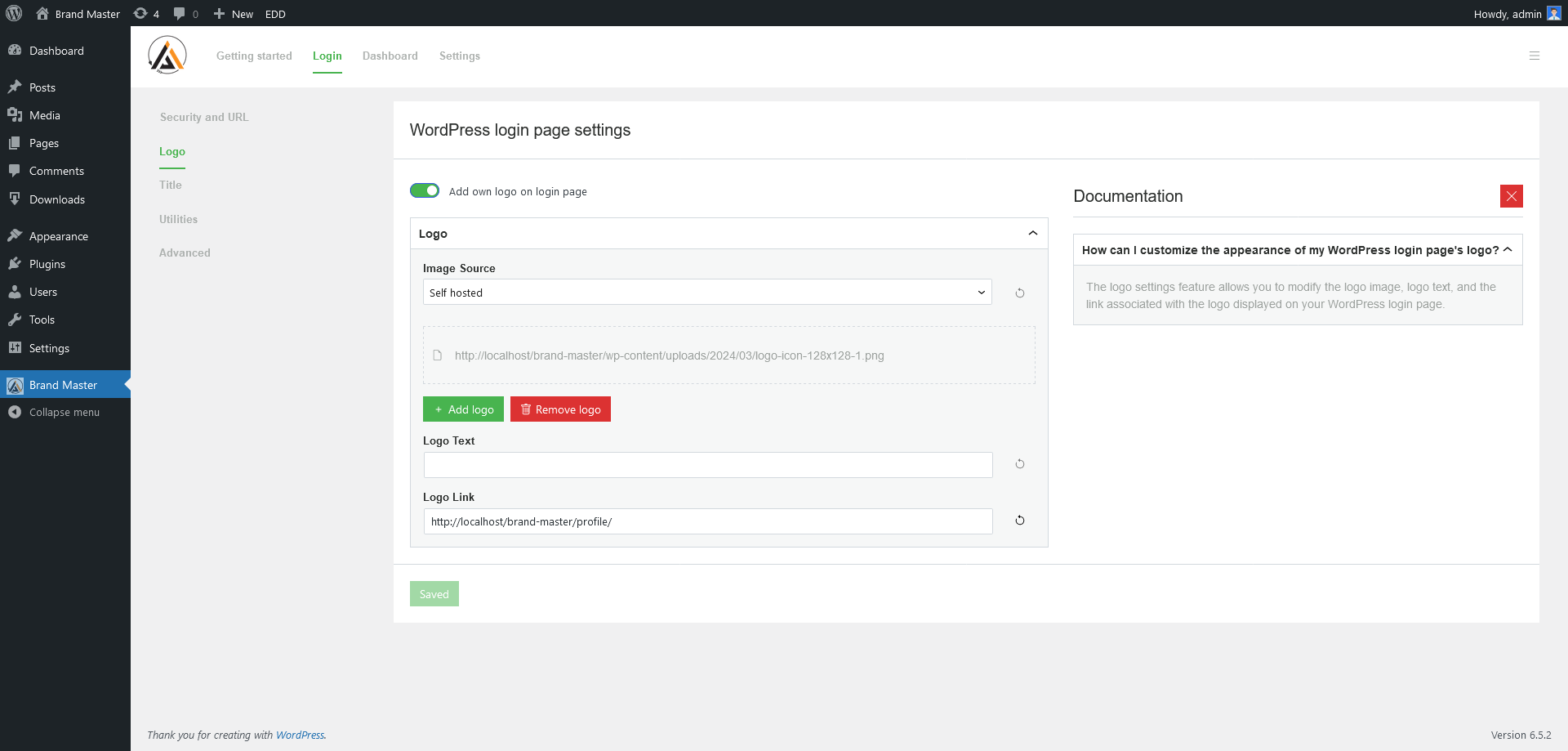
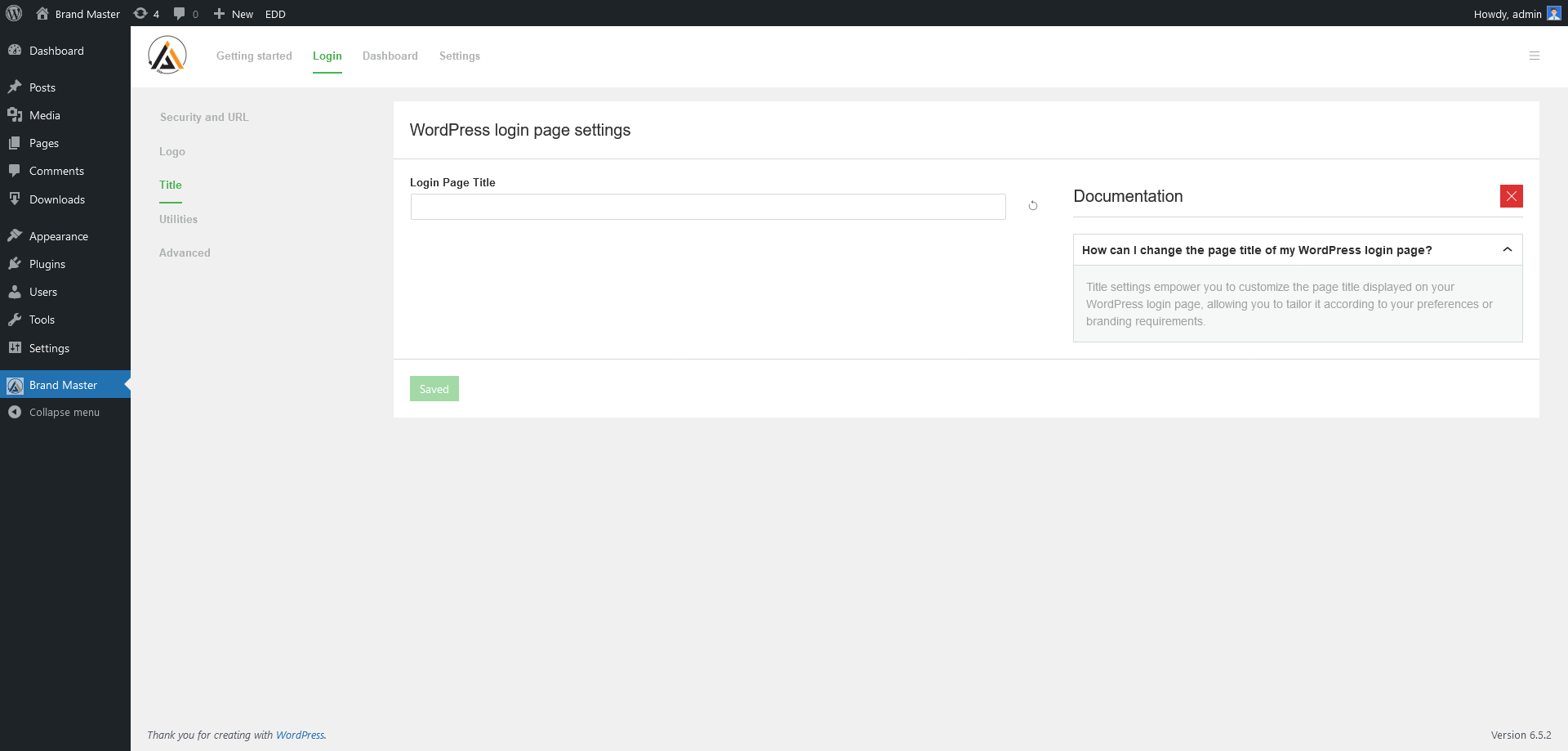
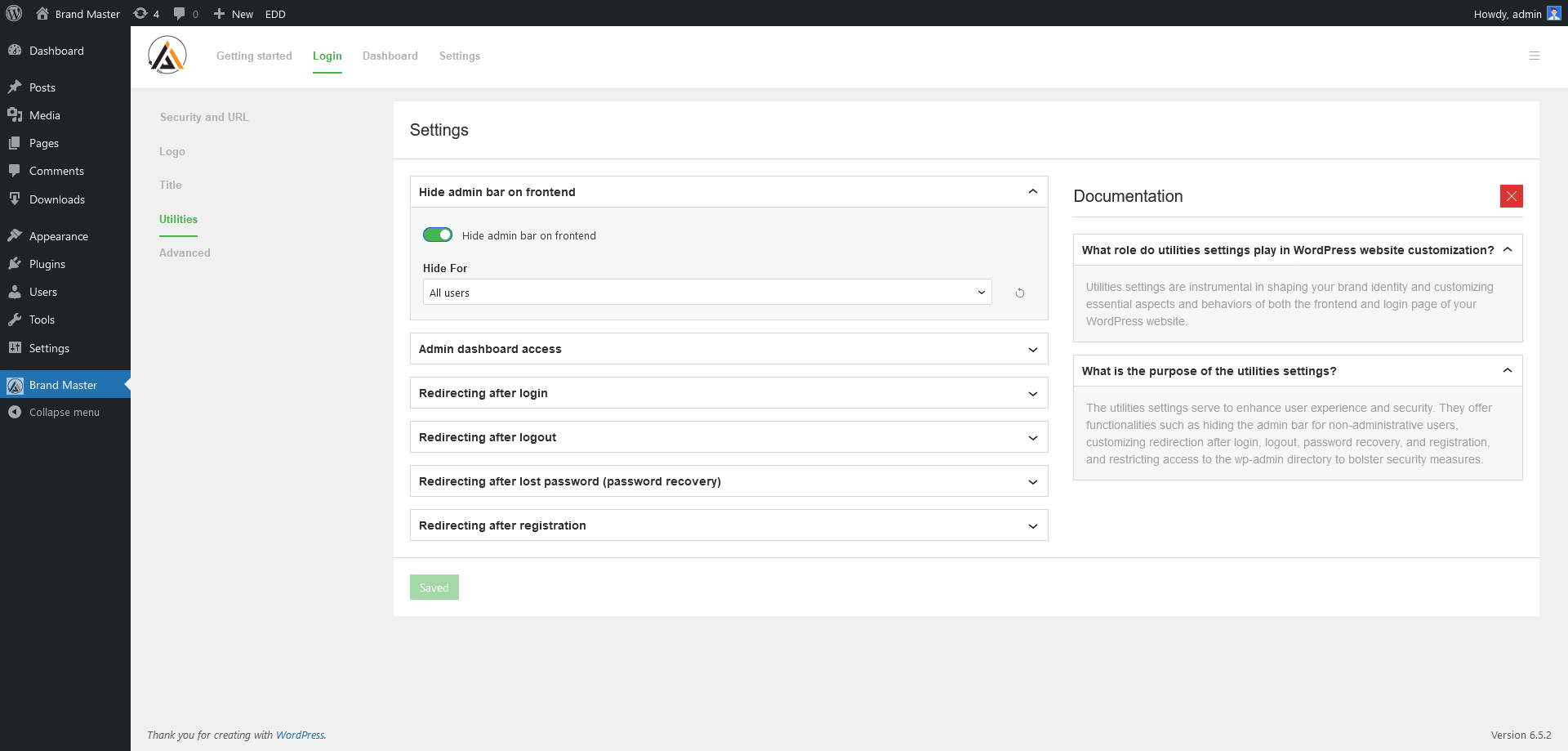
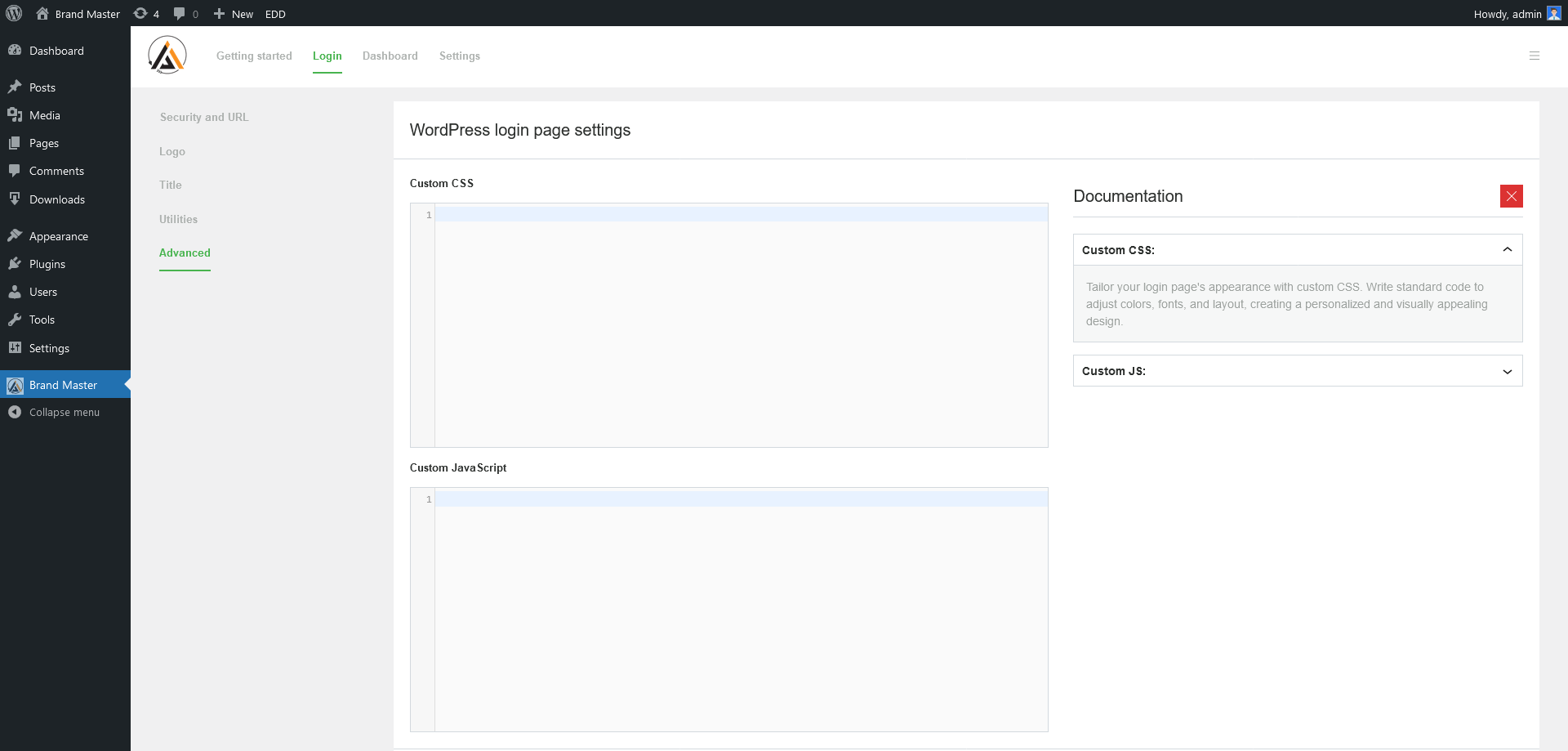

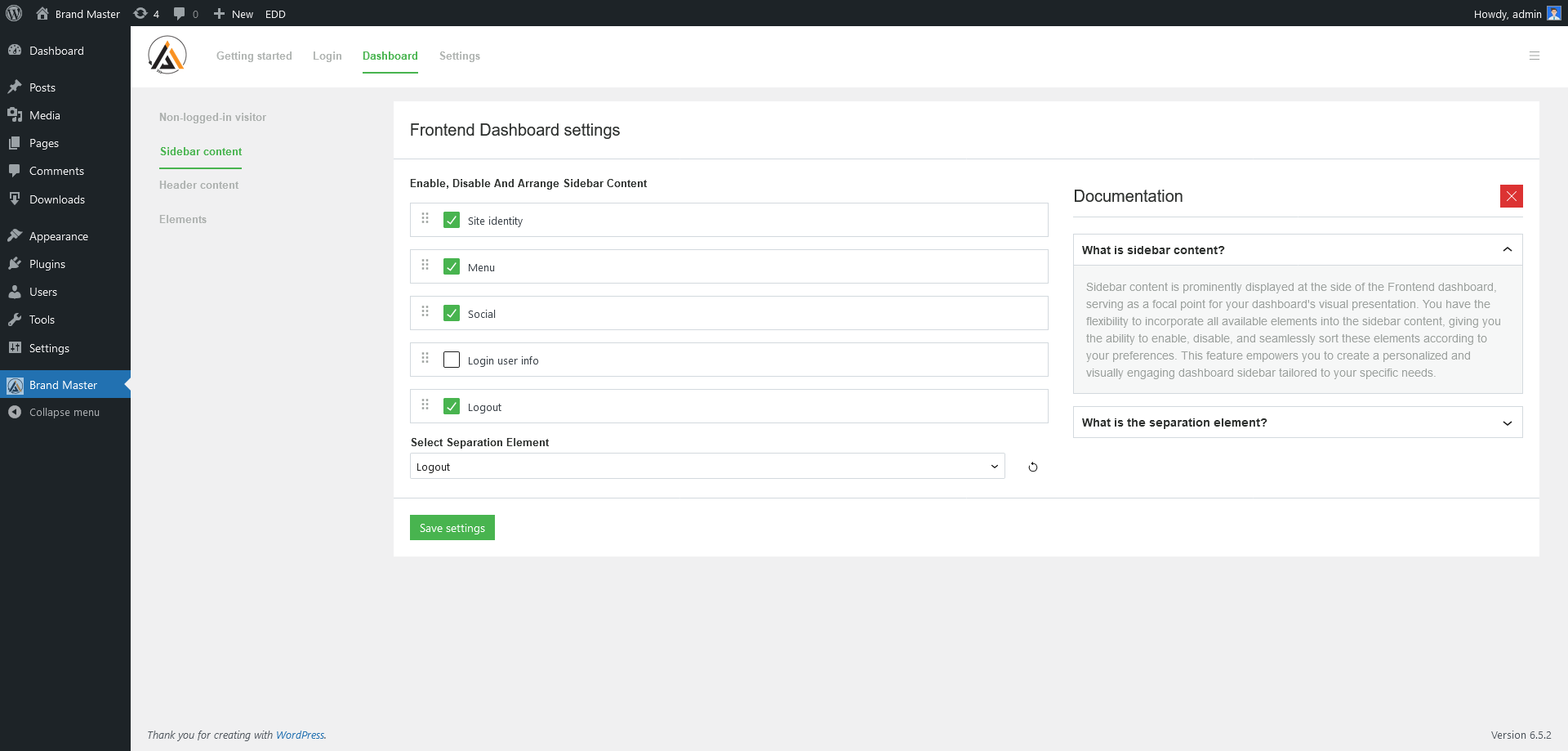
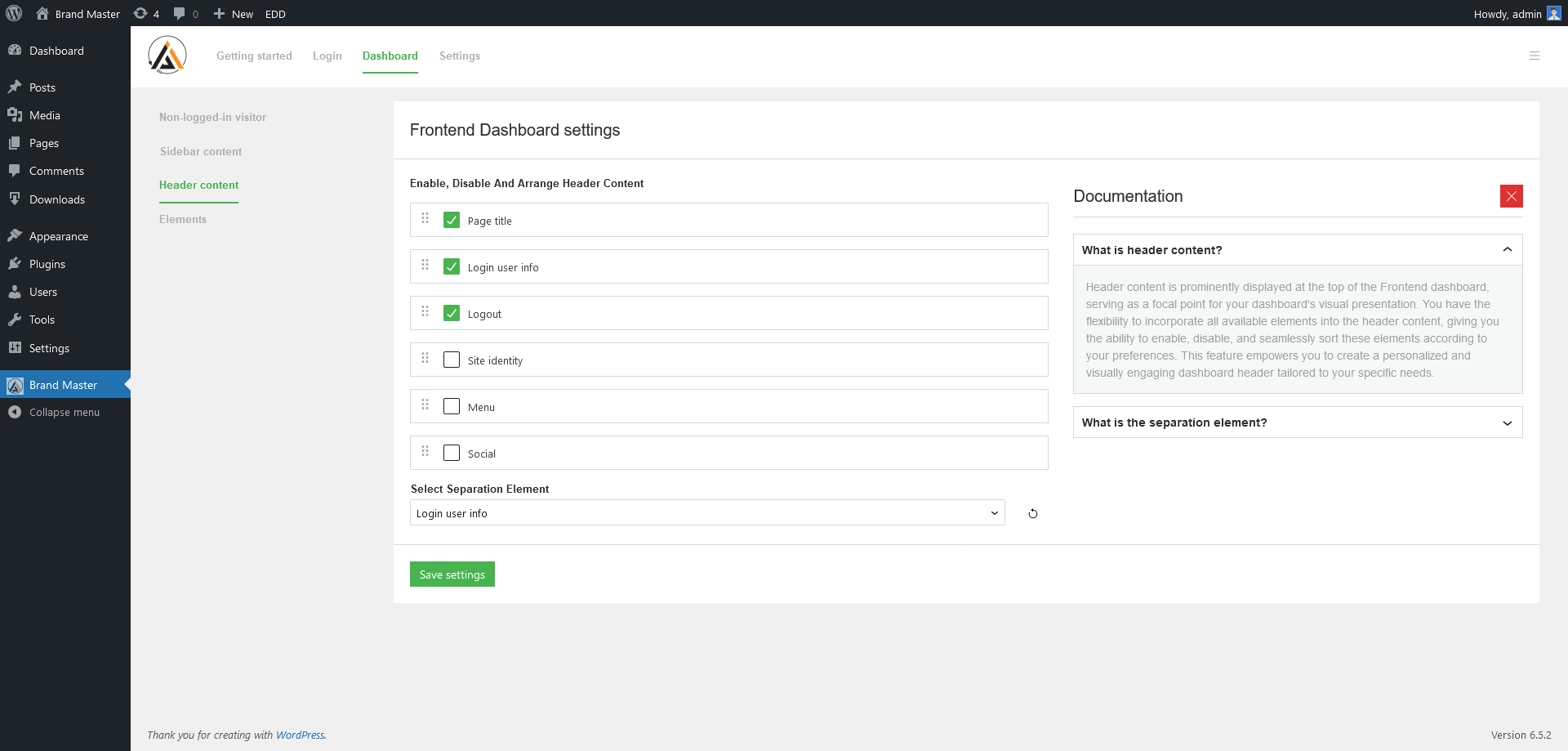
Para desenvolvedores
Este é o seu plugin? Mostre os números.
Adicione um crachá ao vivo ao seu site, Documentos ou Readme do GitHub. Ele é atualizado por conta própria - nenhuma conta necessária.
Best Brand Master alternatives
All branding plugins →



FAQ
Brand Master: quick answers
Respostas diretas, extraídas de dados ao vivo WordPress.org.
Fonte: WordPress.org
Is Brand Master free?
Yes. Brand Master is free to download and use from the official WordPress.org plugin directory.
Is Brand Master safe to use in 2026?
Brand Master is a solid plugin choice in 2026, with a few things worth checking first. Was last updated 5 days ago, and scores 64/100 on our health check.
How many websites use Brand Master?
Brand Master is active on <10 WordPress websites and has been downloaded 1,824 times since it launched in April 2024. It was downloaded 119 times in the last 30 days.
Does Brand Master work with WordPress 7.1?
Yes. The developer has tested Brand Master up to WordPress 7.1.5, the latest release. It requires WordPress 7.0 or newer.
What PHP version does Brand Master need?
Brand Master requires PHP 8.3 or higher. Most hosts run PHP 8.x today, so it works on any modern WordPress hosting.
When was Brand Master last updated?
The latest version, 1.0.6, was released on November 24, 2026 (5 days ago).
Who makes Brand Master?
Brand Master is developed and maintained by PatternsWP.
What are the best alternatives to Brand Master?
The most popular alternatives to Brand Master are White Label CMS (200K+ installs), Custom Login (10K+ installs) and Teydea Login Customizer (10K+ installs).
Alimentado por PageForge
Um modelo e uma planilha. Uma página real para cada pesquisa.
PageForge Transforma cada linha de um CSV em uma página WordPress com seu próprio título, URL, SEO campos e esquema, construído no layout que você já desenhou. Gratuito em WordPress.org.
- CSV e XLSX, mais Google Sheets em Profissional e Empresarial
- Seu próprio título, URL, SEO campos e esquema para cada página
- Funciona com o editor de blocos, Elementor, Divi e Avada
- Gratuito em WordPress.org, sem cartão de crédito