

Bibcit Any2HTML
Convert Markdown, diagram code, PDF, or images to HTML directly inside the WordPress post editor — powered by the Bibcit API.

Considere uma alternativa
Bibcit Any2HTML shows warning signs in 2026 — compare the alternatives below before installing. Was last updated 7 months ago, and scores 36/100 on our health check.
- Base de usuários pequenas (<10 instalações ativas)
- Muito poucos comentários até agora
- Testado apenas até WordPress 6.9 (mais recente é 7.1)
Como ele se acumula?
Lado a lado em instalações, atualizações, avaliações e suporte



Downloads diários
Os picos de download geralmente seguem uma nova versão — cada site que atualiza automaticamente é um download.
Rankings
Where Bibcit Any2HTML stands todayWordPress.org Classificações de pesquisa
Posição ao vivo na pesquisa de plugins, top 100| Palavra chave | Posição |
|---|---|
| diagram | #63 |
| HTML Converter | >100 |
| markdown | >100 |
| mermaid | #18 |
| >100 |
About Bibcit Any2HTML
From the official readme · v1.2.3Descrição
Bibcit Any2HTML adds a powerful conversion panel to the WordPress post editor. Whether you’re working with Markdown text, technical diagram code, or document files (PDF/image), the plugin converts your content to clean HTML and inserts it straight into your post — no copy-pasting, no switching tools.
Key Features
Markdown to HTML
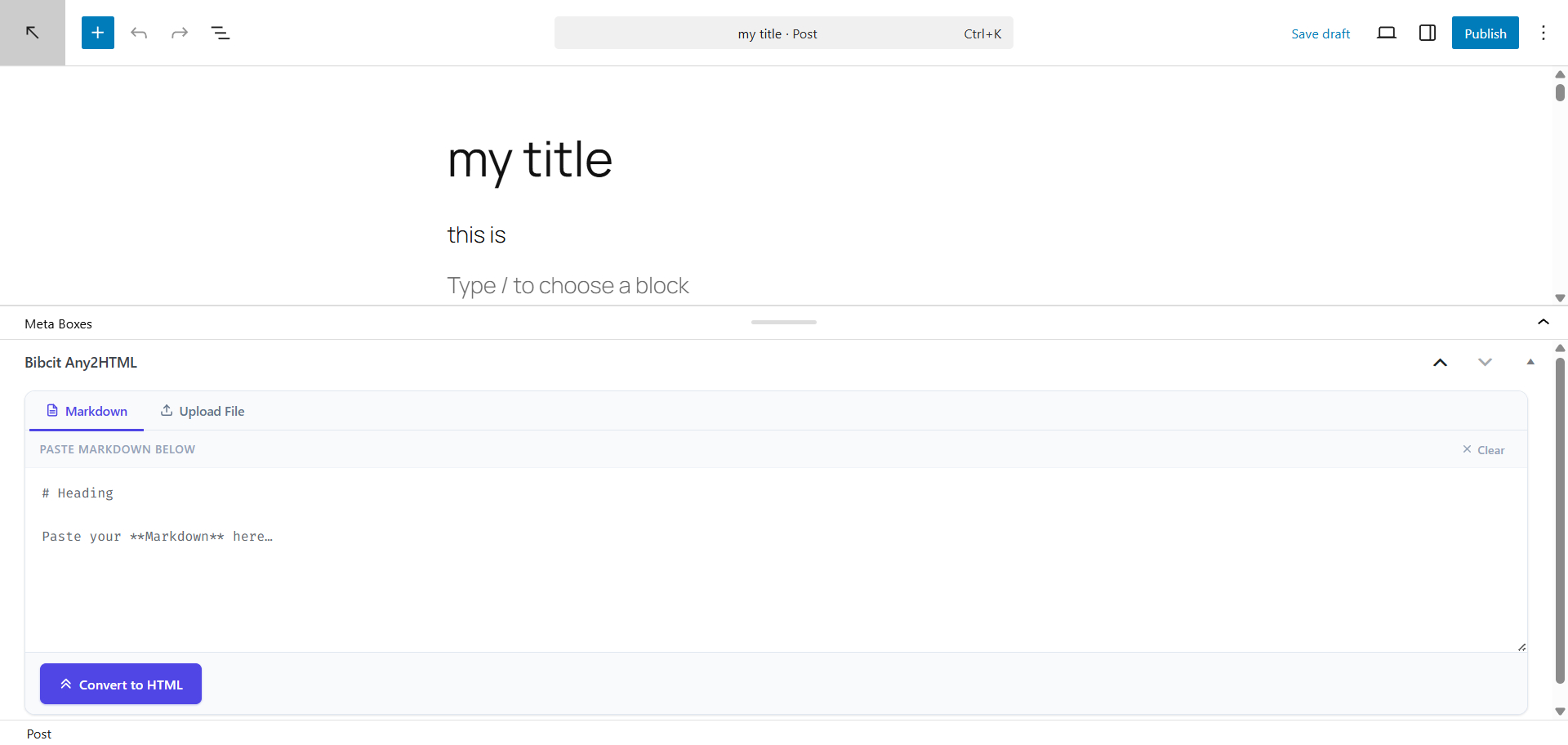
Paste any Markdown content into the editor panel and convert it to HTML in one click. Works with headings, lists, tables, code blocks, and all standard Markdown syntax.
Diagram Code to HTML
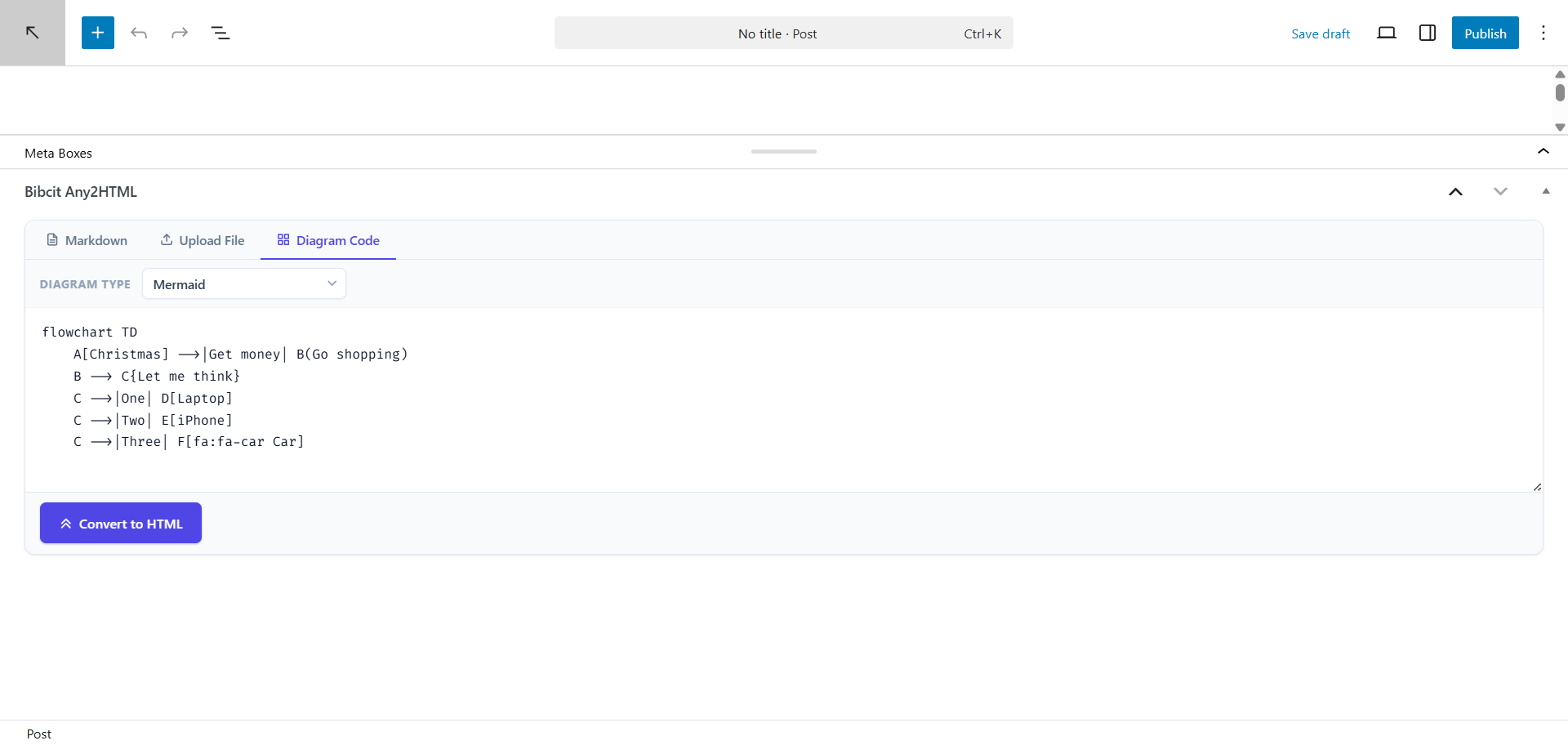
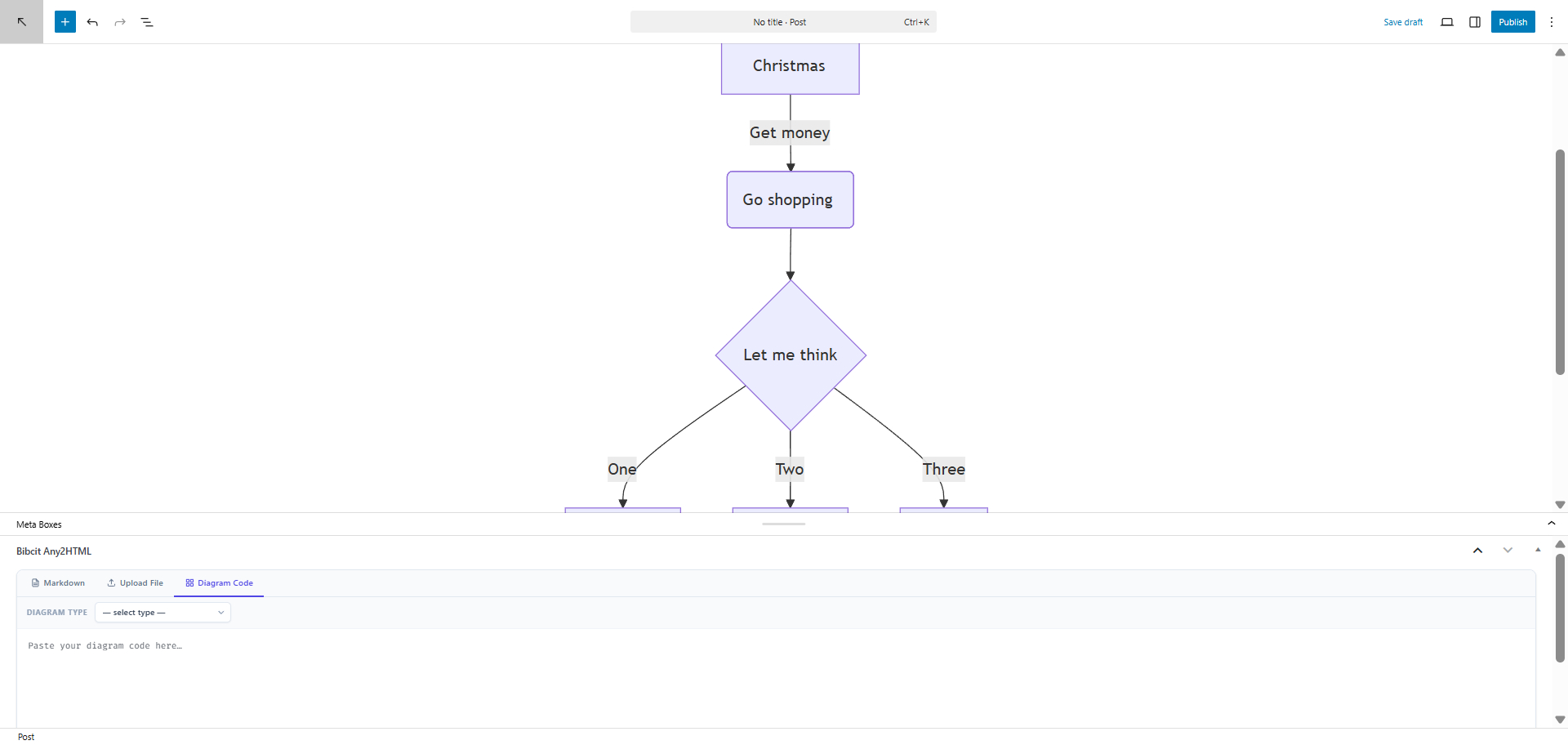
Convert diagram source code to rendered HTML diagrams directly inside the post editor. Supports a wide range of diagram languages across four categories:
- UML & Software Architecture — PlantUML, C4 PlantUML, Mermaid, Nomnoml, DBML, Structurizr, UMLet
- Graphs & Networks — Graphviz, D2, ERD, SMILES
- Block & Flow Diagrams — BlockDiag, ActDiag, NwDiag, PacketDiag, RackDiag, SeqDiag, BPMN, Ditaa, Pikchr
- Technical & Specialized — WaveDrom, Bytefield, SVGBob, TikZ, Symbolator, WireViz
- Data & Mind Visualization – Vega, Vega-Lite, Excalidraw, Markmap
- Vector Graphics- SVG
Select your diagram type from the dropdown, paste your code, and click Convert to HTML.
File Upload (PDF & Images)
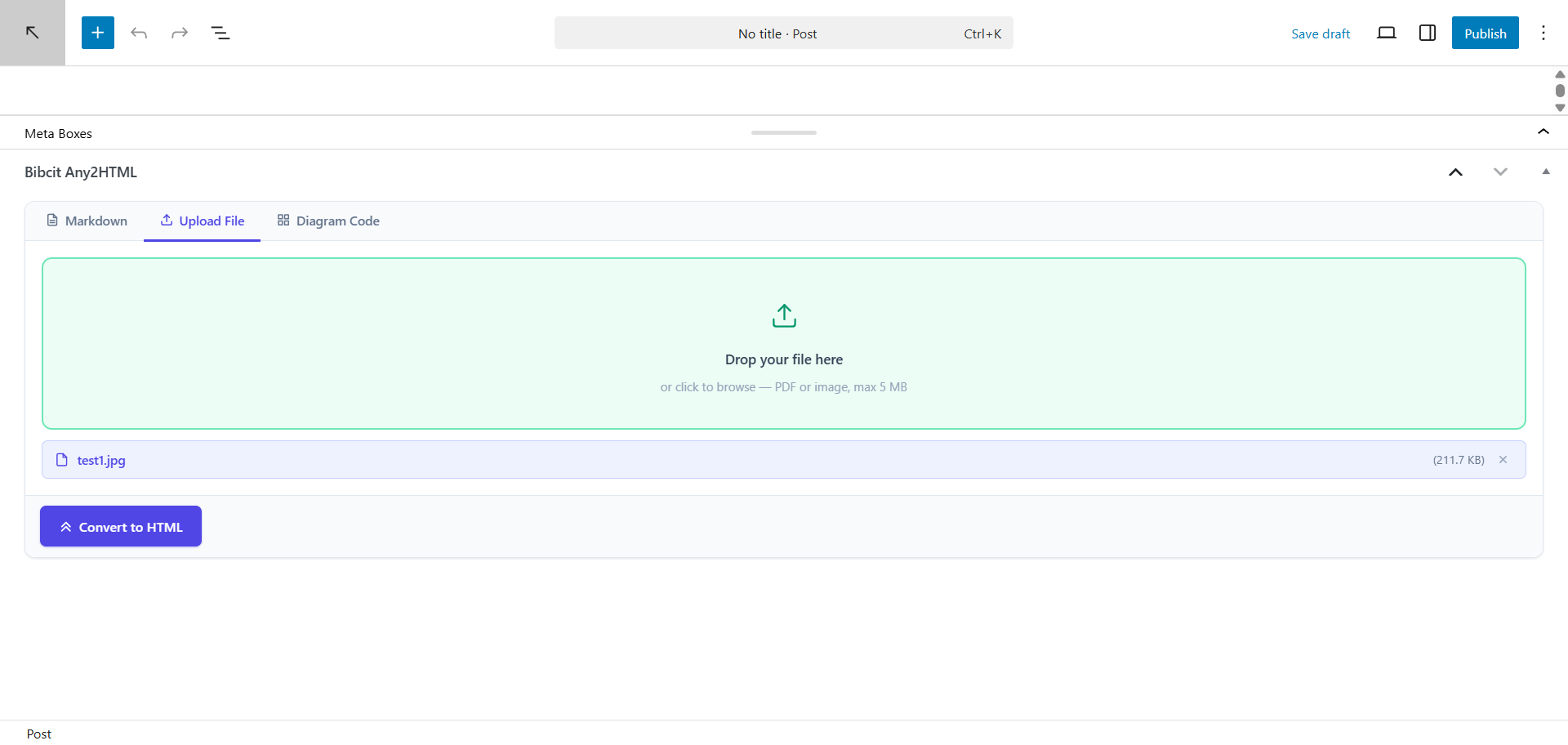
Upload a PDF or image file (JPG, PNG — up to 5 MB) and the plugin will extract the content and convert it to HTML automatically.
Editor Compatibility
Works seamlessly with the Classic Editor, Gutenberg (block editor), and TinyMCE. Converted HTML is inserted at the cursor position.
API Key Management
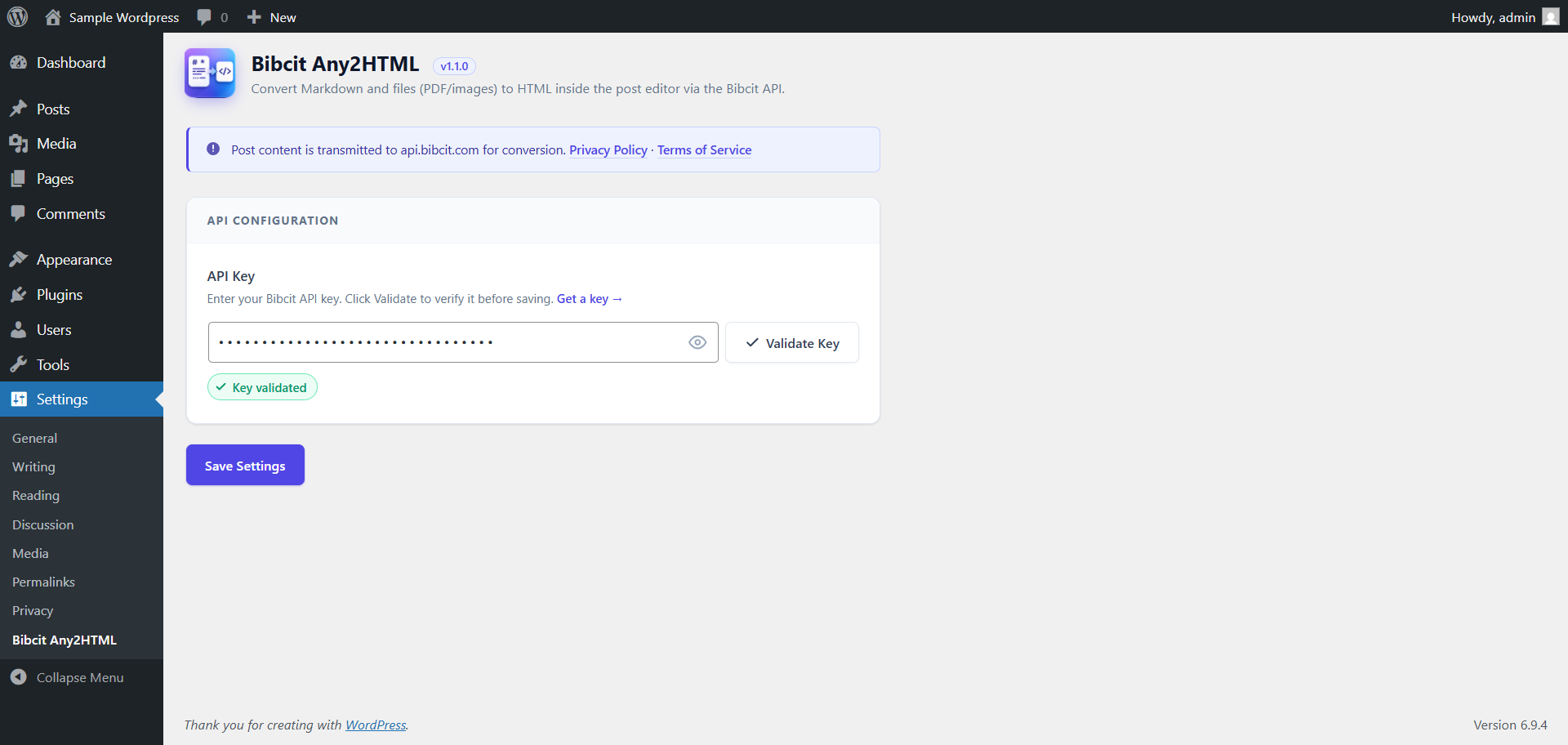
Enter your Bibcit API key in the settings page and validate it with a single click. The conversion panel only appears once a valid key is confirmed. If a key becomes unauthorized during use, the plugin flags it immediately with a direct link to re-validate.
The full source code is publicly available on GitHub.
Requisitos
- A Bibcit account and API key — sign up at bibcit.com.
- An active internet connection (required for API communication).
Serviço de terceiros
This plugin connects to the Bibcit API (api.bibcit.com), an external service operated by Bibcit.
Data transmitted: Your Markdown text, diagram code, or uploaded file (PDF/image) is sent to the Bibcit API solely for conversion. Your API key is included as a request header (Bibcit-Key) for authentication.
When it is sent: Only when you click “Convert to HTML”, and only when the plugin is active with a valid API key.
Privacy: Content is processed in real-time and is not stored, logged, or retained — ensuring full privacy of your post content.
APIs used by this plugin:
- MassiveMark — Markdown/text to HTML: https://github.com/bibcit/MassiveMark
- MassiveMark Diagram — Diagram code to HTML: https://www.bibcit.com/en/mdiag
- MassivePix — PDF/image to HTML: https://github.com/bibcit/MassivePix
Please review Bibcit’s policies before use:
Instalação
From within WordPress
- Visit Plugins > Add New.
- Search for Bibcit Any2HTML.
- Instale e ative o plugin.
Manual Installation
- Upload the bibcit-any2html folder to the /wp-content/plugins/ directory.
- Visit Plugins and activate Bibcit Any2HTML.
Getting Started
- Go to Settings > Bibcit Any2HTML.
- Enter your Bibcit API key and click Validate Key.
- Once validated, click Save Settings.
- Open any post or page — the Bibcit Any2HTML meta box will appear below the editor.
- Choose a tab (Markdown, Diagram Code, or Upload File), enter your content, and click Convert to HTML.
Log de Changes
Adds a Diagram Code tab with support for 27 diagram languages, plus bug fixes for the settings page and convert button.
1.2.0
- Added Diagram Code tab supporting 27 diagram languages (PlantUML, Mermaid, Graphviz, and more).
- Diagram conversion uses a dedicated API endpoint (api.bibcit.com/api/mdiag/code2Svg).
- Fixed convert button being non-functional due to a dead-code early return.
- Fixed settings page script not loading due to mismatched page slug.
1.1.0
- Added file upload support (PDF/image) for HTML conversion.
- Minor fixes and performance improvements.
1.0.0
- Lançamento inicial.
Capturas de tela
Para desenvolvedores
Este é o seu plugin? Mostre os números.
Adicione um crachá ao vivo ao seu site, Documentos ou Readme do GitHub. Ele é atualizado por conta própria - nenhuma conta necessária.
Best Bibcit Any2HTML alternatives
All diagram plugins →




FAQ
Bibcit Any2HTML: quick answers
Respostas diretas, extraídas de dados ao vivo WordPress.org.
Fonte: WordPress.org
Is Bibcit Any2HTML free?
Yes. Bibcit Any2HTML is free to download and use from the official WordPress.org plugin directory.
Is Bibcit Any2HTML safe to use in 2026?
Bibcit Any2HTML shows warning signs in 2026 — compare the alternatives below before installing. Was last updated 7 months ago, and scores 36/100 on our health check.
How many websites use Bibcit Any2HTML?
Bibcit Any2HTML is active on <10 WordPress websites and has been downloaded 739 times since it launched in April 2026. It was downloaded 89 times in the last 30 days.
Does Bibcit Any2HTML work with WordPress 7.1?
Bibcit Any2HTML is officially tested up to WordPress 6.9.12, while the latest release is 7.1.5. It may still work, but try it on a staging site first.
What PHP version does Bibcit Any2HTML need?
Bibcit Any2HTML requires PHP 8.0 or higher. Most hosts run PHP 8.x today, so it works on any modern WordPress hosting.
When was Bibcit Any2HTML last updated?
The latest version, 1.2.3, was released on May 1, 2026 (7 months ago).
Who makes Bibcit Any2HTML?
Bibcit Any2HTML is developed and maintained by Rakesh Kumar.
What are the best alternatives to Bibcit Any2HTML?
The most popular alternatives to Bibcit Any2HTML are Scrollchart (100+ installs), PlantUML Renderer (100+ installs) and NinjaDraw (50+ installs).
Alimentado por PageForge
Um modelo e uma planilha. Uma página real para cada pesquisa.
PageForge Transforma cada linha de um CSV em uma página WordPress com seu próprio título, URL, SEO campos e esquema, construído no layout que você já desenhou. Gratuito em WordPress.org.
- CSV e XLSX, mais Google Sheets em Profissional e Empresarial
- Seu próprio título, URL, SEO campos e esquema para cada página
- Funciona com o editor de blocos, Elementor, Divi e Avada
- Gratuito em WordPress.org, sem cartão de crédito