


Advanced Classic Editor
Advanced Classic Editor - Your powerful WordPress editor, Insert many Icons, Insert Table of contents, etc.

Use com cautela
Advanced Classic Editor works, but test it on a staging site before relying on it in 2026. It runs on 2K+ sites, is rated 4/5 and was last updated 10 months ago, and scores 55/100 on our health check.
- Momentum — downloads up 24.7% vs the previous 30 days
- Testado apenas até WordPress 6.9 (mais recente é 7.1)
Como ele se acumula?
Lado a lado em instalações, atualizações, avaliações e suporte



Downloads diários
Os picos de download geralmente seguem uma nova versão — cada site que atualiza automaticamente é um download.
Rankings
Where Advanced Classic Editor stands todayWordPress.org Classificações de pesquisa
Posição ao vivo na pesquisa de plugins, top 100| Palavra chave | Posição |
|---|---|
| bootstrap | #33 |
| editor | #41 |
| FontAwesome | #14 |
| Wordpress Editor | #36 |
| wysiwyg | #39 |
Adoção da versão
Compartilhamento de sites ativos por lançamento.
Divisão de classificação
★★★★★★★★★★ 4 from 10 reviews
About Advanced Classic Editor
From the official readme · v3.1.5Descrição
WordPress + TinyMCE + Font Awesome + Bootstrap
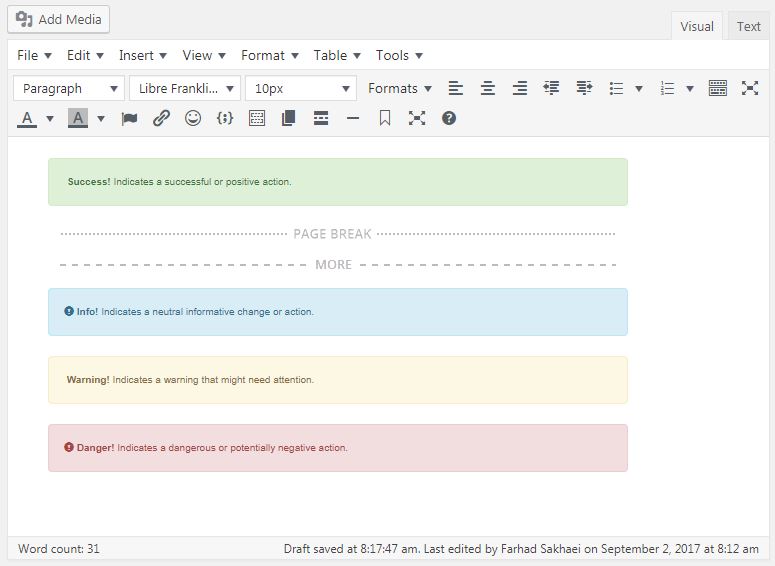
This plugin extends the buttons on the Visual Editor toolbar.
It includes 20 plugins for WordPress Editor (TinyMCE)
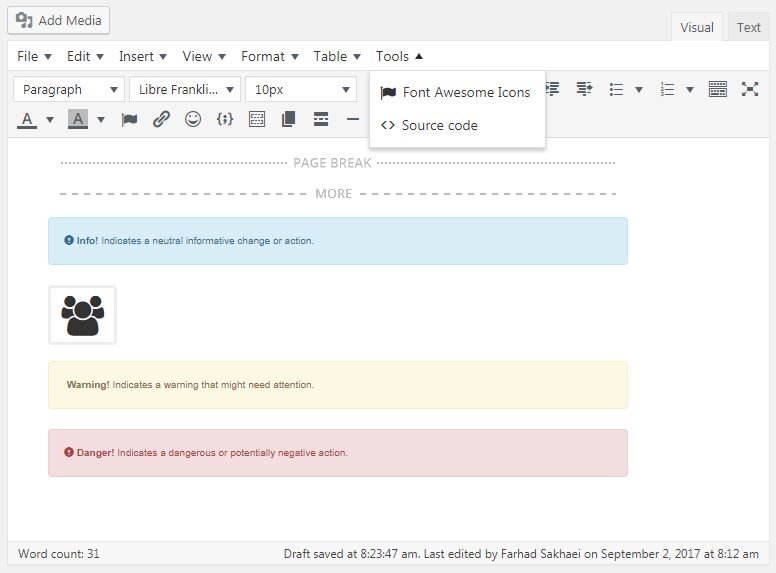
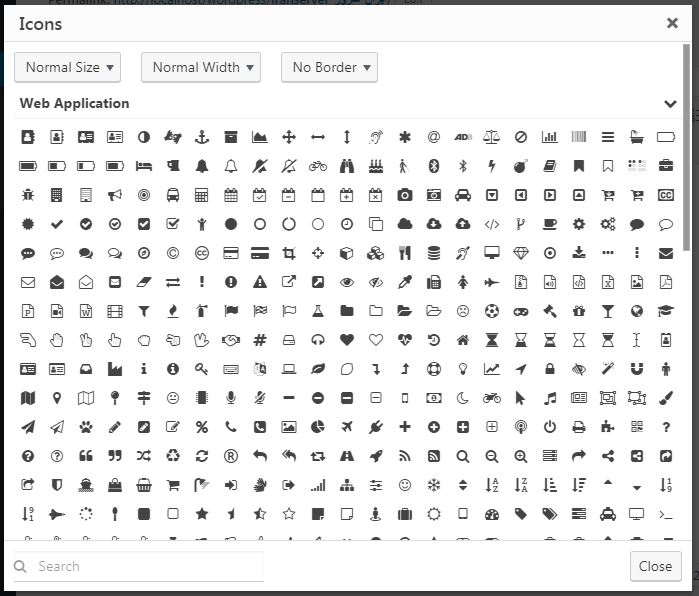
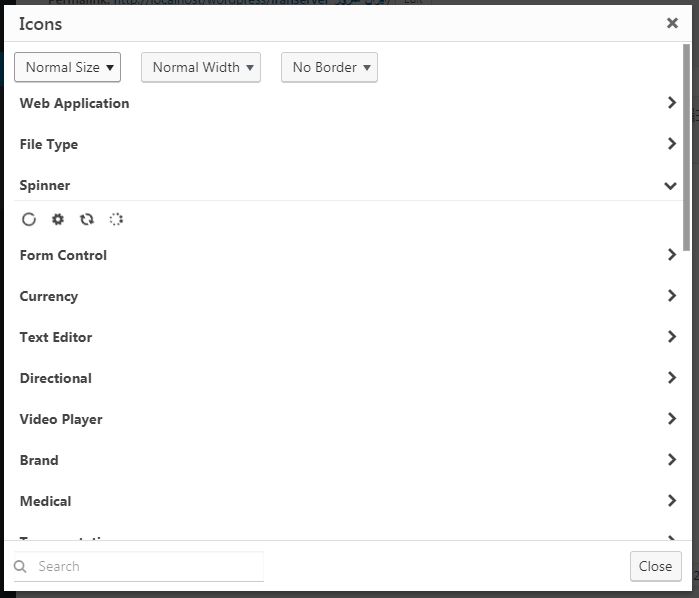
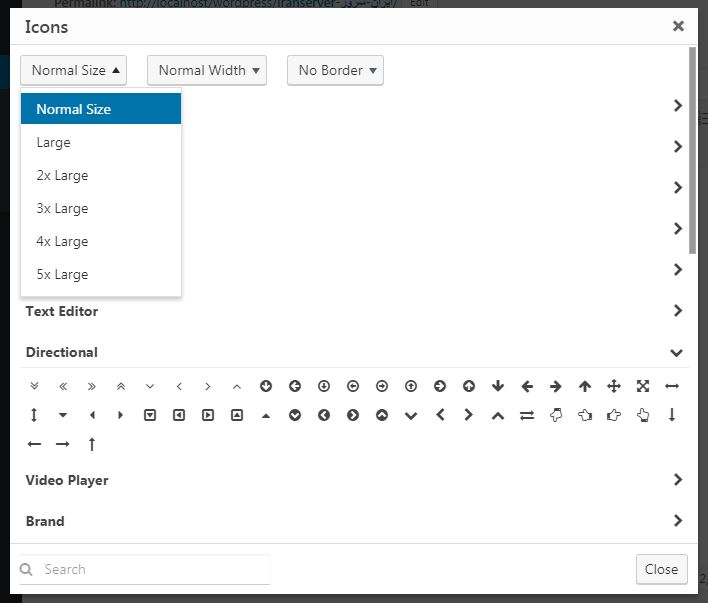
- Insert Many Icons from Font Awesome Set easily, Change their Size or Border!
- Support HTML Templates (We will add many pre-designed templates soon!)
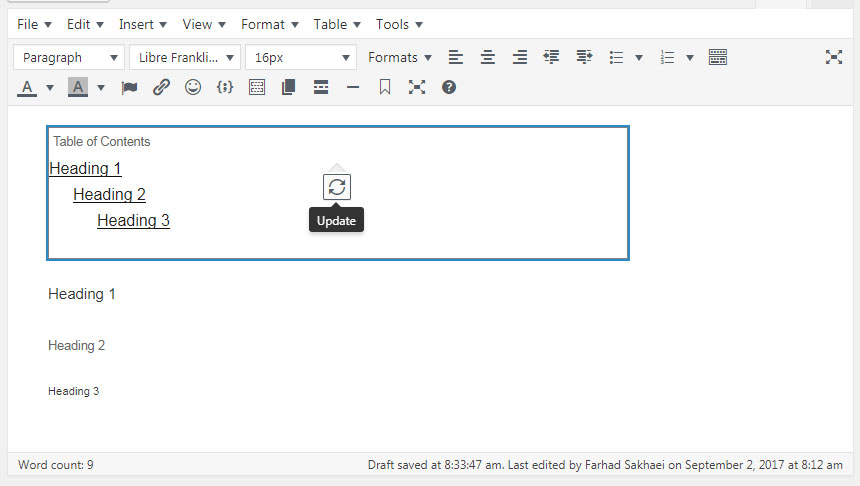
- Insert Table of Contents based on headings
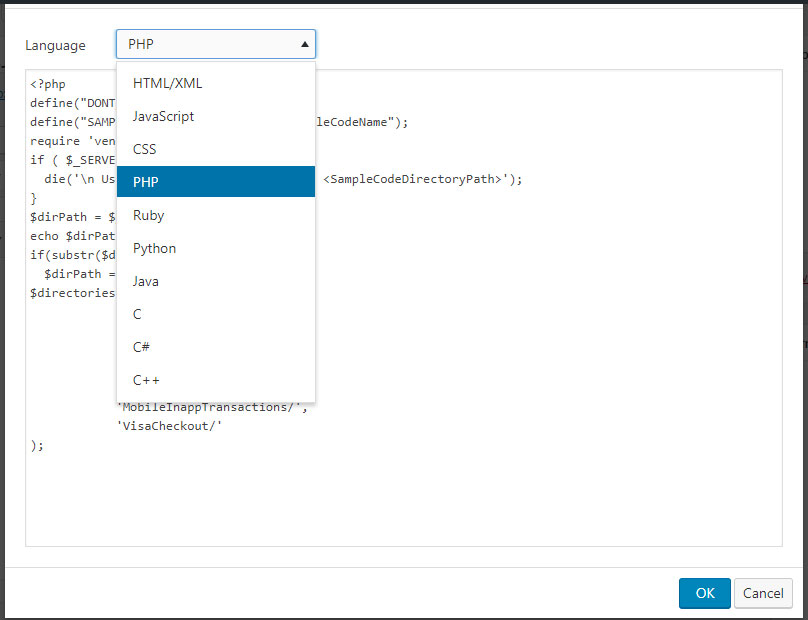
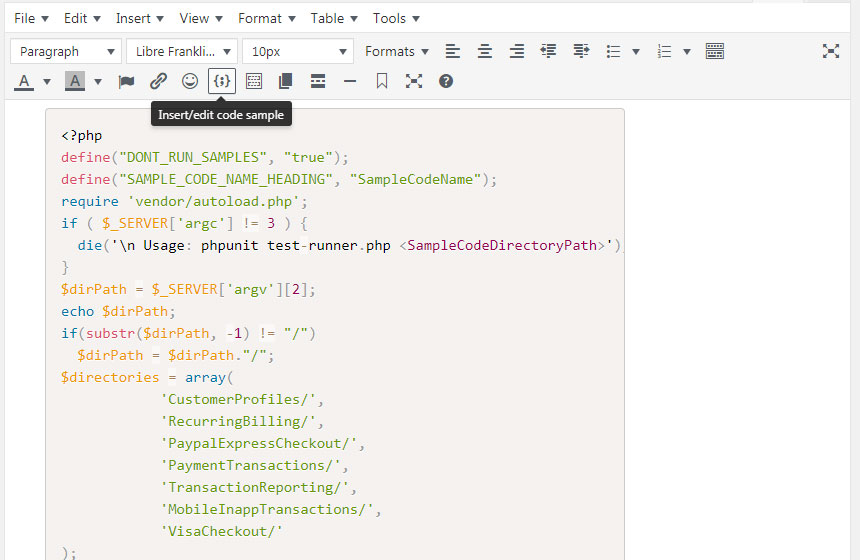
- Insert sample of codes, and colorize them
- Insert emoticons
- Change Text Colors and Back Colors
- Great Context Menu
- Print, Paste as Text, Find and Replace, Insert Media, Special Characters, Horizontal Line, Read More Tag, Page Break Tag, Anchor, DateTime
- Support for creating and editing tables.
- Search and Replace in the editor.
- Show Blocks, Show Invisible Characters
- Insert predefined styles and Clear Formatting
- More options when inserting lists.
- Ability to set Font Family and Font Sizes.
- Full Screen and Preview Options
- And many others.
Validated by:
https://wpreadme.com
https://wordpress.org/plugins/developers/readme-validator
Instalação
Requisitos mínimos
- WordPress 6.0 ou superior
- PHP 7.4 or greater is required (PHP 8.0 or greater is recommended)
- MySQL 5.6 or greater, OR MariaDB version 10.1 or greater, is required.
You can install this plugin in two ways:
Automatic installation (Install from within WordPress)
Automatic installation is the easiest option, WordPress will handles the file transfer, and you won’t need to leave your web browser.
- Log in to your WordPress dashboard
- Navigate to the Plugins menu within your dashboard
- click “Add New.”
- In the search field type the name of this plugin and then click “Search Plugins.”
- Once you’ve found us, you can view details about it such as the point release, rating, and description.
- Most importantly of course, you can install it by! Click “Install Now,” and WordPress will take it from there.
- Activate the plugin from your Plugins page
Instalação manual
Manual installation method requires downloading the this plugin and uploading it to your web server via your favorite FTP application. The WordPress codex contains instructions on how to do this here.
- Download the plugin ZIP file and extract it
- Upload the extracted folder to the /wp-content/plugins/ directory
- Ative o plugin através do menu 'Plugins' em WordPress
Log de Changes
Automatic updates should work smoothly, but we still recommend you back up your site.
3.1.4
- Fix for loading options
3.1.0
- Bootstrap and FontAwesome Update
3.0.0
- Whole plugin rewritten
1.0.0
- First Release
Capturas de tela
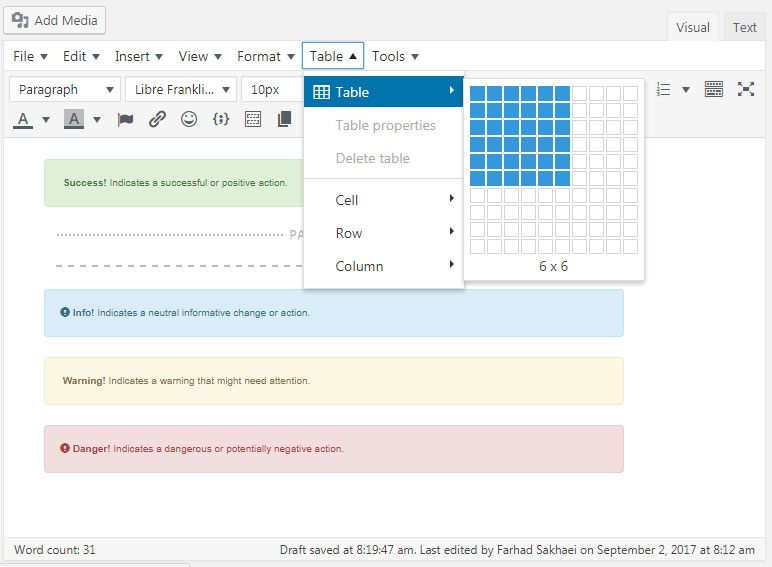
Para desenvolvedores
Este é o seu plugin? Mostre os números.
Adicione um crachá ao vivo ao seu site, Documentos ou Readme do GitHub. Ele é atualizado por conta própria - nenhuma conta necessária.
Best Advanced Classic Editor alternatives
All bootstrap plugins →


FAQ
Advanced Classic Editor: quick answers
Respostas diretas, extraídas de dados ao vivo WordPress.org.
Fonte: WordPress.org
Is Advanced Classic Editor free?
Yes. Advanced Classic Editor is free to download and use from the official WordPress.org plugin directory.
Is Advanced Classic Editor safe to use in 2026?
Advanced Classic Editor works, but test it on a staging site before relying on it in 2026. It runs on 2K+ sites, is rated 4/5 and was last updated 10 months ago, and scores 55/100 on our health check.
How many websites use Advanced Classic Editor?
Advanced Classic Editor is active on 2K+ WordPress websites and has been downloaded 46,293 times since it launched in September 2017. It was downloaded 842 times in the last 30 days.
Does Advanced Classic Editor work with WordPress 7.1?
Advanced Classic Editor is officially tested up to WordPress 6.9.12, while the latest release is 7.1.5. It may still work, but try it on a staging site first.
What PHP version does Advanced Classic Editor need?
Advanced Classic Editor requires PHP 7.4 or higher. Most hosts run PHP 8.x today, so it works on any modern WordPress hosting.
When was Advanced Classic Editor last updated?
The latest version, 3.1.5, was released on February 13, 2026 (10 months ago).
Who makes Advanced Classic Editor?
Advanced Classic Editor is developed and maintained by DediData.
What are the best alternatives to Advanced Classic Editor?
The most popular alternatives to Advanced Classic Editor are Bootstrap Blocks (10K+ installs), Bootstrap for Contact Form 7 (10K+ installs) and Contact Form Clean and Simp… (7K+ installs).
Alimentado por PageForge
Um modelo e uma planilha. Uma página real para cada pesquisa.
PageForge Transforma cada linha de um CSV em uma página WordPress com seu próprio título, URL, SEO campos e esquema, construído no layout que você já desenhou. Gratuito em WordPress.org.
- CSV e XLSX, mais Google Sheets em Profissional e Empresarial
- Seu próprio título, URL, SEO campos e esquema para cada página
- Funciona com o editor de blocos, Elementor, Divi e Avada
- Gratuito em WordPress.org, sem cartão de crédito