


Advanced Testimonial Carousel For Elementor
Advanced Testimonial Carousel For Elementor is a powerful and flexible Elementor widget for displaying customer testimonials and reviews in beautiful carousel and slider layouts.

Escolha sólida
Advanced Testimonial Carousel F… is a solid plugin choice in 2026, with a few things worth checking first. It runs on 2K+ sites, is rated 3.6/5 and was last updated 1 month ago, and scores 73/100 on our health check.
- Testado com as últimas WordPress (7.1)
Como ele se acumula?
Lado a lado em instalações, atualizações, avaliações e suporte



Downloads diários
Os picos de download geralmente seguem uma nova versão — cada site que atualiza automaticamente é um download.
Rankings
Where Advanced Testimonial Carous… stands todayWordPress.org Classificações de pesquisa
Posição ao vivo na pesquisa de plugins, top 100| Palavra chave | Posição |
|---|---|
| Elementor | >100 |
| elementor testimonial carousel | #7 |
| Google Reviews | >100 |
| reviews | >100 |
| Testimonial | #14 |
Adoção da versão
Compartilhamento de sites ativos por lançamento.
Divisão de classificação
★★★★★★★★★★ 3.6 from 12 reviews
About Advanced Testimonial Carousel For Eleme…
From the official readme · v4.0.0Descrição
Advanced Testimonial Carousel For Elementor is a powerful and flexible Elementor widget for displaying customer testimonials and reviews in beautiful carousel and slider layouts.
You can create your own custom testimonials or display real reviews from Google. Choose the review source that best fits your website and customize the appearance to match your design.
With the Pro version, you can enable or disable Custom Reviews and Google Reviews independently, giving you complete control over which type of reviews are displayed.
Whether you want to showcase customer testimonials, Google Business reviews, or reviews from multiple business locations, Advanced Testimonial Carousel For Elementor provides flexible options to build an attractive and responsive review section.
Reviews & Google Reviews
Custom Reviews
Add your own customer testimonials manually and customize the review content, author name, designation, image, rating, and other display options.
With the Pro version, you can enable or disable Custom Reviews whenever you want.
Google Reviews
Display reviews from your Google Business Profile directly on your website.
To use Google Reviews, you need to provide a Google API Key. After configuring the API key, you can add your Google Business location using its Place ID.
You can also add multiple Place IDs, making it possible to display reviews from multiple businesses or business locations on your website.
For example, if you have multiple branches or business locations, you can add the Place ID for each location and manage them from the plugin.
Google Reviews also include additional Pro features such as review sorting, rating filtering, date sorting, and automatic review fetching.
Choose Your Review Source
The Pro version allows you to control Custom Reviews and Google Reviews independently.
You can:
- Enable Custom Reviews
- Disable Custom Reviews
- Enable Google Reviews
- Disable Google Reviews
- Use only Custom Reviews
- Use only Google Reviews
- Use both Custom Reviews and Google Reviews
This gives you complete flexibility to decide which reviews should appear on your website.
Recursos
- Elementor widget
- 8+ testimonial and review layouts
- Responsive testimonial carousel
- Auto Play
- Enable / Disable Loop
- Navigation arrows
- Pagination dots
- Slider speed control
- Unlimited testimonials
- Custom testimonial reviews
- Google Reviews integration (Pro)
- Google API Key support (Pro)
- Google Place ID support (Pro)
- Multiple Google Place IDs / business locations (Pro)
- Enable / Disable Custom Reviews (Pro)
- Enable / Disable Google Reviews (Pro)
- Google Reviews automatic fetching (Pro)
- Google Reviews sorting options (Pro)
- Google Reviews rating filtering (Pro)
- Google Reviews date sorting (Pro)
- Google rating and review count display (Pro)
- Google Reviews heading and rating display (Pro)
- Custom review rating (Pro)
- Image customization
- Image border radius
- Image size controls
- Background color
- Gradient background color (Pro)
- Testimonial border and box shadow (Pro)
- Image border and box shadow (Pro)
- Typography and styling options
- Author name styling
- Review content styling
- Designation / title styling
- Rating styling (Pro)
- Arrow position customization (Pro)
- Multiple testimonial templates
- New testimonial templates in Pro
- Fully responsive design
Google Reviews
The Google Reviews feature allows you to display reviews from your Google Business locations inside your Elementor testimonial carousel.
To use Google Reviews:
- Add your Google API Key.
- Add the Place ID of your Google Business location.
- Select your preferred review settings.
- Fetch and display your Google Reviews.
You can add multiple Place IDs if you have multiple businesses, branches, offices, or locations.
Por exemplo:
- Business Location 1 – Place ID
- Business Location 2 – Place ID
- Business Location 3 – Place ID
This makes it easy to manage reviews from multiple business locations.
Google Reviews features are available in the Pro version.
Review Source Control
The Pro version provides separate controls for Custom Reviews and Google Reviews.
You can choose whether to:
- Show only Custom Reviews
- Show only Google Reviews
- Show both Custom Reviews and Google Reviews
- Disable Custom Reviews
- Disable Google Reviews
This allows you to use the plugin according to your website’s needs.
Features in Detail
Custom Testimonials
Create unlimited custom testimonials with:
- Customer image
- Customer name
- Designation / title
- Testimonial content
- Star rating (Pro)
- Custom styling (Pro)
Google Reviews
Display real reviews from Google Business locations using:
- Google API Key
- Google Place ID
- Multiple Place IDs
- Automatic review fetching (Pro)
- Review sorting (Pro)
- Rating filtering (Pro)
- Date sorting (Pro)
- Google rating display (Pro)
- Total review count (Pro)
Slider & Carousel
Customize your testimonial carousel with:
- Auto Play
- Loop
- Navigation arrows
- Pagination dots
- Slider speed (Pro)
- Responsive settings
- Multiple layouts (Pro)
- Unlimited testimonials and reviews (Pro)
Styling Options
Customize your testimonial design with:
- Image size
- Image shape
- Border radius
- Background color
- Gradient background
- Box shadow
- Border
- Typography
- Author name
- Designation
- Review content
- Classificação
- Navigation arrows
- Pagination dots
Instalação
Esta seção descreve como instalar o plugin e fazê-lo funcionar.
- Upload the plugin files to the
/wp-content/plugins/directory, or install the plugin through the WordPress Plugins screen. - Ative o plugin através da tela de plugins.
- Make sure Elementor is installed and activated.
- Open Elementor and add the Advanced Testimonial Carousel widget to your page.
- Configure your testimonials and carousel settings.
- For Google Reviews, configure the Google API Key and add your Google Place ID from the Pro settings.
Log de Changes
Google Reviews are now available in the Pro version. Configure your Google API Key and add one or multiple Google Place IDs to display reviews from your business locations.
4.0.0 (DATE: October 07, 2026)
- Added Google Reviews integration.
- Added Google Business Place ID support.
- Added support for multiple Google Place IDs.
- Added Google Reviews sorting options.
- Added Google Reviews rating filtering.
- Added Google Reviews date sorting.
- Added Google Reviews automatic fetching.
- Added Google rating and review count display.
- Added Custom Reviews enable / disable option.
- Added Google Reviews enable / disable option.
- Added new testimonial and review features.
- Improved testimonial carousel functionality.
3.1.2 (DATE: December 08, 2025)
- WordPress 6.9 Compatible.
3.1.1 (DATE: March 28, 2025)
- WordPress 6.7.2 Compatible.
- Fixed some issues in the Pro version.
3.1.0 (DATE: November 15, 2024)
- Updated Swiper slider.
- Fixed responsive issues.
- WordPress 6.7 compatibility improvements.
3.0.4 (DATE: August 26, 2024)
- Fixed Pro license tab redirection.
- Code refactoring.
3.0.3 (DATE: July 27, 2024)
- WordPress 6.6.1 compatibility.
Capturas de tela





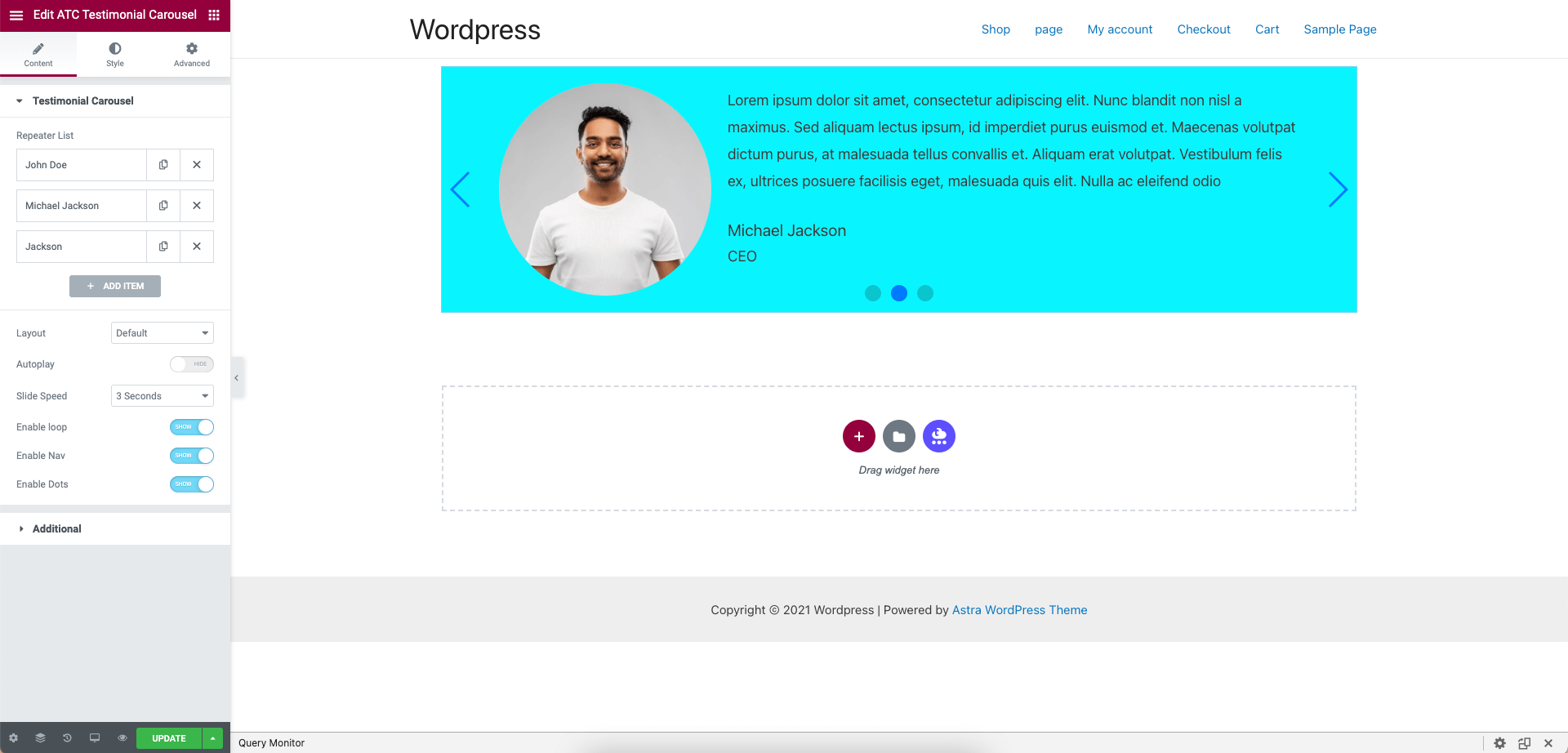
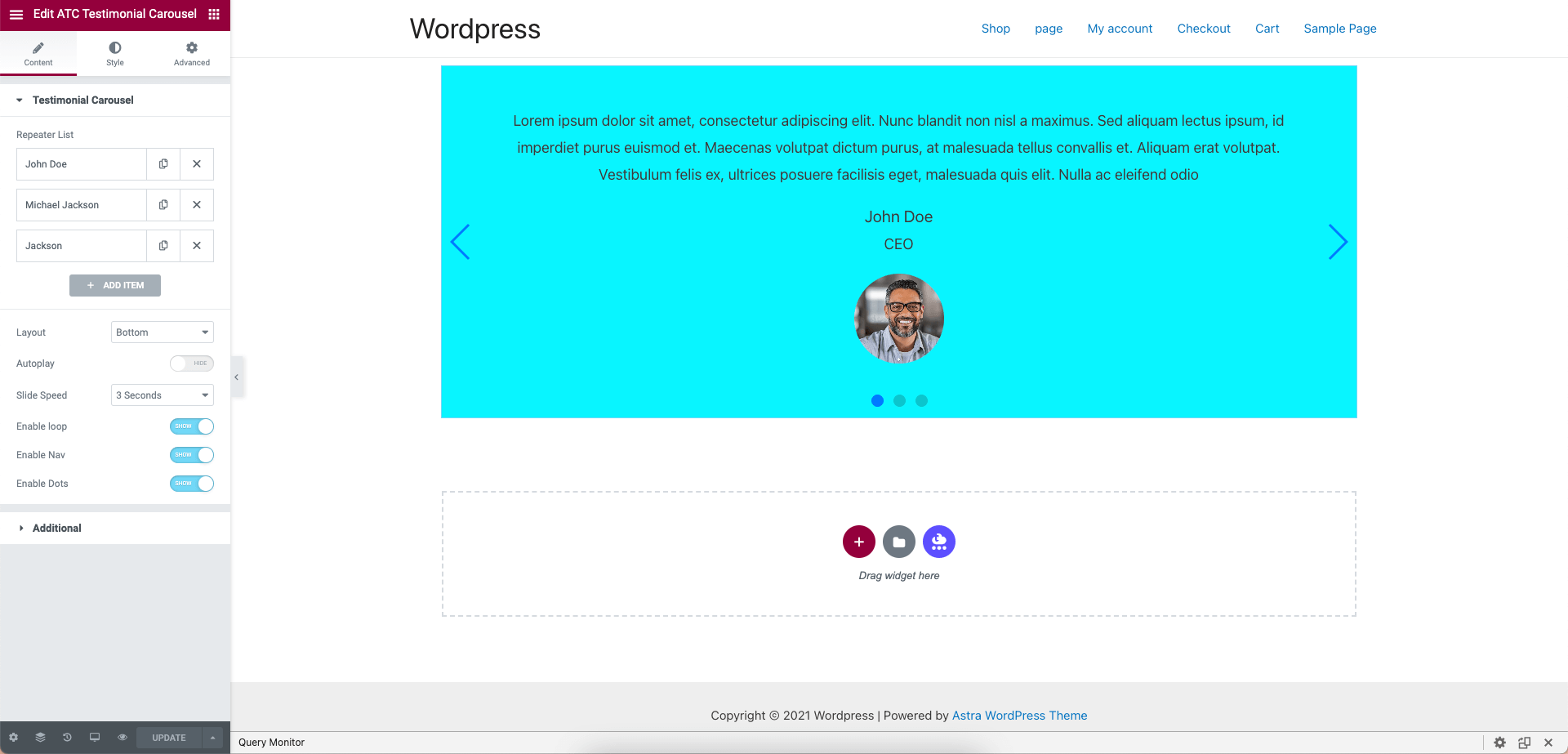

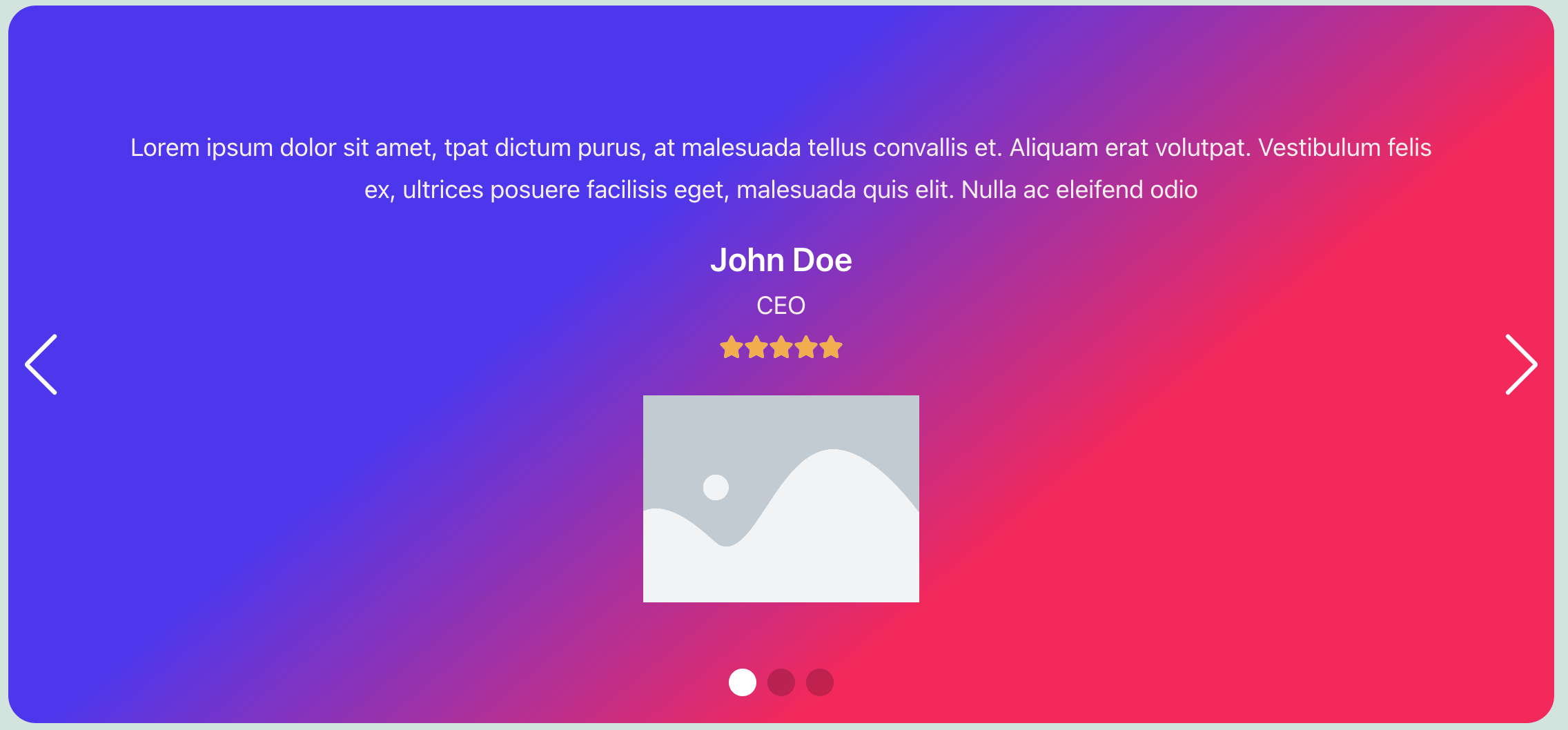
Para desenvolvedores
Este é o seu plugin? Mostre os números.
Adicione um crachá ao vivo ao seu site, Documentos ou Readme do GitHub. Ele é atualizado por conta própria - nenhuma conta necessária.
Best Advanced Testimonial Carousel… alternatives
All elementor plugins →





FAQ
Advanced Testimonial Carousel For E…: quick answers
Respostas diretas, extraídas de dados ao vivo WordPress.org.
Fonte: WordPress.org
Is Advanced Testimonial Carousel F… free?
Yes. Advanced Testimonial Carousel F… is free to download and use from the official WordPress.org plugin directory.
Is Advanced Testimonial Carousel F… safe to use in 2026?
Advanced Testimonial Carousel F… is a solid plugin choice in 2026, with a few things worth checking first. It runs on 2K+ sites, is rated 3.6/5 and was last updated 1 month ago, and scores 73/100 on our health check.
How many websites use Advanced Testimonial Carousel F…?
Advanced Testimonial Carousel F… is active on 2K+ WordPress websites and has been downloaded 37,581 times since it launched in March 2021. It was downloaded 1,018 times in the last 30 days.
Does Advanced Testimonial Carousel F… work with WordPress 7.1?
Yes. The developer has tested Advanced Testimonial Carousel F… up to WordPress 7.1.5, the latest release. It requires WordPress 5.0 or newer.
What PHP version does Advanced Testimonial Carousel F… need?
Advanced Testimonial Carousel F… requires PHP 7.4 or higher. Most hosts run PHP 8.x today, so it works on any modern WordPress hosting.
When was Advanced Testimonial Carousel F… last updated?
The latest version, 4.0.0, was released on October 7, 2026 (1 month ago).
Who makes Advanced Testimonial Carousel F…?
Advanced Testimonial Carousel F… is developed and maintained by Md Ruhel Khan.
What are the best alternatives to Advanced Testimonial Carousel F…?
The most popular alternatives to Advanced Testimonial Carousel F… are Ultimate Addons for Element… (2M+ installs), Essential Addons for Elemen… (1M+ installs) and Royal Addons for Elementor (600K+ installs).
Alimentado por PageForge
Um modelo e uma planilha. Uma página real para cada pesquisa.
PageForge Transforma cada linha de um CSV em uma página WordPress com seu próprio título, URL, SEO campos e esquema, construído no layout que você já desenhou. Gratuito em WordPress.org.
- CSV e XLSX, mais Google Sheets em Profissional e Empresarial
- Seu próprio título, URL, SEO campos e esquema para cada página
- Funciona com o editor de blocos, Elementor, Divi e Avada
- Gratuito em WordPress.org, sem cartão de crédito