


Qi Addons For Elementor
Qi Addons for Elementor is a comprehensive library of 60+ custom, flexible & easily styled Elementor widgets developed by Qode Interactive.

Escolha segura
Yes — Qi Addons For Elementor is a safe, well-maintained plugin to use in 2026. It runs on 200K+ sites, is rated 4.8/5 and was last updated 6 hours ago, and scores 83/100 on our health check.
- Comprovado em escala em mais de 200 mil sites ativos
- Loved by users — 4.8/5 from 205 reviews
- Desenvolvido ativamente — última atualização 6 horas atrás
Como ele se acumula?
Lado a lado em instalações, atualizações, avaliações e suporte



Downloads diários
Os picos de download geralmente seguem uma nova versão — cada site que atualiza automaticamente é um download.
Rankings
Where Qi Addons For Elementor stands todayWordPress.org Classificações de pesquisa
Posição ao vivo na pesquisa de plugins, top 100| Palavra chave | Posição |
|---|---|
| addons | #5 |
| Elementor | #9 |
| elementor addons | #6 |
| elementor elements | #9 |
| elementor widgets | #13 |
Adoção da versão
Compartilhamento de sites ativos por lançamento.
Divisão de classificação
★★★★★★★★★★ 4.8 from 205 reviews
About Qi Addons For Elementor
From the official readme · v1.11.3Descrição
Qi Addons for Elementor is the largest free library of custom and fully flexible Elementor widgets developed by one of bestselling premium WordPress theme authors, the award-winning Qode Interactive. The free version of Qi Addons comes with 60+ powerful custom widgets for Elementor, while Qi Addons for Elementor Premium gives you a stunning selection of 100+ carefully designed, comprehensive Elementor addons.
Qi Addons for Elementor provide you with a powerful, simple and streamlined way to create your captivating new website with the Elementor Page Builder the way you envisioned it.
THE LARGEST FREE COLLECTION OF ELEMENTOR ADDONS
Not only do you get one of the largest widget collections for free, but every element was designed to let you create a wide range of diverse, beautifully designed sections for your pages without any effort or coding involved. On top of that, you can upgrade to Qi Addons for Elementor Premium, and get 100+ powerful custom widgets.
CUSTOMIZE WITH TOTAL EASE
Qi Addons for Elementor comes with business, infographic, presentational, creative, WooCommerce, typography, SEO, and form style Elementor addons. Each of these can be fully customized in a clear and intuitive manner; and you get to apply all your edits in real time and see the changes on your pages on the fly.
TOP-TIER PERFORMANCE
A superlight toolkit designed using the finest coding practices to ensure quick loading times, smooth configuration, and easy optimization. You also have the option to use on-demand widget loading feature to enable loading only the widgets used on your pages and reduce page load speeds.
EASILY BUILD CUSTOM TEMPLATES WITH THEME BUILDER MODULE
The Premium version of the plugin comes with the practical Theme Builder module. This provides you with a simple set of options which let you craft custom headers, footers, single, archive & 404 pages the easy way, with another 16 simple widgets designed specifically for creating these templates.
PROFESSIONAL SUPPORT
You can check out our Qi Addons for Elementor documentation, with all options and features of every widget covered in detail. You can also visit the Qode Help Center where you can browse our comprehensive knowledge base or contact our support team and one of our friendly support pros will get back to you ASAP.
QI ADDONS FOR ELEMENTOR VIDEO TUTORIALS
Visit the official Qode Interactive YouTube channel here you’ll find a comprehensive set of video tutorials dedicated to Qi Addons for Elementor and all its widgets. It’s also a practical way to learn how you can achieve more with WordPress, with tons of detailed, user-friendly video user guides.
THE DRIVING FORCE BEHIND THE POWERFUL AND BEAUTIFUL QI THEME
Qi Addons for Elementor plugin is an essential part of the first free theme designed by Qode Interactive, the Qi Theme. You can check out the theme and its huge selection of 150 diverse, fully developed modern website examples here.
60+ FREE CUSTOM WIDGETS
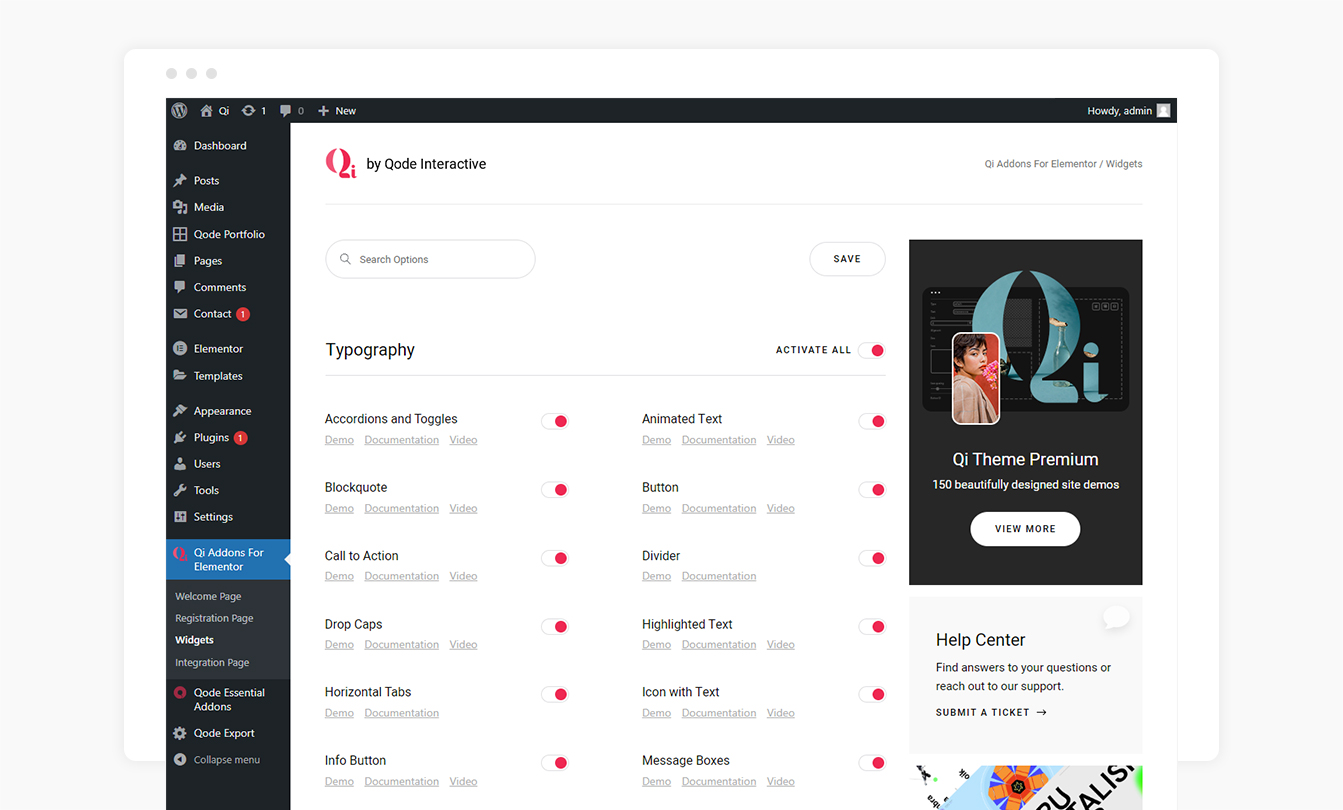
Typography Addons:
- Drop Caps – Introduce paragraphs with decorative text
- Section Title – Display captivating, fully configurable titles
- Typeout Text – Feature smoothly animated typeout text sections
- Animated Text – Visually appealing animated text sections which you can customize
- Highlighted Text – Accentuate parts of text that you select
- Blockquote – Quotes that stand out from the rest of your text the way you choose
- Divider – Turn your separator lines into something truly special
- Button – Fully adaptable and combinable button layouts & types
- Info Button – More elaborate versions of buttons with additional info
- Call to Action – Impactful sections that encourage user interaction & response
- Message Boxes – Draw special attention to pieces of information
- Horizontal Tabs – Create and organize horizontally laid out tabs with your content
- Vertical Tabs – Feature your content in smoothly switchable vertically aligned tabs
- Accordions and Toggles – Display important info in easily adaptable toggles and accordions
- Icon with Text – Display your style of icons with some accompanying content
Business Addons:
- Pricing Table – Show detailed single pricings or comparison pricing plans
- Pricing List – Easily display a wide assortment of differently styled pricing lists
- Working Hours – Tons of versatile ways for showcasing your business hours
- Clients List – Visually appealing lists with your clients & business associates
- Clients Carousel – Feature your clients in captivating carousel layouts
- Testimonials – Incorporate quotes in flexible testimonial elements
- Testimonials Carousel – Easily configurable carousel layouts for important quotes
- Team – A wide selection of varied ways for showcasing all members of your team
- Info Box – Convey any message to your visitors in a captivating manner
- Banners – Display promotions, important announcements and all your other messages
- Interactive Banners – Give your adds & messages that special something by placing them in interactive banners
- Blog List – Create fully configurable beautiful lists with your posts
- Blog Carousel – Sliders ideal for featuring your posts in a number of versatile ways
Showcase Addons:
- Item Showcase – Showcases for items of any sort with accompanying info
- Timeline Showcase – Visually appealing chronological lists of events
- Before/After Comparison Slider – Modifiable interactive comparison sliders with images
- Countdown – Aesthetically pleasing countdowns to your important days
- Image Gallery – Feature your images in beautiful, fully adaptable galleries
- Image Slider – Easily adjustable sliders for displaying images in a number of exciting ways
- Masonry Image Gallery – Compose compelling galleries with masonry layouts
- Pinterest Image Gallery – Easily create striking pinterest-styled galleries
- Dual Image with Content – Eye-catching two-image sections with some additional content
- Content Slider – Easily create fully adjustable image and textual content slider presentations
Creative Addons:
- Device Frame Slider – Display your images in attention-grabbing sliders with predefined mobile device-styled frames
- Device Frame Carousel – Feature images in modifiable, visually striking image frame carousel layouts
- Preview Slider – Feature multiple images in this dual layer slider element
- Cards Gallery – Compose interactive card deck-styled image showcases
- Parallax Image Showcase – Elevate the visual dynamic on your site by creating parallax image sections
- Text Marquee – Perfect for drawing attention to specific bits of textual content
- Interactive Links – An interactive element for showcasing images with corresponding text and links
- Cards Slider – Display visually appealing card deck styled slider presentations
- Slider Switch – Double-image slider presentations with predefined or custom image frames
Infographics Addons:
- Counters – Element designed to let you display your achievements in numbers
- Radial Progress Bar – For featuring neat visual representations of operation progressions
- Horizontal Progress Bar – Display your process progressions in modifiable horizontally arranged bars
- Vertical Progress Bar – Showcase how your projects or tasks are going in adjustable vertical bars
- Process – Present all types of processes divided into customizable vertical or horizontal stages
- Graphs – Present your data or stats in beautifully styled line and bar graphs
- Pie and Donut Charts – For displaying comprehensive charts in a number of creative ways
SEO Addons:
- FAQs – Create well structured, hierarchically organized sections for your frequently asked questions and important info
- How-to Schema – Display how-tos & tutorials with auto-generating json schemas & enhance your rankings by helping your content get indexed more easily, even on non-standard devices such are TVs & certain mobile devices
- Table of Contents – The practical way to create all types of tables of contents with complete ease
WooCommerce Addons:
- Product List – Feature all your products in beautiful and fully flexible lists
- Product Slider – Catch the attention of all your visitors
- Product Category List – A practical way to introduce products to your audience; create beautiful lists with filters
- Add to Cart Button – Display a range of practical, adaptable buttons next to your products
Form Style Addons:
- Contact Form 7 – Create all types of forms for messaging, subscriptions & more using the free Contact Form 7 widget
- WPForms – Easily create all types of contact forms with total ease using the free WPForms plugin
40+ PREMIUM CUSTOM WIDGETS
Premium Typography Addons:
- Text Gradient – Enhance the visual appeal of your textual content with easily adjustable gradient colors
- Premium Button – Create visually appealing buttons with gradient background & SVG shapes
Premium Business Addons:
- Pricing Slider – Display interactive draggable sliders that contain pricings for your products or services
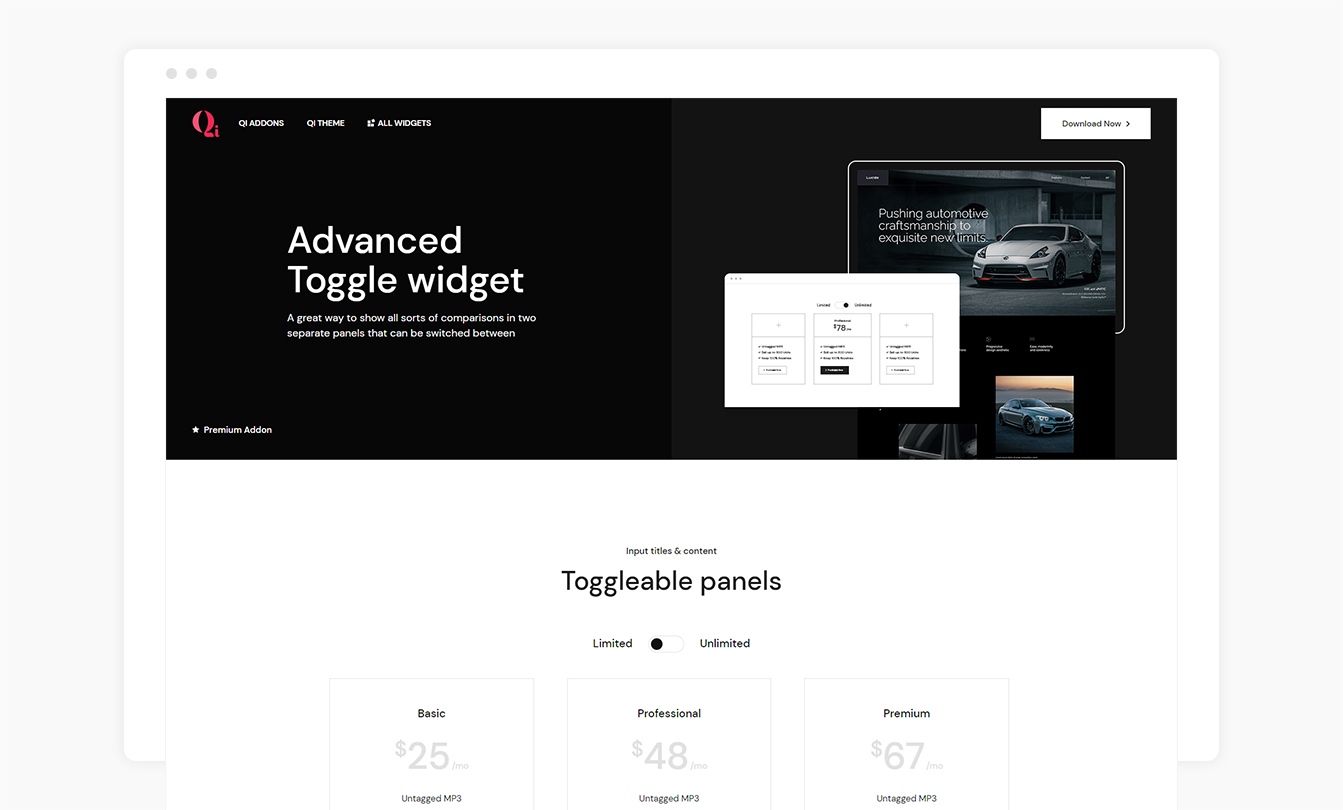
- Advanced Toggle – Display all sorts of comparisons in two separate panels that can be switched between
- Data Table – Create visually captivating & easily customizable tables containing your information
- Comparative Table – Designed for creating tables with comparative data and buttons assigned to each column
- Google Map – Display locations using Google Maps in an intuitive & flexible way
- Pricing Calculator – Display pricing deals with multiple toggleable features which increase/decrease the total price shown
- Premium Blog List – Designed for displaying blog posts in a visually captivating way with total ease
- Author Info – Create informative sections about post authors, include images, author signatures, additional text & more
- Rating – Everything you need to display ratings whose appearance you get to customize to your liking
Premium Showcase Addons:
- Advanced Timeline – Create interactive timeline presentations with items that contain images and some accompanying textual content
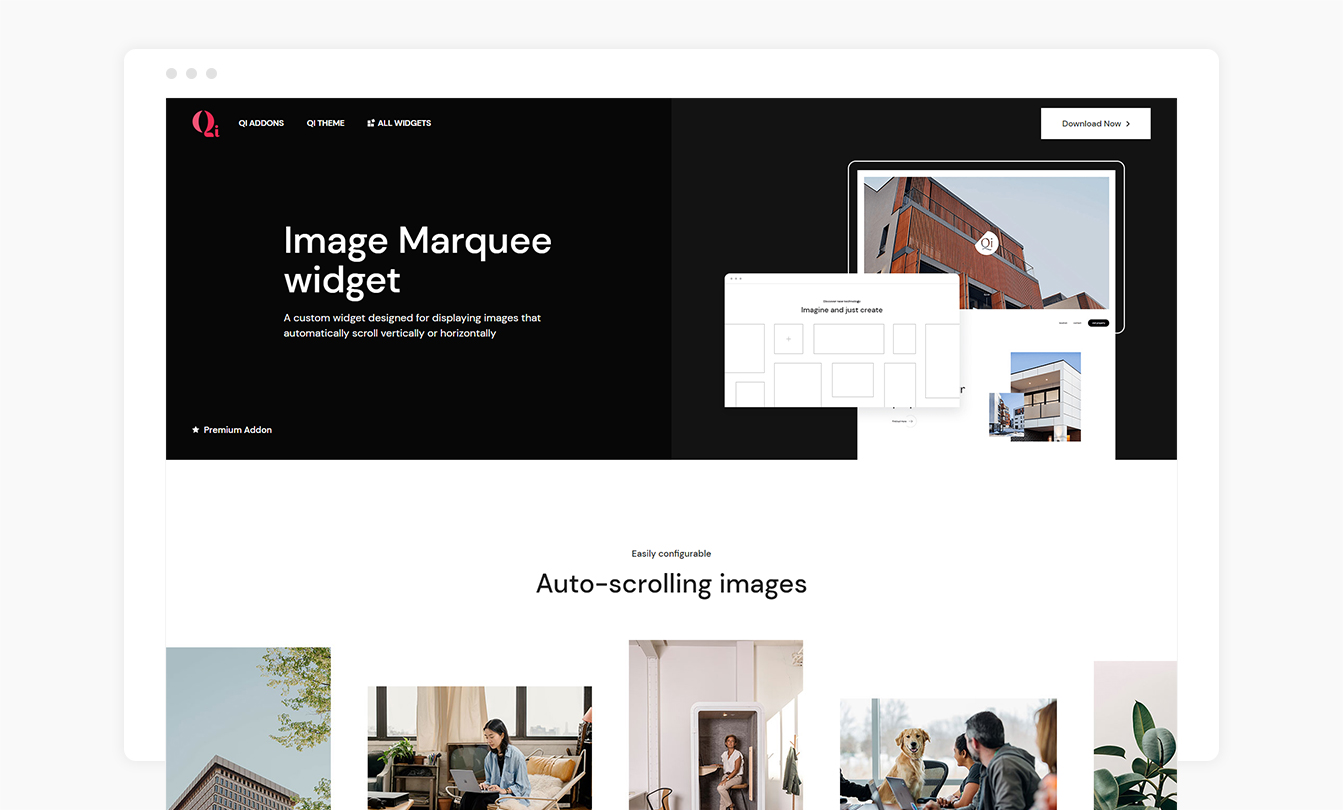
- Image Marquee – Display images that automatically scroll vertically or horizontally
- Content Menu – Effortlessly input menus anywhere on your pages & easily adapt them
- Vertical Timeline – Present all sorts of events or milestones in chronologically arranged vertical layouts
- Rotating Image Tiles – Compose animated presentations with four images divided into a specific number of rotating tiles
- Interactive Info Images – Allows you to display animated image panels which reveal informative textual content on hover
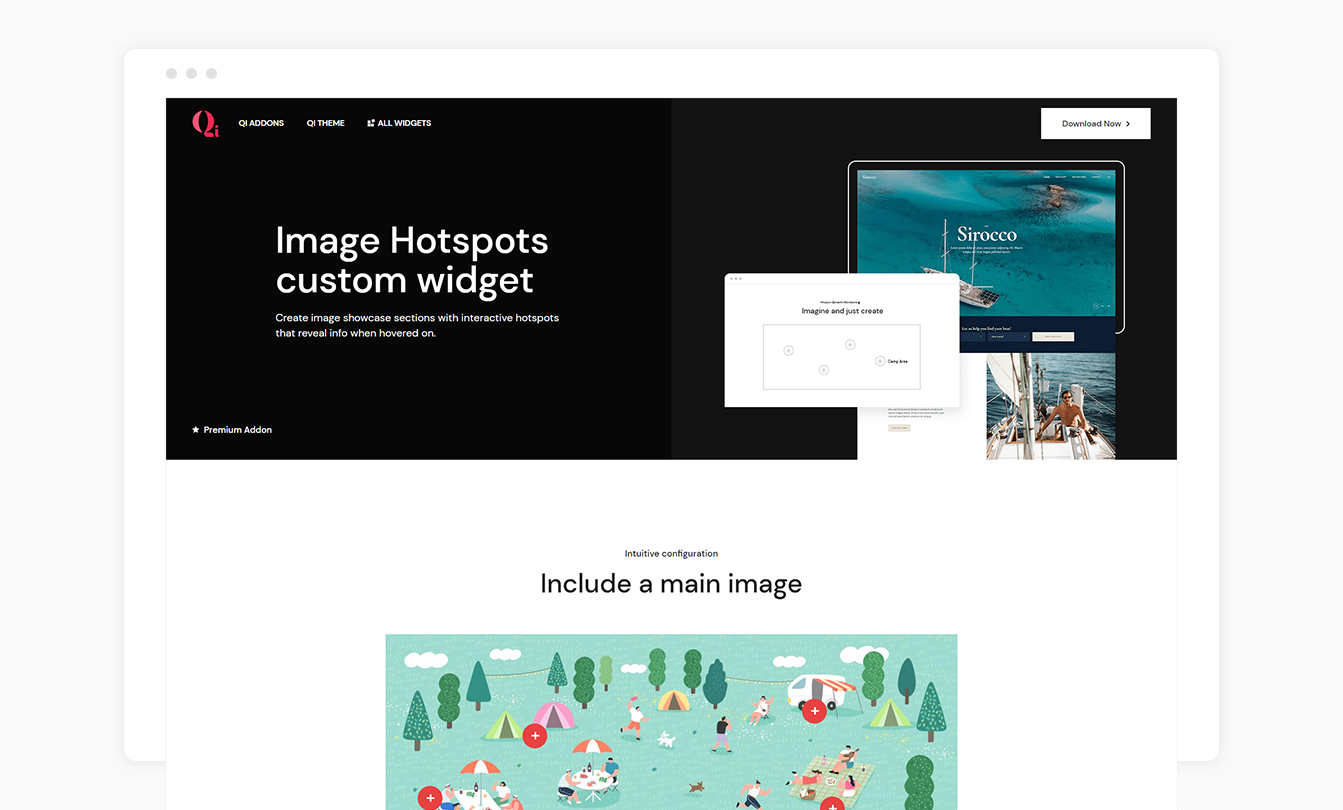
- Image Hotspots – Create image showcases with interactive hotspots with info reveal on hover
- Album Gallery – Organize images into albums with cover images and view them in a popup gallery
Premium Creative Addons:
- Circled Slider – Easily display captivating image sliders with round image frames
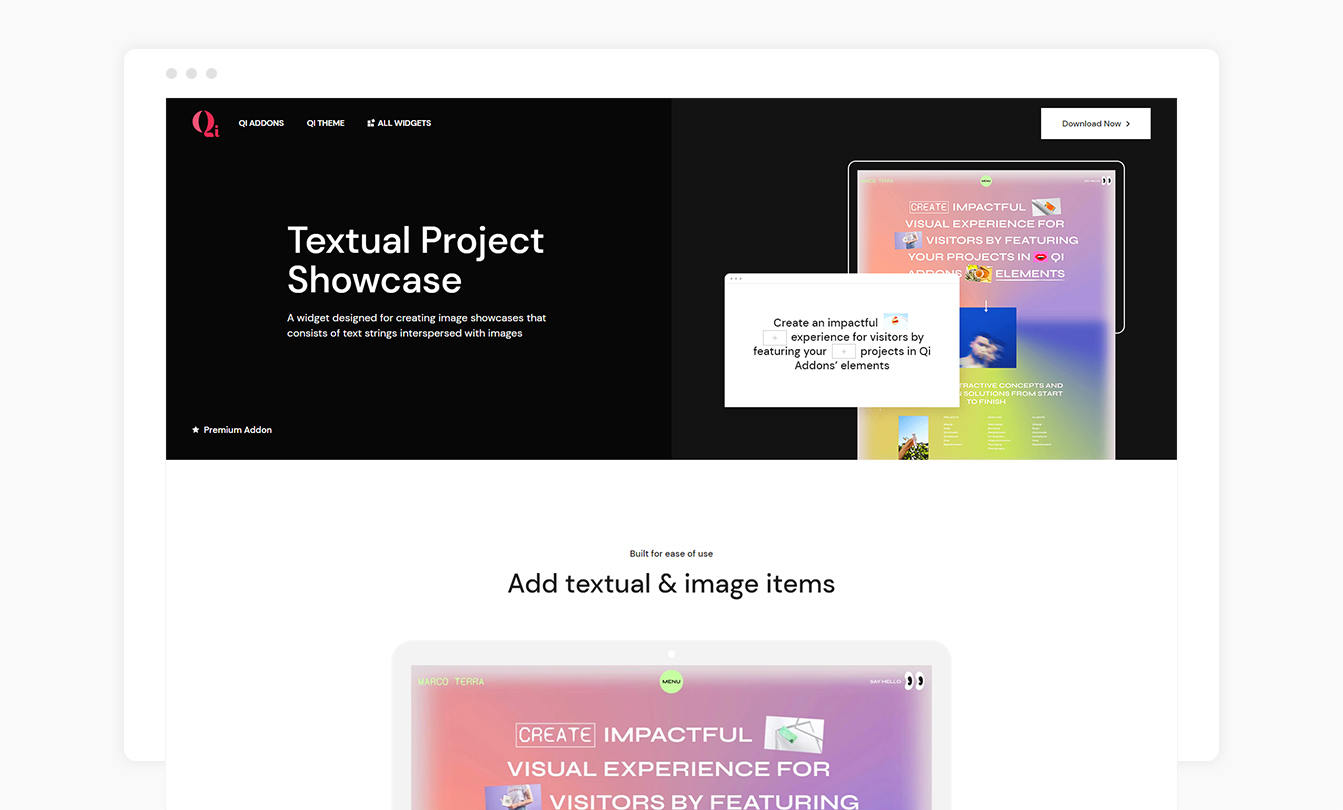
- Textual Project Showcase – A widget designed for creating image showcases that consists of text strings interspersed with images
- Floating Item Showcase – A widget designed for creating engaging presentations with floating background images & fixed overlays
- Stacked Item Scroll – Display stacks of images that reveal one by one on scroll, with some hover-aware animations and text
- Fixed Project Slider – Scrolling image presentations with fixed vertical info panels belonging to each image
- Divided Showcase Carousel – Vertically split automatically scrolling image carousels with titles
- Vertical Project Reel – Feature images & projects in vertically scrolling reels with text that switches along
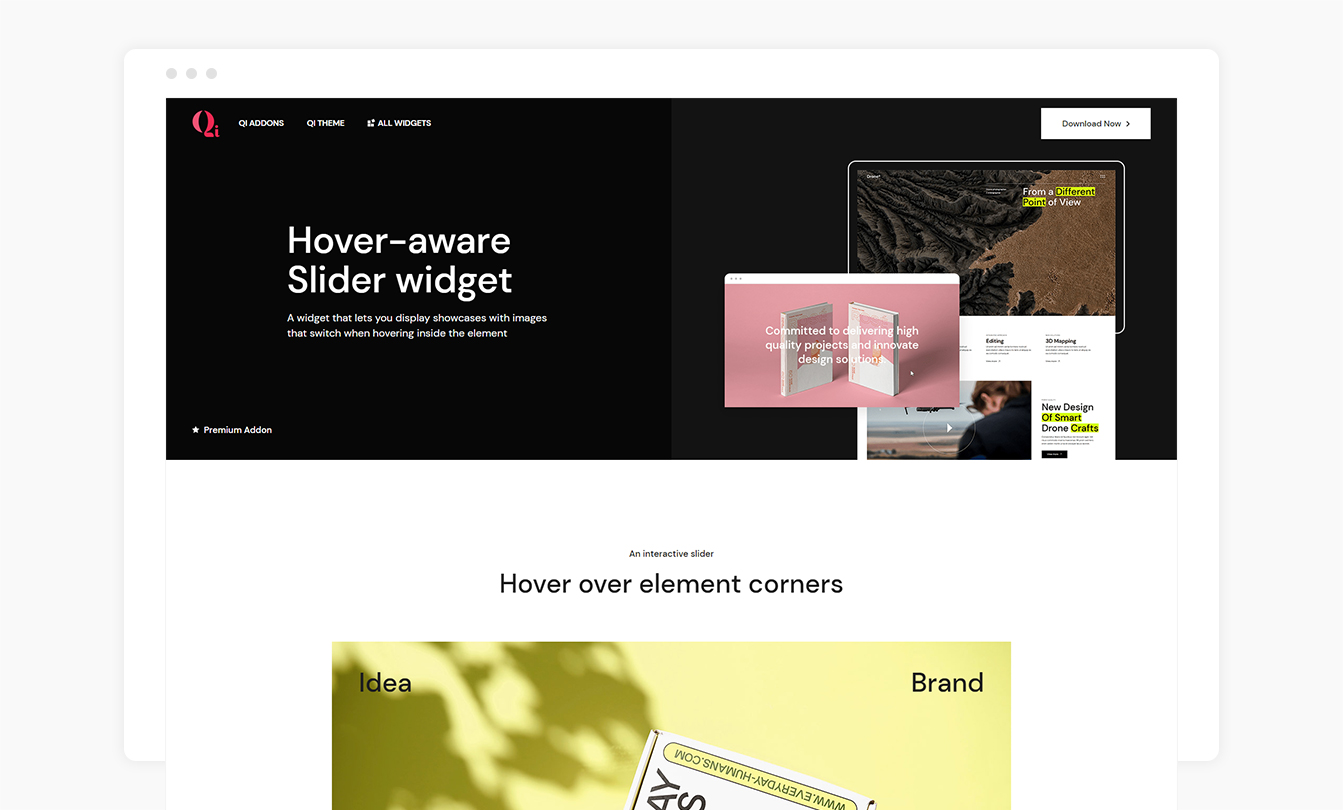
- Hover-aware Slider – Create showcases with images that switch when hovering inside the element
- Numbered Slider – Enumerated sliders with images, textual content and slide transition animations
- Vertical Circled Slider – Create attention-grabbing sliders with circular frames that scroll vertically
- Divided Slider Diverge – Display two-way split sliders with your textual content & images
- Divided Slider Reveal – Build animated split slider presentations with a main image panel & a second panel with 3 images
- Animated Device Slider – Easily compose animated sliders with a background image, a central image in a frame & some textual content
- Divided Device Slider – Create fullscreen sliders split into a textual panel, an image panel, & a device-styled frame image panel
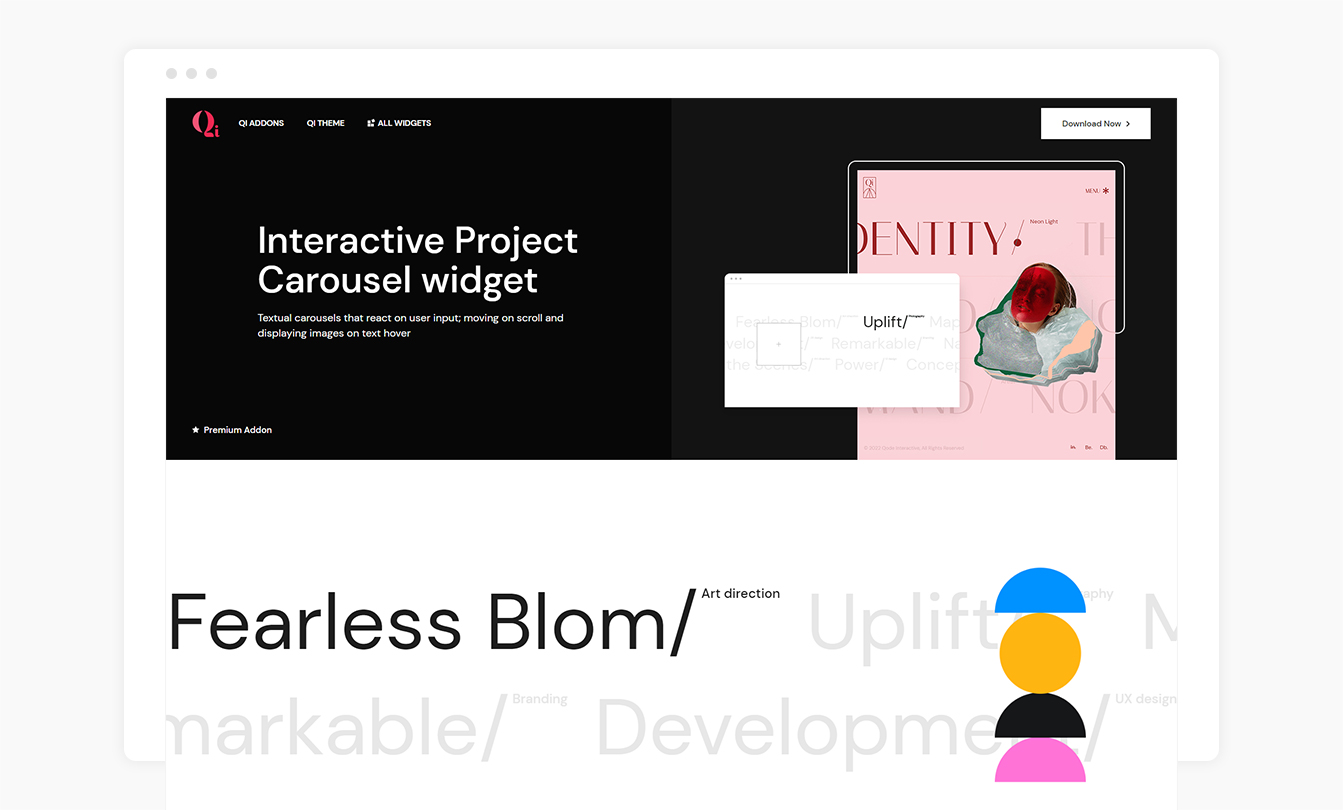
- Interactive Project Carousel – Textual carousels that react on user input; moving on scroll and displaying images on text hover
- Intro Swipe Images – Create an intro section with auto-switching background images with swipe-styled transitions
- Intro Glitch Effect – Visually captivating intro sections with glitch-styled animations which you can customize
- Intro Scrolling Images – Easily display intro sections with text & scrolling images
- Horizontal Double Row – Create appealing horizontally scrolling image showcases aligned in two rows
- Flip Box – Display easily configurable interactive two-sided boxes containing your content, with some transition animations applied
- News Ticker – Easily display headlines or pieces of news in horizontally laid out, automatically scrolling crawlers
- Dual Image Carousel – Craft visually striking two-image animated carousel showcase sections
Premium Infographics Addons:
- Icon Progress Bar – Display easily adjustable animated progress bars with icons or custom SVGs
Premium WooCommerce Addons:
- Product Comparison – For comparative tables with products & relevant product info
- Order Tracking Form – Create forms that lets your customers submit their order tracking info
Premium SEO Addons:
- Business Reviews Yelp – A custom widget that lets you display Yelp reviews on your pages and easily stylize their appearance
- Business Reviews Google – Show easily configurable Google reviews on your site
- Social Share Buttons – A clear and intuitive way to display configurable social share buttons anywhere on your pages
- Social Links – For displaying various social links in a wide variety of customizable ways
Premium Form Style Addons:
- Mailchimp Form – Easily display Mailchimp forms whose appearance you can adjust
- Typeforms Form – Integrate Typeform forms anywhere on your pages
- Gravity Forms – Display all types of custom forms, powered by Gravity Forms
Documentation & Support
- Check out our step-by-step user guide on how to install and use Qi Addons For Elementor.
- You can also submit a topic to the support forum at and our support team will be glad to help you out.
Looking for more?
Feel free to try out some of our other products:
Qi Theme
Qi Blocks for Gutenberg
QODE Wishlist for WooCommerce
QODE Quick …
Instalação
Requisitos mínimos
- WordPress 5.0 or greater
- PHP version 5.6 or greater
- Versão do MySQL 5.0 ou superior
Recomendamos que seu host suporte:
- PHP versão 7.0 ou superior
- Versão do MySQL 5.6 ou superior
- WordPress Memory limit of 128 MB or greater
Instalação
From your WordPress dashboard
- Go to your WordPress Dashboard -> Plugins -> Add New
- Search for Qi Addons For Elementor
- Activate Qi Addons For Elementor from your Plugins page.
- Enjoy 🙂
From wordpress.org
- Download Qi Addons For Elementor.
- Upload the qi-addons-for-elementor directory to your ‘/wp-content/plugins/’ directory, using your favorite method (ftp, sftp, scp, etc…)
- Activate Qi Addons For Elementor from your Plugins page.
- Enjoy 🙂
Log de Changes
1.11.3 – 23-11-2026
- Improved Cross Site Scripting (XSS) vulnerability
1.11.2 – 22-10-2026
- Fixed ‘Table of Contents’ widget excluded tags not being applied when “Limit ToC to Main Page Content” is enabled
- Fixed stored HTML injection in the ‘Animated Text’ widget title
1.11.1 – 16-09-2026
- Fixed deprecated WordPress notice related to media settings registration
- Fixed stored DOM XSS in Table of Contents widget heading titles
- Fixed reflected XSS in Table of Contents widget on search results pages
1.11 – 30-07-2026
- Improved css animation rendering
1.10 – 28-05-2026
- Added compatibility with Elementor Pro Popup module
- Minor improvements
1.9.6 – 09-03-2026
- Improved widget loading on Elementor update
- Fixed ‘Section Title’ widget icon rendering in subtitle
- Minor improvements
Capturas de tela


Para desenvolvedores
Este é o seu plugin? Mostre os números.
Adicione um crachá ao vivo ao seu site, Documentos ou Readme do GitHub. Ele é atualizado por conta própria - nenhuma conta necessária.
Best Qi Addons For Elementor alternatives
All addons plugins →





FAQ
Qi Addons For Elementor: quick answers
Respostas diretas, extraídas de dados ao vivo WordPress.org.
Fonte: WordPress.org
Is Qi Addons For Elementor free?
Yes. Qi Addons For Elementor is free to download and use from the official WordPress.org plugin directory. The developer also sells premium add-ons or a Pro version with extra features.
Is Qi Addons For Elementor safe to use in 2026?
Yes — Qi Addons For Elementor is a safe, well-maintained plugin to use in 2026. It runs on 200K+ sites, is rated 4.8/5 and was last updated 6 hours ago, and scores 83/100 on our health check.
How many websites use Qi Addons For Elementor?
Qi Addons For Elementor is active on 200K+ WordPress websites and has been downloaded 4,661,785 times since it launched in April 2021. It was downloaded 57,469 times in the last 30 days.
Does Qi Addons For Elementor work with WordPress 7.1?
Qi Addons For Elementor is officially tested up to WordPress 7.0.9, while the latest release is 7.1.5. It may still work, but try it on a staging site first.
What PHP version does Qi Addons For Elementor need?
Qi Addons For Elementor requires PHP 5.6 or higher. Most hosts run PHP 8.x today, so it works on any modern WordPress hosting.
When was Qi Addons For Elementor last updated?
The latest version, 1.11.3, was released on November 24, 2026 (6 hours ago).
Who makes Qi Addons For Elementor?
Qi Addons For Elementor is developed and maintained by Qode.
What are the best alternatives to Qi Addons For Elementor?
The most popular alternatives to Qi Addons For Elementor are Jeg Kit for Elementor (300K+ installs), Addon Elements for Elemento… (80K+ installs) and Themesflat Addons For Eleme… (40K+ installs).
Alimentado por PageForge
Um modelo e uma planilha. Uma página real para cada pesquisa.
PageForge Transforma cada linha de um CSV em uma página WordPress com seu próprio título, URL, SEO campos e esquema, construído no layout que você já desenhou. Gratuito em WordPress.org.
- CSV e XLSX, mais Google Sheets em Profissional e Empresarial
- Seu próprio título, URL, SEO campos e esquema para cada página
- Funciona com o editor de blocos, Elementor, Divi e Avada
- Gratuito em WordPress.org, sem cartão de crédito