


Pricing Table – Responsive & Easy
Display pricing plans with responsive tables. Unlimited packages, 4 templates, shortcode support. Works with Elementor and Gutenberg.

Escolha sólida
Pricing Table is a solid plugin choice in 2026, with a few things worth checking first. It runs on 3K+ sites, is rated 4.2/5 and was last updated 3 months ago, and scores 78/100 on our health check.
- Testado com as últimas WordPress (7.1)
- Momentum — downloads de 42,4% em relação aos 30 dias anteriores
Como ele se acumula?
Lado a lado em instalações, atualizações, avaliações e suporte



Downloads diários
Os picos de download geralmente seguem uma nova versão — cada site que atualiza automaticamente é um download.
Rankings
Where Pricing Table stands todayWordPress.org Classificações de pesquisa
Posição ao vivo na pesquisa de plugins, top 100| Palavra chave | Posição |
|---|---|
| comparison table | #8 |
| price list | #35 |
| pricing table | #3 |
| responsive pricing | #3 |
| subscription plans. | #17 |
Adoção da versão
Compartilhamento de sites ativos por lançamento.
Divisão de classificação
★★★★★★★★★★ 4.2 from 26 reviews
About Pricing Table – Responsive & Easy
From the official readme · v1.5.4Descrição
Pricing Table lets you add professional pricing tables to your WordPress site. Show your products, services, or subscription plans in a clean, organized layout that visitors can compare at a glance.
View Pro Demo: Pricing Table Premium
More About Pro: Pricing Table Premium Features
Where To Buy: Buy Pricing Table Premium
This pricing table builder works with shortcodes, so you can place tables anywhere — pages, posts, sidebars, or widget areas. Each table supports unlimited pricing packages with custom features, icons, and call-to-action buttons.
Video Tutorial
What You Can Do
Create pricing comparison tables for:
- SaaS subscription plans
- Service packages (basic, standard, premium)
- Product feature comparisons
- Membership levels
- Hosting or software pricing
Free Version Features
- 4 ready-to-use pricing table templates
- Unlimited pricing packages per table
- Unlimited features per package
- Responsive layout for mobile, tablet, and desktop
- Header, button, and feature color customization
- Icon picker for feature icons
- Show/hide features with ✔️(right) or ❌(cross) marks
- Shortcode support for pages, posts, and widgets
- Sidebar widget integration
- Custom CSS option for advanced styling
- Works with Gutenberg and Elementor
- Multi-language support (English, Hindi, German, Spanish, Arabic, Indonesian, Portuguese, Chinese)
Pro Version Features
- 26 additional template designs
- Pricing switcher (monthly/yearly toggle)
- Tooltip feature for detailed descriptions
- YouTube and Vimeo video support
- Custom image support in pricing cards
- Advanced column layout settings
- Button icon customization
- Extended font size controls
- Open link in new tab option
- Suporte prioritário
More Pro Demos
Pricing Table With Sidebar
Multi Columns Tables
Tooltip On Features
Pricing Switcher
Features True & False
Icon Picker
Image Or Video Support
Idiomas
Available in: English, Hindi, German, Spanish, Arabic, Indonesian, Portuguese, and Chinese.
Instalação
-
Install the plugin via WordPress.org Plugin Directory or upload the plugin files to your
/wp-content/plugins/directory. -
Ative o plugin através do menu 'Plugins' em WordPress.
-
Navigate to the ‘Pricing Table’ menu in the admin dashboard.
-
Click on ‘Add New Pricing Table’ to create a new table.
-
Customize your pricing plans, features, colors, and styles.
-
Copy the generated shortcode and paste it into any post, page, or widget area.
-
Save your changes and view the page to see your pricing table live.
For more help, visit the “DOC” section inside the plugin menu.
Log de Changes
Latest version includes compatibility updates for WordPress 6.9.4, security improvements, and code quality fixes. We recommend updating to enjoy the latest features and improvements.
1.5.4
- Compatível com WordPress 7.0
- Fixed frontend CSS loading by properly enqueuing core stylesheets and rendering dynamic template styles
- Enqueued inline scripts into external JS files to adhere to WP.org guidelines
- Removed hidden trialware/pro-feature elements to comply with Guideline 5
- Removed TGMPA (TGM Plugin Activation) library and recommendation code
- Added late escaping for custom CSS and template icon HTML outputs
- Added nonce verification to plugin cache refresh links for enhanced security
- Refactored shortcode rendering by removing redundant WP_Query execution
- Updated admin capabilities, static meta box IDs, and input field handling
= 1.5.3=
* Compatible with WordPress 6.9.4
* WordPress.org Plugin Development Guidelines Fixed In this plugin
1.5.2
- Compatible with WordPress 6.9
1.5.1
- Compatible with WordPress 6.8.3
1.5.0
- Compatible with WordPress 6.8.1
- Security patches applied
- Sanitize bug fix
- Minor bug fixes and code cleanup
1.4.9
- Updated readme.txt for SEO optimization
- Minor bug fixes and code cleanup
1.4.8
- Compatible with WordPress 6.7.2
- Minor bug fixes and improvements
Capturas de tela
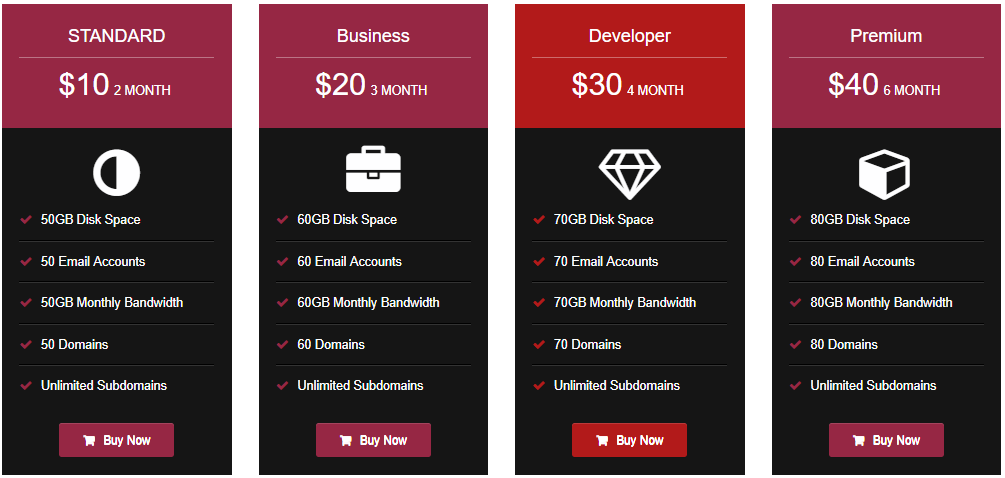
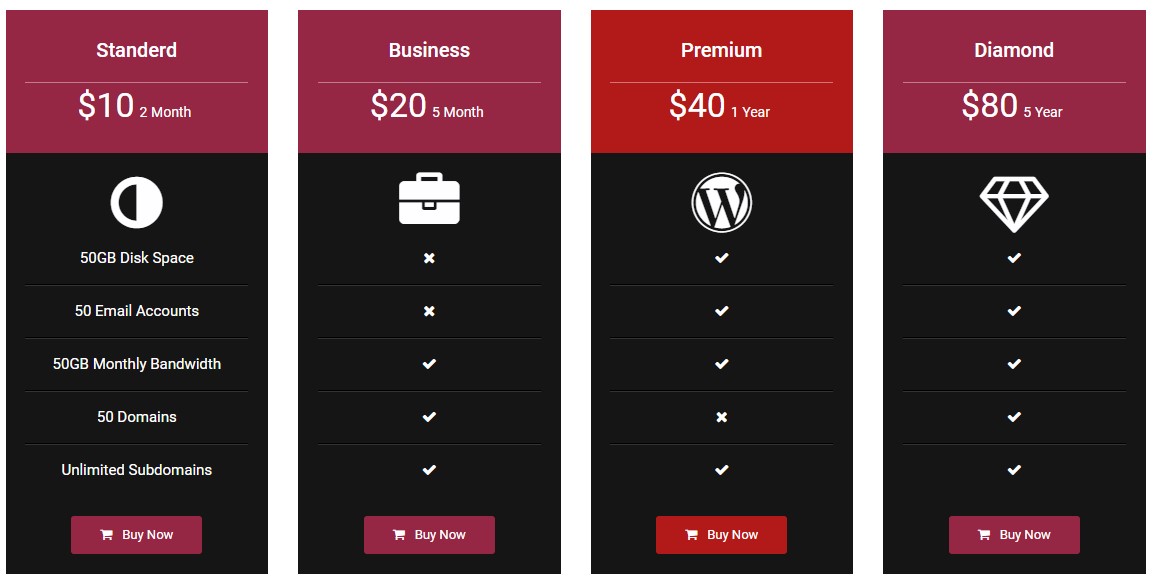
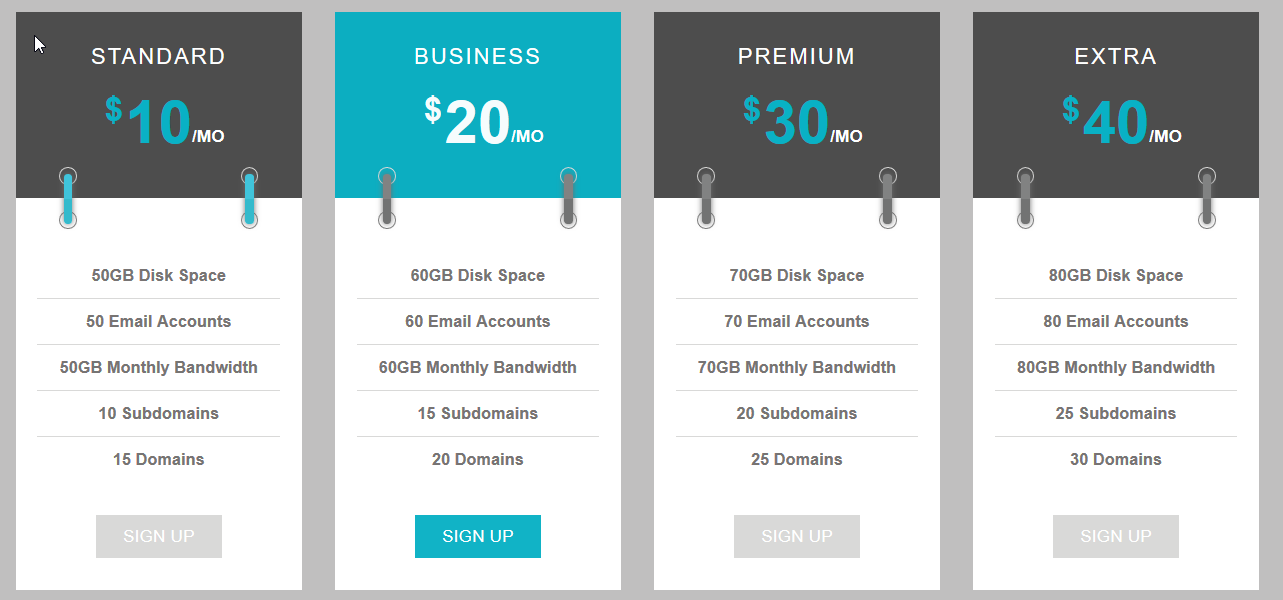

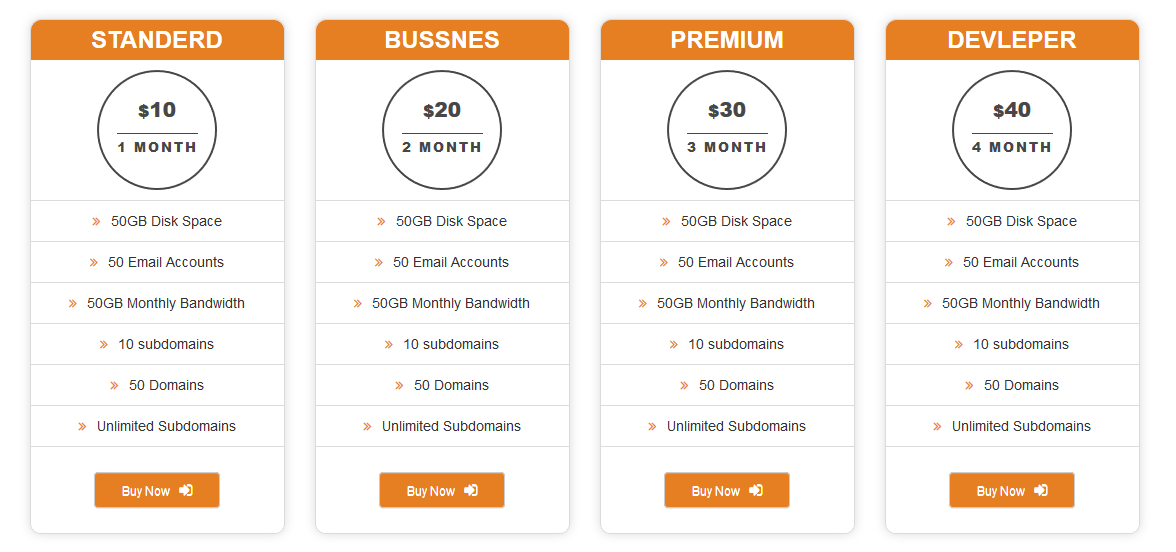
Para desenvolvedores
Este é o seu plugin? Mostre os números.
Adicione um crachá ao vivo ao seu site, Documentos ou Readme do GitHub. Ele é atualizado por conta própria - nenhuma conta necessária.
Best Pricing Table alternatives
All comparison table plugins →




FAQ
Pricing Table – Responsive & Easy: quick answers
Respostas diretas, extraídas de dados ao vivo WordPress.org.
Fonte: WordPress.org
Is Pricing Table free?
Yes. Pricing Table is free to download and use from the official WordPress.org plugin directory. The developer also sells premium add-ons or a Pro version with extra features.
Is Pricing Table safe to use in 2026?
Pricing Table is a solid plugin choice in 2026, with a few things worth checking first. It runs on 3K+ sites, is rated 4.2/5 and was last updated 3 months ago, and scores 78/100 on our health check.
How many websites use Pricing Table?
Pricing Table is active on 3K+ WordPress websites and has been downloaded 231,063 times since it launched in October 2017. It was downloaded 1,242 times in the last 30 days.
Does Pricing Table work with WordPress 7.1?
Yes. The developer has tested Pricing Table up to WordPress 7.1.5, the latest release. It requires WordPress 4.0 or newer.
What PHP version does Pricing Table need?
Pricing Table requires PHP 7.2 or higher. Most hosts run PHP 8.x today, so it works on any modern WordPress hosting.
When was Pricing Table last updated?
The latest version, 1.5.4, was released on August 20, 2026 (3 months ago).
Who makes Pricing Table?
Pricing Table is developed and maintained by A WP Life.
What are the best alternatives to Pricing Table?
The most popular alternatives to Pricing Table are Ninja Tables (70K+ installs), Pricing Table by Supsystic (10K+ installs) and Pricing Table WordPress Plu… (10K+ installs).
Alimentado por PageForge
Um modelo e uma planilha. Uma página real para cada pesquisa.
PageForge Transforma cada linha de um CSV em uma página WordPress com seu próprio título, URL, SEO campos e esquema, construído no layout que você já desenhou. Gratuito em WordPress.org.
- CSV e XLSX, mais Google Sheets em Profissional e Empresarial
- Seu próprio título, URL, SEO campos e esquema para cada página
- Funciona com o editor de blocos, Elementor, Divi e Avada
- Gratuito em WordPress.org, sem cartão de crédito