


Traducteur SmartCat pour WPML
Le moyen le plus simple de traduire votre site WordPress compatible WPML dans différentes langues.

Utiliser avec prudence
Smartcat Translator for WPML works, but test it on a staging site before relying on it in 2026. It runs on 60+ sites, is rated 5/5 and was last updated 1 month ago, and scores 59/100 on our health check.
- Petite base d'utilisateurs (60+ installations actives)
- Très peu de critiques jusqu'à présent
- Uniquement testé jusqu'à WordPress 6,9 (le dernier est de 7,1)
Comment s'accumule-t-il ?
Côte à côte sur les installations, les mises à jour, les évaluations et le support



Téléchargements quotidiens
Les pics de téléchargement suivent généralement une nouvelle version - chaque site qui met à jour automatiquement compte comme un téléchargement.
Classements
Where Smartcat Translator for WPML stands todayWordPress.org Classements de recherche
Position en direct dans la recherche de plugins, Top 100| Mot-clé | Position |
|---|---|
| Langues | >100 |
| localization | #100 |
| multilingual | >100 |
| translation | >100 |
| translator | #20 |
Adoption de version
Part de sites actifs par version.
Répartition des notes
★★★★★ ★★★★★ 5 sur 3 avis
About Smartcat Translator for WPML
From the official readme · v3.1.79Description
Smartcat connects linguists, companies, and agencies to streamline the translation of any content into any language, on demand. Our platform puts your translation process on autopilot, from content creation to payments.
The plugin allows you to set up an integration between your WPML-enabled WordPress site and Smartcat. The integration itself is configured in Smartcat. Once configured, it will automatically pull translatable content from your website to Smartcat, where you can translate it with your own linguists or the ones you pick from our Marketplace. Alternatively, you can use the power of machine translation and post-edit just the most important pages to reduce translation costs. Once your content is translated, Smartcat will push it back to WordPress, instantly publishable in the target language(s) of choice.
Account & pricing
You first need to create a Smartcat account as one is not automatically created when installing the extension.
To create an account, go to smartcat.com. All translation features in Smartcat are free to use.
Traits
- Connect your WordPress website with a specific Smartcat account
- Choose the translation supplier from your own team or Smartcat Marketplace
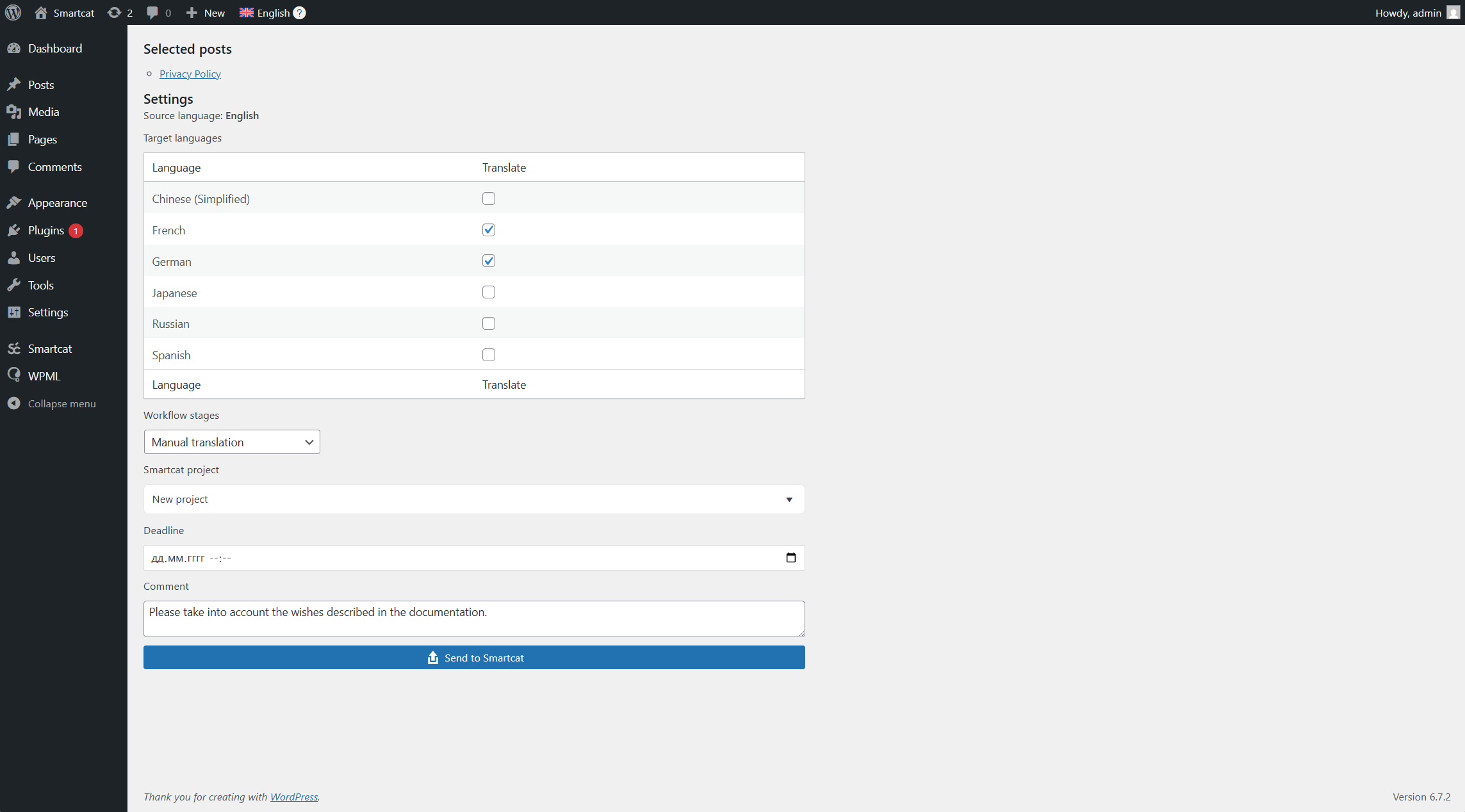
- Automatically send new or updated content for translation
- Reuse existing translations thanks to Translation Memory
- Choose translation workflow stages — translation, editing, proofreading, etc.
Benefits of Smartcat
- No document re-formatting required
- Easy-to-use multilingual translation editor
- Multi-stage translation process — e.g., translation, editing, proofreading
- Free collaboration with your own volunteers or coworkers
- Marketplace
of 350,000+ translators and 2,000+ agencies in 100+ language pairs - Track progress by language, document, or person
- Automated payments to translation suppliers
- Free support to optimize localization processes
Soutien
Contact us at support@smartcat.com with any questions related to:
- Module issues
- Assistance in vendor management (freelancers or LSPs)
- Use of the module for your clients needs
Installation
Important: for the Smartcat Integration for WPML to work properly, you need to install the WPML plugin first.
- Install, activate, and configure the WPML plugin.
- Install and activate Smartcat Integration for WPML.
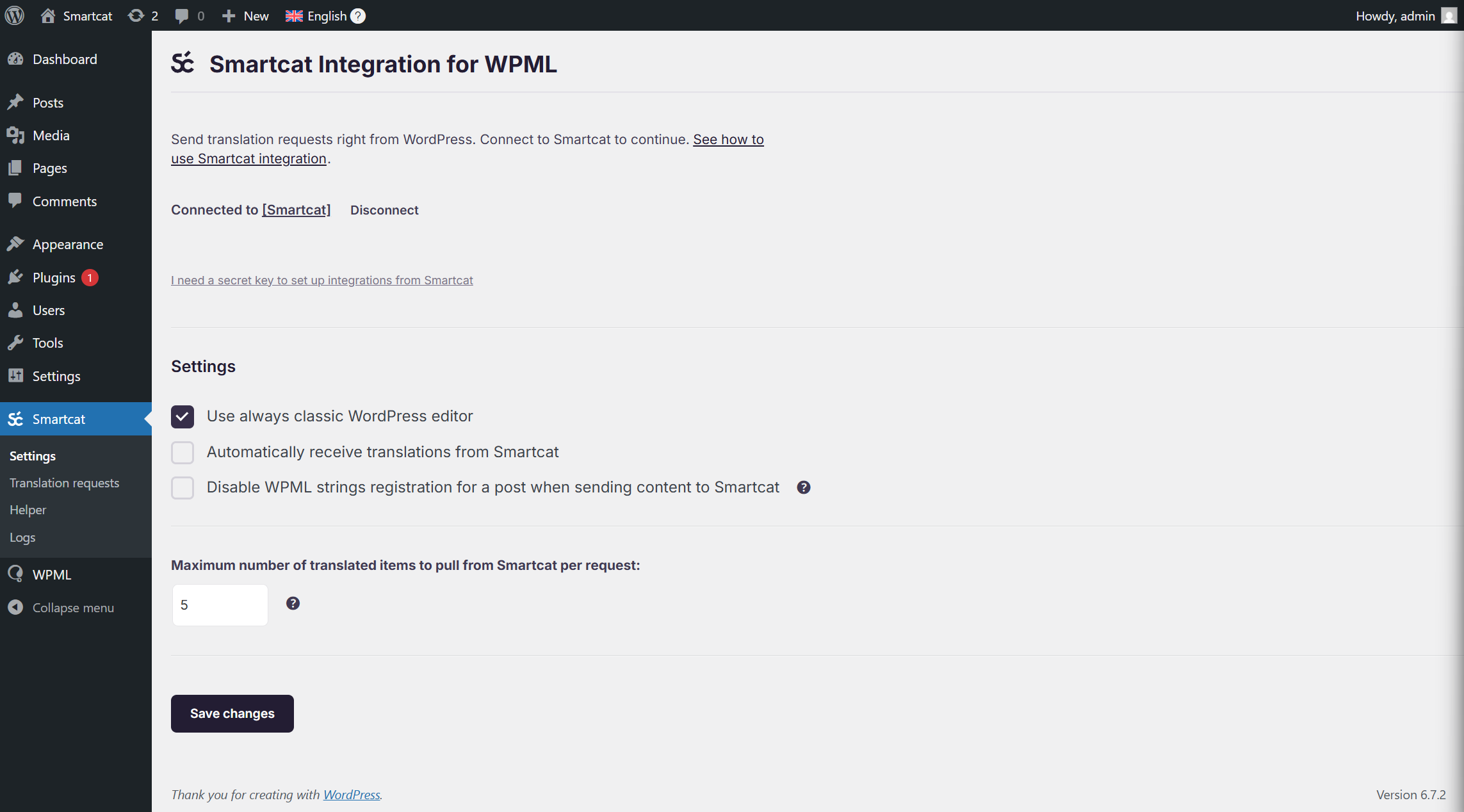
- Go to Settings > Smartcat Integration for and follow the instructions.
You’re all set! The integration between your site and Smartcat is now configured. The world is waiting for your content, so go ahead and translate it in a simple and efficient way.
Journal de modifications
3.1.79
- Fixed: “Get from Smartcat” failed with “Cannot assign null to property … $translatedPost” when updating an existing translation on WPML 5.1 or later
- Improved: clear error messages when WPML cannot create or update a translation
3.1.78
- Corrections de sécurité
3.1.77
- Improved template selection UX: all templates are always visible; when a template’s source language doesn’t match the post language, a warning is shown and the “Send to Smartcat” button is disabled.
3.1.76
- Fixed: Elementor translations not appearing after import from Smartcat
3.1.74
- Testé jusqu'à WordPress 6,9
3.1.73
- Enforced WordPress code requirements
Captures d'écran
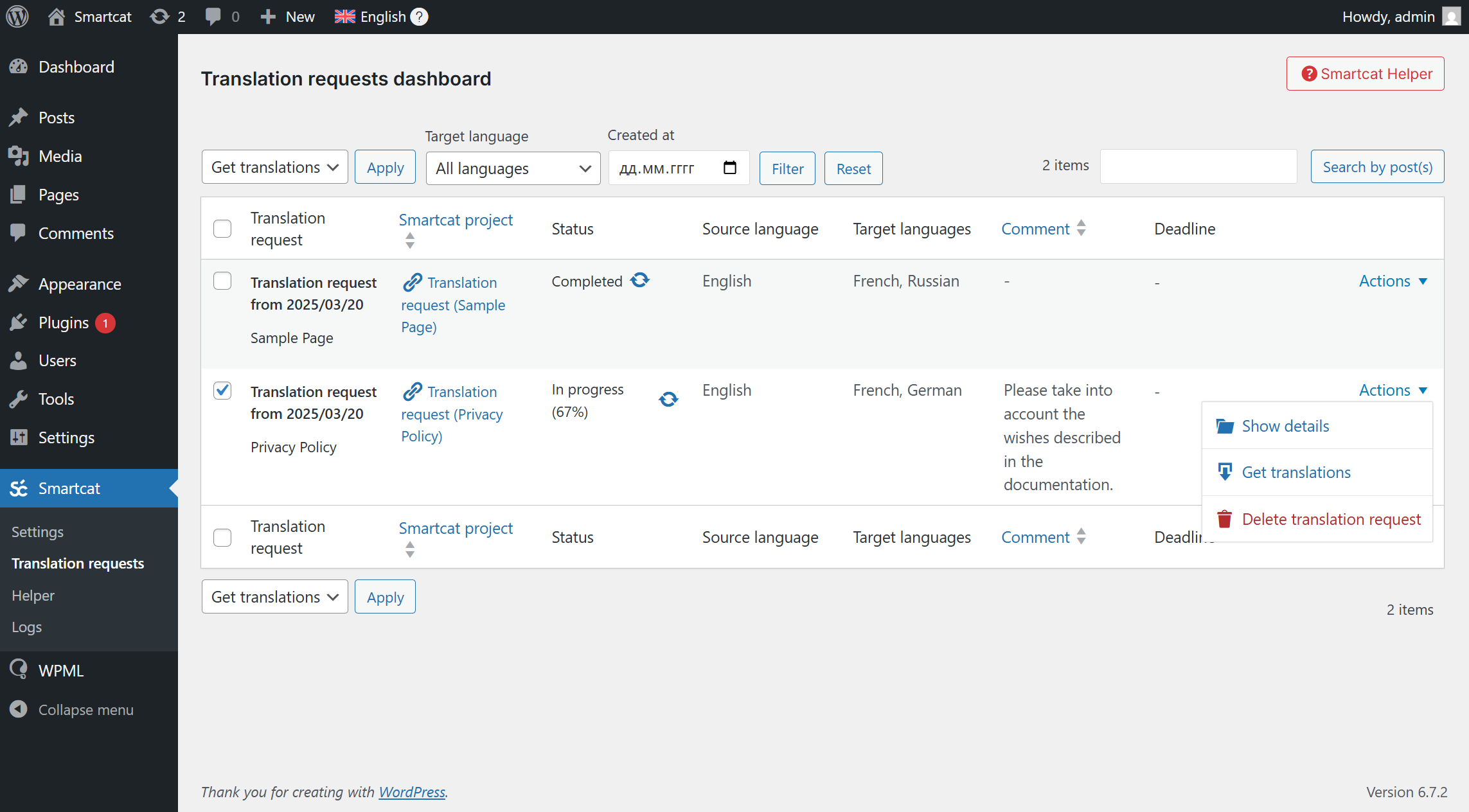
Pour les développeurs
Est-ce votre plugin ? Montrez les chiffres.
Ajoutez un badge en direct à votre site, docs ou github readme. Il se met à jour par lui-même - aucun compte n'est nécessaire.
Best Smartcat Translator for WPML alternatives
Toutes les langues plugins →




FAQ
Smartcat Translator for WPML: quick answers
Réponses directes, extraites des données en direct WordPress.org.
Source : WordPress.org
Is Smartcat Translator for WPML free?
Yes. Smartcat Translator for WPML is free to download and use from the official WordPress.org plugin directory.
Is Smartcat Translator for WPML safe to use in 2026?
Smartcat Translator for WPML works, but test it on a staging site before relying on it in 2026. It runs on 60+ sites, is rated 5/5 and was last updated 1 month ago, and scores 59/100 on our health check.
How many websites use Smartcat Translator for WPML?
Smartcat Translator for WPML is active on 60+ WordPress websites and has been downloaded 18,926 times since it launched in August 2021. It was downloaded 439 times in the last 30 days.
Does Smartcat Translator for WPML work with WordPress 7.1?
Smartcat Translator for WPML is officially tested up to WordPress 6.9.12, while the latest release is 7.1.5. It may still work, but try it on a staging site first.
What PHP version does Smartcat Translator for WPML need?
Smartcat Translator for WPML requires PHP 7.0 or higher. Most hosts run PHP 8.x today, so it works on any modern WordPress hosting.
When was Smartcat Translator for WPML last updated?
The latest version, 3.1.79, was released on October 19, 2026 (1 month ago).
Who makes Smartcat Translator for WPML?
Smartcat Translator for WPML is developed and maintained by smartcatai.
What are the best alternatives to Smartcat Translator for WPML?
The most popular alternatives to Smartcat Translator for WPML are Theme and plugin translatio… (10K+ installs), Events Manager and WPML Com… (1K+ installs) and Language Switcher (1K+ installs).
Propulsé par PageForge
Un modèle et une feuille de calcul. Une vraie page pour chaque recherche.
PageForge transforme chaque ligne d'un CSV en une page WordPress avec son propre titre, URL, SEO et schéma, construit sur la mise en page que vous Déjà conçu. Gratuit sur WordPress.org.
- CSV et XLSX, plus Google Sheets sur les professionnels et les entreprises
- Son propre titre, URL, SEO champs et schéma pour chaque page
- Fonctionne avec l'éditeur de blocs, Elementor, Divi et Avada
- Gratuit sur WordPress.org, pas de carte de crédit