


Rublon Multi-Factor Authentication (MFA)
Instant account security with effortless multi-factor authentication via Mobile Push, Mobile Passcode (TOTP), WebAuthn/U2F Security Keys, and more.

Choix solide
Rublon Multi-Factor Authenticat… is a solid plugin choice in 2026, with a few things worth checking first. It runs on 400+ sites, is rated 4.2/5 and was last updated 4 months ago, and scores 73/100 on our health check.
- Testé avec le dernier WordPress (7.1)
- Petite base d'utilisateurs (400+ installations actives)
Comment s'accumule-t-il ?
Côte à côte sur les installations, les mises à jour, les évaluations et le support



Téléchargements quotidiens
Les pics de téléchargement suivent généralement une nouvelle version - chaque site qui met à jour automatiquement compte comme un téléchargement.
Classements
Where Rublon Multi-Factor Authent… stands todayWordPress.org Classements de recherche
Position en direct dans la recherche de plugins, Top 100| Mot-clé | Position |
|---|---|
| 2Fa | #85 |
| MFA | #3 |
| multi factor authentication | #8 |
| la sécurité | >100 |
| two factor authentication | #25 |
Adoption de version
Part de sites actifs par version.
Répartition des notes
★★★★★★★★★★ 4.2 from 88 reviews
About Rublon Multi-Factor Authentication (MFA)
From the official readme · v4.4.5Description
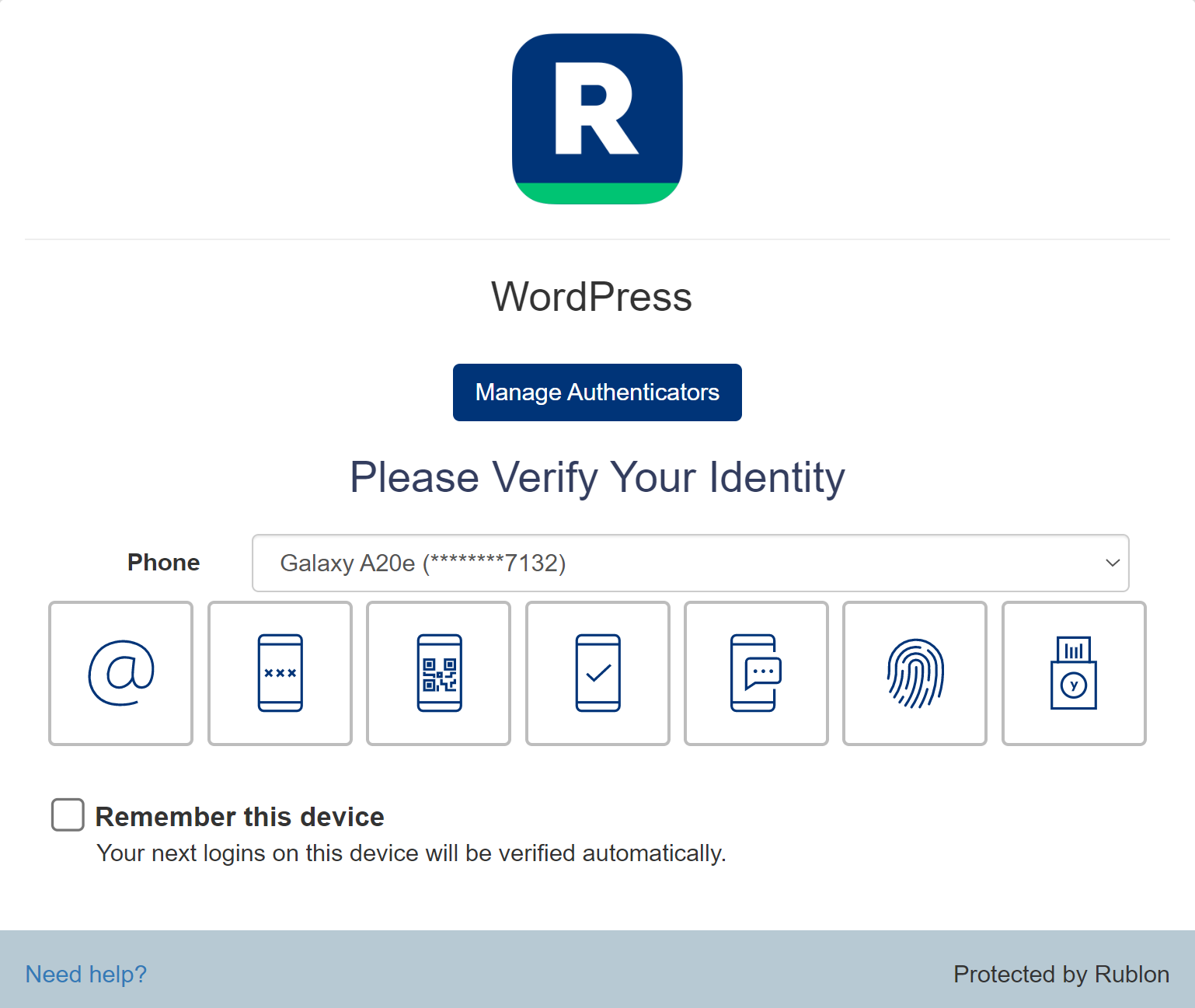
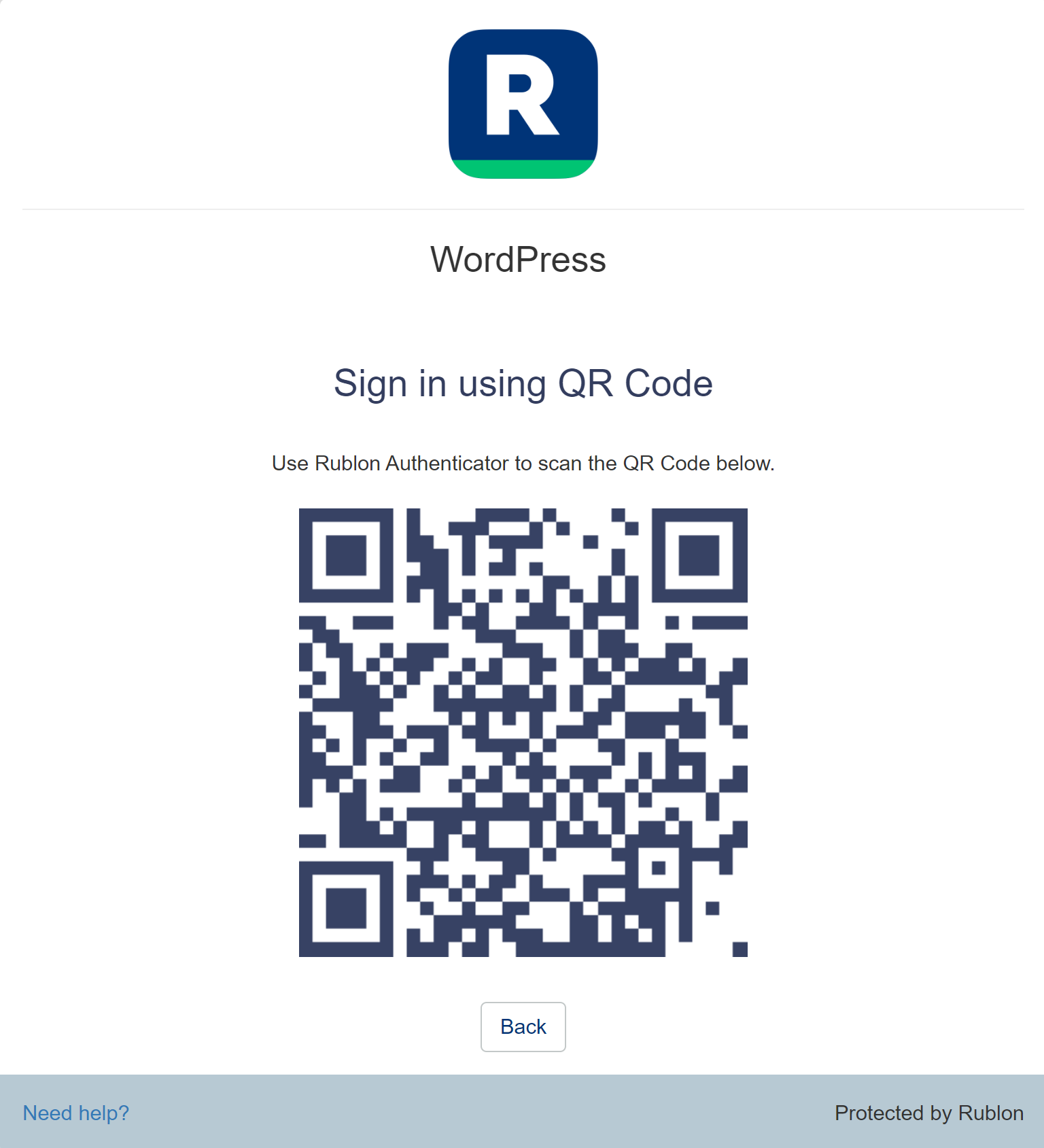
Rublon MFA is a multi-factor authentication (MFA) solution that protects your organization’s data and access to networks, servers, and applications. Rublon MFA provides MFA for cloud apps, VPNs, servers, and Microsoft technologies using authentication methods like Mobile Push, SMS Passcode, QR Code, WebAuthn/U2F Security Keys, and more.
Rublon MFA is easy to use, affordable, and scalable. It helps reduce compliance risk, improve user experience, and reduce costs. Rublon MFA is compatible with a variety of technologies, including but not limited to VPN, Remote Desktop Services (RDS), Outlook Web App (OWA), LDAP, RADIUS, and WordPress.
Start your Free 30-Day Trial and see how easy it is to get started with Rublon MFA.
To learn more, visit www.rublon.com.
Recommended by Security Experts and Industry Professionals
“The fact that I could speak instantly with tech support while evaluating was super important. Connecting with Rublon technicians via remote sessions was SUPER handy to assist with setting things up.” — Chris D., Manager of GIS/IT
“We were able to get Rublon MFA installed, tested, and in use in under a day across all offices.” — Ethan M. Hospital & Health Care
“Product was absolutely superb for integrating MFA into our RDS solution very easy to use and the moblie app was brilliant for our end users.” — Scott L., IT Network Manager
“we tested a trial version, it was very easy to set up. we got the pricing immediately. other suppliers did not even replied to my email yet and i already implemented Rublon” — Mihail B., Logistics Manager
“I searched for a tool for a very specific security need and Rublon filled that need perfectly. Not only does it work every single time as expected, the support and setup are amazing! Highly recommended.” — Charles D., Financial Services
In What Languages Is Rublon For WordPress Available?
- Anglais
- Allemand
- Japanese (translated by Digital Cube)
- Turkish (translated by Mehmet Emre Baş, proofread by Tarık Çayır)
- Vernis
Suivez -nous
Legal notice
I have read and agree to the Terms of Service and Privacy Policy before installing the Rublon WordPress Plugin.
Installation
- Log in to your WordPress administration panel using an administrator account.
- Go to “Plugins” -> “Add New” and search for “Rublon” using the plugins search box.
- Click the “Install Now” button inside the Rublon plugin box in the search results and confirm the installation.
- Click on “Activate Plugin”.
- Go to Rublon plugin settings and enter System Token and Secret Key of your application from Admin Console website.
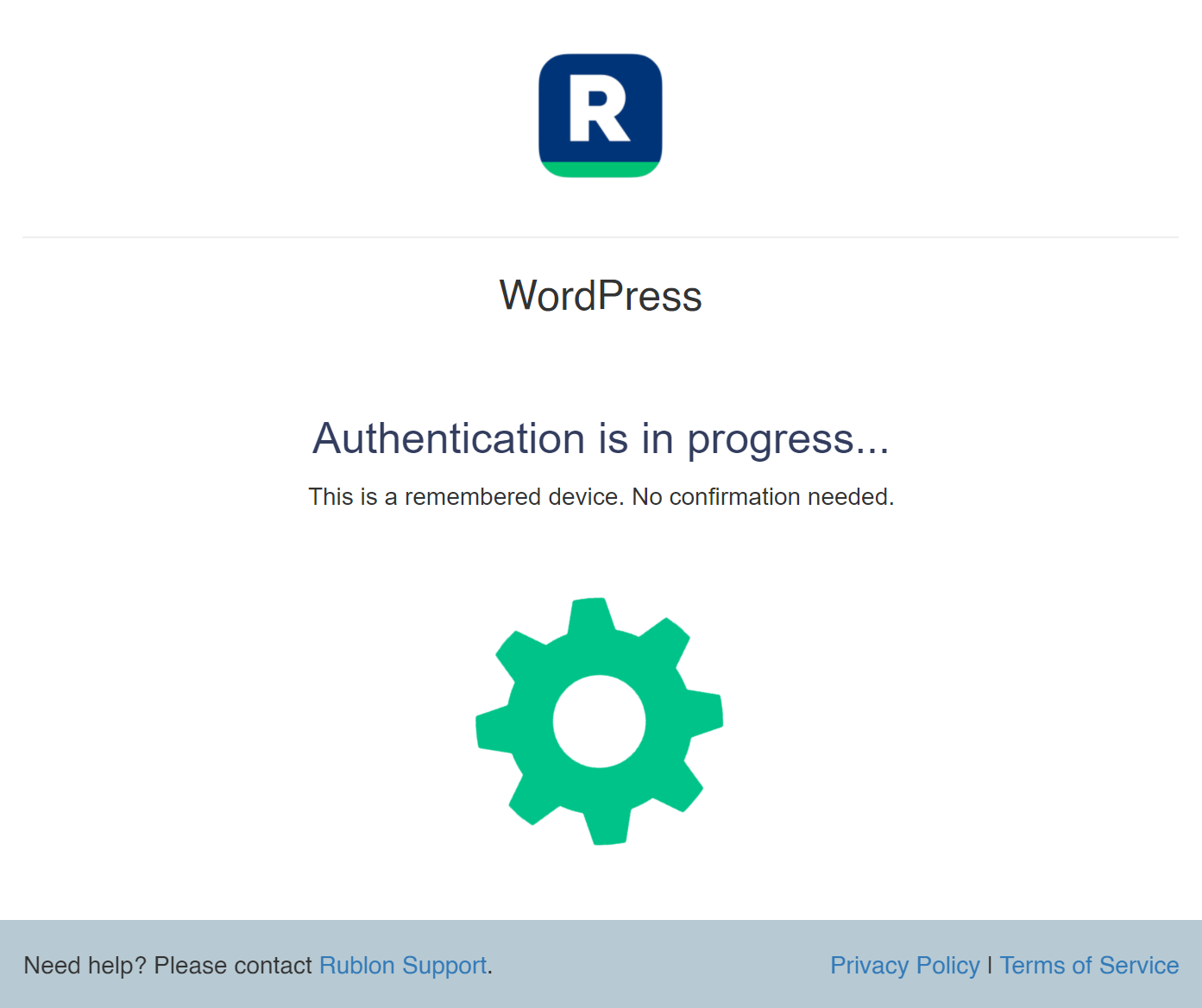
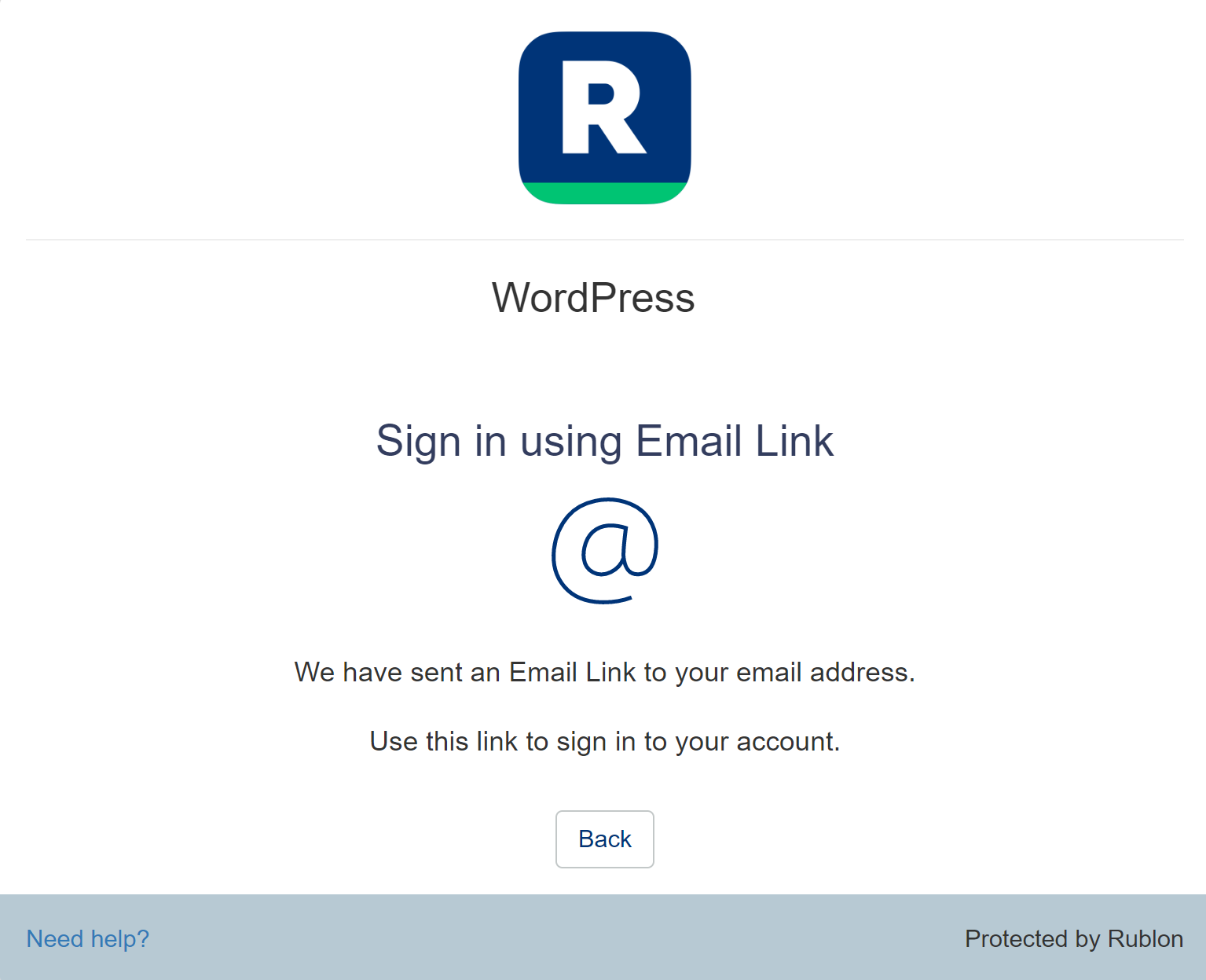
- During your next login, confirm your identity via an email link Rublon sends you.
- Optional: For more security and control, install the Rublon mobile app onto your phone (available for Android, iOS).
Server requirements
- PHP version 5.5.1 or greater
- cURL PHP extension enabled
Journal de modifications
After successful plugin installation, Rublon can be activated with your application in the Rublon tab of the Administration Panel with your Admin Console panel using System Token and Secret Key.After a successful installation, the plugin can be updated automatically in the "Plugins" section of the Administation Panel.
4.4.5
- Updated tags and license
4.4.4
- Improved cookie saving mechanism
4.4.3
- Updated SDK
4.4.2
- Updated icons
4.4.1
- Updated the menu icon
4.4.0
- Removed unnecessary API calls
- Added checkApplication endpoint for plugin validation and improved version compatibility.
- Updated Rublon SDK
- Obfuscated the Secret Key on the plugin’s settings page
- Improved validation of Rublon API credentials
- Added an API URL field on the plugin’s settings page
- Improved labels and icons
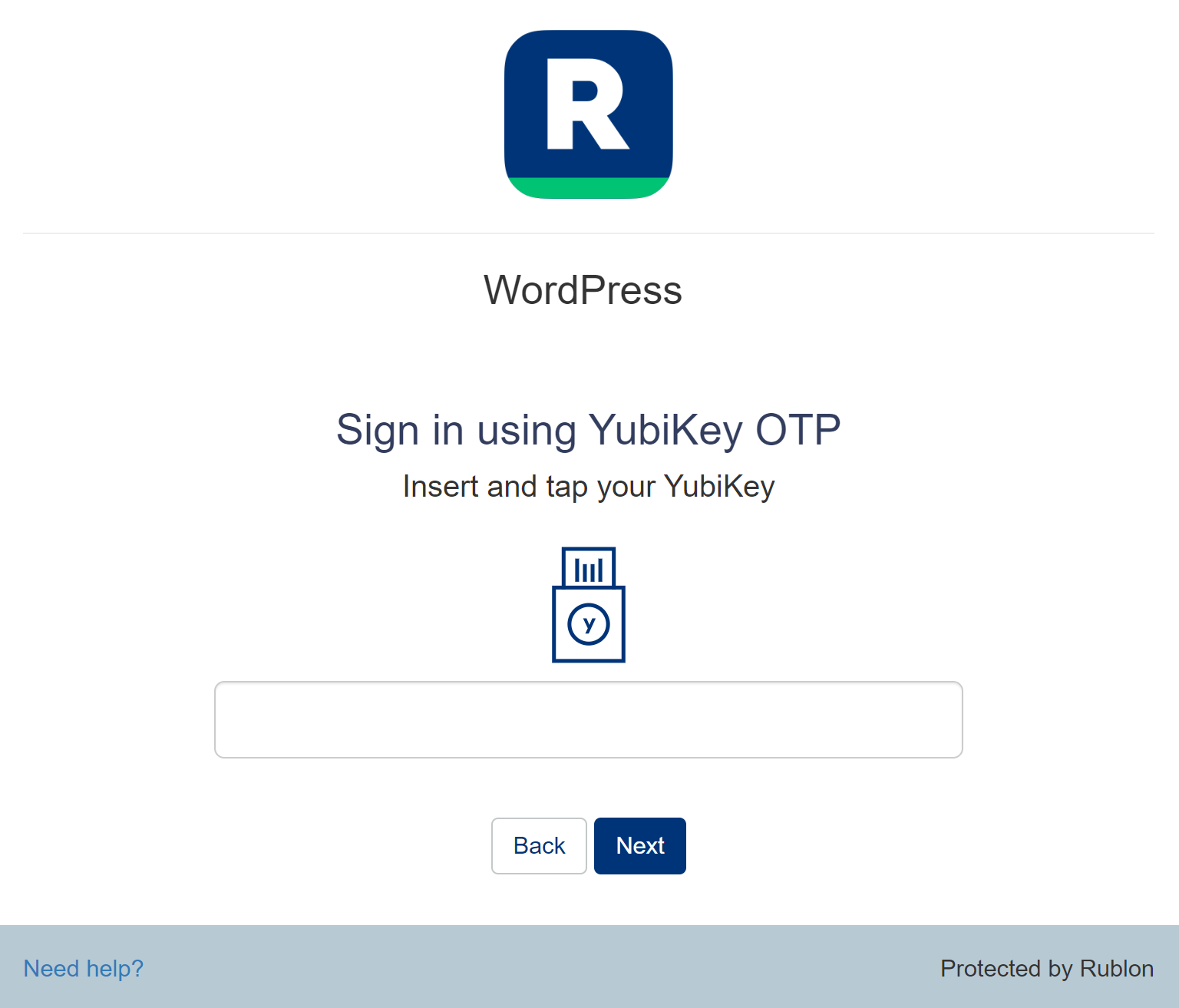
Captures d'écran
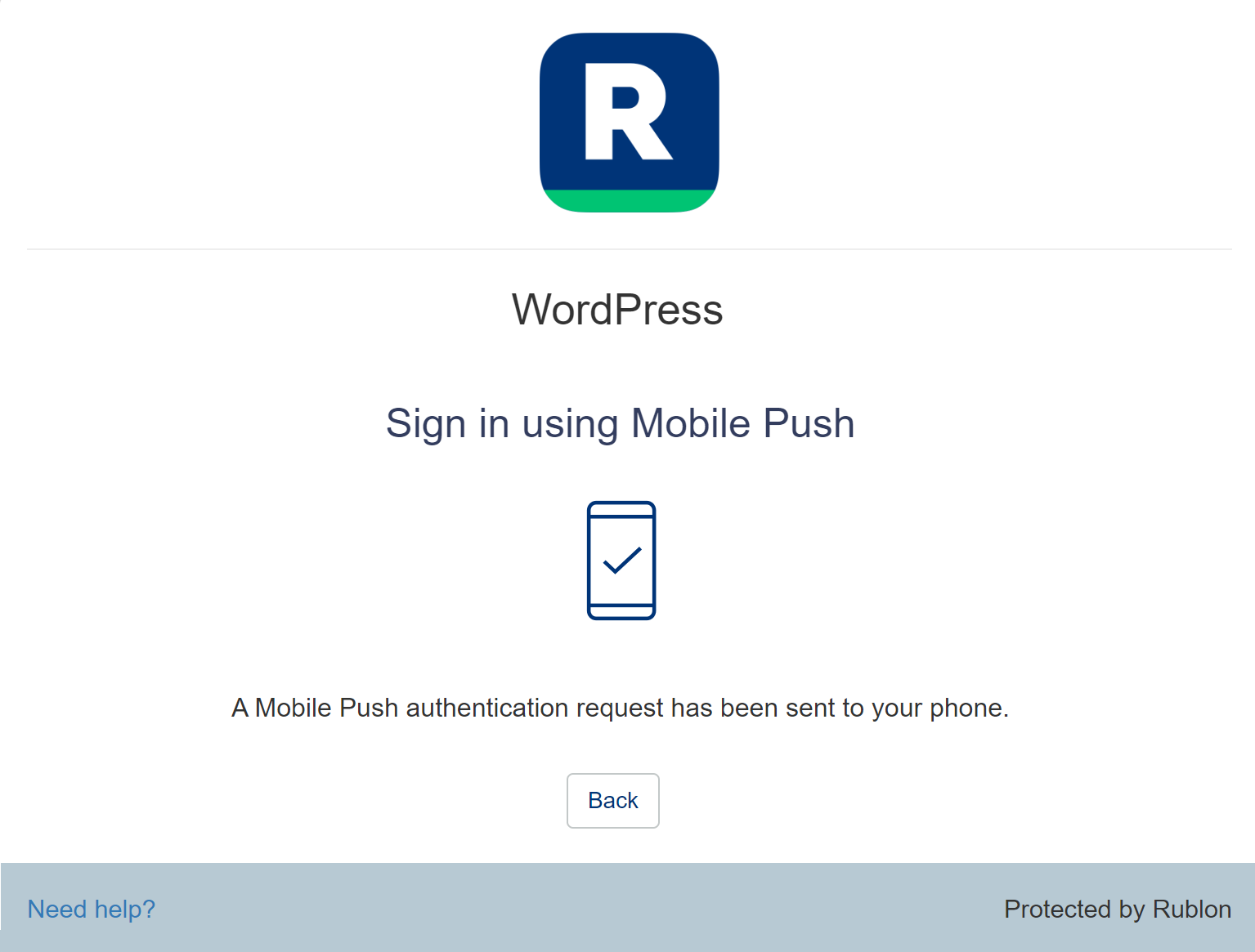
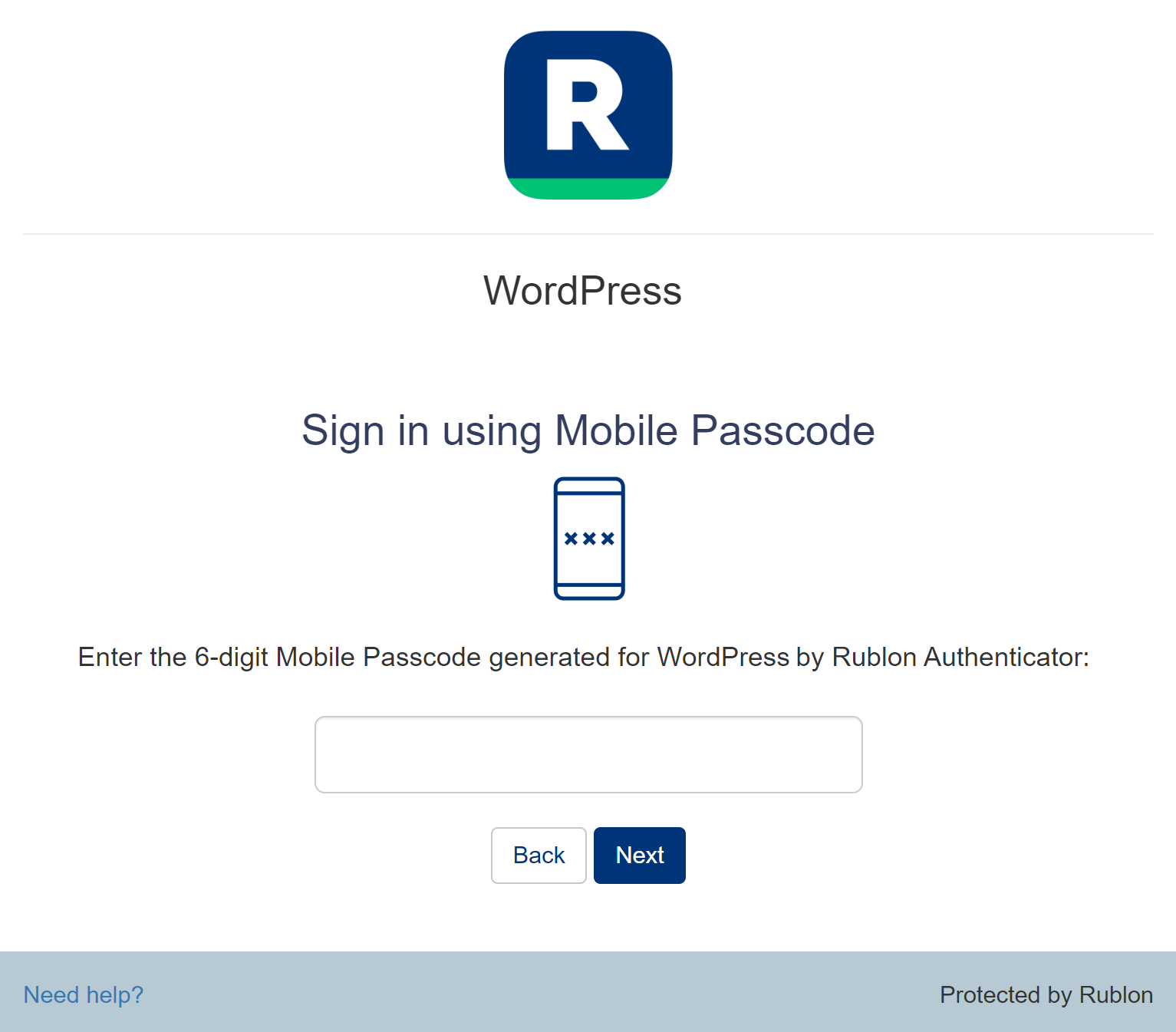
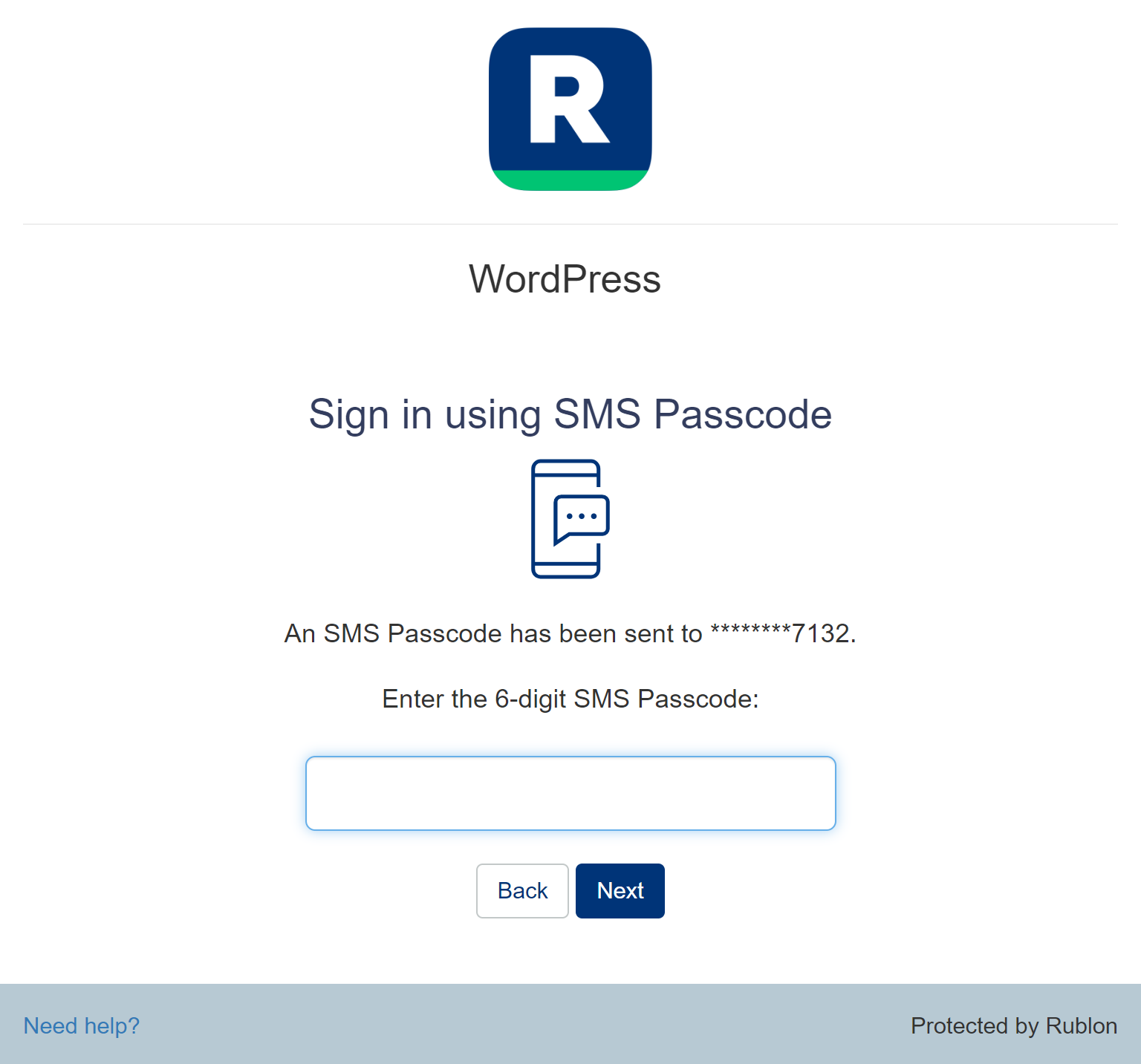
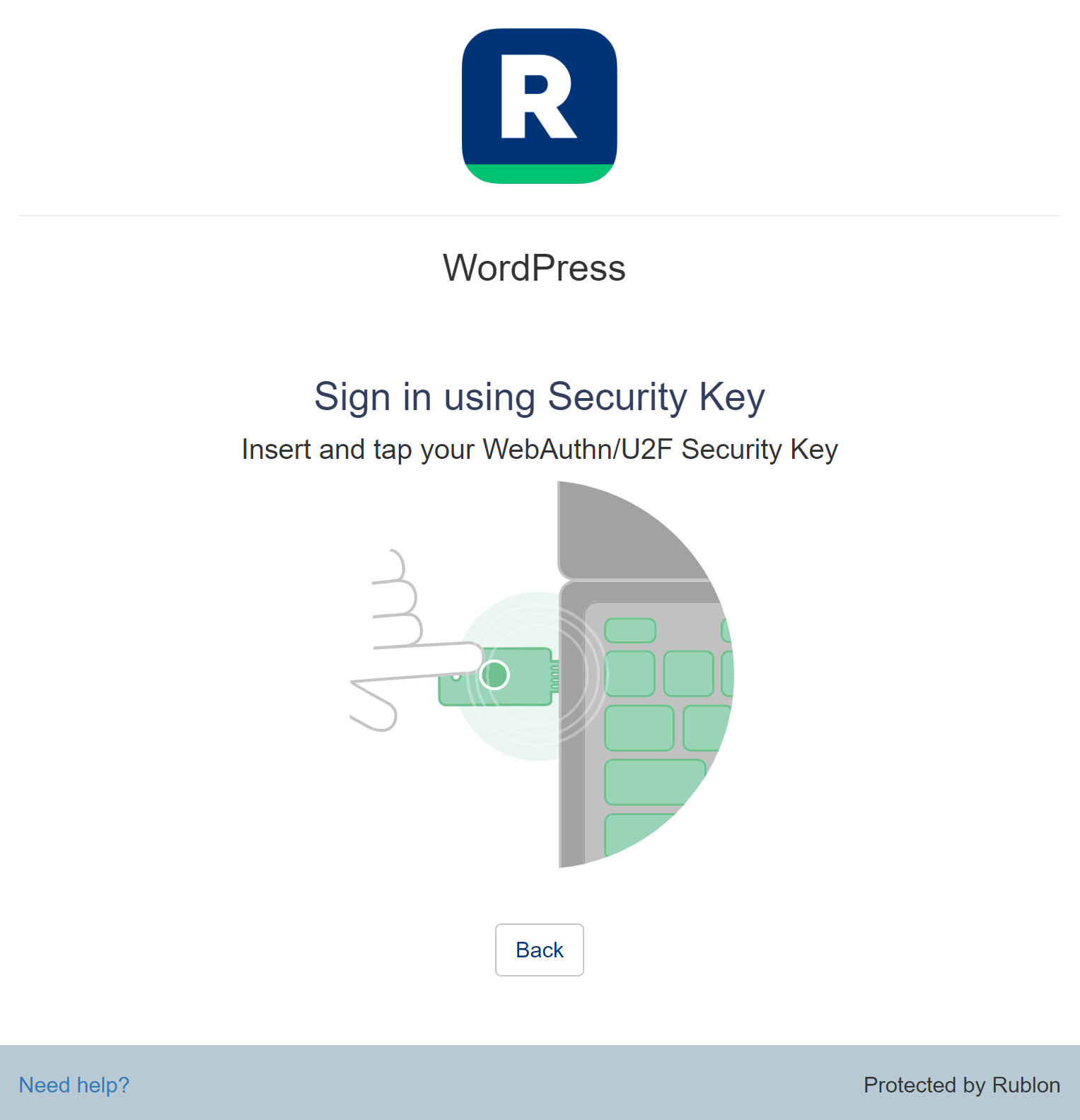
Pour les développeurs
Est-ce votre plugin ? Montrez les chiffres.
Ajoutez un badge en direct à votre site, docs ou github readme. Il se met à jour par lui-même - aucun compte n'est nécessaire.
Best Rublon Multi-Factor Authentic… alternatives
Les 2 plugins 2FA →





FAQ
Rublon Multi-Factor Authentication…: quick answers
Réponses directes, extraites des données en direct WordPress.org.
Source : WordPress.org
Is Rublon Multi-Factor Authenticat… free?
Yes. Rublon Multi-Factor Authenticat… is free to download and use from the official WordPress.org plugin directory.
Is Rublon Multi-Factor Authenticat… safe to use in 2026?
Rublon Multi-Factor Authenticat… is a solid plugin choice in 2026, with a few things worth checking first. It runs on 400+ sites, is rated 4.2/5 and was last updated 4 months ago, and scores 73/100 on our health check.
How many websites use Rublon Multi-Factor Authenticat…?
Rublon Multi-Factor Authenticat… is active on 400+ WordPress websites and has been downloaded 118,091 times since it launched in August 2013. It was downloaded 419 times in the last 30 days.
Does Rublon Multi-Factor Authenticat… work with WordPress 7.1?
Yes. The developer has tested Rublon Multi-Factor Authenticat… up to WordPress 7.1.5, the latest release. It requires WordPress 5.0 or newer.
What PHP version does Rublon Multi-Factor Authenticat… need?
Rublon Multi-Factor Authenticat… requires PHP 5.5.1 or higher. Most hosts run PHP 8.x today, so it works on any modern WordPress hosting.
When was Rublon Multi-Factor Authenticat… last updated?
The latest version, 4.4.5, was released on August 13, 2026 (4 months ago).
Who makes Rublon Multi-Factor Authenticat…?
Rublon Multi-Factor Authenticat… is developed and maintained by Rublon.
What are the best alternatives to Rublon Multi-Factor Authenticat…?
The most popular alternatives to Rublon Multi-Factor Authenticat… are Wordfence Security (5M+ installs), Really Simple Security (3M+ installs) and Limit Login Attempts Securi… (1M+ installs).
Propulsé par PageForge
Un modèle et une feuille de calcul. Une vraie page pour chaque recherche.
PageForge transforme chaque ligne d'un CSV en une page WordPress avec son propre titre, URL, SEO et schéma, construit sur la mise en page que vous Déjà conçu. Gratuit sur WordPress.org.
- CSV et XLSX, plus Google Sheets sur les professionnels et les entreprises
- Son propre titre, URL, SEO champs et schéma pour chaque page
- Fonctionne avec l'éditeur de blocs, Elementor, Divi et Avada
- Gratuit sur WordPress.org, pas de carte de crédit