


RobArt Text Collector
Save text once. Reuse it anywhere you edit on your WordPress site. Collect snippets, organise folders and insert text at your cursor.

Choix solide
RobArt Text Collector is a solid plugin choice in 2026, with a few things worth checking first. It runs on 40+ sites, is rated 5/5 and was last updated 2 weeks ago, and scores 74/100 on our health check.
- Développé activement — Dernière mise à jour il y a 2 semaines
- Testé avec le dernier WordPress (7.1)
- Momentum — Téléchargements en hausse de 17,1 % par rapport aux 30 jours précédents
- Petite base d'utilisateurs (40+ installations actives)
- Très peu de critiques jusqu'à présent
Comment s'accumule-t-il ?
Côte à côte sur les installations, les mises à jour, les évaluations et le support



Téléchargements quotidiens
Les pics de téléchargement suivent généralement une nouvelle version - chaque site qui met à jour automatiquement compte comme un téléchargement.
Classements
Where RobArt Text Collector stands todayWordPress.org Classements de recherche
Position en direct dans la recherche de plugins, Top 100| Mot-clé | Position |
|---|---|
| presse-papiers | #39 |
| productivity | #75 |
| reusable content | #39 |
| text editor | #73 |
| text snippets | #17 |
Adoption de version
Part de sites actifs par version.
Répartition des notes
★★★★★ ★★★★★ 5 sur 1 avis
About RobArt Text Collector
From the official readme · v0.5.16Description
Stop typing the same words over and over. Save your frequently used text in a handy floating collector, then reuse it wherever you write on your WordPress site.
Product descriptions, introductions, customer replies, addresses, disclaimers and favourite phrases: keep them organised, close at hand and ready to insert in a click.
Select. Collect. Reuse. Highlight text and click Collect. Your snippet is saved to your personal library. When you need it again, click the saved clip to insert it at your editing cursor, or copy it to the clipboard.
Why use Text Collector?
- Collect text from the front end or admin area of your own WordPress site while logged in.
- Keep a floating scratchpad nearby as you work, with a draggable dock and quick-access folders.
- Save selected text or paste from your clipboard without opening another application.
- Organise clips in colour-tagged folders, with optional folder notes.
- Insert text at your cursor in the block editor, Classic editor and supported text fields.
- Manage your library on a dedicated Text Clips page: edit, copy, print or delete clips.
- Move clips between folders and export folders as plain-text files.
- Keep snippets private to your account, stored in your own site’s database. The free plugin makes no external service requests.
A simpler workflow for repeated text
1. Collect: Select a sentence, paragraph or short block of text and click Collect. Optional cleanup can capitalise the first letter, collapse extra whitespace and remove invisible characters.
2. Organise: File it in your Main folder or create colour-coded folders for product copy, client responses, legal notices, notes or anything else. Folders are unlimited; each holds 20 clips by default, and developers can change the capacity with filters.
3. Reuse: Open the floating dock and click a saved clip to insert it where you are writing. If no insertion point is active, copy it to the clipboard instead.
Unlike layout-focused reusable blocks, Text Collector is designed for everyday words and passages you want to use again.
Fonctions gratuites
The free version includes the complete collect, organise and reuse workflow: floating dock, selection Collect bubble, folders, colour tags, notes, insertion at cursor, clipboard actions, Text Clips management and plain-text export.
Additional tools in Pro
- Live Text: Recognise and collect text from images hosted on your site, directly in your browser. No image is uploaded for recognition.
- Scan an Image page: Choose, drop or paste an image, inspect its zoomable preview and collect recognised text.
- Search and filter saved clips.
- Alt-drag reordering of folders and clips.
- CSV and RTF export, including column choices.
Pro is a separate, one-time purchase that includes version 1.x updates. Only the Pro add-on contacts the licence server; the free plugin does not.
Confidentialité et services externes
The free plugin stores your folders and clips in your site’s database, scoped to your user account, and makes no external requests. The optional Pro add-on validates licences through robart-illustration.eu, which checks Lemon Squeezy. It transmits the licence key and site URL during activation, deactivation and periodic verification, not the content of your clips. See the External Services section below for details.
Services externes
The free plugin makes no external requests — your clips are stored only in your own site’s database.
The paid RobArt Text Collector Pro add-on (a separate download, not part of this free plugin) validates your licence key with the author’s licence server so Pro features can be unlocked on your site. This applies only if you install the Pro add-on and enter a key.
- Service: RobArt / WPRobarts licence server at robart-illustration.eu, which in turn verifies the licence with Lemon Squeezy (the payment processor).
- What is sent, and when: your licence key and your site URL — sent only when you activate a licence, deactivate it, or during a periodic background re-check of an active licence. No personal data, and nothing about your clips, is ever sent.
- Why: to confirm the licence is valid and tied to your site, and to release Pro updates to licensed sites.
- Terms & privacy: see the author’s site at https://robart-illustration.eu/ for the privacy policy and terms of service, and Lemon Squeezy’s policies at https://www.lemonsqueezy.com/privacy and https://www.lemonsqueezy.com/terms .
Soutien
Questions, bug reports and feature requests are welcome on the plugin’s support forum on WordPress.org. Documentation and guides are available at https://robart-illustration.eu/plugins-wordpress-development/ .
Uninstall
Deleting the plugin from the Plugins screen removes all of its data: your folders and clips (the plugin’s two custom tables), its settings and licence record, its transients, and the per-user “Main folder” reference. Deactivating the plugin keeps everything — only Delete removes data.
Installation
- Upload the plugin to
/wp-content/plugins/robart-text-collector, or install via the
Plugins screen. - Activate it through the Plugins menu in WordPress.
- Open the RobArt Text Collector menu and configure it on the Settings page.
Journal de modifications
Pro: clips can now keep their formatting (bold, italic, links, lists, headings, colour). Free: no change in behaviour.
0.5.16
- New (Pro): clips can keep their formatting. Text you collect or paste keeps bold, italic, underline, strikethrough, text colour, links, lists and headings, and a plain copy is always saved alongside. Copying a formatted clip puts both versions on the clipboard; inserting it into the Classic editor or the block editor keeps the formatting (lists and headings become real blocks).
- New (Pro): formatted clips are marked with an F in the dock tray and shown formatted on the Text Clips page. Editing one there asks first, because the edit box saves plain text.
- New (Pro): Settings, Capture: “Keep formatting when collecting” (on by default). Auto-capitalise and Auto-clean apply to the formatted version too.
- Developer: new hooks so an add-on can extend clips (ratc_snippet_shape, ratc_snippets_list, ratc_snippet_saved, ratc_snippets_deleted, ratc_settings_capture_rows, and matching browser events).
0.5.15
- Fixed (Pro): Pro features no longer switch off on pages loaded over plain http. The licence check now uses your saved site address, which is the same for http and https.
0.5.14
- Fixed (Pro): Live Text (“Read text”) now finds images inside a post you are editing. The Classic editor and the block editor show the post in a frame of their own, so those images had no Read text pill; only the featured image did. The text-selection overlay lines up with them too.
0.5.13
- Security: internal hardening.
0.5.12
- Security: internal hardening.
0.5.11
- Fixed: on the front end the floating dock briefly appeared shifted to the right, then jumped left into place on load. The dock now paints at its correct position from the first frame in both the admin screen and the front end, so there is no visible flash or layout shift.
Captures d'écran
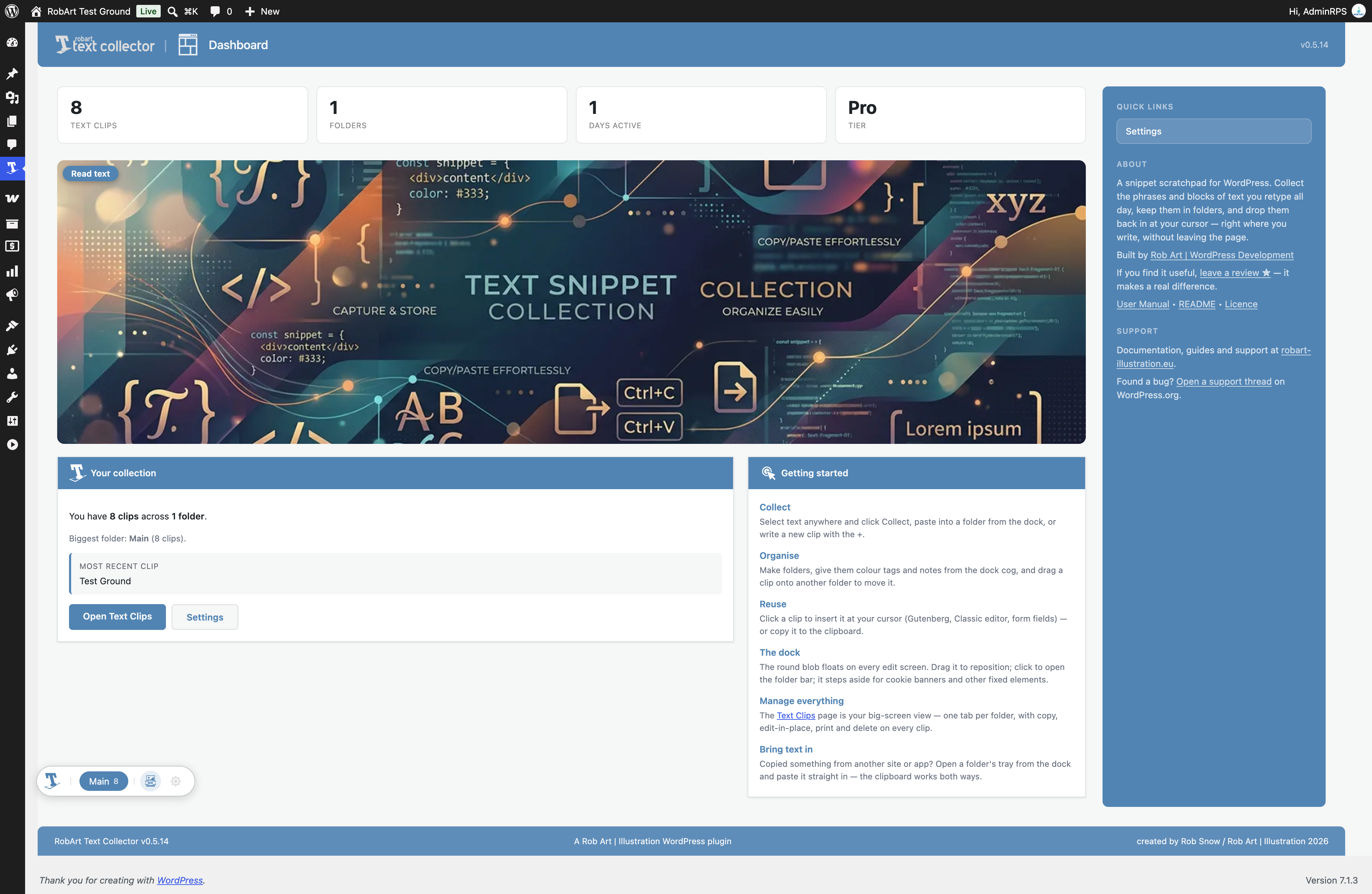
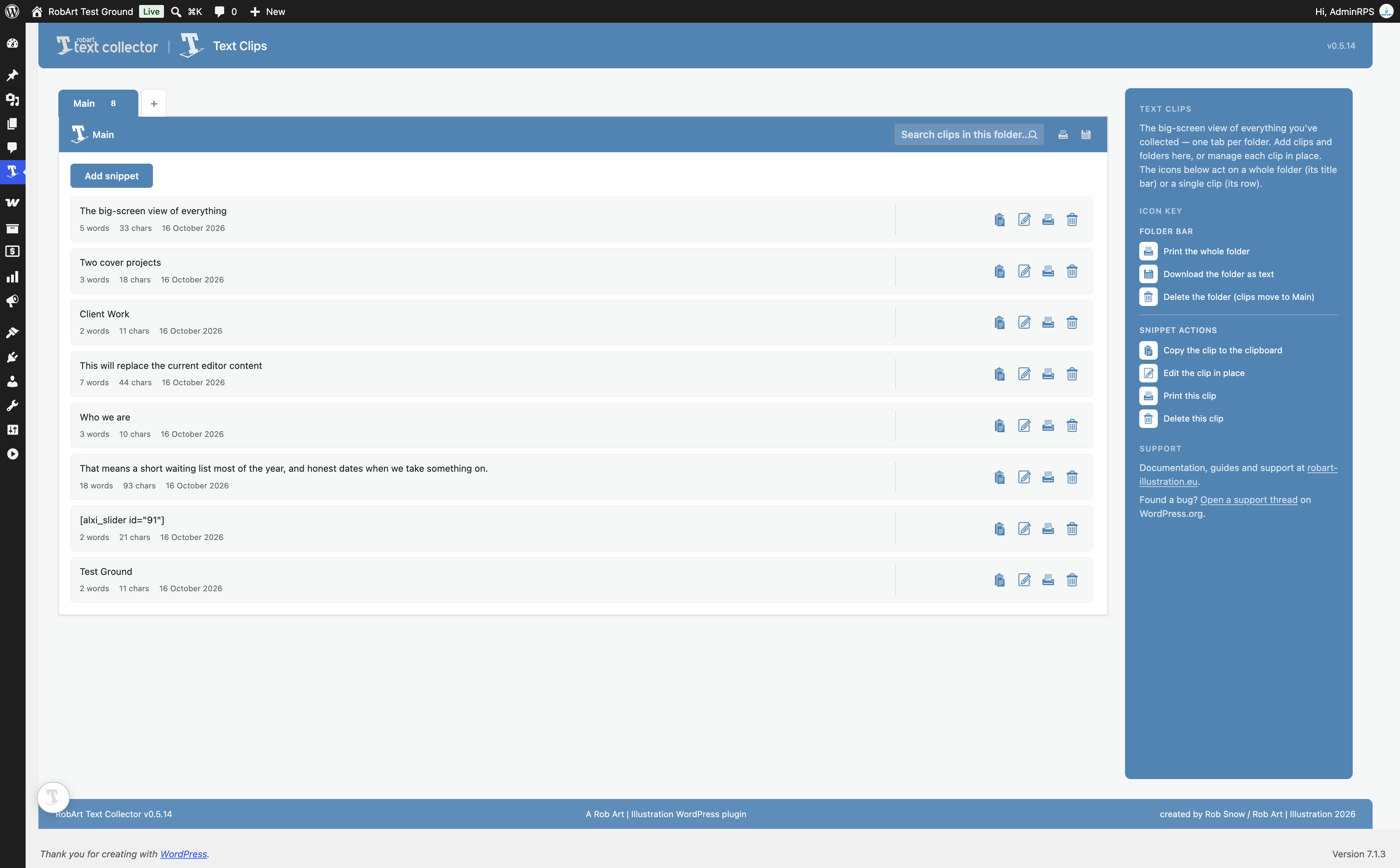
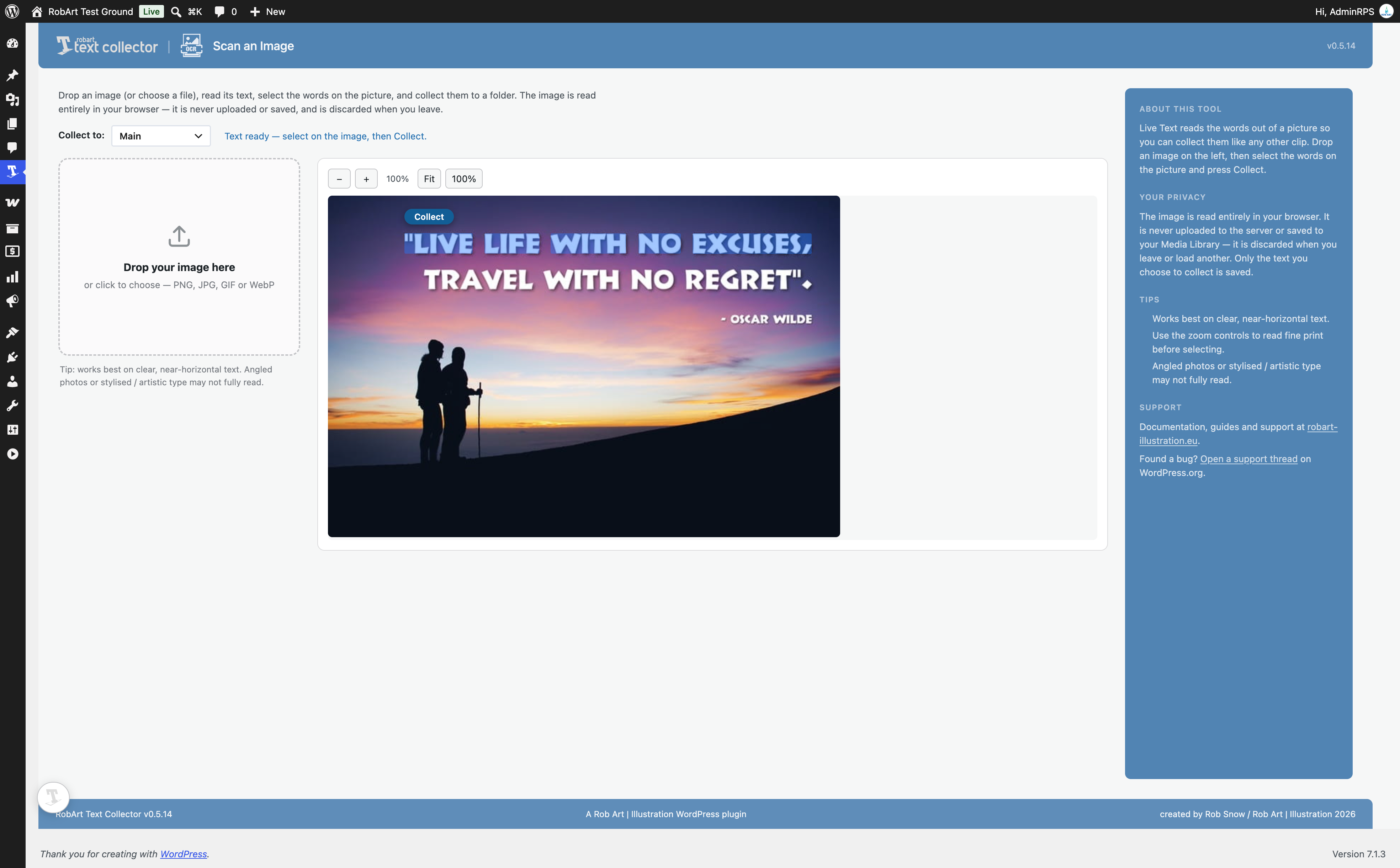
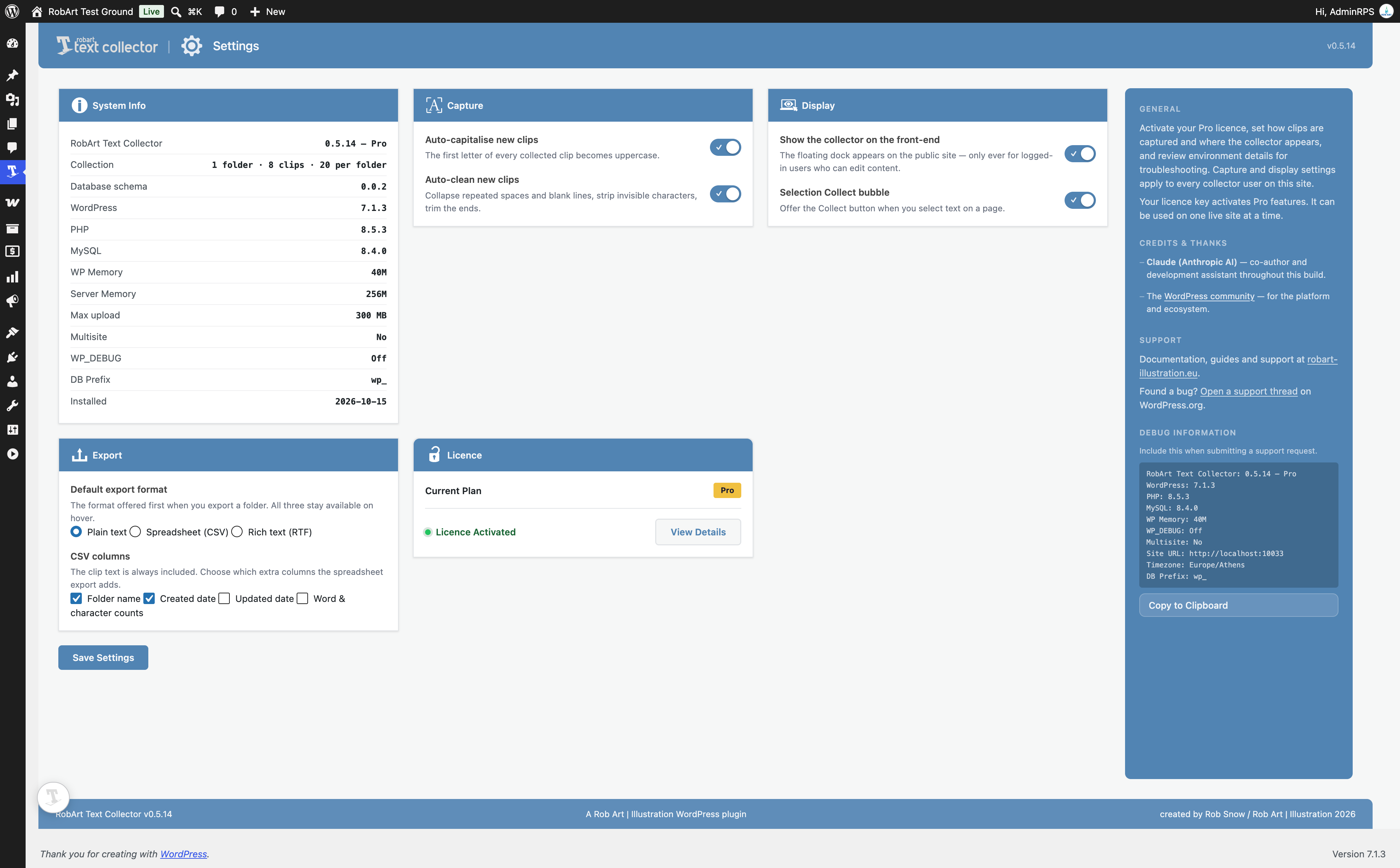
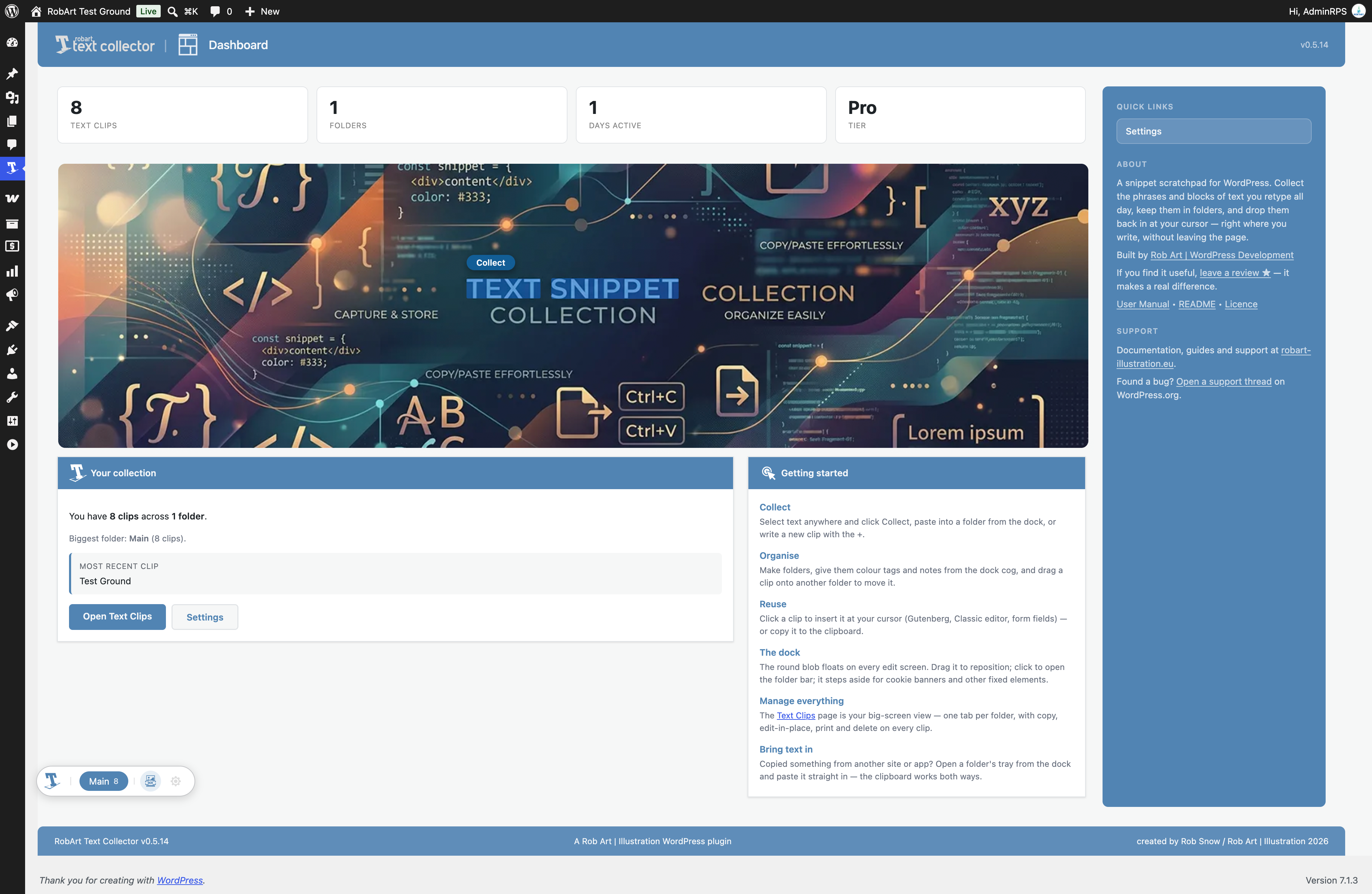
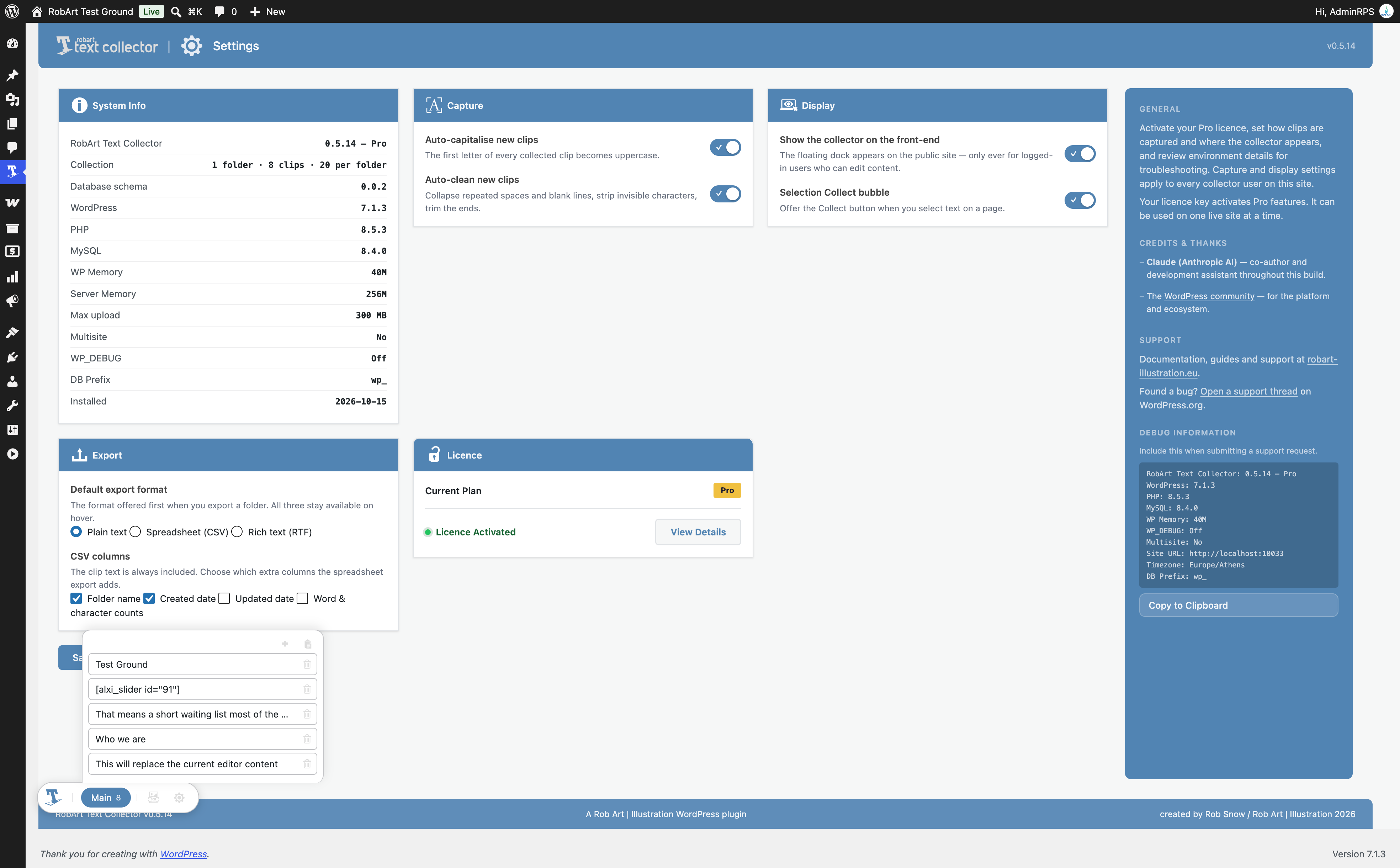
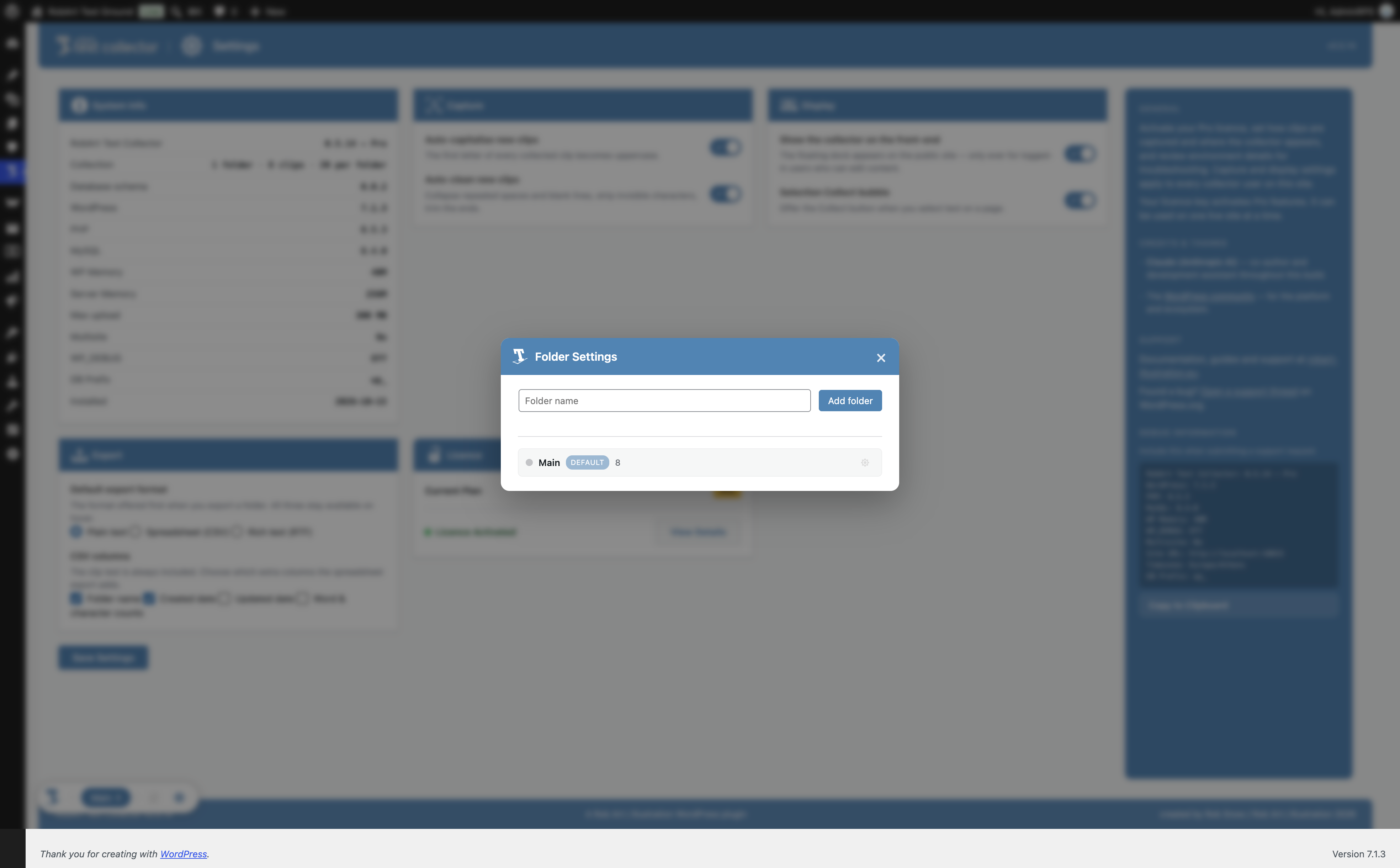
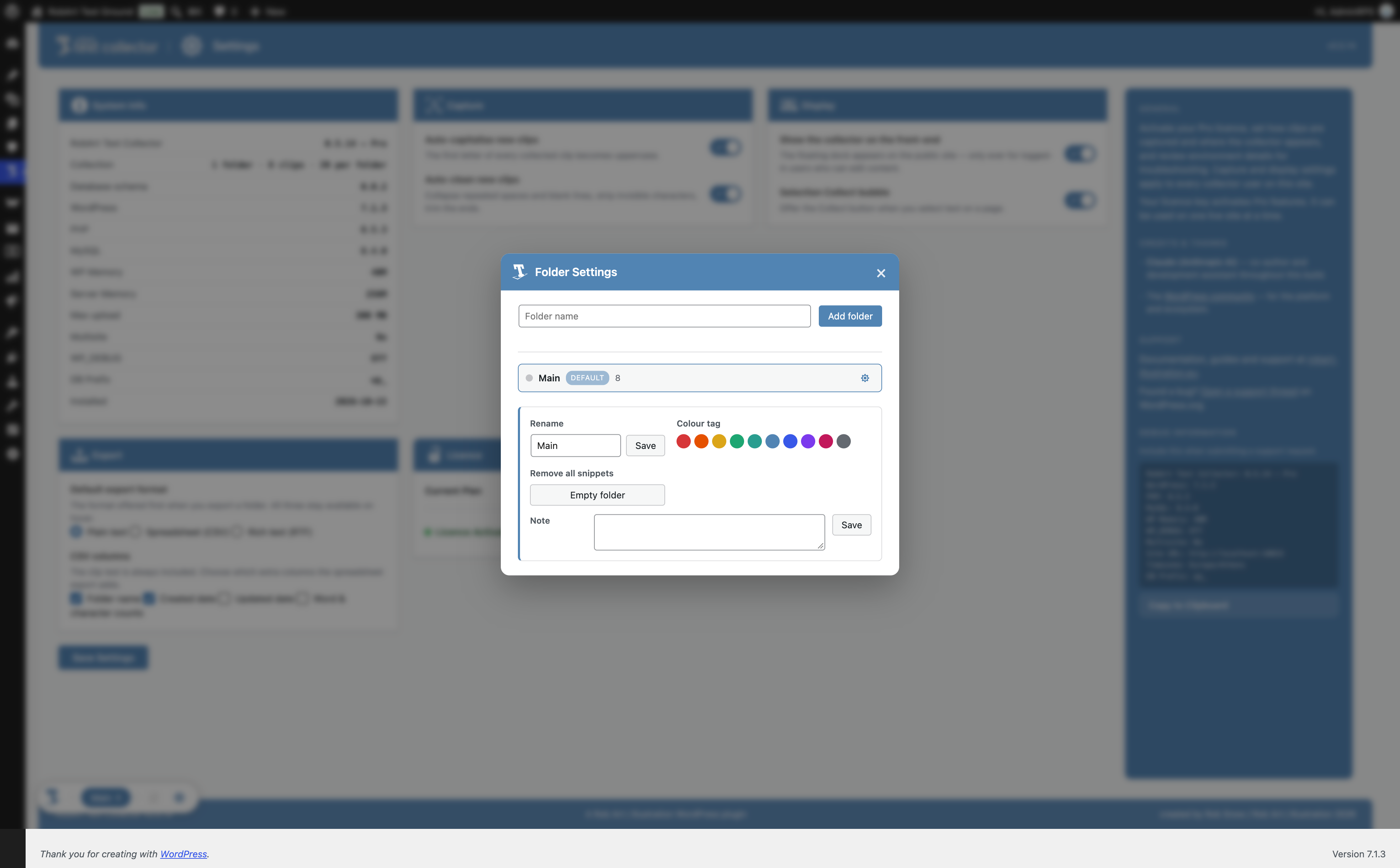
Pour les développeurs
Est-ce votre plugin ? Montrez les chiffres.
Ajoutez un badge en direct à votre site, docs ou github readme. Il se met à jour par lui-même - aucun compte n'est nécessaire.
Best RobArt Text Collector alternatives
All clipboard plugins →





FAQ
RobArt Text Collector: quick answers
Réponses directes, extraites des données en direct WordPress.org.
Source : WordPress.org
Is RobArt Text Collector free?
Yes. RobArt Text Collector is free to download and use from the official WordPress.org plugin directory.
Is RobArt Text Collector safe to use in 2026?
RobArt Text Collector is a solid plugin choice in 2026, with a few things worth checking first. It runs on 40+ sites, is rated 5/5 and was last updated 2 weeks ago, and scores 74/100 on our health check.
How many websites use RobArt Text Collector?
RobArt Text Collector is active on 40+ WordPress websites and has been downloaded 2,900 times since it launched in July 2026. It was downloaded 548 times in the last 30 days.
Does RobArt Text Collector work with WordPress 7.1?
Yes. The developer has tested RobArt Text Collector up to WordPress 7.1.5, the latest release. It requires WordPress 6.2 or newer.
What PHP version does RobArt Text Collector need?
RobArt Text Collector requires PHP 8.0 or higher. Most hosts run PHP 8.x today, so it works on any modern WordPress hosting.
When was RobArt Text Collector last updated?
The latest version, 0.5.16, was released on November 7, 2026 (2 weeks ago).
Who makes RobArt Text Collector?
RobArt Text Collector is developed and maintained by Rob Art.
What are the best alternatives to RobArt Text Collector?
The most popular alternatives to RobArt Text Collector are Copy Anything to Clipboard… (10K+ installs), The Paste (9K+ installs) and Simple Export to Markdown (300+ installs).
Propulsé par PageForge
Un modèle et une feuille de calcul. Une vraie page pour chaque recherche.
PageForge transforme chaque ligne d'un CSV en une page WordPress avec son propre titre, URL, SEO et schéma, construit sur la mise en page que vous Déjà conçu. Gratuit sur WordPress.org.
- CSV et XLSX, plus Google Sheets sur les professionnels et les entreprises
- Son propre titre, URL, SEO champs et schéma pour chaque page
- Fonctionne avec l'éditeur de blocs, Elementor, Divi et Avada
- Gratuit sur WordPress.org, pas de carte de crédit