


Bloc d'année dynamique
Un bloc qui affiche toujours l'année en cours dans votre avis de copyright de pied de page.

Choix solide
Dynamic Year Block is a solid plugin choice in 2026, with a few things worth checking first. It runs on 2K+ sites, is rated 5/5 and was last updated 3 months ago, and scores 73/100 on our health check.
- Testé avec le dernier WordPress (7.1)
Comment s'accumule-t-il ?
Côte à côte sur les installations, les mises à jour, les évaluations et le support



Téléchargements quotidiens
Les pics de téléchargement suivent généralement une nouvelle version - chaque site qui met à jour automatiquement compte comme un téléchargement.
Classements
Where Dynamic Year Block stands todayWordPress.org Classements de recherche
Position en direct dans la recherche de plugins, Top 100| Mot-clé | Position |
|---|---|
| copyright | #28 |
| date | >100 |
| Dynamic | #13 |
| titre en bas de page | #73 |
| year | #5 |
Adoption de version
Part de sites actifs par version.
Répartition des notes
★★★★★ ★★★★★ 5 sur 8 avis
About Dynamic Year Block
À partir du Lisez-moi officiel · v1.0.1Description
🆕 New features: now you can add a background image and the link to your Privacy Policy page with a couple of clicks.
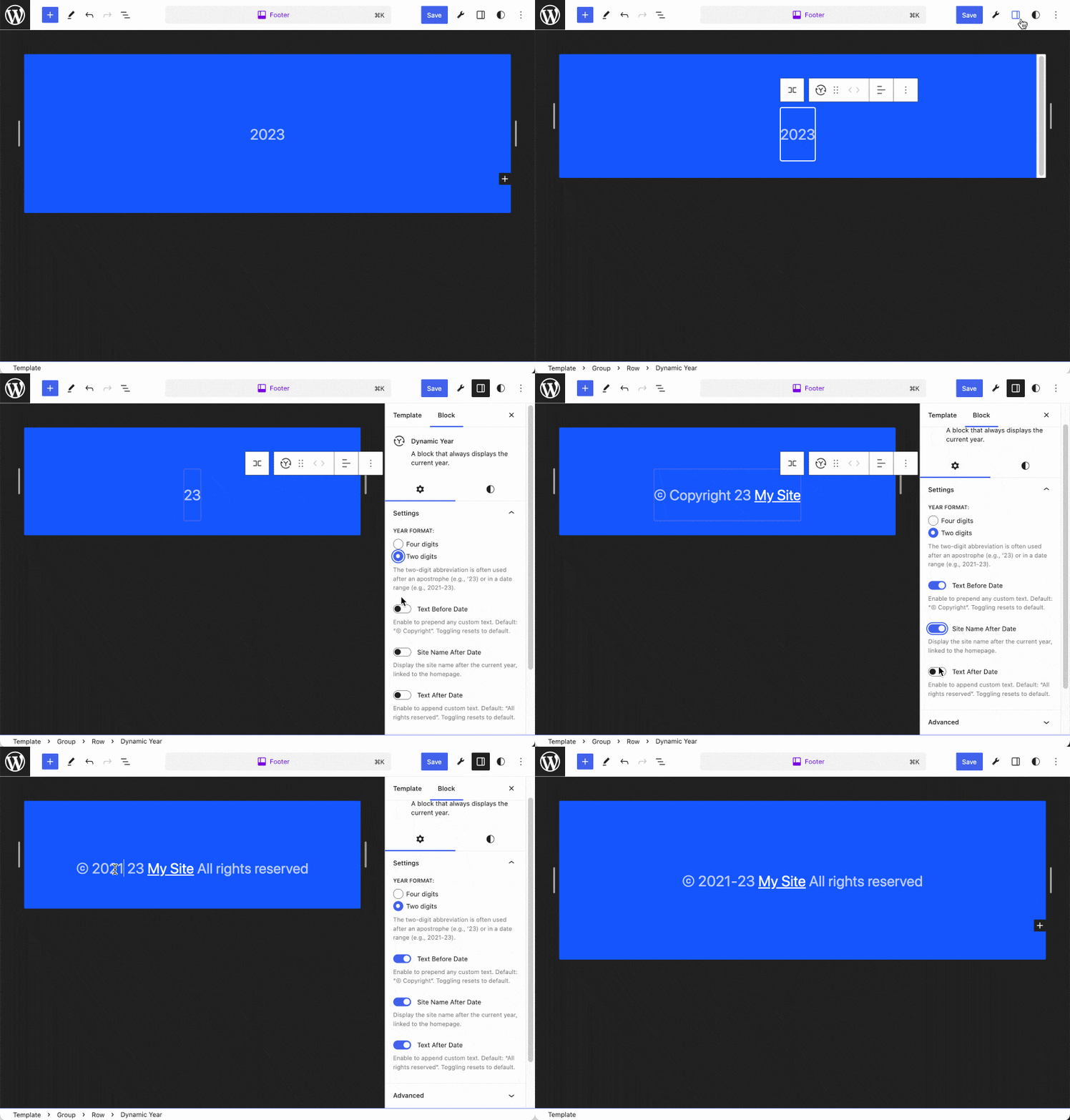
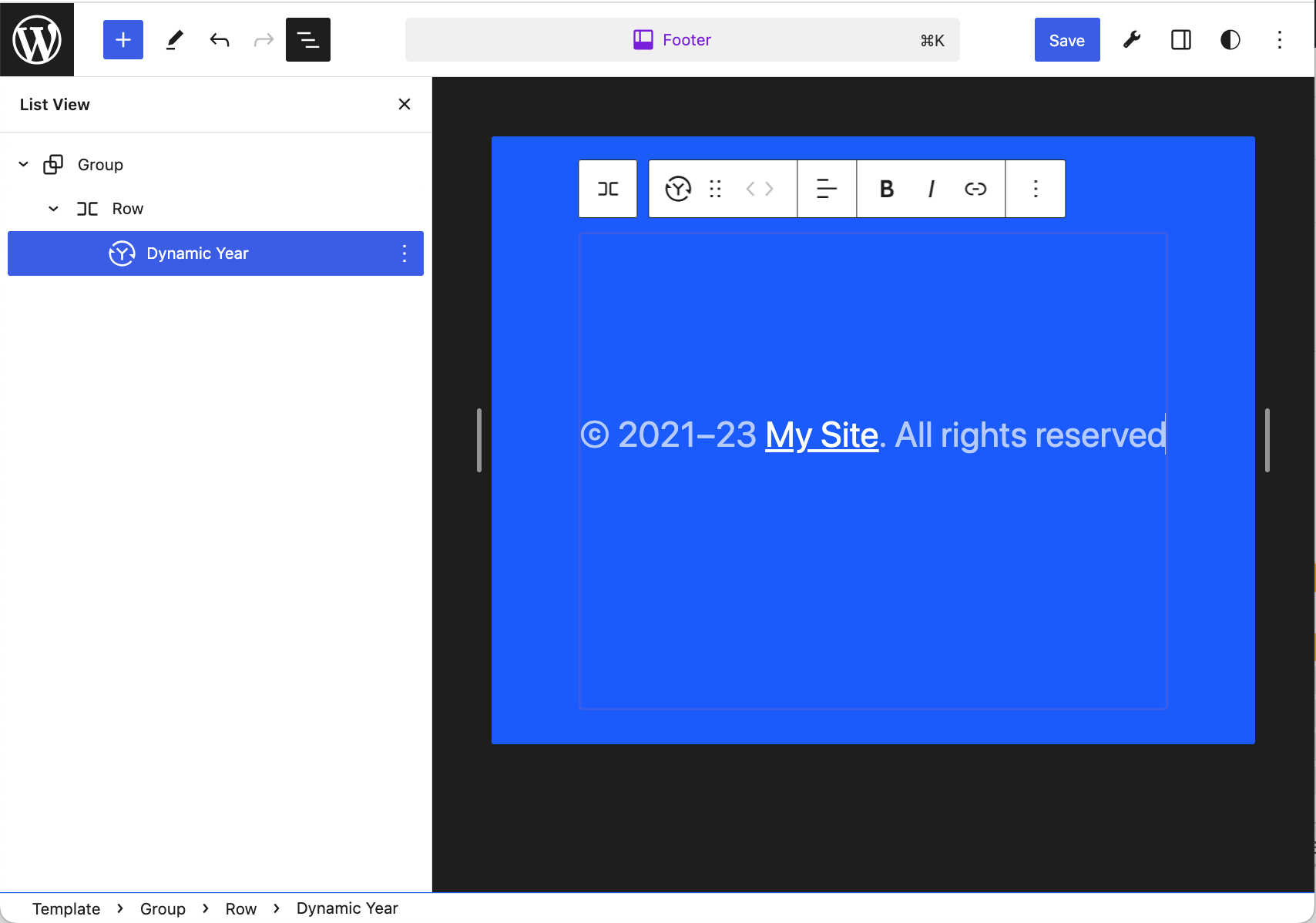
The Dynamic Year Block will automatically update the copyright year in your website footer. At the turn of each year, the number will automatically change to reflect the current year, freeing you from manually editing the year every new year’s eve.
The plugin works for both classic and block themes, but it is especially useful in the context of the Site Editor, where you can visually change the footer template part without messing with code. Just insert the Dynamic Year Block, enter your copyright notice and you’re done. 💪
You can open this WordPress Playground site in your browser to quickly test it.
⚠️ Important: please configure your timezone in “Settings → General → Timezone” in your WordPress dashboard, so that the year displayed by the block matches your server time and the timezone set in WordPress.
This is a community plugin that can always be downloaded for free without any paid subscription from the official WordPress repository.
Installation
Automatic installation:
- Open any post or page in your WordPress.
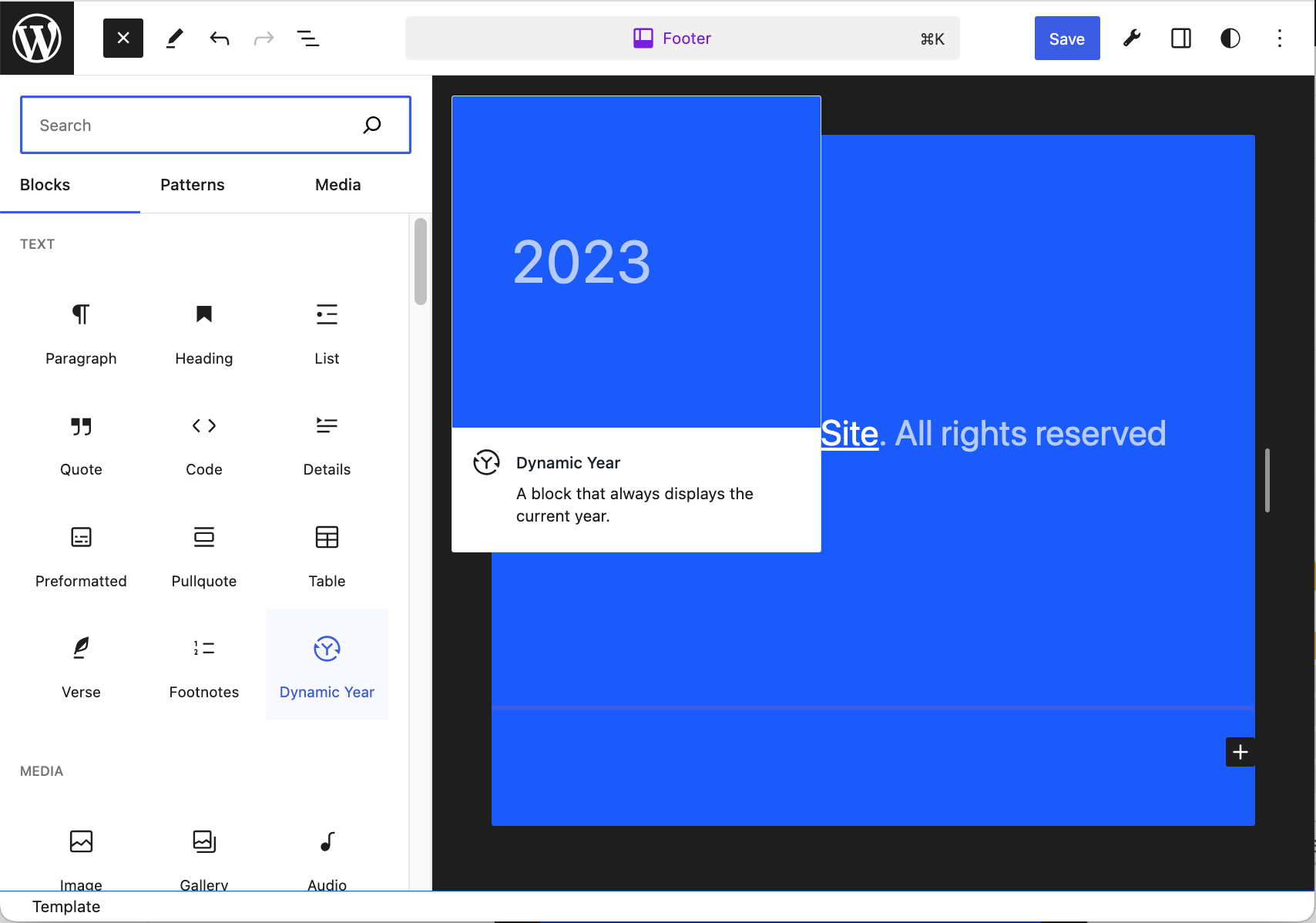
- Click the main plus icon (+), located at the upper left corner of the editor, to add a new block.
- Type “Dynamic Year Block” in the search field.
- Look for the plugin with this name in the list of available block plugins and click to install.
- Wait for the installation process and the block will be available to use in your content. You can deactivate it in the “Plugins → All plugins” menu, in your WordPress admin dashboard.
Installation manuelle :
- Upload the dynamic-year-block.zip file via the plugin page of WordPress by clicking “Add New” and selecting the zip from your local computer, or alternatively upload the decompressed
dynamic-year-blockfolder to your/wp-content/plugins/directory on your server, via SFTP/FTP. - Activez le plugin via le menu "Plugins" dans WordPress.
- Search for the “Dynamic Year” block in any block inserter within the block editor.
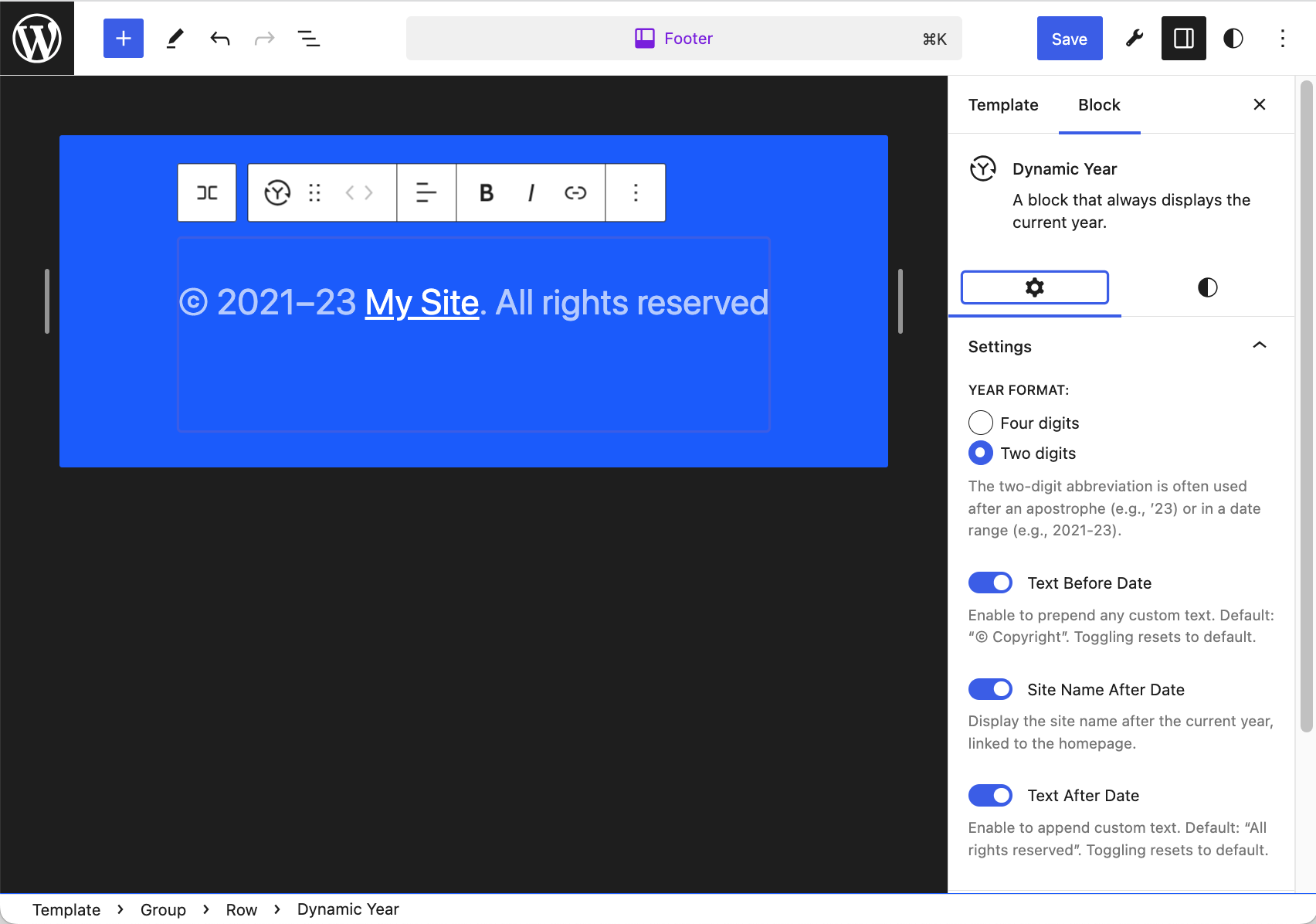
- Optionally, customize the year format in the sidebar of the block editor. The plugin does not create menus or additional settings in the WordPress dashboard.
Journal de modifications
1.0.1
- Confirmed compatibility with WordPress 7.1, including the always-iframed post editor.
- Security fix: ensure all block output is properly escaped using wp_kses_post().
- Security hardening: prevent direct access to the dynamic render file.
- Bug fix: use the registered editor script handle when loading JavaScript translations.
- Editor compatibility: make the custom block icon inherit the current interface color.
- Documentation: explain how full-page caches and CDNs can temporarily retain the previous year.
- Code quality: prefix variables in render.php and update development linting and build assets.
1.0.0
- 🎉 Milestone: First stable release, after extensive testing and refinement.
- Updated the code for WordPress version 6.9.
- Bug fix: preventing the HTML tags from being escaped in the text fields.
0.6.7
- Improved block registration.
0.6.6
- Updated the code for WordPress version 6.8.
- Added support for wp_register_block_types_from_metadata_collection() to load the block more efficiently.
- Refactor the PHP code for better maintainability and legibility.
0.6.5
- Added support for a background image.
- Added a toggle in the UI to include the link for the Privacy Policy page.
- Removed support for the anchor (it’s not supported for dynamic blocks yet).
- Updated the code for WordPress version 6.7.
- Complete review of the code using the official Plugin Check plugin.
0.6.4
- Security and reliability enhancements.
- Refactored the option that inserts the text after the current year to default to the privacy policy link.
- Updated the code for WordPress version 6.6.
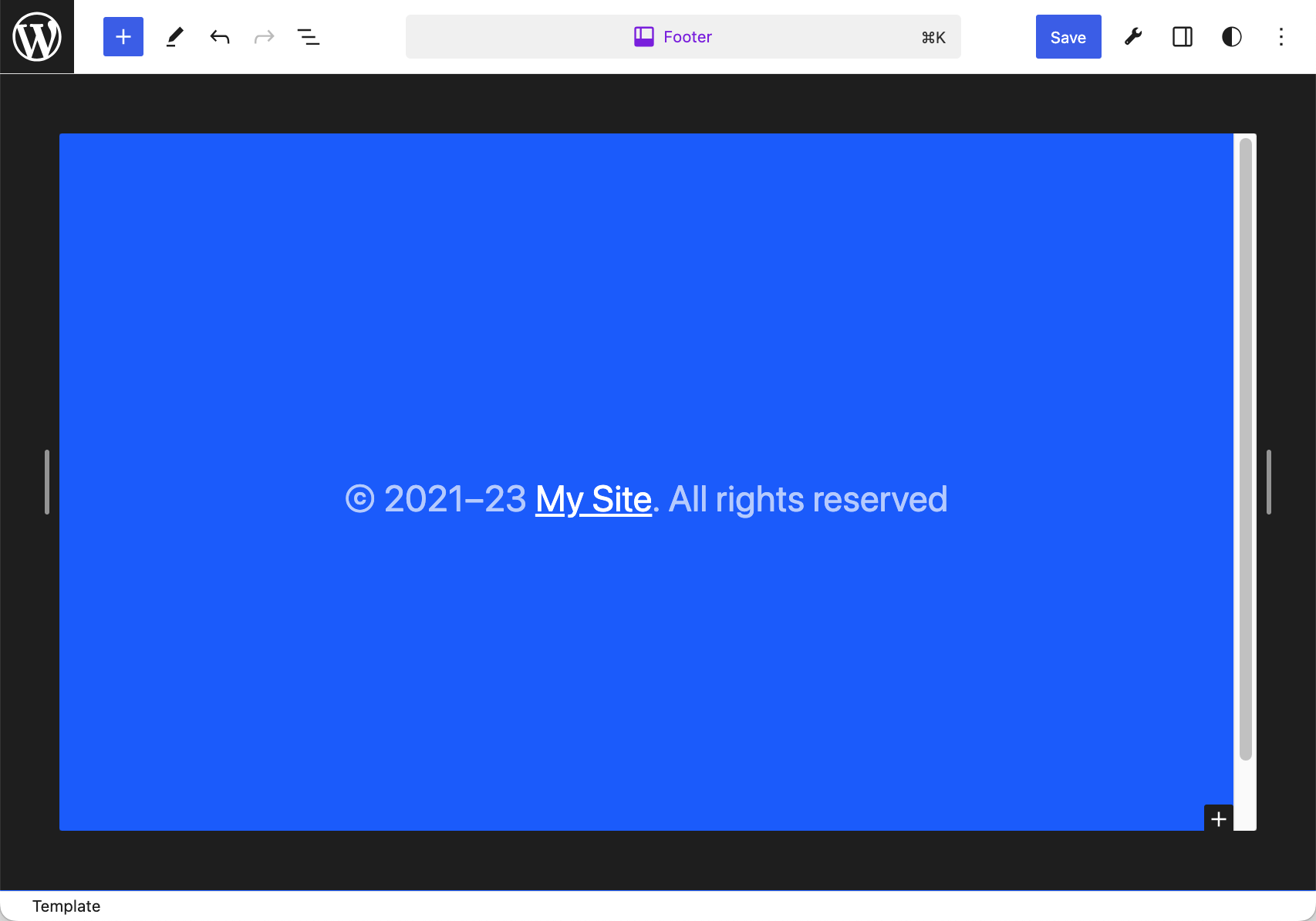
Captures d'écran
Pour les développeurs
Est-ce votre plugin ? Montrez les chiffres.
Ajoutez un badge en direct à votre site, docs ou github readme. Il se met à jour par lui-même - aucun compte n'est nécessaire.
Best Dynamic Year Block alternatives
All copyright plugins →





FAQ
Dynamic Year Block: quick answers
Réponses directes, extraites des données en direct WordPress.org.
Source : WordPress.org
Is Dynamic Year Block free?
Yes. Dynamic Year Block is free to download and use from the official WordPress.org plugin directory.
Is Dynamic Year Block safe to use in 2026?
Dynamic Year Block is a solid plugin choice in 2026, with a few things worth checking first. It runs on 2K+ sites, is rated 5/5 and was last updated 3 months ago, and scores 73/100 on our health check.
How many websites use Dynamic Year Block?
Dynamic Year Block is active on 2K+ WordPress websites and has been downloaded 23,037 times since it launched in June 2022. It was downloaded 694 times in the last 30 days.
Does Dynamic Year Block work with WordPress 7.1?
Yes. The developer has tested Dynamic Year Block up to WordPress 7.1.5, the latest release. It requires WordPress 6.4 or newer.
What PHP version does Dynamic Year Block need?
Dynamic Year Block requires PHP 7.4 or higher. Most hosts run PHP 8.x today, so it works on any modern WordPress hosting.
When was Dynamic Year Block last updated?
The latest version, 1.0.1, was released on August 17, 2026 (3 months ago).
Who makes Dynamic Year Block?
Dynamic Year Block is developed and maintained by Marcio Duarte.
What are the best alternatives to Dynamic Year Block?
The most popular alternatives to Dynamic Year Block are Secure Copy Content Protect… (20K+ installs), WP Content Copy Protection (10K+ installs) and Automatic Copyright Year (6K+ installs).
Propulsé par PageForge
Un modèle et une feuille de calcul. Une vraie page pour chaque recherche.
PageForge transforme chaque ligne d'un CSV en une page WordPress avec son propre titre, URL, SEO et schéma, construit sur la mise en page que vous Déjà conçu. Gratuit sur WordPress.org.
- CSV et XLSX, plus Google Sheets sur les professionnels et les entreprises
- Son propre titre, URL, SEO champs et schéma pour chaque page
- Fonctionne avec l'éditeur de blocs, Elementor, Divi et Avada
- Gratuit sur WordPress.org, pas de carte de crédit