


Description List Block
Description list (also known as definition list) block for glossaries, FAQs and specs using semantic dl, dt and dd HTML.

Choix solide
Description List Block is a solid plugin choice in 2026, with a few things worth checking first. It runs on 400+ sites, is rated 2.3/5 and was last updated 1 month ago, and scores 65/100 on our health check.
- Testé avec le dernier WordPress (7.1)
- Petite base d'utilisateurs (400+ installations actives)
- Low rating so far — 2.3/5 from only 3 reviews
Comment s'accumule-t-il ?
Côte à côte sur les installations, les mises à jour, les évaluations et le supportTéléchargements quotidiens
Les pics de téléchargement suivent généralement une nouvelle version - chaque site qui met à jour automatiquement compte comme un téléchargement.
Classements
Where Description List Block stands todayWordPress.org Classements de recherche
Position en direct dans la recherche de plugins, Top 100| Mot-clé | Position |
|---|---|
| definition-list | #3 |
| description list | #1 |
| dictionary | #20 |
| FAQ | >100 |
| glossary | #30 |
Adoption de version
Part de sites actifs par version.
Répartition des notes
★★★★★★★★★★ 2.3 from 3 reviews
About Description List Block
À partir du Lisezmoi officiel · v1.3.1Description
Build glossaries, FAQs, product specs and other term–description lists in the WordPress block editor (Gutenberg). The Description List Block outputs a semantic HTML definition list: a <dl> element with term (<dt>) and description (<dd>) pairs, the markup made for exactly this kind of content and understood by browsers, screen readers and search engines.
Add, insert and delete term and description pairs right in the editor, choose an indent or grid layout and style terms and descriptions separately. Already have a list, a few paragraphs or <dl> HTML? Transform it into a description list with one click, or simply paste the markup.
Tip Top Press
We’re Tip Top Press and create Gutenberg blocks for WordPress. If you want to know what we’re working on and are interested in the background, you can read all news stories on our blog.
Traits
- Indent-, Grid and Disable Block CSS Block Styles
- Indent or spacing settings
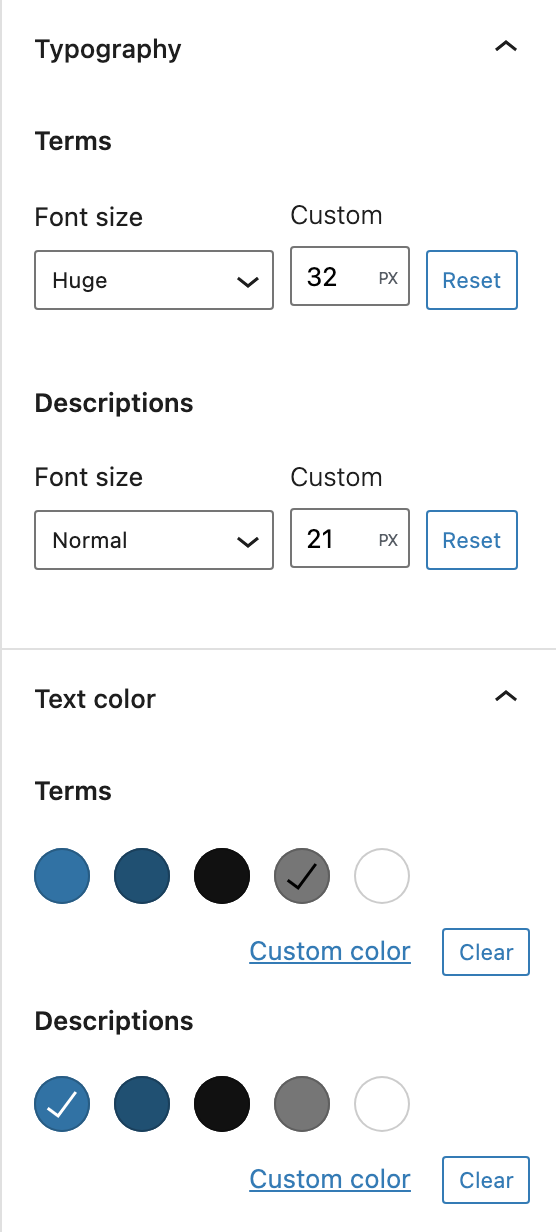
- Color, spacing, indent, horizontal whitespace, font-size, font-style and font-weight settings for both element tags
- Create a description list with n-elements
- Insert a new term (
<dt>) and description (<dd>) before selection - Insert a new term (
<dt>) and description (<dd>) after selection - Delete the selected term (
<dt>) and description (<dd>) pair - Transform a Custom HTML block, a list or paragraphs into a description list and back
- Paste description list markup as a description list
Contribuer
If you find a bug or a conflict while using this plugin, please submit an issue on GitHub (if possible with a pull request).
Installation
- Téléchargez les fichiers du plug-in dans le répertoire
/wp-content/plugins/description-list-blockou installez directement le plugin via l'écran des plugins WordPress. - Activez le plugin via l'écran "Plugins" dans WordPress.
Journal de modifications
1.3.1 – October 22nd 2026
- Translation and dependencies update
1.3.0 – August 30th 2026
- Transform a Custom HTML block into a description list and back
- Transform a list into a description list and back
- Transform paragraphs into a description list and back
- Paste description list markup as a description list
- Bugfix Invalid CSS variables in the saved markup
- Write only non-default values to the block markup
1.2.5 – June 29th 2024
- Wrong icon
1.2.4 – June 27th 2024
- Bugfix Rendered HTML
1.2.3 – December 2nd 2023
- Font-Style and Font-Weight
- Calm whitespace with Horizontal
1.2.2 – September 26th 2023
- Use CSS selectors
Captures d'écran
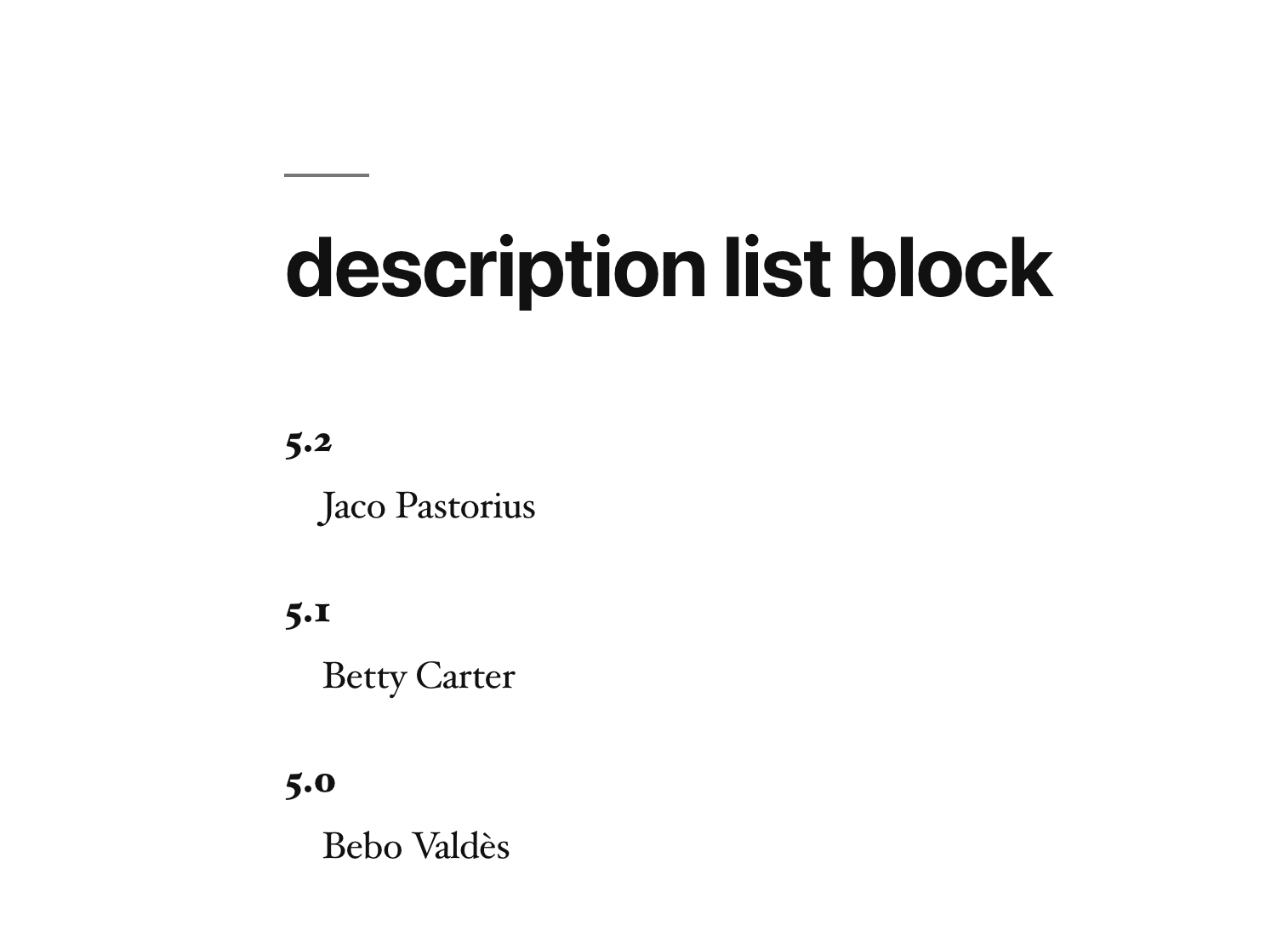
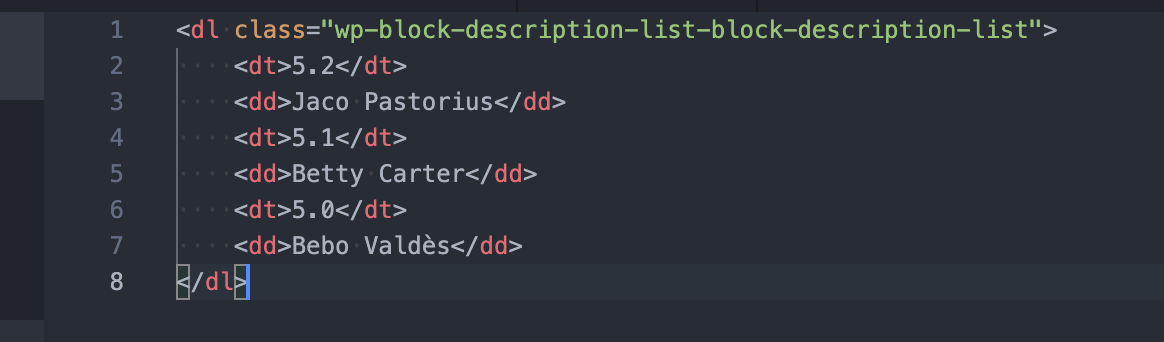

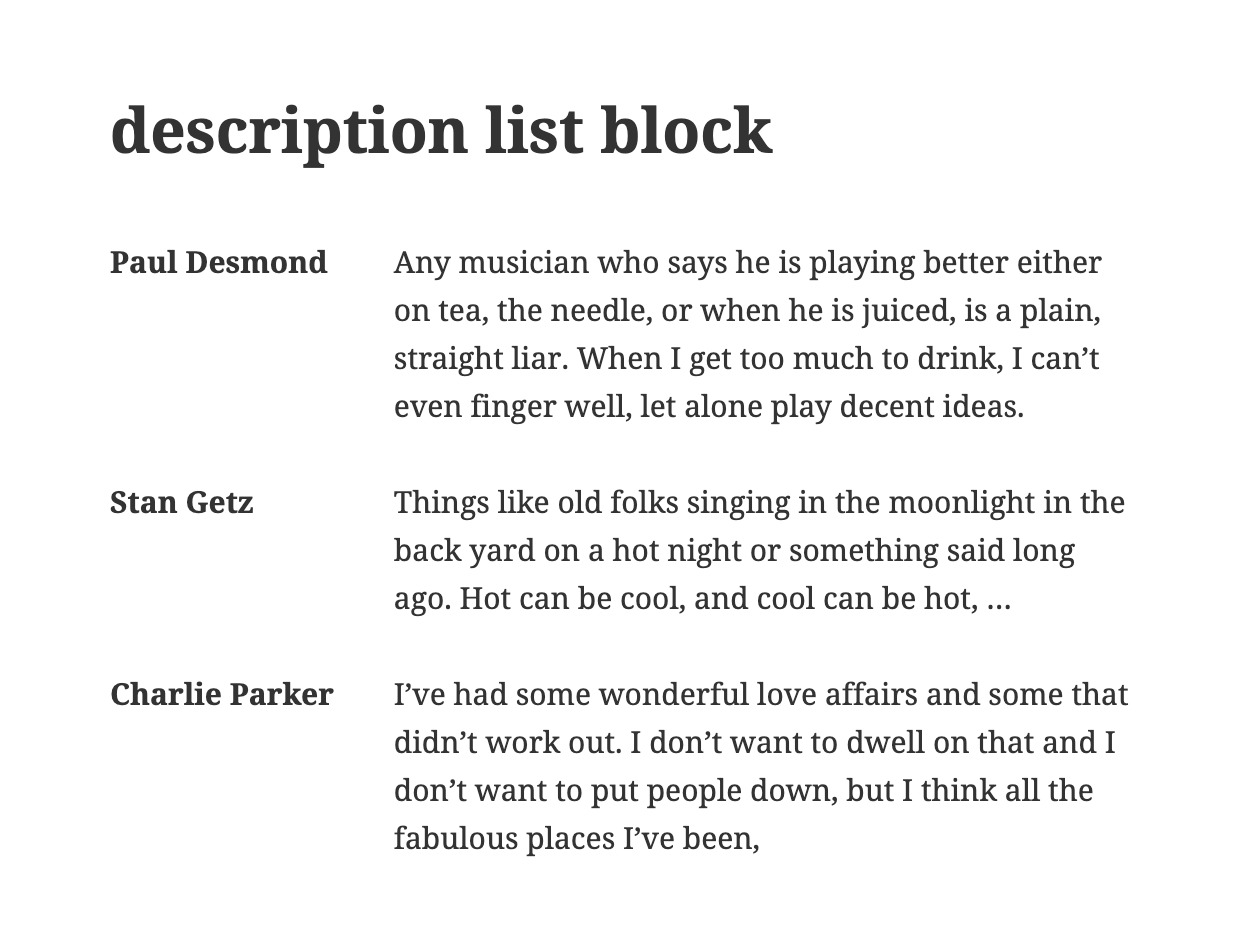
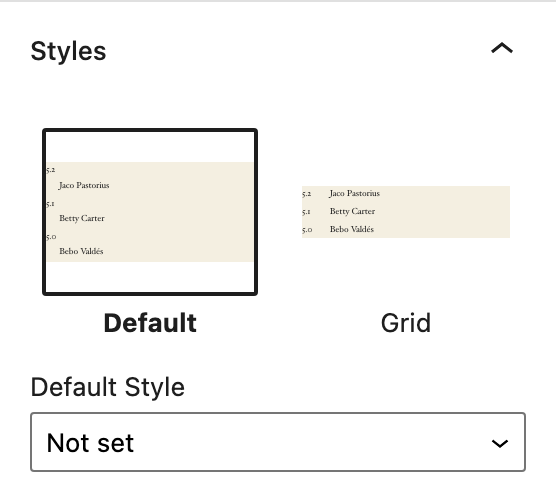
Pour les développeurs
Est-ce votre plugin ? Montrez les chiffres.
Ajoutez un badge en direct à votre site, docs ou github readme. Il se met à jour par lui-même - aucun compte n'est nécessaire.
Best Description List Block alternatives
All definition-list plugins →| Rang | Plugin | Installations actives |
|---|---|---|
| 2 |
 DL Block
Adds block for description list (or definition list) content |
10+ |
FAQ
Description List Block: quick answers
Réponses directes, extraites des données en direct WordPress.org.
Source : WordPress.org
Is Description List Block free?
Yes. Description List Block is free to download and use from the official WordPress.org plugin directory.
Is Description List Block safe to use in 2026?
Description List Block is a solid plugin choice in 2026, with a few things worth checking first. It runs on 400+ sites, is rated 2.3/5 and was last updated 1 month ago, and scores 65/100 on our health check.
How many websites use Description List Block?
Description List Block is active on 400+ WordPress websites and has been downloaded 9,453 times since it launched in April 2021. It was downloaded 352 times in the last 30 days.
Does Description List Block work with WordPress 7.1?
Yes. The developer has tested Description List Block up to WordPress 7.1.5, the latest release. It requires WordPress 6.6 or newer.
What PHP version does Description List Block need?
Description List Block requires PHP 7.0 or higher. Most hosts run PHP 8.x today, so it works on any modern WordPress hosting.
When was Description List Block last updated?
The latest version, 1.3.1, was released on October 22, 2026 (1 month ago).
Who makes Description List Block?
Description List Block is developed and maintained by Daniel Floeter.
What are the best alternatives to Description List Block?
The most popular alternatives to Description List Block are DL Block (10+ installs).
Propulsé par PageForge
Un modèle et une feuille de calcul. Une vraie page pour chaque recherche.
PageForge transforme chaque ligne d'un CSV en une page WordPress avec son propre titre, URL, SEO et schéma, construit sur la mise en page que vous Déjà conçu. Gratuit sur WordPress.org.
- CSV et XLSX, plus Google Sheets sur les professionnels et les entreprises
- Son propre titre, URL, SEO champs et schéma pour chaque page
- Fonctionne avec l'éditeur de blocs, Elementor, Divi et Avada
- Gratuit sur WordPress.org, pas de carte de crédit