


Description List Block
Description list (also known as definition list) block for glossaries, FAQs and specs using semantic dl, dt and dd HTML.

Solide Wahl
Description List Block is a solid plugin choice in 2026, with a few things worth checking first. It runs on 400+ sites, is rated 2.3/5 and was last updated 1 month ago, and scores 65/100 on our health check.
- Getestet mit dem neuesten WordPress (7.1)
- Kleine Benutzerbasis (400+ aktive Installationen)
- Bisher niedrige Bewertung — 2,3/5 aus nur 3 Bewertungen
Wie stapelt es sich?
Side-by-side bei Installationen, Updates, Bewertungen und SupportTägliche Downloads
Download-Spitzen folgen normalerweise einer neuen Version - jede Website, die automatisch aktualisiert wird, gilt als Download.
Ranglisten
Where Description List Block stands todayWordPress.org Ranglisten suchen
Live-Position in der Plugin-Suche, Top 100| Stichwort | Position |
|---|---|
| definition-list | #3 |
| description list | #1 |
| dictionary | #20 |
| faq | >100 |
| glossary | #30 |
Versionsübernahme
Anteil aktiver Sites pro Release.
Bewertungsaufschlüsselung
★★★★★★★★★★ 2.3 from 3 reviews
About Description List Block
From the official readme · v1.3.1Beschreibung
Build glossaries, FAQs, product specs and other term–description lists in the WordPress block editor (Gutenberg). The Description List Block outputs a semantic HTML definition list: a <dl> element with term (<dt>) and description (<dd>) pairs, the markup made for exactly this kind of content and understood by browsers, screen readers and search engines.
Add, insert and delete term and description pairs right in the editor, choose an indent or grid layout and style terms and descriptions separately. Already have a list, a few paragraphs or <dl> HTML? Transform it into a description list with one click, or simply paste the markup.
Tip Top Press
We’re Tip Top Press and create Gutenberg blocks for WordPress. If you want to know what we’re working on and are interested in the background, you can read all news stories on our blog.
Merkmale
- Indent-, Grid and Disable Block CSS Block Styles
- Indent or spacing settings
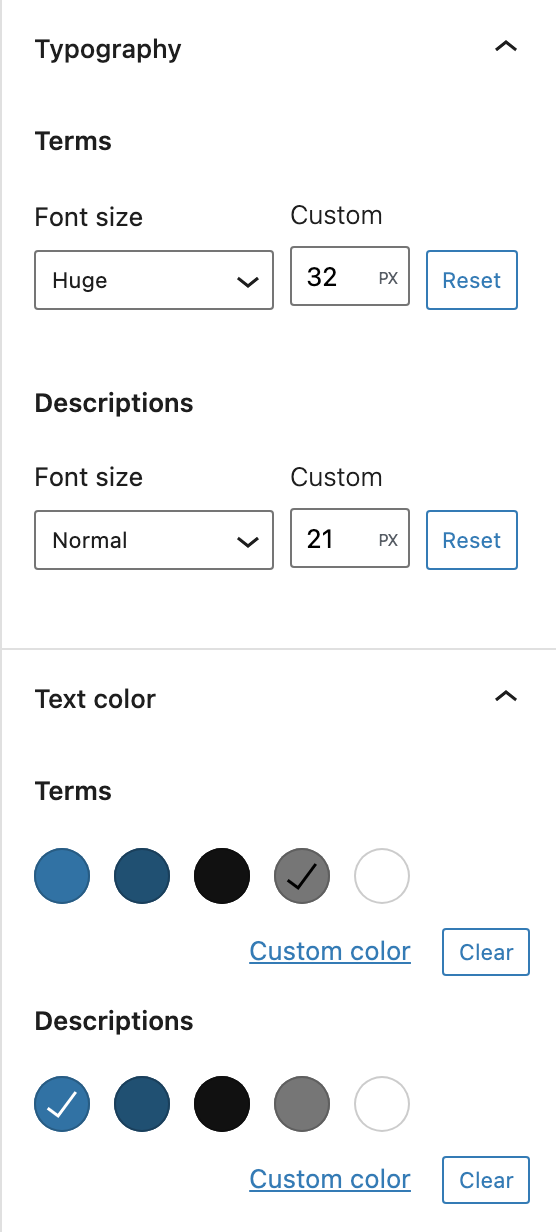
- Color, spacing, indent, horizontal whitespace, font-size, font-style and font-weight settings for both element tags
- Create a description list with n-elements
- Insert a new term (
<dt>) and description (<dd>) before selection - Insert a new term (
<dt>) and description (<dd>) after selection - Delete the selected term (
<dt>) and description (<dd>) pair - Transform a Custom HTML block, a list or paragraphs into a description list and back
- Paste description list markup as a description list
Beitragen
If you find a bug or a conflict while using this plugin, please submit an issue on GitHub (if possible with a pull request).
Installation
- Laden Sie die Plugin-Dateien in das
/wp-content/plugins/description-list-block-Verzeichnis hoch oder installieren Sie das Plugin über den WordPress-Plugin-Bildschirm direkt. - Aktivieren Sie das Plugin über den Bildschirm „Plugins“ in WordPress.
Änderungsprotokoll
1.3.1 – October 22nd 2026
- Translation and dependencies update
1.3.0 – August 30th 2026
- Transform a Custom HTML block into a description list and back
- Transform a list into a description list and back
- Transform paragraphs into a description list and back
- Paste description list markup as a description list
- Bugfix Invalid CSS variables in the saved markup
- Write only non-default values to the block markup
1.2.5 – June 29th 2024
- Wrong icon
1.2.4 – June 27th 2024
- Bugfix Rendered HTML
1.2.3 – December 2nd 2023
- Font-Style and Font-Weight
- Calm whitespace with Horizontal
1.2.2 – September 26th 2023
- Use CSS selectors
Screenshots
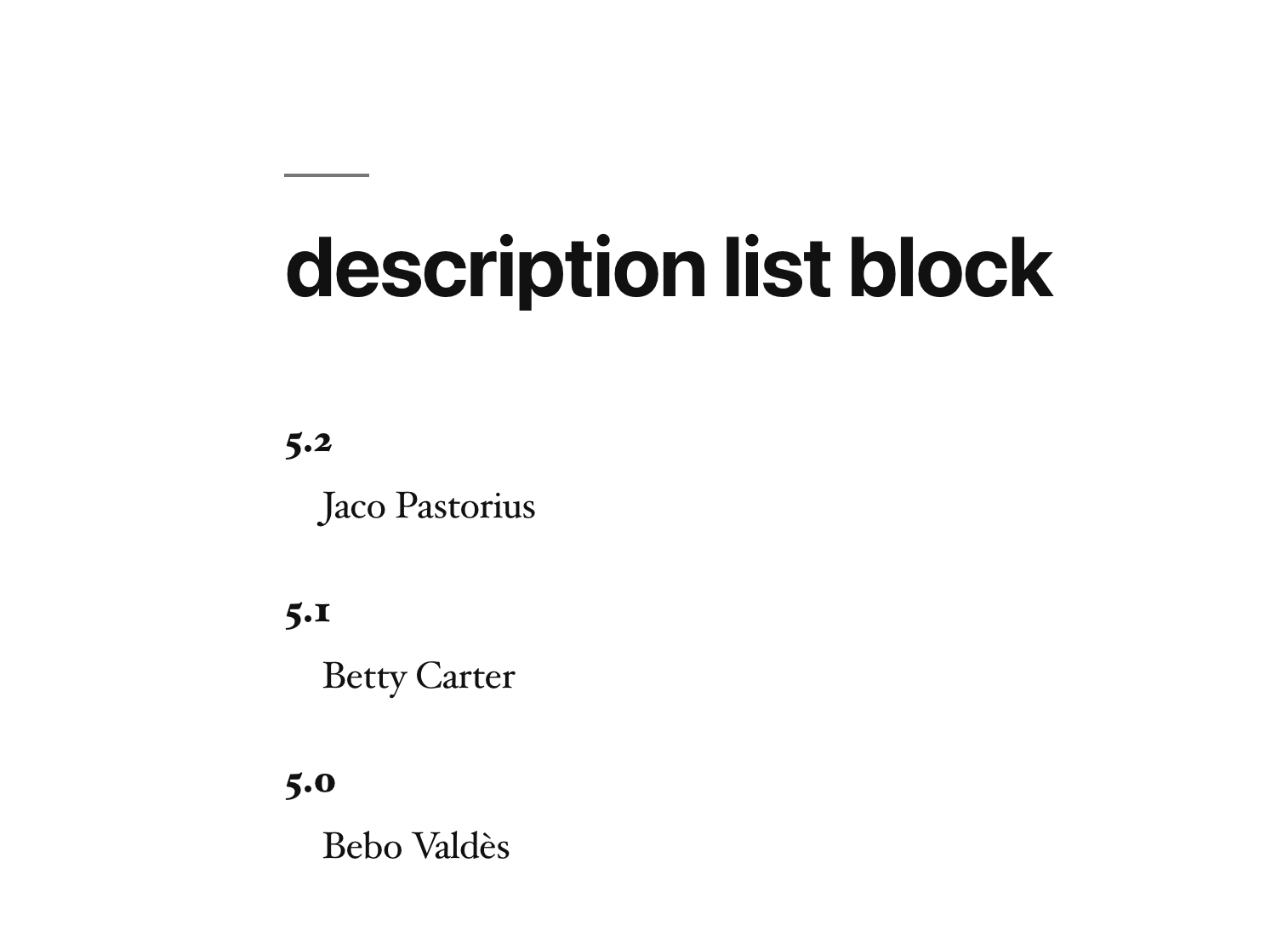
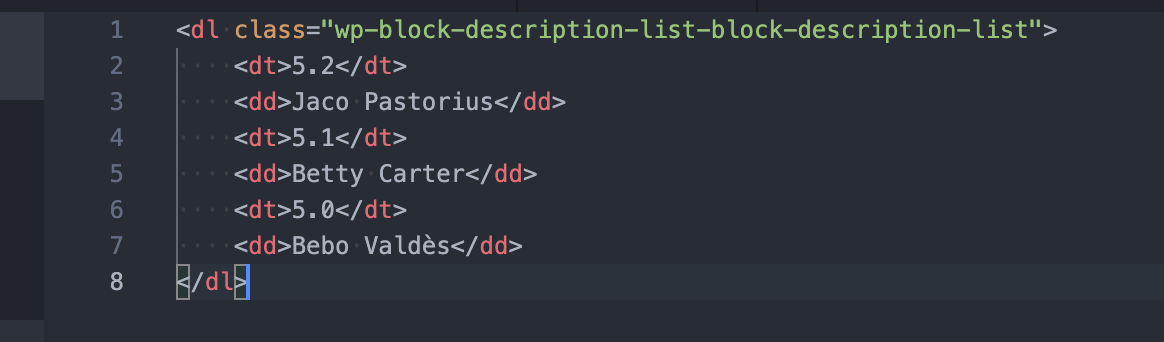

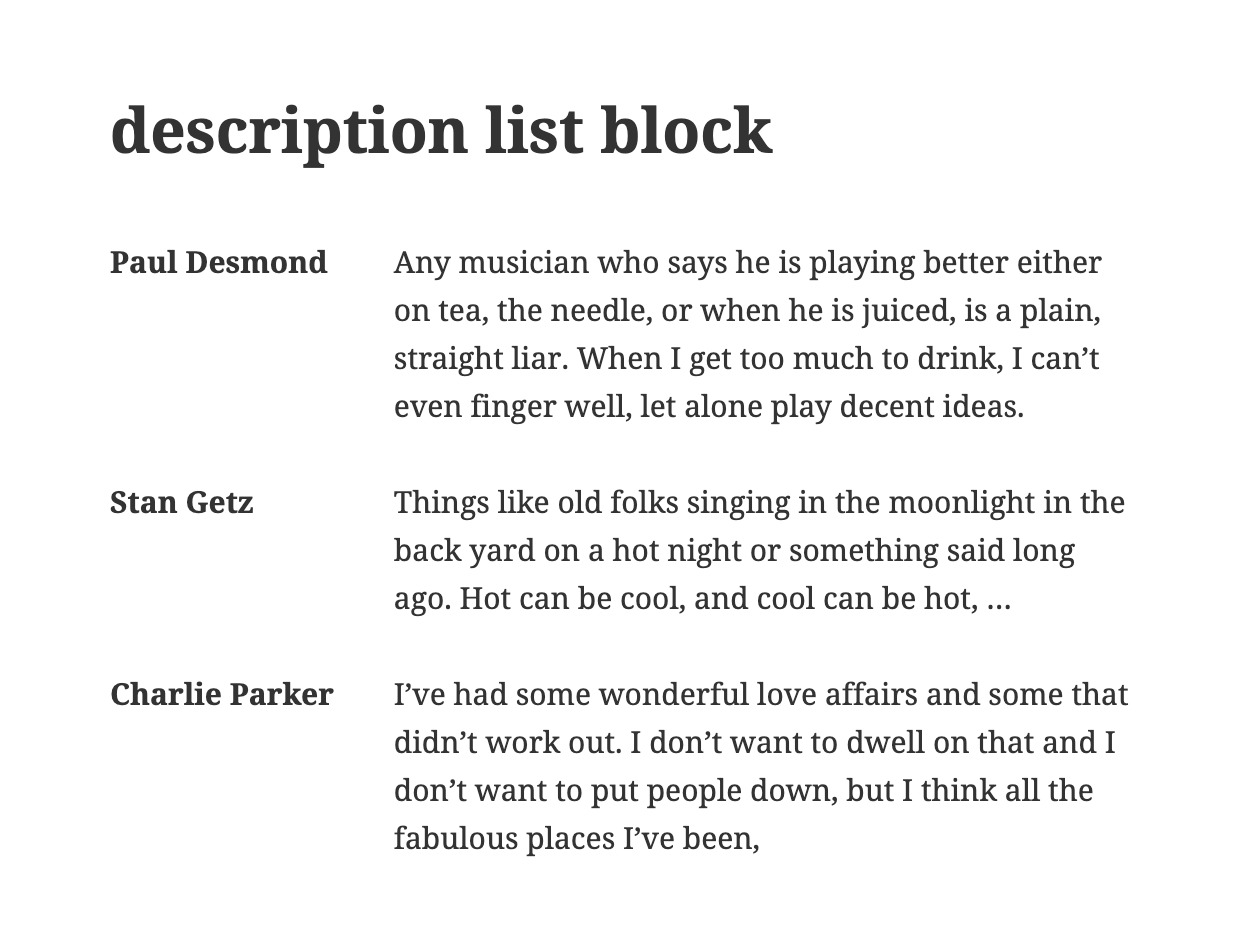
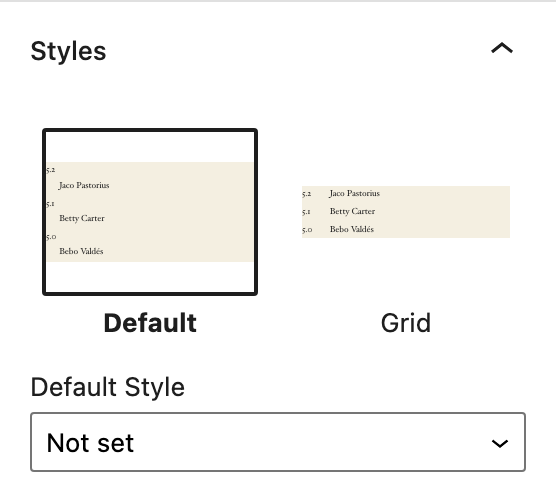
Für Entwickler
Ist das dein Plugin? Zeigen Sie die Zahlen.
Fügen Sie Ihrer Website, Docs oder GitHub Readme ein Live-Badge hinzu. Es wird von selbst aktualisiert - kein Konto erforderlich.
Best Description List Block alternatives
All definition-list plugins →| Rang | Plugin | Aktive Installationen |
|---|---|---|
| 2 |
 DL Block
Adds block for description list (or definition list) content |
10+ |
Fragen und Antworten
Description List Block: quick answers
Gerade Antworten, gezogen von Live WordPress.org Daten.
Quelle: WordPress.org
Is Description List Block free?
Yes. Description List Block is free to download and use from the official WordPress.org plugin directory.
Is Description List Block safe to use in 2026?
Description List Block is a solid plugin choice in 2026, with a few things worth checking first. It runs on 400+ sites, is rated 2.3/5 and was last updated 1 month ago, and scores 65/100 on our health check.
How many websites use Description List Block?
Description List Block is active on 400+ WordPress websites and has been downloaded 9,453 times since it launched in April 2021. It was downloaded 352 times in the last 30 days.
Does Description List Block work with WordPress 7.1?
Yes. The developer has tested Description List Block up to WordPress 7.1.5, the latest release. It requires WordPress 6.6 or newer.
What PHP version does Description List Block need?
Description List Block requires PHP 7.0 or higher. Most hosts run PHP 8.x today, so it works on any modern WordPress hosting.
When was Description List Block last updated?
The latest version, 1.3.1, was released on October 22, 2026 (1 month ago).
Who makes Description List Block?
Description List Block is developed and maintained by Daniel Floeter.
What are the best alternatives to Description List Block?
The most popular alternatives to Description List Block are DL Block (10+ installs).
Angetrieben von PageForge
Eine Vorlage und eine Tabelle. Eine echte Seite für jede Suche.
PageForge Verwandelt jede Zeile eines CSV in eine WordPress-Seite mit eigenem Titel, URL, SEO Felder und Schema entworfen. Kostenlos auf WordPress.org.
- CSV und XLSX, plus Google Sheets auf Beruf und Unternehmen
- seinen eigenen Titel, URL, SEO Felder und Schema für jede Seite
- Arbeitet mit dem Blockeditor, Elementor, Divi und Avada
- Kostenlos auf WordPress.org, keine Kreditkarte