


Basic User Avatars
Add an avatar upload field on frontend pages and Edit Profile screen so users can add a custom profile picture.

Utiliser avec prudence
Basic User Avatars works, but test it on a staging site before relying on it in 2026. It runs on 20K+ sites, is rated 4.7/5 and was last updated 2 years ago, and scores 46/100 on our health check.
- Prouvé à grande échelle sur plus de 20 000 sites actifs
- Loved by users — 4.7/5 from 42 reviews
- Momentum — downloads up 35.9% vs the previous 30 days
- No update in 2 years
- Only tested up to WordPress 6.7 (latest is 7.1)
Comment s'accumule-t-il ?
Côte à côte sur les installations, les mises à jour, les évaluations et le support


Téléchargements quotidiens
Les pics de téléchargement suivent généralement une nouvelle version - chaque site qui met à jour automatiquement compte comme un téléchargement.
Classements
Where Basic User Avatars stands todayWordPress.org Classements de recherche
Position en direct dans la recherche de plugins, Top 100| Mot-clé | Position |
|---|---|
| avatar | #39 |
| gravatar | #74 |
| profile | >100 |
| user profile | >100 |
| users | >100 |
Adoption de version
Part de sites actifs par version.
Répartition des notes
★★★★★★★★★★ 4.7 from 42 reviews
About Basic User Avatars
From the official readme · v1.0.9Description
Add an avatar upload field on frontend pages and Edit Profile screen so users can add a custom profile picture.
Community and Membership sites on WordPress use this plugin as a lightweight solution for custom user avatars. The plugin is compatible with bbPress, as well as many popular plugins with frontend user registration and profile management features.
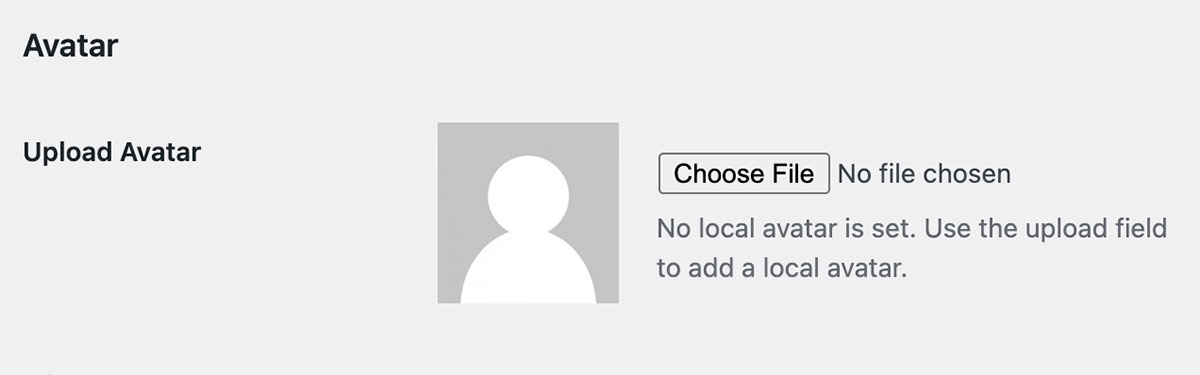
Admins can upload a user’s avatar on the Edit User admin screen.
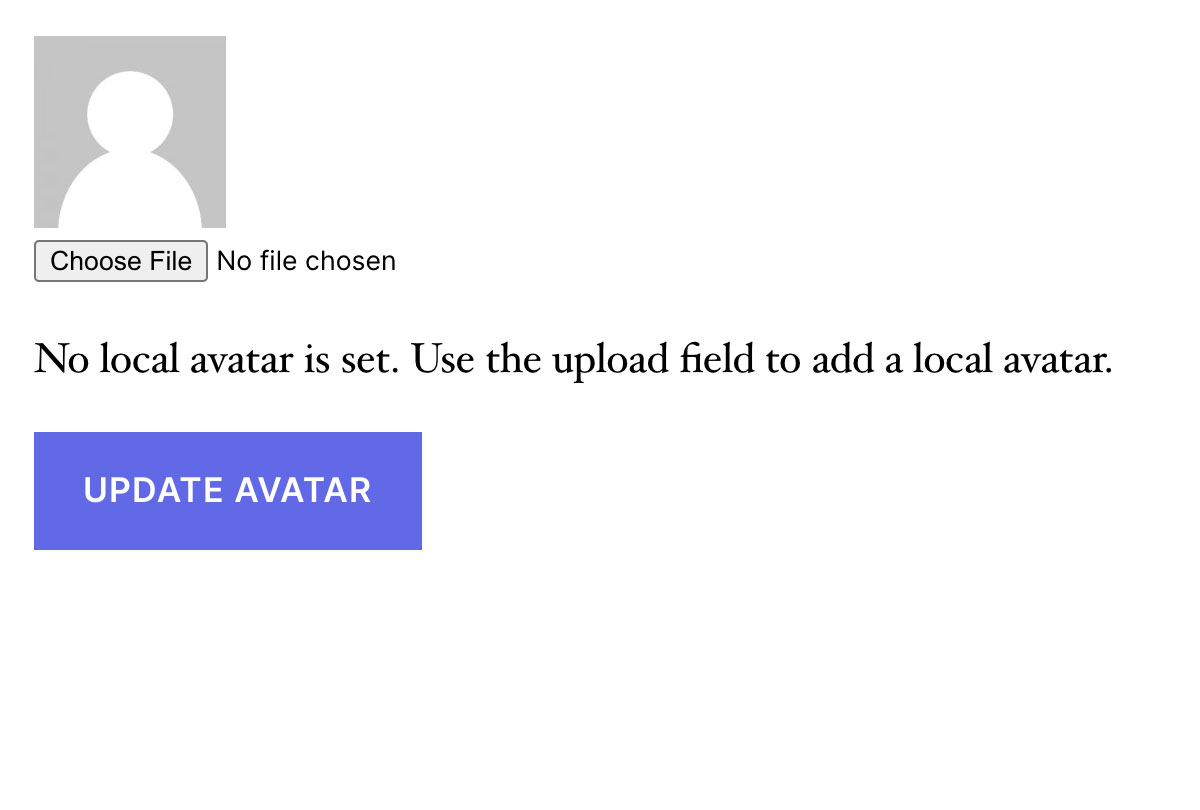
Basic User Avatars also supports front-end avatar management for sites that want to keep users out of the dashboard. To use this feature, add the shortcode [basic-user-avatars] to any page in your WordPress site. We recommended placing this shortcode on another logged-in account type page, such as the WooCommerce My Account page, the Membership Account page, or any other front-end profile edit form.
The Avatar Upload form is automatically added to the bbPress User Profile > Edit frontend page.
If you do not want your users to be able to update their avatar, navigate to Settings > Discussion and locate the “Local Avatar Permissions” setting. Check this box to only allow users with file upload capabilities to upload local avatars (Author role and above).
Seamlessly Migrate from WP User Avatar Plugin
Version 1.0.5 includes a feature to automatically convert avatars formerly loaded through the WP User Avatar plugin. This means that you can disable WP User Avatar, activate Basic User Avatars, and have a seamless transition for existing avatars in your site. Be sure to update any avatar upload form that used the [avatar_upload] shortcode to use the shortcode: [basic-user-avatars].
Installation
- Upload
basic-user-avatarsto your/wp-content/plugins/directory or download through the Plugins page. - Activate the plugin through the ‘Plugins’ menu in WordPress.
- If you only want users with file upload capabilities to upload avatars, check the applicable option under Settings > Discussion.
- Navigate to Users > Edit User to upload a custom avatar for your users.
- Add the
[basic-user-avatars]shortcode to a page in your WordPress site to allow front-end avatar upload for your users.
bbPress support is added automatically if bbPress is activated.
Note: This plugin is a fork of Simple Local Avatars v1.3.1 by Jake Goldman and 10up. Check out Simple Local Avatars to compare their latest release to this plugin.
Journal de modifications
1.0.9 – 2024-11-13
- ENHANCEMENT: Update tested up to WordPress 6.7.
1.0.8 – 2024-01-23
- ENHANCEMENT: Added filter ‘basic_user_avatars_default_size’ to allow changing the default size of the avatar. (Thanks @jarrydlong)
- ENHANCEMENT: Improved functionality on how we load the text domain of the plugin for translations. (@ipokkel)
- BUG FIX: Fixed a fatal issue when the option “Only allow users with file upload capabilities to upload local avatars (Authors and above)” wasn’t set on new installations. (@JarrydLong)
1.0.7
- ENHANCEMENT: Made “Delete Local Avatar” checkbox text clickable for frontend. (Thanks @pinguluk )
- BUG FIX: Fixed an issue where Avatars weren’t saving correctly when changing an existing uploaded avatar. (Thanks @jarrydlong)
- BUG FIX: Fixed an issue where Avatars weren’t saving on the frontend in certain cases. (Thanks @amatzin)
- BUG FIX: Fixed deprecation warnings when getting the Avatar for PHP 8+ (Thanks @ZebulanStanphill)
1.0.6
- ENHANCEMENT: Added translation for German locale. Thanks @olpo24
- ENHANCEMENT: Added translation for Italian locale. Thanks @domegang
- ENHANCEMENT: Now filtering the get_avatar_data WordPress hook to allow more flexibility in customizing avatars via other filters.
- ENHANCEMENT: Added filter
basic_user_avatar_datato allow filtering on the avatar data that we are overriding. - BUG FIX: Fixed issue with saving the Discussion setting limiting avatar upload to users with file upload capabilities.
- BUG FIX: Fixed an issue when user display names were interfering and causing 404 errors. Thanks @semanio.
1.0.5 – 2021-05-19
- ENHANCEMENT: Now pulling avatar from WP User Avatar if we don’t have one yet
1.0.4 – 2020-01-12
- BUG FIX: Fixed typos on readme.txt – Thanks @fred-pedro
- ENHANCEMENT: Added translation for Spanish – Thanks @ricardpriet
- ENHANCEMENT: Added translation for Brazilian Portuguese – Thanks @allysonsouza
- ENHANCEMENT: Added translation for Catalan – Thanks @alvaromartinezmajado
- ENHANCEMENT: Added proper SSL support – Thanks @zachwills
- ENHANCEMENT: Escaped strings.
Captures d'écran
Pour les développeurs
Est-ce votre plugin ? Montrez les chiffres.
Ajoutez un badge en direct à votre site, docs ou github readme. Il se met à jour par lui-même - aucun compte n'est nécessaire.
Best Basic User Avatars alternatives
All avatar plugins →





FAQ
Basic User Avatars: quick answers
Réponses directes, extraites des données en direct WordPress.org.
Source : WordPress.org
Is Basic User Avatars free?
Yes. Basic User Avatars is free to download and use from the official WordPress.org plugin directory.
Is Basic User Avatars safe to use in 2026?
Basic User Avatars works, but test it on a staging site before relying on it in 2026. It runs on 20K+ sites, is rated 4.7/5 and was last updated 2 years ago, and scores 46/100 on our health check.
How many websites use Basic User Avatars?
Basic User Avatars is active on 20K+ WordPress websites and has been downloaded 207,346 times since it launched in January 2014. It was downloaded 1,993 times in the last 30 days.
Does Basic User Avatars work with WordPress 7.1?
Basic User Avatars is officially tested up to WordPress 6.7.12, while the latest release is 7.1.5. It may still work, but try it on a staging site first.
When was Basic User Avatars last updated?
The latest version, 1.0.9, was released on November 15, 2024 (2 years ago).
Who makes Basic User Avatars?
Basic User Avatars is developed and maintained by Jared Atchison.
What are the best alternatives to Basic User Avatars?
The most popular alternatives to Basic User Avatars are Gravatar Enhanced (200K+ installs), Simple Local Avatars (100K+ installs) and One User Avatar (100K+ installs).
Propulsé par PageForge
Un modèle et une feuille de calcul. Une vraie page pour chaque recherche.
PageForge transforme chaque ligne d'un CSV en une page WordPress avec son propre titre, URL, SEO et schéma, construit sur la mise en page que vous Déjà conçu. Gratuit sur WordPress.org.
- CSV et XLSX, plus Google Sheets sur les professionnels et les entreprises
- Son propre titre, URL, SEO champs et schéma pour chaque page
- Fonctionne avec l'éditeur de blocs, Elementor, Divi et Avada
- Gratuit sur WordPress.org, pas de carte de crédit